

APKs
Split APK — use Split APKs Installer (SAI) to install.
About Rename Photos
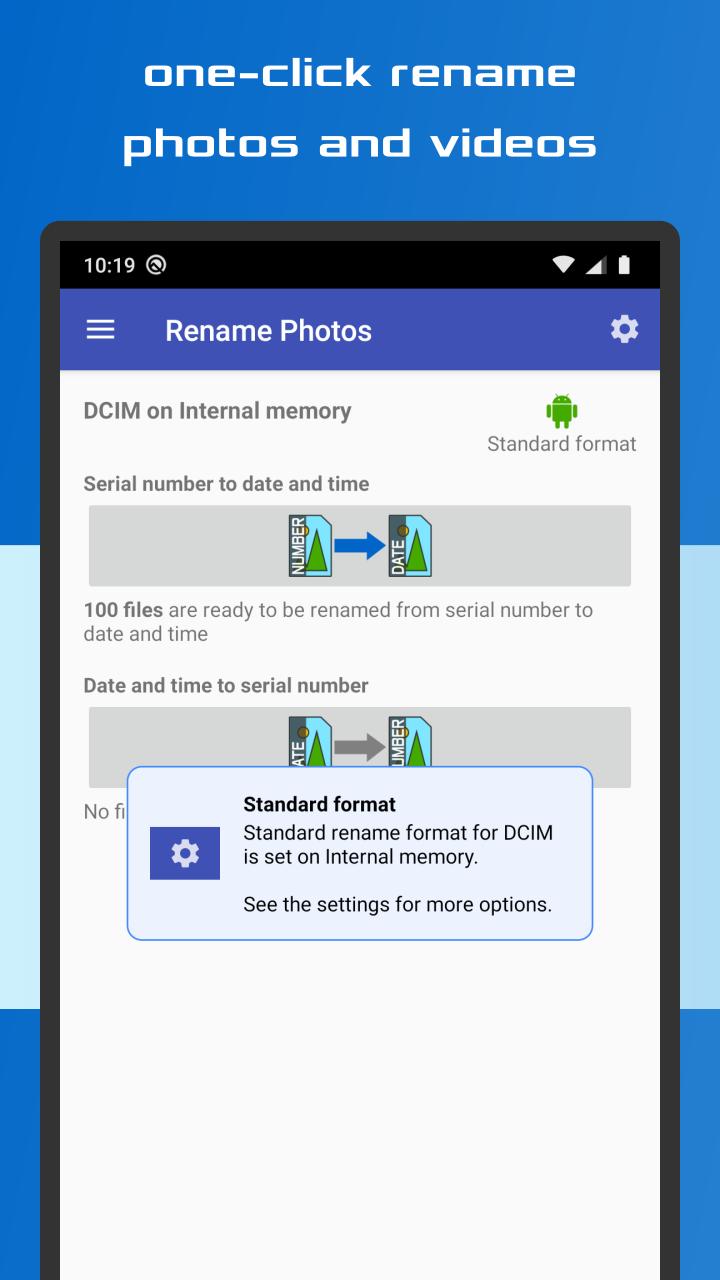
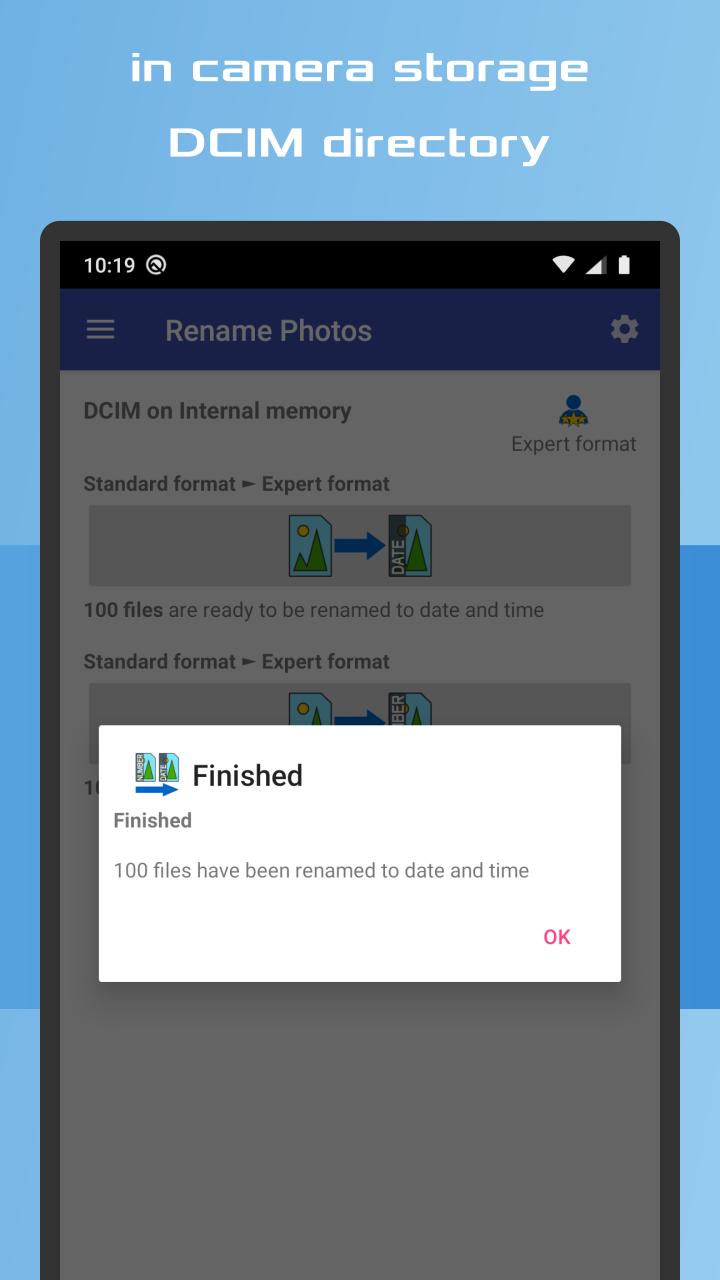
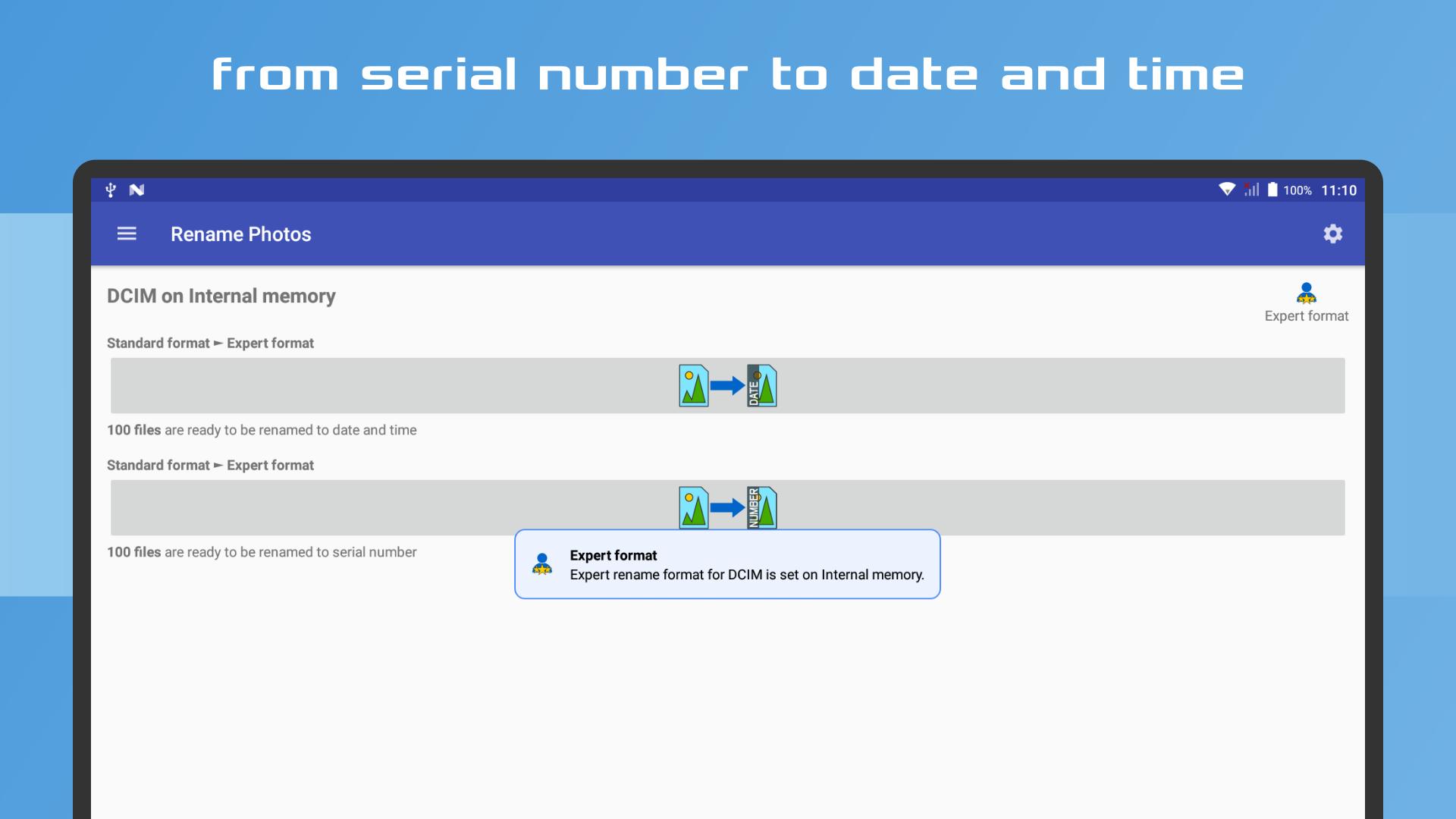
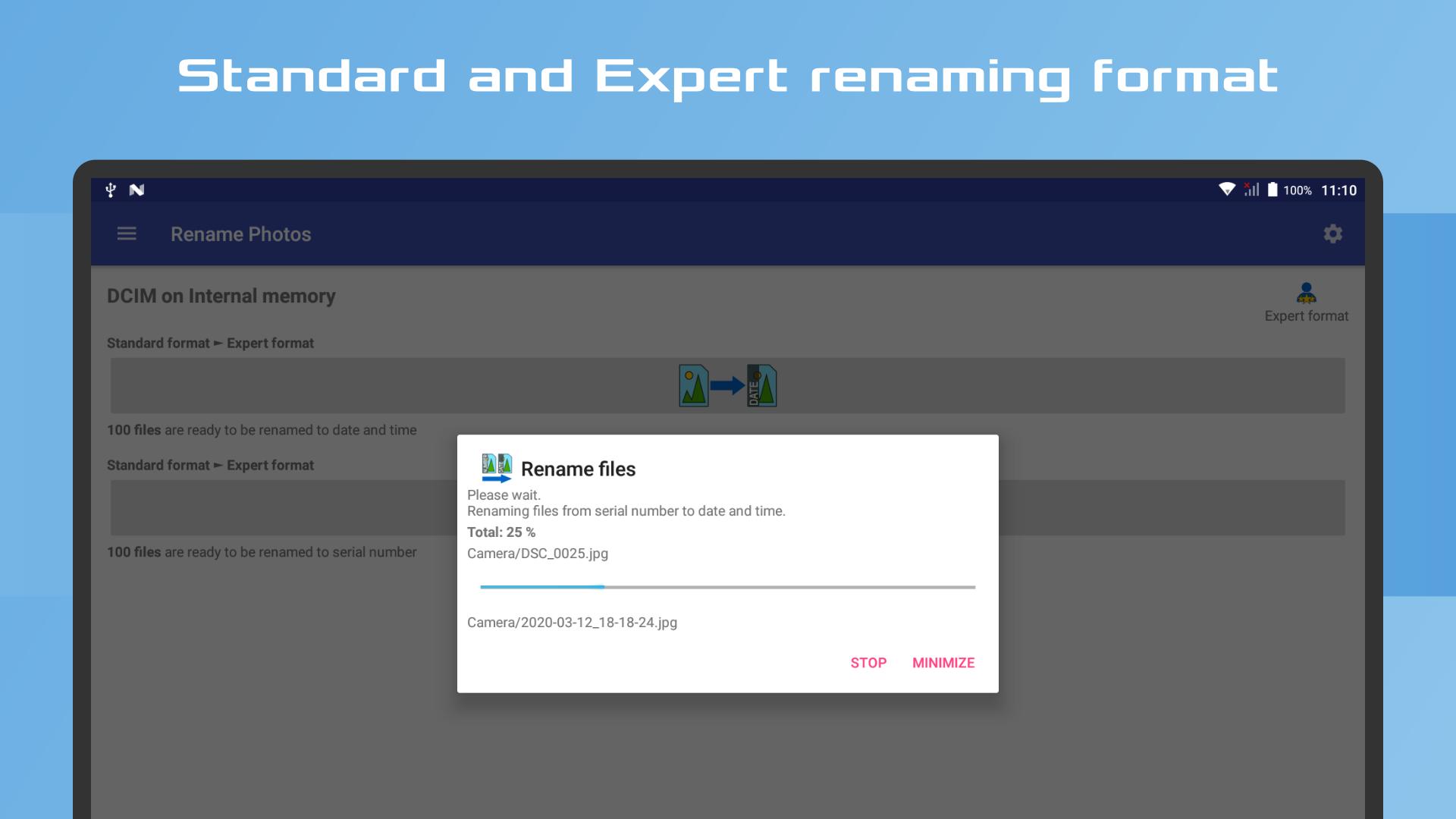
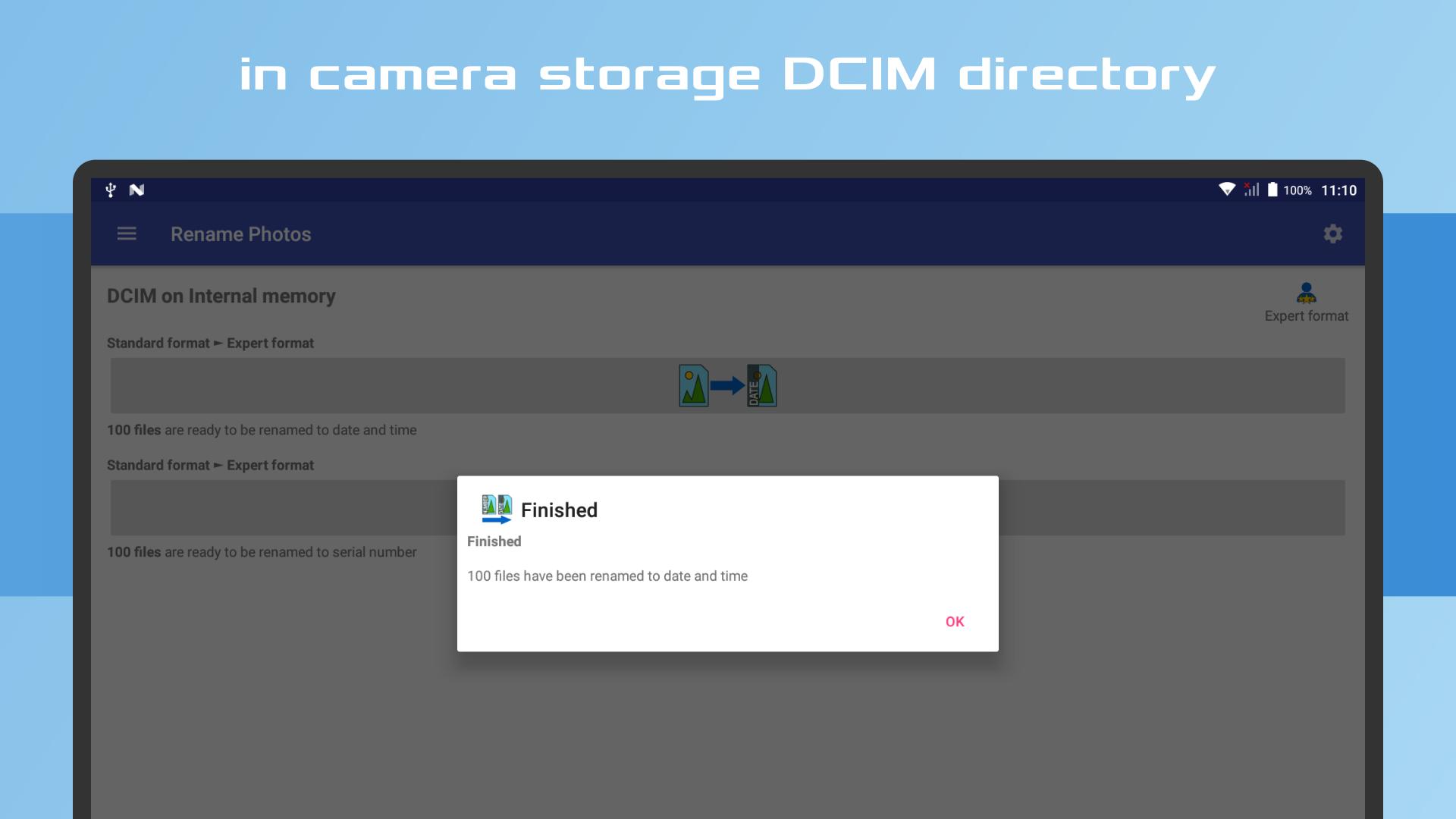
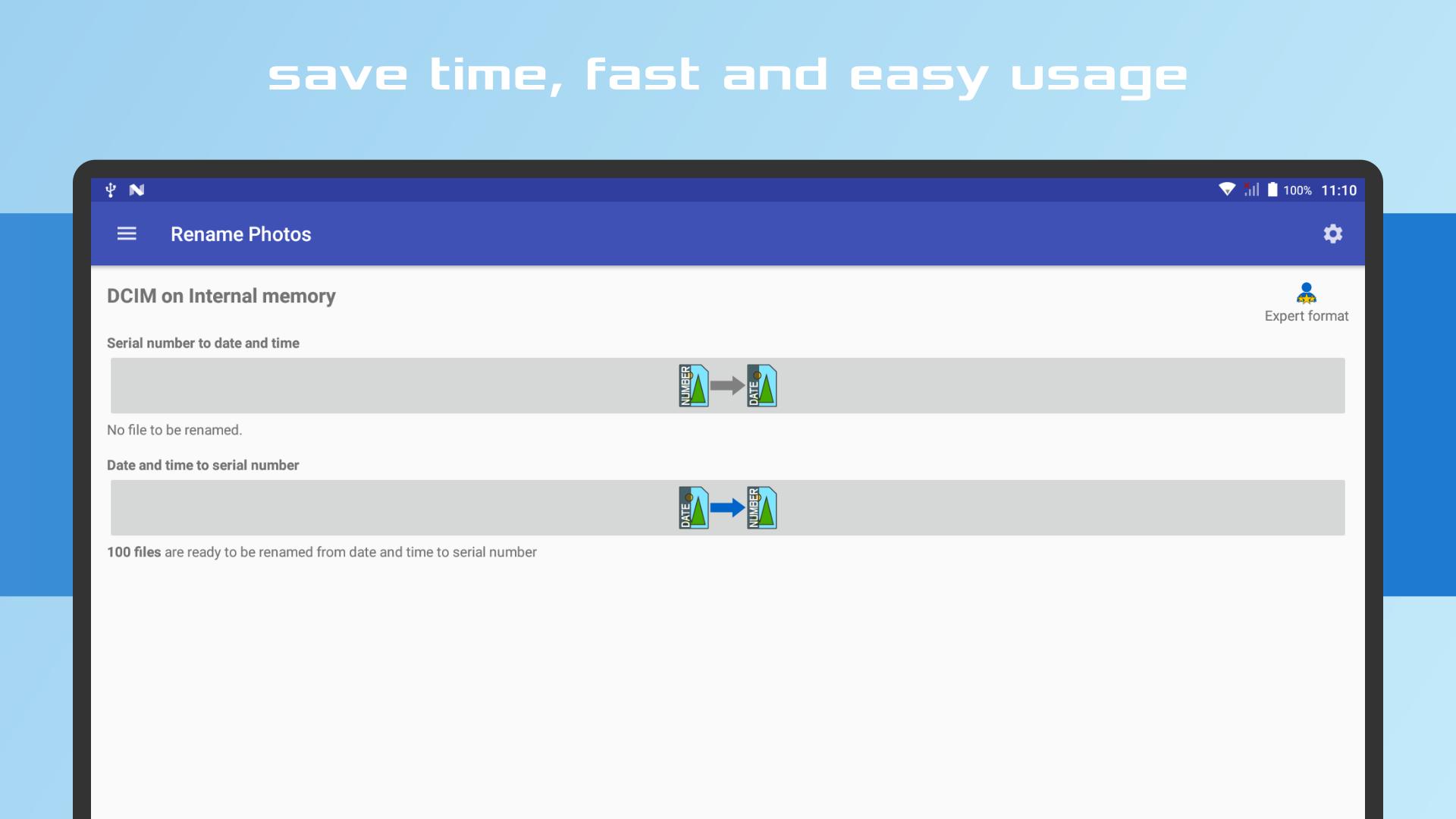
Rename Photos allows you to quickly and easily rename photo and video titles by date taken in the DCIM directory where the Camera App stores it.
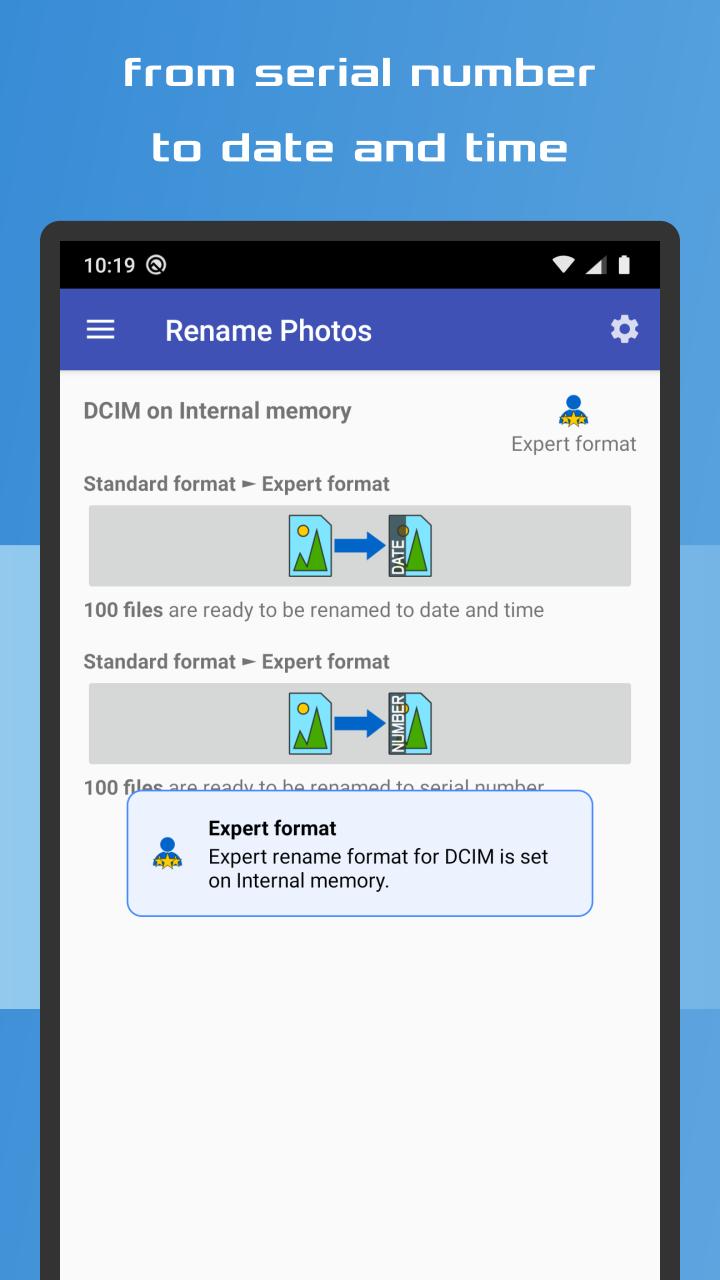
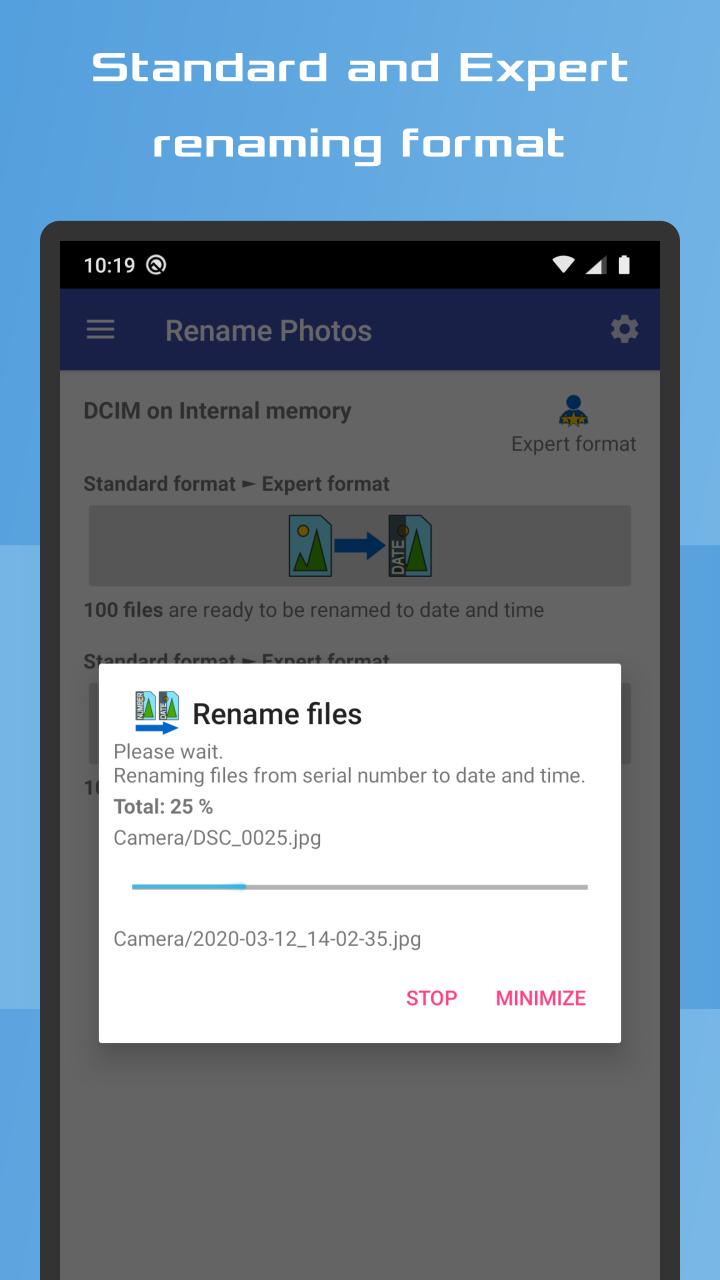
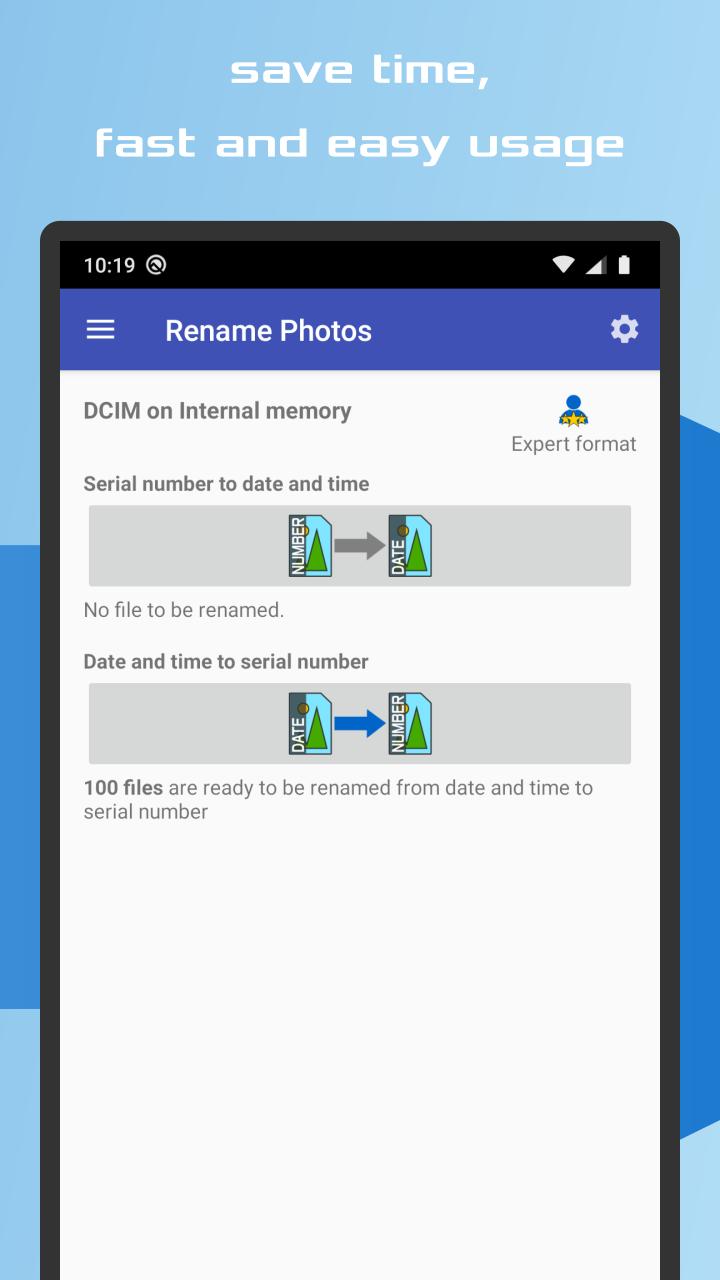
Renaming from the serial number to the shooting date and time and back from date and time to the serial number.
It is a great app for everyone. After renaming the files using the Expert format, videos will be placed between photos alphabetically, not separately at the end of the directory.
The app maintains a comprehensive numeric sequence by renaming the files to a serial number according to the date of acquisition of the file, even if a file is deleted or added.
Even after being added from another source, photos and videos are sorted correctly either by date or by serial number.
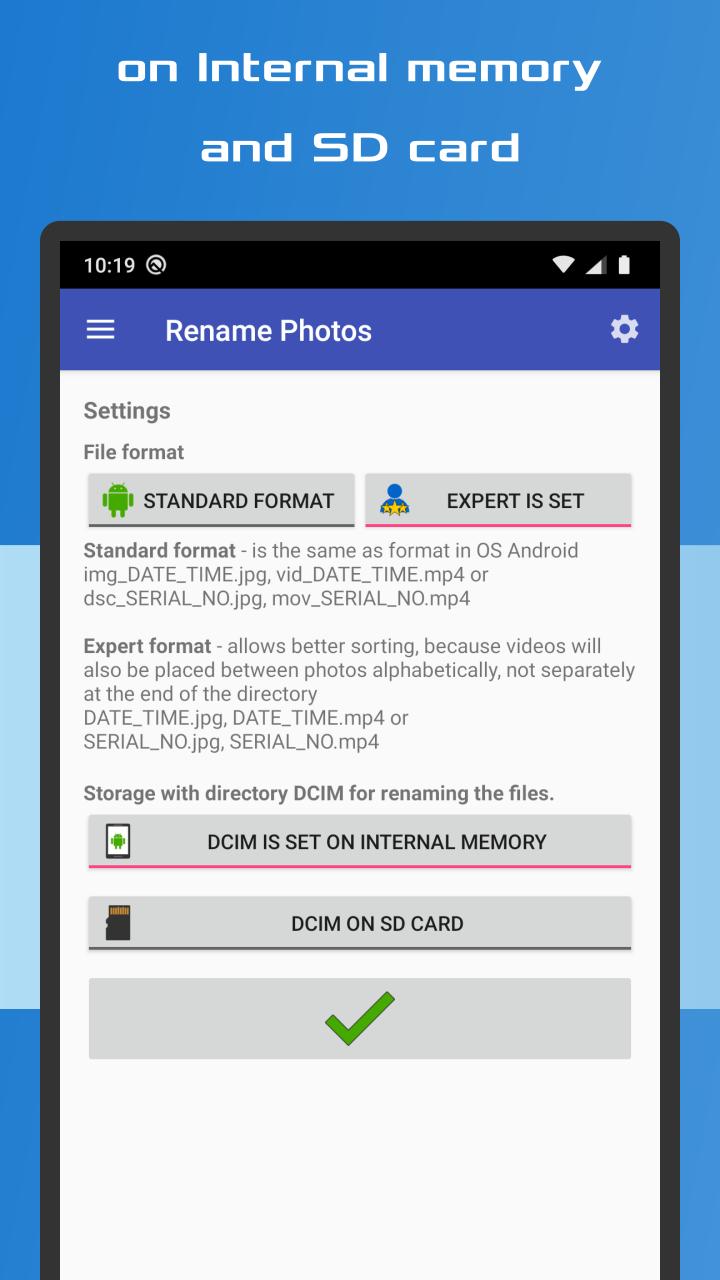
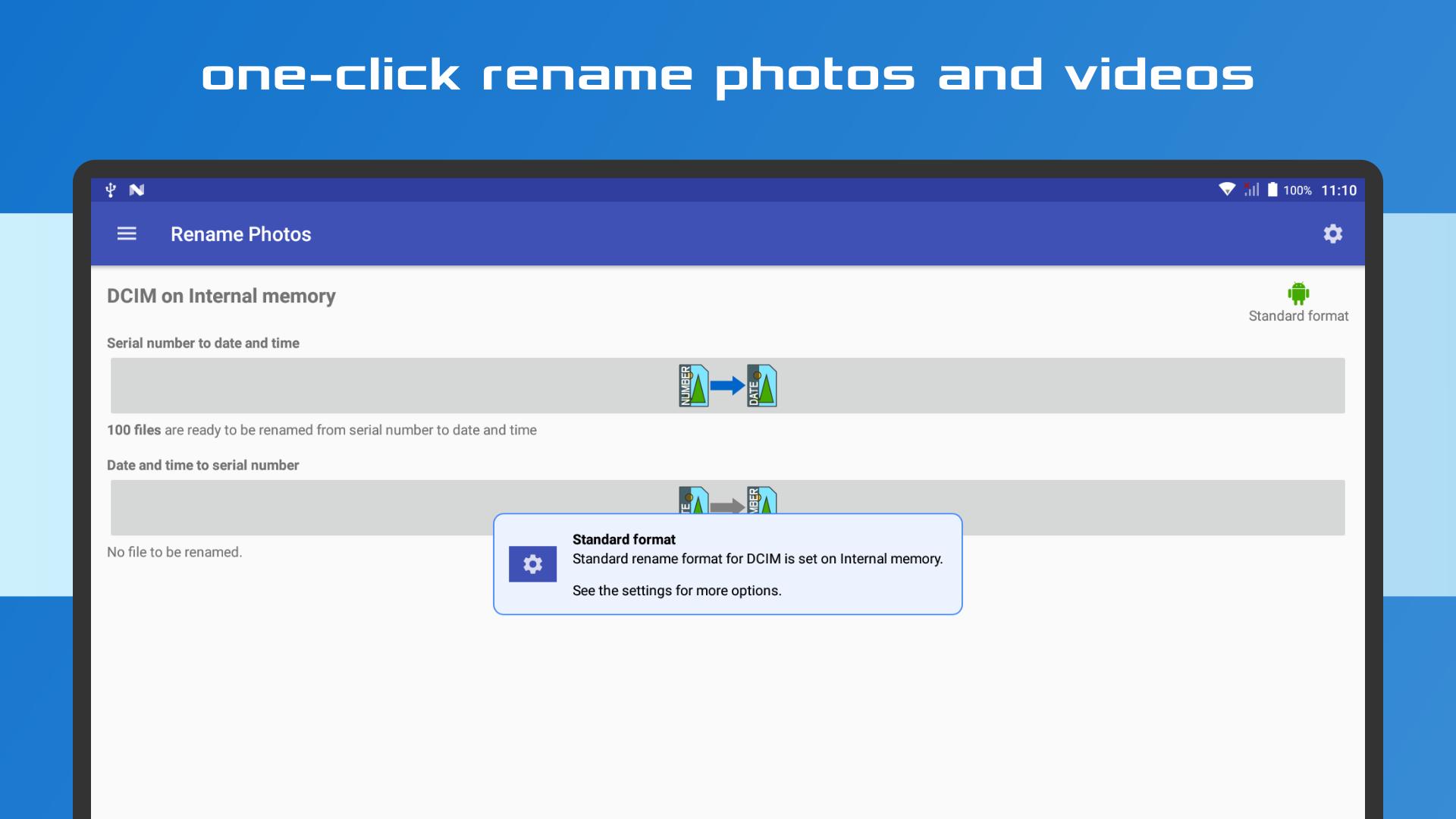
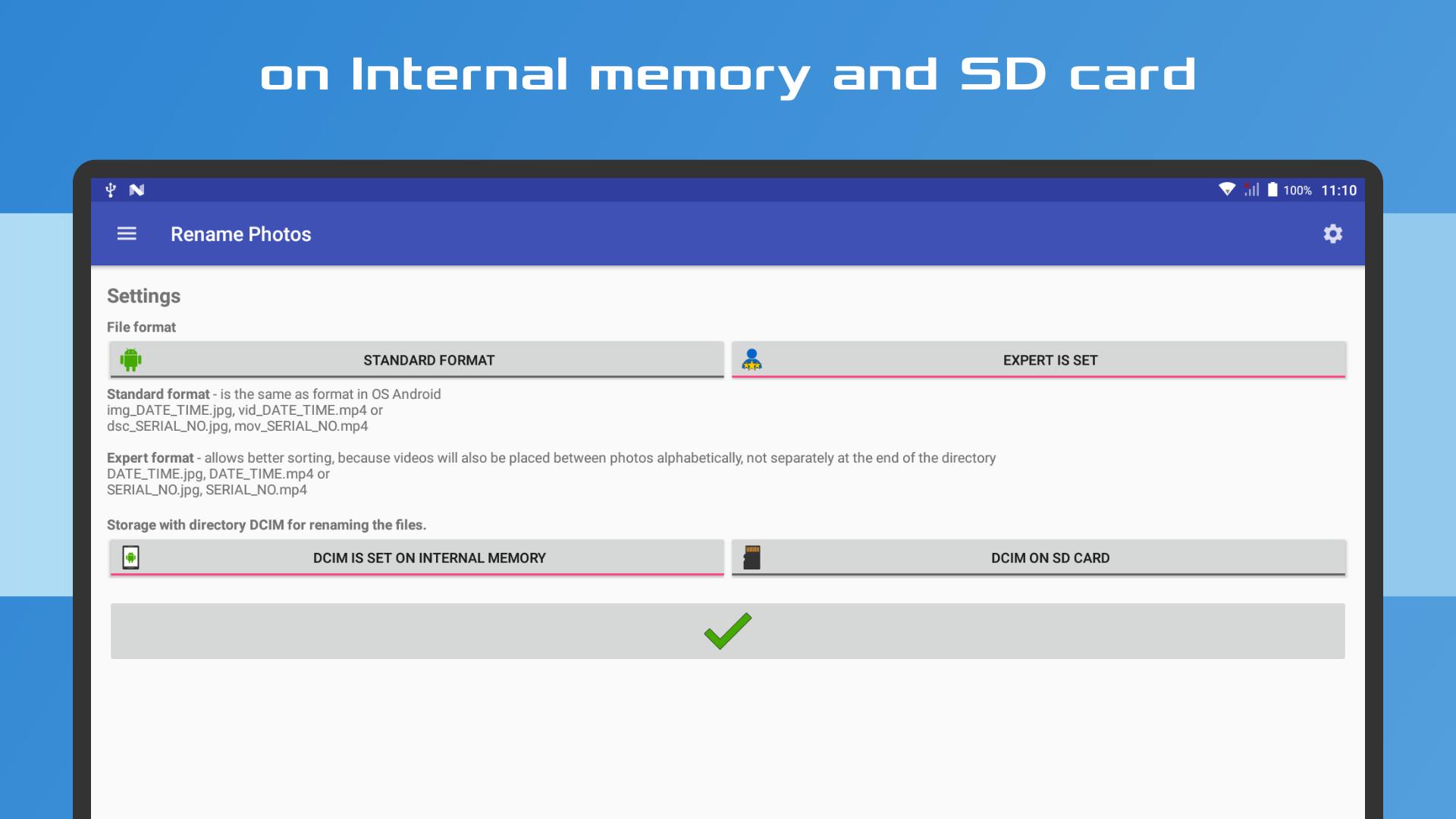
Switch easily to choose the type of the renaming format:
Standard:
• photos: img_DATE_TIME.jpg, dsc_SERIAL_NO.jpg
(e.g. IMG_20190615_124530.jpg, DSC_1234.jpg)
• videos: vid_DATE_TIME.mp4, mov_1234.mp4
(e.g. IMG_20190615_124530.mp4, MOV_1234.mp4)
Expert:
• photos: DATE_TIME.jpg, SERIAL_NO.jpg
(e.g. 2019-06-15_12-45-30.jpg, 001234.jpg)
• videos: DATE_TIME.mp4, SERIAL_NO.mp4
(e.g. 2019-06-15_12-45-30.mp4, 001234.mp4)
• this expert format allows better sorting, because videos will also be placed between
photos alphabetically, not separately at the end of the directory.
✔️ No more overwriting photos and videos.
✔️ Time saving, quick and easy to use.
✔️ For internal memory and SD card.
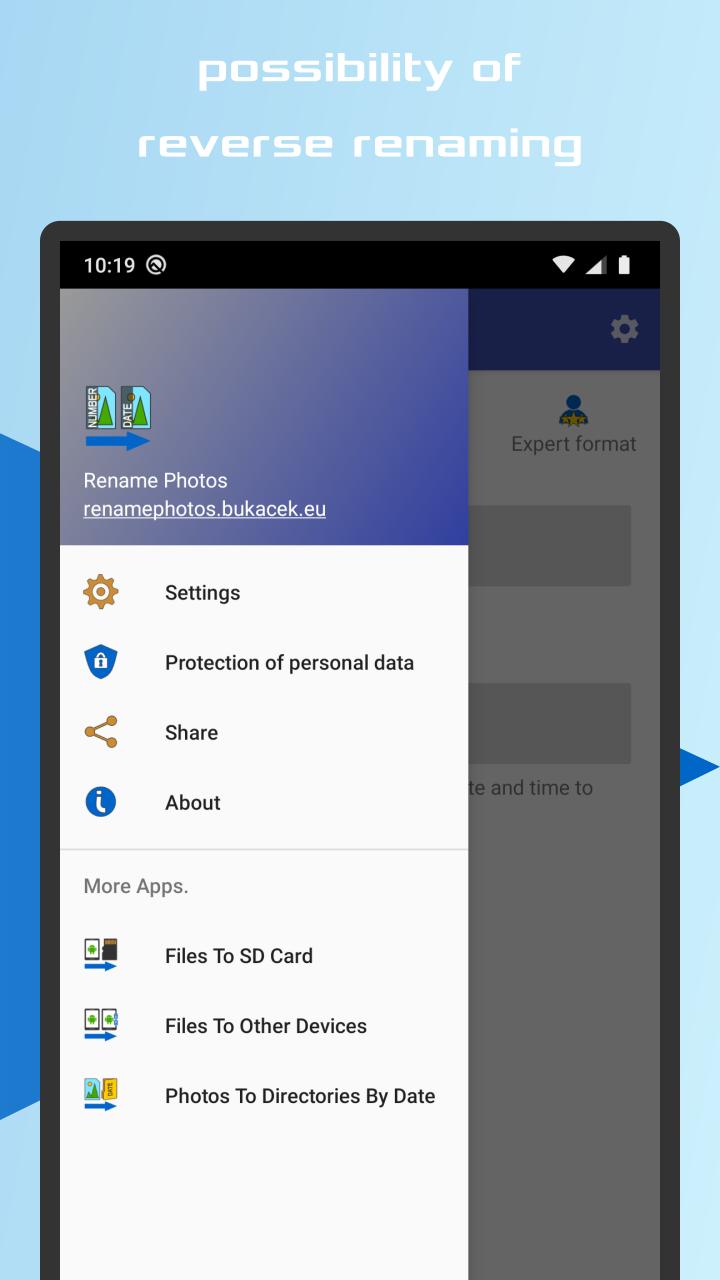
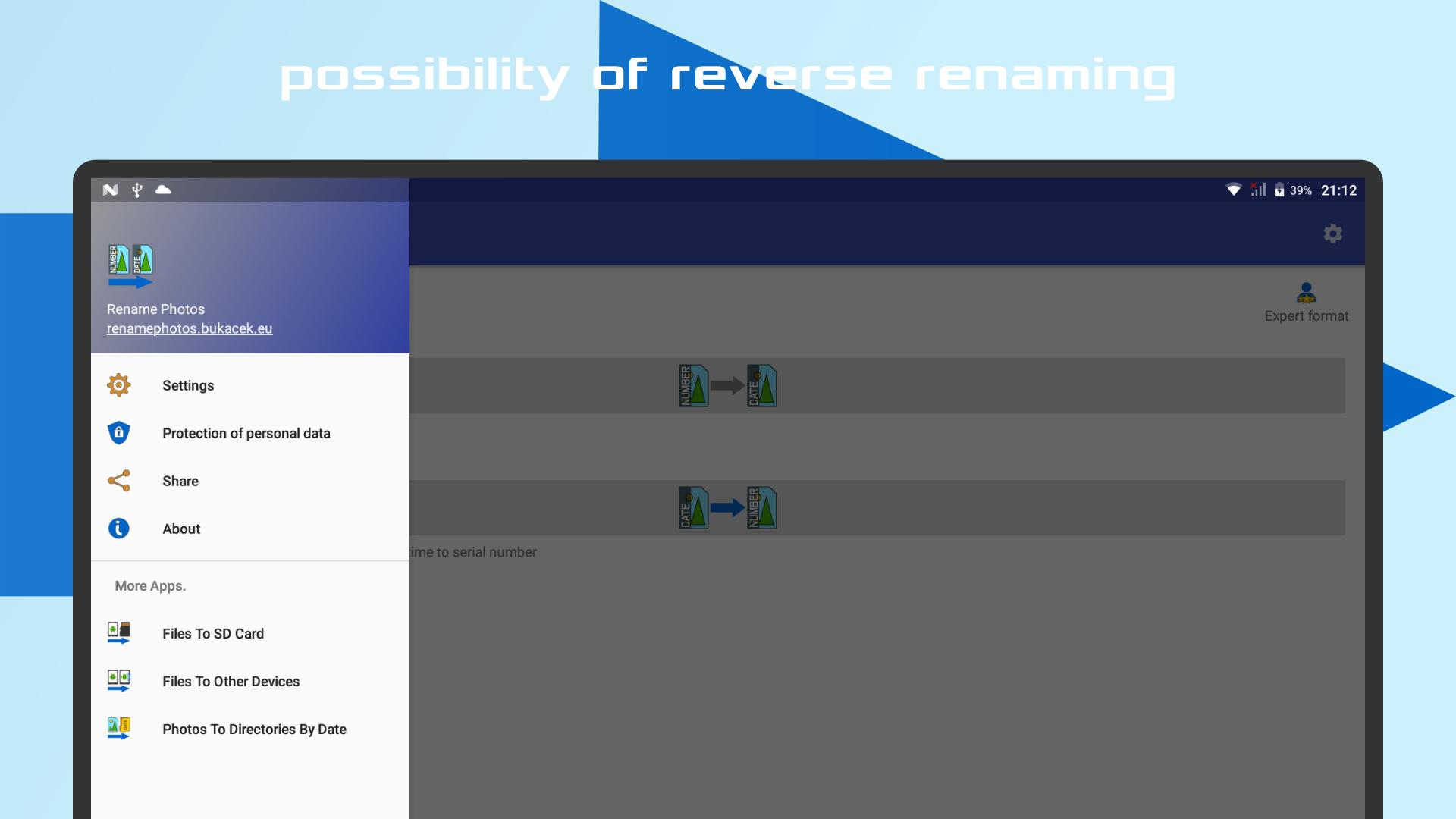
✔️ Reverse photo and video renaming.
Rename your photos and videos quickly and easily with app Rename photos.
Are your photos titled DSC_1234.jpg?
Do you want to prevent your photos and videos from being overwritten while backing up?
Do you want to have a date and time in the title?
Particularly suitable for Sony and HTC phones.
Renaming from the serial number to the shooting date and time and back from date and time to the serial number.
It is a great app for everyone. After renaming the files using the Expert format, videos will be placed between photos alphabetically, not separately at the end of the directory.
The app maintains a comprehensive numeric sequence by renaming the files to a serial number according to the date of acquisition of the file, even if a file is deleted or added.
Even after being added from another source, photos and videos are sorted correctly either by date or by serial number.
Switch easily to choose the type of the renaming format:
Standard:
• photos: img_DATE_TIME.jpg, dsc_SERIAL_NO.jpg
(e.g. IMG_20190615_124530.jpg, DSC_1234.jpg)
• videos: vid_DATE_TIME.mp4, mov_1234.mp4
(e.g. IMG_20190615_124530.mp4, MOV_1234.mp4)
Expert:
• photos: DATE_TIME.jpg, SERIAL_NO.jpg
(e.g. 2019-06-15_12-45-30.jpg, 001234.jpg)
• videos: DATE_TIME.mp4, SERIAL_NO.mp4
(e.g. 2019-06-15_12-45-30.mp4, 001234.mp4)
• this expert format allows better sorting, because videos will also be placed between
photos alphabetically, not separately at the end of the directory.
✔️ No more overwriting photos and videos.
✔️ Time saving, quick and easy to use.
✔️ For internal memory and SD card.
✔️ Reverse photo and video renaming.
Rename your photos and videos quickly and easily with app Rename photos.
Are your photos titled DSC_1234.jpg?
Do you want to prevent your photos and videos from being overwritten while backing up?
Do you want to have a date and time in the title?
Particularly suitable for Sony and HTC phones.
Additional Information

Previous Versions
Similar to Rename Photos





-limited/com.meitu.makeup/icon.png)




Top Ten Apps

SAX Girls Video Call - Live Video Chat

X Comic : Yote Pya , Free MM Sub Comics

Ola Party Live, Chat, Game & Party

Generator Togel 2D,3D,4D Terbaru 2020

XNX Quit Porn addiction Video Guide

အပြာကား(ခလေးမကြည့်ရ)

Apyar Comics - အပြာရုပ်ပြစာအုပ်များ

СберБанк Онлайн

Suaraku Nyanyikan Berbagai Lagu Karaoke Gratis

4K Screen Recorder with facecam and 1080p 120fps