

About Infinite Design
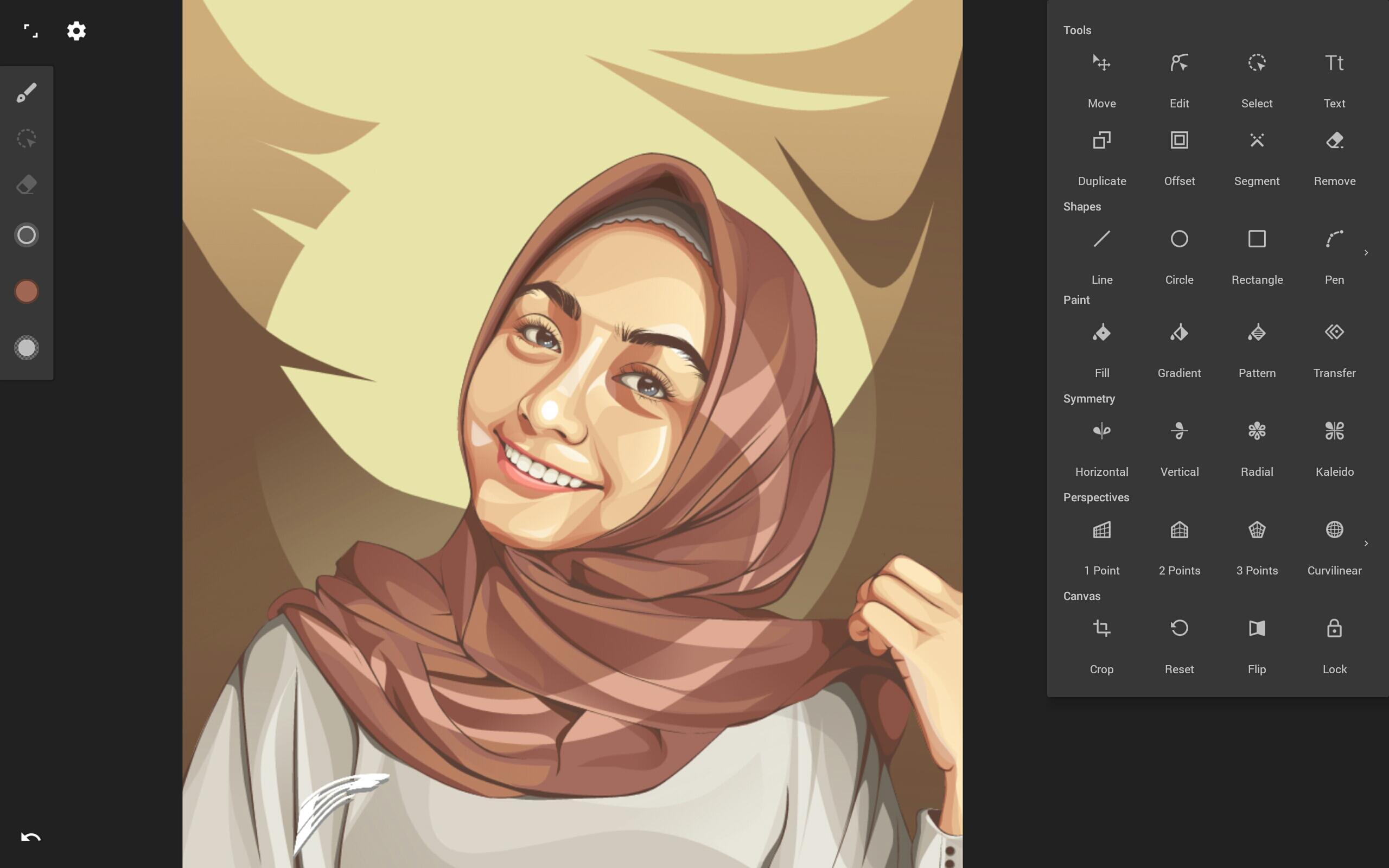
Rebuilt from the ground up: blazing fast, incredibly stable, with an improved interface.
An unparalleled experience
• Infinite canvas (pan, zoom, or rotate)
• Intuitive path editing
• Boolean operations
• Align and distribute objects
Superior tools
• Experiment with four types of symmetry
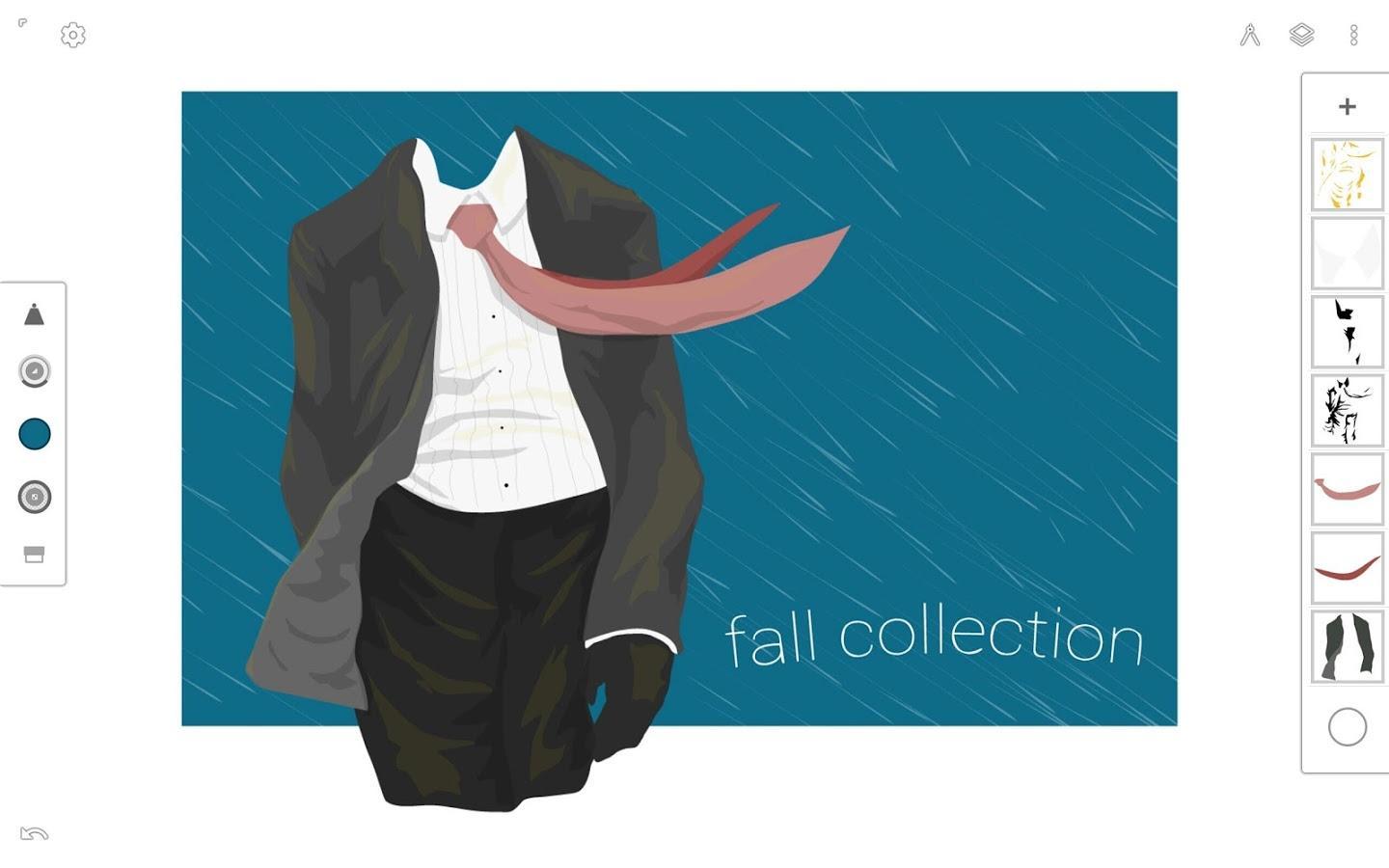
• Unlimited layers
• Unlimited undo with a history slider; scrub through from start to finish
• Easily construct shapes with the pen tool
• Draw 3D cityscapes with five different perspective guides
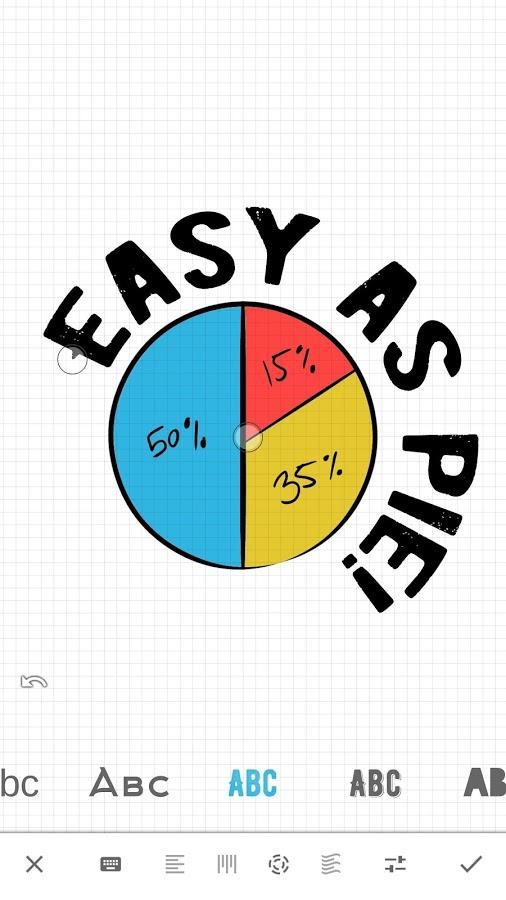
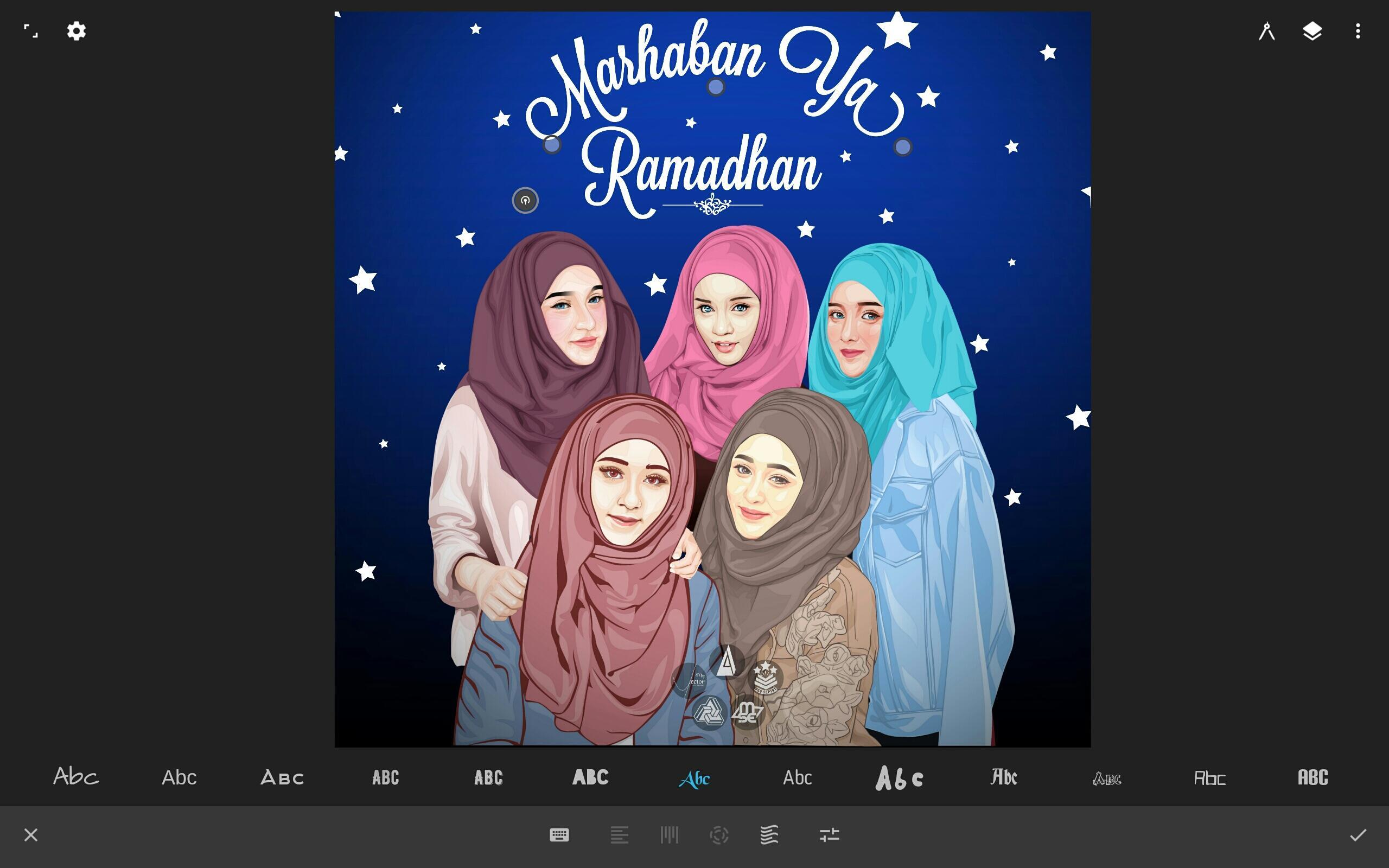
• Text tool: horizontal, vertical, circle, or text on path
Streamlined interface
• It’s simple. It’s organized. It’s out of the way.
• Move your favorite tools to the top bar for quicker access
• Drag out the color wheel with two fingers
Advanced features
• Transform tool: Translate, Scale, Rotate, Flip, Distort, and Skew
• Gradient and Pattern Fill
• Rotate and flip the canvas
• Automatic shape detection
• Grid for reference or snapping
• Vectorize: turn any image into fully editable vector paths
Import and export
• Import and export SVG
• Add images from Gallery, Camera, or search the web
• Export images as JPEG, PNG, or SVG
• Share to Infinite Studio community or Instagram
• Search millions of colors, palettes, and patterns via ColourLovers
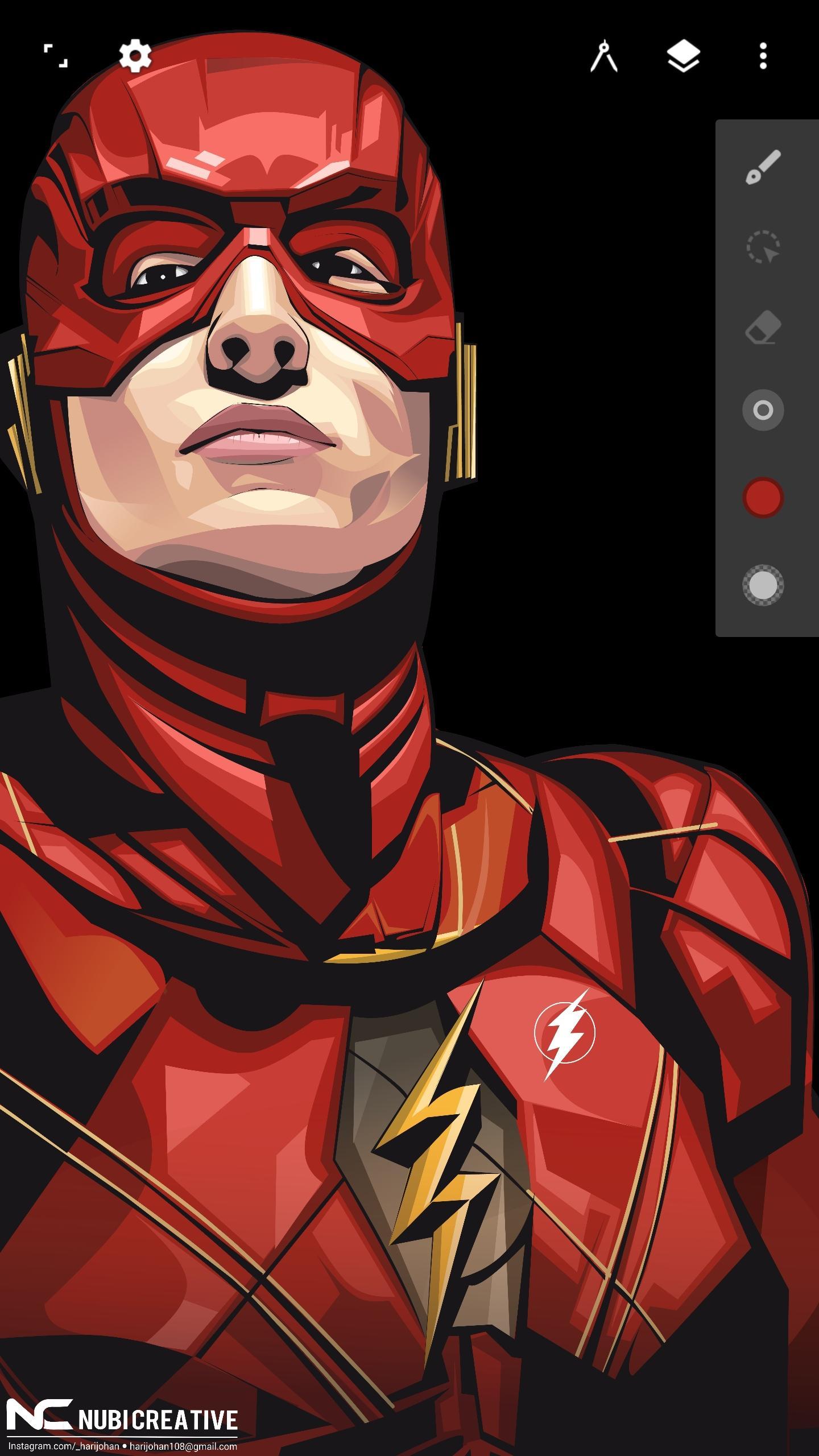
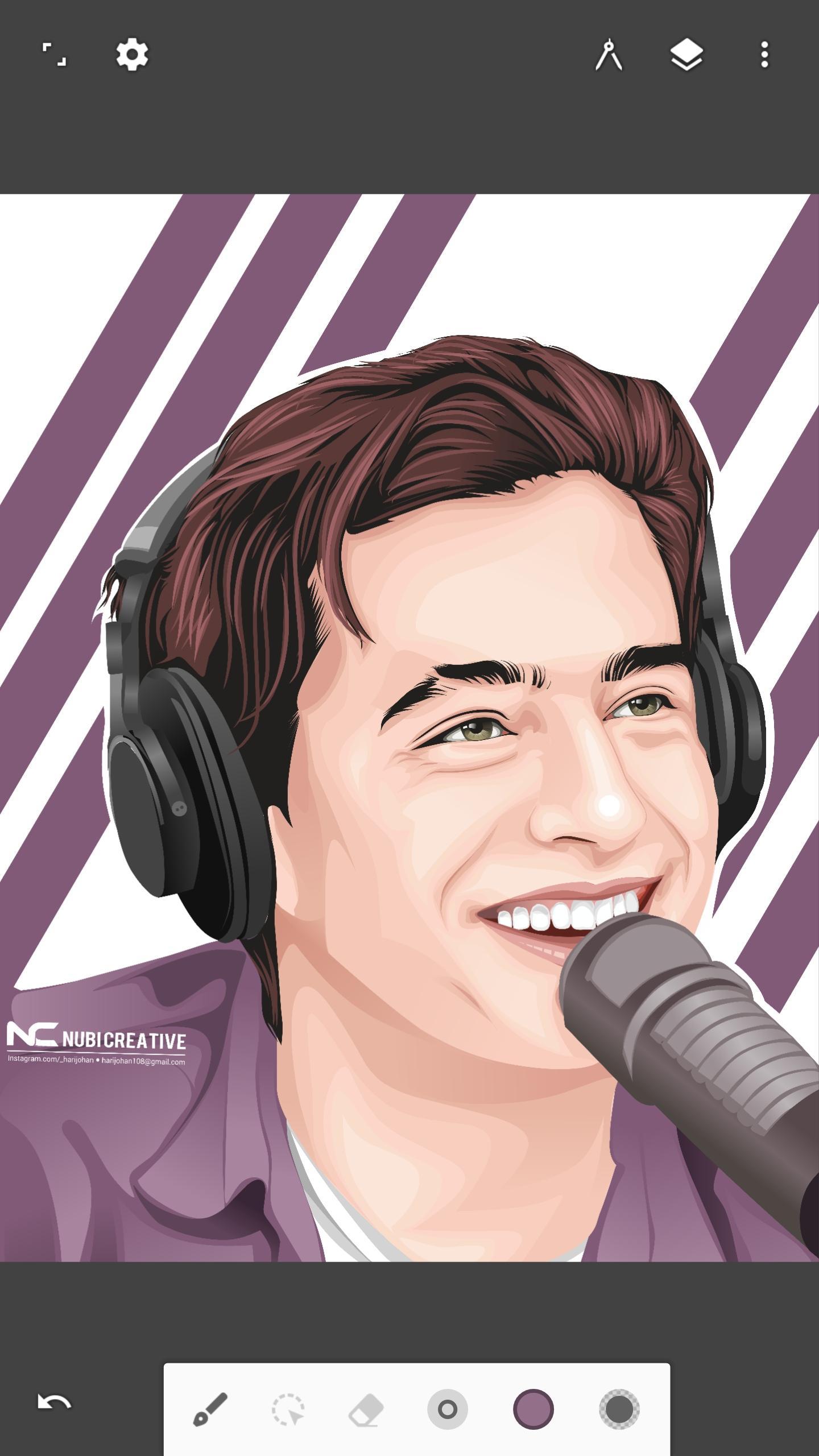
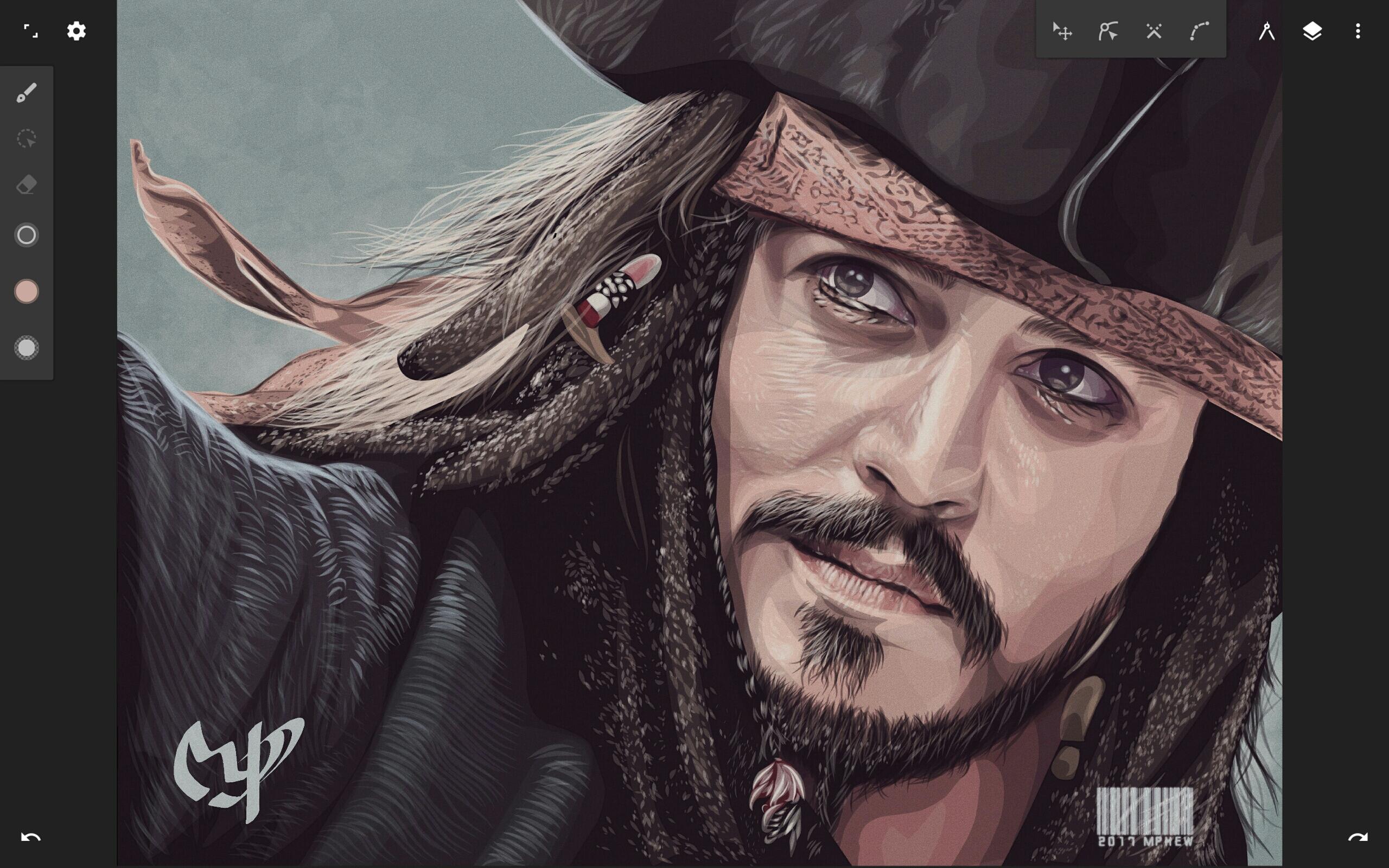
Artwork provided by:
Nubi Creative
Rey zilva Ardiansyah
Ales Sunarnov
Mad Matt
An unparalleled experience
• Infinite canvas (pan, zoom, or rotate)
• Intuitive path editing
• Boolean operations
• Align and distribute objects
Superior tools
• Experiment with four types of symmetry
• Unlimited layers
• Unlimited undo with a history slider; scrub through from start to finish
• Easily construct shapes with the pen tool
• Draw 3D cityscapes with five different perspective guides
• Text tool: horizontal, vertical, circle, or text on path
Streamlined interface
• It’s simple. It’s organized. It’s out of the way.
• Move your favorite tools to the top bar for quicker access
• Drag out the color wheel with two fingers
Advanced features
• Transform tool: Translate, Scale, Rotate, Flip, Distort, and Skew
• Gradient and Pattern Fill
• Rotate and flip the canvas
• Automatic shape detection
• Grid for reference or snapping
• Vectorize: turn any image into fully editable vector paths
Import and export
• Import and export SVG
• Add images from Gallery, Camera, or search the web
• Export images as JPEG, PNG, or SVG
• Share to Infinite Studio community or Instagram
• Search millions of colors, palettes, and patterns via ColourLovers
Artwork provided by:
Nubi Creative
Rey zilva Ardiansyah
Ales Sunarnov
Mad Matt
Additional Information

Old Versions of Infinite Design
View All (1)Similar to Infinite Design



Top Ten Apps

SAX Girls Video Call - Live Video Chat

X Comic : Yote Pya , Free MM Sub Comics

Ola Party Live, Chat, Game & Party

Generator Togel 2D,3D,4D Terbaru 2020

XNX Quit Porn addiction Video Guide

အပြာကား(ခလေးမကြည့်ရ)

Apyar Comics - အပြာရုပ်ပြစာအုပ်များ

СберБанк Онлайн

Suaraku Nyanyikan Berbagai Lagu Karaoke Gratis

4K Screen Recorder with facecam and 1080p 120fps