Perfect Viewer Description
Perfect Viewer is a very fast image/comics/ebook viewer.
*Turn black/white image into 4 colorize image(Only available for donated users. Need install Perfect Viewer donation application).
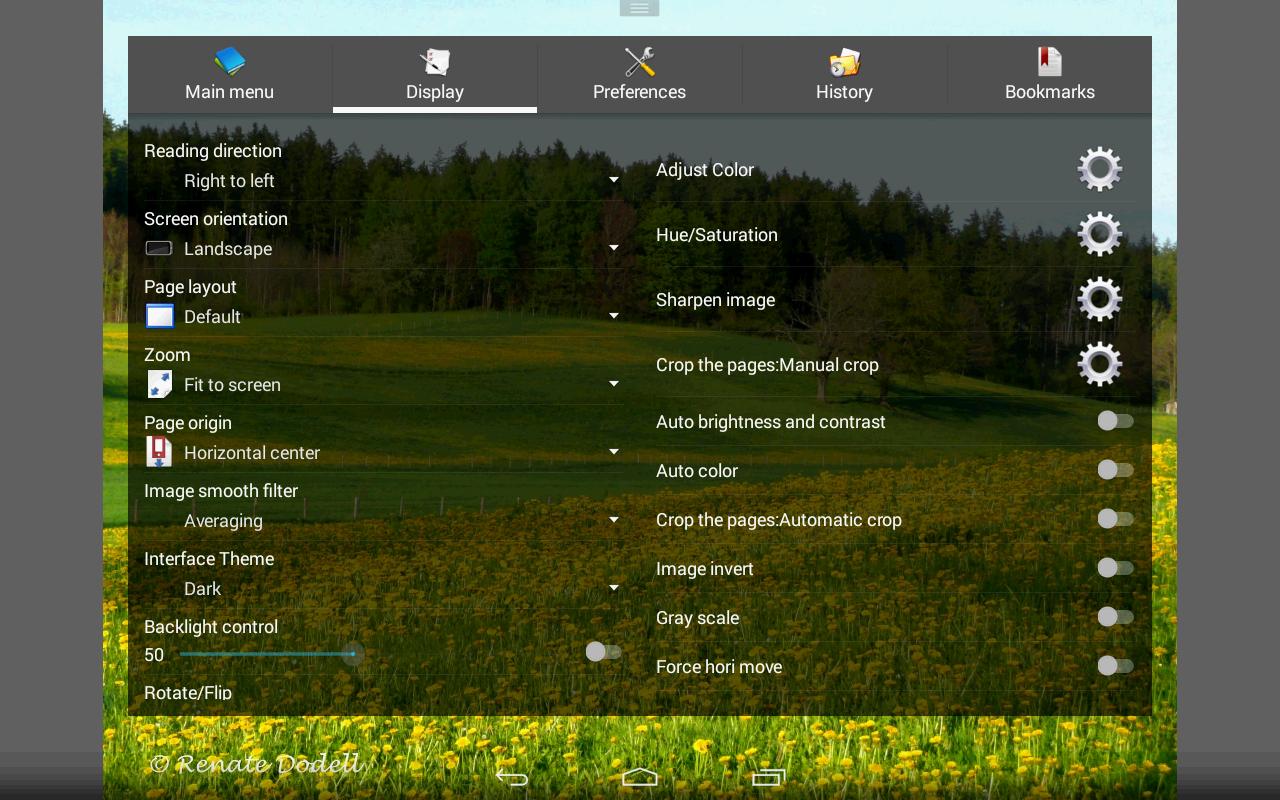
*Page layout: Auto single page, Auto dual page, Auto switch by screen orientation
*Support eEook file format: EPUB, HTML, TXT
*Support image file format: JPEG, PNG, GIF, BMP, WebP, TIFF
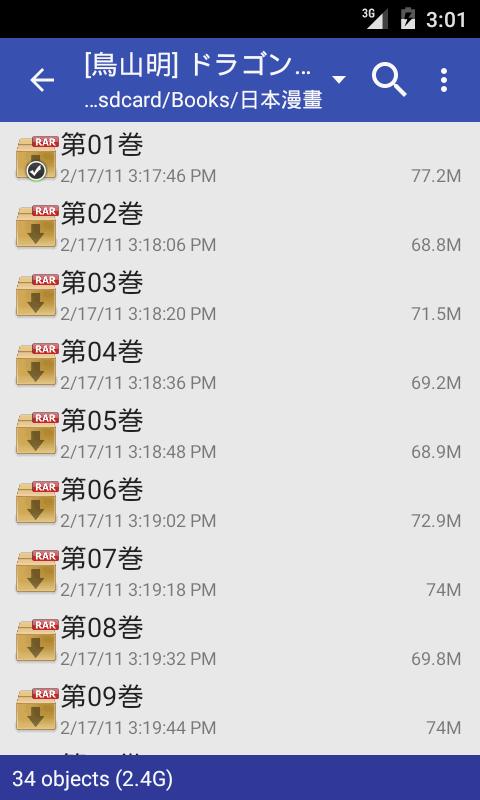
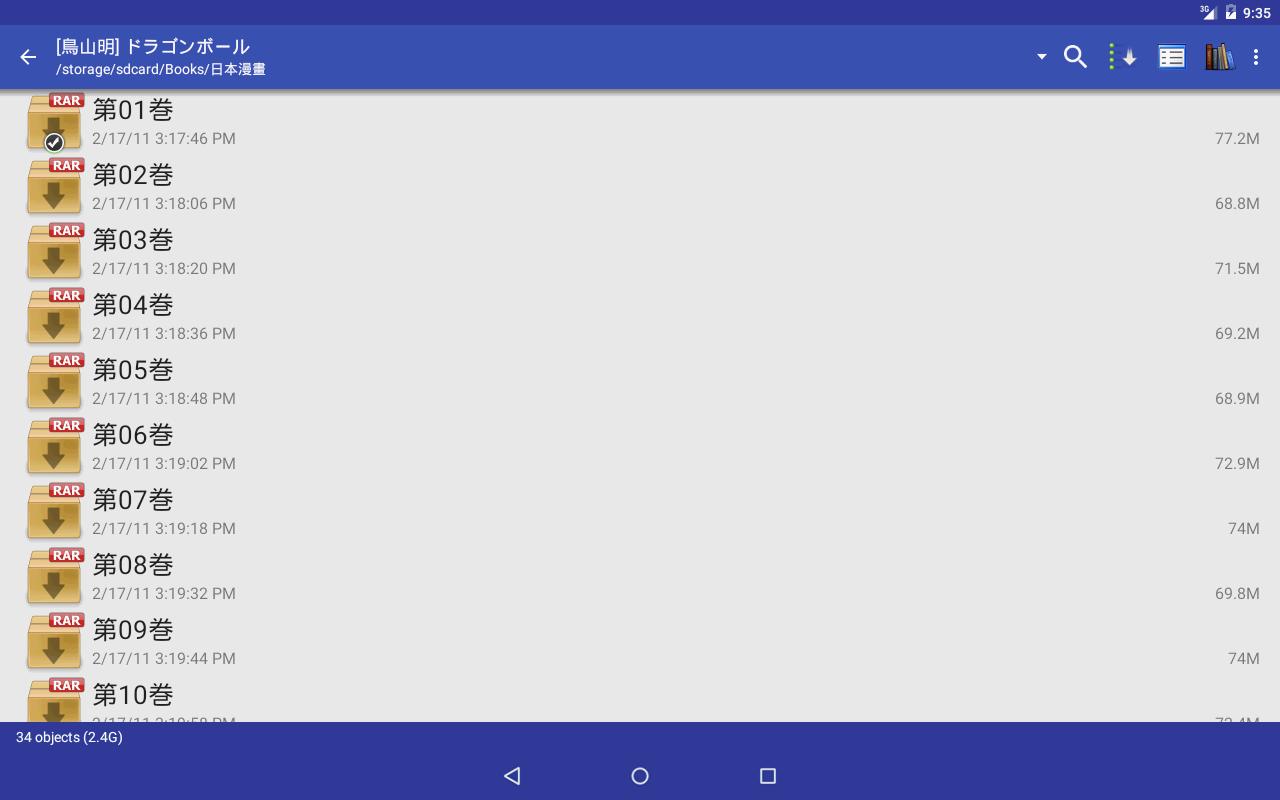
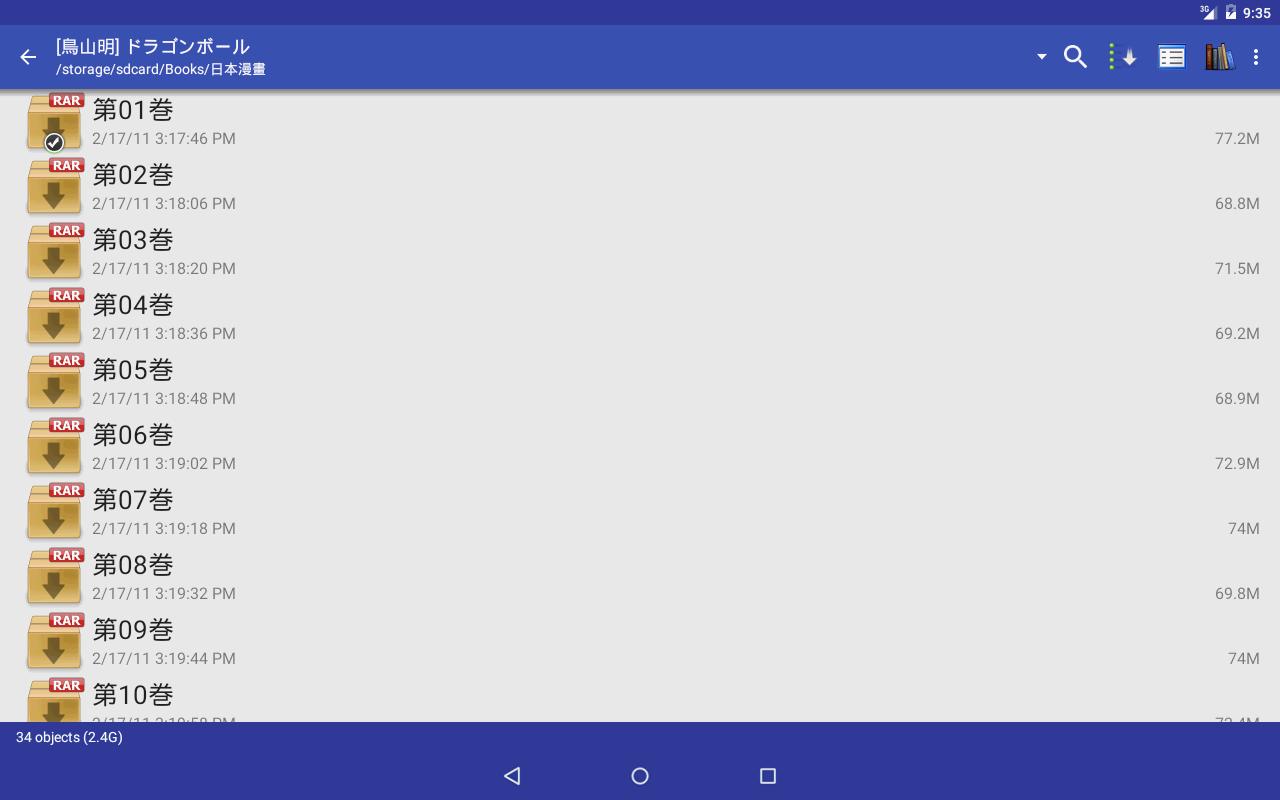
*Support archive file format: CBZ/ZIP, CBR/RAR, 7Z/CB7, LZH, CBT/TAR
*Support PDF, XPS & DJVU file after install the PDF plugin
*Open file from network file sharing(CIFS/SAMBA), FTP, SFTP, FTPS, OPDS
*Require internet permission for CIFS/SAMBA support.
*Support open files from Google Drive, Dropbox, OneDrive after install the source plugin
*Require "GET_ACCOUNTS" and "USE_CREDENTIALS" permission for Google Drive support
*Support 3 viewer mode: Page mode, Vertical scroll mode (PDF viewer,webtoon like) and Horizontal scroll mode.
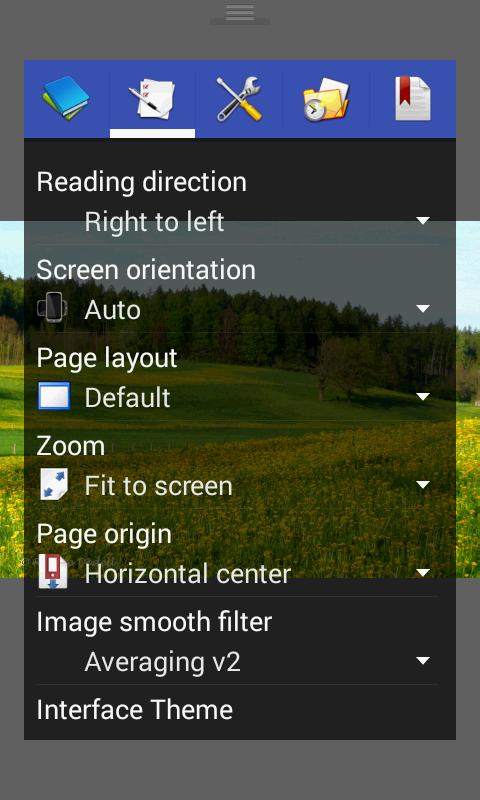
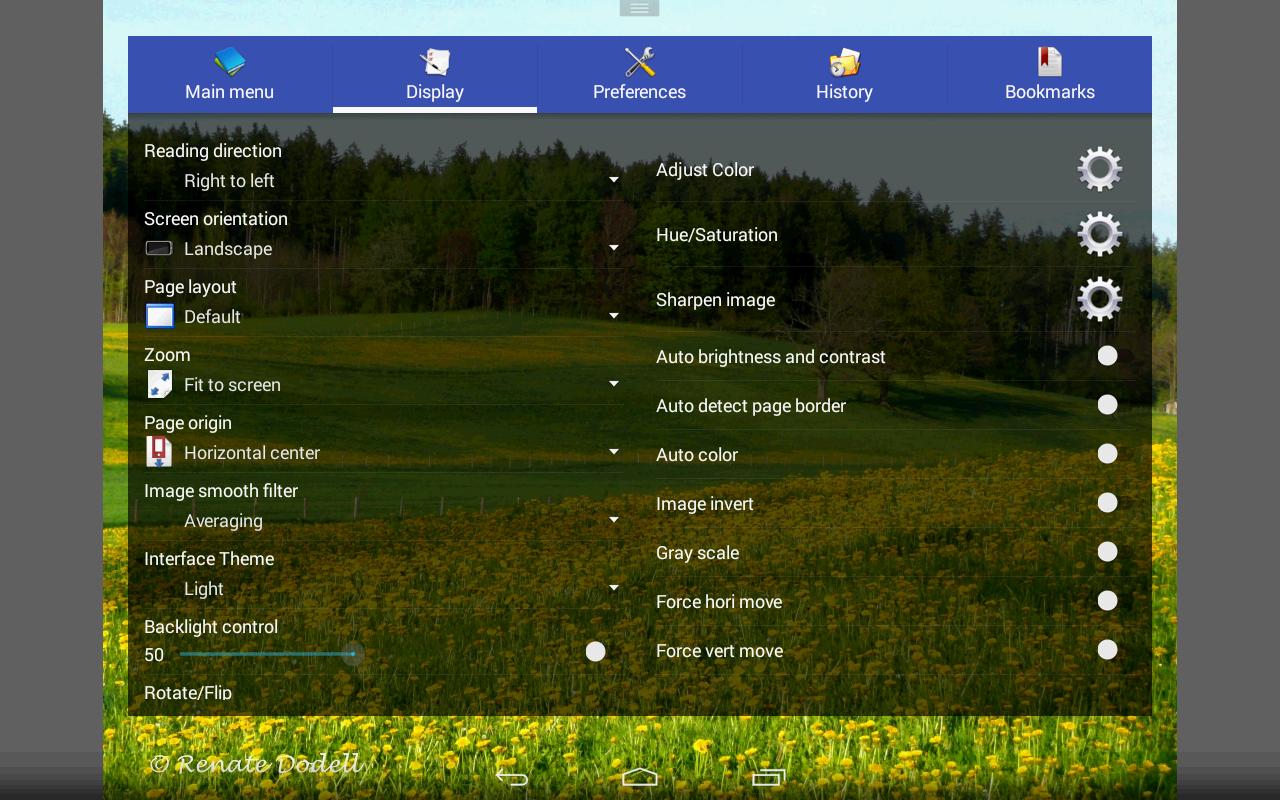
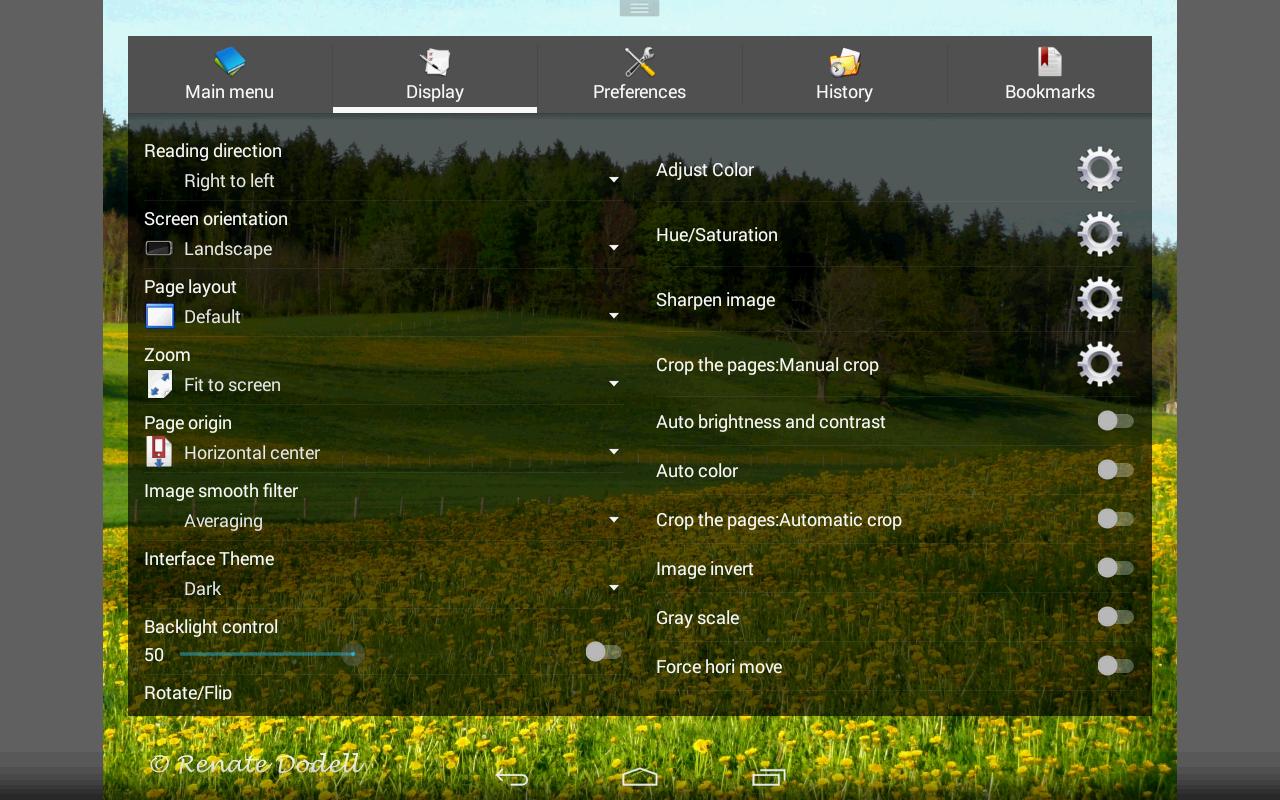
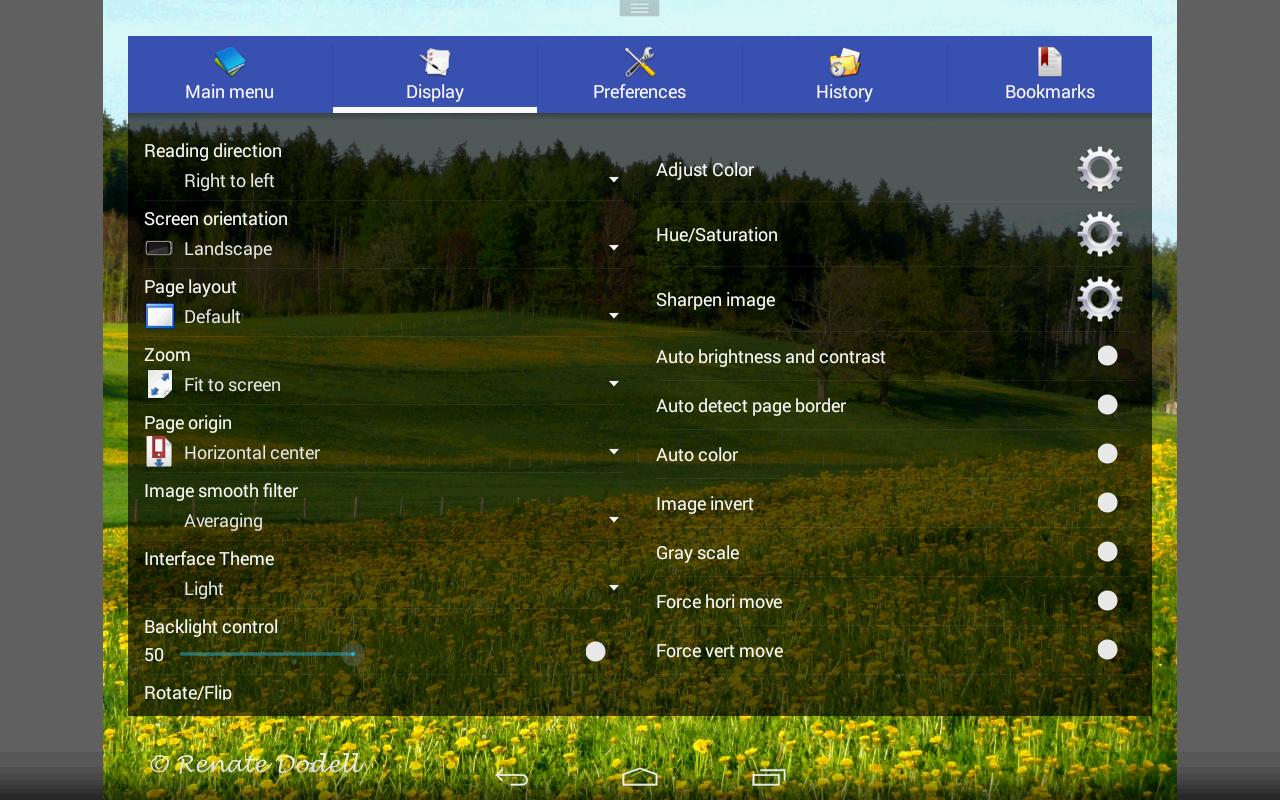
*Smooth filters: Averaging, Bilinear, Bicubic, Lanczos3;
*Five view mode: Full size, Fit Screen, Fit Width, Fit Height, Fixed size, Stretch;
*Support Left-to-right & right-to-left reading
*Set image as wallpaper
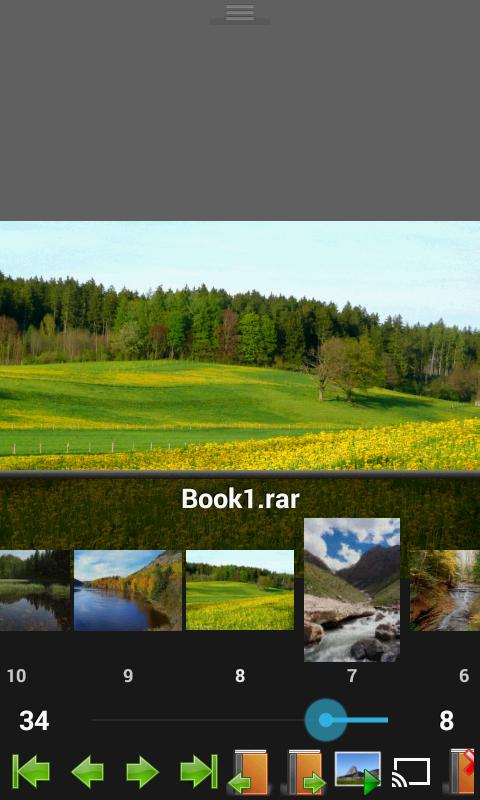
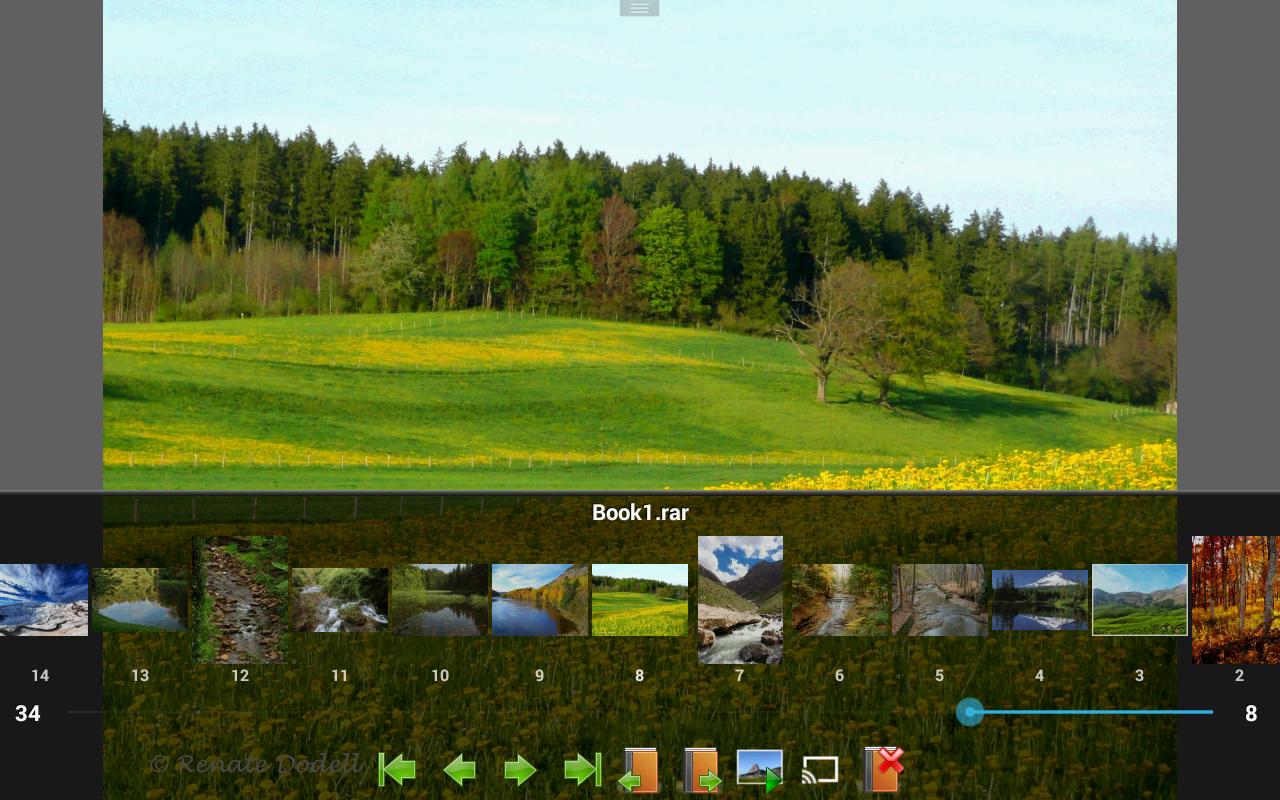
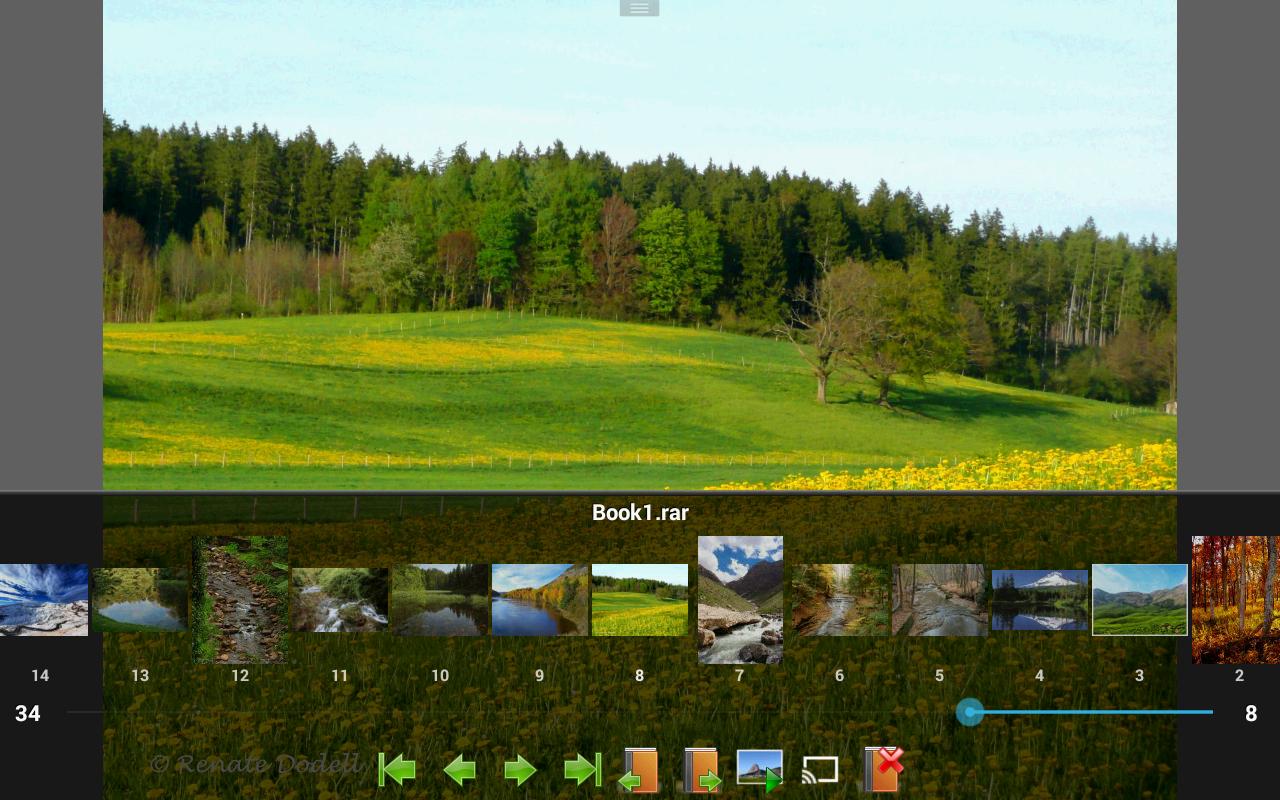
*Browse image in folder/archive as thumbnail
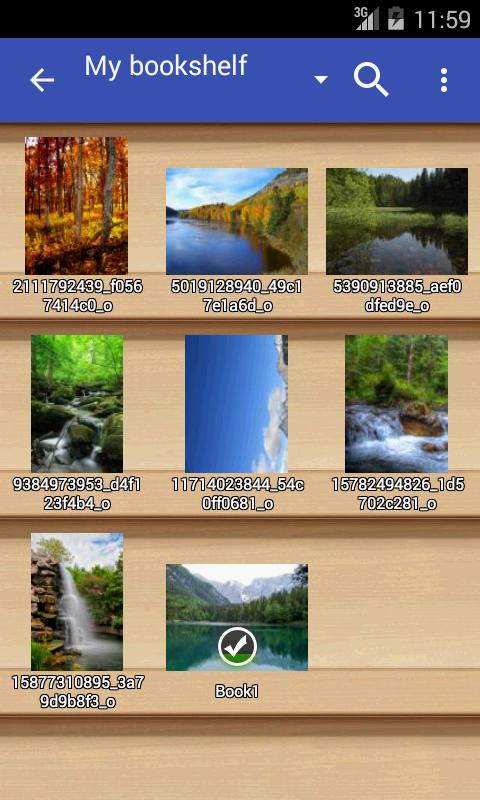
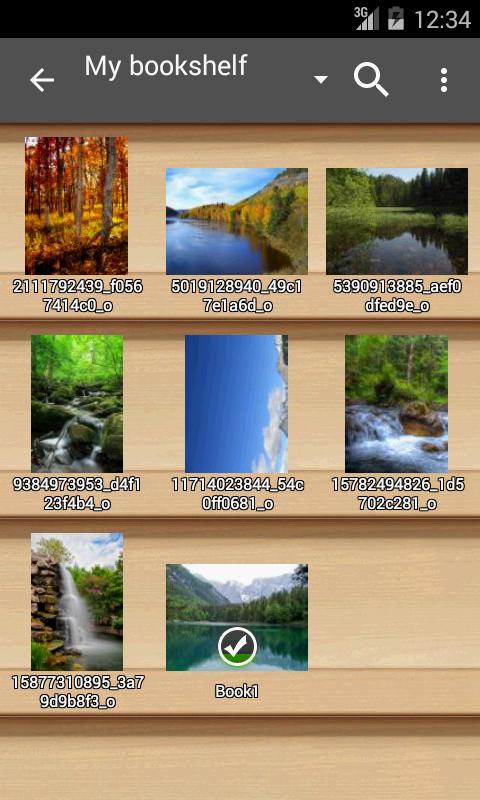
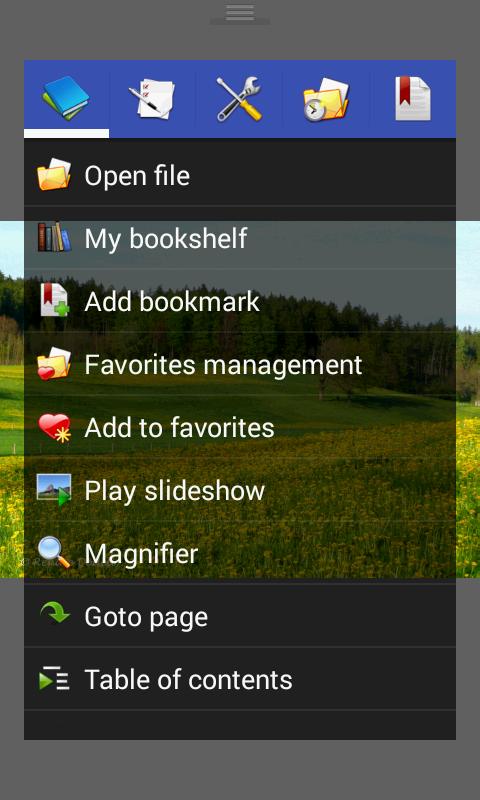
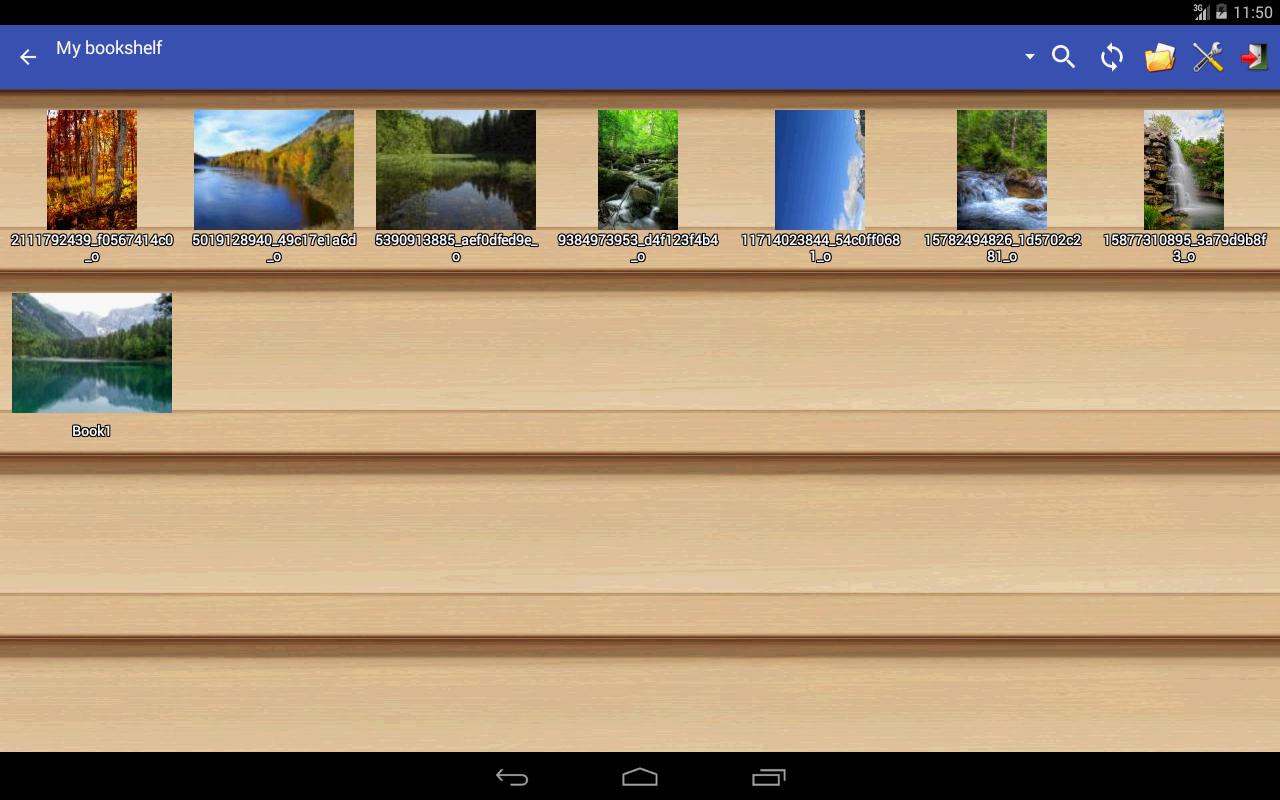
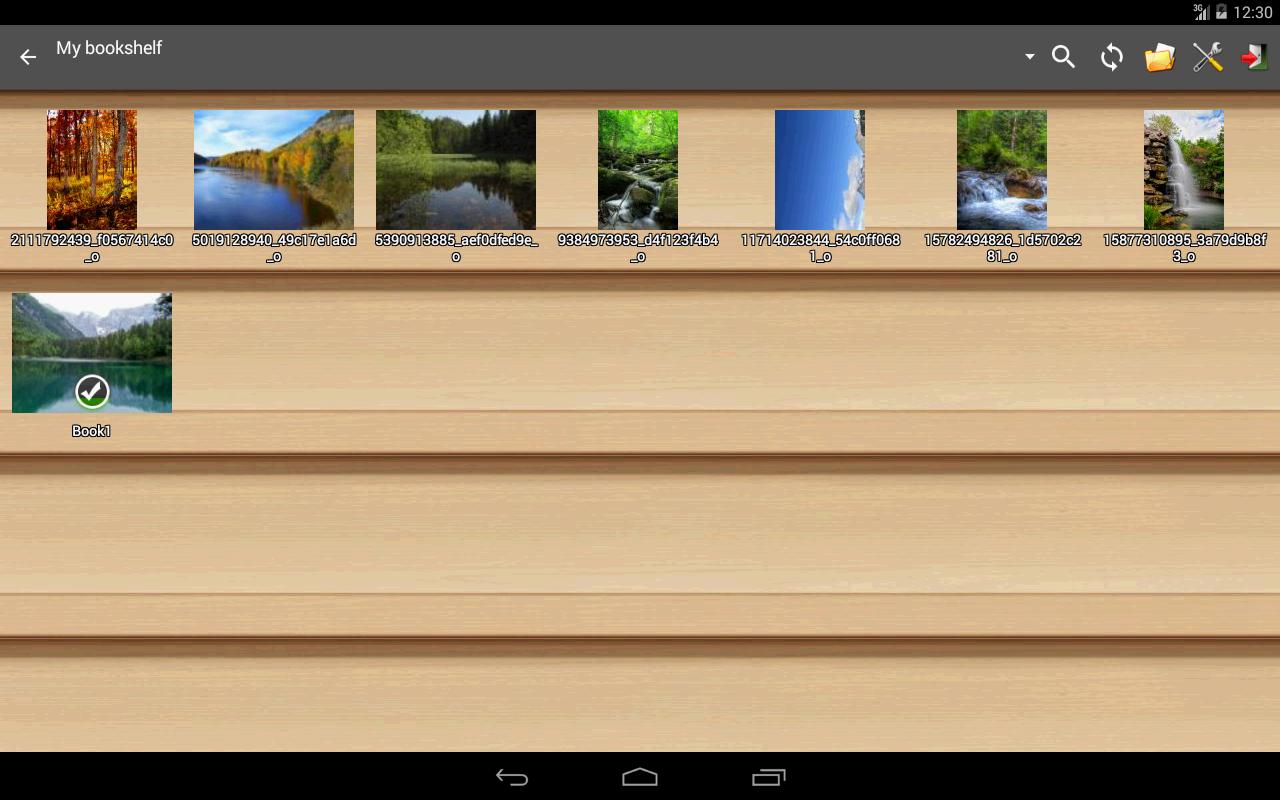
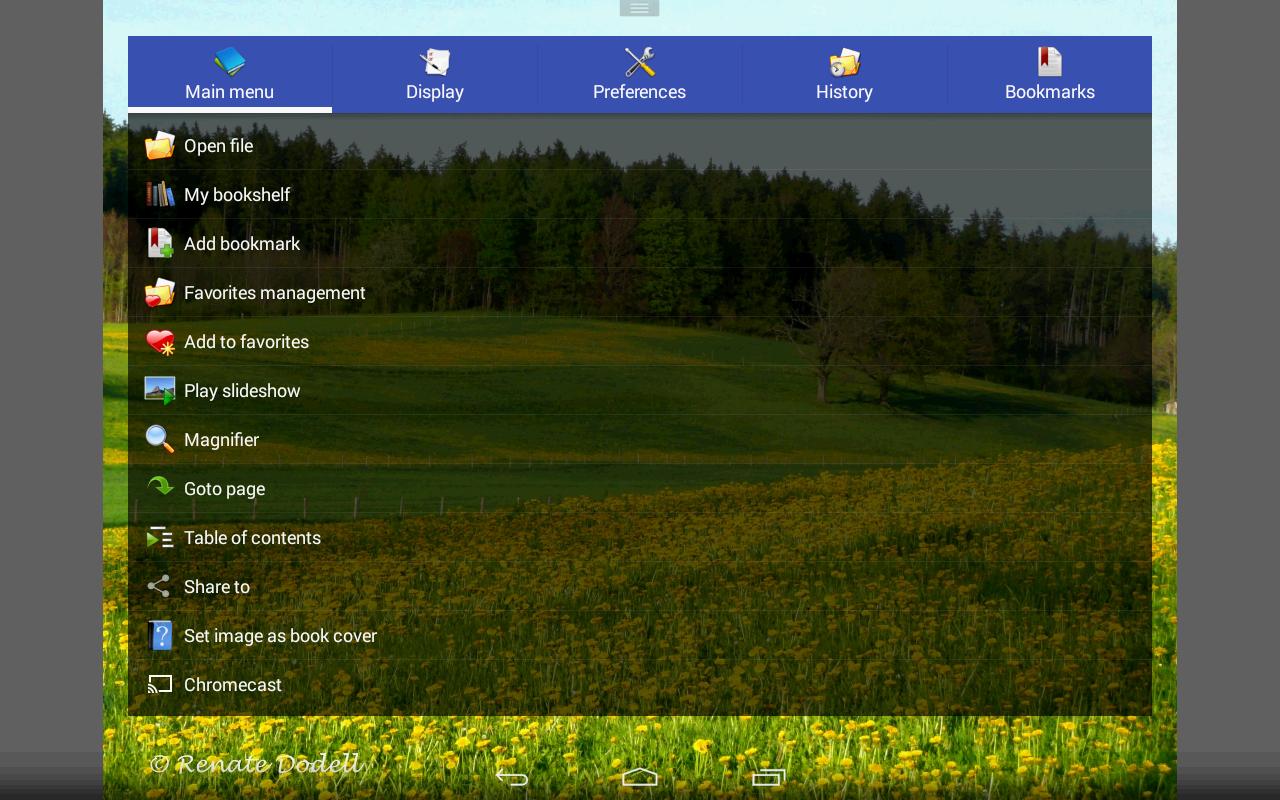
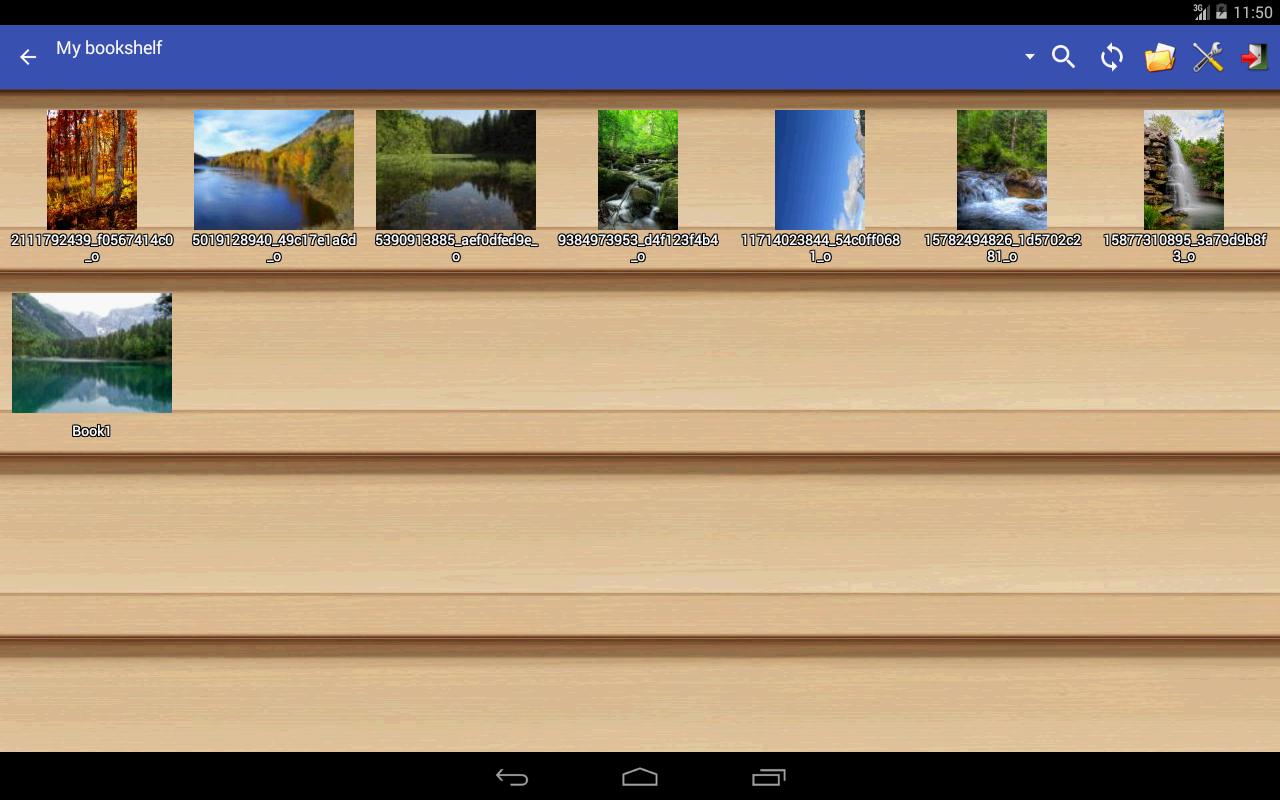
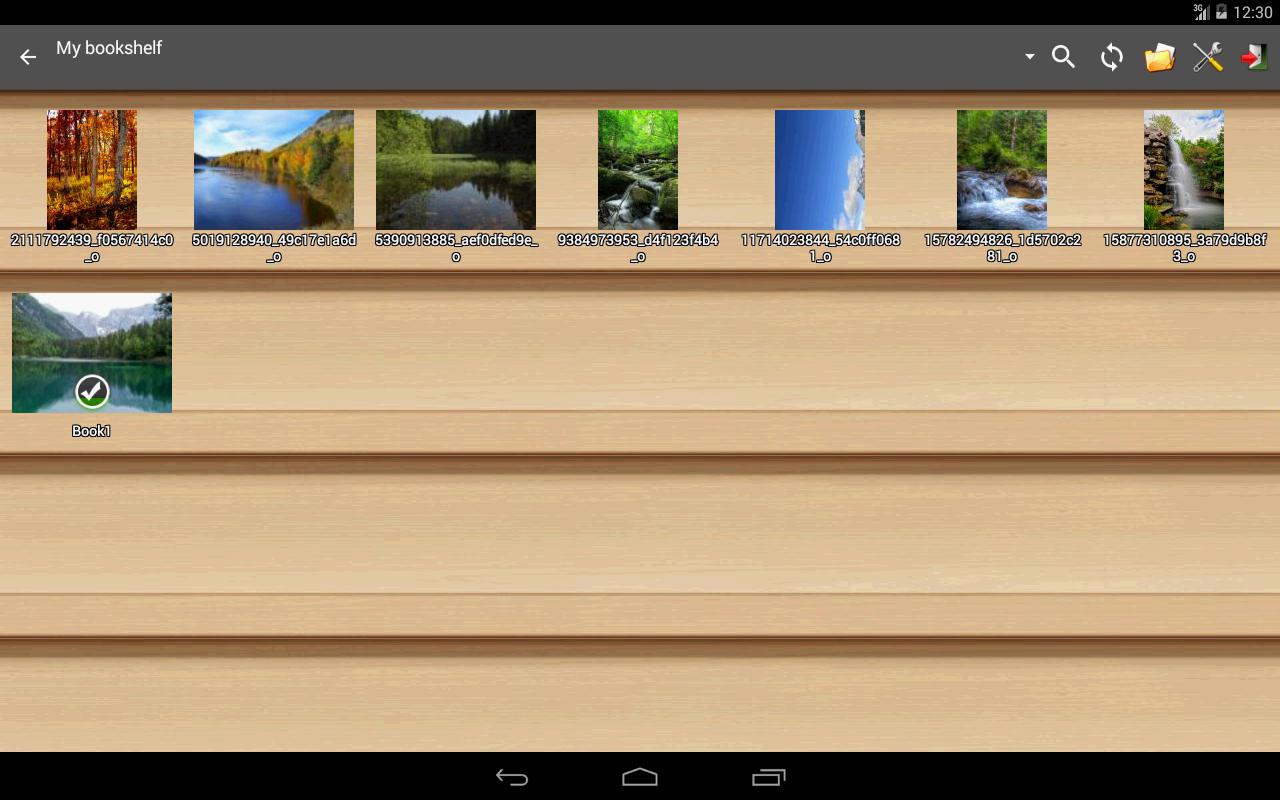
*Bookshelf function
*Support pinch to zoom & fling gesture
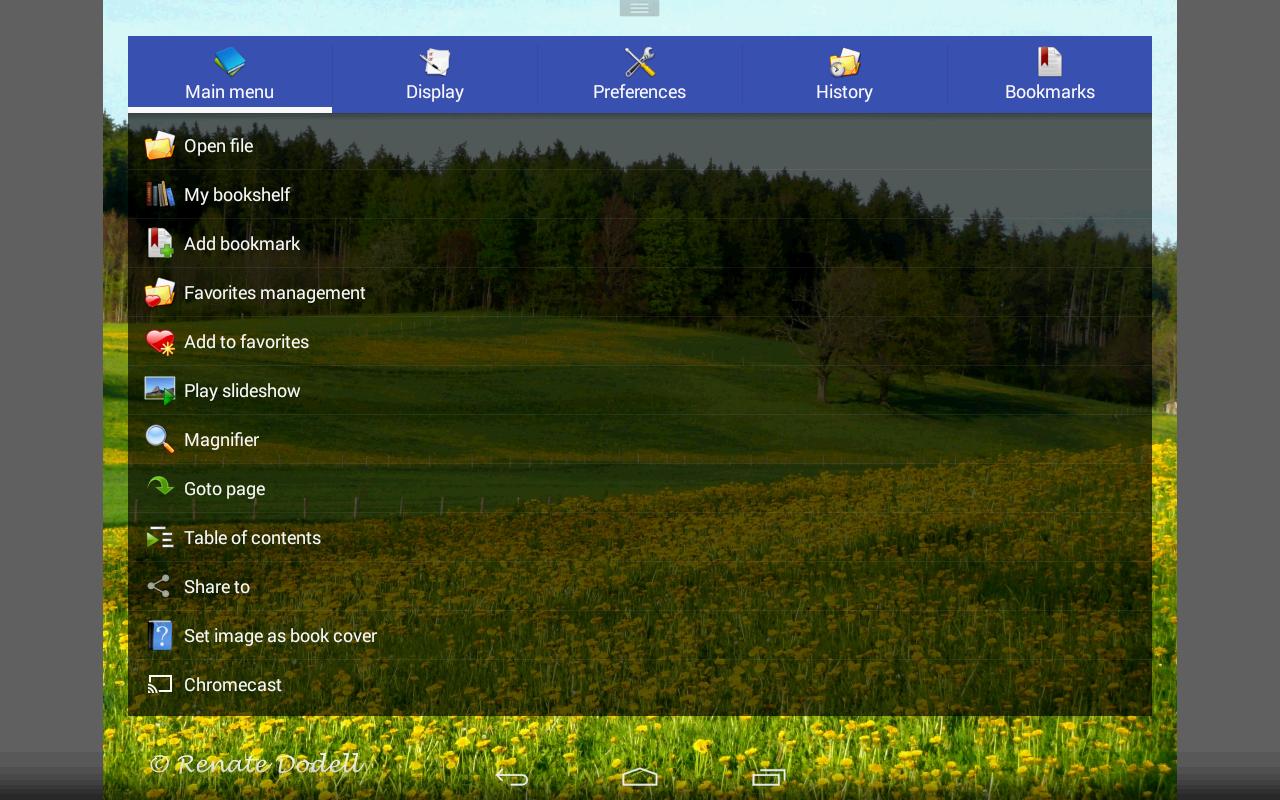
*Simple bookmark function
*My favorites management
*Cache next and previous page
*Simple file management(delete, rename)
*Slideshow
*Support extract files from archive
*Adjust image brightness,contrast & gamma
*Auto cut off white border.
*Support Google Chromecast
*Balloon magnifier
*Turn black/white image into 4 colorize image(Only available for donated users. Need install Perfect Viewer donation application).
*Page layout: Auto single page, Auto dual page, Auto switch by screen orientation
*Support eEook file format: EPUB, HTML, TXT
*Support image file format: JPEG, PNG, GIF, BMP, WebP, TIFF
*Support archive file format: CBZ/ZIP, CBR/RAR, 7Z/CB7, LZH, CBT/TAR
*Support PDF, XPS & DJVU file after install the PDF plugin
*Open file from network file sharing(CIFS/SAMBA), FTP, SFTP, FTPS, OPDS
*Require internet permission for CIFS/SAMBA support.
*Support open files from Google Drive, Dropbox, OneDrive after install the source plugin
*Require "GET_ACCOUNTS" and "USE_CREDENTIALS" permission for Google Drive support
*Support 3 viewer mode: Page mode, Vertical scroll mode (PDF viewer,webtoon like) and Horizontal scroll mode.
*Smooth filters: Averaging, Bilinear, Bicubic, Lanczos3;
*Five view mode: Full size, Fit Screen, Fit Width, Fit Height, Fixed size, Stretch;
*Support Left-to-right & right-to-left reading
*Set image as wallpaper
*Browse image in folder/archive as thumbnail
*Bookshelf function
*Support pinch to zoom & fling gesture
*Simple bookmark function
*My favorites management
*Cache next and previous page
*Simple file management(delete, rename)
*Slideshow
*Support extract files from archive
*Adjust image brightness,contrast & gamma
*Auto cut off white border.
*Support Google Chromecast
*Balloon magnifier
Additional Information
Category
App › Comics
Version
4.5.1.2
Updated
Jun 15, 2020
Requires Android
Android: 2.3–2.3.2+ Gingerbread (API 9)
Permissions
Architectures
Supports 32-bit ARM Android CPU architectures.
armeabi
32-bit
Legacy ARM devices
Your device
Target Android
Android: 10 Android 10 (API 29)
Estimated Download Time
File Size: 13.41 MB
3G network (~2 Mbps)
1m 5s
4G LTE (~25 Mbps)
6 seconds
5G network (~150 Mbps)
1 seconds
Broadband / Wi-Fi (~100 Mbps)
2 seconds
Hashes
SHA-1
380964FA3475CBF67848B3D94748E6D66C9C1D8DSHA-256
942047C21418B7FBF32DB6E964259891827524F60839B17178FC1E5120F1CB3DSigning Certificate SHA-1
A009E3EC07D85D8FE48722EA3FB5E08015B1FC4EAvailable On