
APKs
Split APK — use Split APKs Installer (SAI) to install.
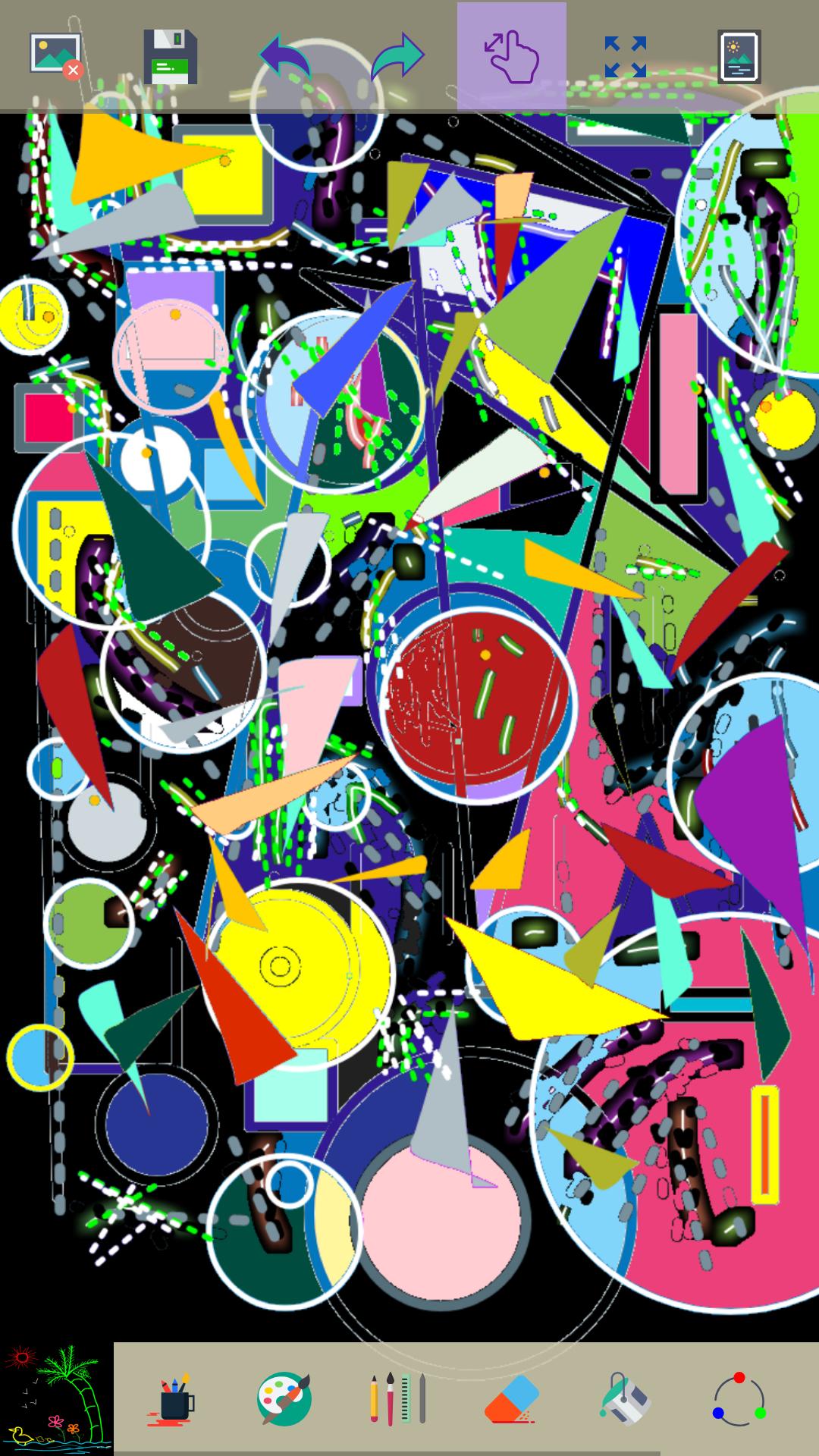
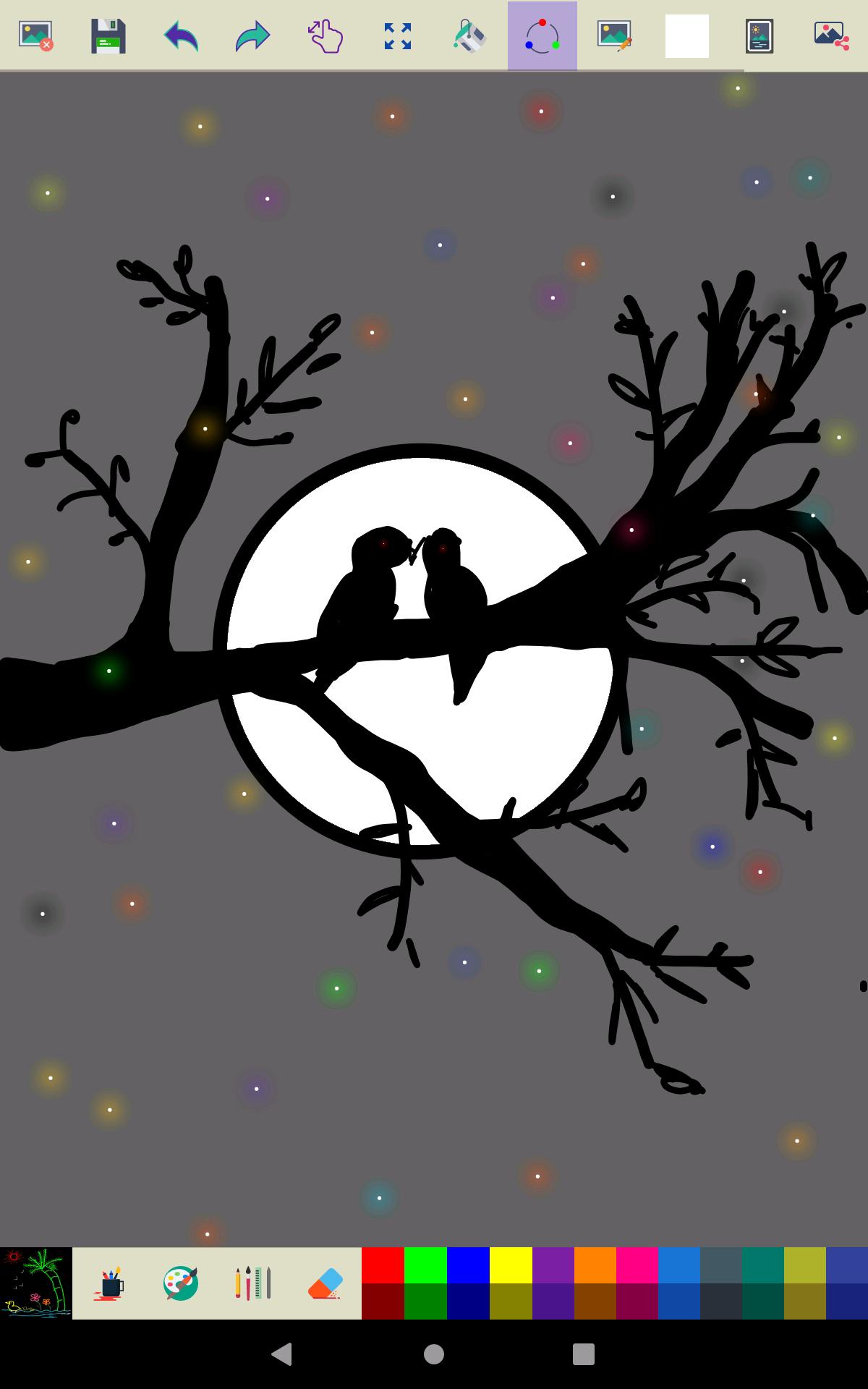
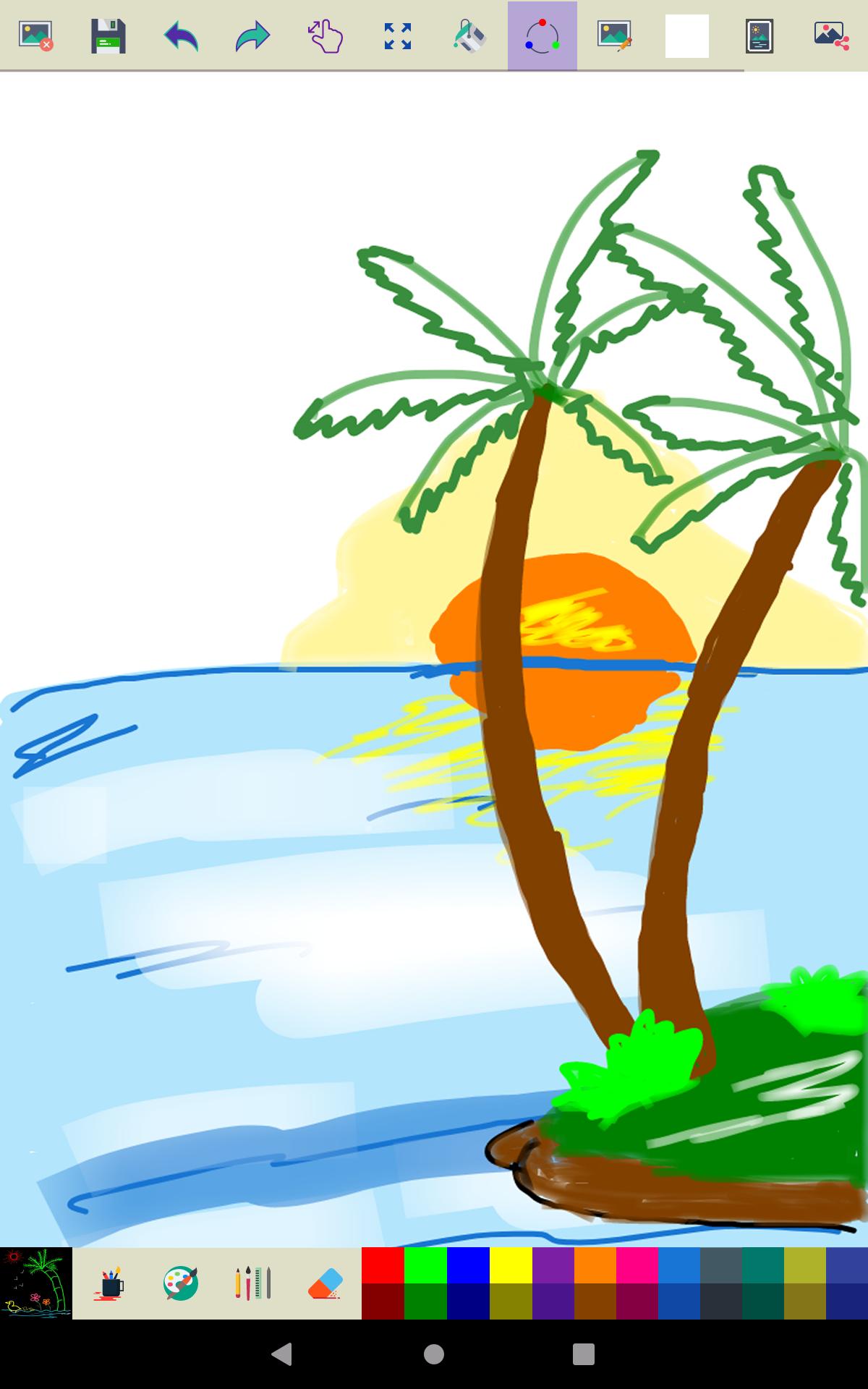
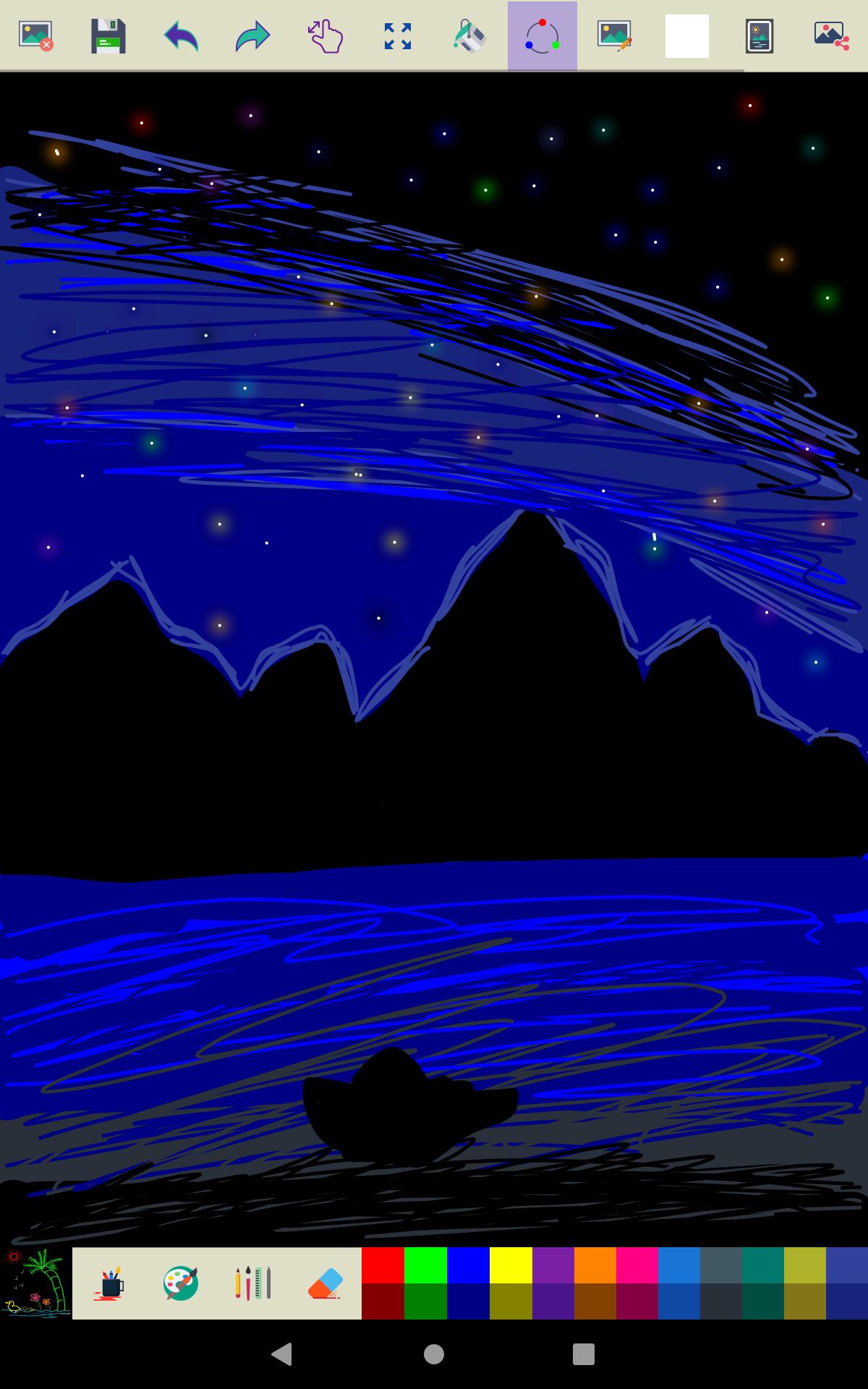
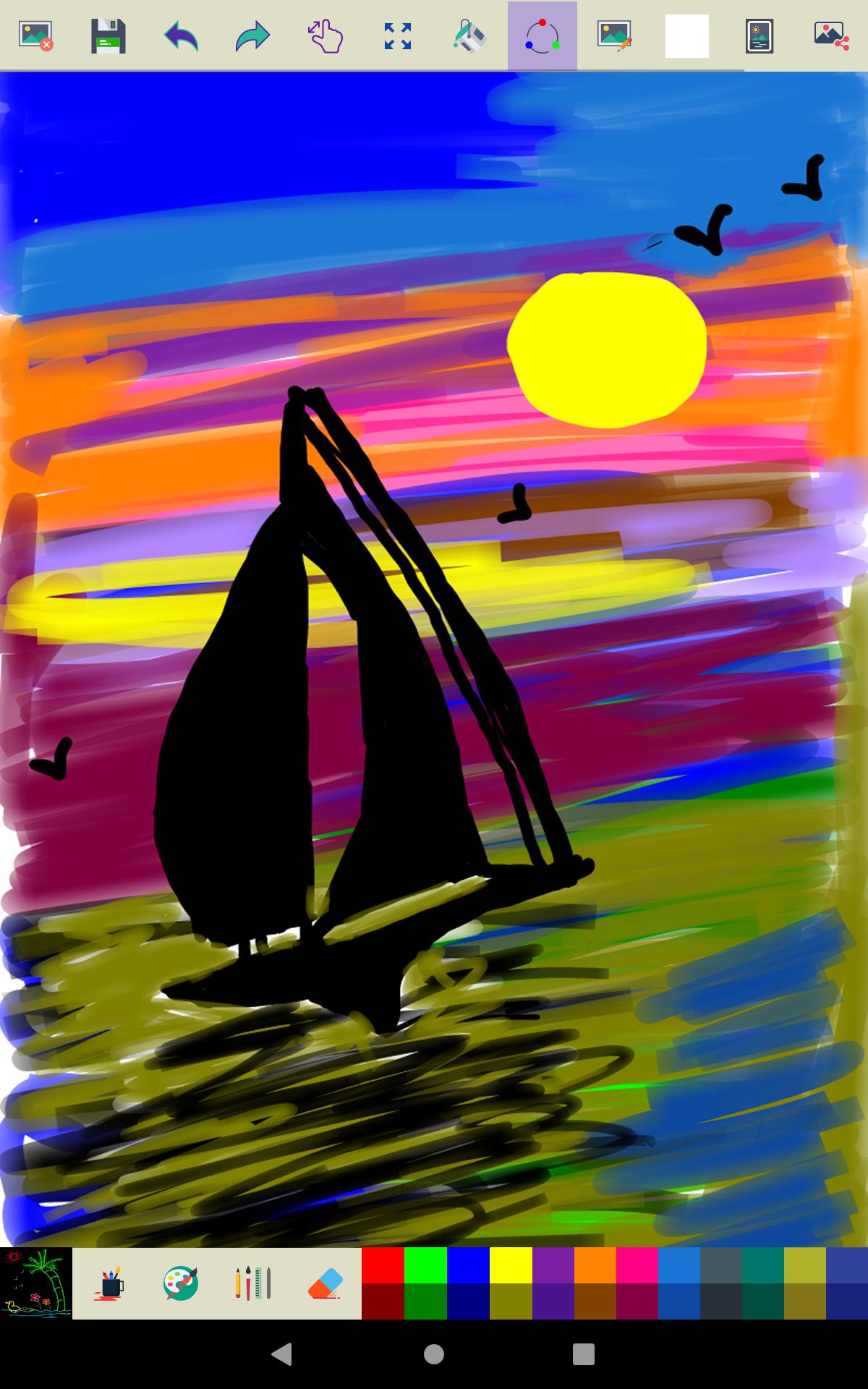
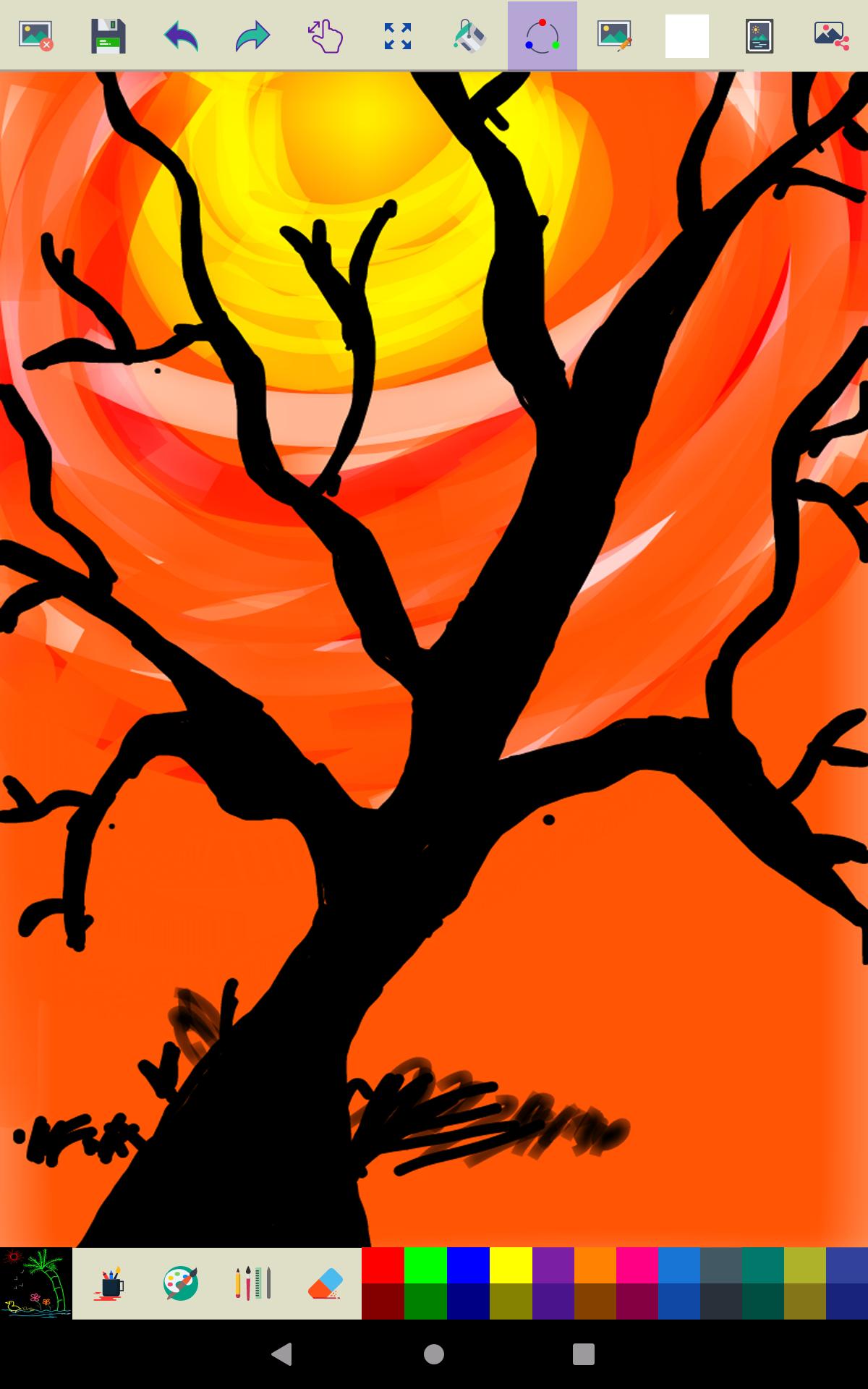
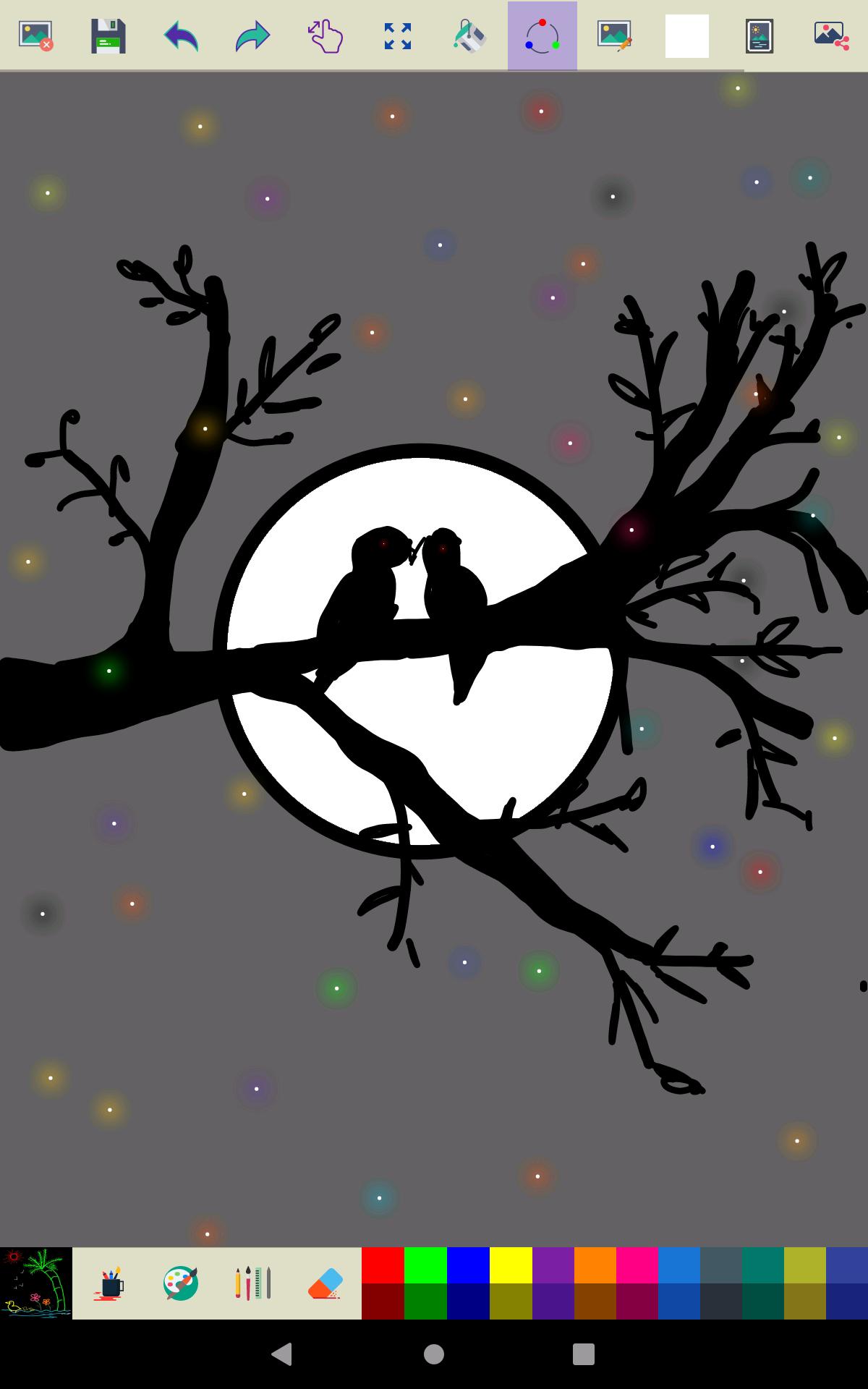
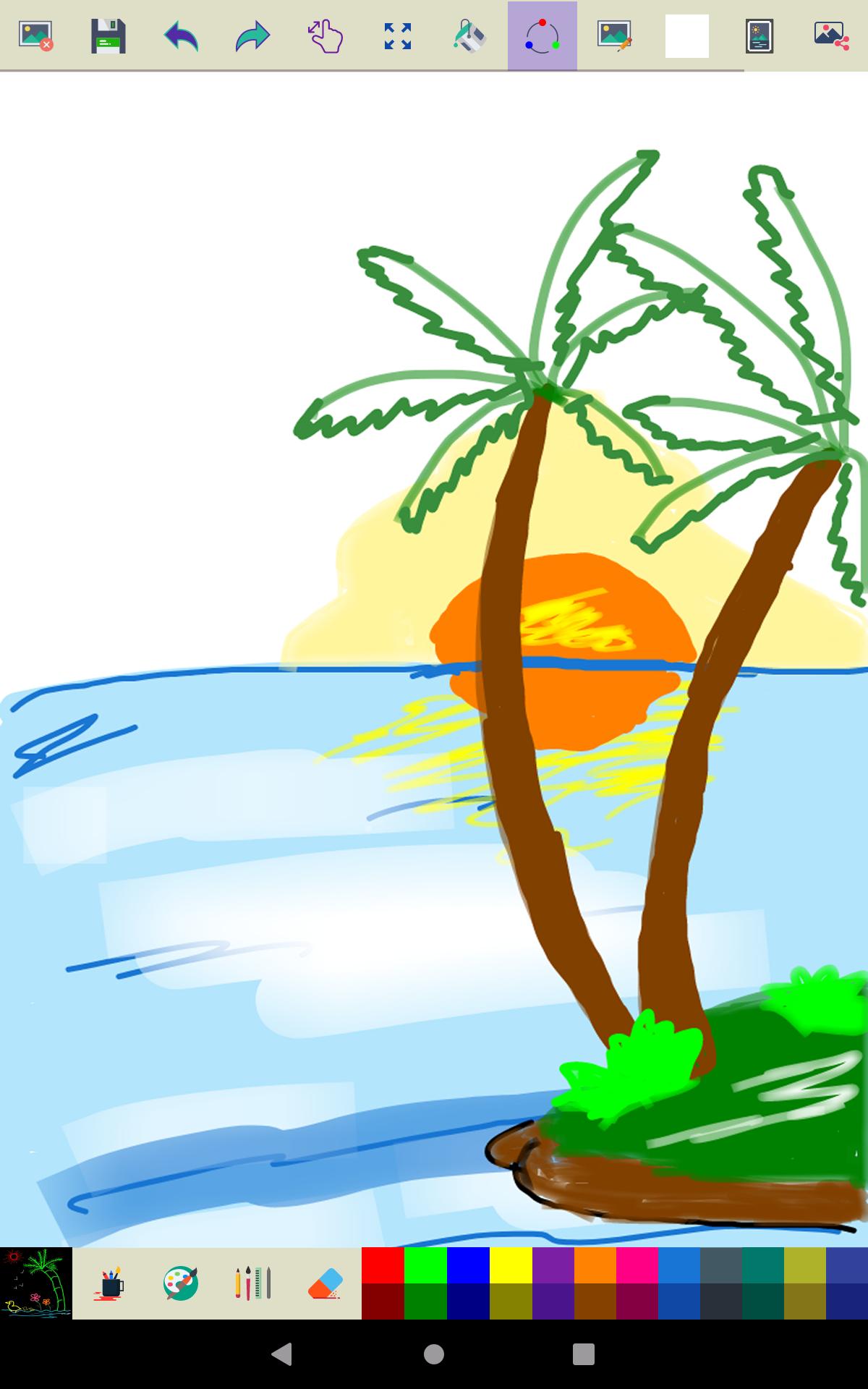
About Paint
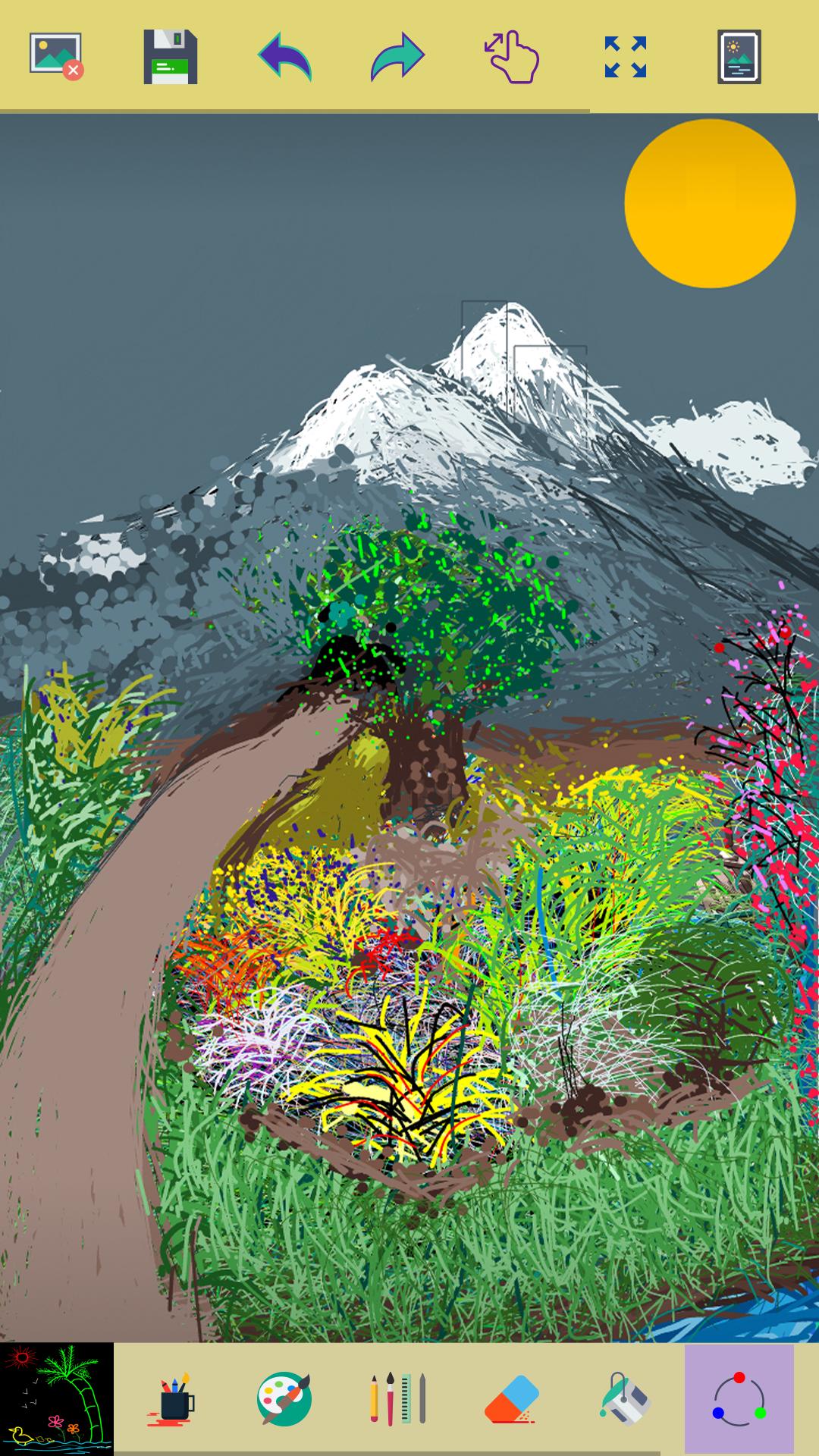
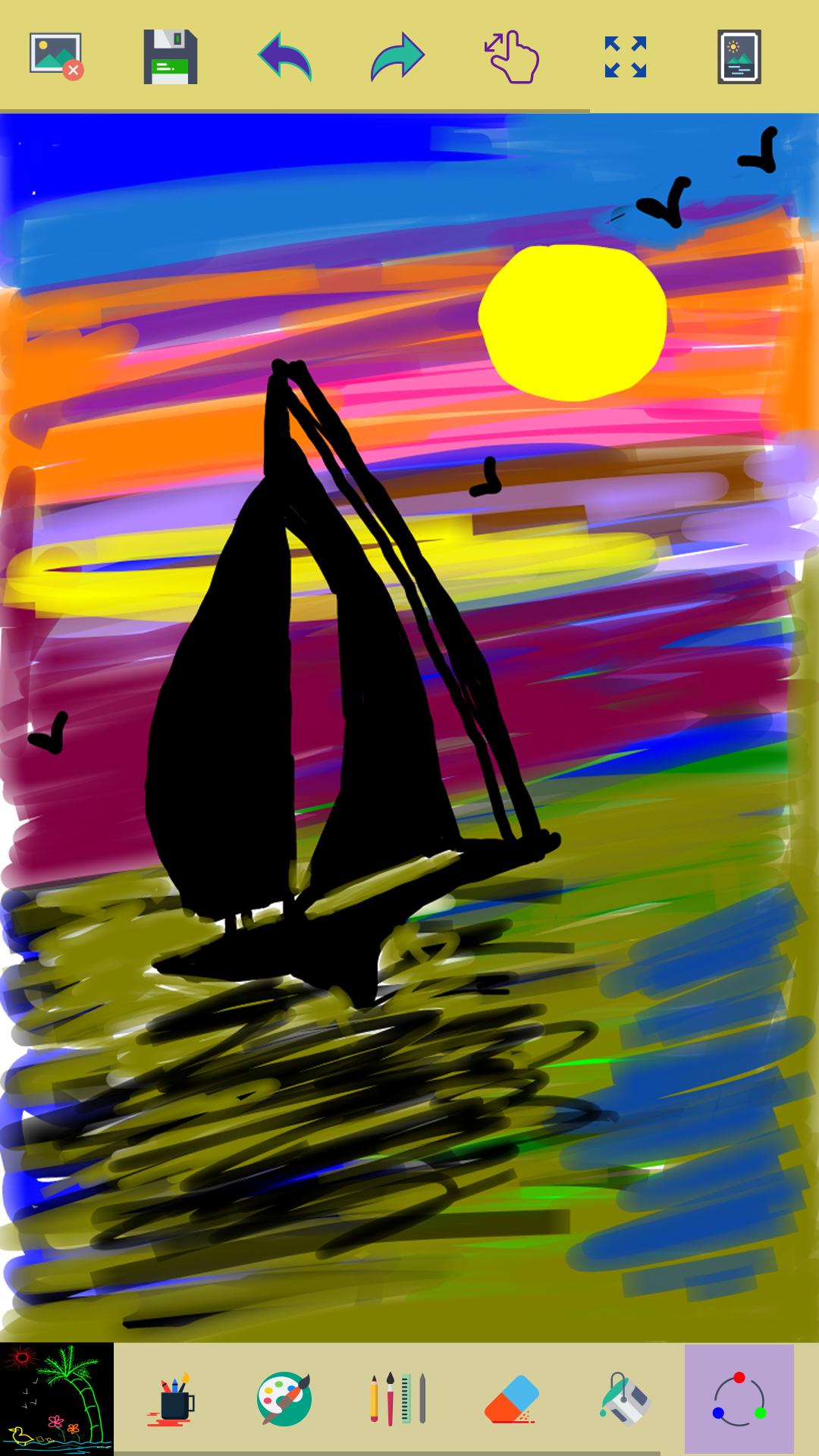
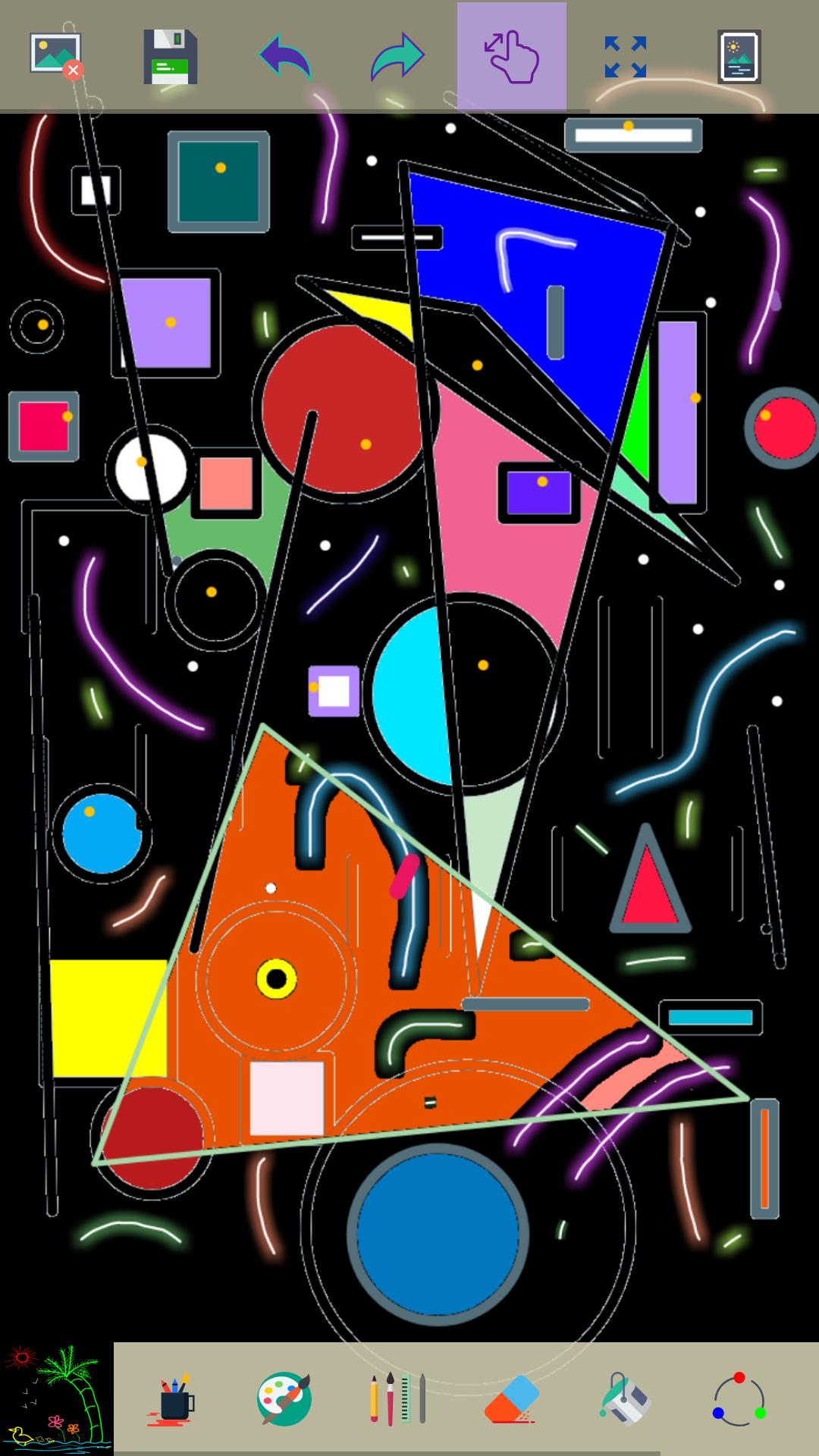
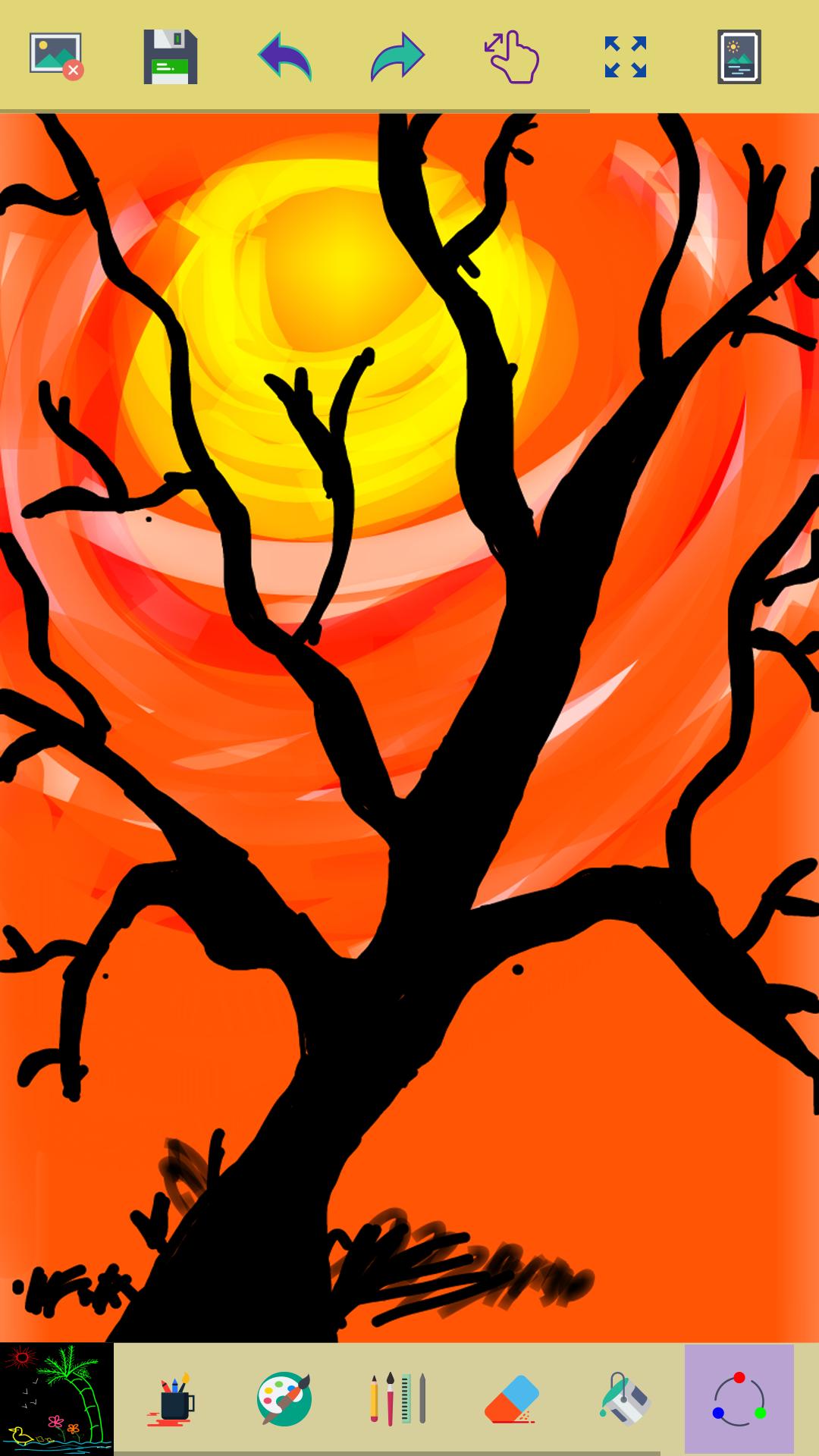
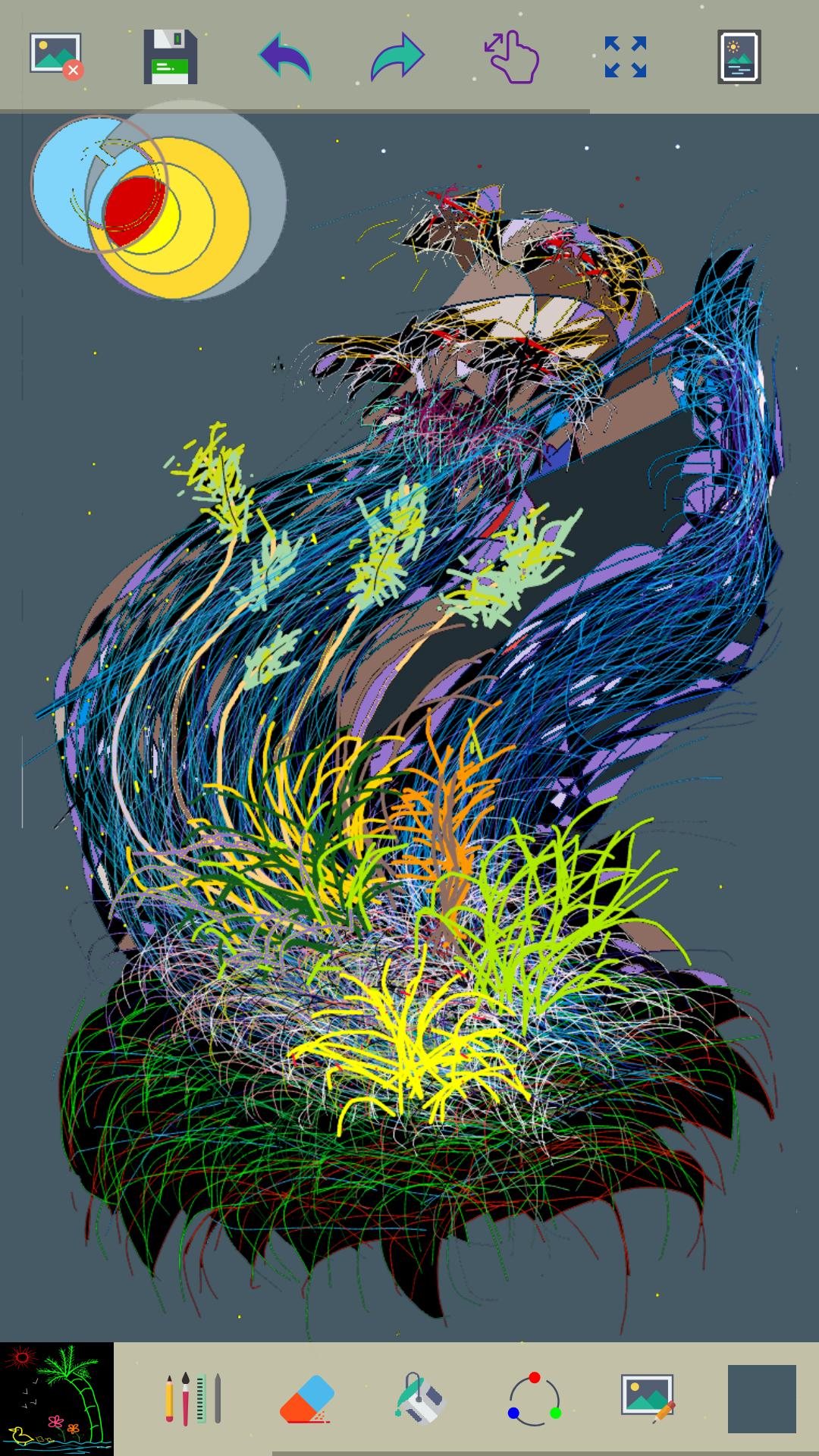
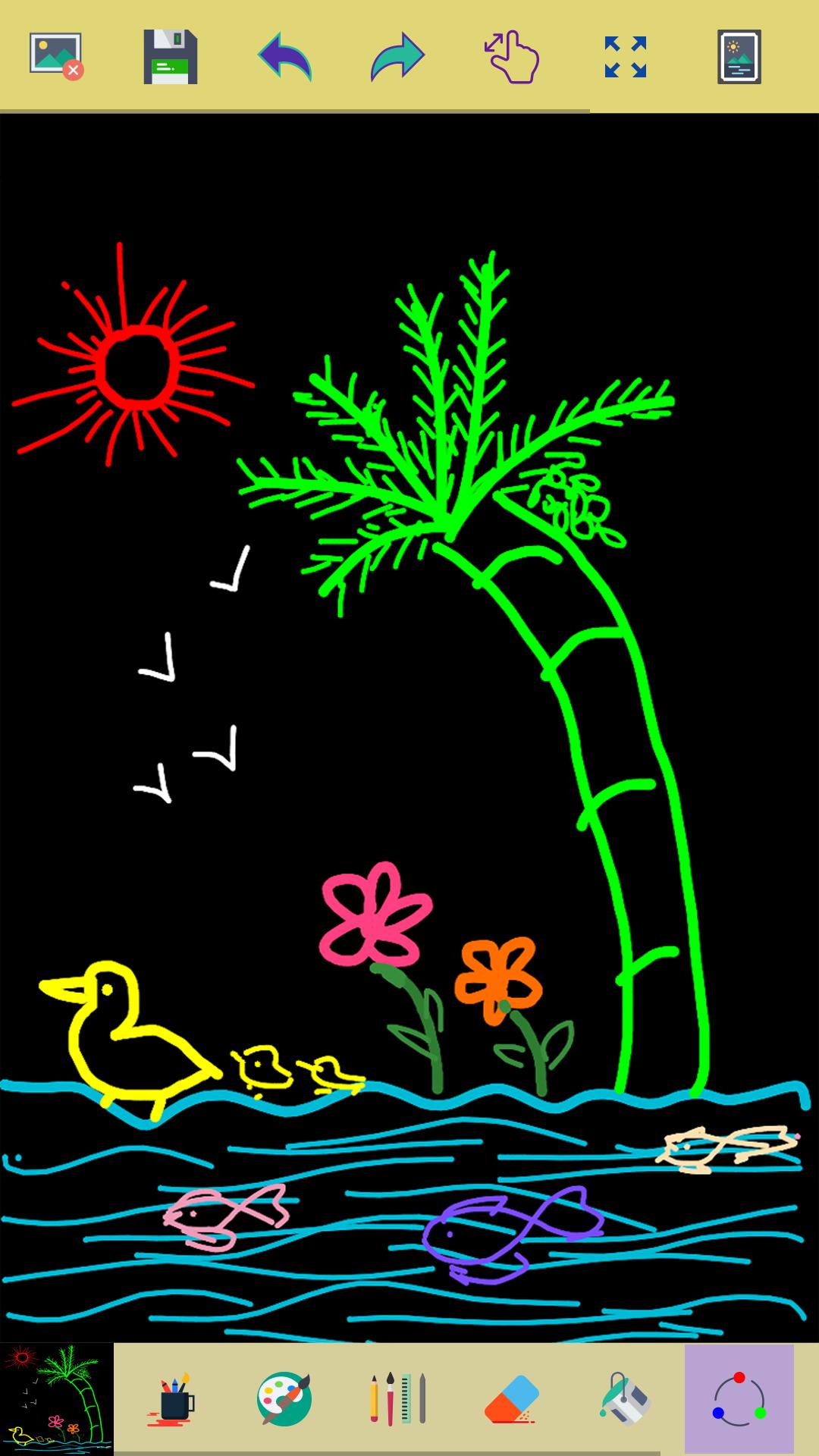
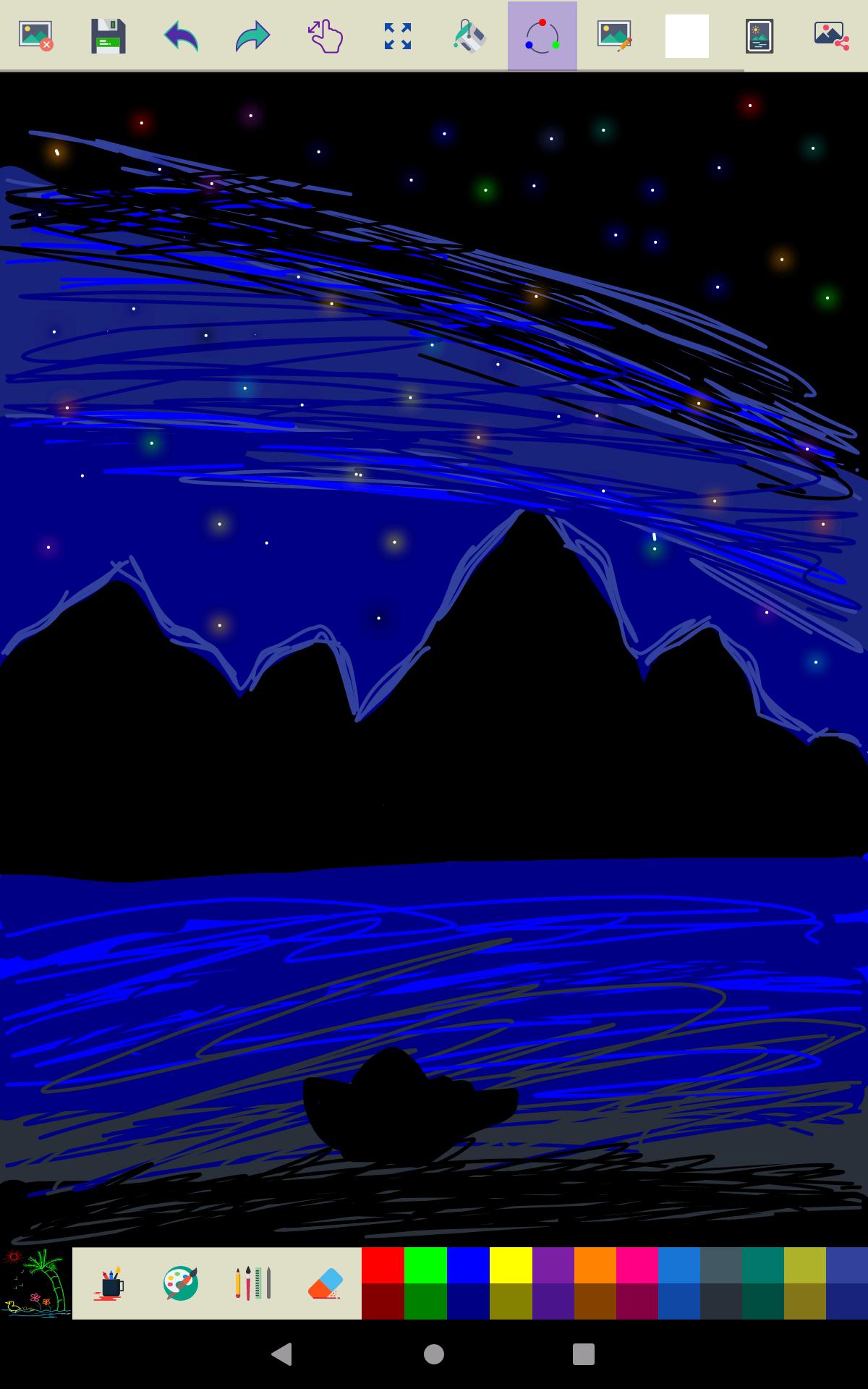
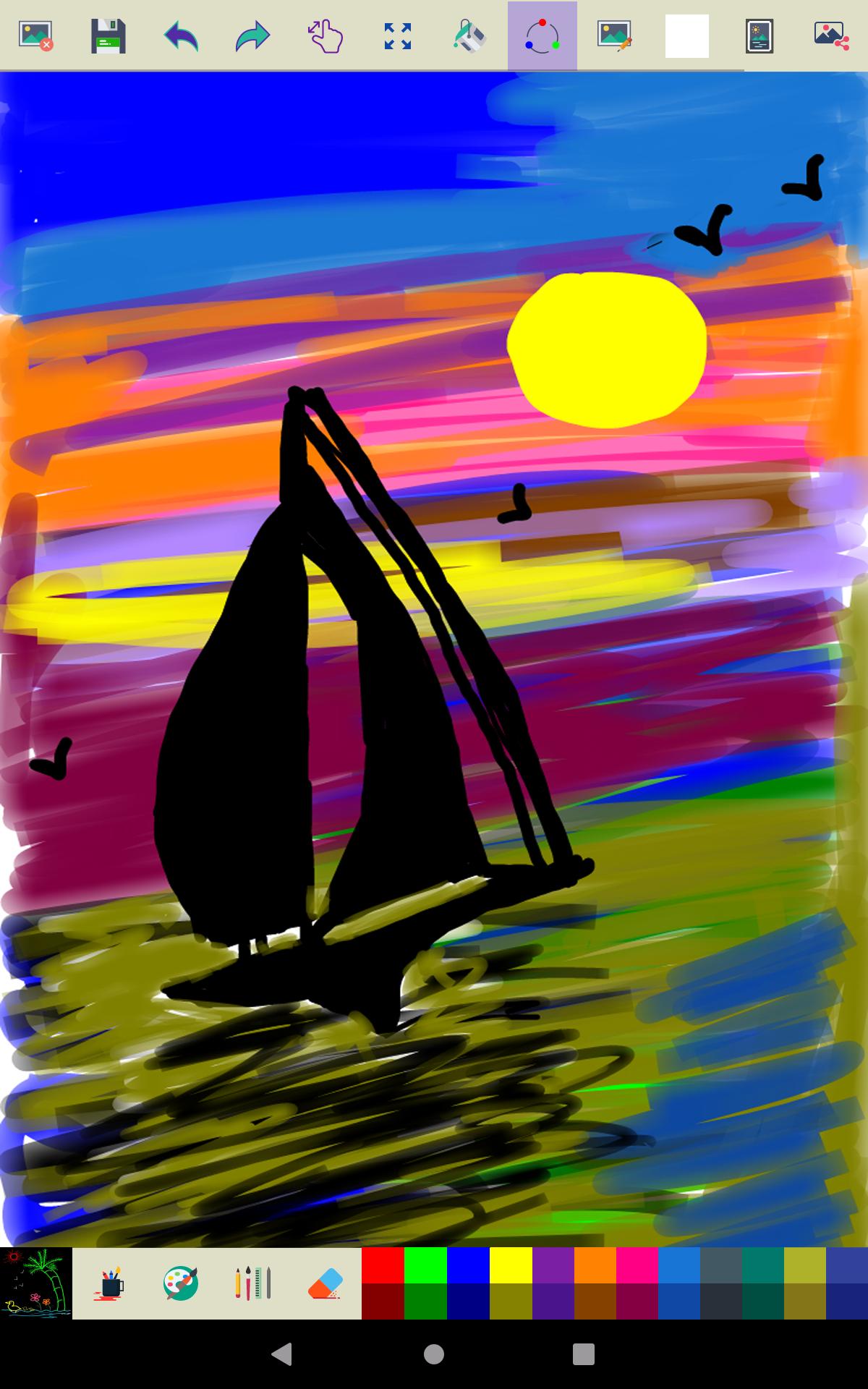
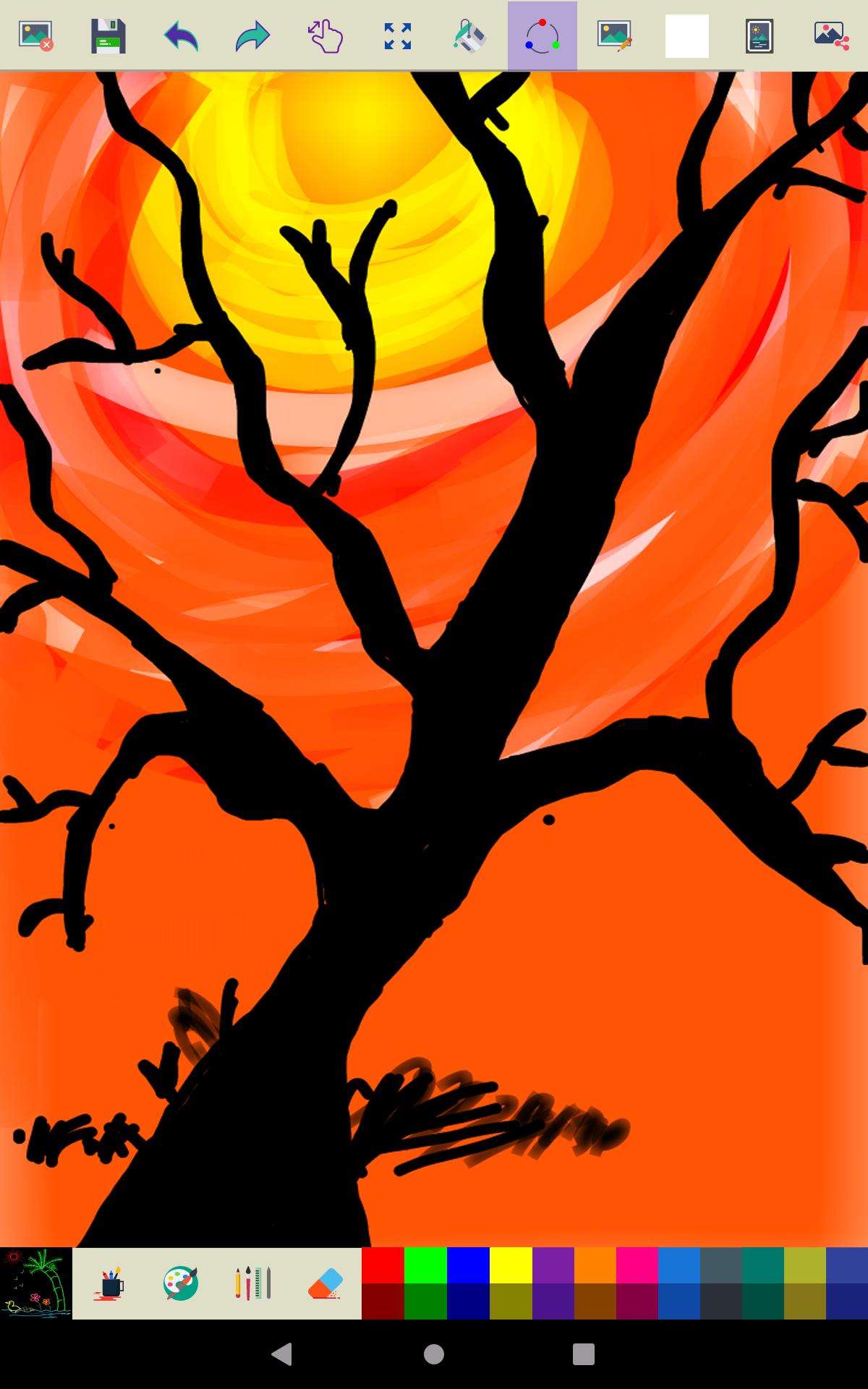
This app is made for creative professionals and anyone who likes to capture their ideas and creative thinking in to a beautiful picture.
Key Features of this Application
✓ Start with a new drawing on clicking clear button
✓ Draw creative pictures using an array of brushes and painting tools
✓ Feel the smoothness of drawing while drawing in fingers
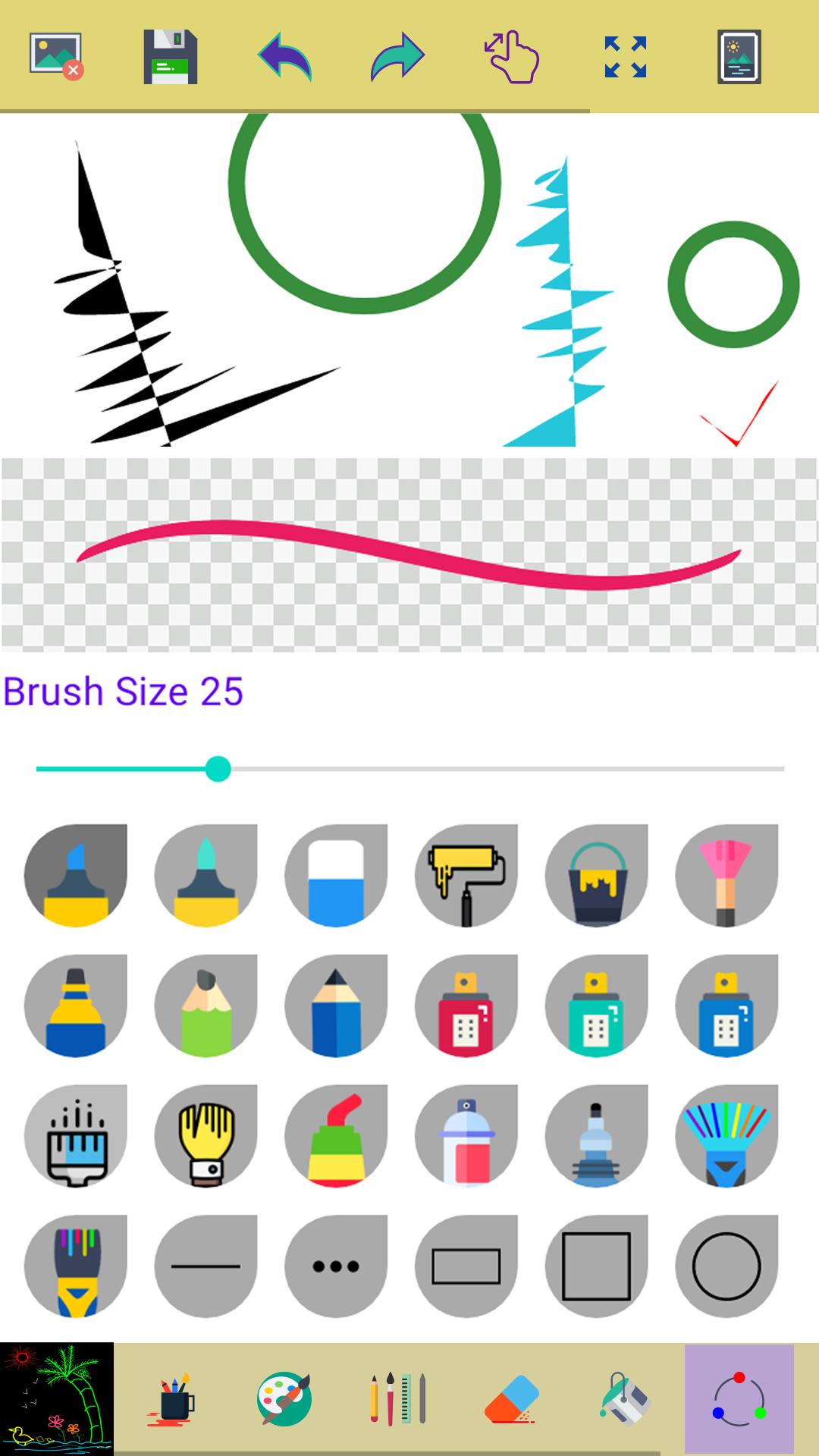
✓ Multiple brushes, pens, and pencils are available
✓ Adjust a width for the brushes and eraser by using slider bar
✓ Draw with finger or stylus
✓ Erase part of the drawing when needed any correction
✓ Zoom in and Zoom out to make small corrections in drawing
✓ On clicking reset zoom button your drawing will fit into screen
✓ All you drawings are available in My Art Gallery
✓ Activating random brush color will act each stroke and shapes with different color
✓ Undo and Redo last action and few strokes
✓ Click an area on the canvas to fill it with background color
✓ Edit images/ photos
✓ Your drawings has been saved into the photo gallery
✓ Choose background color on easy color picker tool
✓ Using color picker tool select brush and background color
✓ Share your drawings with family and friends
Permissions note:
✓ Storage: Needed to allow the user to access your device storage to save your drawings into photo gallery and display drawings into My Art Gallery.
Don't keep "Paint" app a secret! We grow with your support, keep sharing :)
Please don't leave negative feedback! Instead, please contact us @ ng.labs108@gmail.com and we'll do our best to solve your issues.
Key Features of this Application
✓ Start with a new drawing on clicking clear button
✓ Draw creative pictures using an array of brushes and painting tools
✓ Feel the smoothness of drawing while drawing in fingers
✓ Multiple brushes, pens, and pencils are available
✓ Adjust a width for the brushes and eraser by using slider bar
✓ Draw with finger or stylus
✓ Erase part of the drawing when needed any correction
✓ Zoom in and Zoom out to make small corrections in drawing
✓ On clicking reset zoom button your drawing will fit into screen
✓ All you drawings are available in My Art Gallery
✓ Activating random brush color will act each stroke and shapes with different color
✓ Undo and Redo last action and few strokes
✓ Click an area on the canvas to fill it with background color
✓ Edit images/ photos
✓ Your drawings has been saved into the photo gallery
✓ Choose background color on easy color picker tool
✓ Using color picker tool select brush and background color
✓ Share your drawings with family and friends
Permissions note:
✓ Storage: Needed to allow the user to access your device storage to save your drawings into photo gallery and display drawings into My Art Gallery.
Don't keep "Paint" app a secret! We grow with your support, keep sharing :)
Please don't leave negative feedback! Instead, please contact us @ ng.labs108@gmail.com and we'll do our best to solve your issues.
Additional Information
Old Versions of Paint
View All (1)Similar to Paint

Top Ten Apps

SAX Girls Video Call - Live Video Chat

X Comic : Yote Pya , Free MM Sub Comics
Ola Party Live, Chat, Game & Party
Generator Togel 2D,3D,4D Terbaru 2020
XNX Quit Porn addiction Video Guide
အပြာကား(ခလေးမကြည့်ရ)

Apyar Comics - အပြာရုပ်ပြစာအုပ်များ

СберБанк Онлайн

Suaraku Nyanyikan Berbagai Lagu Karaoke Gratis

4K Screen Recorder with facecam and 1080p 120fps