

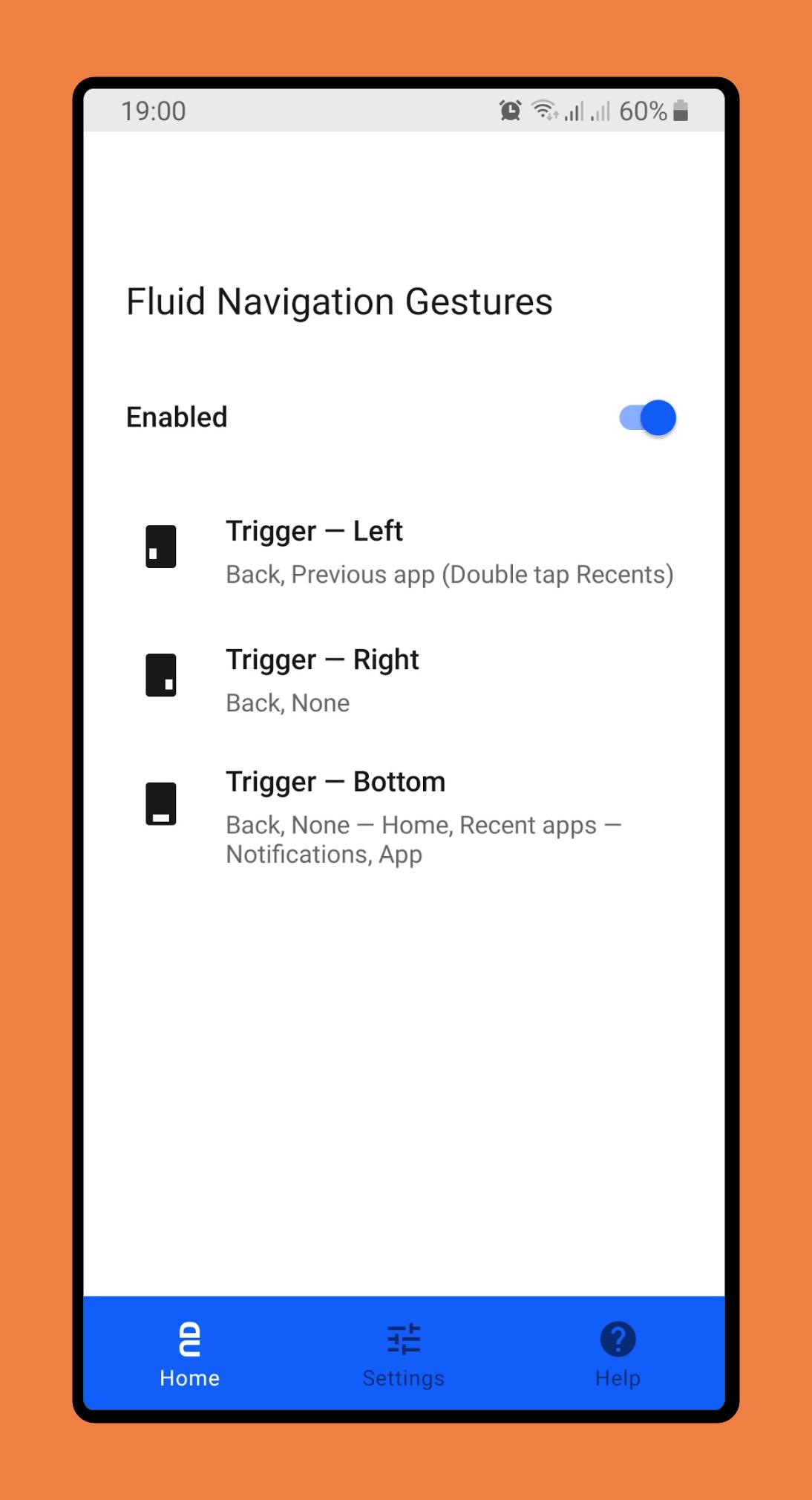
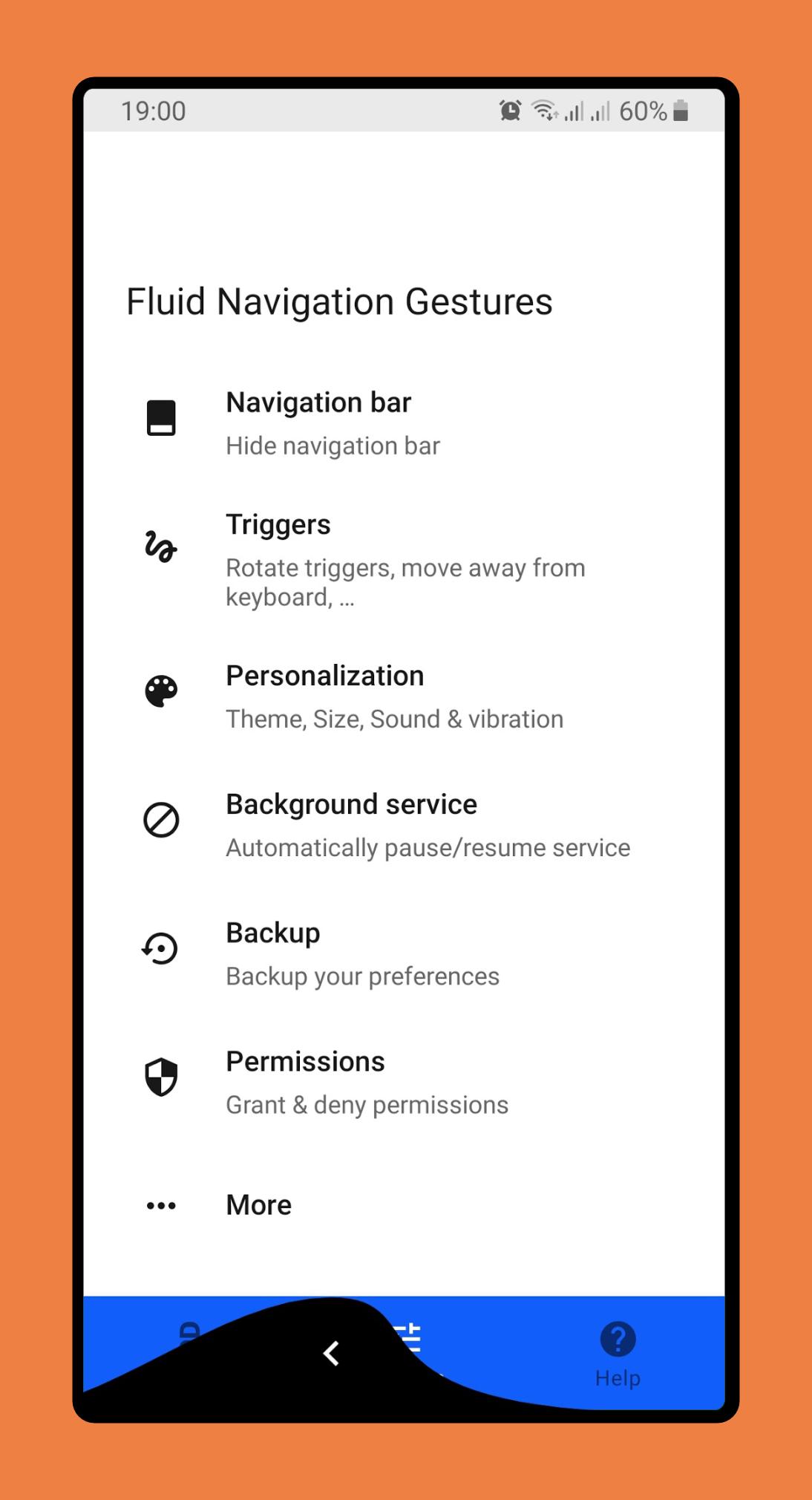
About Fluid Navigation Gestures
*Requires ADB, root or supported device*
Give fresh new look to your phone with Fluid N.G, the navigation gestures app inspired by Breccia's concept.
Usage
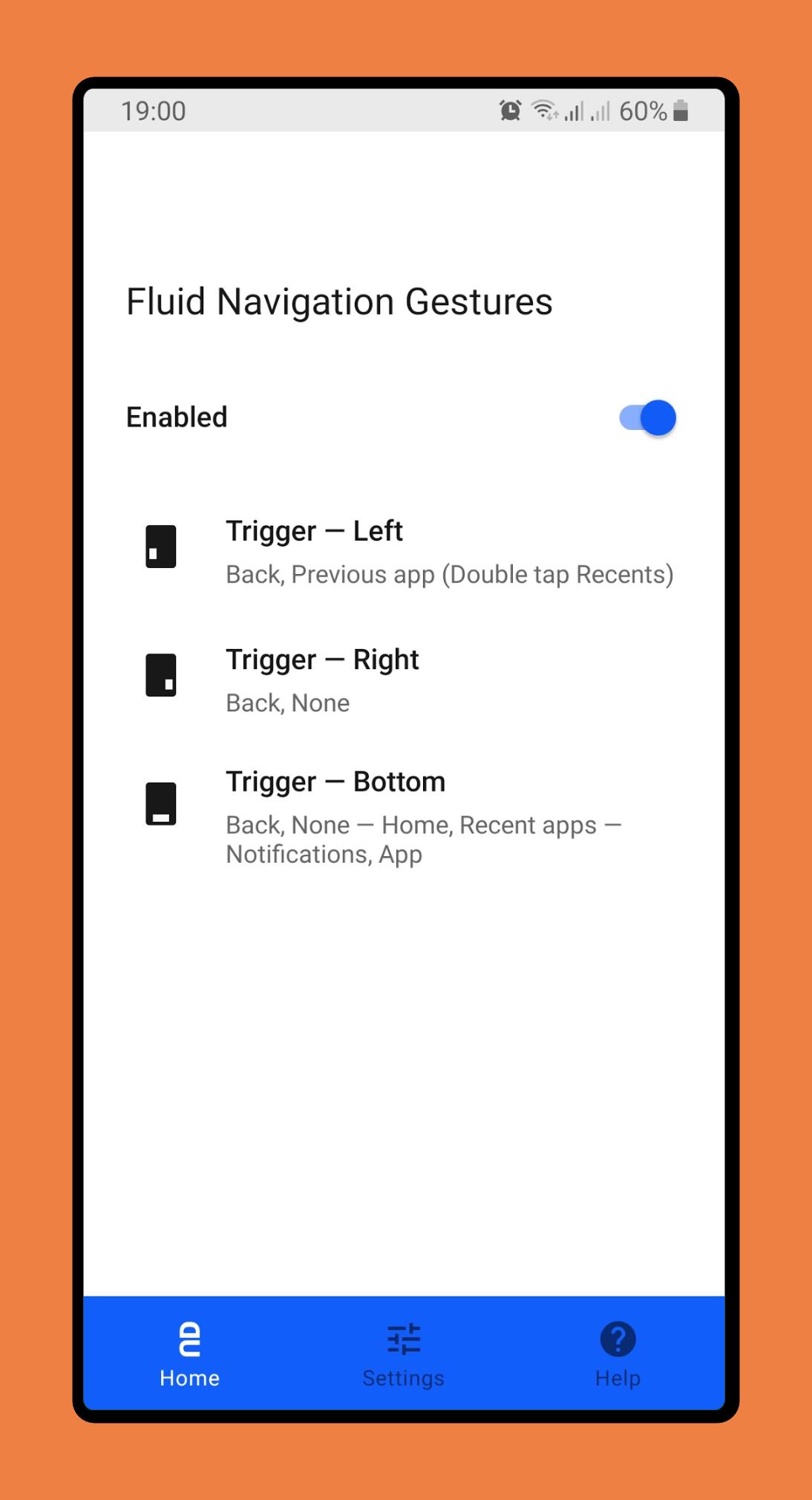
There are two main gestures: 'Quick swipe' and 'Swipe & Hold' which can trigged from the bottom or side edges of the screen. The side triggers are only available on the bottom half of the screen, allowing you to still access other app side menus.
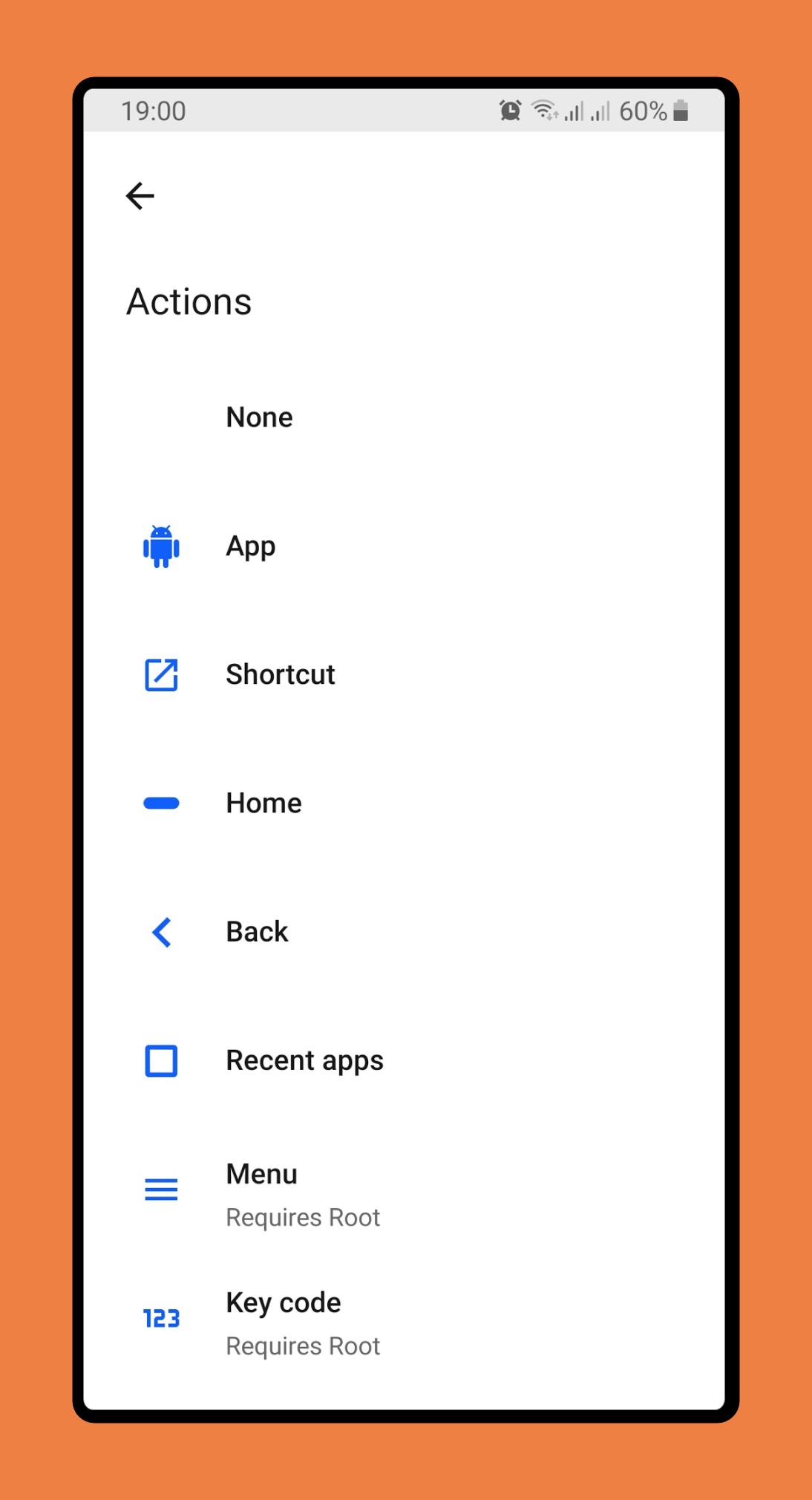
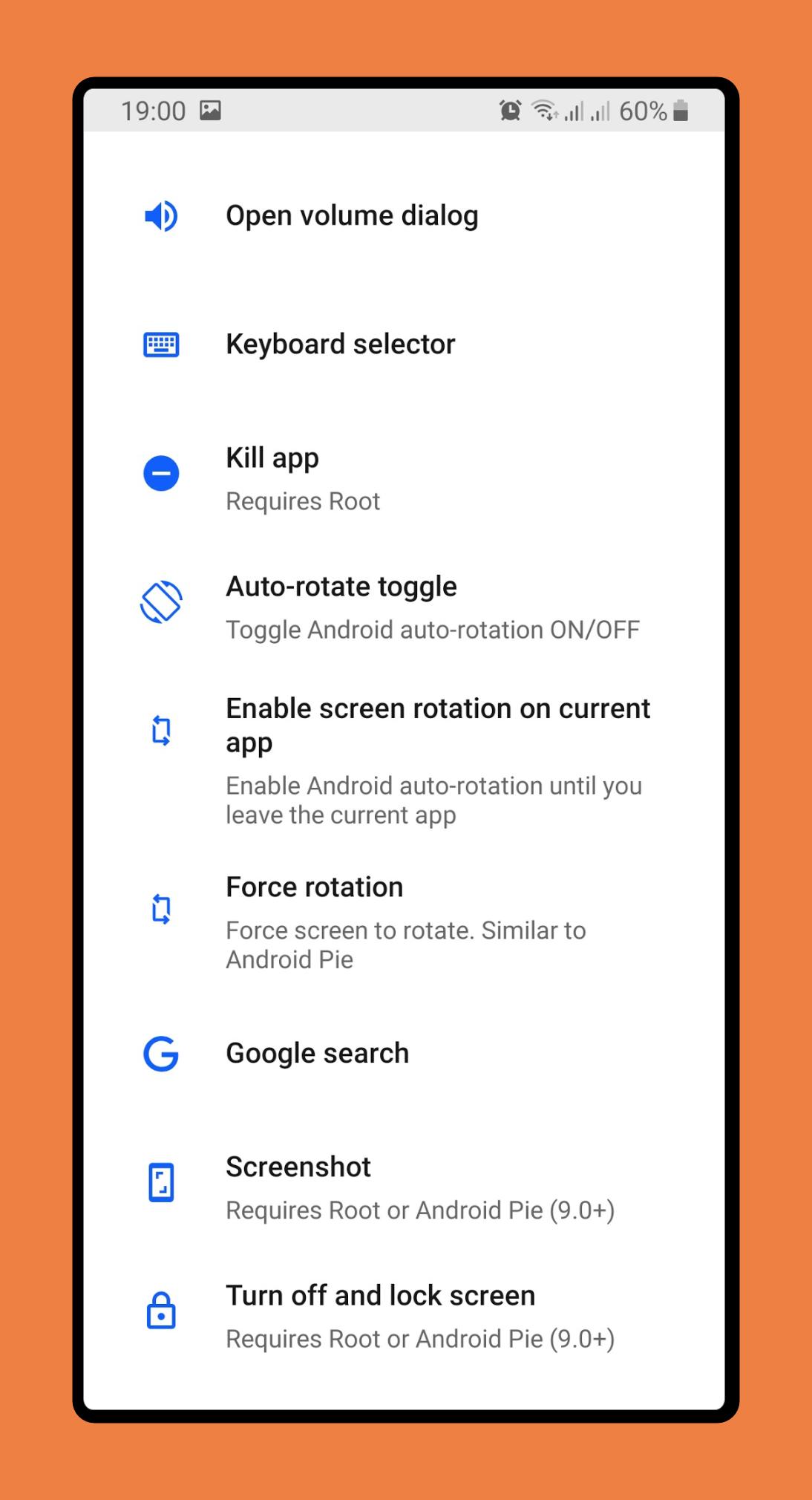
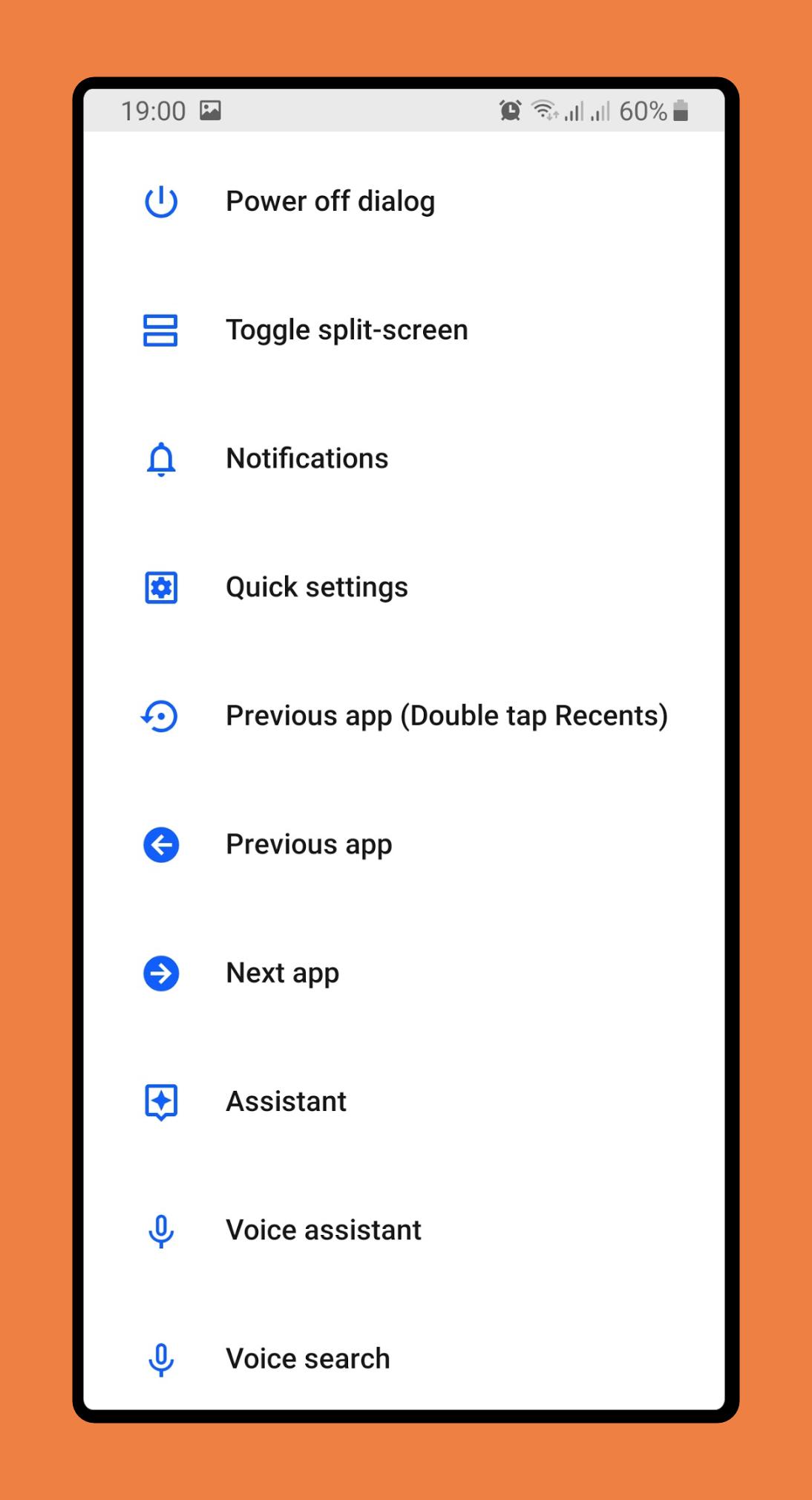
Actions
• Back
• Home
• Recent apps
• Toggle split screen
• Open notifications
• Open power dialog
• Open quick settings
• Launch Google search overlay
• Open keyboard selector
• Voice Search
• Launch assistant
• Launch app
• Launch shortcut
Setup
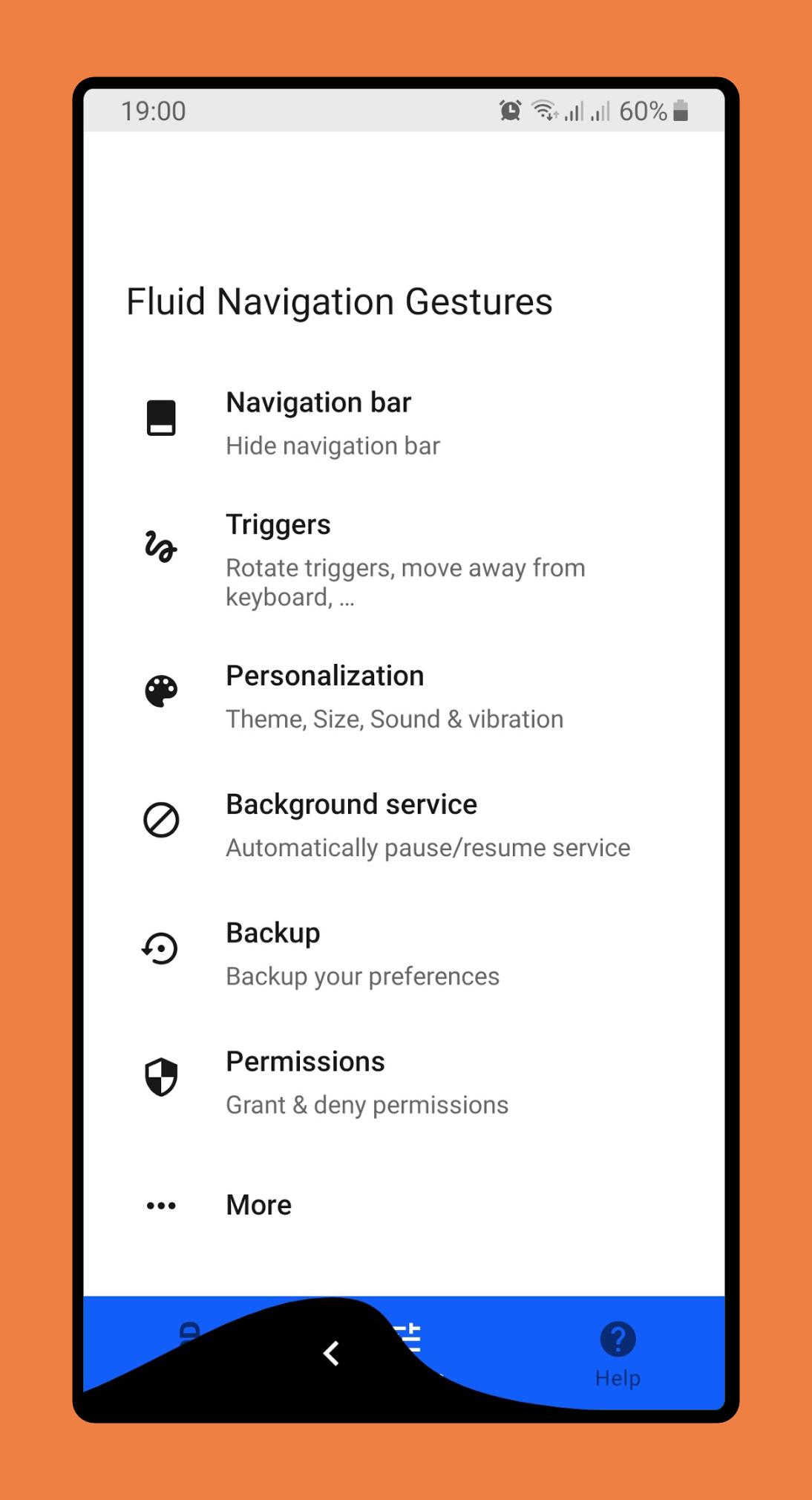
The app has a built-in option to hide the software navigation keys (if necessary) but it requires either root access or a pc to grant the app a permission.
Android ADB PC/Mac instructions:
1 - Enable Developer Mode in the Android settings.
2 - Enable USB Debugging
3 - Setup ADB on your PC
4 - Run the following adb command to grant the permission:
adb shell pm grant com.fb.fluid android.permission.WRITE_SECURE_SETTINGS
To restore the navigation keys just disable FNG or run the following ADB command:
adb shell wm overscan 0,0,0,0
FluidNGPermissionGranter
This is an open-source tool to easily grant FNG the necessary permissions on Windows. Get it here
How to setup Android ADB
xda-developers - How to install adb on Windows...
Lifehacker - The easiest way to install androids adb...
TilesOrganization - How to use adb to grant permissions
Translation
Help translate the FNG to your native language here
Feedback
Twitter
Telegram Group
Telegram Channel
Give fresh new look to your phone with Fluid N.G, the navigation gestures app inspired by Breccia's concept.
Usage
There are two main gestures: 'Quick swipe' and 'Swipe & Hold' which can trigged from the bottom or side edges of the screen. The side triggers are only available on the bottom half of the screen, allowing you to still access other app side menus.
Actions
• Back
• Home
• Recent apps
• Toggle split screen
• Open notifications
• Open power dialog
• Open quick settings
• Launch Google search overlay
• Open keyboard selector
• Voice Search
• Launch assistant
• Launch app
• Launch shortcut
Setup
The app has a built-in option to hide the software navigation keys (if necessary) but it requires either root access or a pc to grant the app a permission.
Android ADB PC/Mac instructions:
1 - Enable Developer Mode in the Android settings.
2 - Enable USB Debugging
3 - Setup ADB on your PC
4 - Run the following adb command to grant the permission:
adb shell pm grant com.fb.fluid android.permission.WRITE_SECURE_SETTINGS
To restore the navigation keys just disable FNG or run the following ADB command:
adb shell wm overscan 0,0,0,0
FluidNGPermissionGranter
This is an open-source tool to easily grant FNG the necessary permissions on Windows. Get it here
How to setup Android ADB
xda-developers - How to install adb on Windows...
Lifehacker - The easiest way to install androids adb...
TilesOrganization - How to use adb to grant permissions
Translation
Help translate the FNG to your native language here
Feedback
Telegram Group
Telegram Channel
Additional Information
Category
App › Personalization
Version
2.0-beta11
Updated
2019-09-24
Requires
Android 4.1+
Available On

Old Versions of Fluid Navigation Gestures
View All (1)Similar to Fluid Navigation Gestures


/com.app.hider.master.pro/icon.png)





Top Ten Apps

SAX Girls Video Call - Live Video Chat

X Comic : Yote Pya , Free MM Sub Comics

Ola Party Live, Chat, Game & Party

Generator Togel 2D,3D,4D Terbaru 2020

XNX Quit Porn addiction Video Guide

အပြာကား(ခလေးမကြည့်ရ)

Apyar Comics - အပြာရုပ်ပြစာအုပ်များ

СберБанк Онлайн

Suaraku Nyanyikan Berbagai Lagu Karaoke Gratis

4K Screen Recorder with facecam and 1080p 120fps