

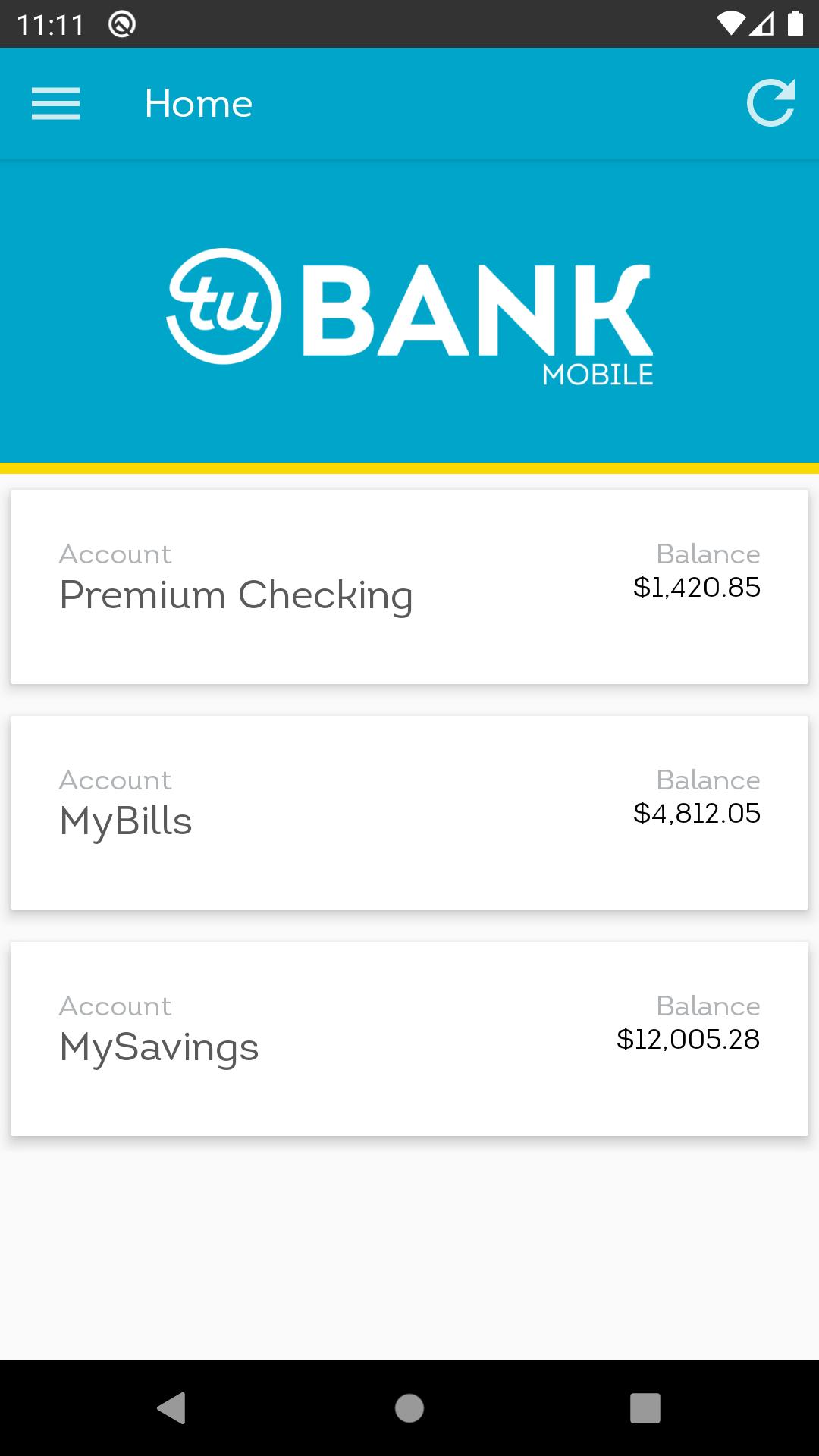
About iovation Bank Demo
The iovation Bank Authenticator app demonstrates iovation LaunchKey in action. Use the app to discover powerful multi-factor authentication for web apps, all at your fingertips on your device.
Getting Started
To use the demo:
- First link your device to the iovation Bank demo website. Open https://www.iovationbank.com/demo in a desktop browser. Hit Click Here to Get Started to display a QR code.
- In the app tap the Hamburger control ☰, then tap Setup next to Mobile Authenticator.
- Scan the QR code on the website and set your device name. If prompted for permission to use the camera on your device, choose to allow it. You may also enter the code manually using the Enter Code button at the top of the screen.
- Once the QR scan is successful, on the website, click Send Test. Your device displays a slider that you must swipe up to confirm. Once you complete this, your device is linked to the demo site and you are logged in!
- You can now test security factors on the device. On the navigation menu, tap Auth Methods and then tap the + icon.
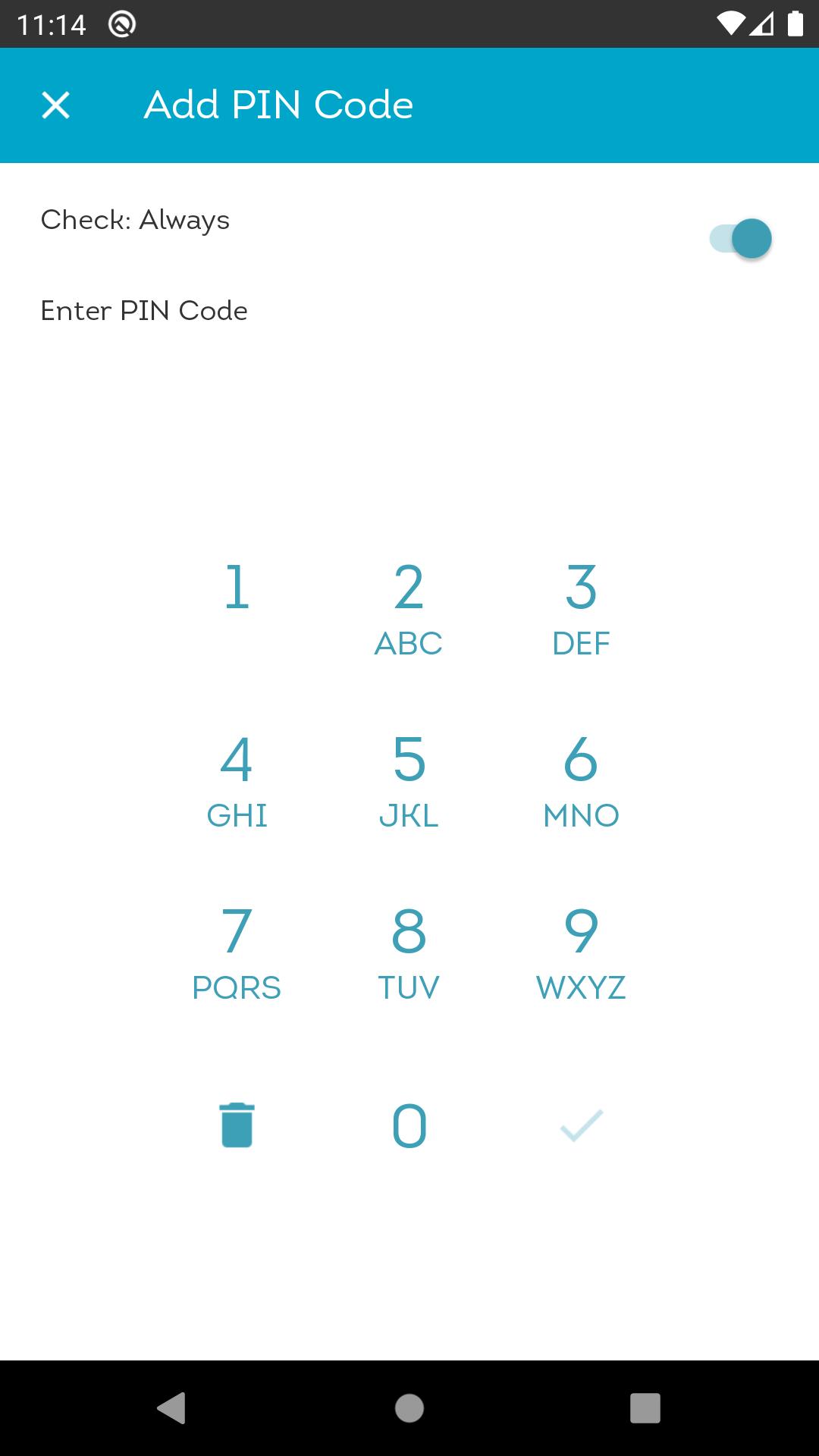
- Tap any of the available factors to enable them. Options include PIN code, circle code, geofencing, Bluetooth ® proximity, and fingerprint scans.
- To test the factors, log out from the iovation Bank website, then log back in. The username from your demo session will be saved in your browser and will automatically appear in the login field. Your device prompts you to complete the security factors.
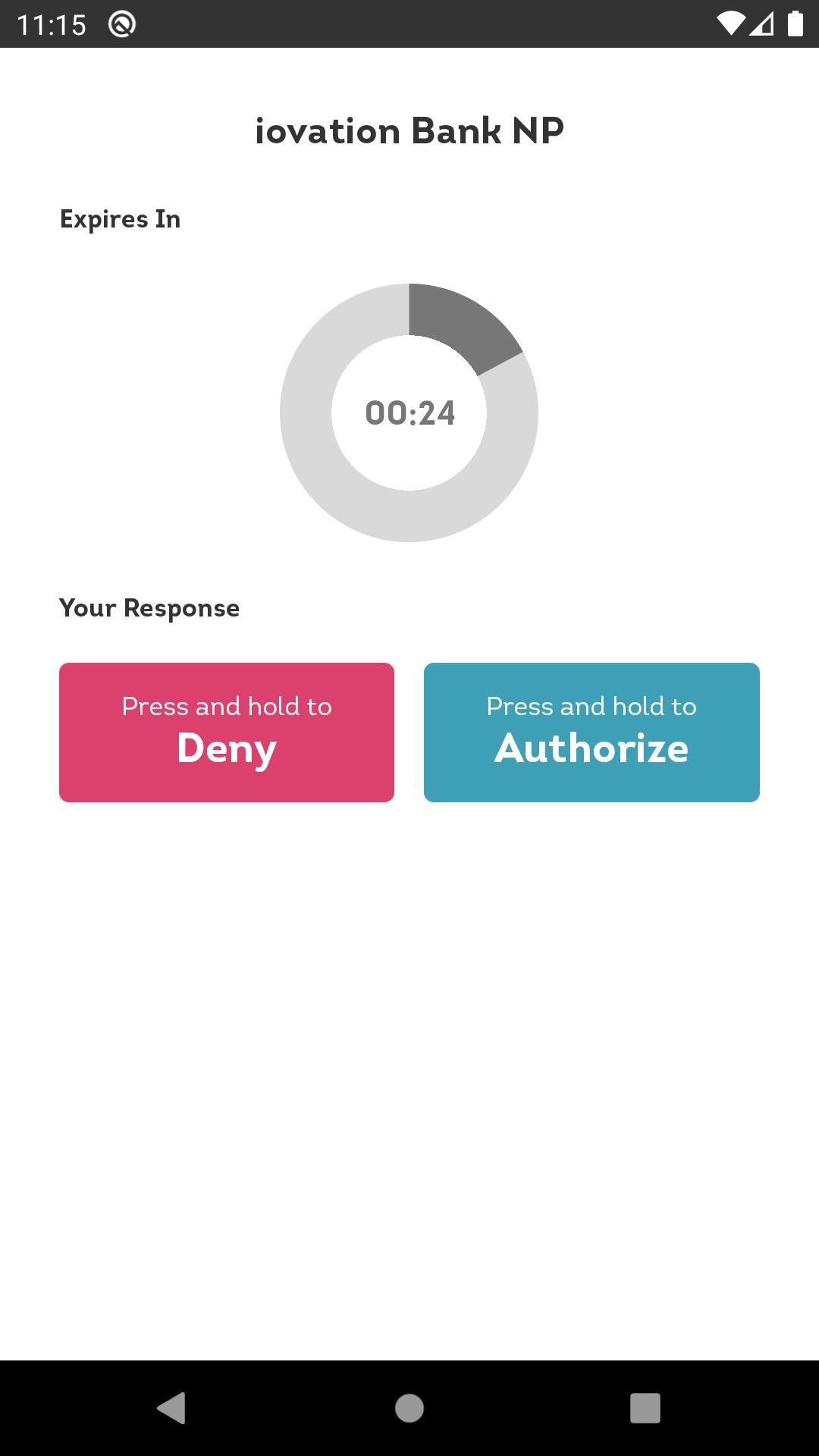
- While you are logged in, you can initiate a transfer to see how LaunchKey can be used to authorize different types of transactions. On the web page, select Transfer, enter a recipient name and amount, and click INITIATE TRANSFER. You are prompted on your device to approve the transfer.
- You can log out from your session by tapping Log Out on the navigation menu in the app.
- You can reset the demo at any time by tapping Unlink This Device from the navigation menu and restarting these steps.
To learn all about iovation LaunchKey, see https://www.iovation.com/launchkey.
Getting Started
To use the demo:
- First link your device to the iovation Bank demo website. Open https://www.iovationbank.com/demo in a desktop browser. Hit Click Here to Get Started to display a QR code.
- In the app tap the Hamburger control ☰, then tap Setup next to Mobile Authenticator.
- Scan the QR code on the website and set your device name. If prompted for permission to use the camera on your device, choose to allow it. You may also enter the code manually using the Enter Code button at the top of the screen.
- Once the QR scan is successful, on the website, click Send Test. Your device displays a slider that you must swipe up to confirm. Once you complete this, your device is linked to the demo site and you are logged in!
- You can now test security factors on the device. On the navigation menu, tap Auth Methods and then tap the + icon.
- Tap any of the available factors to enable them. Options include PIN code, circle code, geofencing, Bluetooth ® proximity, and fingerprint scans.
- To test the factors, log out from the iovation Bank website, then log back in. The username from your demo session will be saved in your browser and will automatically appear in the login field. Your device prompts you to complete the security factors.
- While you are logged in, you can initiate a transfer to see how LaunchKey can be used to authorize different types of transactions. On the web page, select Transfer, enter a recipient name and amount, and click INITIATE TRANSFER. You are prompted on your device to approve the transfer.
- You can log out from your session by tapping Log Out on the navigation menu in the app.
- You can reset the demo at any time by tapping Unlink This Device from the navigation menu and restarting these steps.
To learn all about iovation LaunchKey, see https://www.iovation.com/launchkey.
Additional Information
Category
App › Libraries & Demo
Version
2.6.0
Updated
2021-04-09
Requires Android
Android: 5.0+ Lollipop (API 21)
Permissions
Architectures
arm64-v8a
armeabi-v7a
armeabi
x86
x86_64
Target Android
Android: 11 Android 11 (API 30)
Estimated Download Time
File Size: 7.38 MB
3G network (~2 Mbps)
36 seconds
4G LTE (~25 Mbps)
3 seconds
5G network (~150 Mbps)
1 seconds
Broadband / Wi-Fi (~100 Mbps)
1 seconds
Hashes
SHA-1
F4B365E222020BC15F29440BDBD60D90CA4DAB25SHA-256
AB5934A2AA1E6E2FFA4D46B8700A48616DCEF9B7787CB4BFD02D1AC53E0D379ESigning Certificate SHA-1
9105665FCD4770CF24C5050F7CF3157399DAAA88Available On

Old Versions of iovation Bank Demo
View All (1)Similar to iovation Bank Demo









Top Ten Apps

SAX Girls Video Call - Live Video Chat

X Comic : Yote Pya , Free MM Sub Comics

Ola Party Live, Chat, Game & Party

Generator Togel 2D,3D,4D Terbaru 2020

XNX Quit Porn addiction Video Guide

အပြာကား(ခလေးမကြည့်ရ)

Apyar Comics - အပြာရုပ်ပြစာအုပ်များ

СберБанк

4K Screen Recorder with facecam and 1080p 120fps

Suaraku Nyanyikan Berbagai Lagu Karaoke Gratis