APKs
Split APK — use Split APKs Installer (SAI) to install.
About PRISM Live
PRISM Live Description
PRISM Live Studio is a live streaming tool app that supports camera live, game casting, and VTubing broadcasts. Enhance your streams with various effects, videos, images, and music to deliver a unique and engaging experience for your viewers.
[Main features]
• Choose Your Live Mode
Start your live broadcast with Camera, Screen, or VTuber modes. Stream using your smartphone camera, share your gameplay, or dive into VTubing.
• Screencast Broadcasts
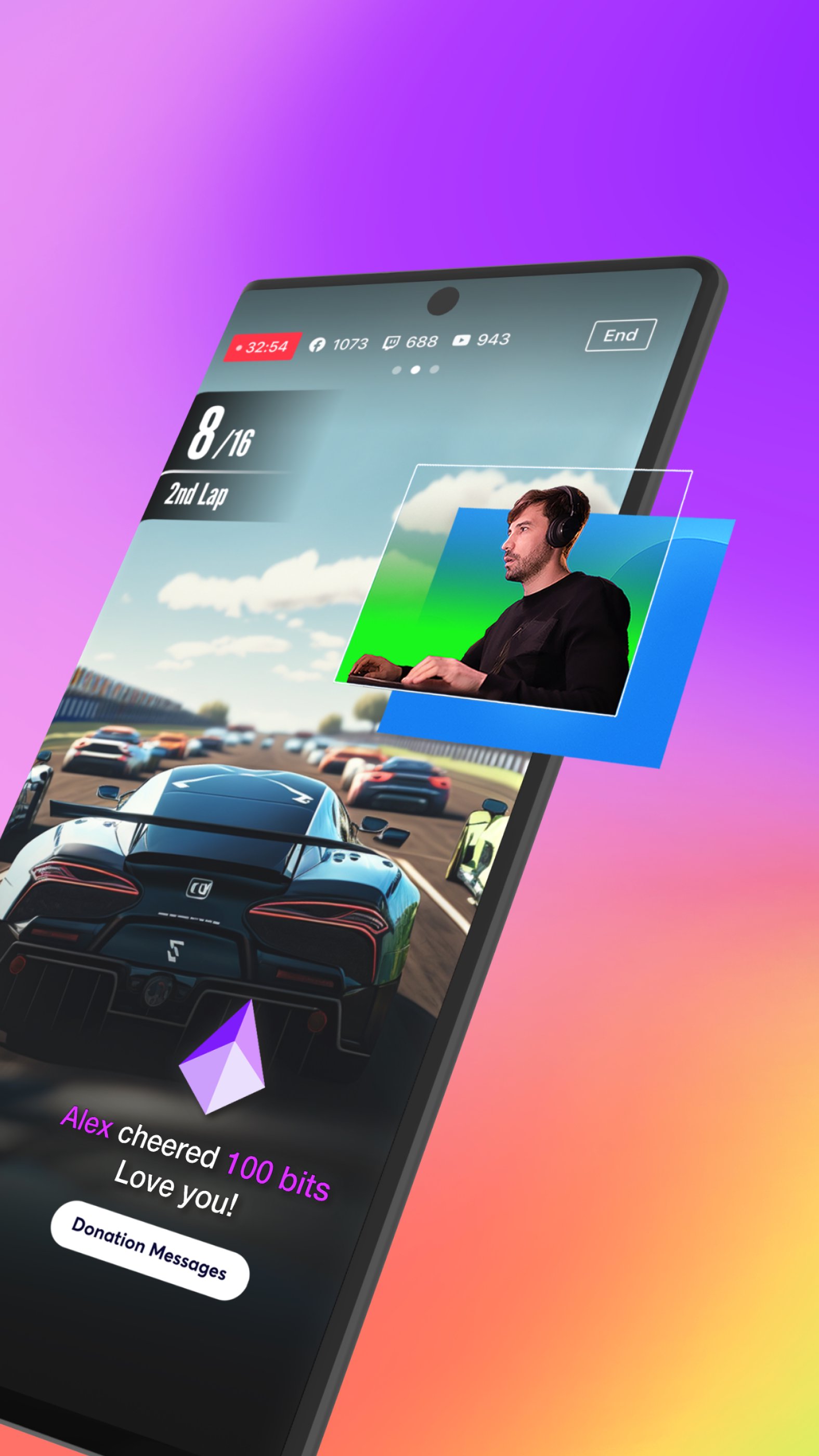
Share your mobile screen or gameplay with your viewers in real-time. We offer various options tailored for screen broadcasting.
• VTuber Broadcasts
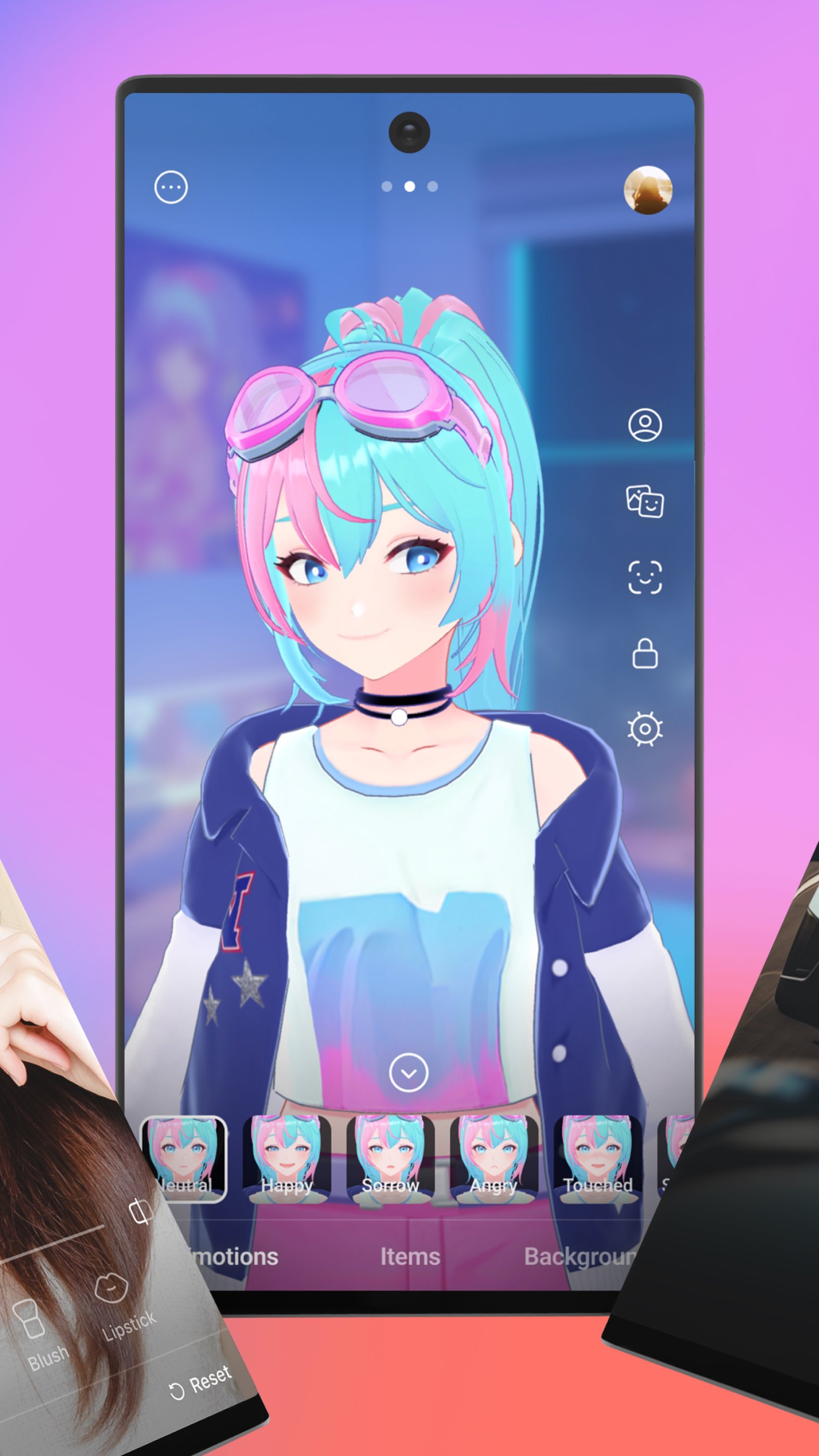
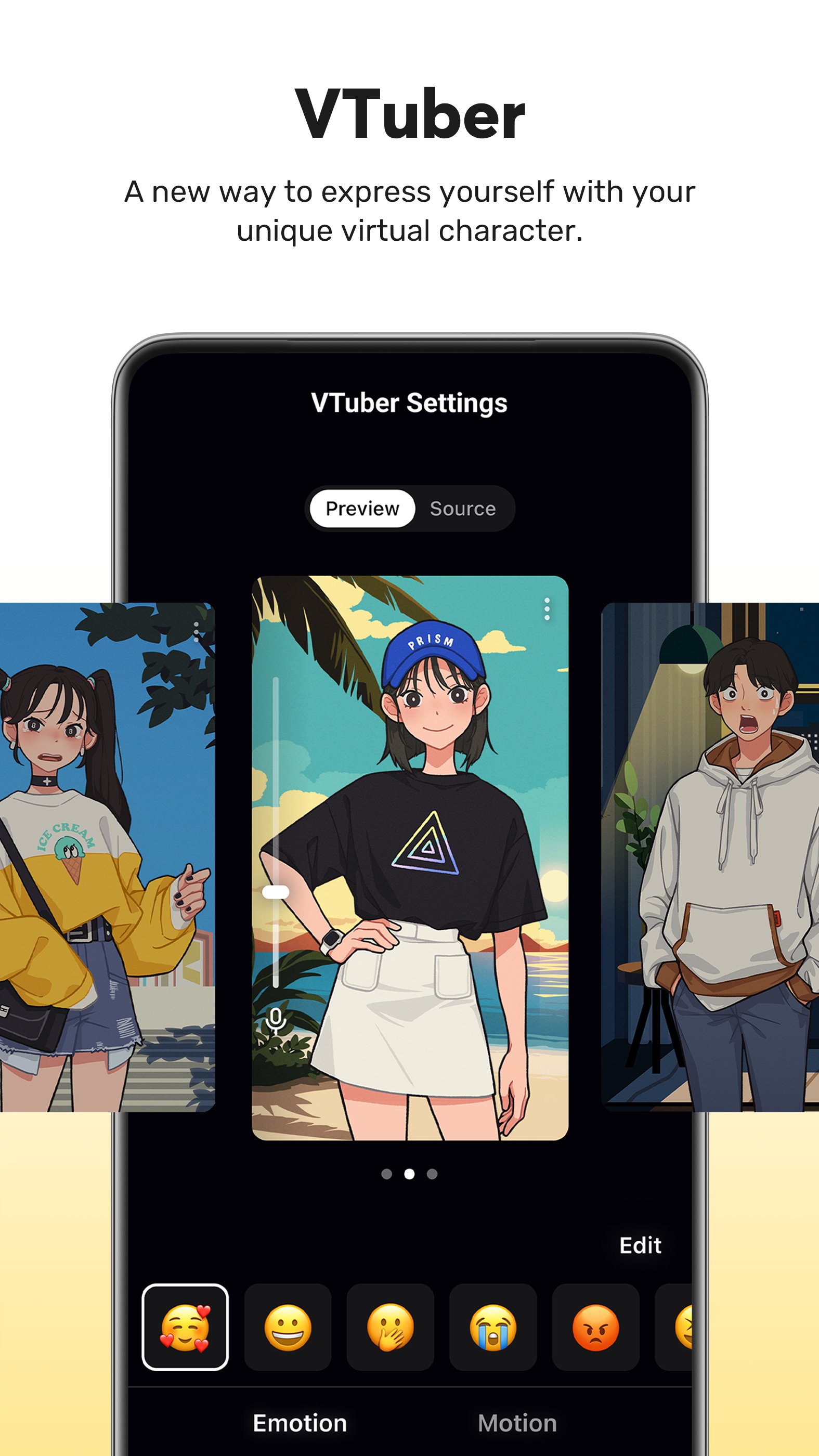
Begin your VTubing journey with just your smartphone! Use custom avatars or the 2D and 3D VRM avatars provided by the PRISM app.
• Login-Based Account Integration
Easily link your accounts to YouTube, Facebook, Twitch, and BAND with just a login.
• Real-Time Interaction with Viewers
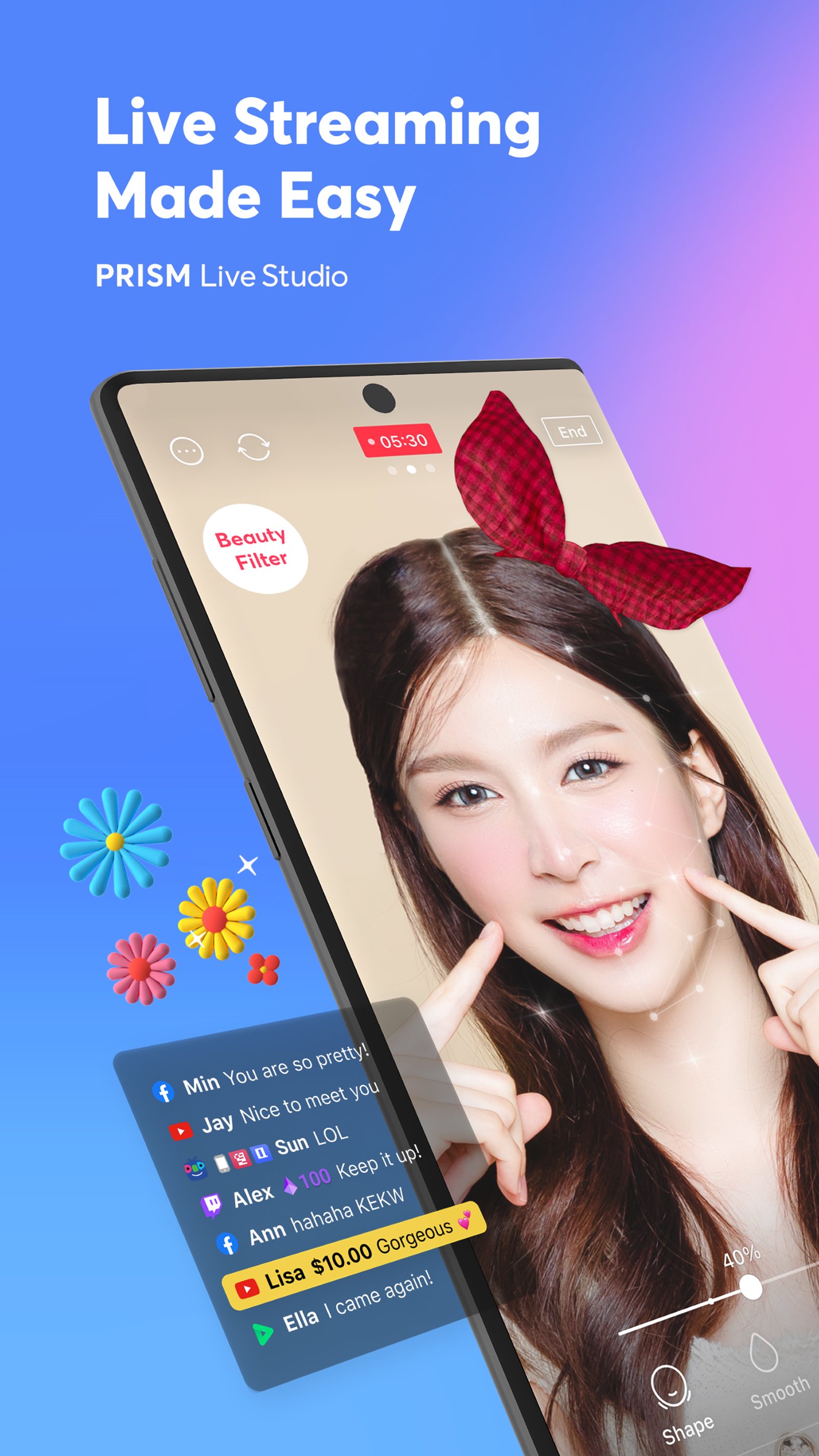
Use the PRISM chat widget to seamlessly view and share viewer chats on your streaming screen. Highlight key messages to display them prominently.
• Media Overlay
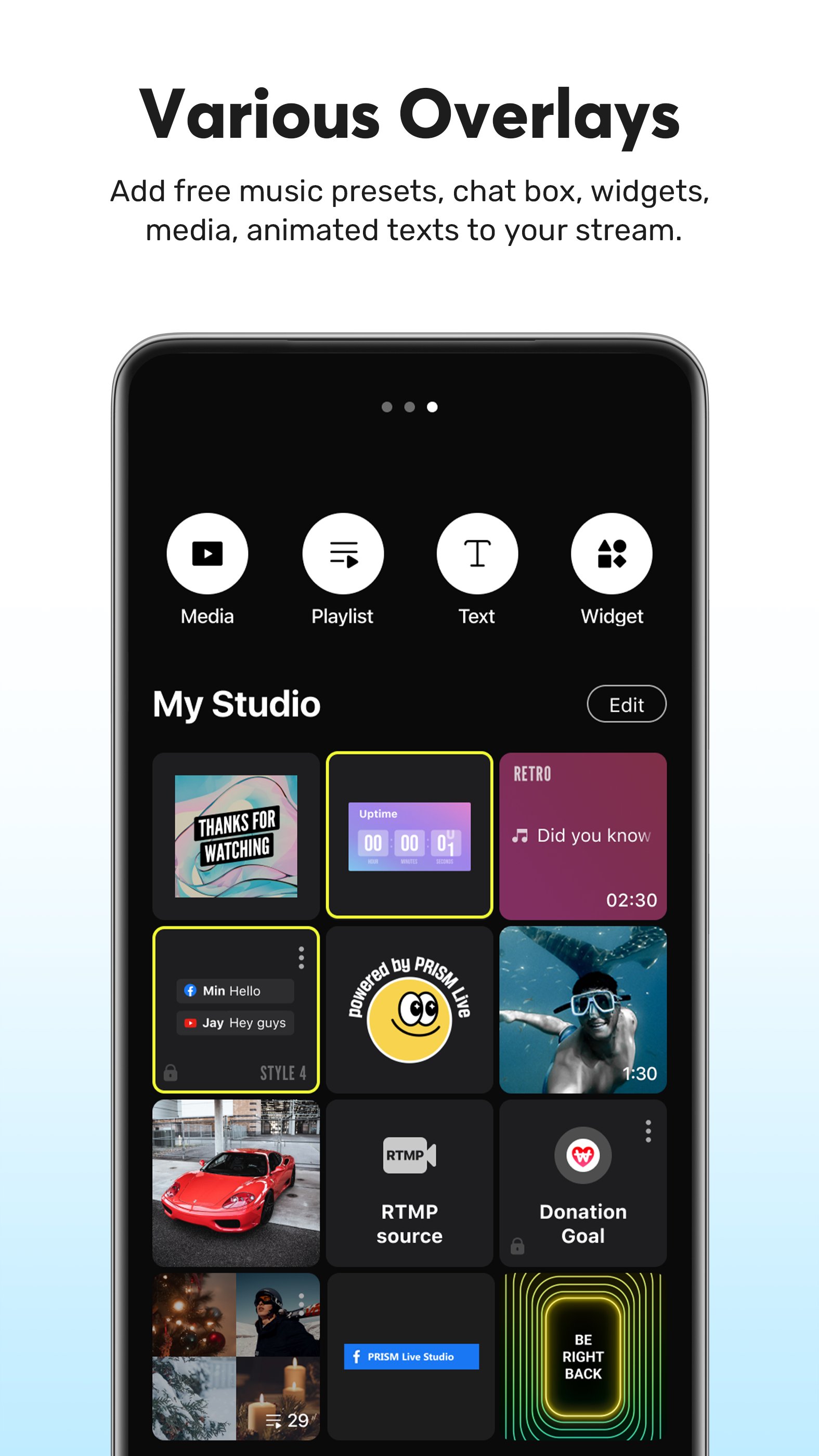
Enhance your broadcast with photos, videos, music, and playlists via My Studio, and share them with your audience.
• Web Widgets
Overlay web pages onto your live stream simply by entering a URL. Perfect for integrating support widgets.
• Beauty Effects
Our advanced beauty features automatically enhance your appearance for a natural, polished look.
• Animated Text Effects
Elevate your live streams with animated text themes including Title, Social, Caption, and Element for dynamic overlays.
• Camera Effects
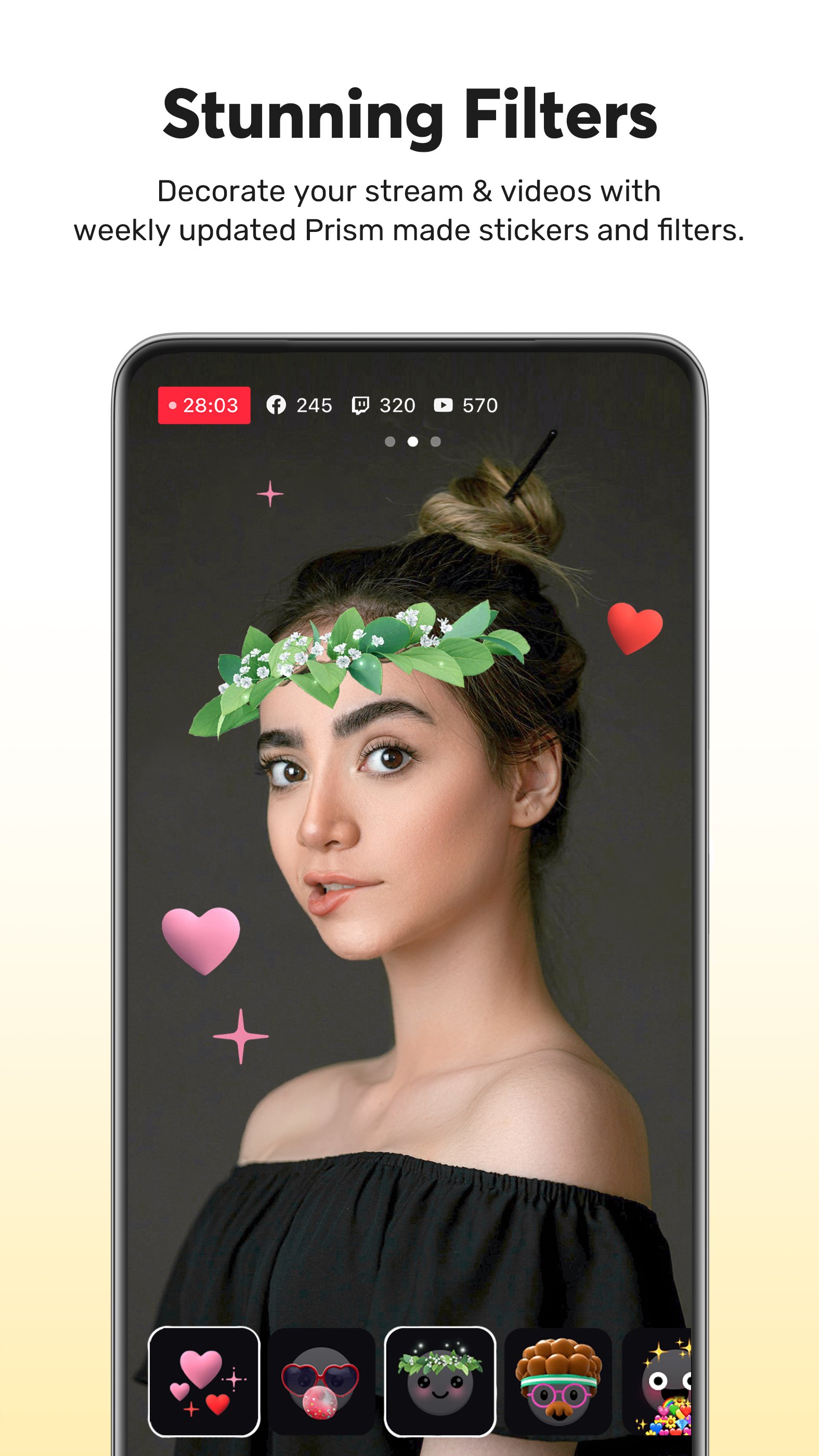
Add personality to your stream with fun masks, background filters, touch reactions, and emotion filters for more engaging broadcasts.
• Background Music
Choose from five unique music themes—Playful, Sentimental, Action, Beatdrop, and Retro—provided by the PRISM app.
• High-Quality Live Streaming in 1080p 60fps
Stream in high resolution with 1080p at 60fps. (Availability depends on your device and environment.)
• Multi-Channel Simulcasting
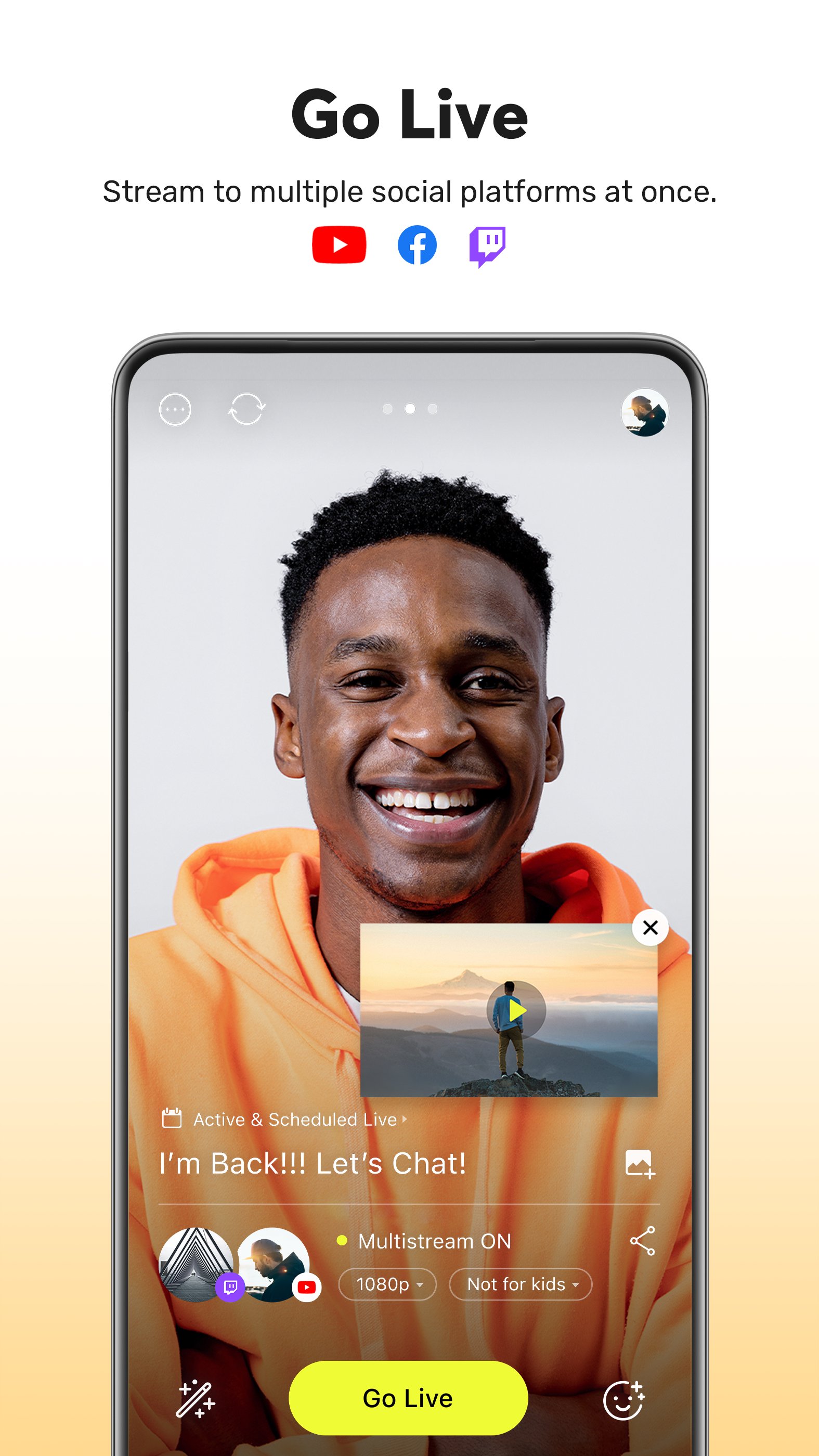
Stream your broadcast to multiple platforms simultaneously without extra network usage.
• CONNECT Mode with PRISM PC App
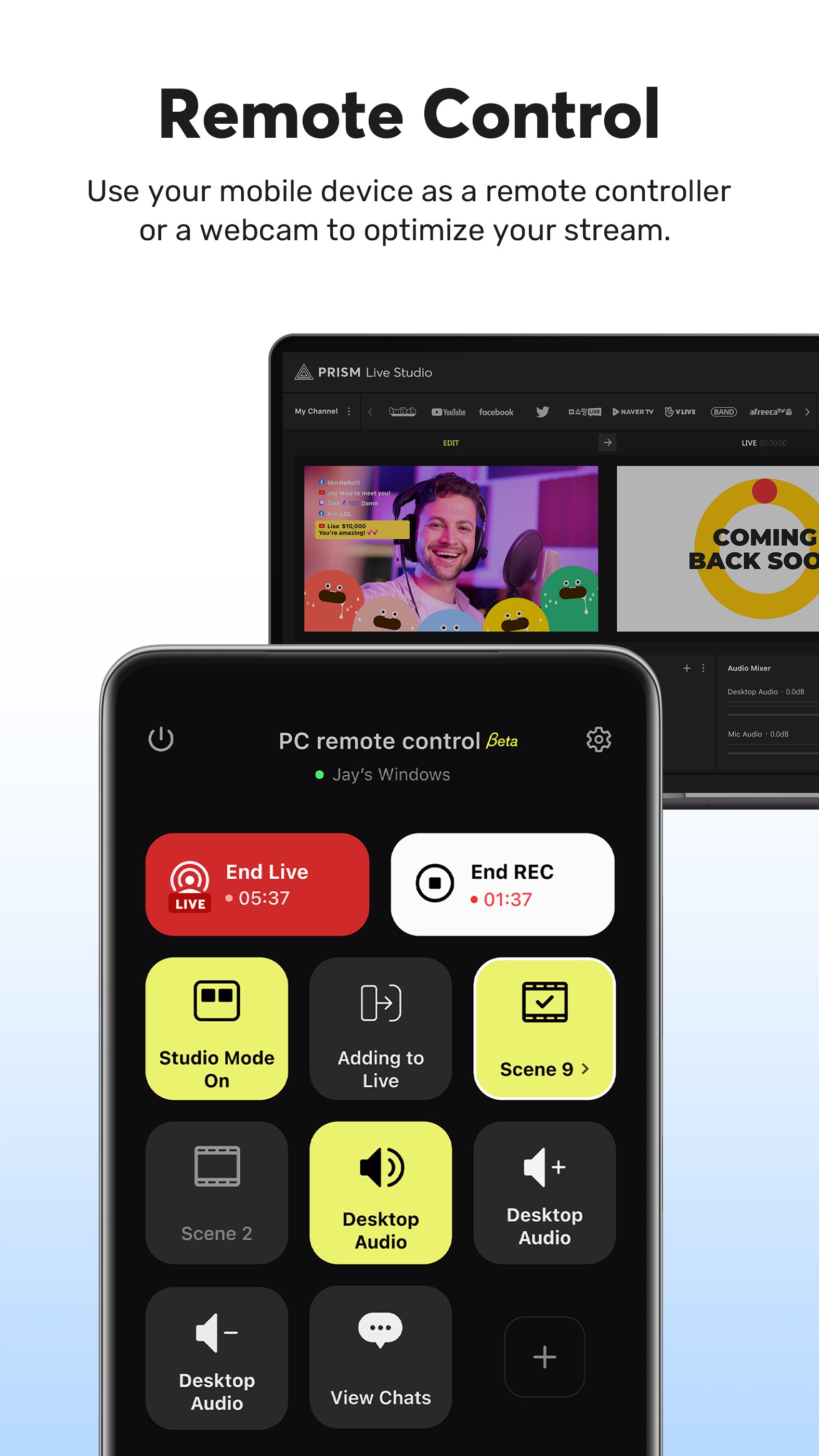
Seamlessly integrate PRISM mobile as a video and audio source for the PRISM PC app using a QR code scan.
• Camera Pro Features
Fine-tune your live stream with advanced camera settings like focus, exposure, ISO, white balance, and shutter speed.
• Camera Chroma Key
Unleash your creativity with the exclusive chroma key feature for more dynamic mobile broadcasts.
• AI Scripts
Leverage on-device AI to extract live broadcast scripts in various file formats.
• Background Streaming
Keep your live broadcast running smoothly, even during incoming calls or messages.
• Edit and Share Live Info in Real-Time
Update your live title and share your live link even while broadcasting.
• My Page
Review and share the history and video links of your past broadcasts directly from the PRISM app.
[Required permissions]
• Camera: Shoot a live stream or record for VOD.
• Mic: Record audio while shooting a video.
• Storage: Device storage may be used to save recorded videos and live streams, or to load stored videos.
• Notification: Permission required for the indication of information related to Live Streaming.
• Nearby devices (Bluetooth): Required to connect a Bluetooth microphone and ensure stable external audio recording during live streaming.
[Support]
• Website: https://prismlive.com
• Contact: prismlive@navercorp.com
• Medium: https://medium.com/prismlivestudio
• Discord: https://discord.com/invite/e2HsWnf48R
• Terms of Use: http://prismlive.com/en_us/policy/terms_content.html
• Privacy Policy: http://prismlive.com/en_us/policy/privacy_content.html
[Main features]
• Choose Your Live Mode
Start your live broadcast with Camera, Screen, or VTuber modes. Stream using your smartphone camera, share your gameplay, or dive into VTubing.
• Screencast Broadcasts
Share your mobile screen or gameplay with your viewers in real-time. We offer various options tailored for screen broadcasting.
• VTuber Broadcasts
Begin your VTubing journey with just your smartphone! Use custom avatars or the 2D and 3D VRM avatars provided by the PRISM app.
• Login-Based Account Integration
Easily link your accounts to YouTube, Facebook, Twitch, and BAND with just a login.
• Real-Time Interaction with Viewers
Use the PRISM chat widget to seamlessly view and share viewer chats on your streaming screen. Highlight key messages to display them prominently.
• Media Overlay
Enhance your broadcast with photos, videos, music, and playlists via My Studio, and share them with your audience.
• Web Widgets
Overlay web pages onto your live stream simply by entering a URL. Perfect for integrating support widgets.
• Beauty Effects
Our advanced beauty features automatically enhance your appearance for a natural, polished look.
• Animated Text Effects
Elevate your live streams with animated text themes including Title, Social, Caption, and Element for dynamic overlays.
• Camera Effects
Add personality to your stream with fun masks, background filters, touch reactions, and emotion filters for more engaging broadcasts.
• Background Music
Choose from five unique music themes—Playful, Sentimental, Action, Beatdrop, and Retro—provided by the PRISM app.
• High-Quality Live Streaming in 1080p 60fps
Stream in high resolution with 1080p at 60fps. (Availability depends on your device and environment.)
• Multi-Channel Simulcasting
Stream your broadcast to multiple platforms simultaneously without extra network usage.
• CONNECT Mode with PRISM PC App
Seamlessly integrate PRISM mobile as a video and audio source for the PRISM PC app using a QR code scan.
• Camera Pro Features
Fine-tune your live stream with advanced camera settings like focus, exposure, ISO, white balance, and shutter speed.
• Camera Chroma Key
Unleash your creativity with the exclusive chroma key feature for more dynamic mobile broadcasts.
• AI Scripts
Leverage on-device AI to extract live broadcast scripts in various file formats.
• Background Streaming
Keep your live broadcast running smoothly, even during incoming calls or messages.
• Edit and Share Live Info in Real-Time
Update your live title and share your live link even while broadcasting.
• My Page
Review and share the history and video links of your past broadcasts directly from the PRISM app.
[Required permissions]
• Camera: Shoot a live stream or record for VOD.
• Mic: Record audio while shooting a video.
• Storage: Device storage may be used to save recorded videos and live streams, or to load stored videos.
• Notification: Permission required for the indication of information related to Live Streaming.
• Nearby devices (Bluetooth): Required to connect a Bluetooth microphone and ensure stable external audio recording during live streaming.
[Support]
• Website: https://prismlive.com
• Contact: prismlive@navercorp.com
• Medium: https://medium.com/prismlivestudio
• Discord: https://discord.com/invite/e2HsWnf48R
• Terms of Use: http://prismlive.com/en_us/policy/terms_content.html
• Privacy Policy: http://prismlive.com/en_us/policy/privacy_content.html
What's new
Version 5.3.1 (Aug 19, 2026)
- Added camera movement in 3D VTuber
- Added a screen-sharing option in Screencast
- Added noise suppression
- Added a voice changer
- Added YouTube monetization support
- Added YouTube stream latency options
- Added YouTube pre-broadcast link sharing
- Added a CustomRTMP input guide
- Added a current-date text effect
- Added a simple clock effect
This is the latest APK we verified and uploaded. Older versions are still available.
Frequently Asked Questions
PRISM Live offers three main modes: Camera for face‑cam broadcasts, Screencast to share your phone screen or gameplay, and VTuber mode that lets you stream with 2D or 3D avatars.
You can connect your PRISM Live account to YouTube, Facebook, Twitch and BAND with a single login, enabling simultaneous streaming to those services.
The app needs a device with a camera (front or rear), a touchscreen with multitouch support, Bluetooth for external microphones, and runs on Android 10 (API 29) or higher. It is built for arm64‑v8a devices.
Live streaming requires an active internet connection, but you can still record video locally and edit it offline before uploading later.
Camera permission captures video for live broadcasts or recordings, while microphone permission records your voice and any external audio sources during streams.
Additional Information
Category
App › Video Players & Editors
Version
5.3.1
Updated
Aug 19, 2026
Requires Android
Android: 10+ Android 10 (API 29)
Permissions
Low risk
75 / 100
High risk
The app accesses camera, microphone, storage, Bluetooth devices, and can draw over other apps (SYSTEM_ALERT_WINDOW). Combined with foreground services, these permissions allow collection of personal audio/video and interaction with external hardware, representing a high privacy risk.
Architectures
Supports 64-bit ARM Android CPU architectures.
arm64-v8a
64-bit
Most modern phones & tablets
Your device
Target Android
Android: 15 Android 15 (API 35)
Estimated Download Time
File Size: 341.18 MB
3G network (~2 Mbps)
27m 18s
4G LTE (~25 Mbps)
2m 12s
5G network (~150 Mbps)
22 seconds
Broadband / Wi-Fi (~100 Mbps)
33 seconds
Hashes
SHA-1
72ccd583f1b8b17ba31b6e0d9da795f013fefd74SHA-256
DE16313E8E6DD0120BBD98E2E96738629EC791150B4158D2B2DA5EA9E147832FSigning Certificate SHA-1
08688ae148f57b5cdc3fd6fa52bc649f06390100Available On