
APKs
Split APK — use Split APKs Installer (SAI) to install.
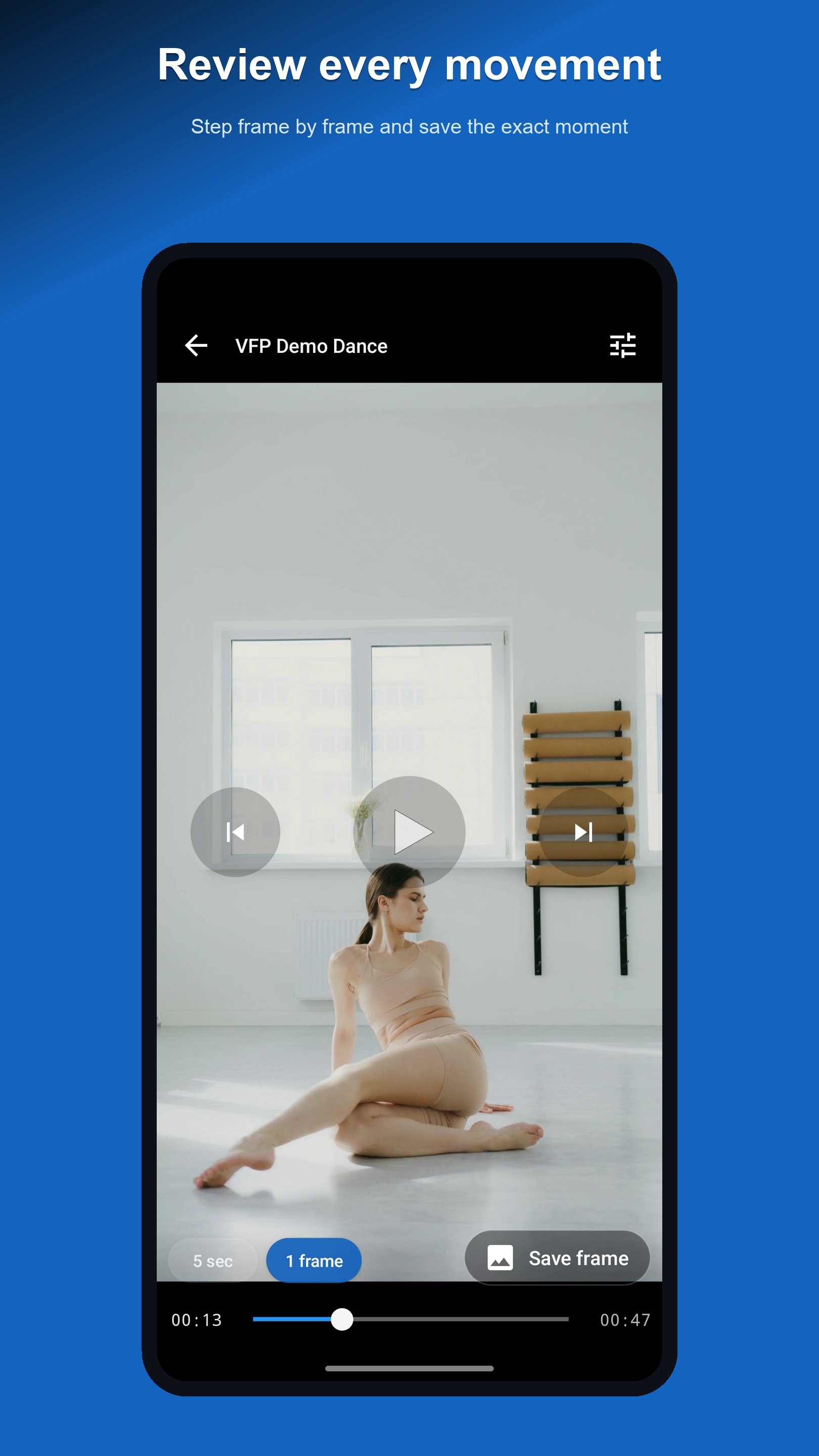
About Slow Motion Frame Video Player
Slow Motion Frame Video Player Description
See every movement clearly.
Slow Motion Frame Video Player helps athletes, coaches, dancers and anyone studying movement analyze videos in slow motion, frame by frame.
Review a cricket shot, bowling action, golf swing, tennis serve, dance move, workout form, machine movement—or any moment too fast to see clearly.
Precise Playback
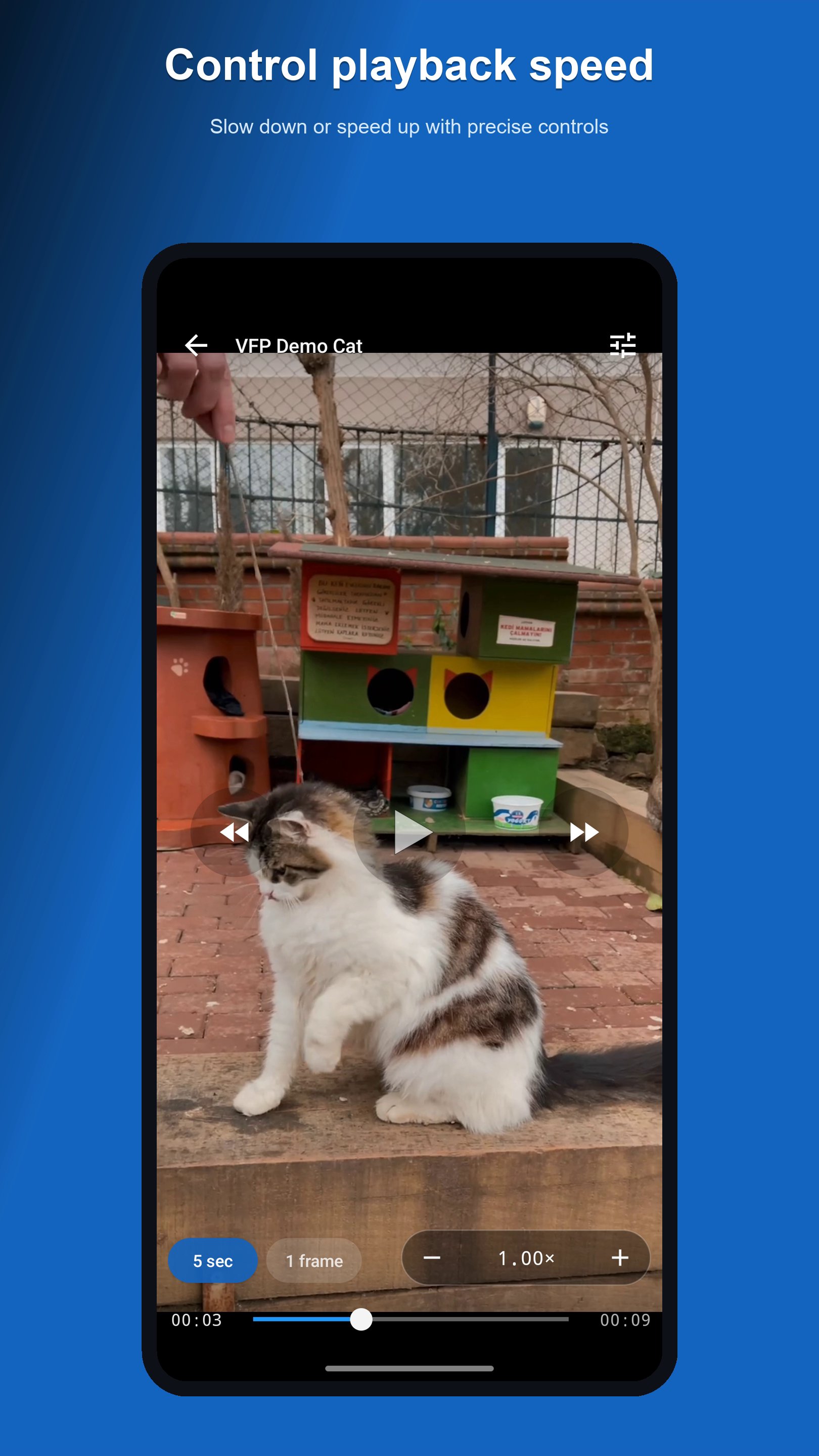
• Adjust video speed from 0.05× to 4.00×
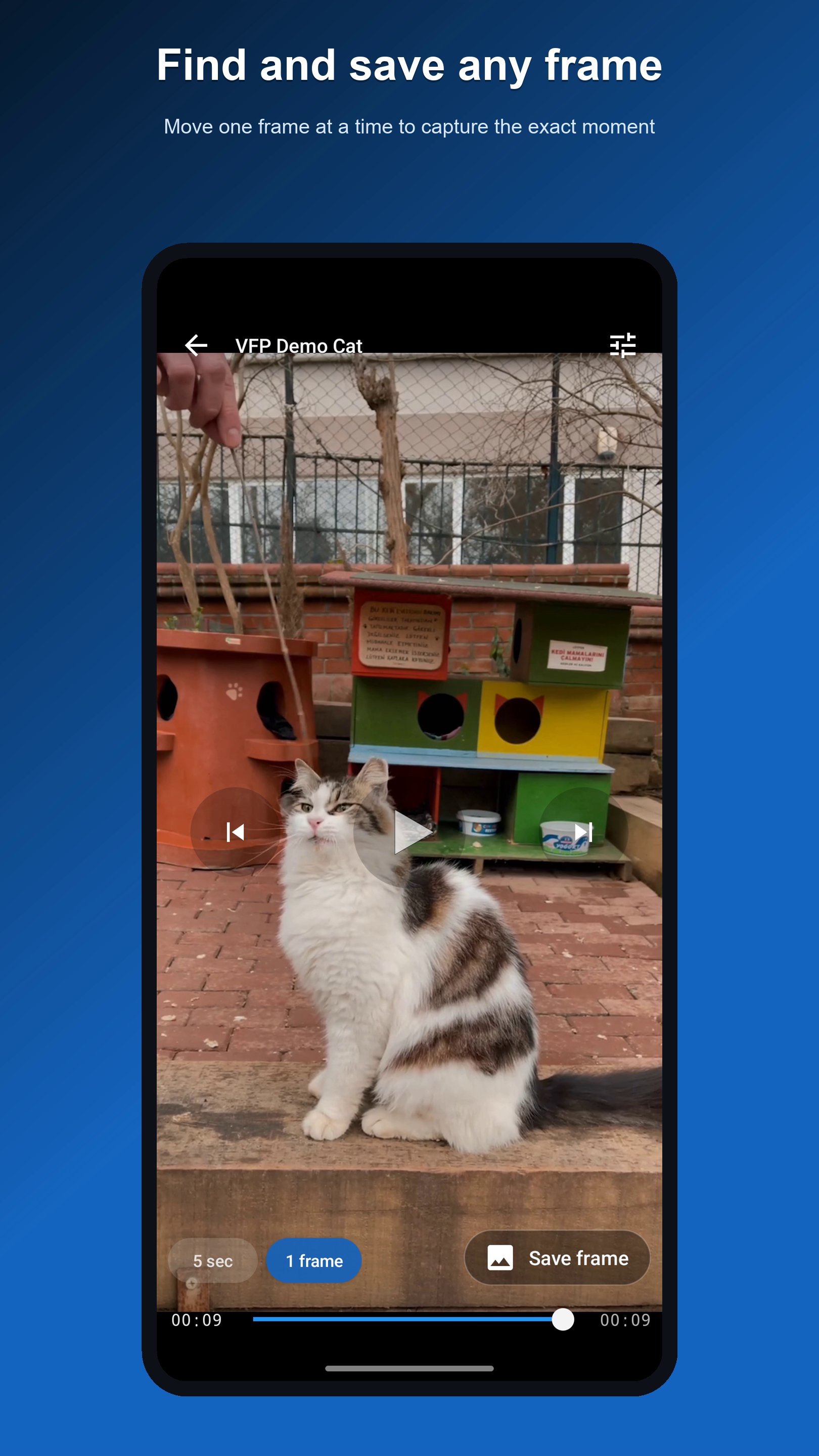
• Step exactly one frame backward or forward
• Jump backward or forward by 5 seconds
• Keep voices and music natural at supported speeds
• Pinch to zoom and drag to inspect details
• Apply a black-and-white filter
• Save any selected video frame as a picture
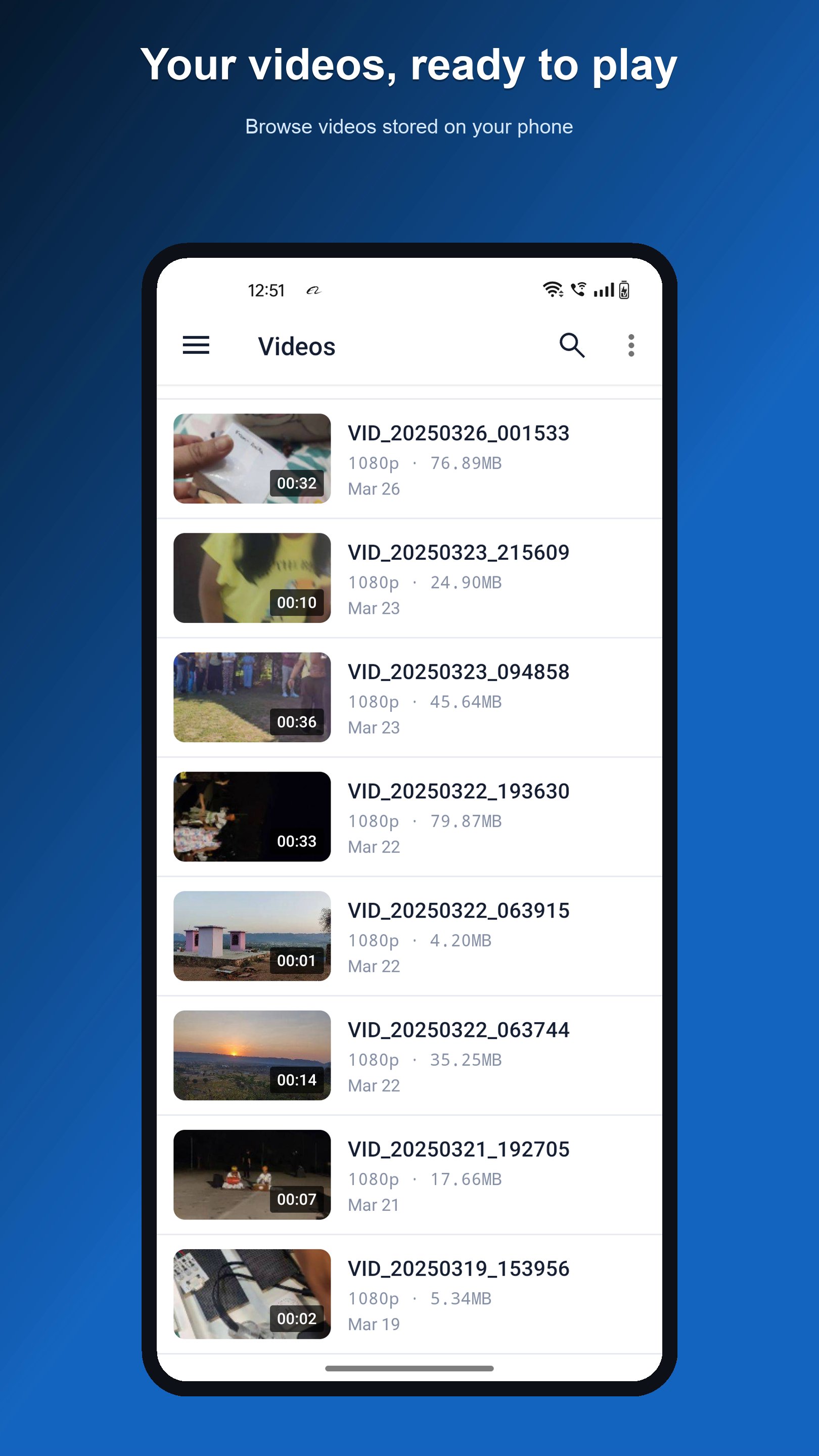
Fast Video Browsing
• Swipe up or down between videos
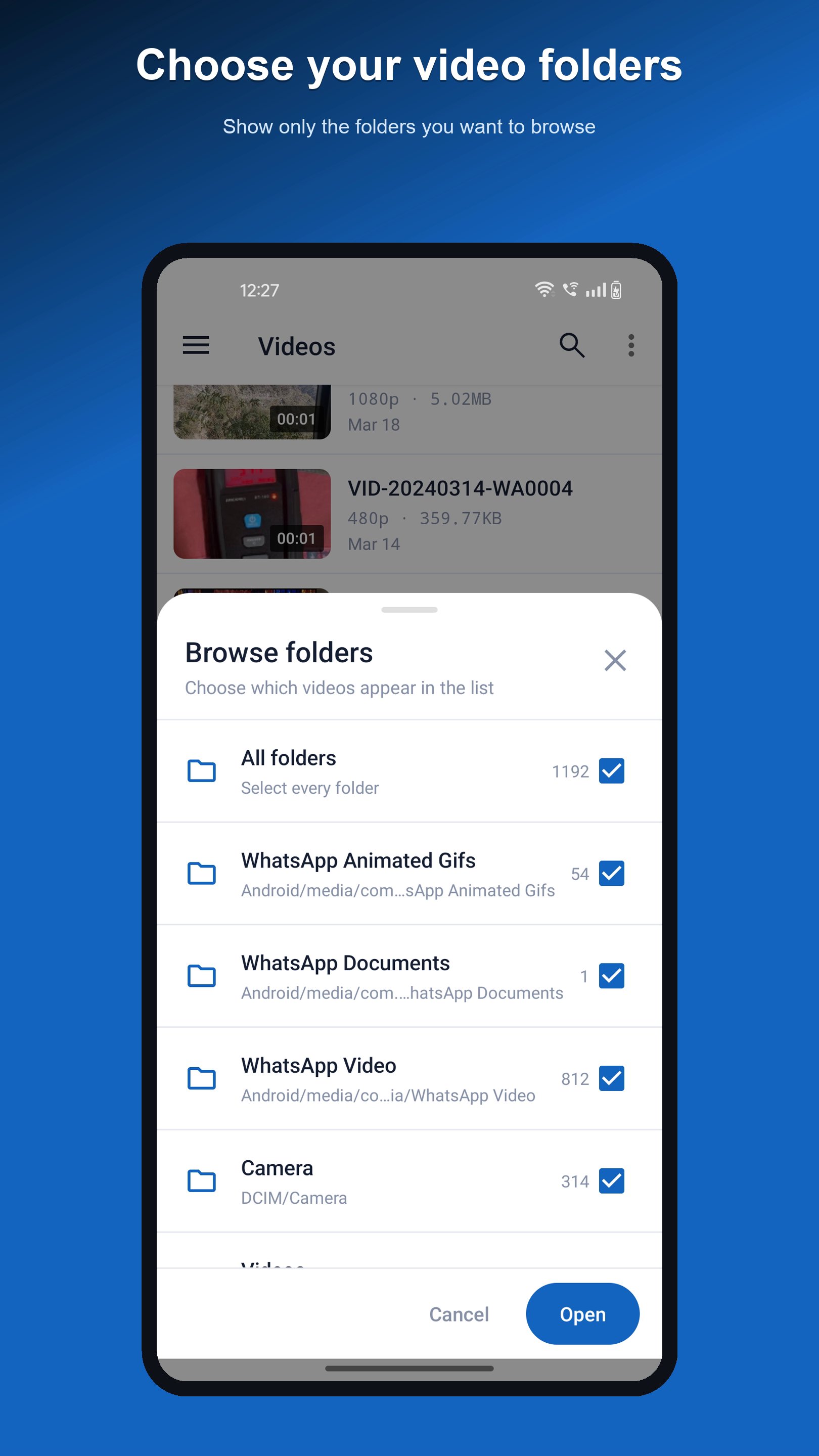
• Browse videos from one or multiple folders
• Search and sort your video library
• Open, share or delete videos from the list
• Use clean controls in portrait or landscape
Ideal for sports video analysis, dance practice, fitness form, music lessons, tutorials, machine inspection and precise video frame capture.
Slow Motion Frame Video Player helps athletes, coaches, dancers and anyone studying movement analyze videos in slow motion, frame by frame.
Review a cricket shot, bowling action, golf swing, tennis serve, dance move, workout form, machine movement—or any moment too fast to see clearly.
Precise Playback
• Adjust video speed from 0.05× to 4.00×
• Step exactly one frame backward or forward
• Jump backward or forward by 5 seconds
• Keep voices and music natural at supported speeds
• Pinch to zoom and drag to inspect details
• Apply a black-and-white filter
• Save any selected video frame as a picture
Fast Video Browsing
• Swipe up or down between videos
• Browse videos from one or multiple folders
• Search and sort your video library
• Open, share or delete videos from the list
• Use clean controls in portrait or landscape
Ideal for sports video analysis, dance practice, fitness form, music lessons, tutorials, machine inspection and precise video frame capture.
What's new
Version 0.4.2 (Aug 18, 2026)
- Playback from 0.05× to 5× with smoother audio. Choose whether pitch follows speed or stays natural.
- Pinch to zoom and pan videos while playing or paused, with improved bounds in portrait and landscape.
- Swipe vertically through videos with smoother, faster transitions.
- Improved seeking, frame-by-frame controls, and frame capture.
- Refined player controls and video list.
- More reliable playback across devices and video formats.
This is the latest APK we verified and uploaded. Older versions are still available.
Frequently Asked Questions
The player offers a speed slider that ranges from 0.05× to 5×. You can also choose whether the audio pitch follows the speed change or stays natural.
Yes. You can step forward or backward one frame at a time, or jump exactly five seconds forward or backward for quicker navigation.
An internet connection is not required for video playback or analysis. The app only accesses the internet for optional ads and update checks.
The app requires Android 6.0 (API level 23) or higher and is optimized for devices targeting API level 36.
Storage permissions let the app read videos from your device and save captured frames as pictures. The wake‑lock permission keeps the screen on while you are analyzing a video.
Additional Information
Category
App › Video Players & Editors
Version
0.4.2
Updated
Aug 18, 2026
Requires Android
Android: 6.0+ Marshmallow (API 23)
Permissions
Low risk
15 / 100
High risk
The app only requests storage, internet, wake‑lock and advertising‑related permissions. No camera, microphone, contacts, or location data are accessed, resulting in a low privacy risk.
Architectures
Supports 64-bit ARM Android CPU architectures.
arm64-v8a
64-bit
Most modern phones & tablets
Your device
Target Android
Android: 16 Android 16 (API 36)
Estimated Download Time
File Size: 5.60 MB
3G network (~2 Mbps)
27 seconds
4G LTE (~25 Mbps)
3 seconds
5G network (~150 Mbps)
1 seconds
Broadband / Wi-Fi (~100 Mbps)
1 seconds
Hashes
SHA-1
1a09f9a7440e55a9a7103d3819c480e73cfad65bSHA-256
F0AC16A1A938B4BA7B1EF1C33EDA98C6B76A4EFFB17563F2EF002B78628916A3Signing Certificate SHA-1
03623175499c1ad3d503d067100d75a58fa7c6ccAvailable On