
Advanced Parental Tools Description
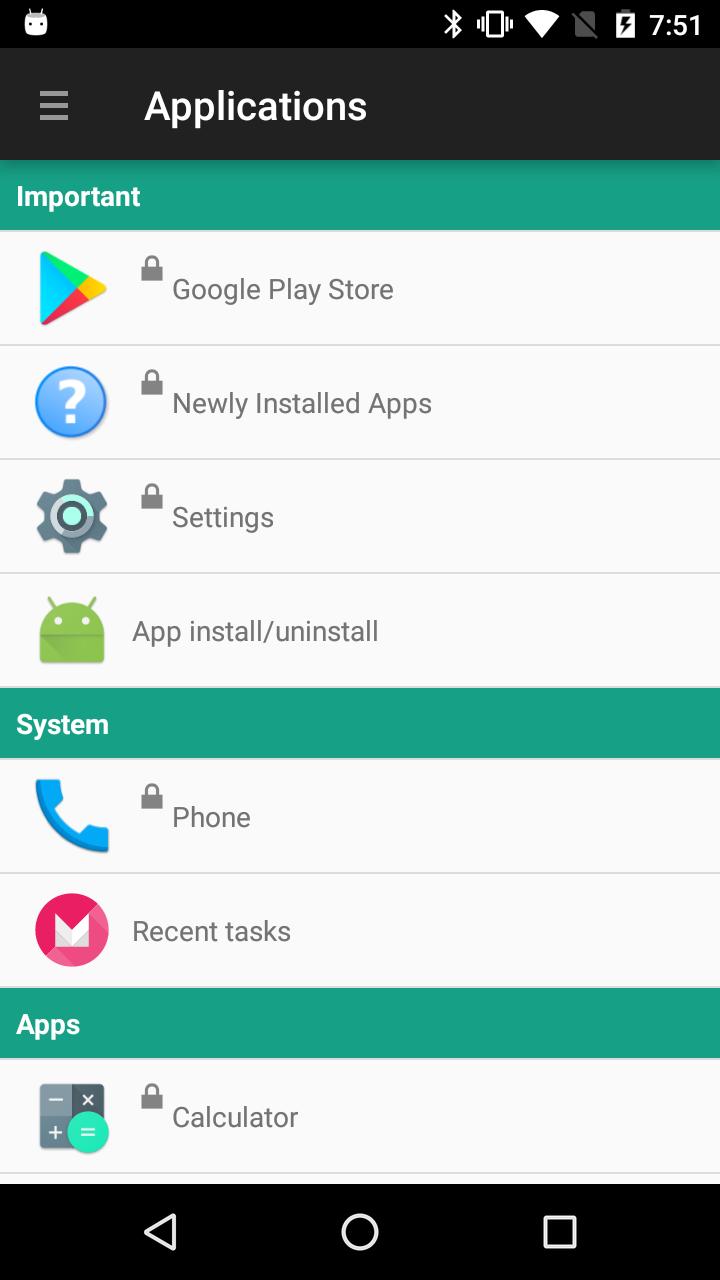
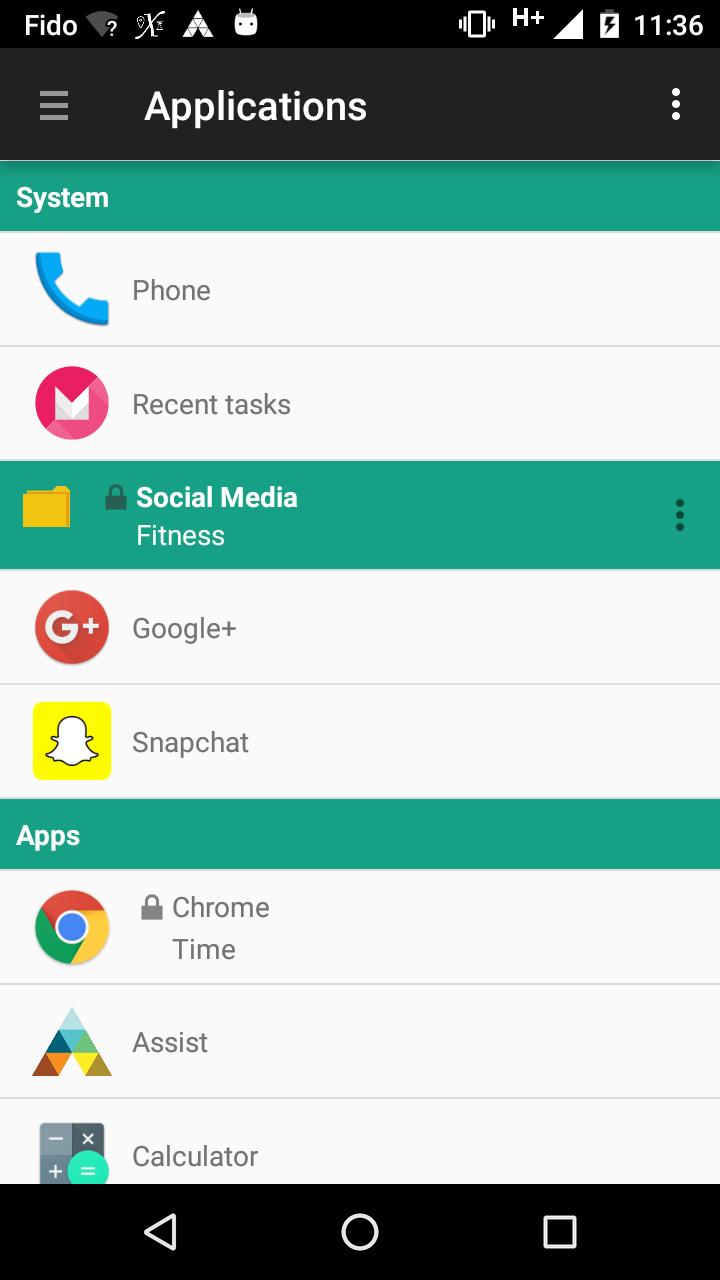
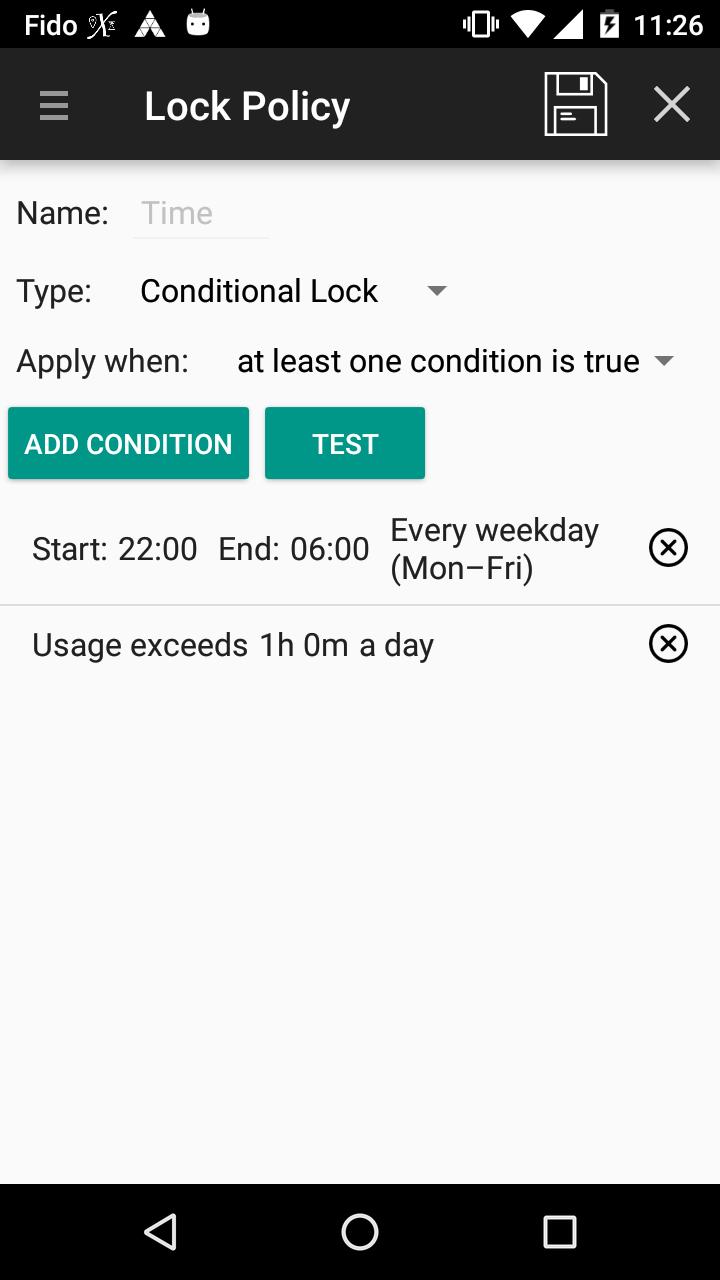
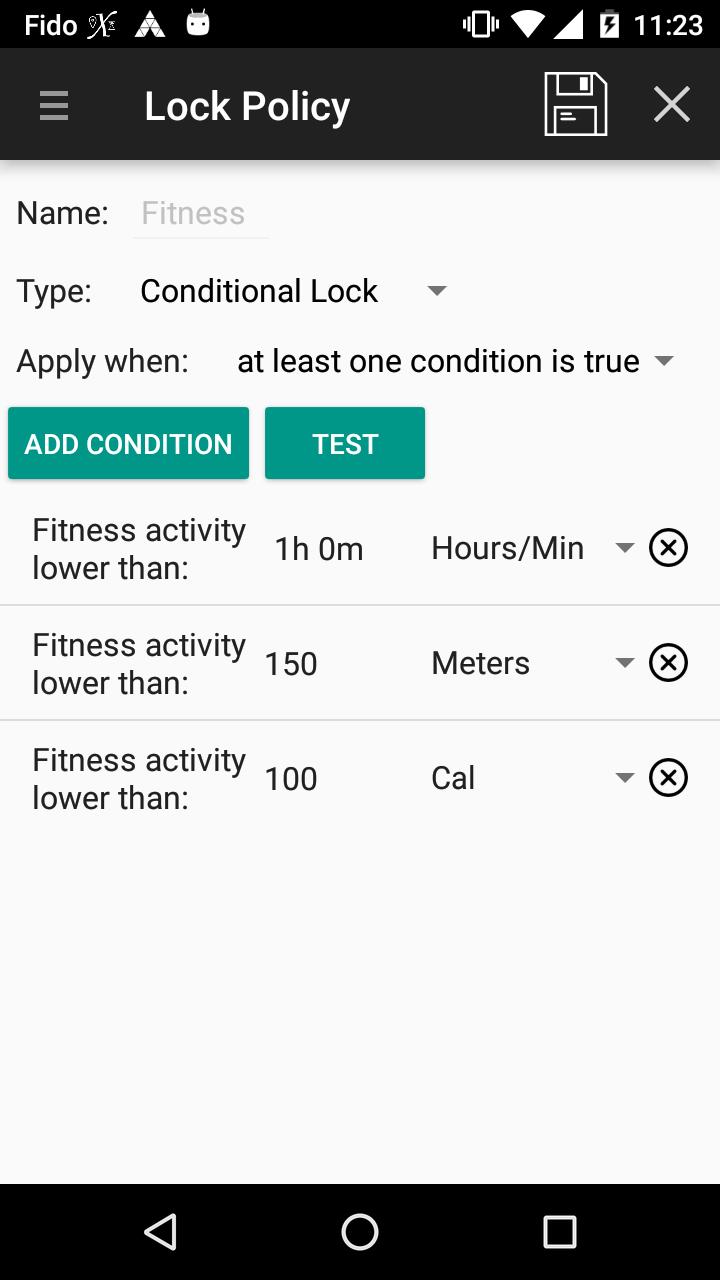
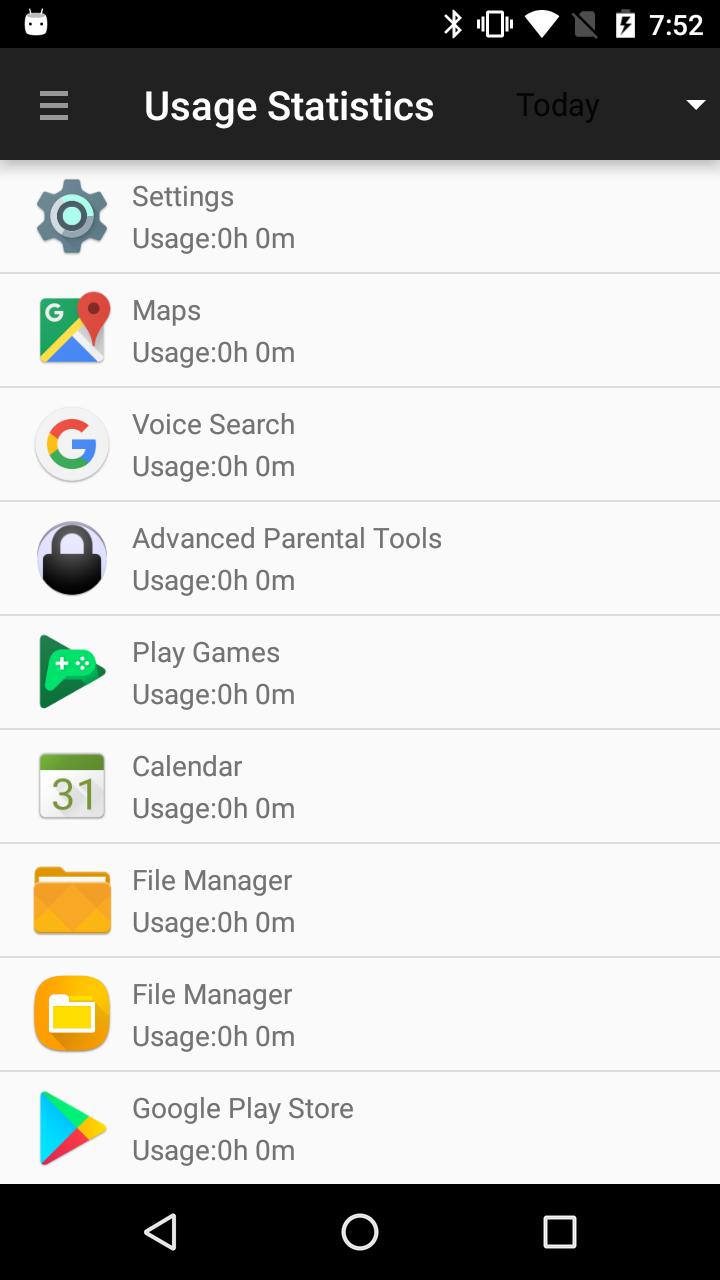
This application aims to make life of worrying parents a bit easier. It designed to monitor and control application usage on designated device with sophisticated set of policies and restrictions. Parents can use time, location and even physical activity level as a condition for application access.
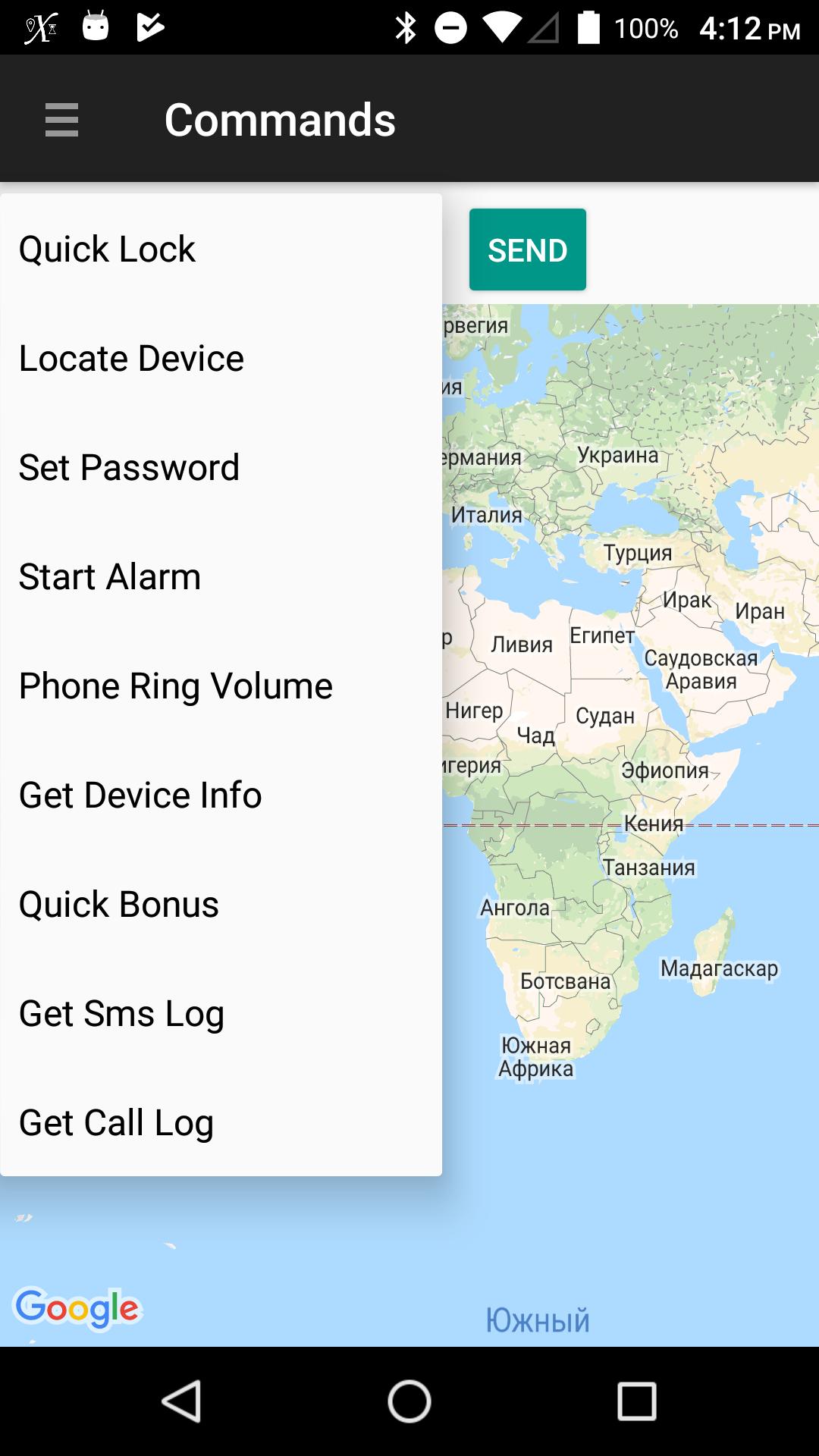
The application supports local and remote control modes as well as essential commands for device location, status monitoring and others. Remote call log and messaging inspection is available if respective permissions are enabled on child's device.
In addition to applications, we support monitoring and setting restrictions on visits to web resources for supported browsers.
You have two installation and activation options for devices you wish to control:
• Simple - enables application control of already active devices but older kids eventually find a way to subvert the control;
• Total Control - special mode that disables advanced Android features such as Safe Boot and Multiple Users that can be used to break through control functions. The mode requires new or factory reset device.
Last but not least, the dedicated chat solution ensures no one can interrupt your conversation or child will ignore you ;)
On first login/registration the application will request multiple permissions required for feature activations. Please read carefully and follow the instructions as suggested.
If your child's device supports multiple users than for best result we recommend installation on secondary user account and leave primary account for administrative purposes only. Do not forget to protect primary account with password.
This app uses the Device Administrator permission to protect client from authorized removal as well as for remote password management (The list of related admin policies is strictly limited to Password Quality and Minimum password Length). The permission is optional and application will remain functional in reduced capacity.
Enjoy !!!
The application supports local and remote control modes as well as essential commands for device location, status monitoring and others. Remote call log and messaging inspection is available if respective permissions are enabled on child's device.
In addition to applications, we support monitoring and setting restrictions on visits to web resources for supported browsers.
You have two installation and activation options for devices you wish to control:
• Simple - enables application control of already active devices but older kids eventually find a way to subvert the control;
• Total Control - special mode that disables advanced Android features such as Safe Boot and Multiple Users that can be used to break through control functions. The mode requires new or factory reset device.
Last but not least, the dedicated chat solution ensures no one can interrupt your conversation or child will ignore you ;)
On first login/registration the application will request multiple permissions required for feature activations. Please read carefully and follow the instructions as suggested.
If your child's device supports multiple users than for best result we recommend installation on secondary user account and leave primary account for administrative purposes only. Do not forget to protect primary account with password.
This app uses the Device Administrator permission to protect client from authorized removal as well as for remote password management (The list of related admin policies is strictly limited to Password Quality and Minimum password Length). The permission is optional and application will remain functional in reduced capacity.
Enjoy !!!
Additional Information
Category
App › Parenting
Version
1.435
Updated
Dec 4, 2020
Requires Android
Android: 5.0+ Lollipop (API 21)
Permissions
Architectures
Unknown
Target Android
Android: 10 Android 10 (API 29)
Estimated Download Time
File Size: 10.31 MB
3G network (~2 Mbps)
50 seconds
4G LTE (~25 Mbps)
4 seconds
5G network (~150 Mbps)
1 seconds
Broadband / Wi-Fi (~100 Mbps)
1 seconds
Hashes
SHA-1
A6E3B88B0465D02E017B83CC8227CF4B2E1277D3SHA-256
64E13C443FEE396C5CDF799A5D345272A0DA234A6A0C96F23A11E1CAD4865074Signing Certificate SHA-1
A4F091E9A7B5825B4796A65CF105EEC5BEB5BCB6