
AnyDesk Remote Control Description
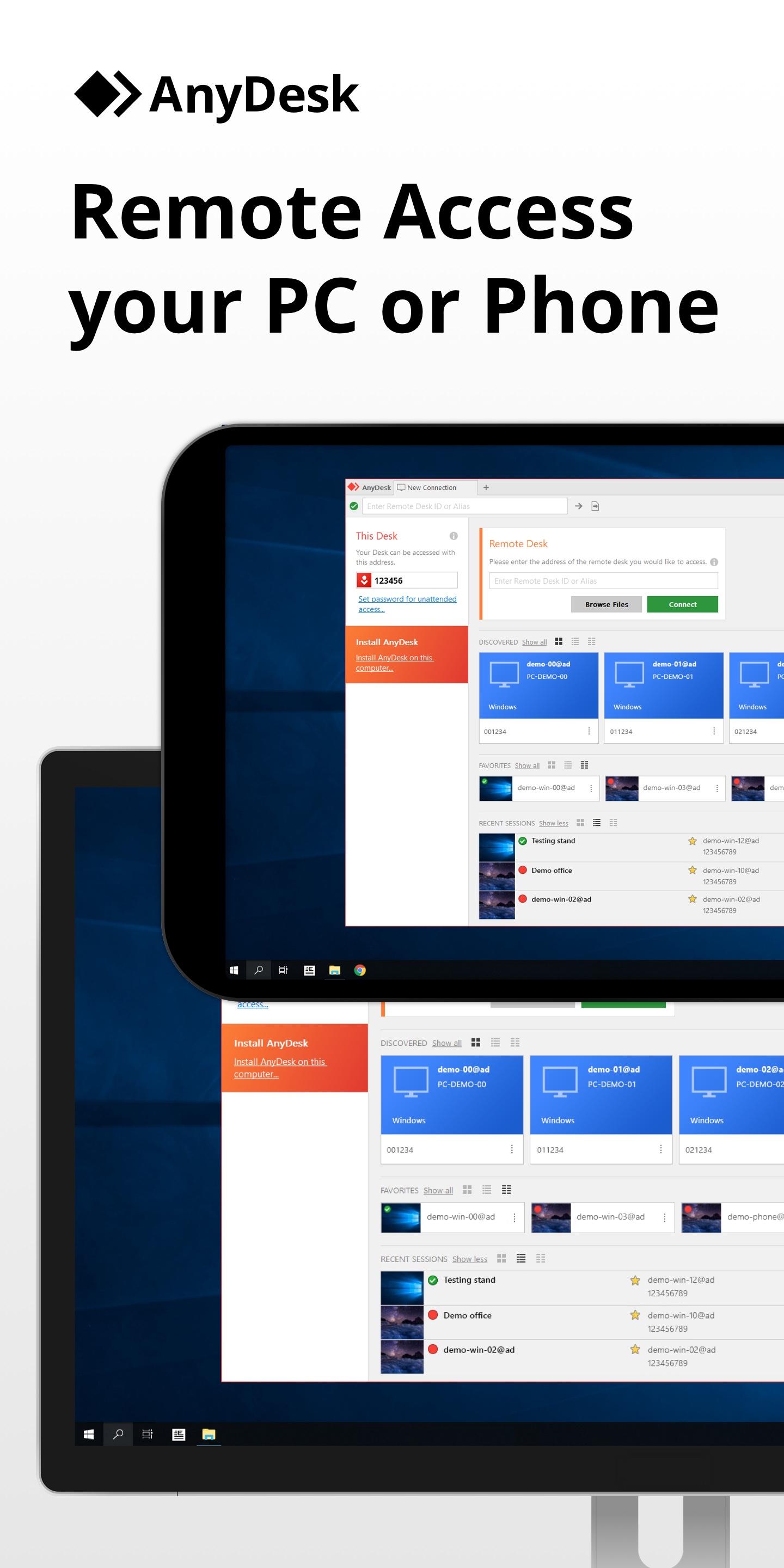
AnyDesk is the fastest and most affordable Remote Control Software in the world!
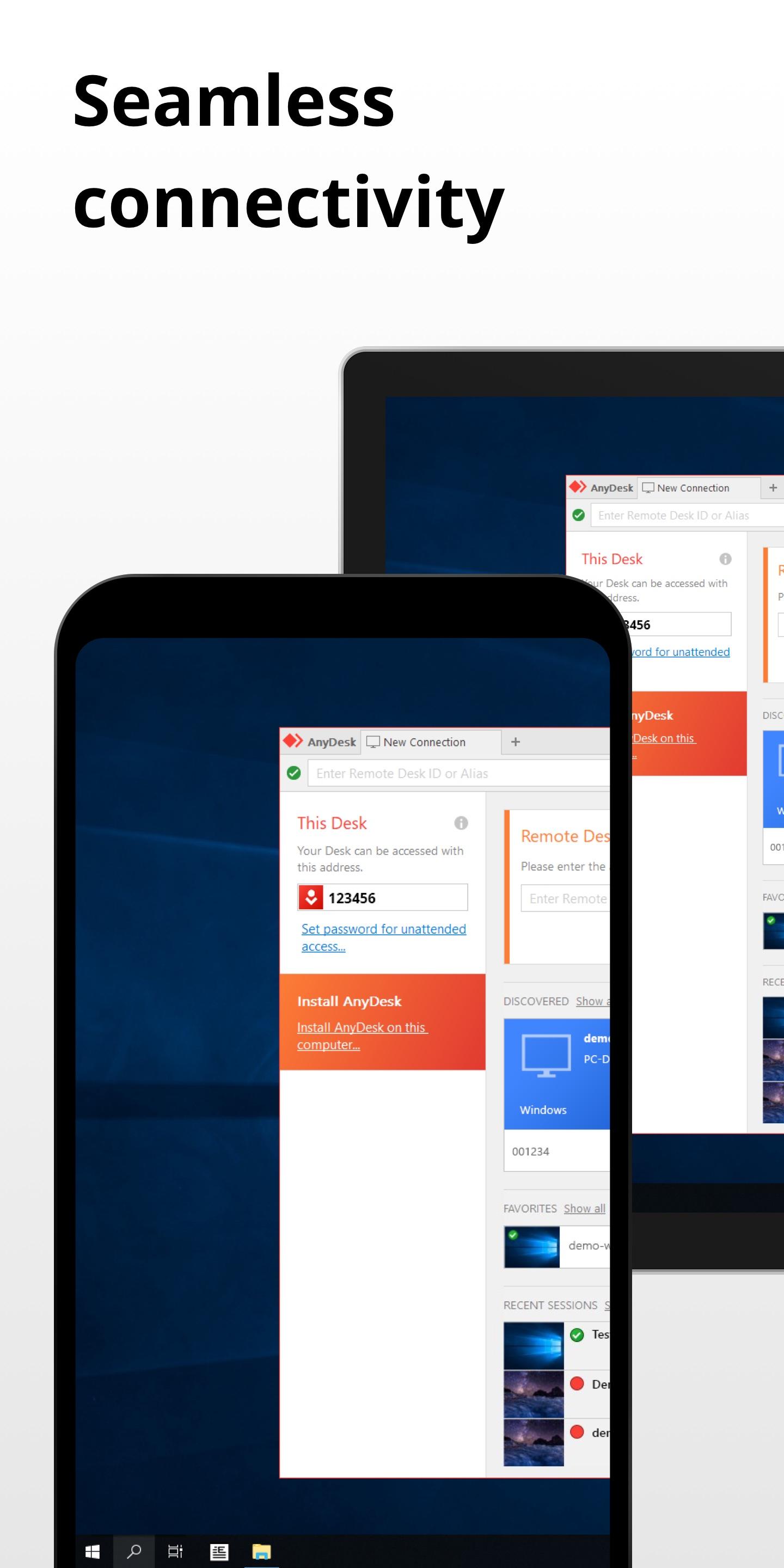
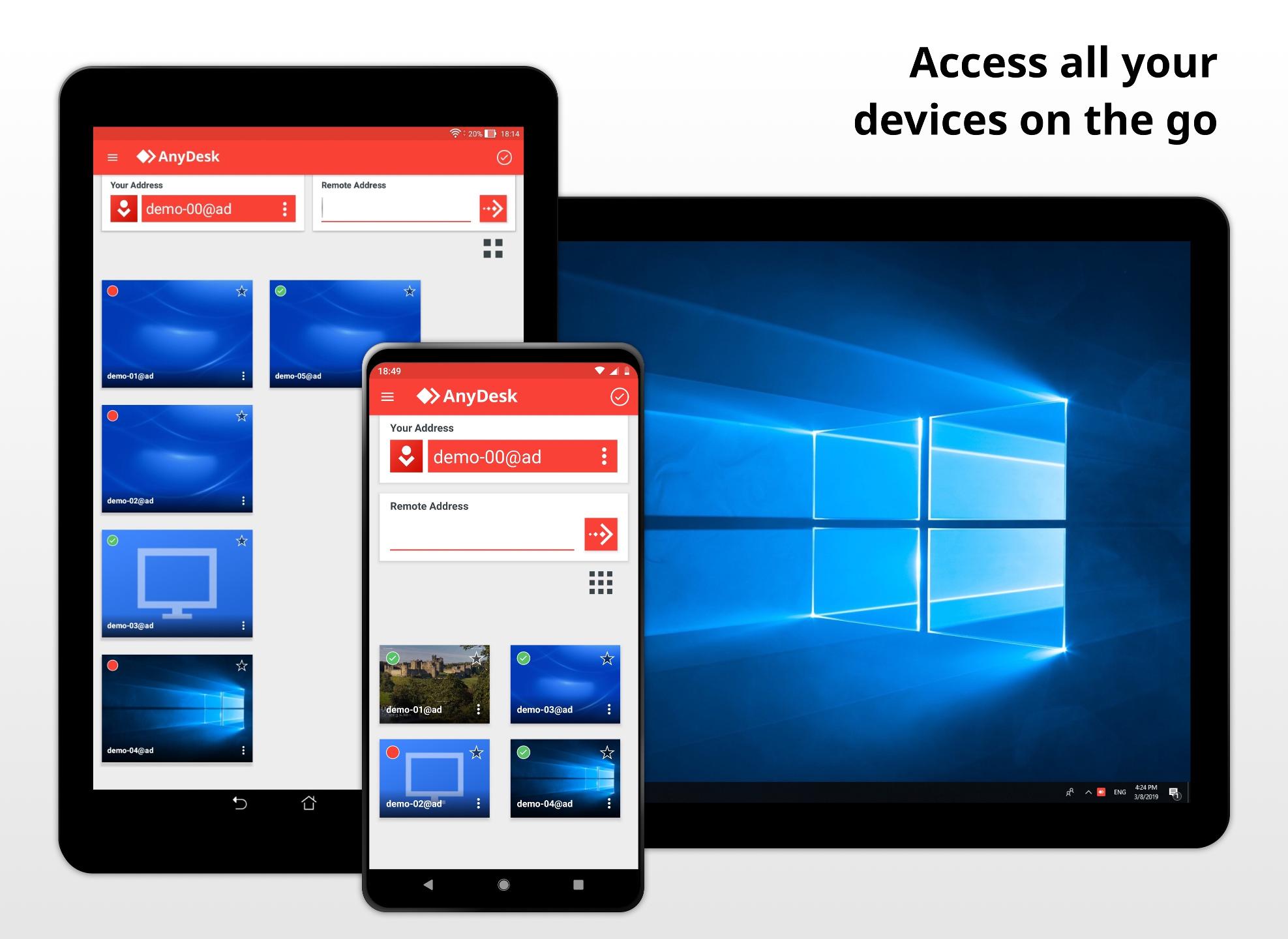
Access your devices on all platforms: Windows, macOS, Linux, Android and iOS.
Download the latest AnyDesk version here: https://anydesk.com/download
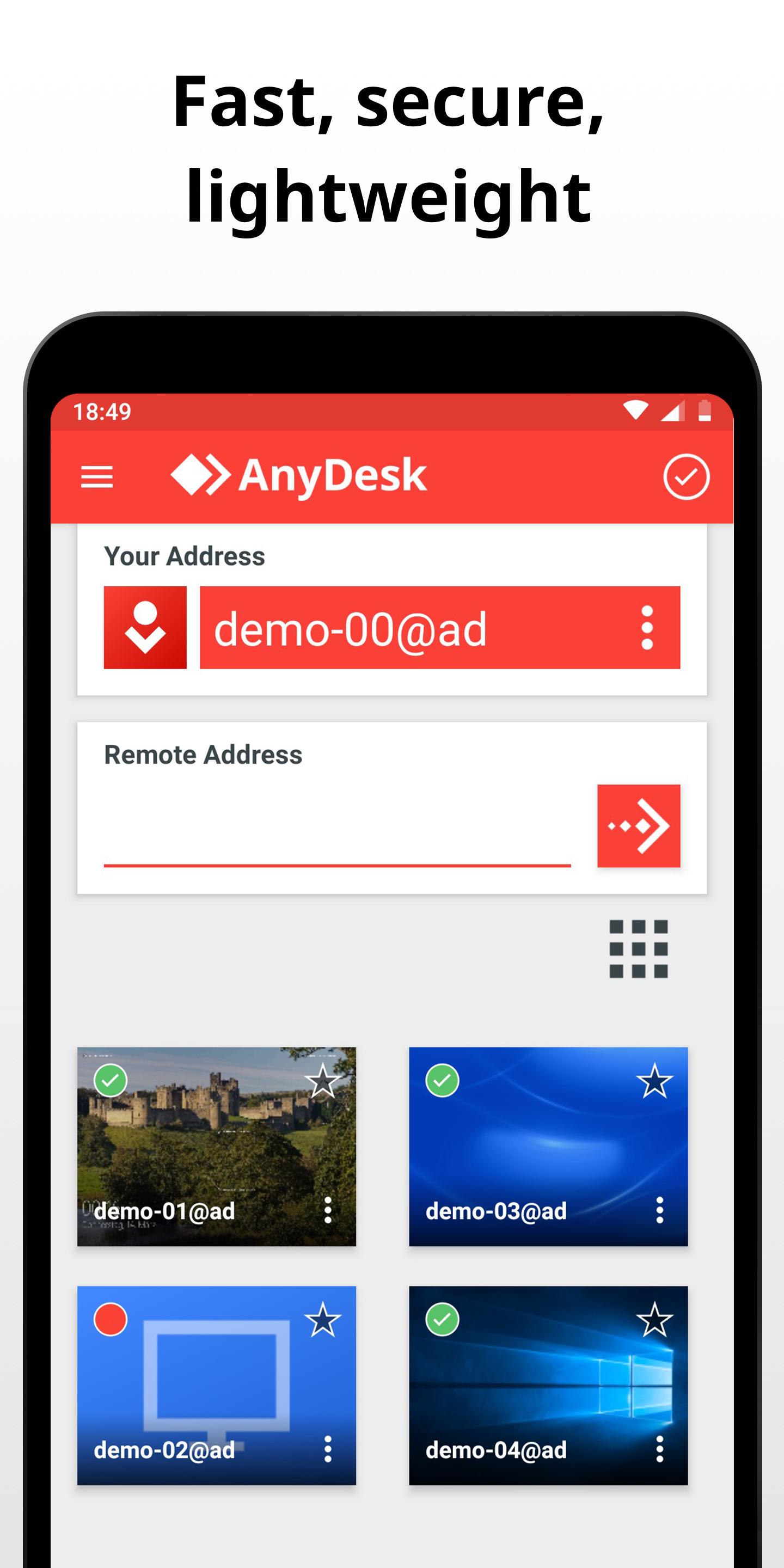
FAST - SECURE - FREE for personal use
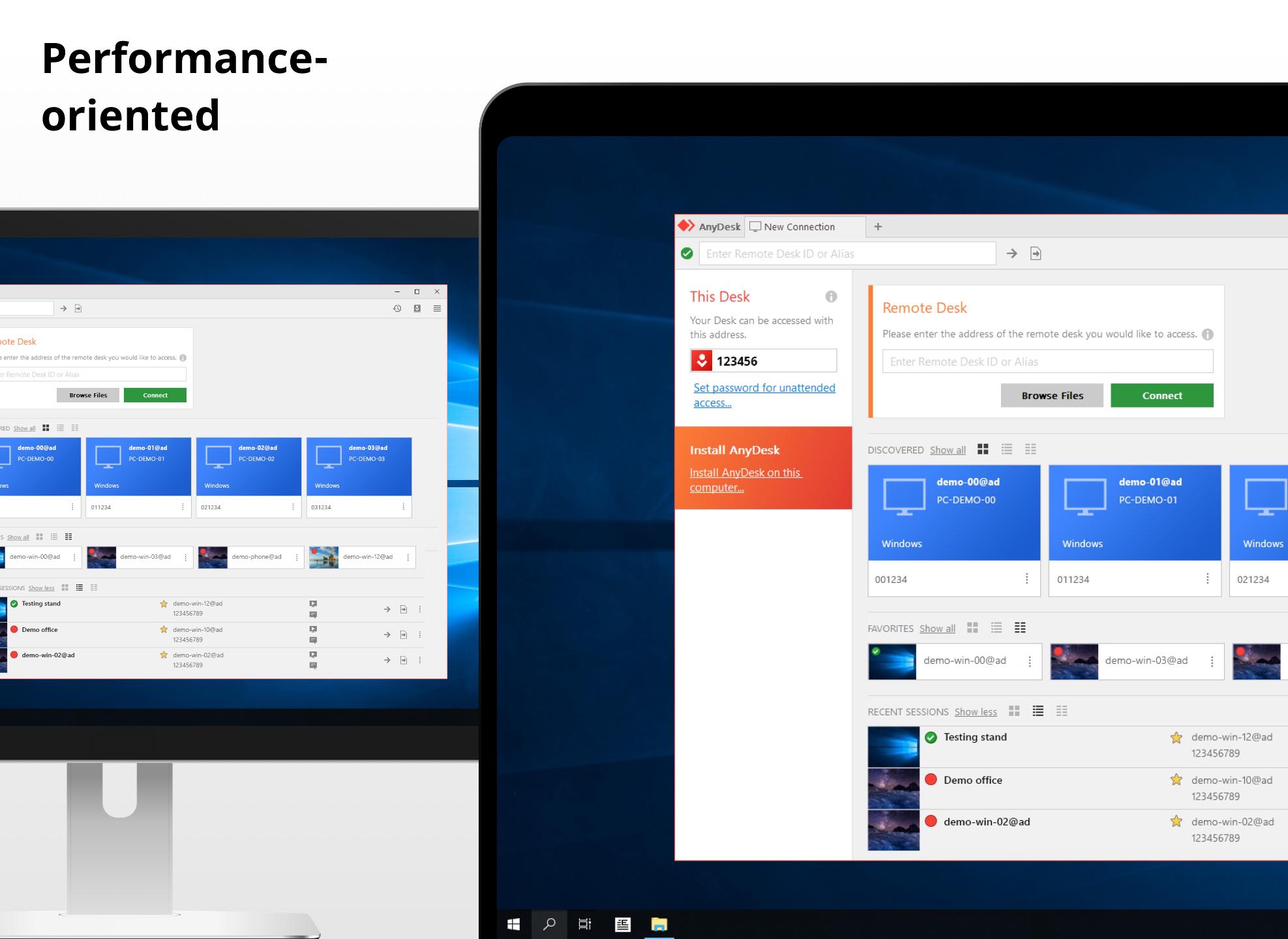
AnyDesk enables remote desktop operations with unparalleled performance. Such as Video/Image editing, administration and teamwork.
AnyDesk provides banking-level security using TLS 1.2 encryption and 4096-bit RSA Key Exchange.
AnyDesk is always free for personal use. For commercial purposes visit: https://anydesk.com/order
------------------- HOW TO USE -------------------
1. Launch AnyDesk on both devices.
2. Enter the AnyDesk ID displayed on the remote side.
3. Confirm the session.
----------------------------------------------------
RELIABLE ACCESS
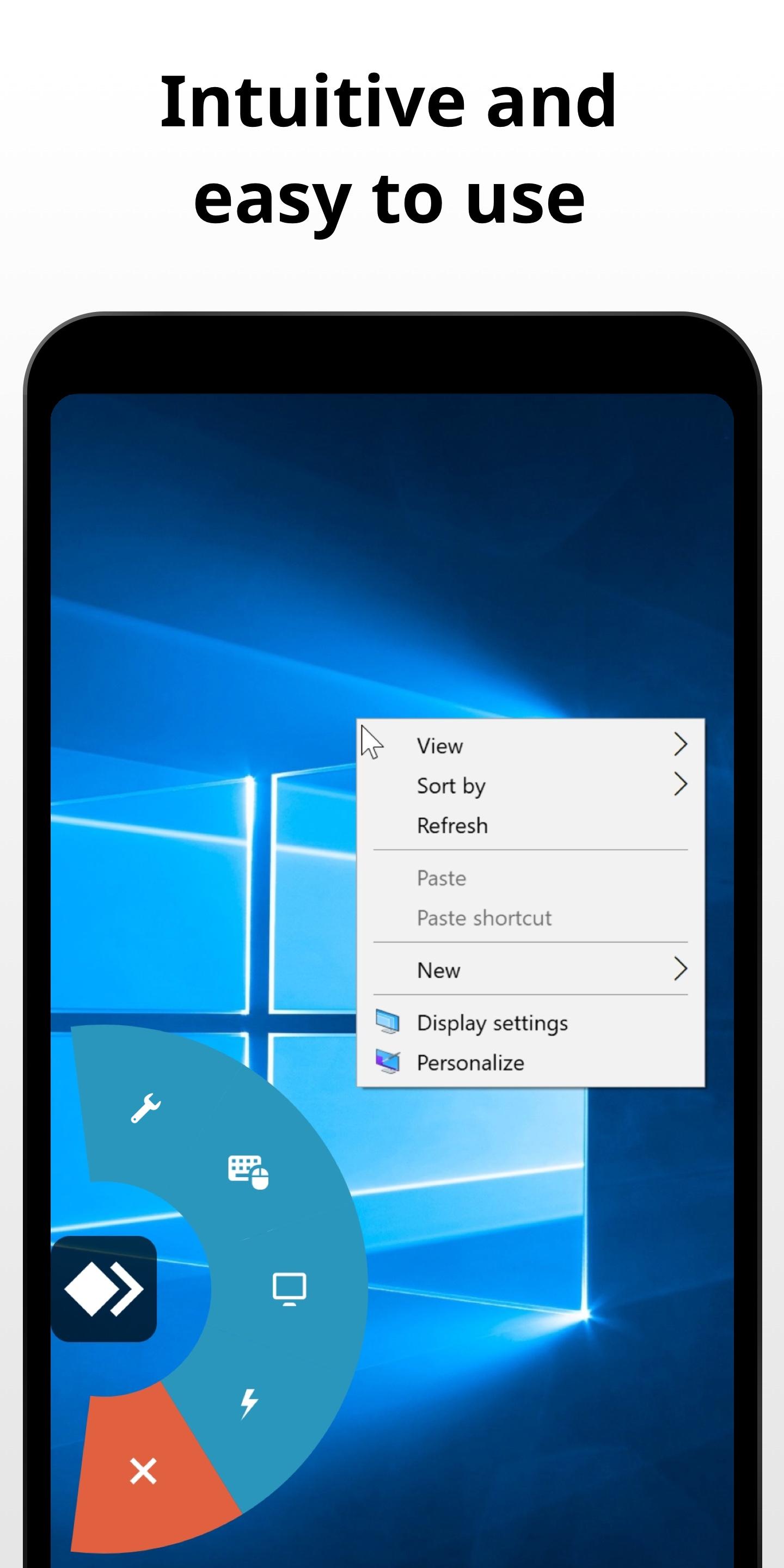
All your Apps, files and settings - always and instantly available.
EASY COLLABORATION
AnyDesk is your partner for online teamwork. Quickly join your team and work on text, pictures or source code. Achieve more together.
RELAXED REMOTE MAINTENANCE
Thanks to AnyDesk's one-click unattended access, setting up a colleague’s printer or deploying a new tool in your department is a breeze.
HIGH FRAME RATE
AnyDesk enables you to work smoothly, without a stuttering display thanks to constant 60 fps.
LOW LATENCY
In local networks, AnyDesk’s latency is imperceptible. When working on a remote desktop, it is essential that latency is minimized to not cause any delays. Therefore we developed an innovative new Codec to achieve the fastest remote desktop experience.
EFFICIENT STREAMING
AnyDesk adapts to the available bandwidth. We challenged ourselves by taking efficient streaming to the limit: Enjoy smooth sessions at rates of just 100 kB/s. Even when working over cellular data!
Questions? No Problem! Contact our support: https://support.anydesk.com
Access your devices on all platforms: Windows, macOS, Linux, Android and iOS.
Download the latest AnyDesk version here: https://anydesk.com/download
FAST - SECURE - FREE for personal use
AnyDesk enables remote desktop operations with unparalleled performance. Such as Video/Image editing, administration and teamwork.
AnyDesk provides banking-level security using TLS 1.2 encryption and 4096-bit RSA Key Exchange.
AnyDesk is always free for personal use. For commercial purposes visit: https://anydesk.com/order
------------------- HOW TO USE -------------------
1. Launch AnyDesk on both devices.
2. Enter the AnyDesk ID displayed on the remote side.
3. Confirm the session.
----------------------------------------------------
RELIABLE ACCESS
All your Apps, files and settings - always and instantly available.
EASY COLLABORATION
AnyDesk is your partner for online teamwork. Quickly join your team and work on text, pictures or source code. Achieve more together.
RELAXED REMOTE MAINTENANCE
Thanks to AnyDesk's one-click unattended access, setting up a colleague’s printer or deploying a new tool in your department is a breeze.
HIGH FRAME RATE
AnyDesk enables you to work smoothly, without a stuttering display thanks to constant 60 fps.
LOW LATENCY
In local networks, AnyDesk’s latency is imperceptible. When working on a remote desktop, it is essential that latency is minimized to not cause any delays. Therefore we developed an innovative new Codec to achieve the fastest remote desktop experience.
EFFICIENT STREAMING
AnyDesk adapts to the available bandwidth. We challenged ourselves by taking efficient streaming to the limit: Enjoy smooth sessions at rates of just 100 kB/s. Even when working over cellular data!
Questions? No Problem! Contact our support: https://support.anydesk.com
Additional Information
Category
App › Business
Version
6.1.2
Updated
Oct 6, 2020
Requires Android
Android: 4.4+ KitKat (API 19)
Permissions
Architectures
Supports 32-bit and 64-bit ARM and x86 Android CPU architectures.
arm64-v8a
64-bit
Most modern phones & tablets
Your device
x86_64
64-bit
Emulators & ChromeOS/Android PCs
Your device
armeabi-v7a
32-bit
Older Android devices
Your device
x86
32-bit
Emulators & ChromeOS/Android PCs
Your device
Target Android
Android: 10 Android 10 (API 29)
Estimated Download Time
File Size: 14.82 MB
3G network (~2 Mbps)
1m 12s
4G LTE (~25 Mbps)
6 seconds
5G network (~150 Mbps)
1 seconds
Broadband / Wi-Fi (~100 Mbps)
2 seconds
Hashes
SHA-1
C3FF9947DBCADD060877C042CAC72585EE45454ASHA-256
CC6FD4C9856FA455585B264650862A3FE7FAFF02D74AEEFB4EB05FC11FA1BFF1Signing Certificate SHA-1
91D3F68E3E90260358DC3491EE34EC1B6CF51FE8Available On