Avast Family Space Companion Description
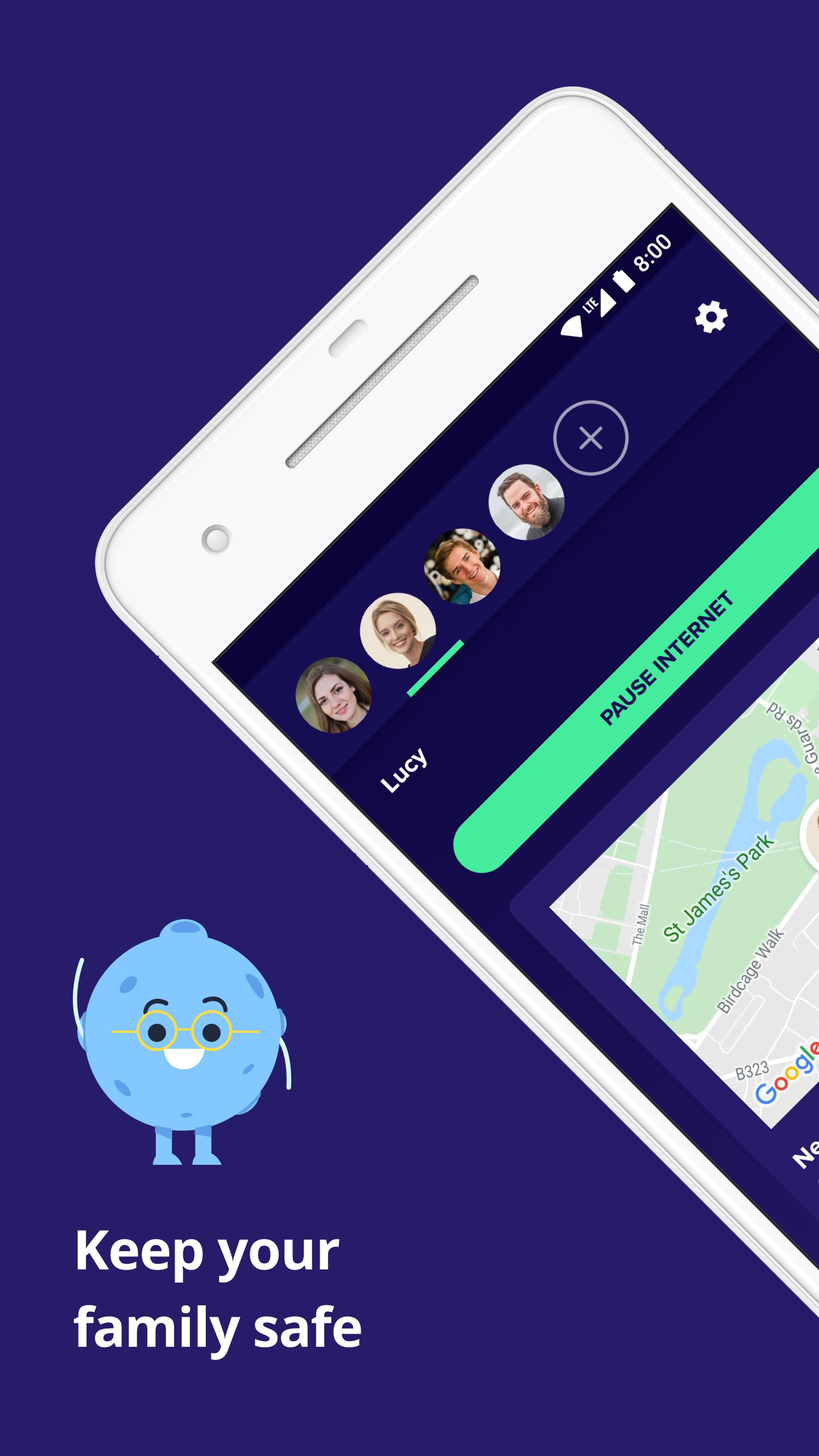
Avast Family Space was designed for parents who want to parent responsibly both on and offline. Simply Install Avast Family Space Companion on your child’s device and pair it with your Avast Family Space for parents app so you can track your child’s location, monitor their online activity, block inappropriate content, and more.
Avast Family Space is a parental assistance app that gives you complete parental control over your child’s mobile devices so you can keep your child safe and help them develop healthy online habits.
Here's what the Avast Family Space Companion allows you to do:
✔ Restrict your child's access to specific apps or websites.
✔ Restrict your child's access to specific app categories or block inappropriate content.
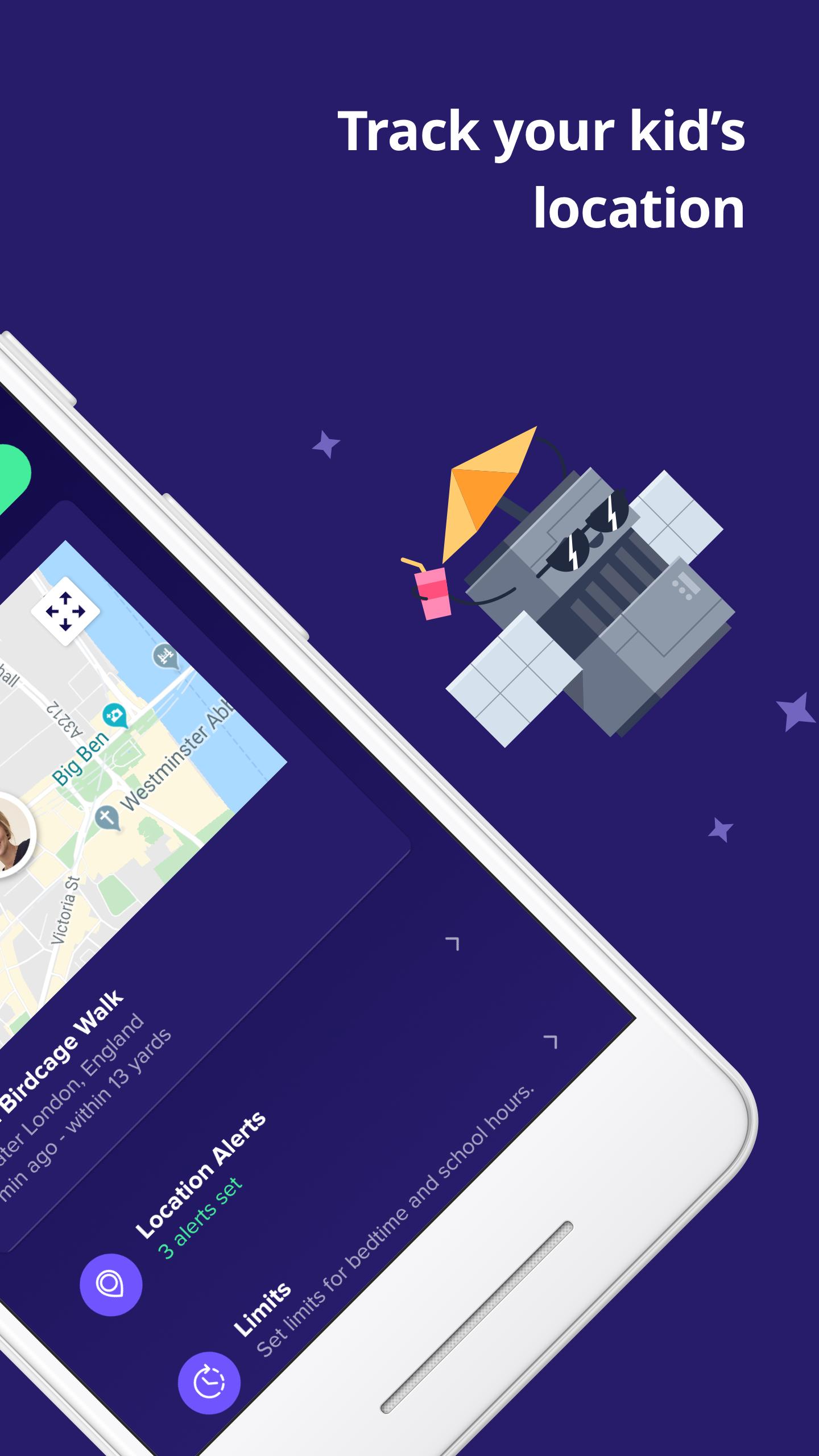
✔ Monitor your child's location.
✔ Set up location alerts to notify you when your child arrives at or leaves a location.
✔ Set up rules around location.
✔ Set up rules around internet access.
HOW DOES AVAST FAMILY SPACE WORK?
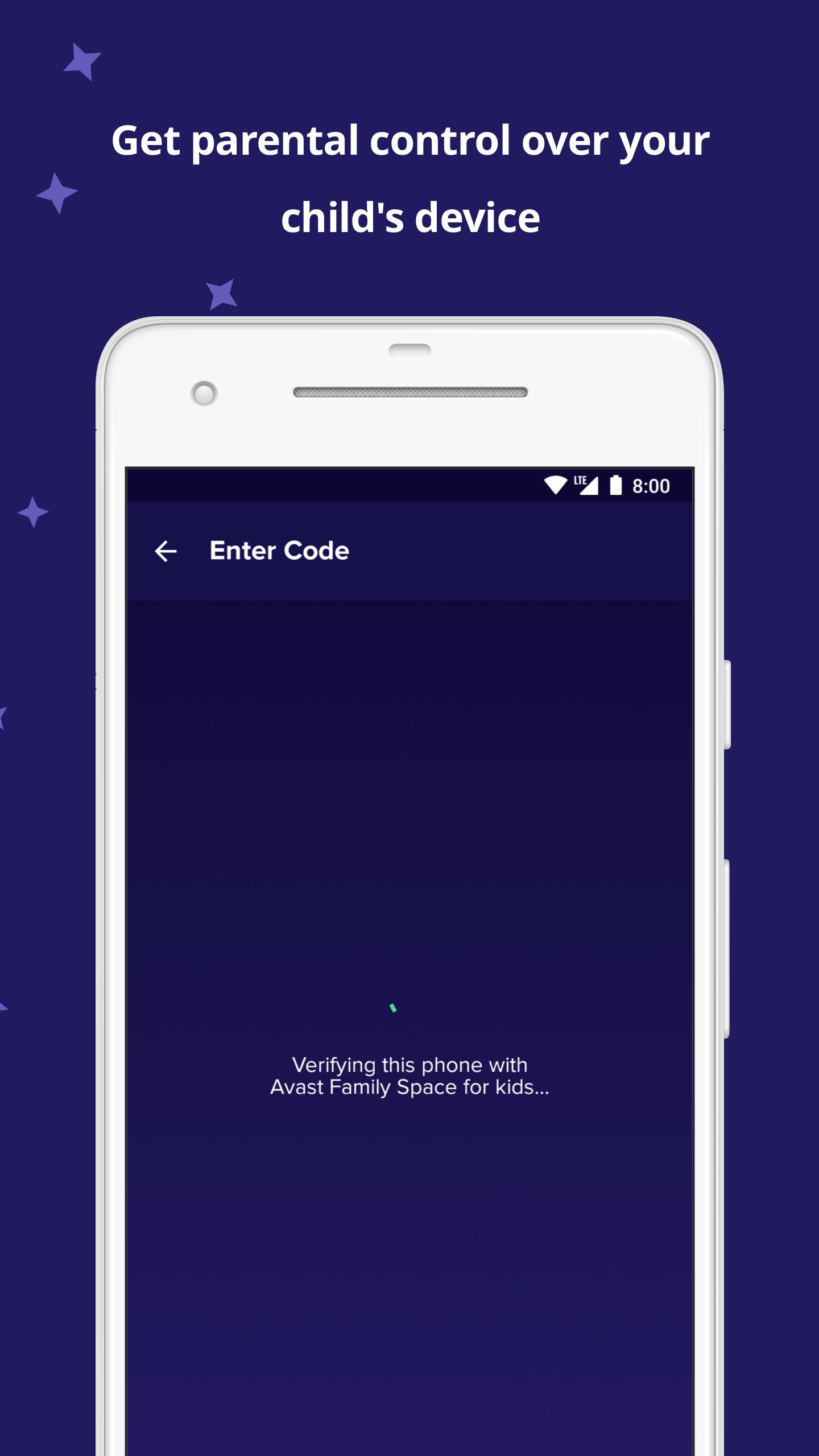
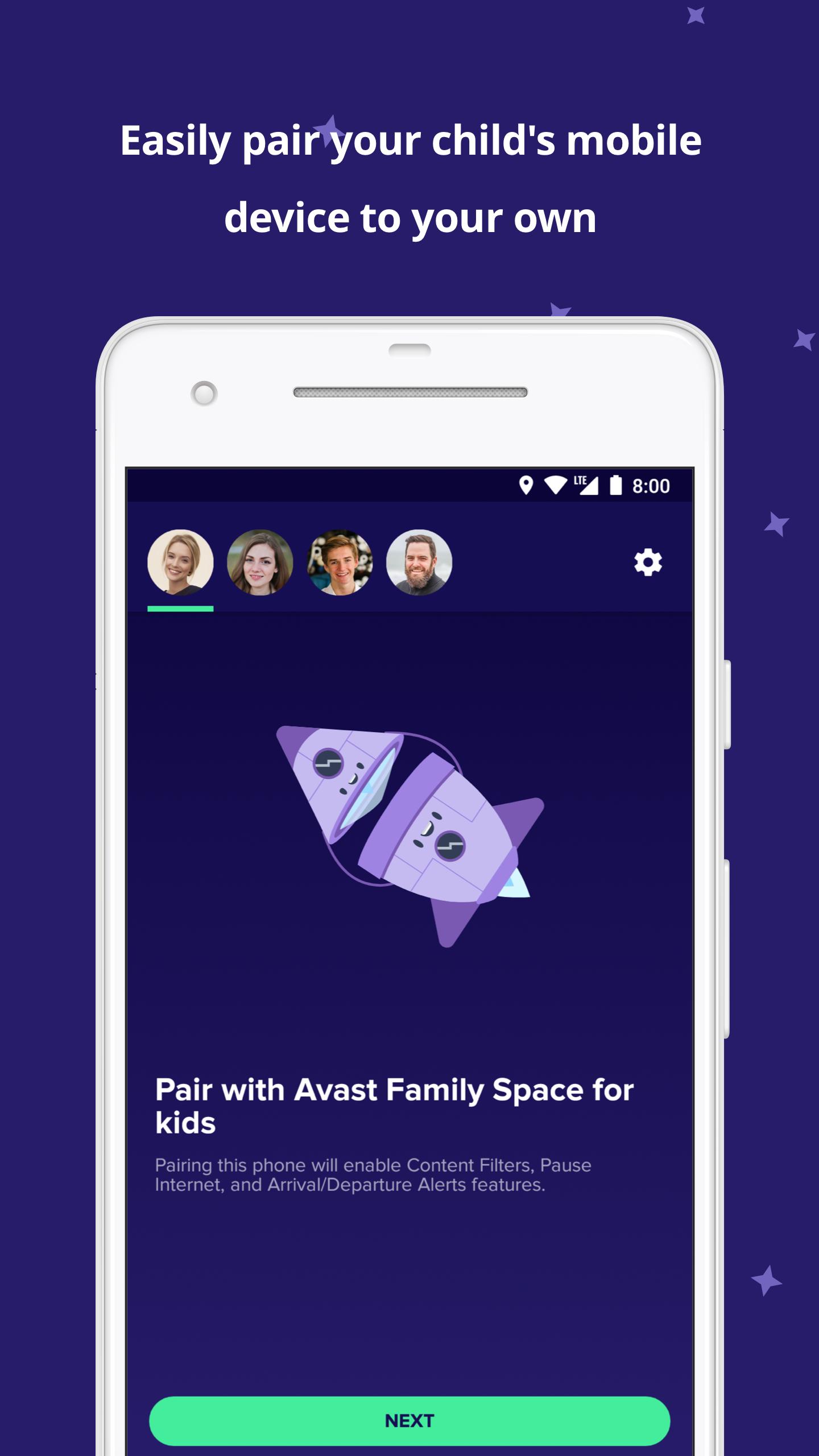
To connect your child’s mobile device to your own, you must first download Avast Family Space for parents onto your device and then download Avast Family Space Companion onto your child’s device. You will then follow a few simple onboarding instructions to complete the setup process.
Download Avast Family Space for parents: https://play.google.com/store/apps/details?id=com.avast.android.familyspace
Once the Avast Family Space Companion app is activated, you will be able to block inappropriate content and manage which apps your child can use, view their location using a phone locator, pause internet use, and get location alerts so you’ll know where they are at all times.
Common parental concerns that Avast Family Space addresses:
Did my child arrive home safely from school?
Quickly view your child’s current location on a private GPS map with the help of a phone locator.
Are they using inappropriate apps?
Easily block an app that you don’t want your child to have access to. If you change your mind, you can unblock the app whenever you want.
Are they browsing the internet at school?
Pause internet access on your child’s device so he or she won’t get distracted while at school.
Are they exposed to inappropriate web content?
Block websites or content categories that you feel are inappropriate for your child.
They aren’t responding, did something happen?
View your child’s phone status and check their device’s battery life.
When the app is opened for the first time we will generate and collect a unique identifier in order to measure app installations and campaign performance.
Avast Family Space is a parental assistance app that gives you complete parental control over your child’s mobile devices so you can keep your child safe and help them develop healthy online habits.
Here's what the Avast Family Space Companion allows you to do:
✔ Restrict your child's access to specific apps or websites.
✔ Restrict your child's access to specific app categories or block inappropriate content.
✔ Monitor your child's location.
✔ Set up location alerts to notify you when your child arrives at or leaves a location.
✔ Set up rules around location.
✔ Set up rules around internet access.
HOW DOES AVAST FAMILY SPACE WORK?
To connect your child’s mobile device to your own, you must first download Avast Family Space for parents onto your device and then download Avast Family Space Companion onto your child’s device. You will then follow a few simple onboarding instructions to complete the setup process.
Download Avast Family Space for parents: https://play.google.com/store/apps/details?id=com.avast.android.familyspace
Once the Avast Family Space Companion app is activated, you will be able to block inappropriate content and manage which apps your child can use, view their location using a phone locator, pause internet use, and get location alerts so you’ll know where they are at all times.
Common parental concerns that Avast Family Space addresses:
Did my child arrive home safely from school?
Quickly view your child’s current location on a private GPS map with the help of a phone locator.
Are they using inappropriate apps?
Easily block an app that you don’t want your child to have access to. If you change your mind, you can unblock the app whenever you want.
Are they browsing the internet at school?
Pause internet access on your child’s device so he or she won’t get distracted while at school.
Are they exposed to inappropriate web content?
Block websites or content categories that you feel are inappropriate for your child.
They aren’t responding, did something happen?
View your child’s phone status and check their device’s battery life.
When the app is opened for the first time we will generate and collect a unique identifier in order to measure app installations and campaign performance.
Additional Information
Category
App › Parenting
Version
1.28.0
Updated
Dec 7, 2020
Requires Android
Android: 5.0+ Lollipop (API 21)
Permissions
Architectures
Supports 32-bit and 64-bit ARM and x86 Android CPU architectures.
arm64-v8a
64-bit
Most modern phones & tablets
Your device
x86_64
64-bit
Emulators & ChromeOS/Android PCs
Your device
armeabi-v7a
32-bit
Older Android devices
Your device
x86
32-bit
Emulators & ChromeOS/Android PCs
Your device
Target Android
Android: 10 Android 10 (API 29)
Estimated Download Time
File Size: 26.10 MB
3G network (~2 Mbps)
2m 6s
4G LTE (~25 Mbps)
11 seconds
5G network (~150 Mbps)
2 seconds
Broadband / Wi-Fi (~100 Mbps)
3 seconds
Hashes
SHA-1
EF05F51B0720351533E33AC2DDBE658C32F9E72CSHA-256
6E5418440B83BCC5A480ED7211D109312BC38D6D457B6010D8A20E234D4285C6Signing Certificate SHA-1
342C8F0921EA04EA4EE826316F53685CCC9D1AA3