
APKs
Split APK — use Split APKs Installer (SAI) to install.

Bark Monitor and Manage Your Kids Online Description
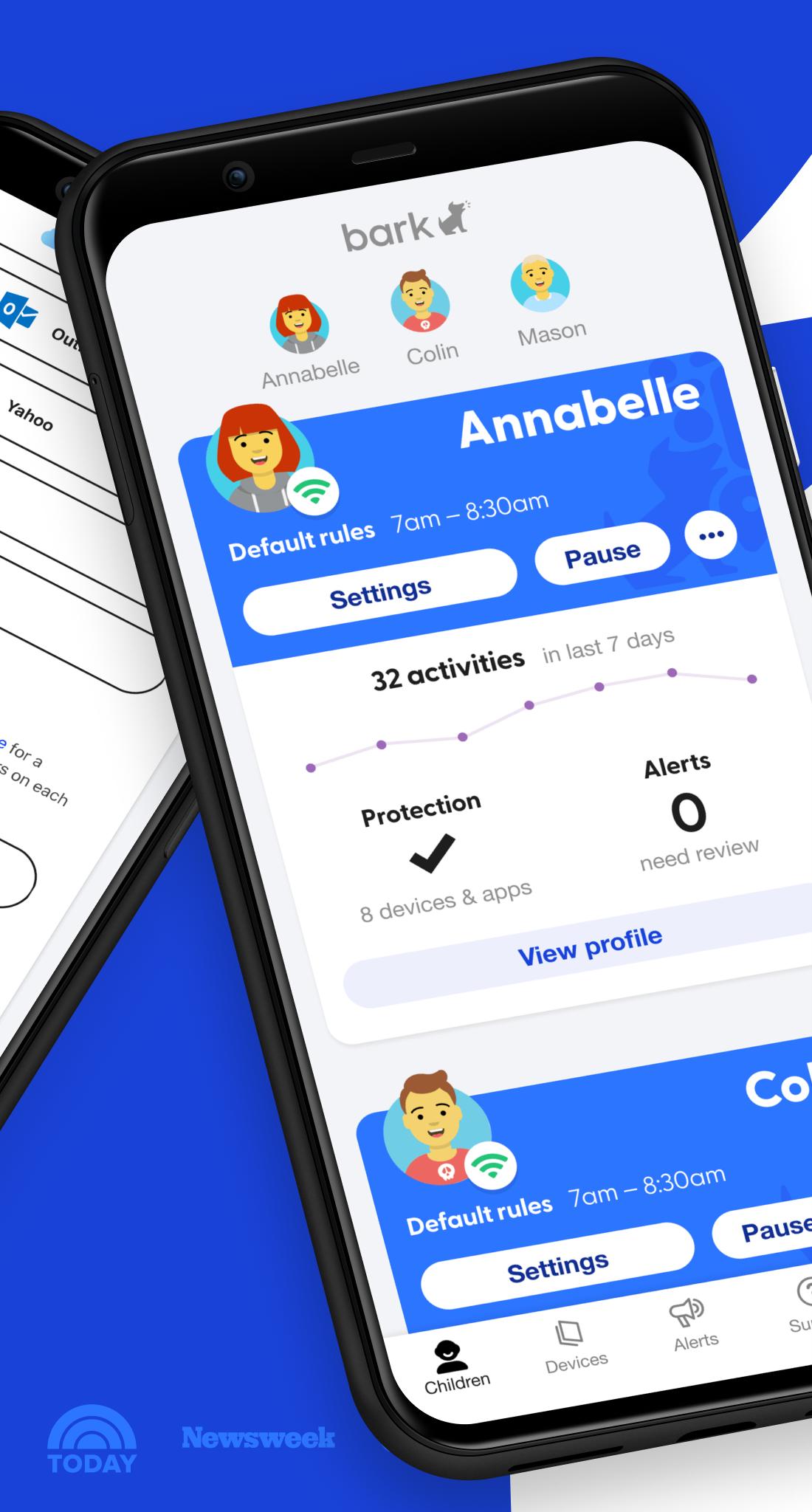
Bark provides families with the tools they need to raise kids in the digital age. Our comprehensive service lets you monitor content, manage screen time, and filter websites so you can get peace of mind while your child is online.
CONTENT MONITORING
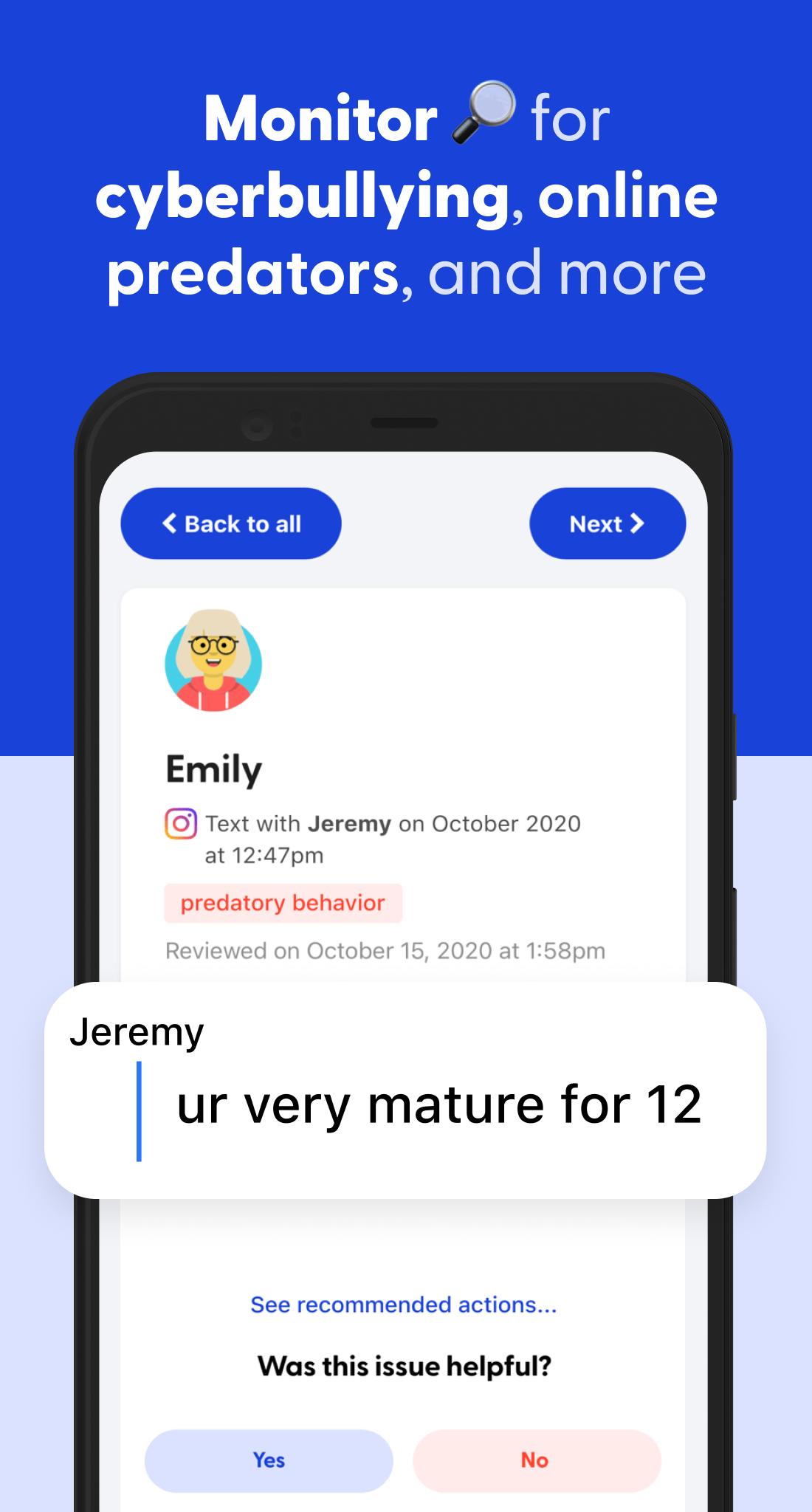
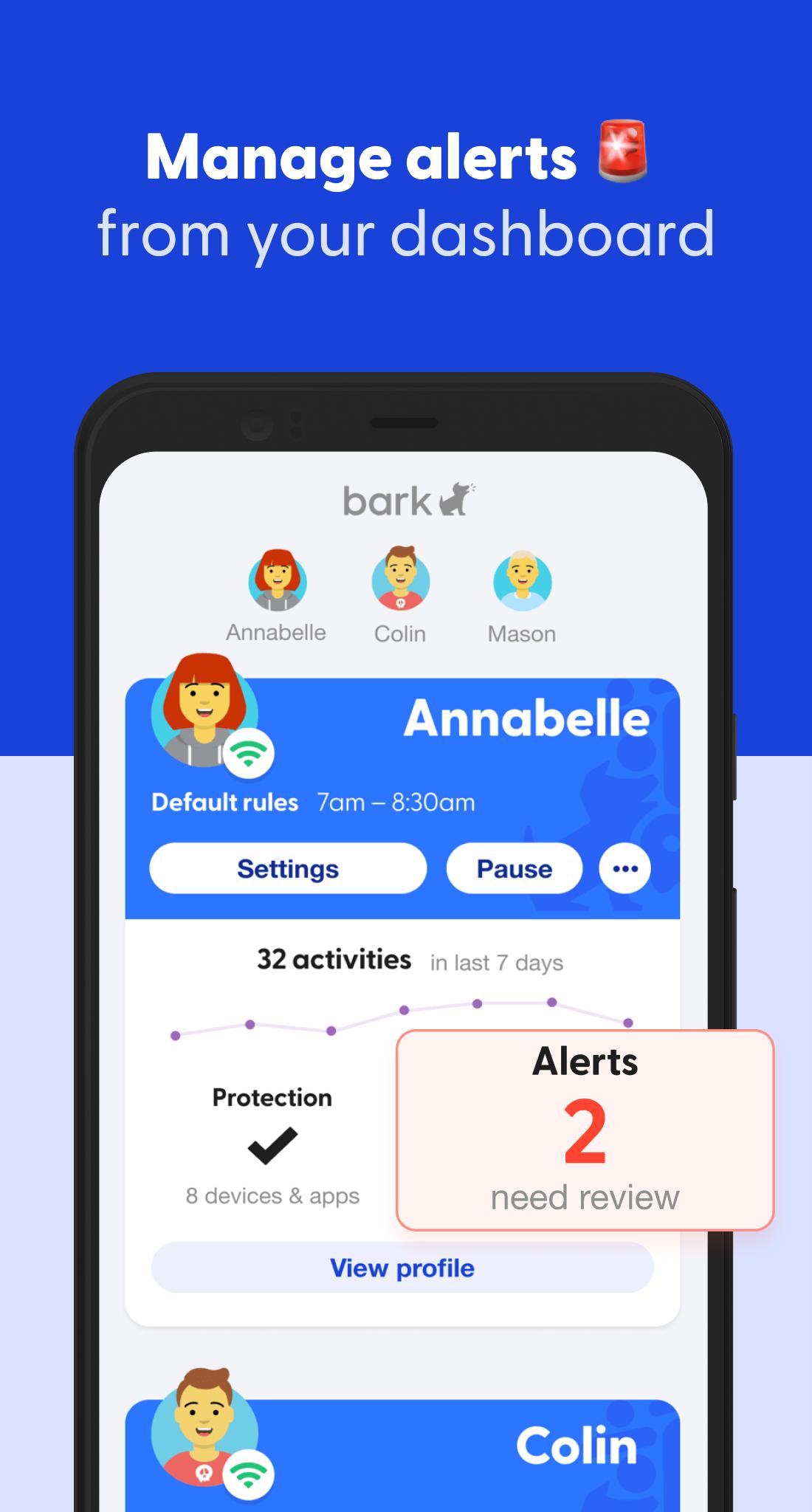
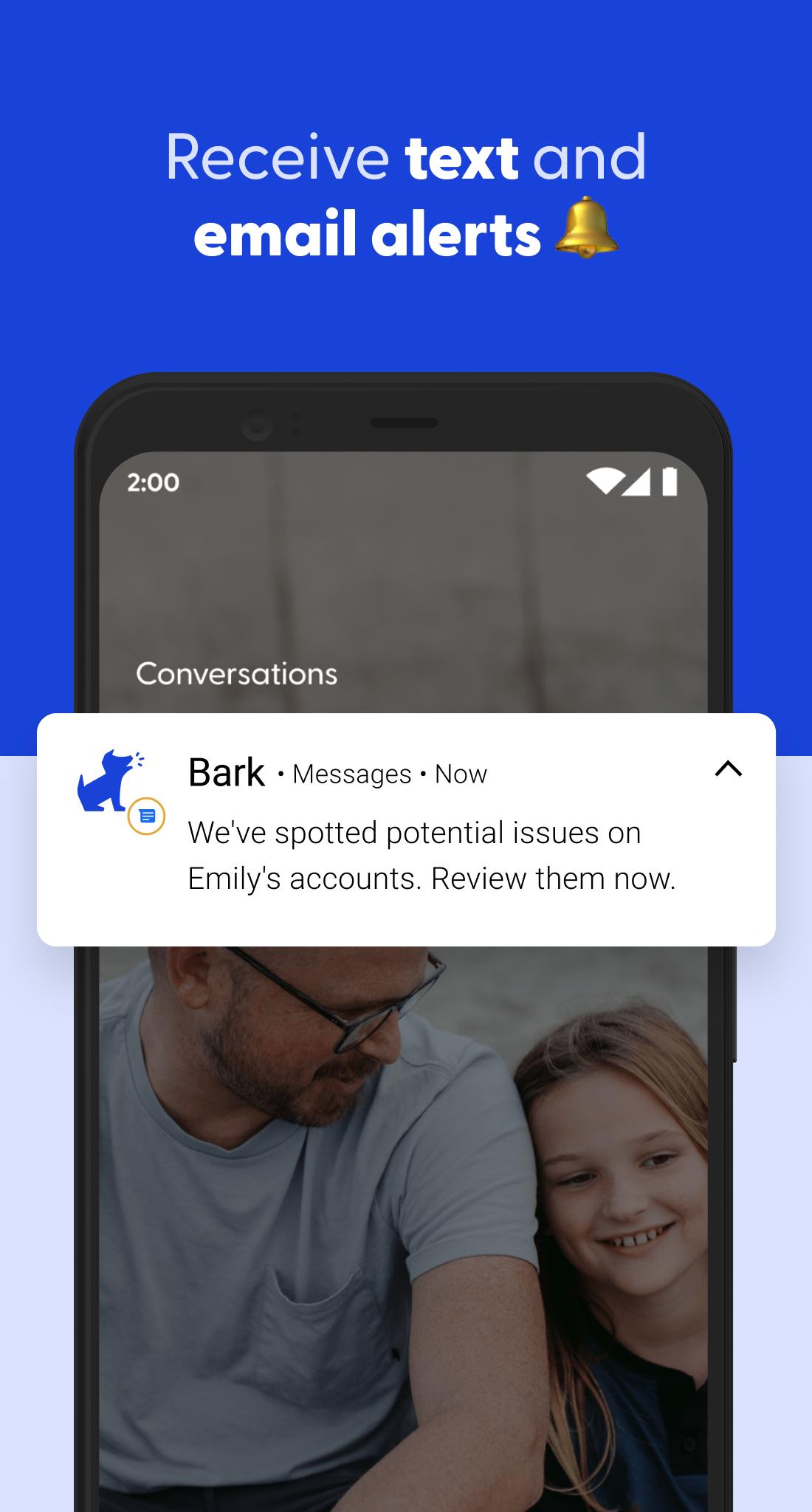
Bark monitors your child’s text messages, email, YouTube, and 30+ apps and social media platforms for issues like cyberbullying, suicidal ideation, adult content, sexual predators, profanity, threats of violence, and more. Parents receive alerts only when something potentially problematic occurs online. You won’t have full access to everything on your child’s phone — just the things you might need to know about.
SCREEN TIME MANAGEMENT
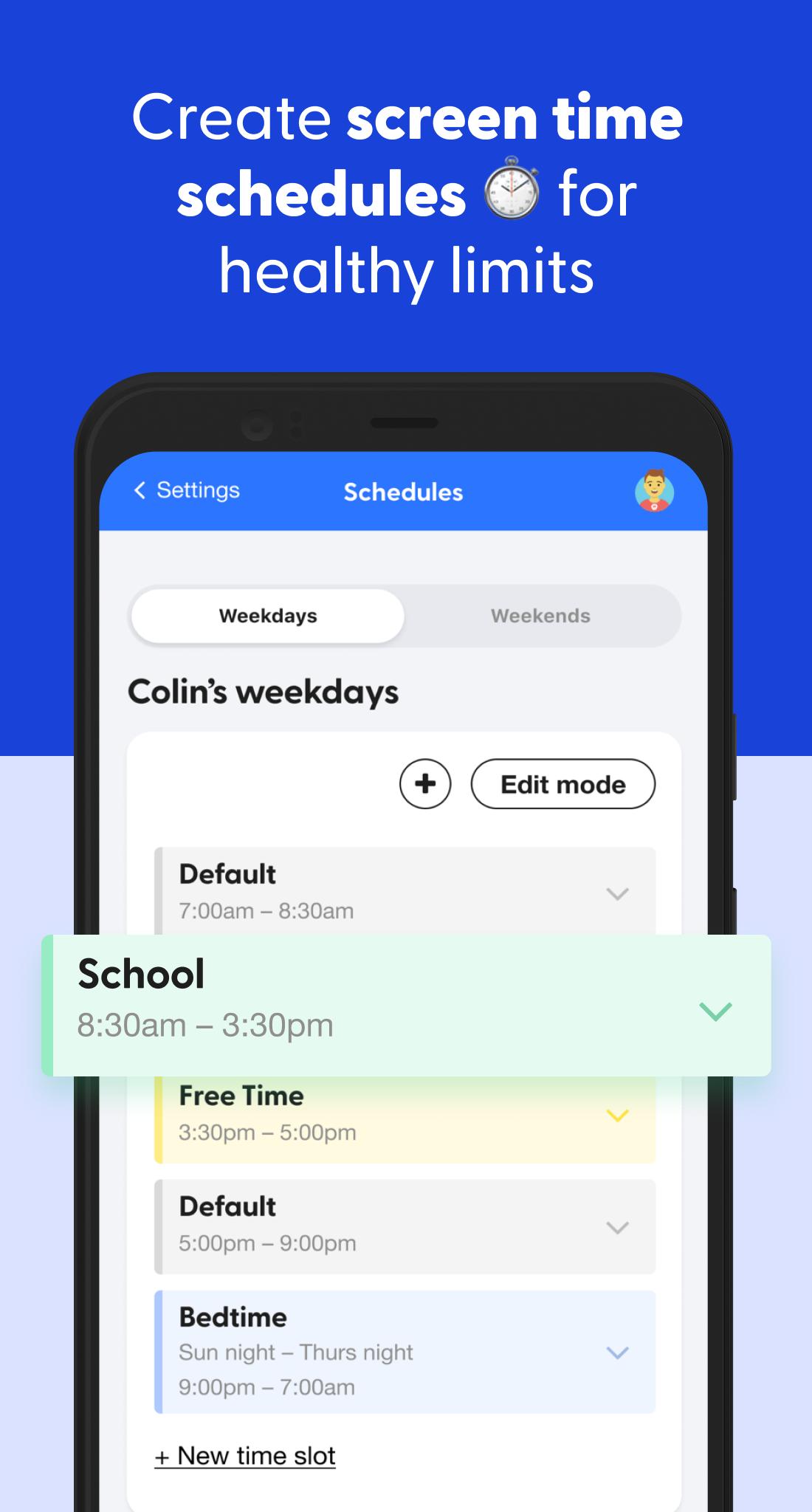
Families can set healthy time limits and create schedules for when their children’s devices can connect to the internet (through both cell service and Wi-Fi).
WEB FILTERING
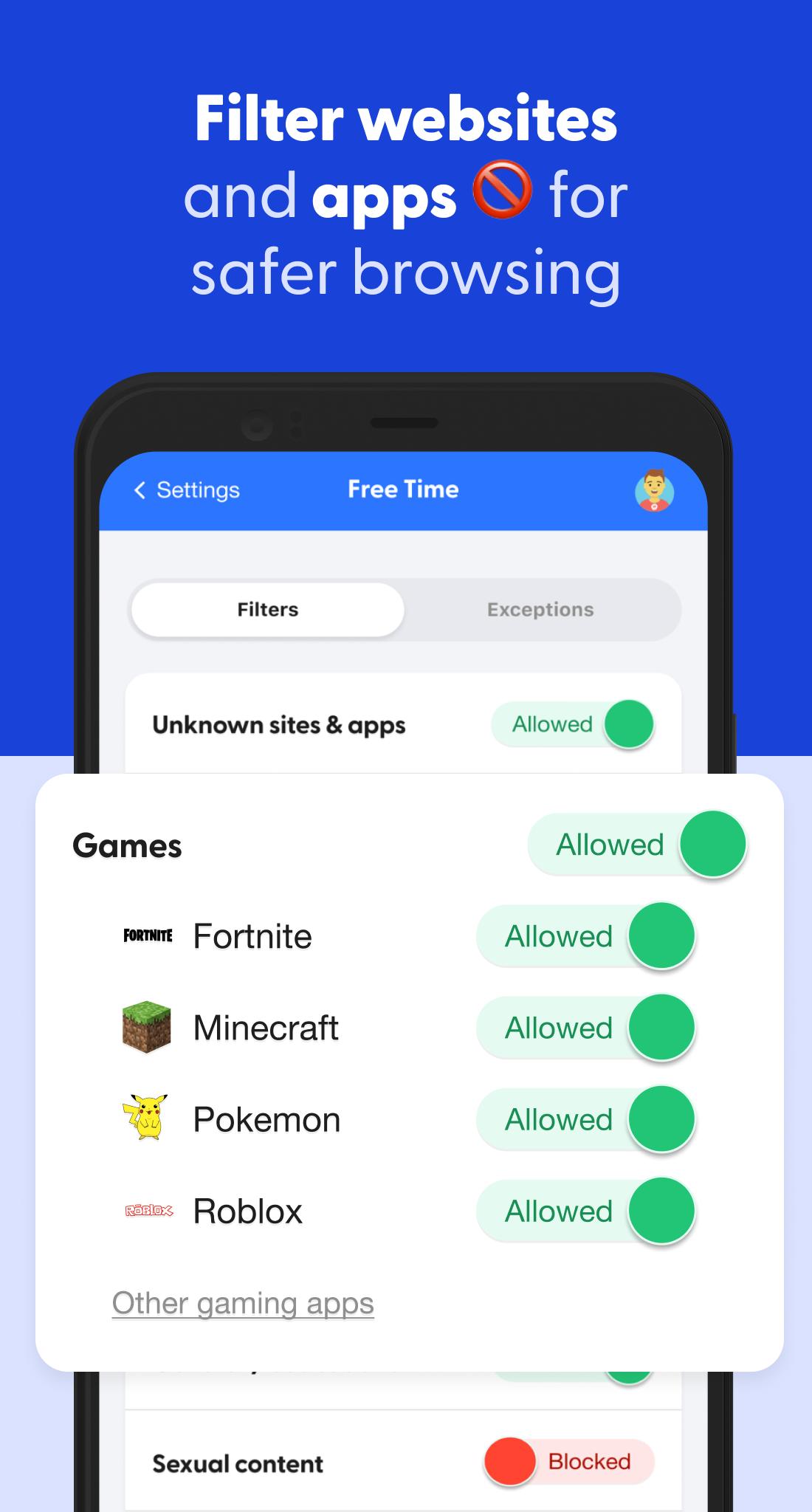
Our web filter lets you select which websites your child can access on their devices. You can allow or block specific sites — or even whole categories like streaming services, online gaming, sexual content, and more.
BARK HOME
When you purchase Bark Home, a small device sold separately that connects to your Wi-Fi router, you can use our app to manage screen time and filter websites and apps on all of the Wi-Fi-connected devices in your home, from smart TVs and video game consoles to laptops and tablets. Bark Home requires an active Bark subscription.
PRICING
Bark, our comprehensive online safety solution, includes content monitoring, screen time management, and web filtering. Bark is $14/month — or $149 annually.
Bark Jr provides screen time management and web filtering for $5/month or $99 annually.
SETTING UP BARK
After you download the Bark app for parents and guardians, you’ll need to download the Bark for Kids app to your child’s device to enable monitoring, screen time management, and more. Visit www.bark.us/android to install it.
CONTENT MONITORING
Bark monitors your child’s text messages, email, YouTube, and 30+ apps and social media platforms for issues like cyberbullying, suicidal ideation, adult content, sexual predators, profanity, threats of violence, and more. Parents receive alerts only when something potentially problematic occurs online. You won’t have full access to everything on your child’s phone — just the things you might need to know about.
SCREEN TIME MANAGEMENT
Families can set healthy time limits and create schedules for when their children’s devices can connect to the internet (through both cell service and Wi-Fi).
WEB FILTERING
Our web filter lets you select which websites your child can access on their devices. You can allow or block specific sites — or even whole categories like streaming services, online gaming, sexual content, and more.
BARK HOME
When you purchase Bark Home, a small device sold separately that connects to your Wi-Fi router, you can use our app to manage screen time and filter websites and apps on all of the Wi-Fi-connected devices in your home, from smart TVs and video game consoles to laptops and tablets. Bark Home requires an active Bark subscription.
PRICING
Bark, our comprehensive online safety solution, includes content monitoring, screen time management, and web filtering. Bark is $14/month — or $149 annually.
Bark Jr provides screen time management and web filtering for $5/month or $99 annually.
SETTING UP BARK
After you download the Bark app for parents and guardians, you’ll need to download the Bark for Kids app to your child’s device to enable monitoring, screen time management, and more. Visit www.bark.us/android to install it.
Additional Information
Category
App › Parenting
Version
4.0.28
Updated
Feb 4, 2021
Requires Android
Android: 5.0+ Lollipop (API 21)
Permissions
Architectures
Unknown
Target Android
Android: 10 Android 10 (API 29)
Estimated Download Time
File Size: 5.95 MB
3G network (~2 Mbps)
29 seconds
4G LTE (~25 Mbps)
3 seconds
5G network (~150 Mbps)
1 seconds
Broadband / Wi-Fi (~100 Mbps)
1 seconds
Hashes
SHA-1
2EC4892FA23859E3ECBAD1A327C540FD525C37BBSHA-256
540775AB4E56D123A7777813868BAACEC575BD21A943FD262955EB2AEBB66D7CSigning Certificate SHA-1
86423BB958CC82FDB86913450D8913D1865A29A2Available On