
Every Proxy Description
Run your own proxy server on your Android device.
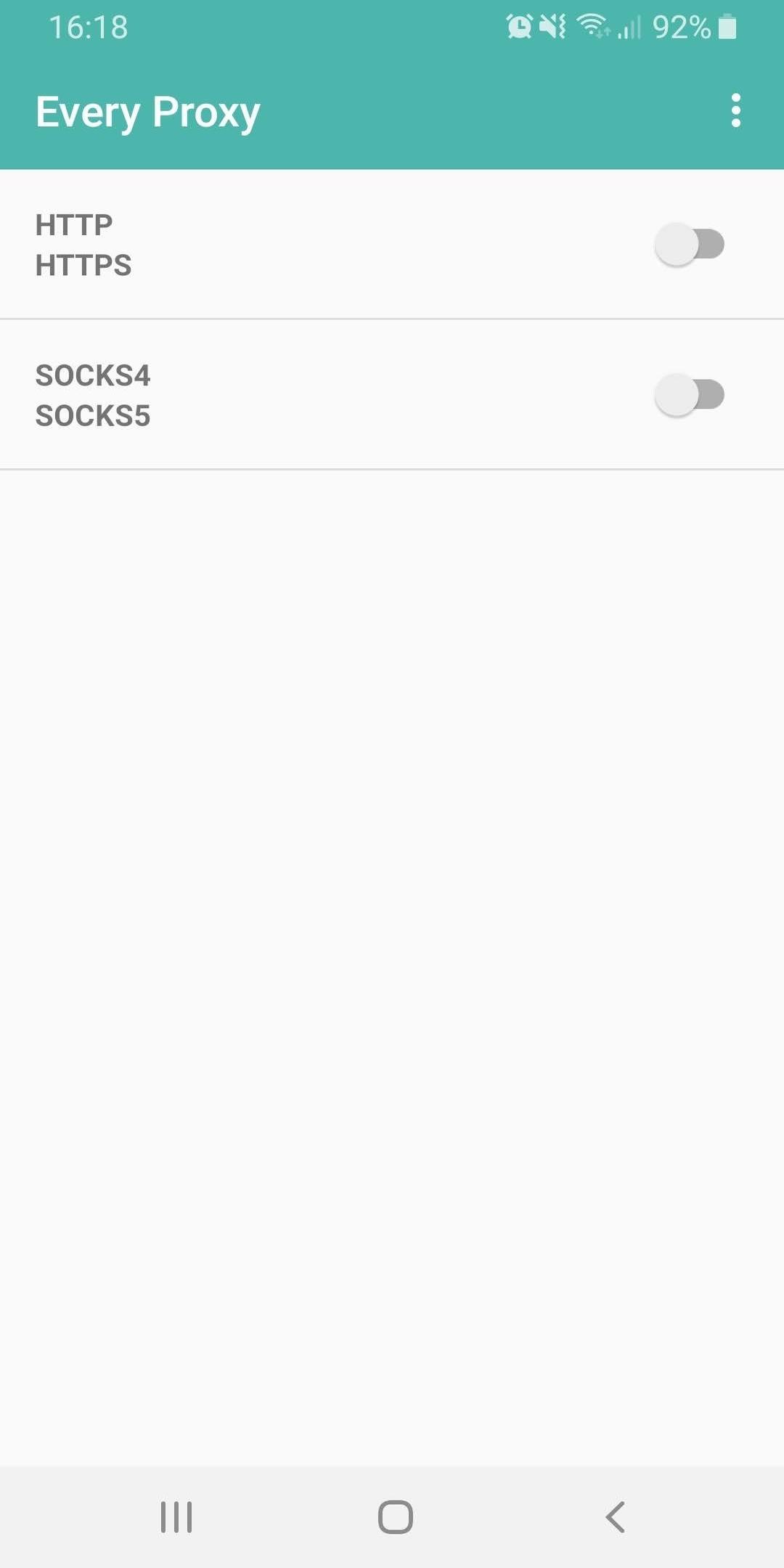
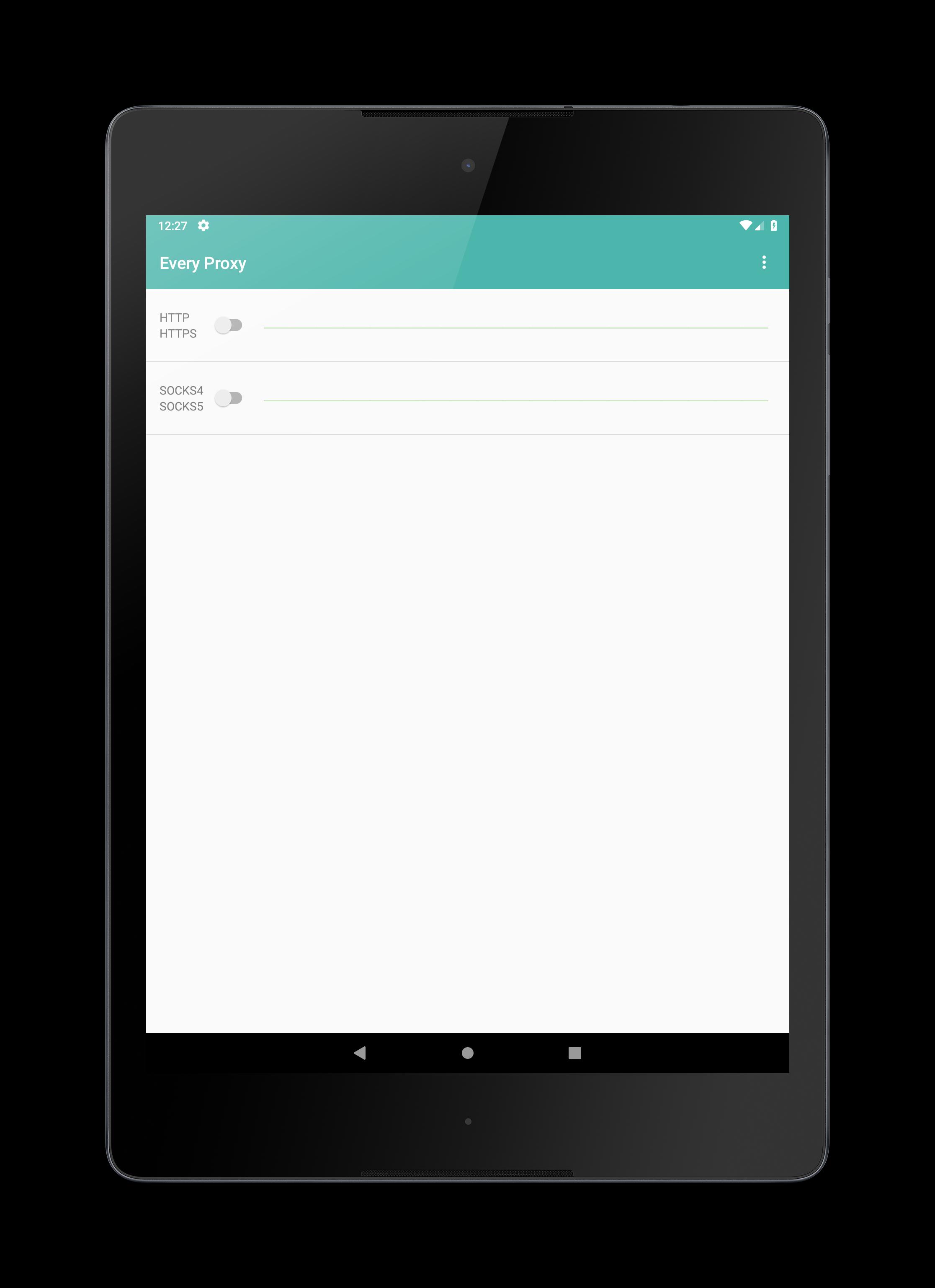
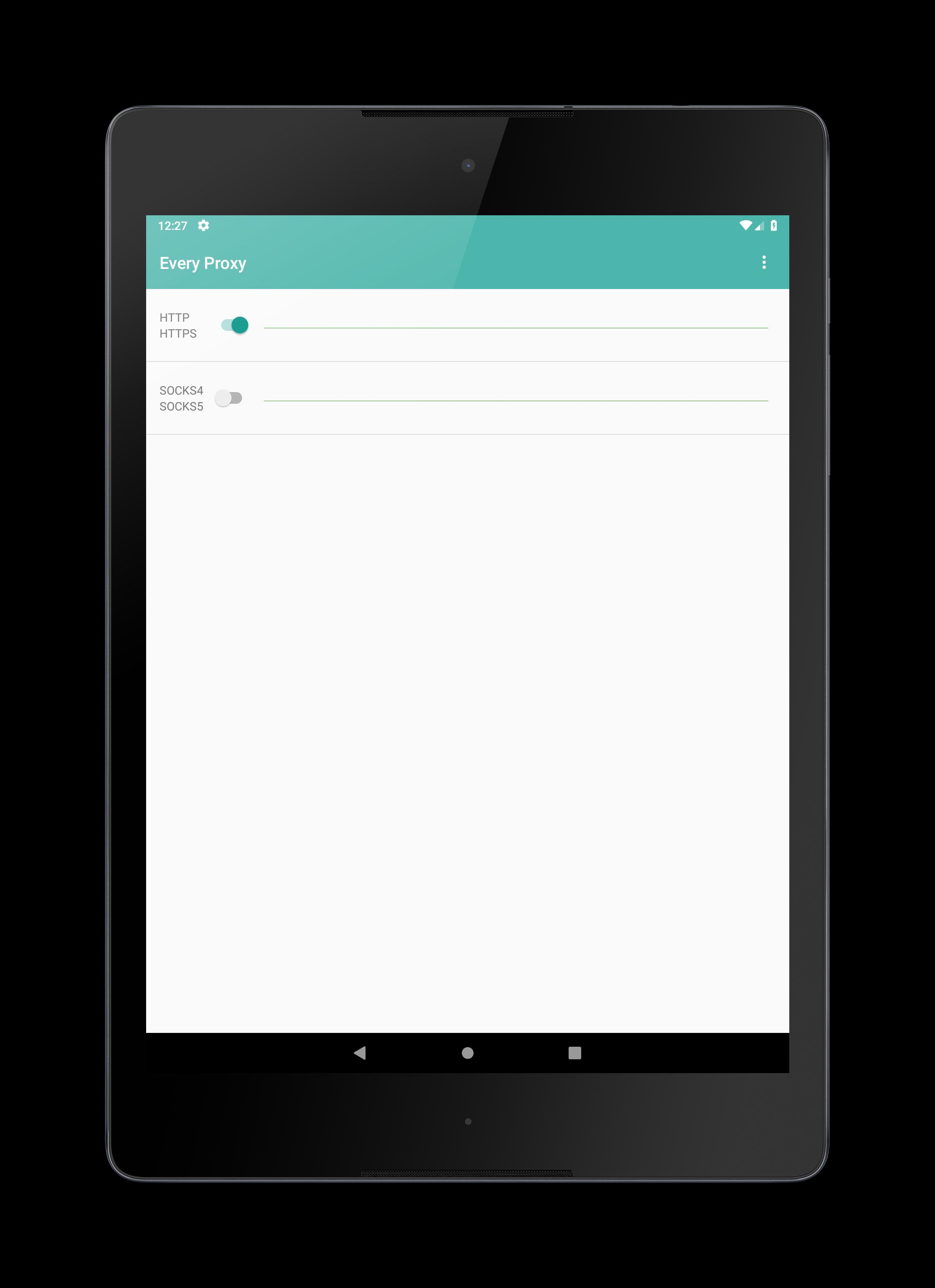
The application handles the following protocols:
Http
Https
Socks4
Socks5
No root permissions are necessary.
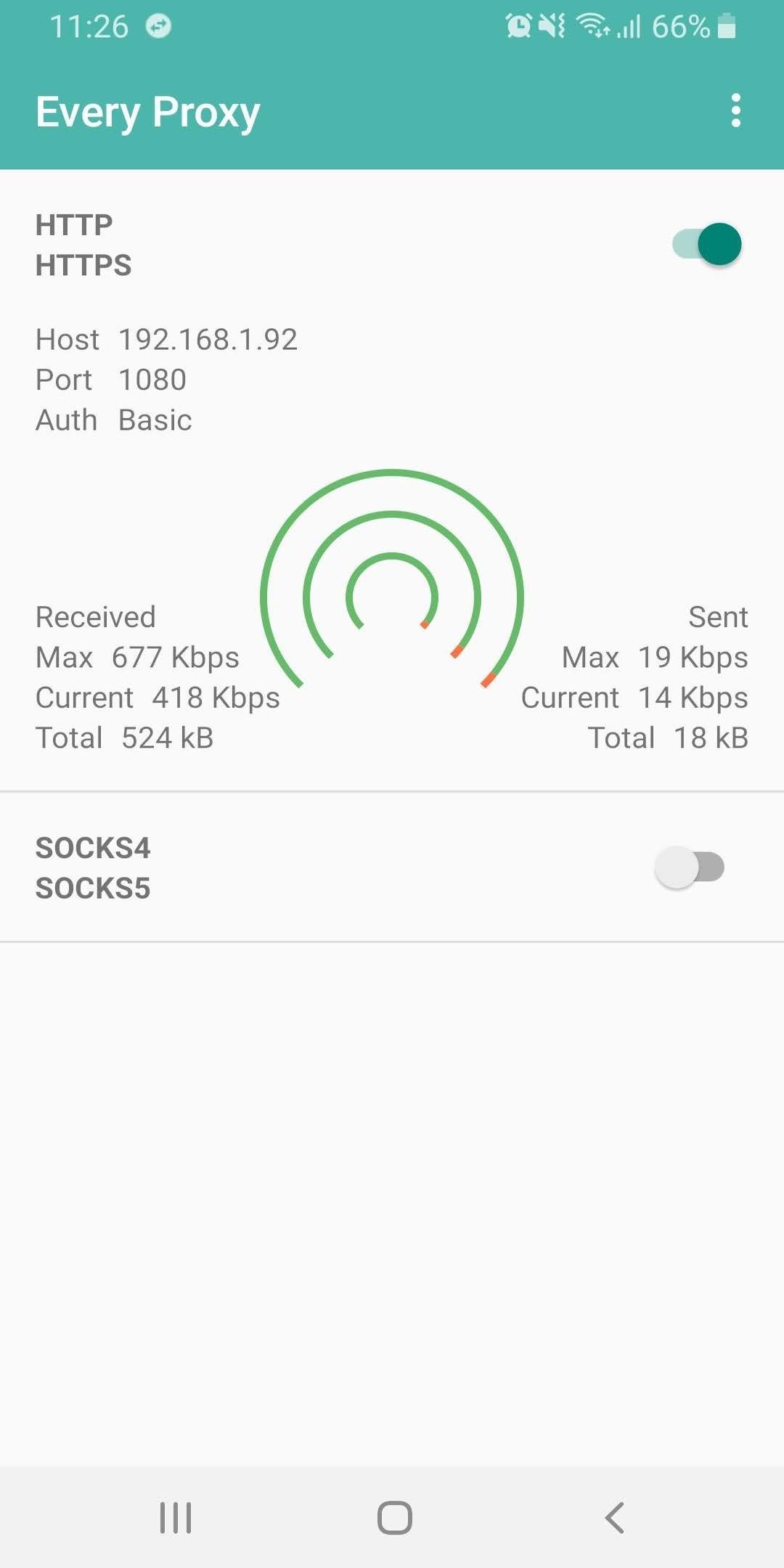
Use your Android network connection from another device. This is useful if you have a VPN connection on your Android device that you would like to share. This is also useful to route your traffic through your Android device.
Work around network providers restrictions on tethering. Connect your hotspot as usual then proxy your http and https calls through Every Proxy.
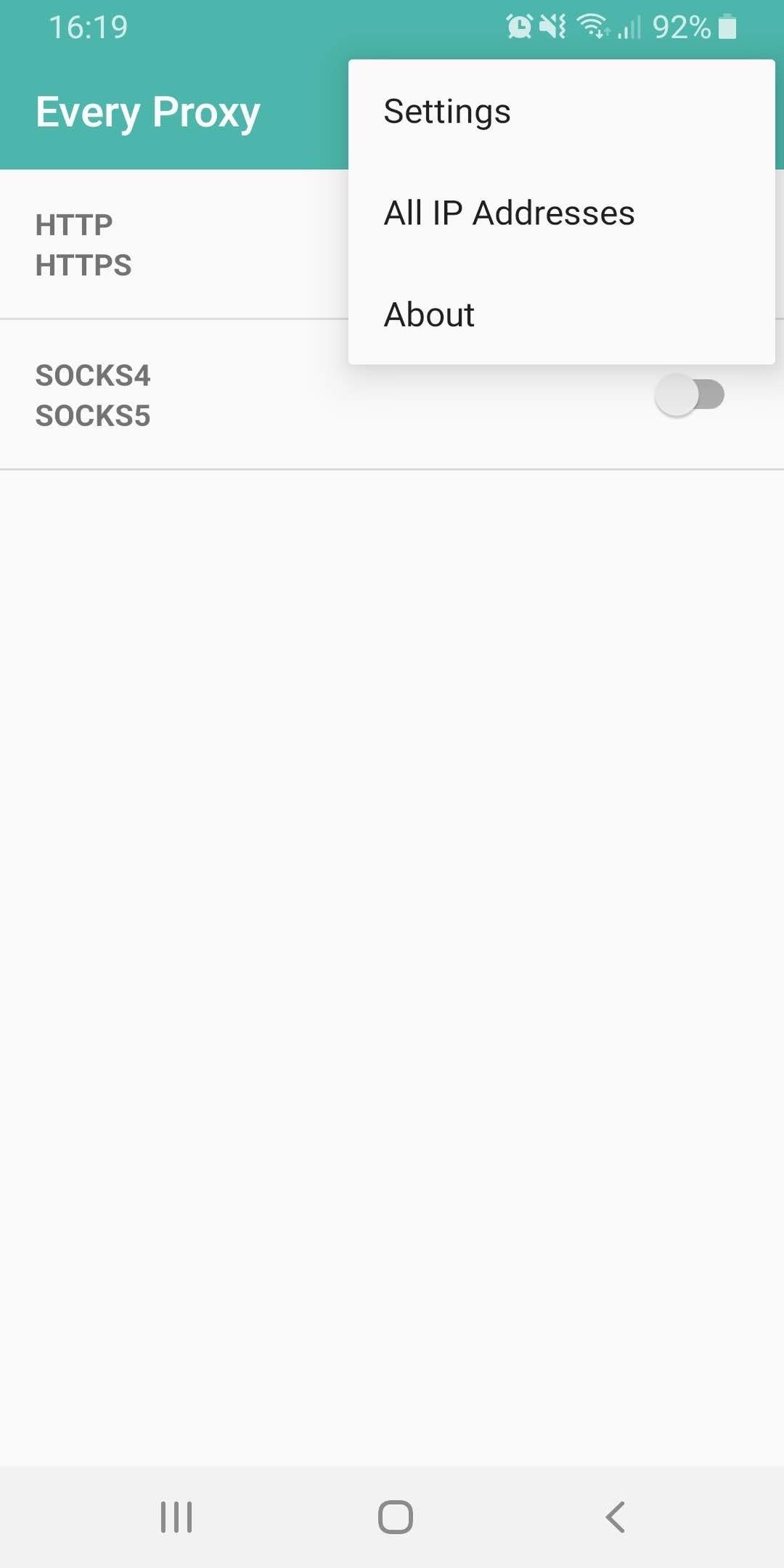
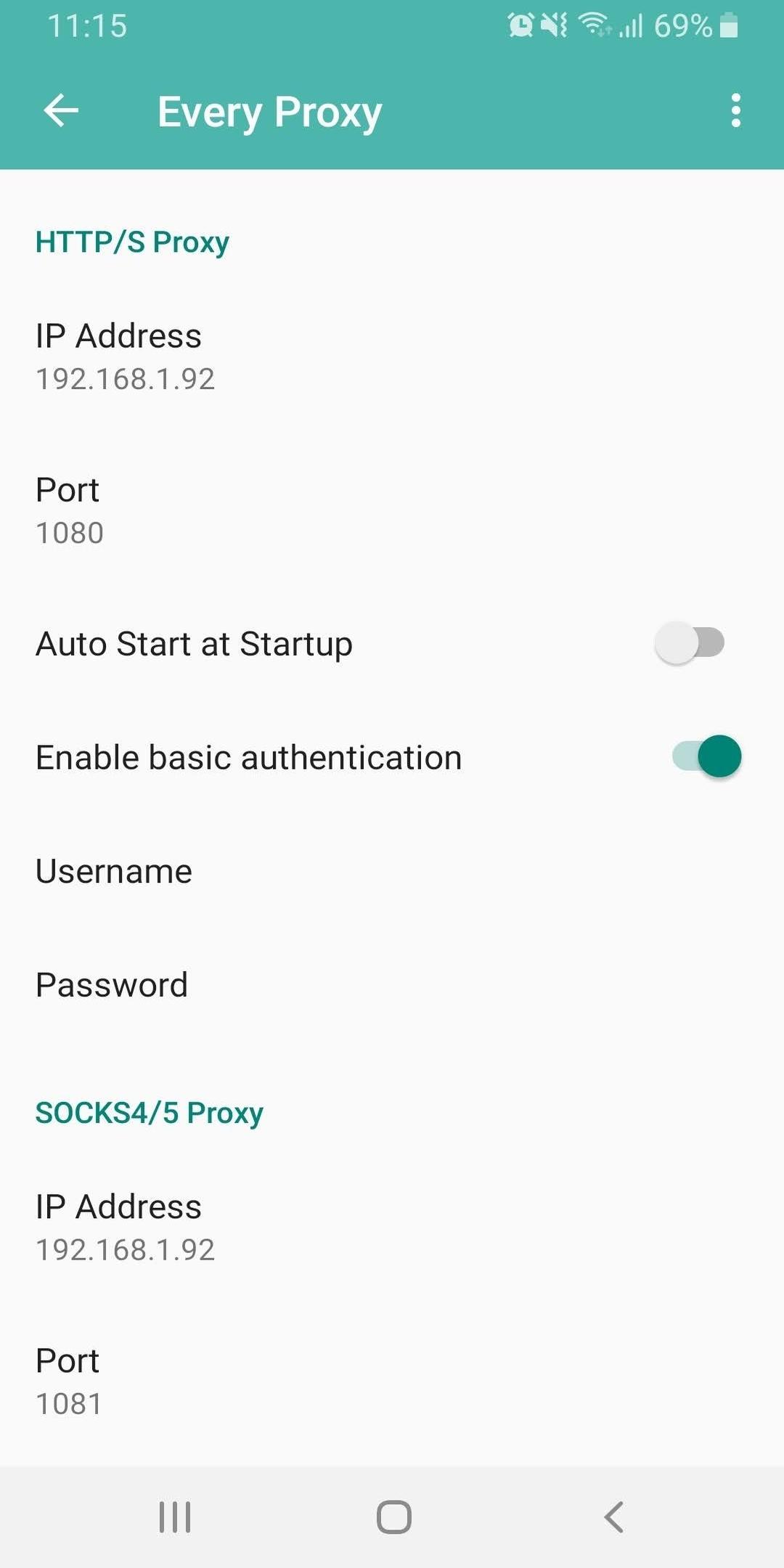
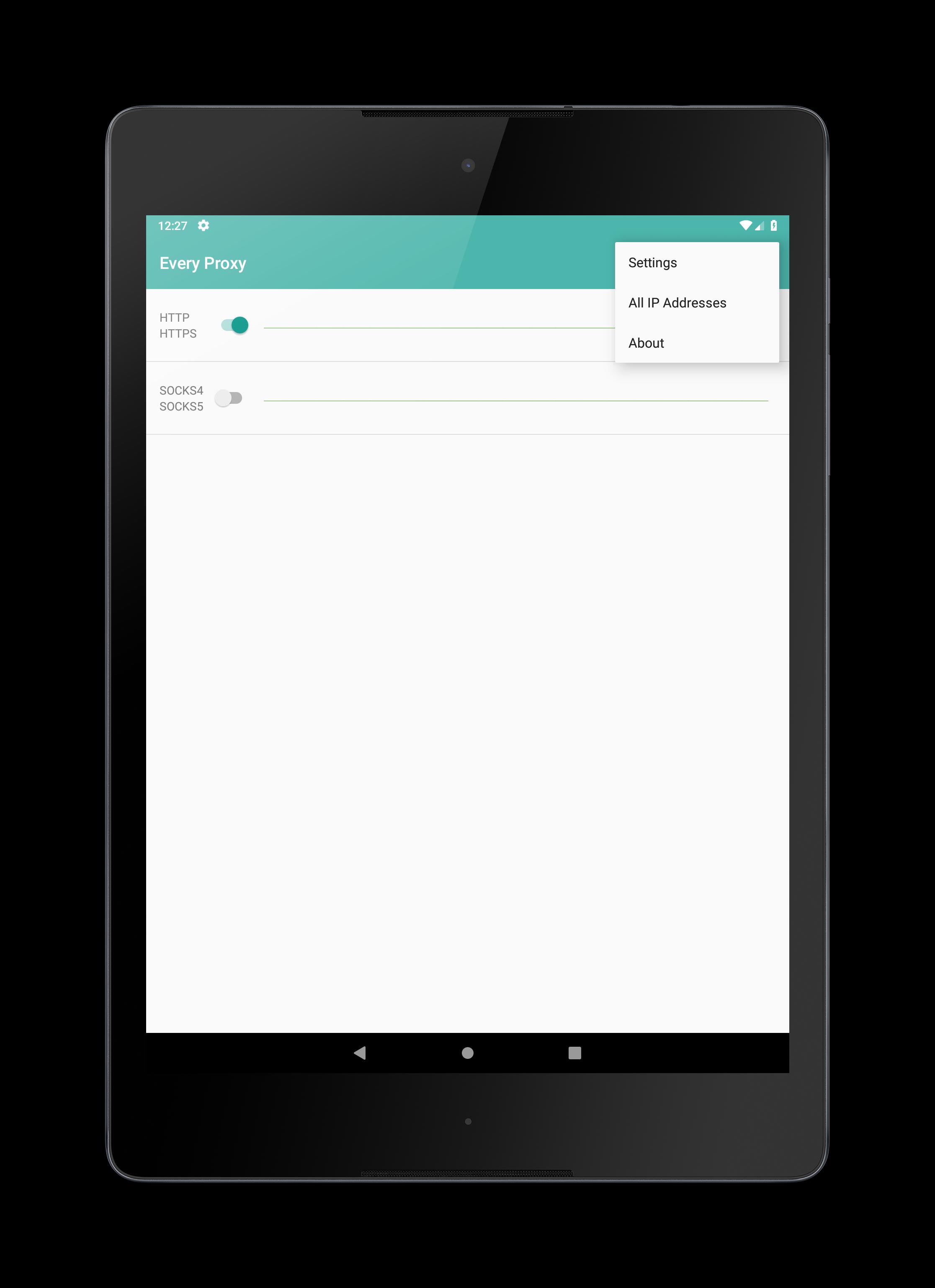
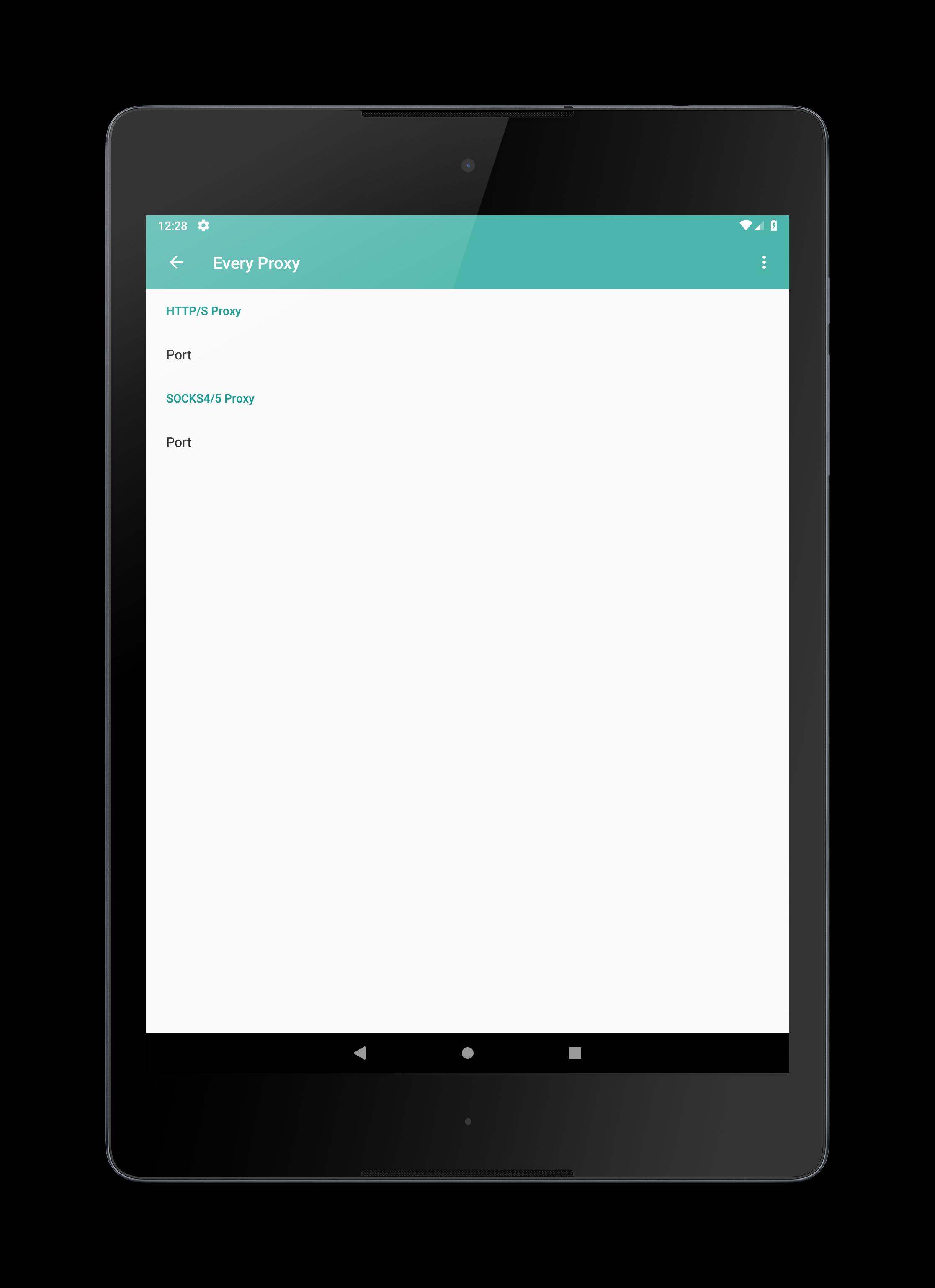
The proxy will bind to the IP Address assigned to your Android device. If you would like to use a different IP Address please search, on your favorite search engine, for "android change ip address". You can also bind the proxy server to "0.0.0.0" through the settings, doing so will expose the proxy on all currently assigned IP Addresses.
Dark mode is supported.
Authentication is enabled for both the HTTP/S and Socks proxies.
Please let us know if you would like any additional features by using the Google Group. Also please ask your questions on the Google Group.
If you find this application useful please leave a star rating or feedback. All feedback is appreciated.
Beta testing opt-in: https://play.google.com/apps/testing/com.gorillasoftware.everyproxy
Google group: https://groups.google.com/forum/#!forum/every-proxy
Howto website: http://www.everyproxy.co.uk
The application handles the following protocols:
Http
Https
Socks4
Socks5
No root permissions are necessary.
Use your Android network connection from another device. This is useful if you have a VPN connection on your Android device that you would like to share. This is also useful to route your traffic through your Android device.
Work around network providers restrictions on tethering. Connect your hotspot as usual then proxy your http and https calls through Every Proxy.
The proxy will bind to the IP Address assigned to your Android device. If you would like to use a different IP Address please search, on your favorite search engine, for "android change ip address". You can also bind the proxy server to "0.0.0.0" through the settings, doing so will expose the proxy on all currently assigned IP Addresses.
Dark mode is supported.
Authentication is enabled for both the HTTP/S and Socks proxies.
Please let us know if you would like any additional features by using the Google Group. Also please ask your questions on the Google Group.
If you find this application useful please leave a star rating or feedback. All feedback is appreciated.
Beta testing opt-in: https://play.google.com/apps/testing/com.gorillasoftware.everyproxy
Google group: https://groups.google.com/forum/#!forum/every-proxy
Howto website: http://www.everyproxy.co.uk
Additional Information
Category
App › Tools
Version
6.13
Updated
Dec 5, 2020
Requires Android
Android: 6.0+ Marshmallow (API 23)
Permissions
Architectures
Unknown
Target Android
Android: 11 Android 11 (API 30)
Estimated Download Time
File Size: 1.52 MB
3G network (~2 Mbps)
8 seconds
4G LTE (~25 Mbps)
1 seconds
5G network (~150 Mbps)
1 seconds
Broadband / Wi-Fi (~100 Mbps)
1 seconds
Hashes
SHA-1
723C863C71D07FF1E4572BBEECC1860B892640ABSHA-256
F4901EA690D0B05510A690FBA1D6F9E5B3435AB31E2BB1519F27B0466F789E67Signing Certificate SHA-1
4ACB1BB7CFB246A79EA966B12D3288BDB6CC560FAvailable On