
APKs
Split APK — use Split APKs Installer (SAI) to install.
About FlashGet Kids
FlashGet Kids Description
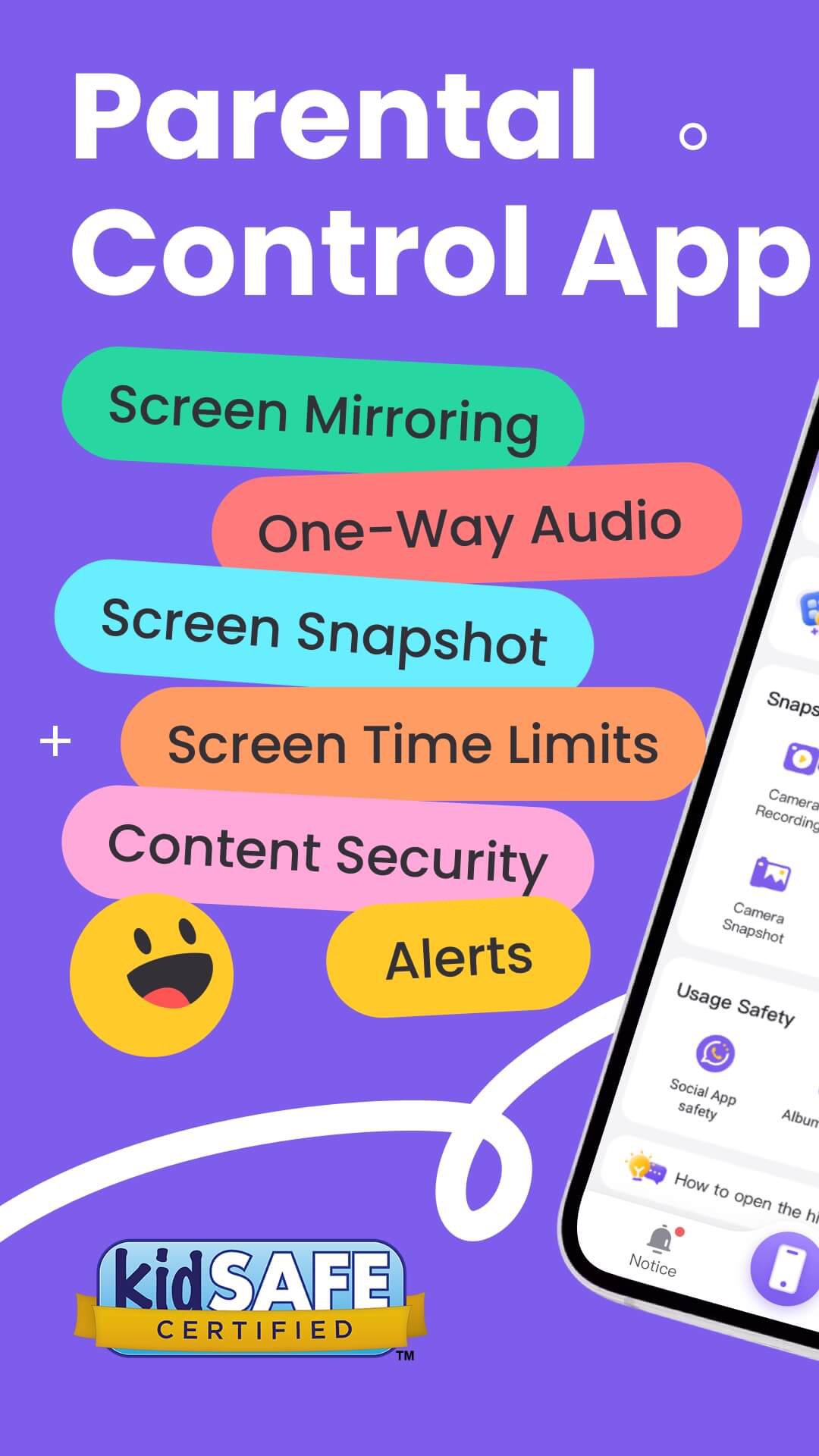
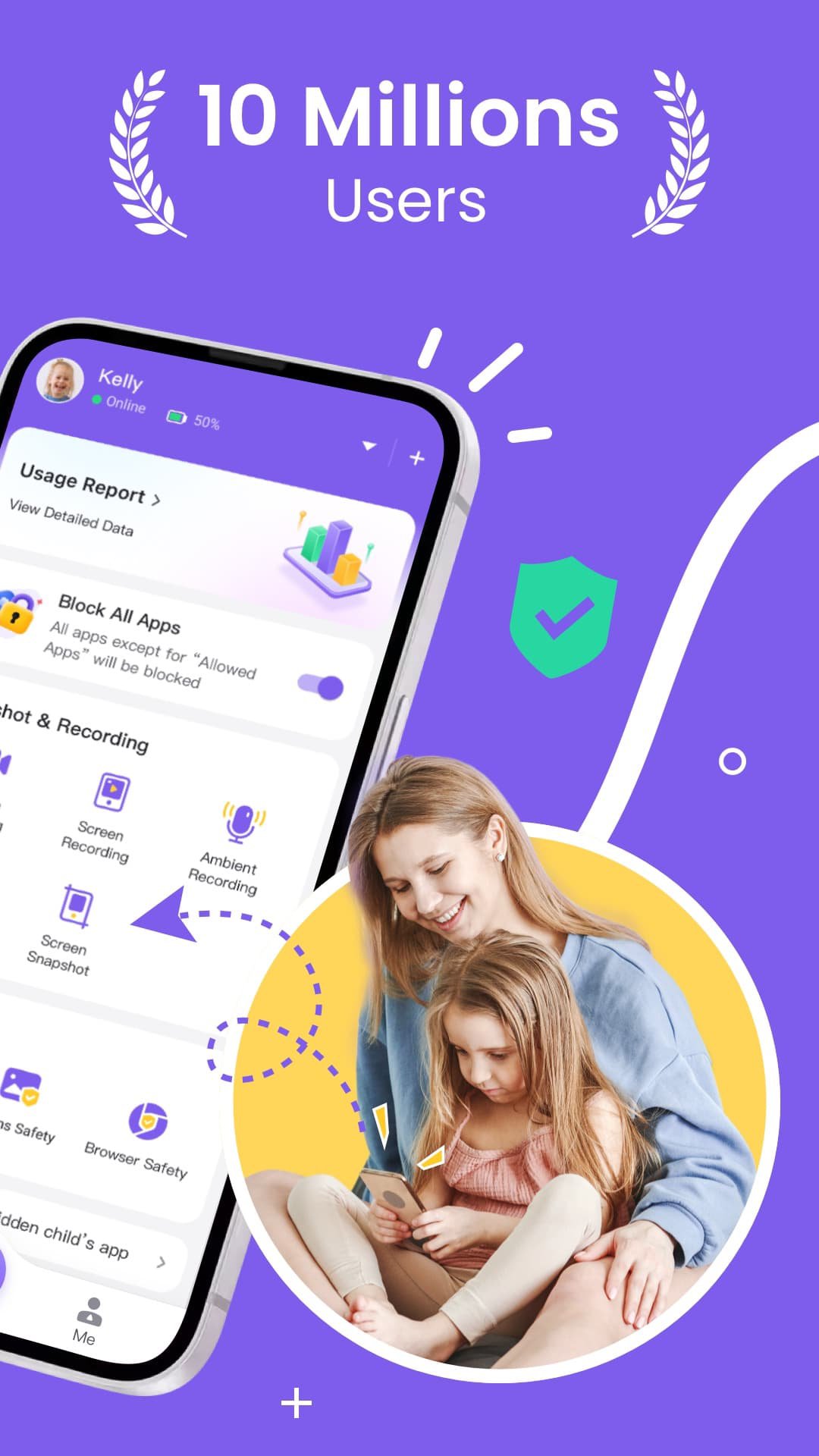
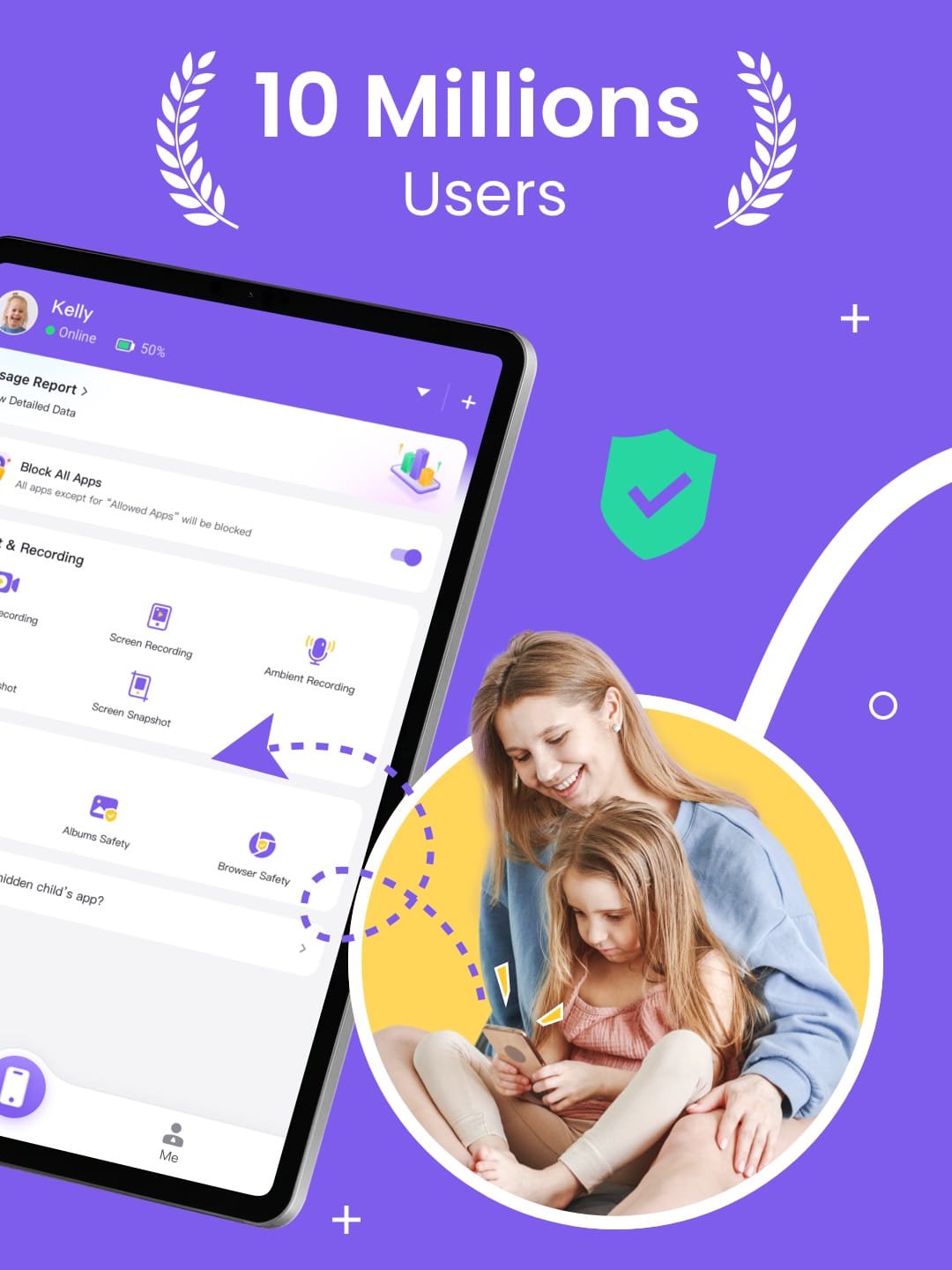
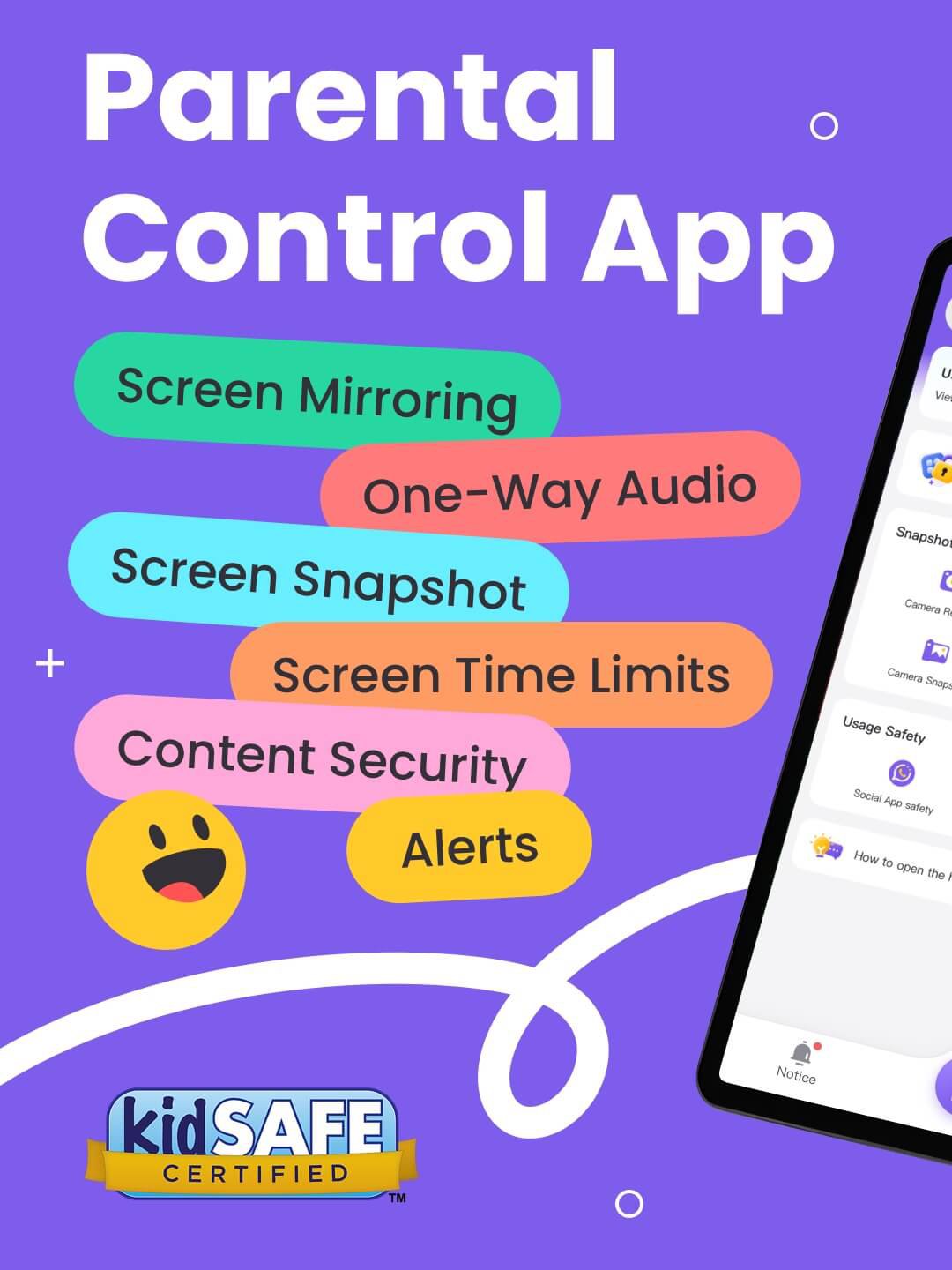
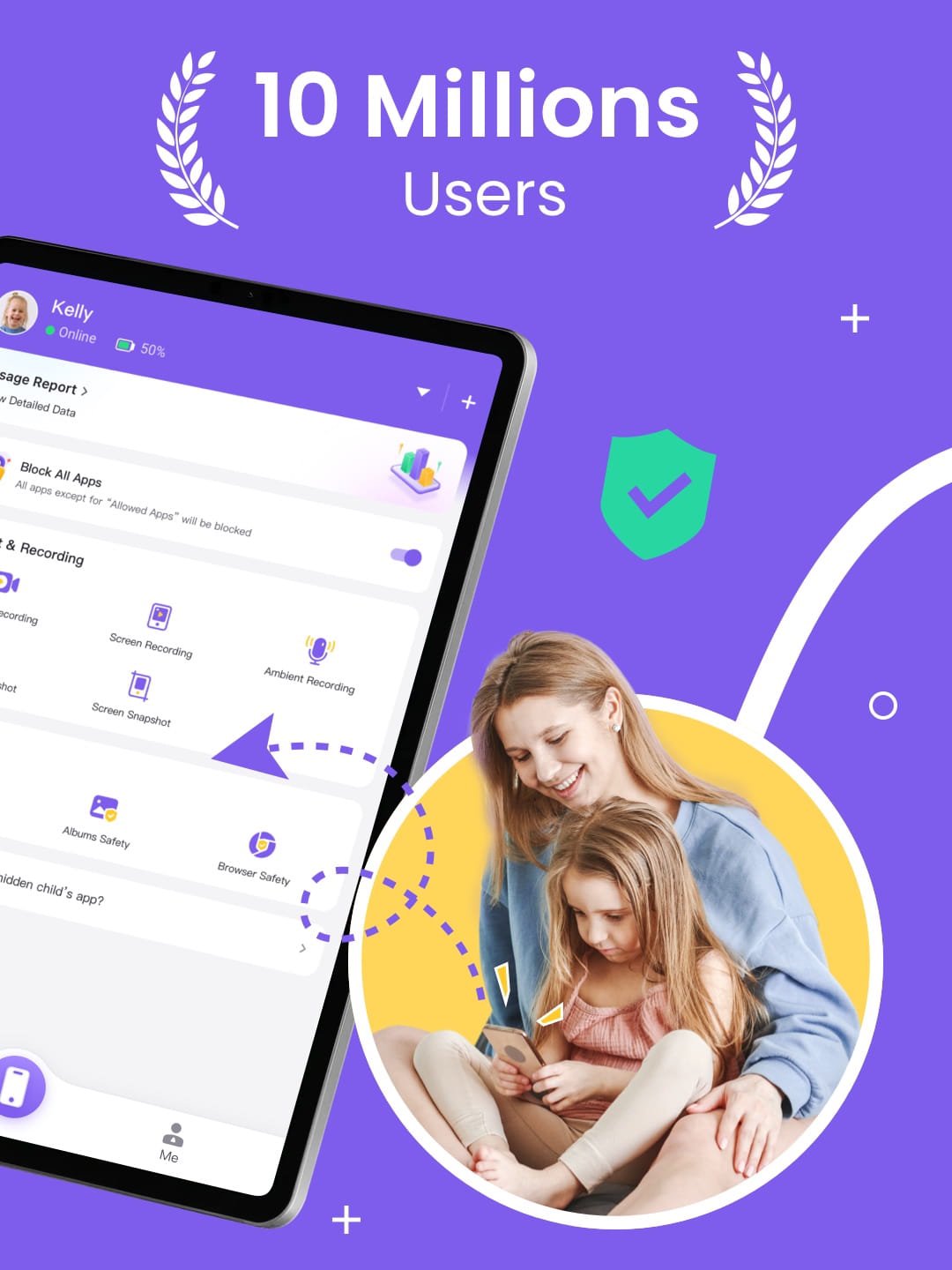
FlashGet Kids: Parental Control is designed for caring parents, helping them stay aware of their child's current whereabouts, guide digital routines, and ensure children's safety through powerful and secure features such as Real-time Activity Overview, App Block, and Content Guidance, while fostering good phone usage habits.
How does FlashGet Kids protect your children?
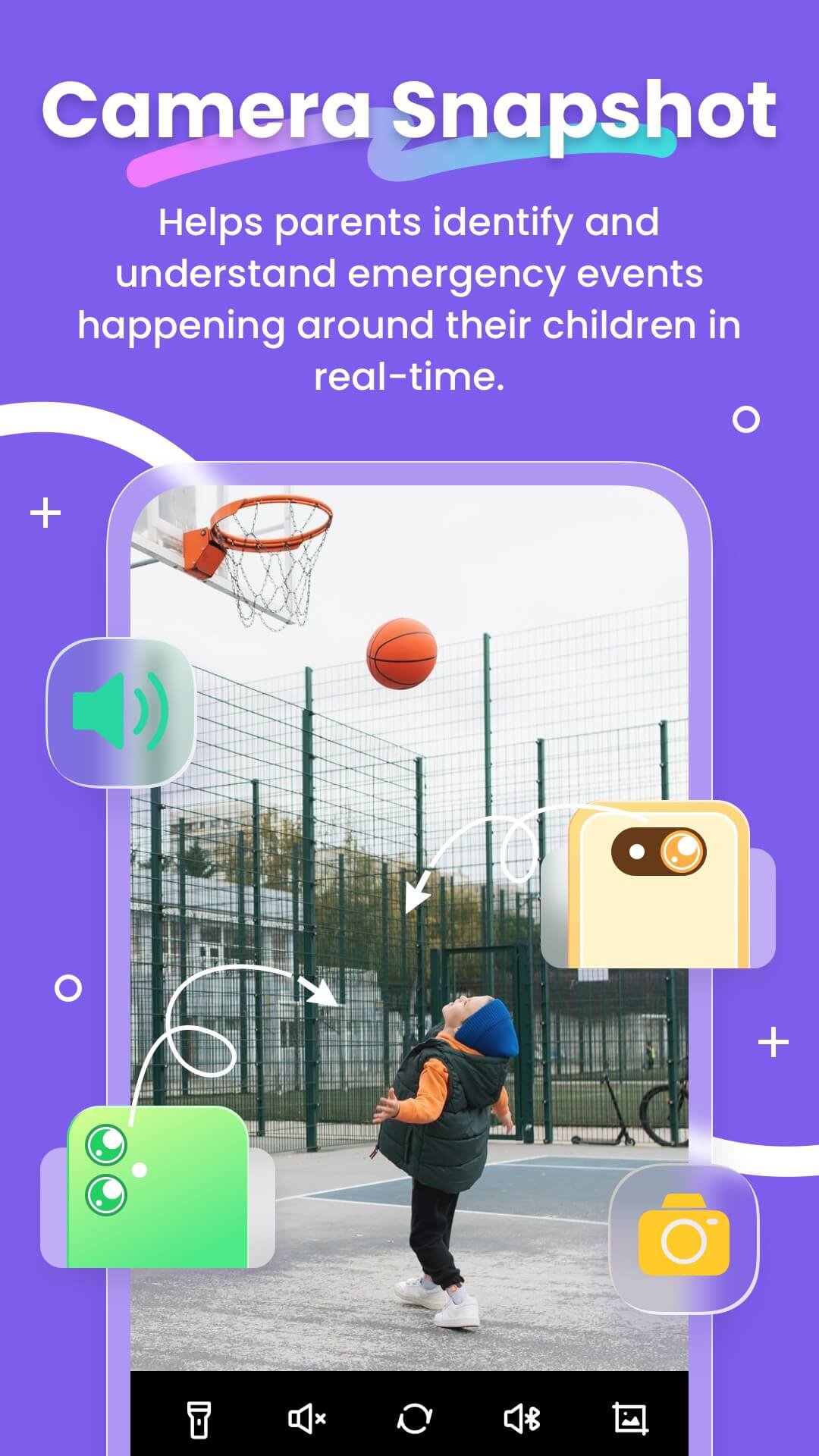
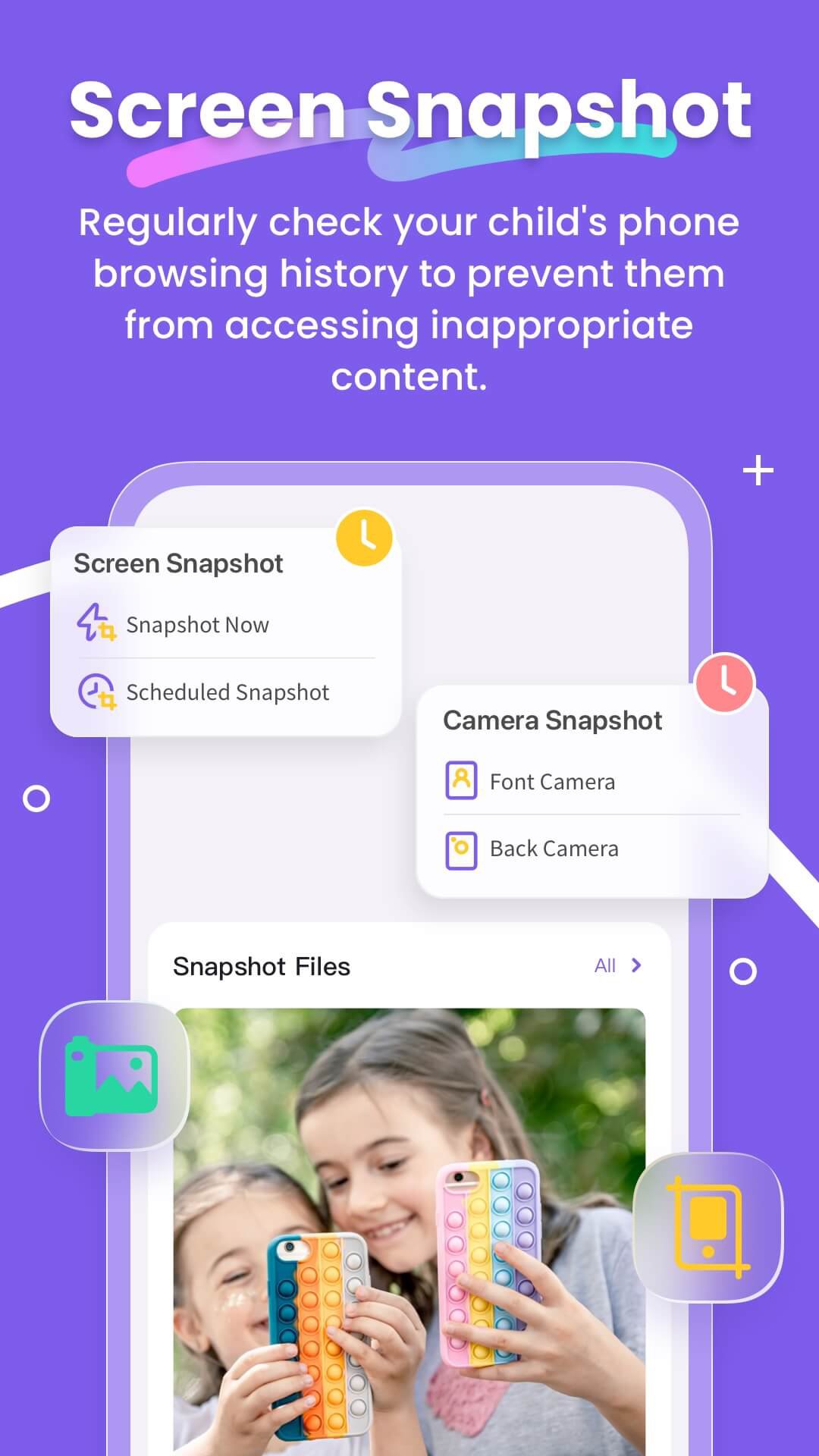
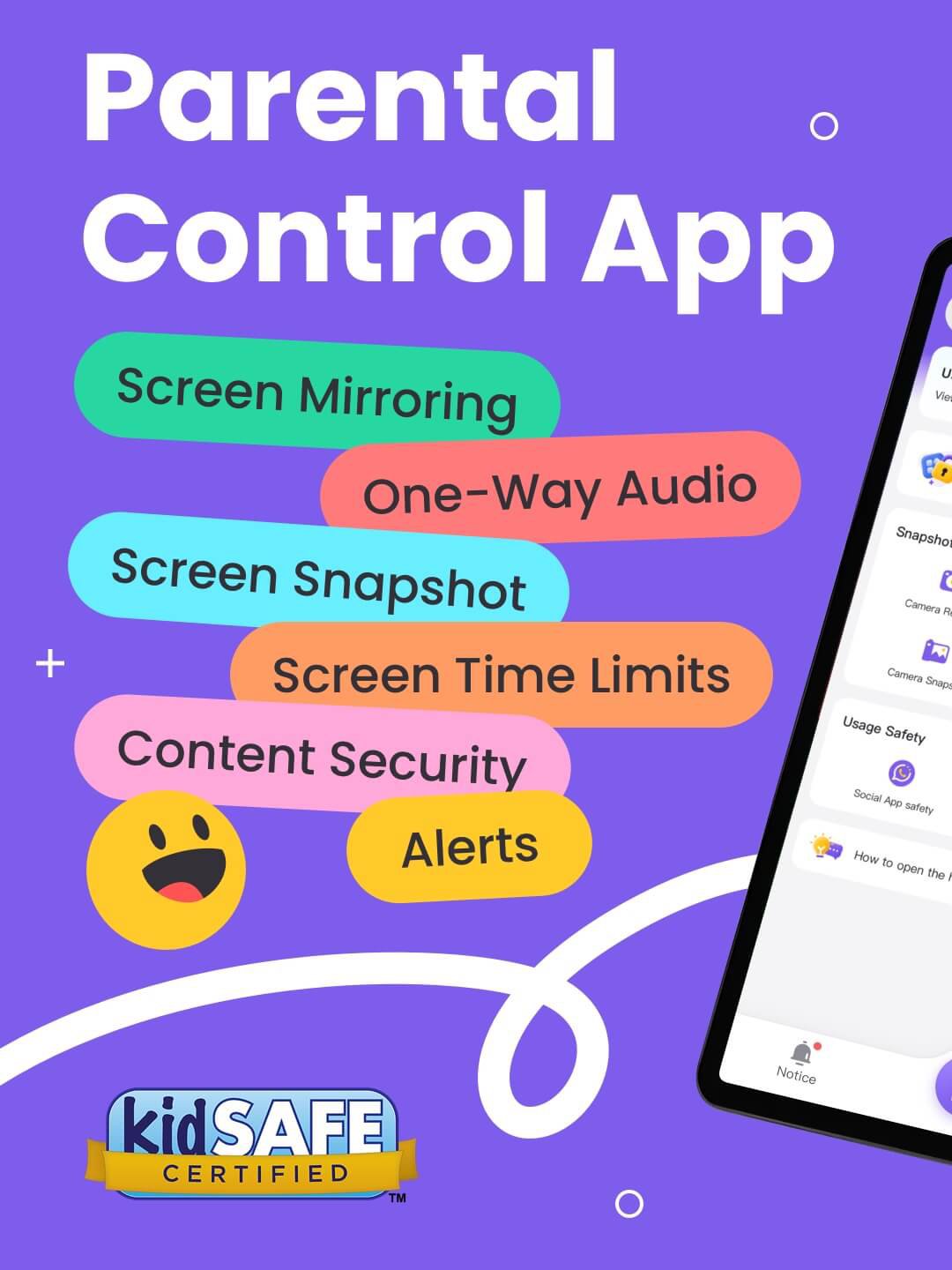
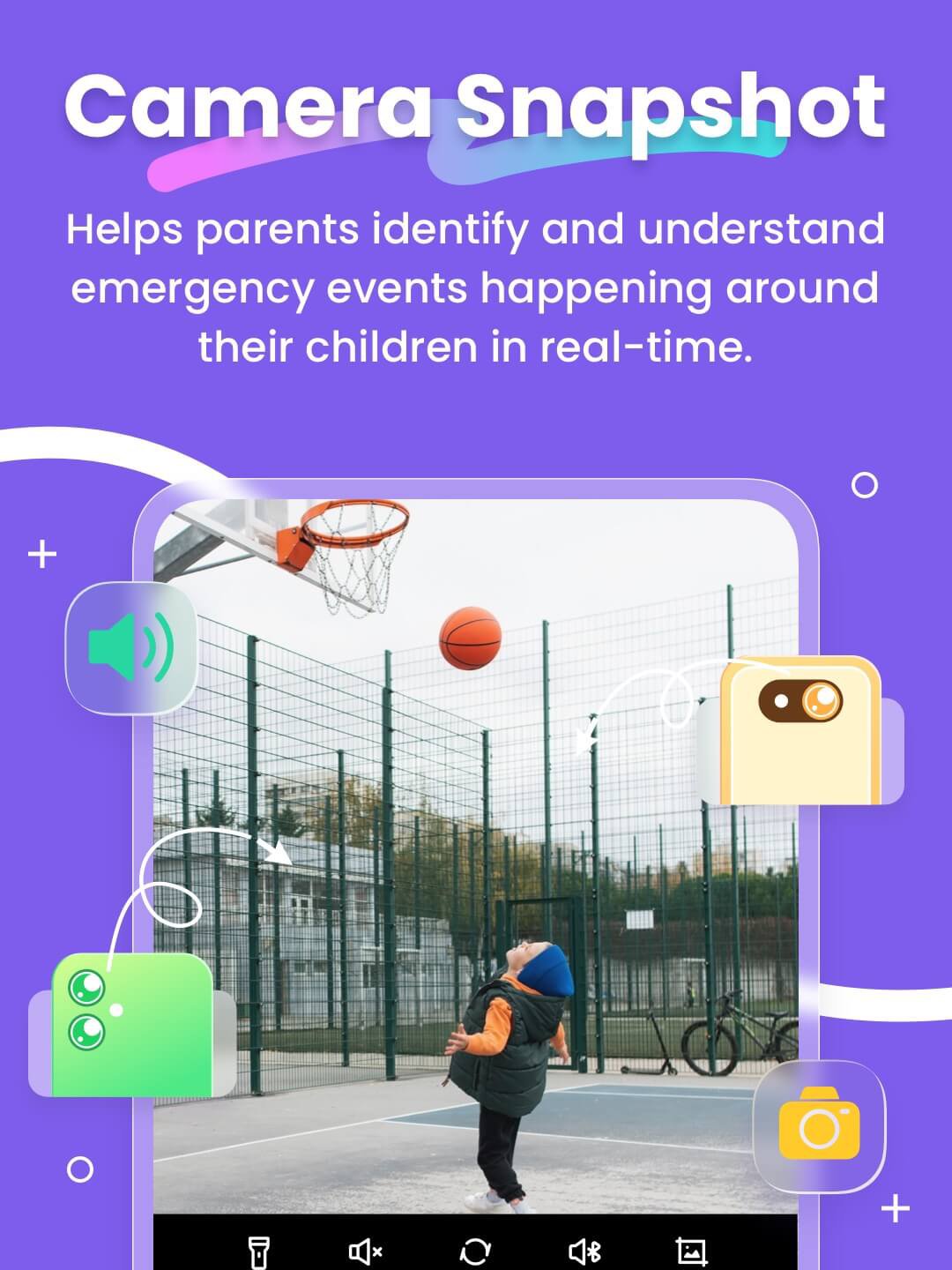
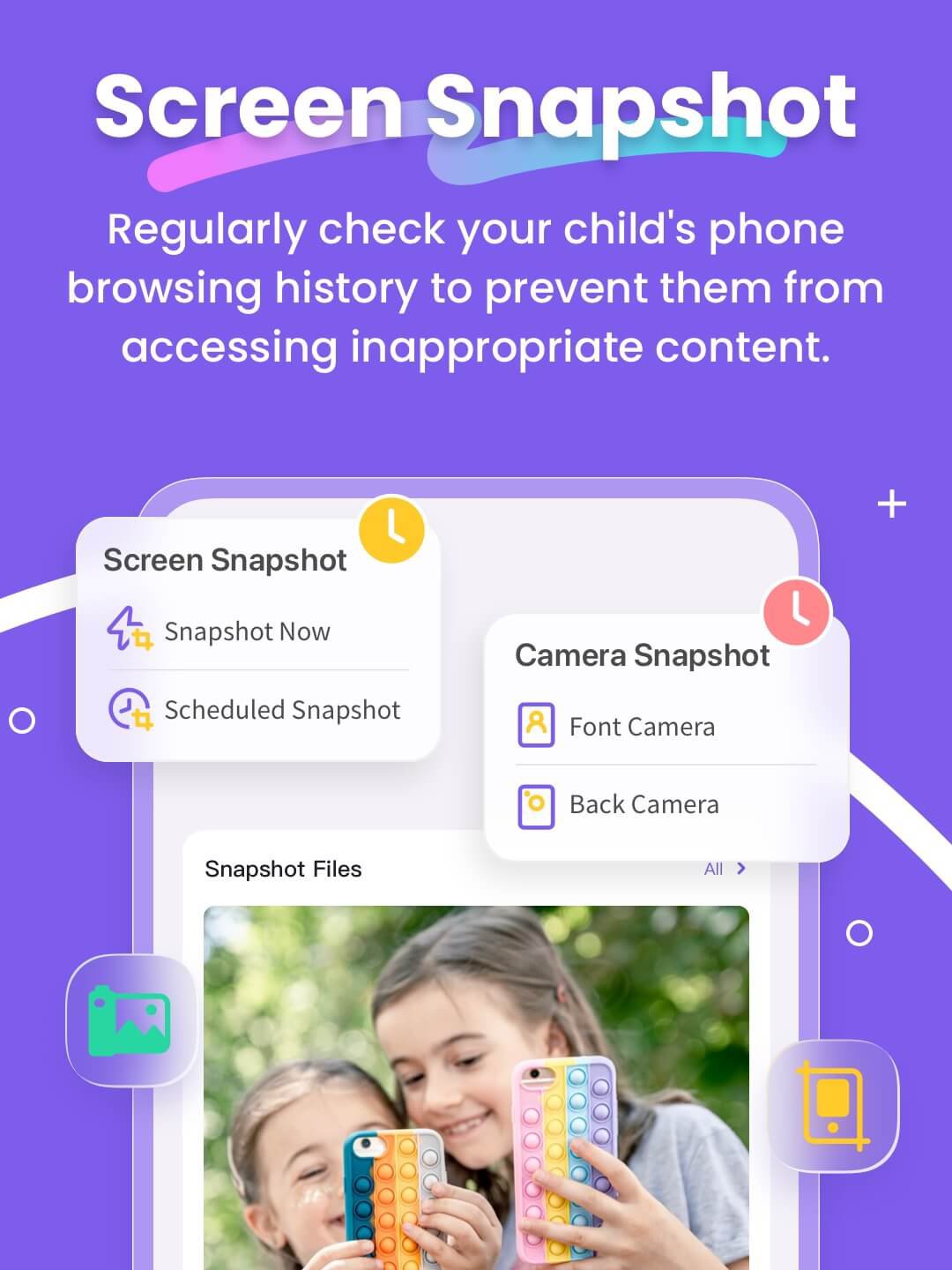
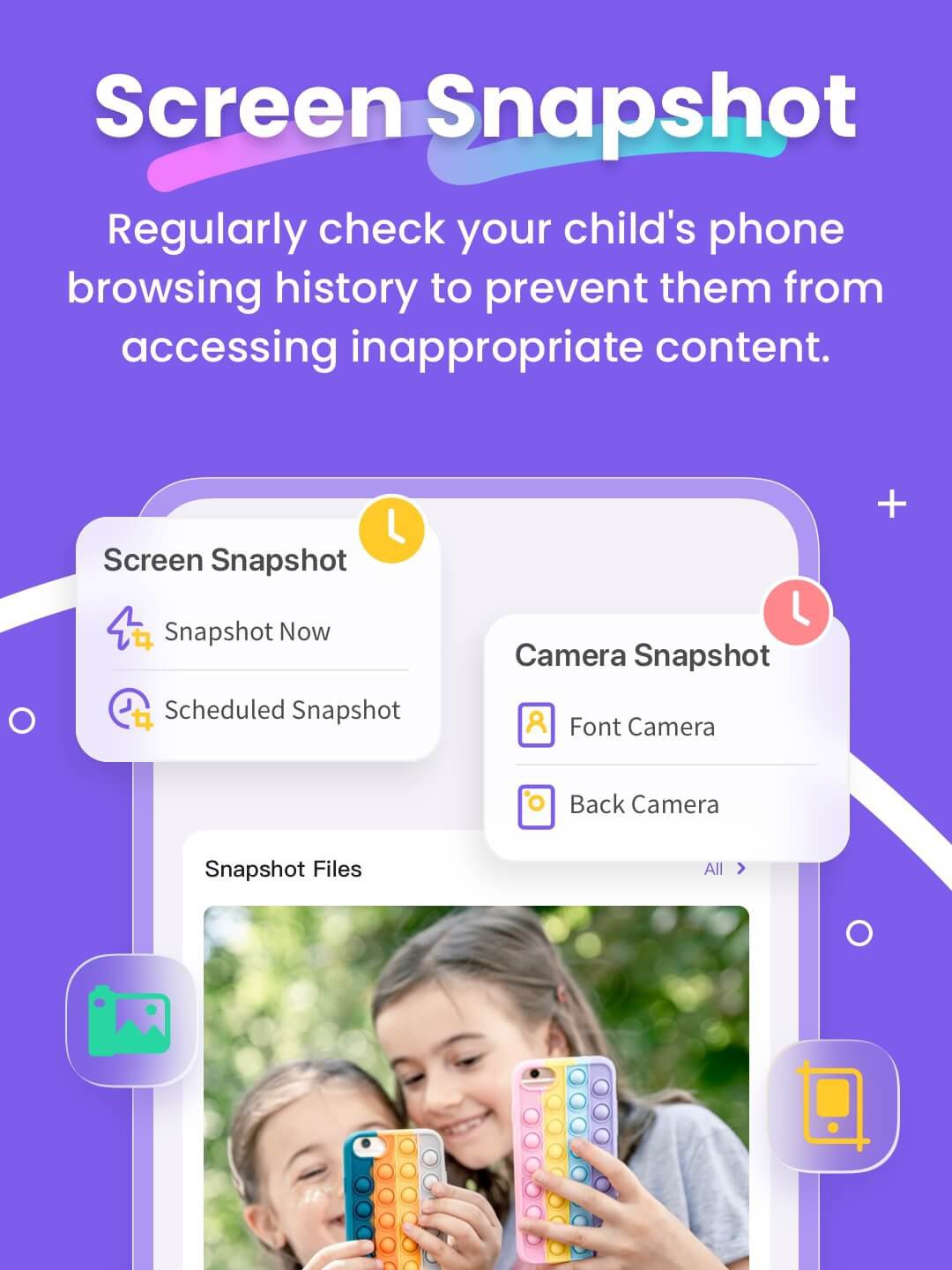
● Camera Snapshot / One-Way Audio - Helps parents identify and understand emergency events happening around their children in real-time, enabling parents to reach out to their children anytime and stay informed.
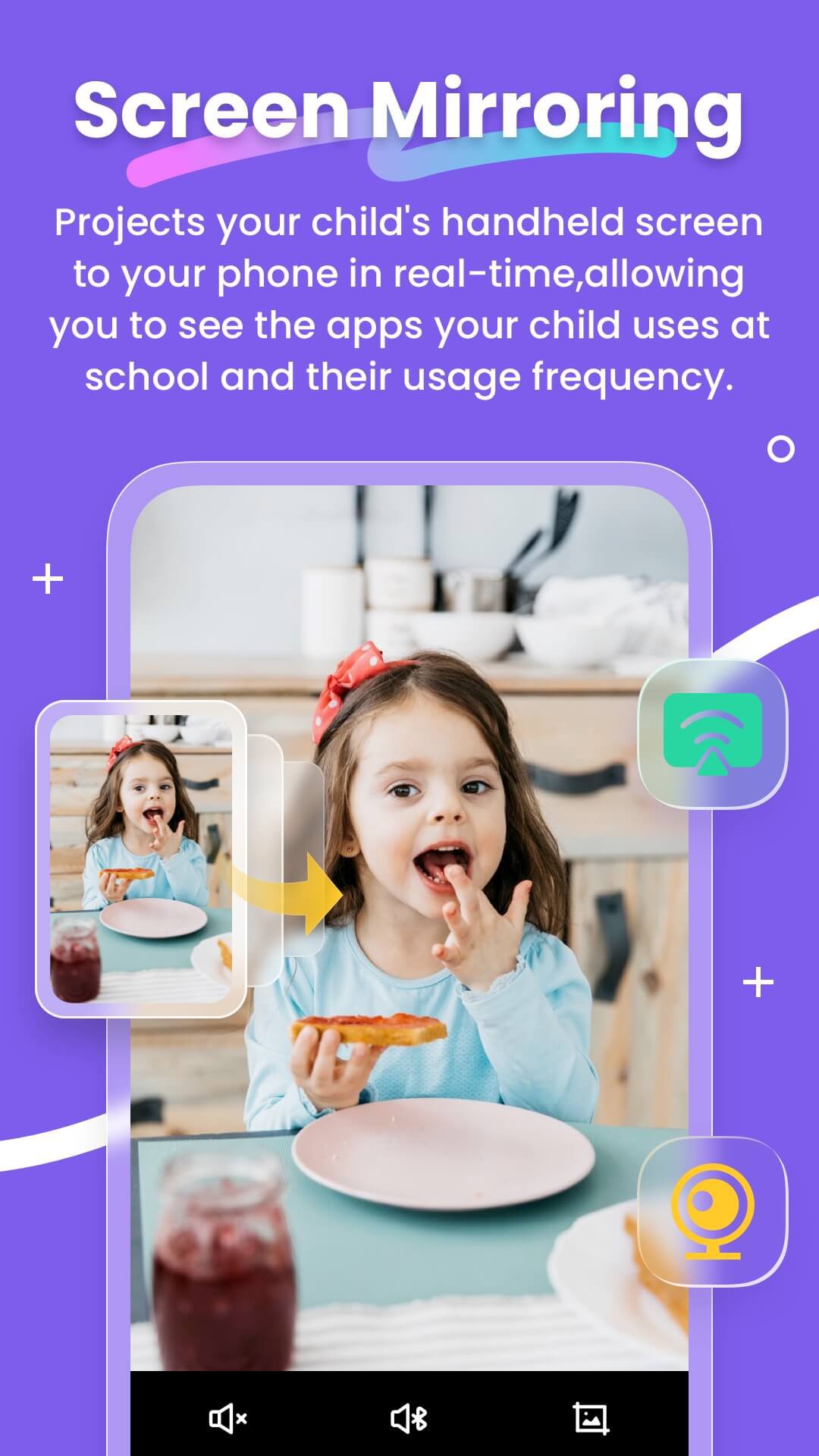
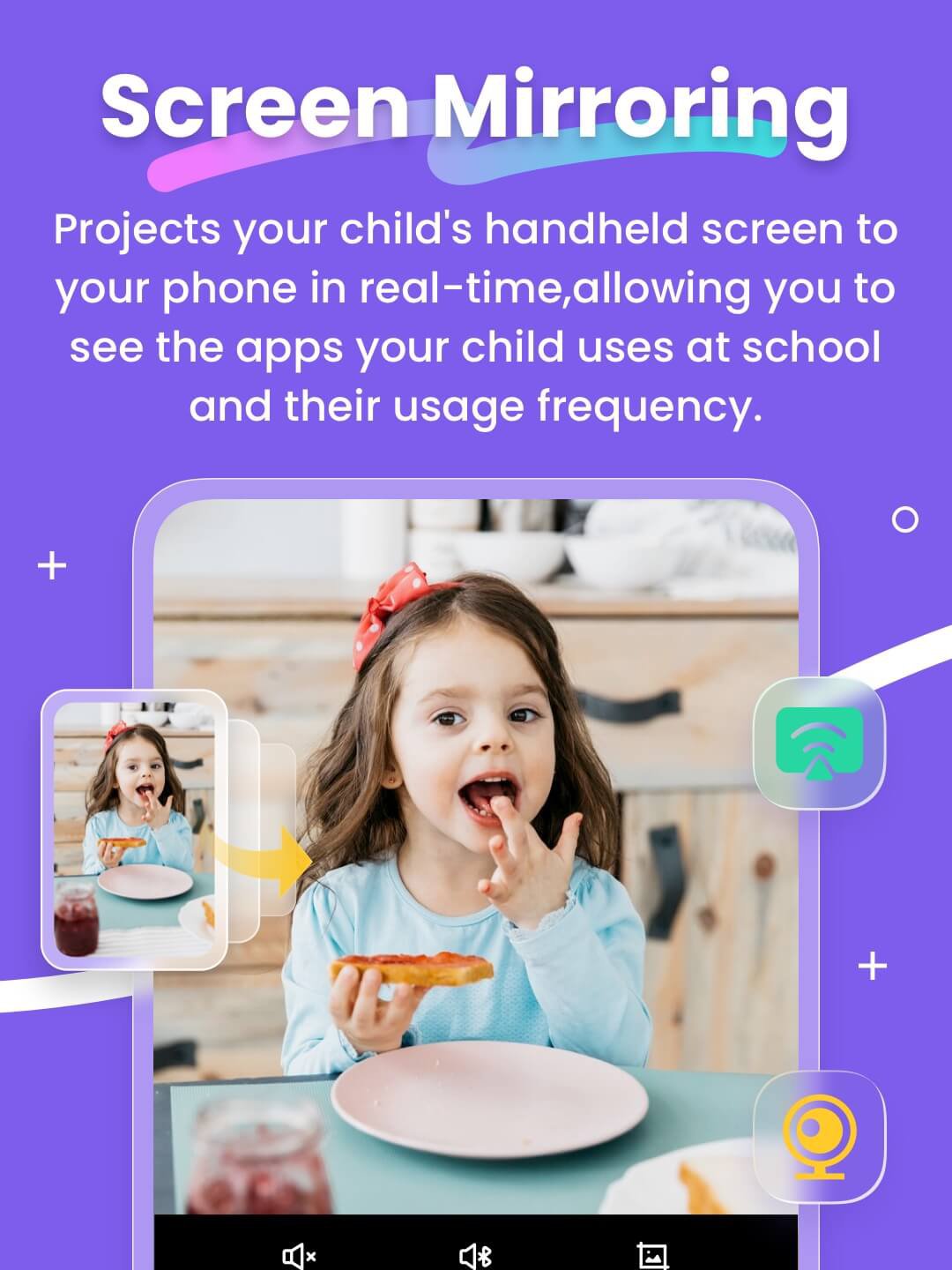
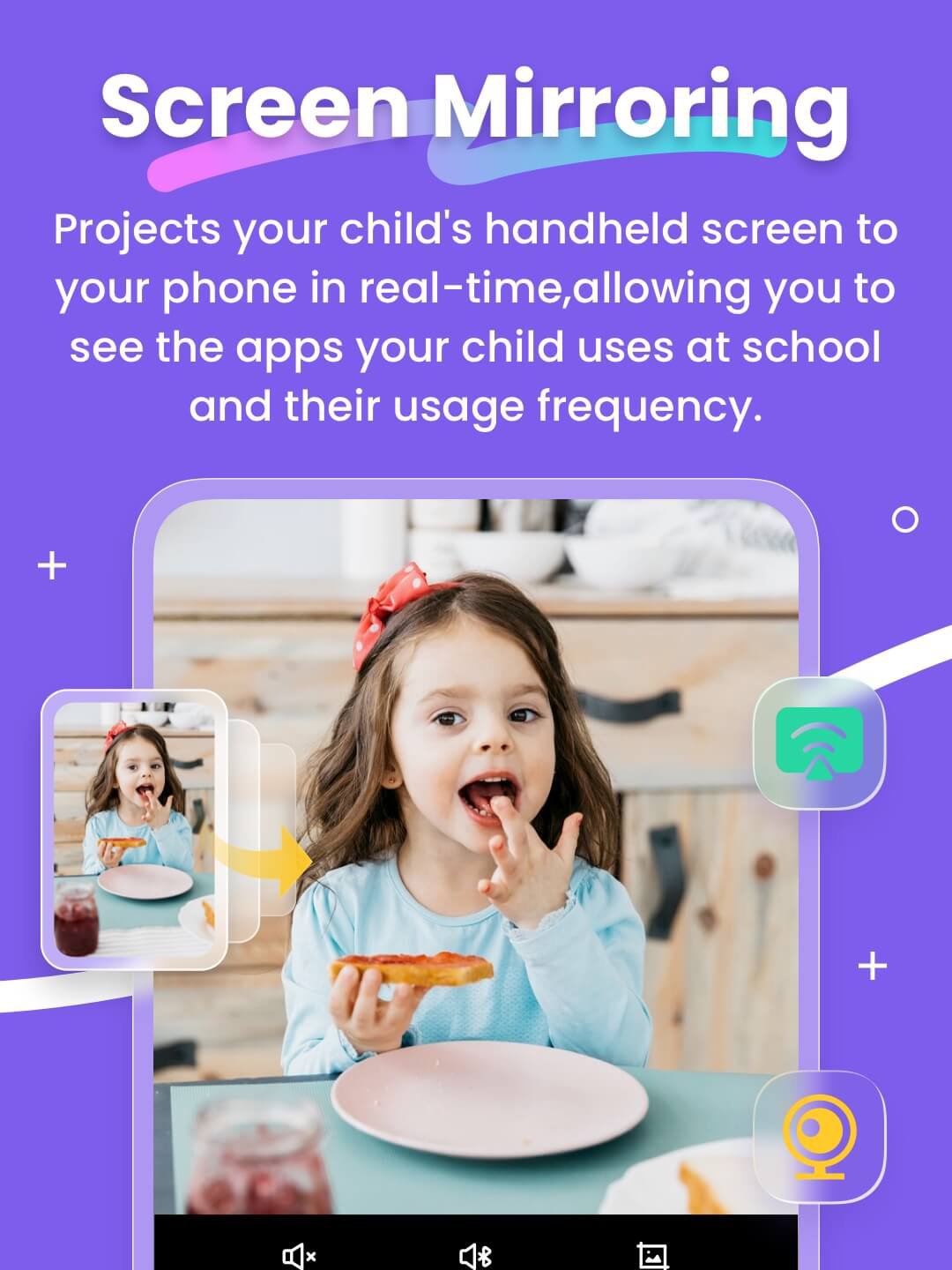
● Screen Mirroring - Projects your child's handheld screen to your phone in real-time, allowing you to see the apps your child uses at school and their usage frequency, protecting them from potentially dangerous apps.
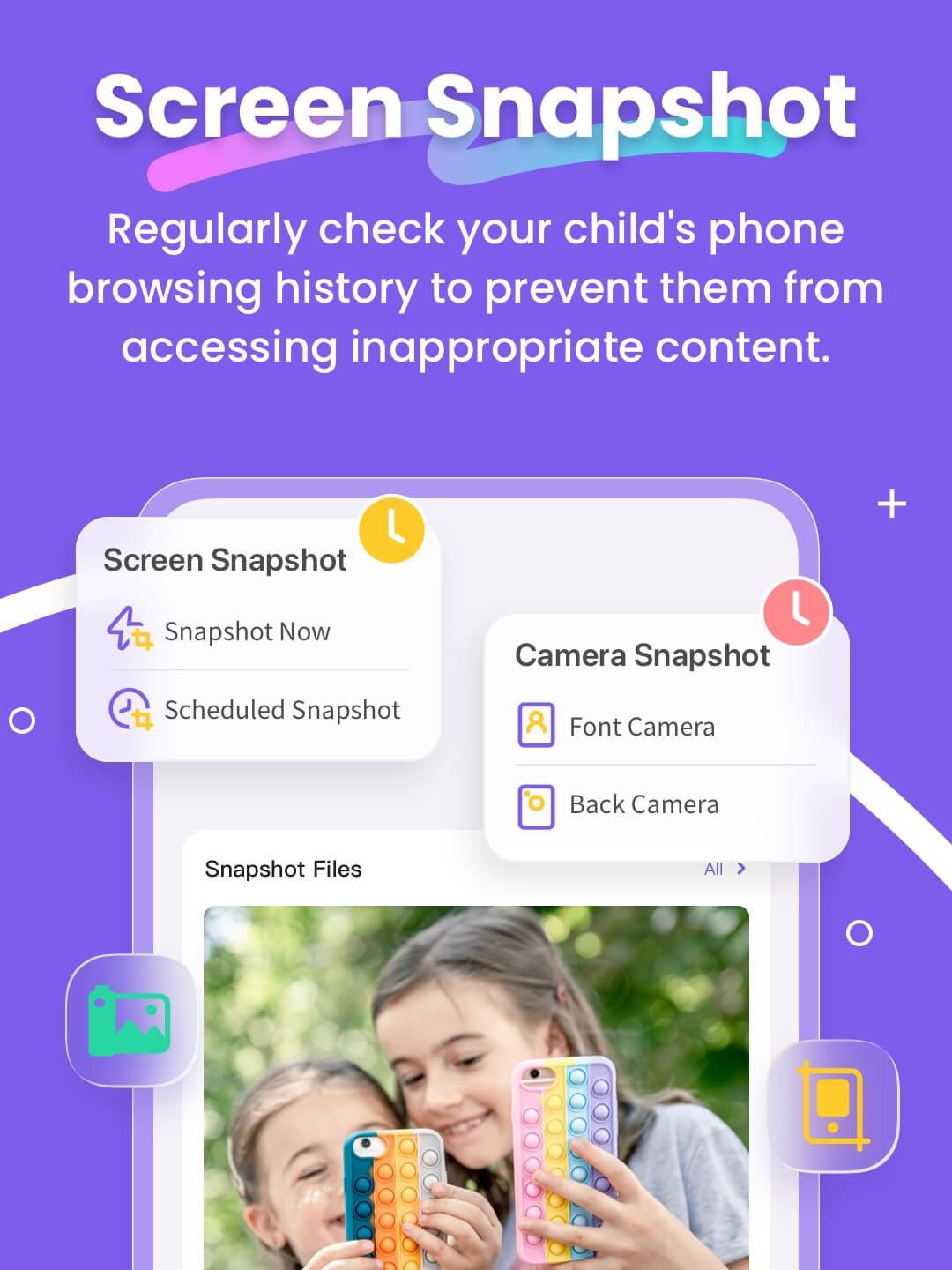
● Screen Snapshot and Recordings - supports Scheduled Record. Through this feature, parents can identify potential exposure to inappropriate images or videos on the child's phone, and guide their children to access content appropriate to their age.
● Child's Whereabouts - You can set customizable safe zones and receive notifications when they enter or exit specific areas, providing constant reassurance.
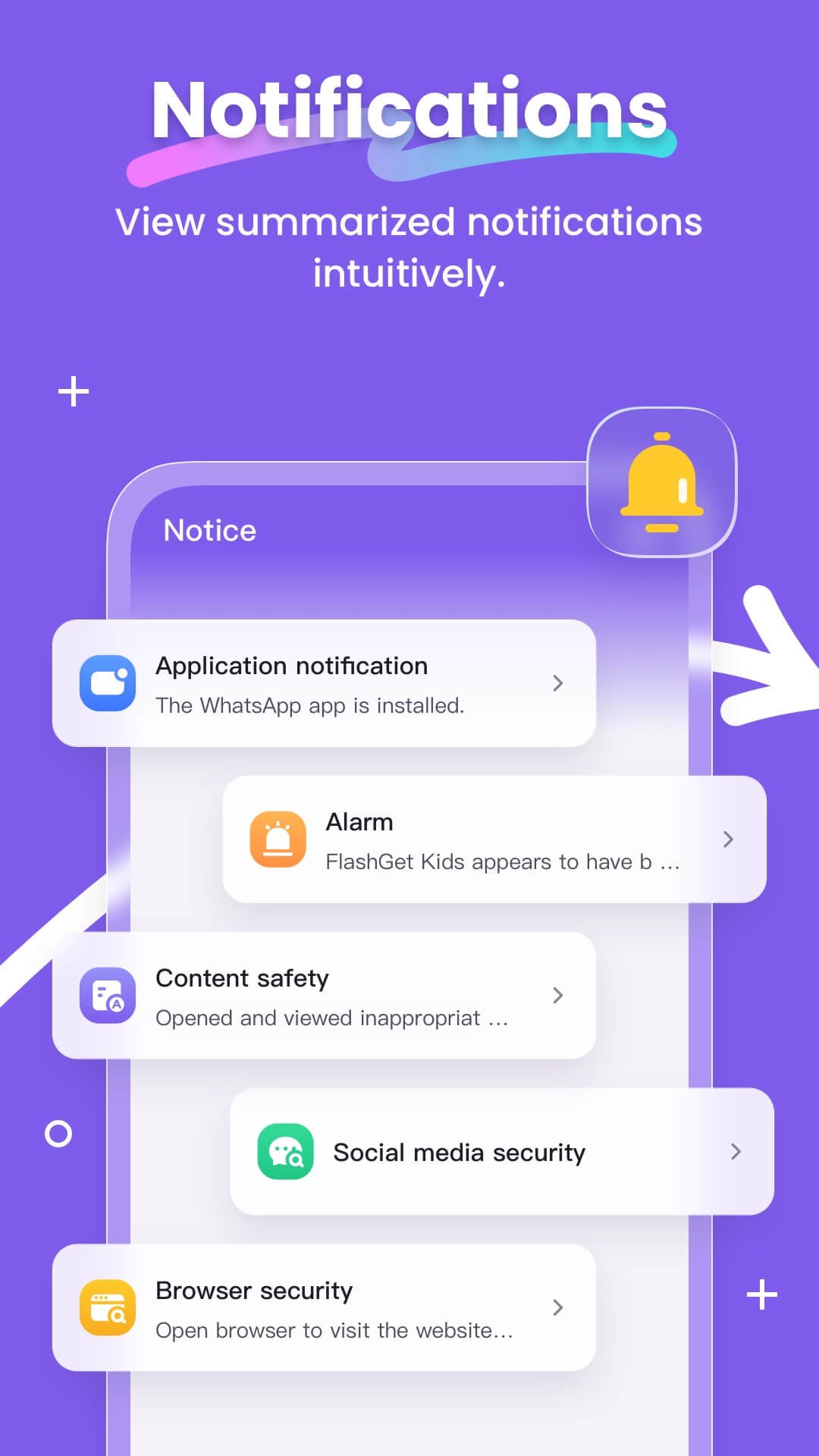
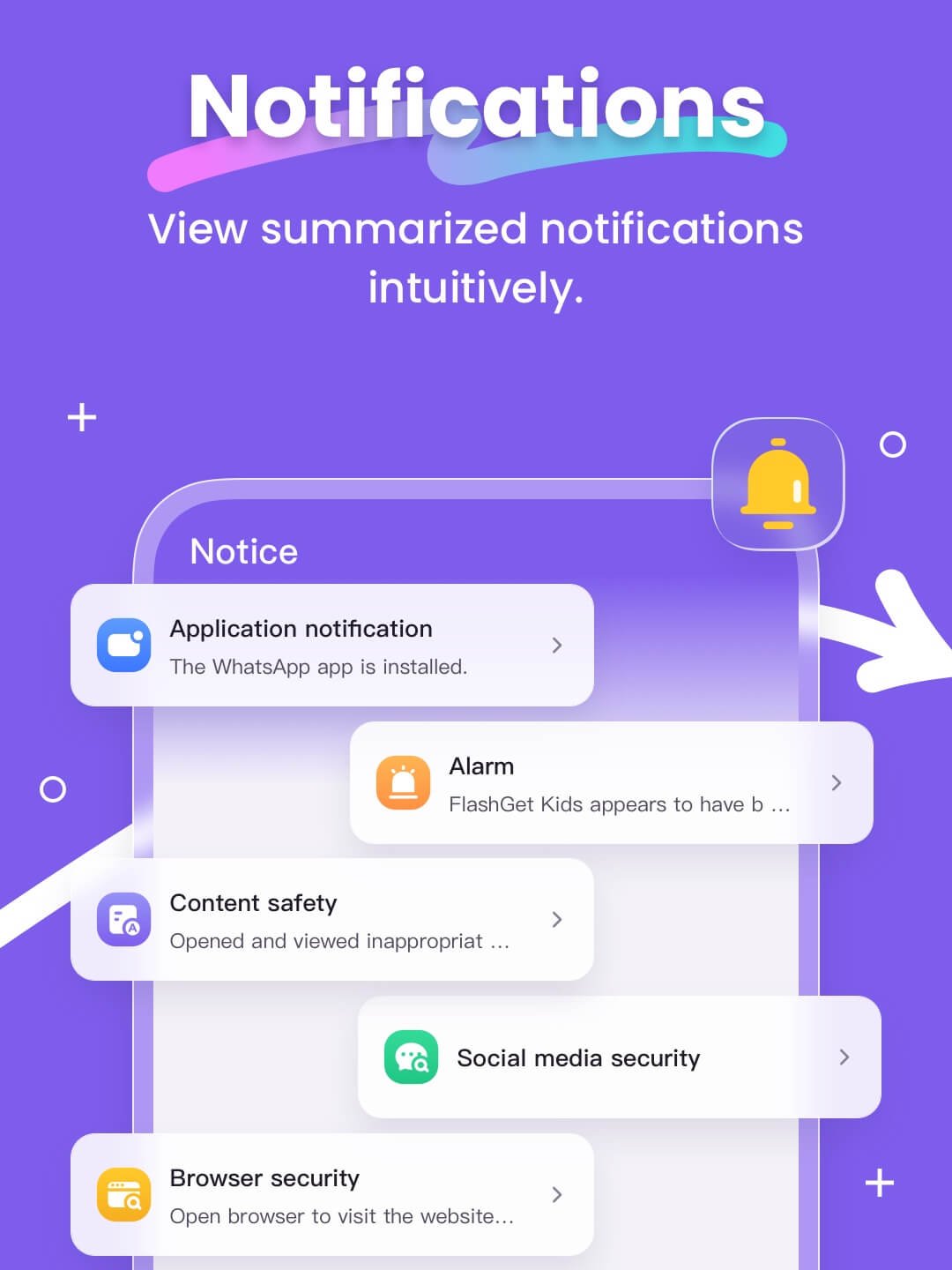
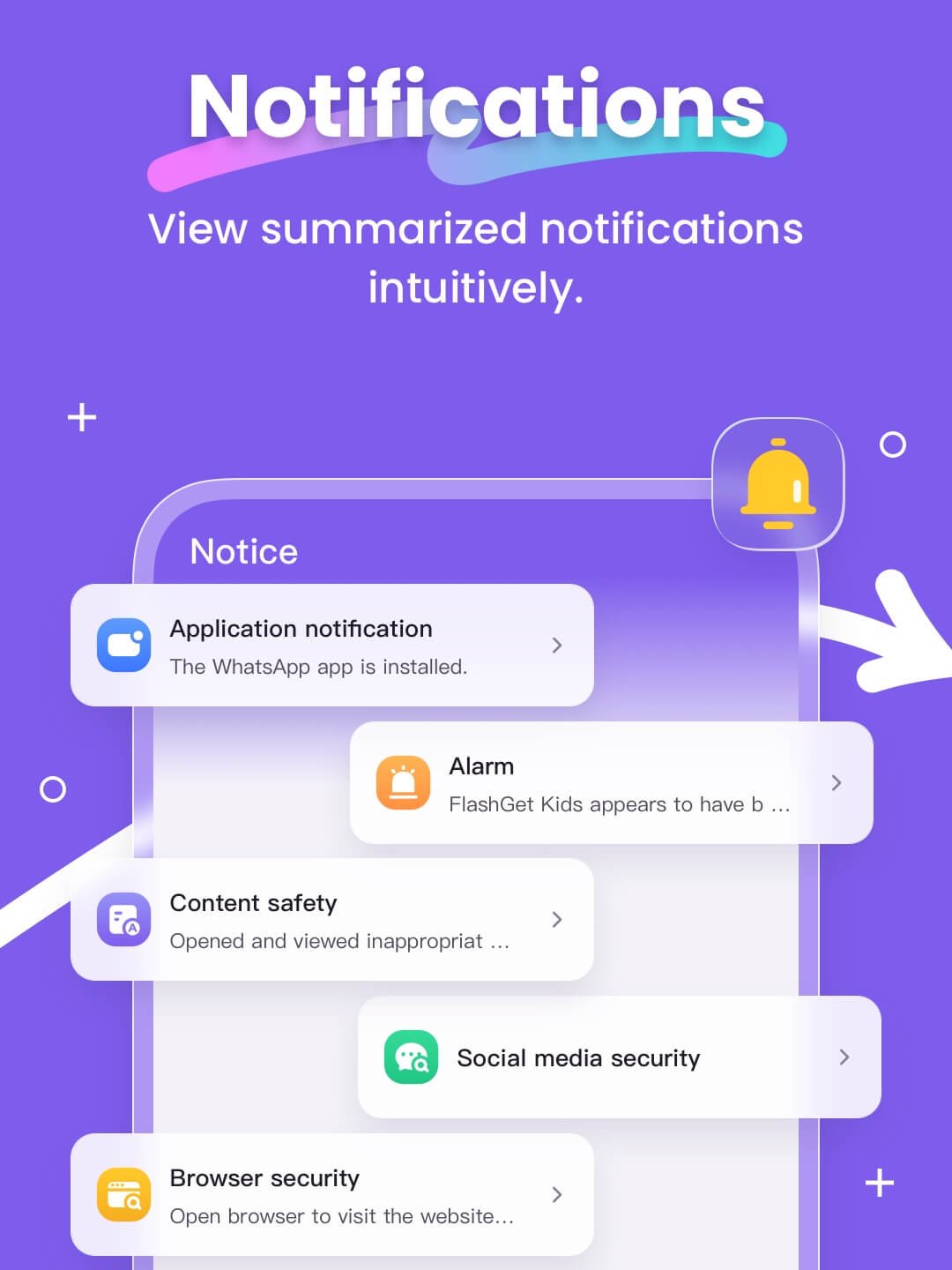
● Sync App Notifications - Real-time synchronization helps you stay informed about your child's messaging activities on social media apps, helping them stay away from cyberbullying and online scams.
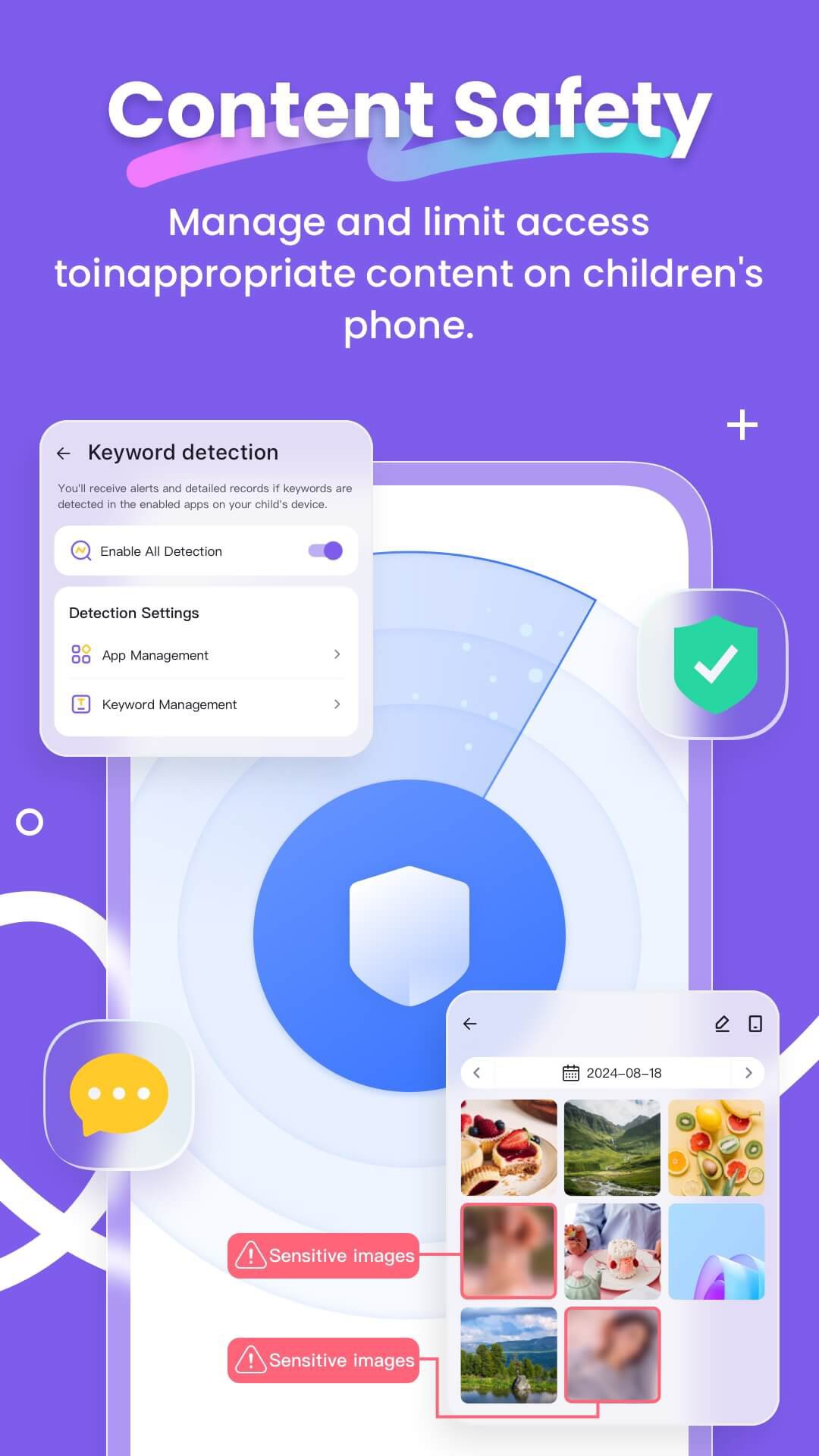
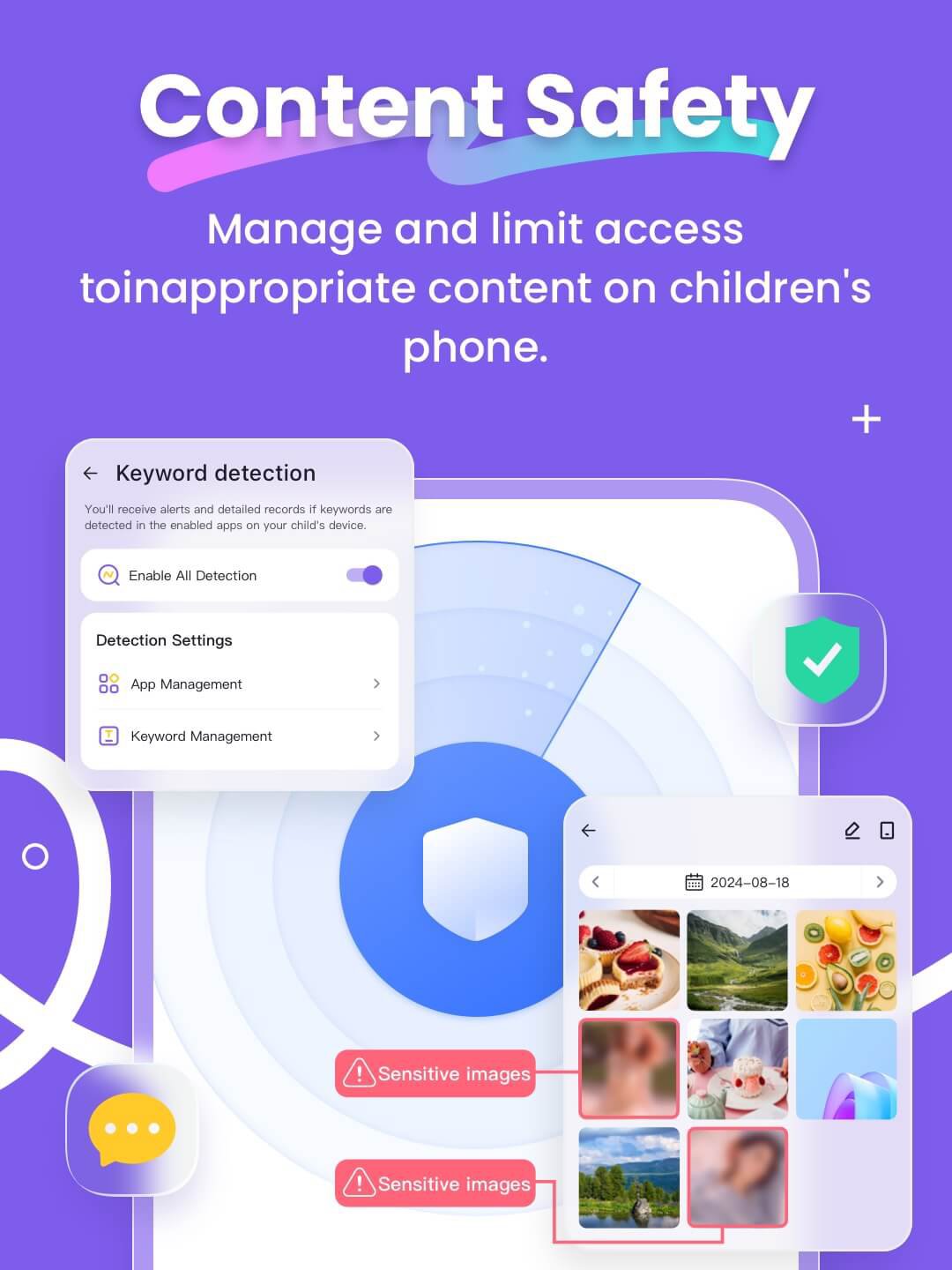
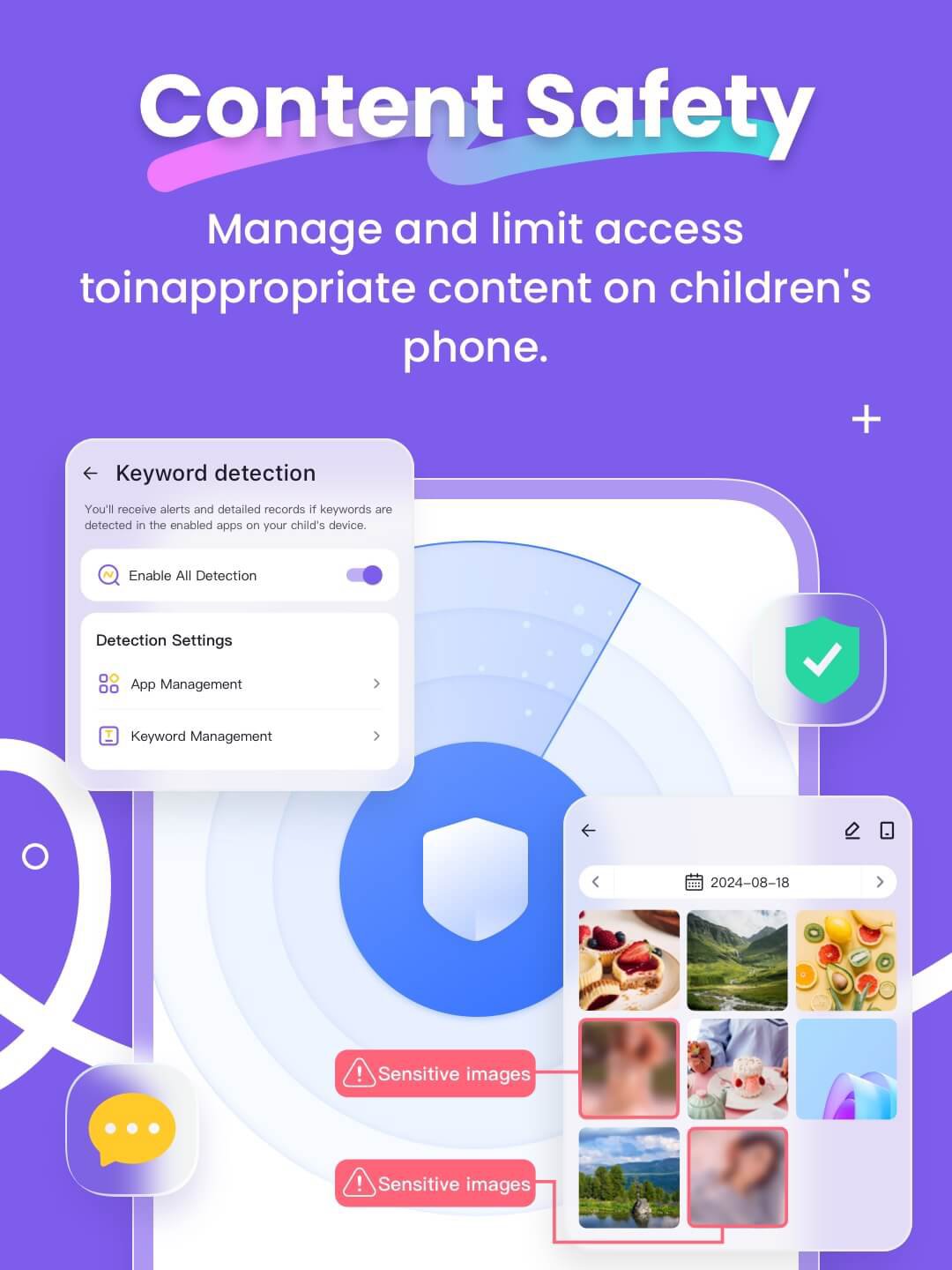
● Social App and Content Guidance - With Digital safety tools, parents can guide children's content exposure on social media platforms like TikTok, YouTube, Snapchat, WhatsApp, Facebook, Instagram, and Telegram, while also supporting Web content filtering to filter inappropriate websites. Parents can customize browsing modes to prevent children from accessing sensitive sites, guiding them towards age-appropriate content.
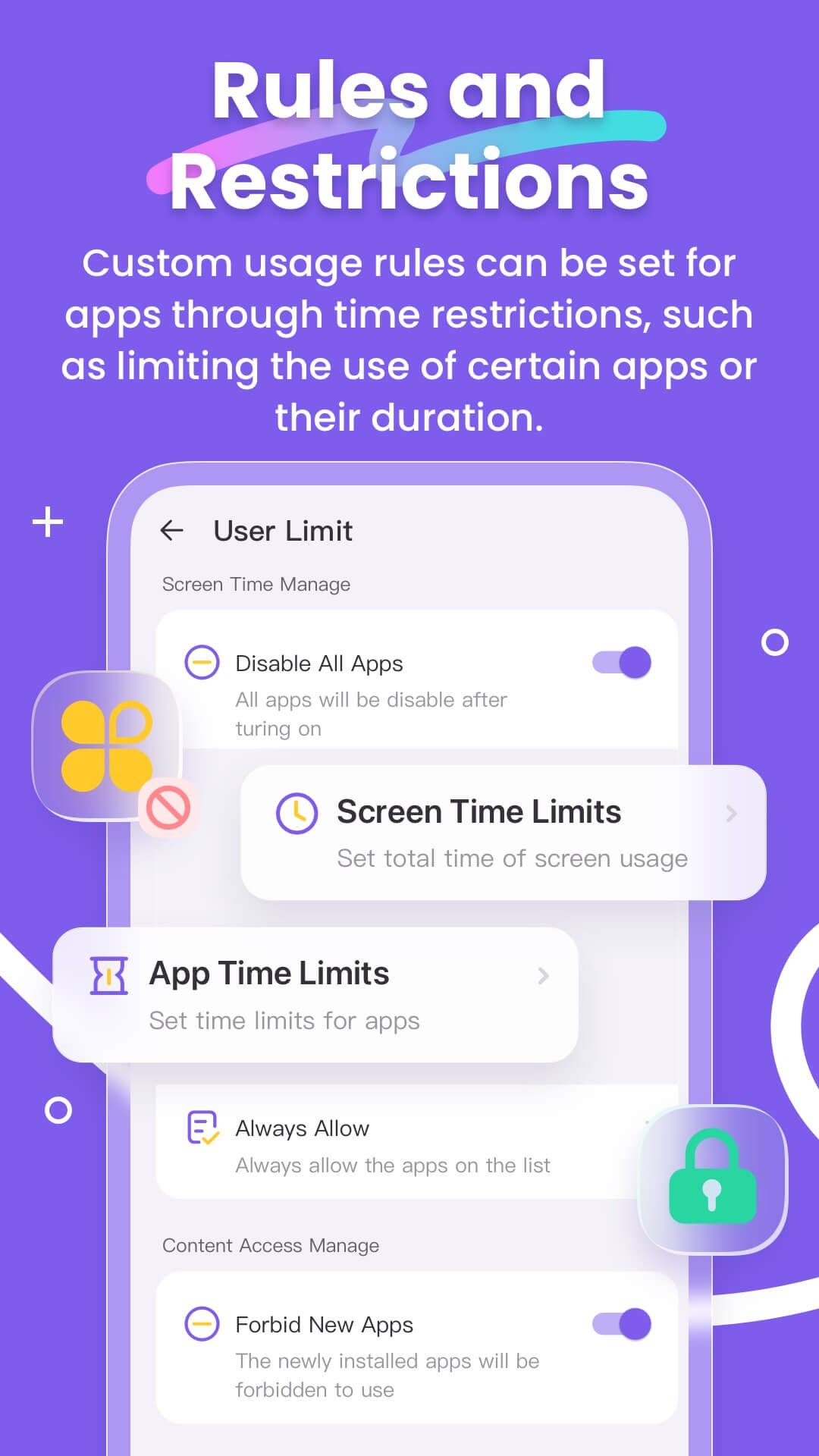
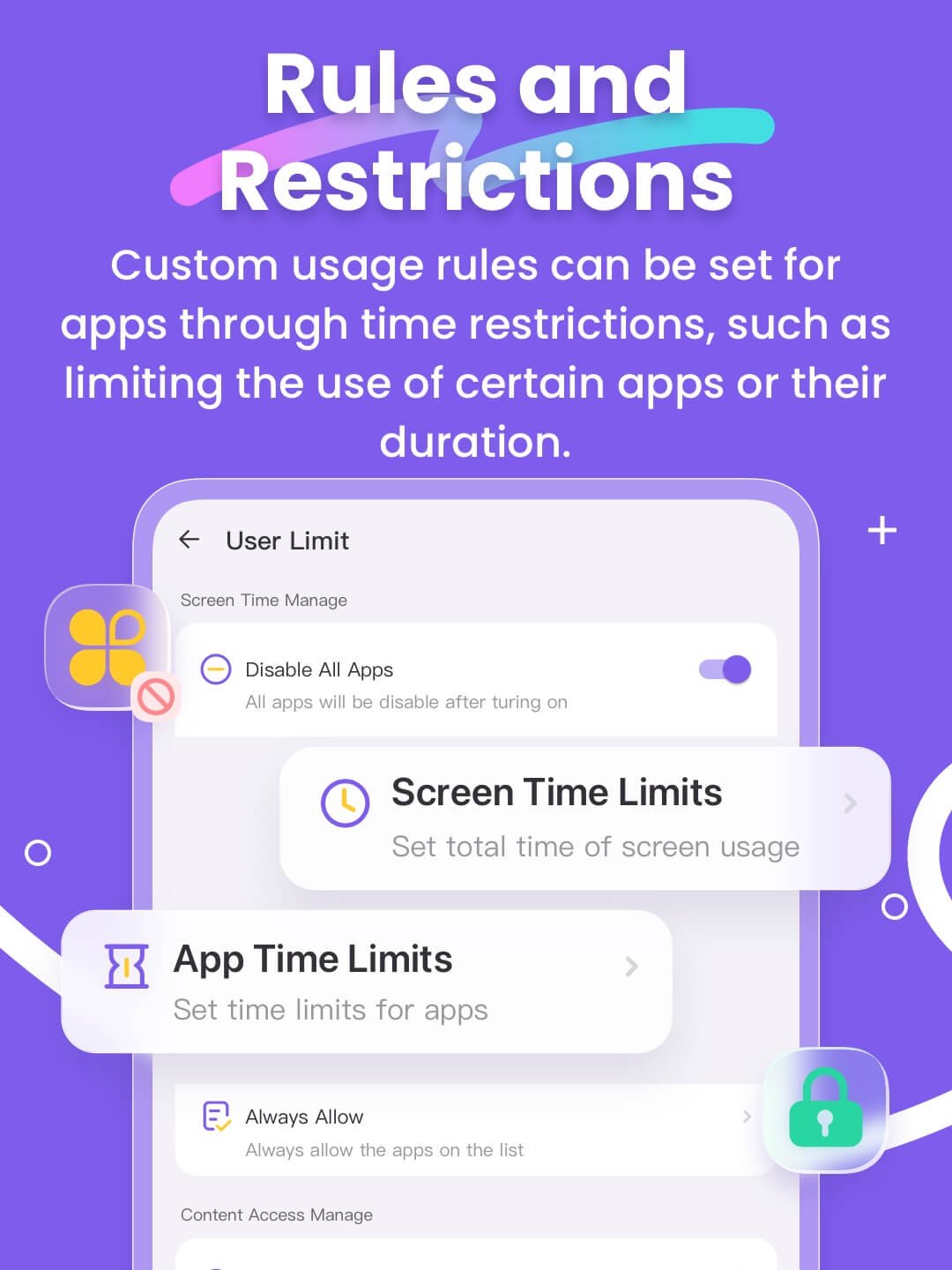
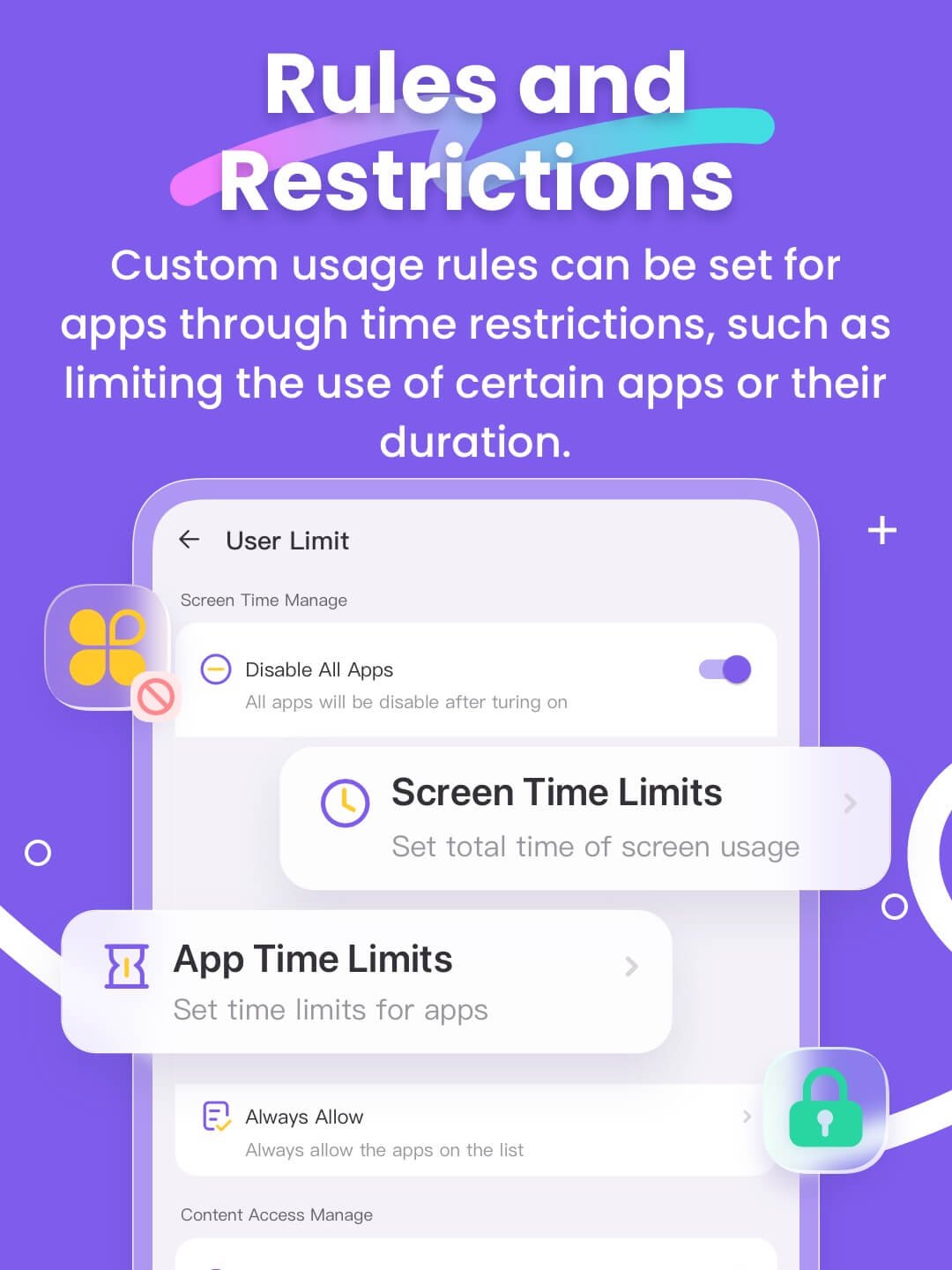
● Screen Time Limits - Set a dedicated schedule for your child, limiting their phone usage time to prevent them from being distracted during class.
● App Rules - Custom usage rules can be set for apps through time restrictions, such as limiting the use of certain apps or their duration. Parents will receive alerts when their child attempts to install or delete an application.
● Live Painting - Parents can share handwritten doodles to their child's phone, expressing their affection or sharing a "secret signal" unique to them, enhancing emotional connection with their kids.
Compared to other digital guidance apps, FlashGet Kids is more like a family bond, allowing parents to better understand their children and help them develop good digital handheld gadget usage habits.
Activating FlashGet Kids is simple:
Install FlashGet Kids on your phone
Connect to your child's phone through an invitation link or code
Link your account to your child's phone
Below is FlashGet Kids Privacy Policy and Terms
Privacy Policy: https://kids.flashget.com/privacy-policy/
Terms of Service: https://kids.flashget.com/terms-of-service/
Help and Support:
If you have any questions, please feel free to contact us via email: help@flashget.com
How does FlashGet Kids protect your children?
● Camera Snapshot / One-Way Audio - Helps parents identify and understand emergency events happening around their children in real-time, enabling parents to reach out to their children anytime and stay informed.
● Screen Mirroring - Projects your child's handheld screen to your phone in real-time, allowing you to see the apps your child uses at school and their usage frequency, protecting them from potentially dangerous apps.
● Screen Snapshot and Recordings - supports Scheduled Record. Through this feature, parents can identify potential exposure to inappropriate images or videos on the child's phone, and guide their children to access content appropriate to their age.
● Child's Whereabouts - You can set customizable safe zones and receive notifications when they enter or exit specific areas, providing constant reassurance.
● Sync App Notifications - Real-time synchronization helps you stay informed about your child's messaging activities on social media apps, helping them stay away from cyberbullying and online scams.
● Social App and Content Guidance - With Digital safety tools, parents can guide children's content exposure on social media platforms like TikTok, YouTube, Snapchat, WhatsApp, Facebook, Instagram, and Telegram, while also supporting Web content filtering to filter inappropriate websites. Parents can customize browsing modes to prevent children from accessing sensitive sites, guiding them towards age-appropriate content.
● Screen Time Limits - Set a dedicated schedule for your child, limiting their phone usage time to prevent them from being distracted during class.
● App Rules - Custom usage rules can be set for apps through time restrictions, such as limiting the use of certain apps or their duration. Parents will receive alerts when their child attempts to install or delete an application.
● Live Painting - Parents can share handwritten doodles to their child's phone, expressing their affection or sharing a "secret signal" unique to them, enhancing emotional connection with their kids.
Compared to other digital guidance apps, FlashGet Kids is more like a family bond, allowing parents to better understand their children and help them develop good digital handheld gadget usage habits.
Activating FlashGet Kids is simple:
Install FlashGet Kids on your phone
Connect to your child's phone through an invitation link or code
Link your account to your child's phone
Below is FlashGet Kids Privacy Policy and Terms
Privacy Policy: https://kids.flashget.com/privacy-policy/
Terms of Service: https://kids.flashget.com/terms-of-service/
Help and Support:
If you have any questions, please feel free to contact us via email: help@flashget.com
What's new
Version 1.4.1.0 (Aug 11, 2026)
2. Fix some bugs reported by users.
This is the latest APK we verified and uploaded. Older versions are still available.
Frequently Asked Questions
You can install FlashGet Kids on your phone and then connect to your child's phone through an invitation link or code.
The minimum SDK required is 24 and the target SDK is 35.
The app's functionality may be limited without an internet connection, as some features require real-time synchronization.
The permissions required are not explicitly stated, but the app's features suggest it may need access to camera, location, and other sensitive data.
You can contact the developer via email at help@flashget.com for support.
Additional Information
Category
App › Parenting
Version
1.4.1.0
Updated
Aug 11, 2026
Requires Android
Android: 7.0+ Nougat (API 24)
Permissions
Low risk
70 / 100
High risk
The app requires access to sensitive data such as location, camera, and potentially contacts, which increases the risk score.
Architectures
Supports 64-bit ARM Android CPU architectures.
arm64-v8a
64-bit
Most modern phones & tablets
Your device
Target Android
Android: 15 Android 15 (API 35)
Estimated Download Time
File Size: 94.73 MB
3G network (~2 Mbps)
7m 35s
4G LTE (~25 Mbps)
37 seconds
5G network (~150 Mbps)
7 seconds
Broadband / Wi-Fi (~100 Mbps)
10 seconds
Hashes
SHA-1
0705a79db5e9d6922cdca0c369817d582d09b4baSHA-256
D520ED4A2D424E80904D9469D591BB849EC3138CCB7DF053C8206F8C28F0C684Signing Certificate SHA-1
53eb6c7f15849a1c51ba80e4c39c99951344c617Available On