APKs
Split APK — use Split APKs Installer (SAI) to install.
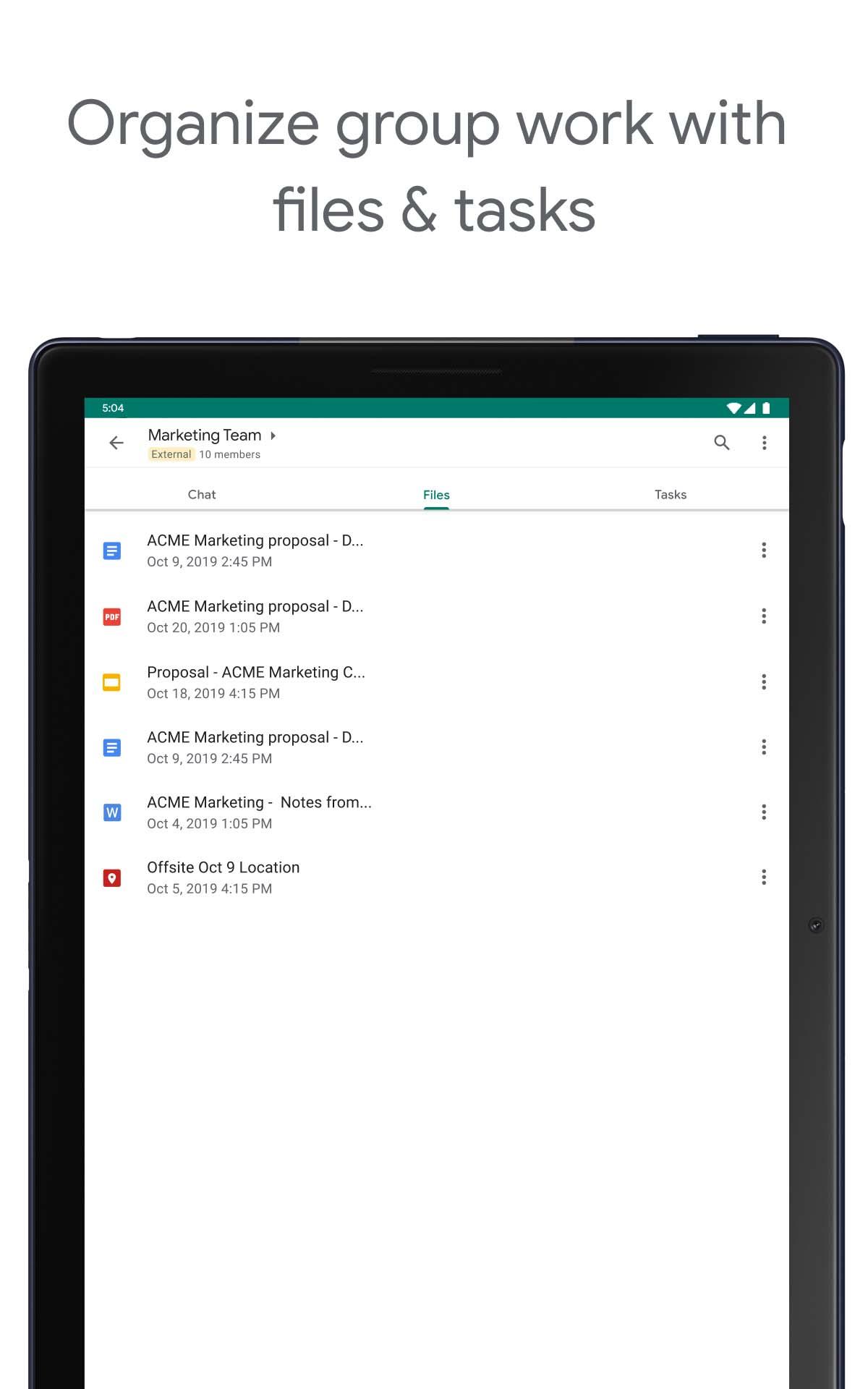
About Google Chat
Google Chat Description
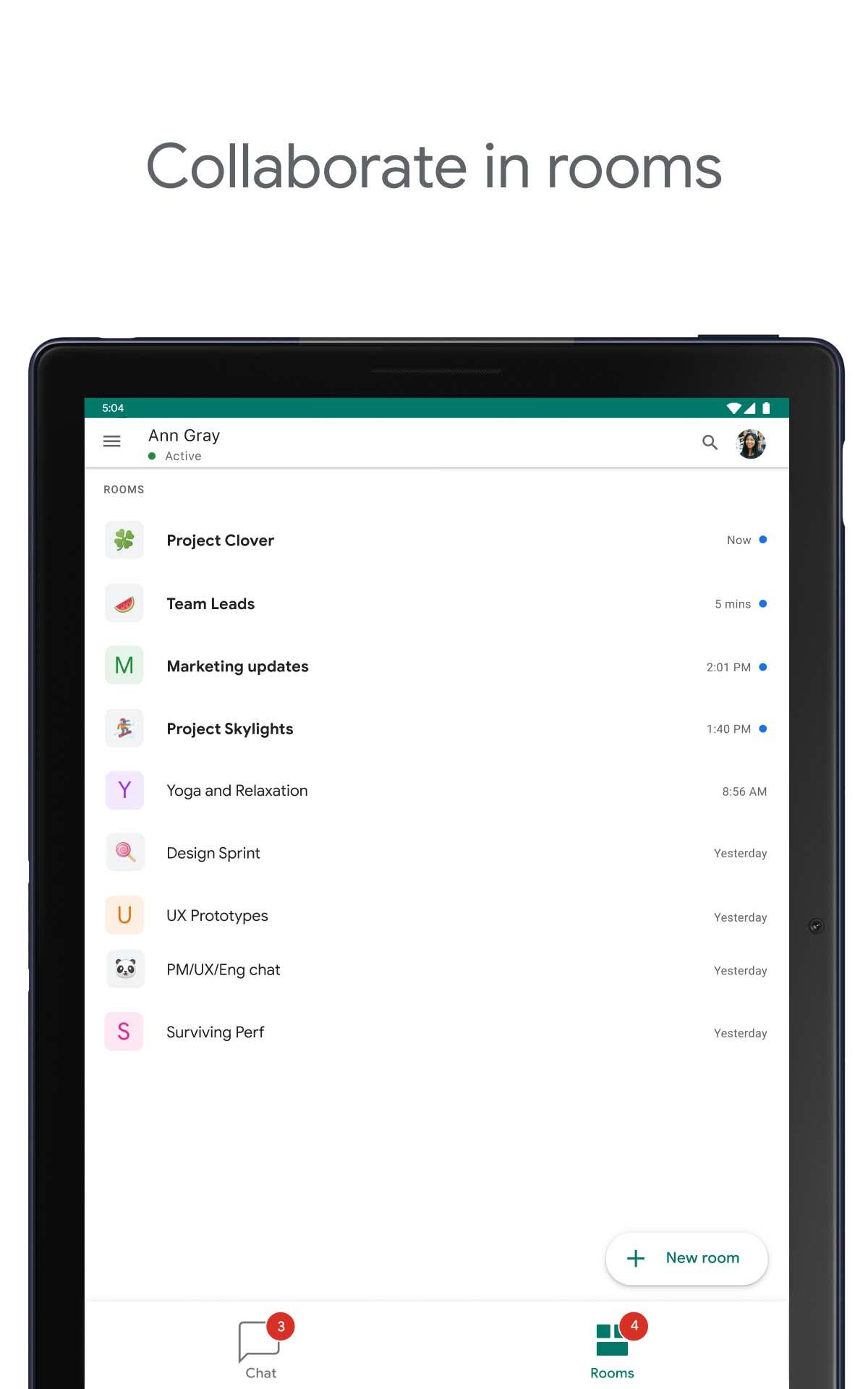
Google Chat is the best way for teams using Workspace to connect, collaborate and get things done.
AI-first messaging & collaboration, transformed by Gemini
• Stay on top of things with conversation summaries
• Automatically translate messages across more than 120 languages
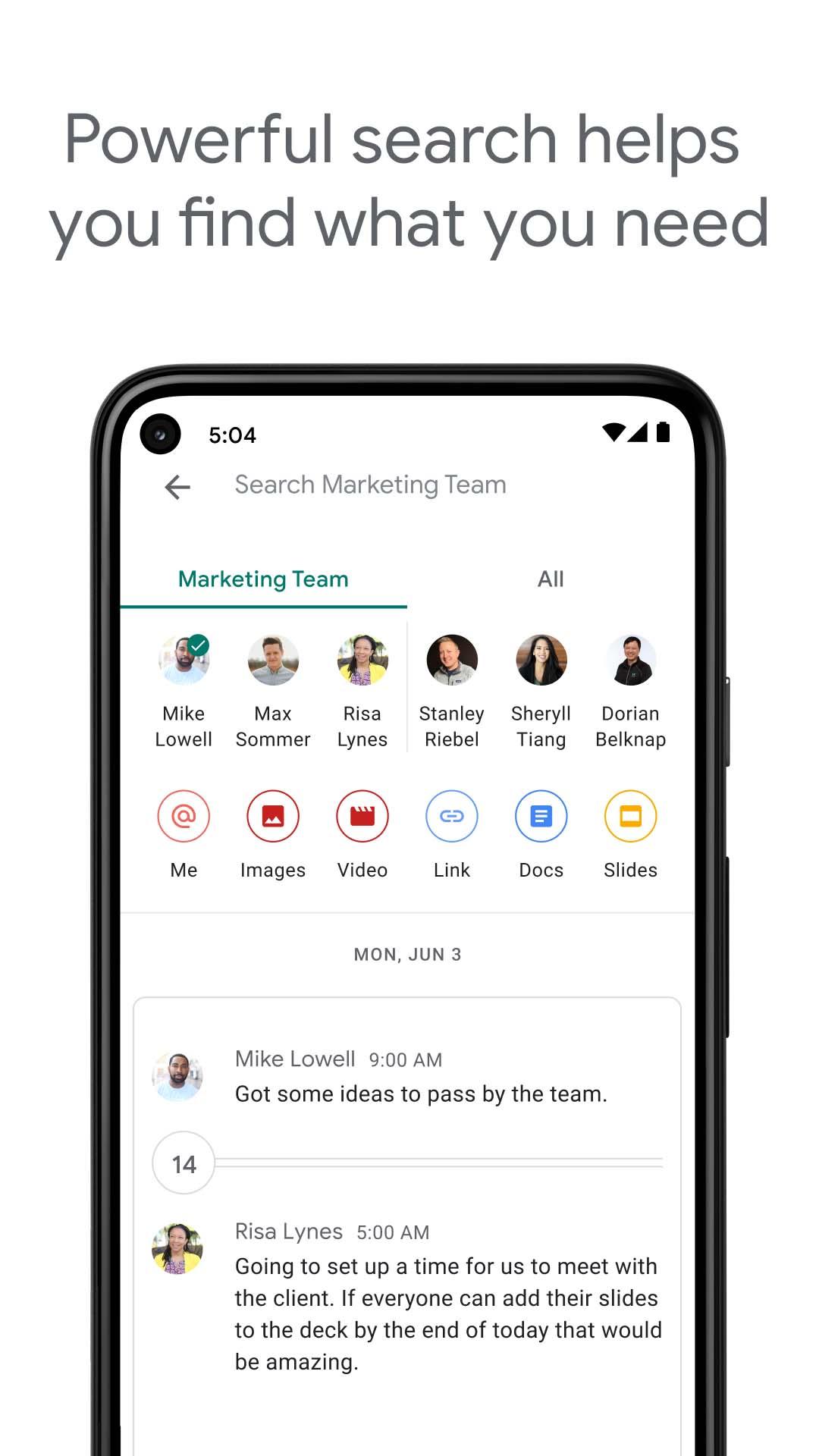
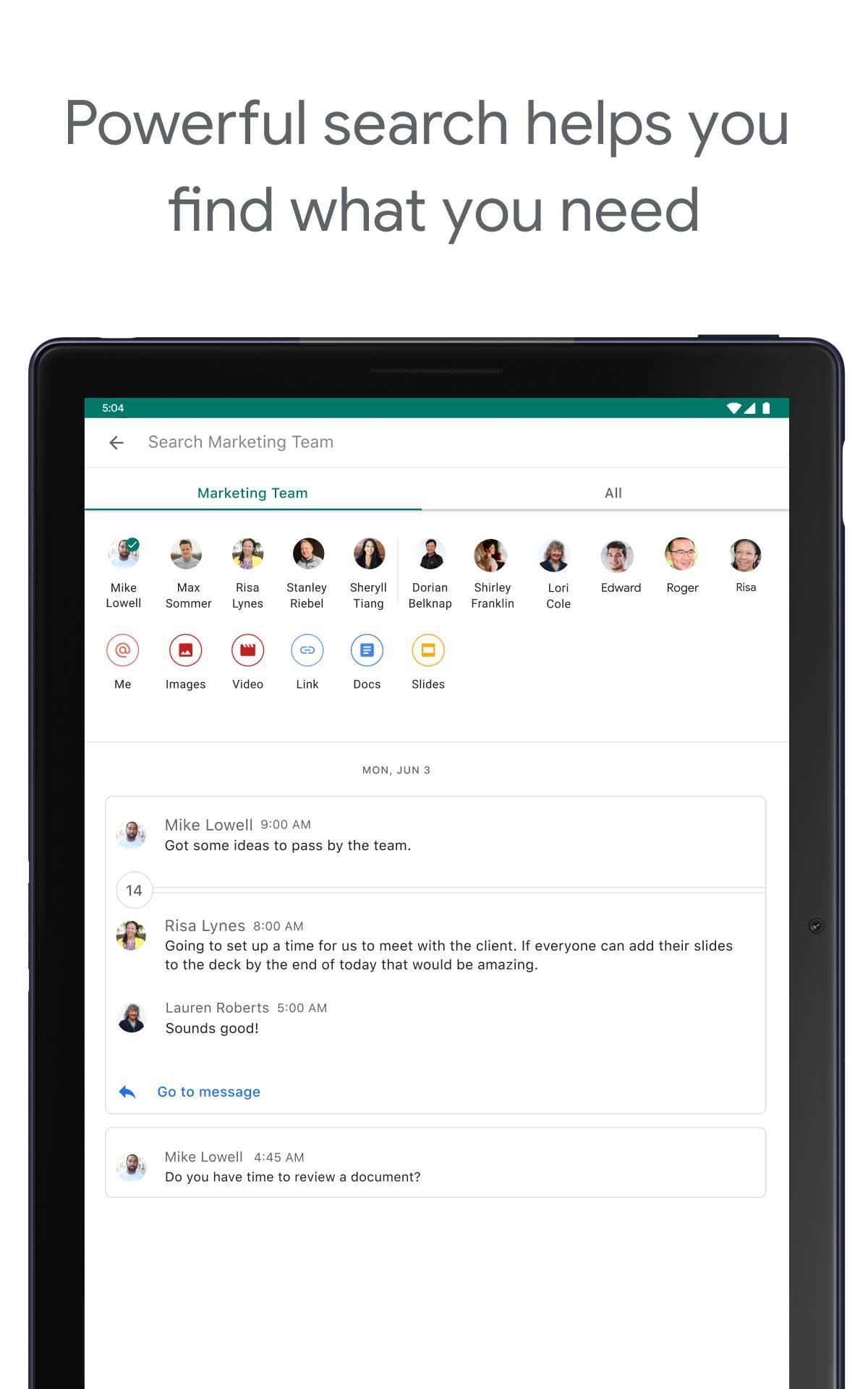
• Find what you’re looking for with AI-powered search
• Capture action items so the whole team is on the same page
Everything teams need to stay connected and get work done
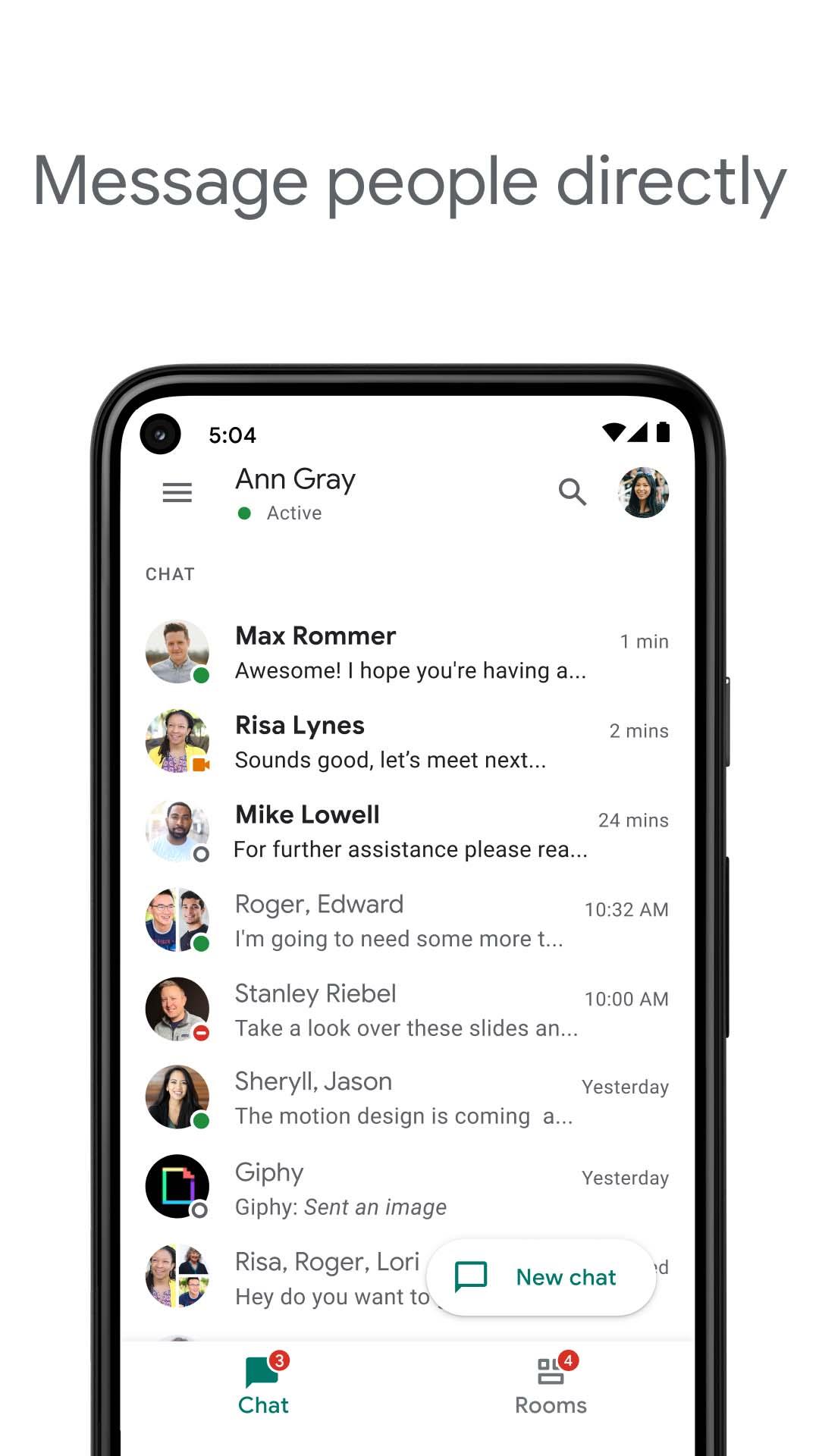
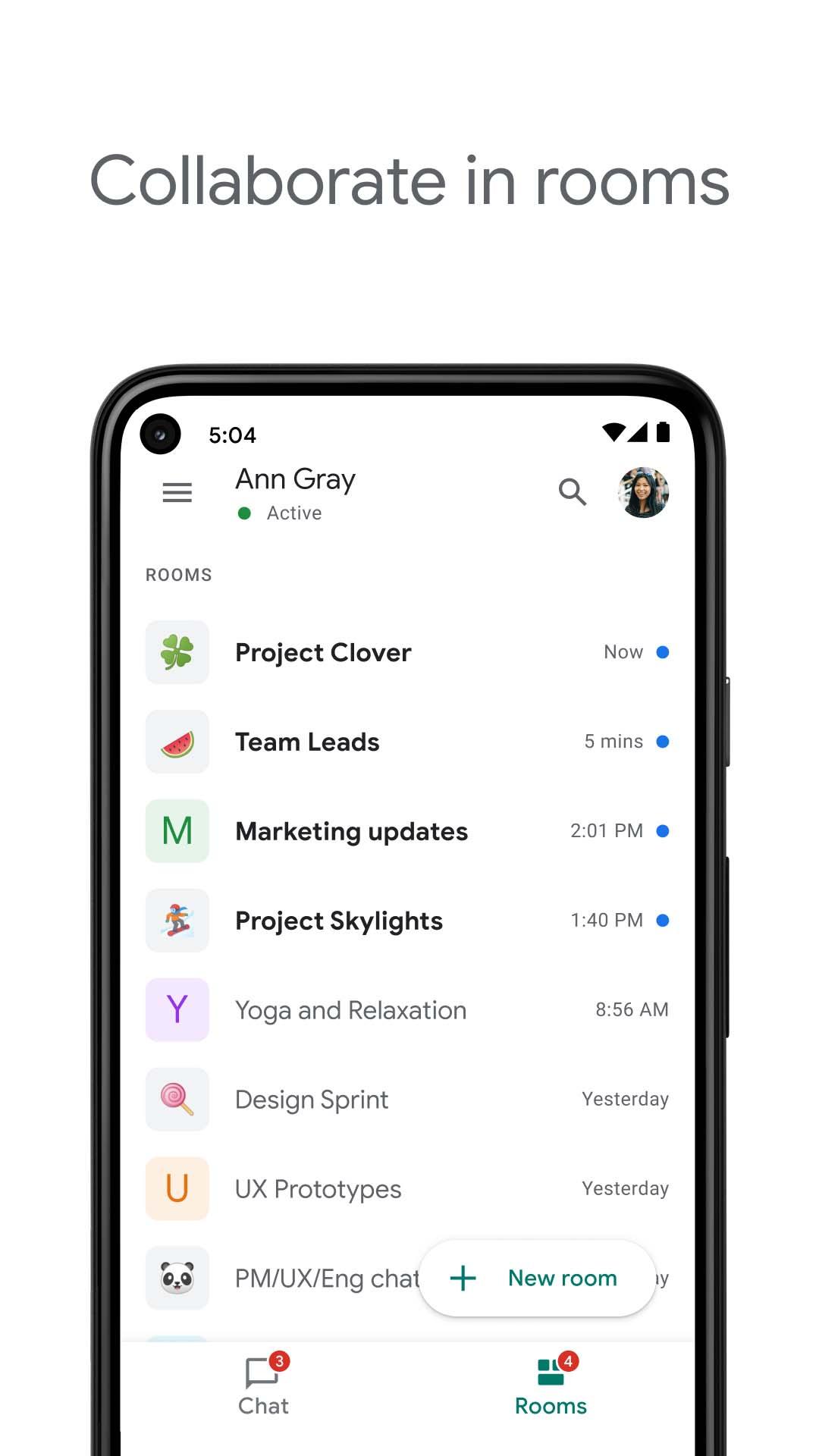
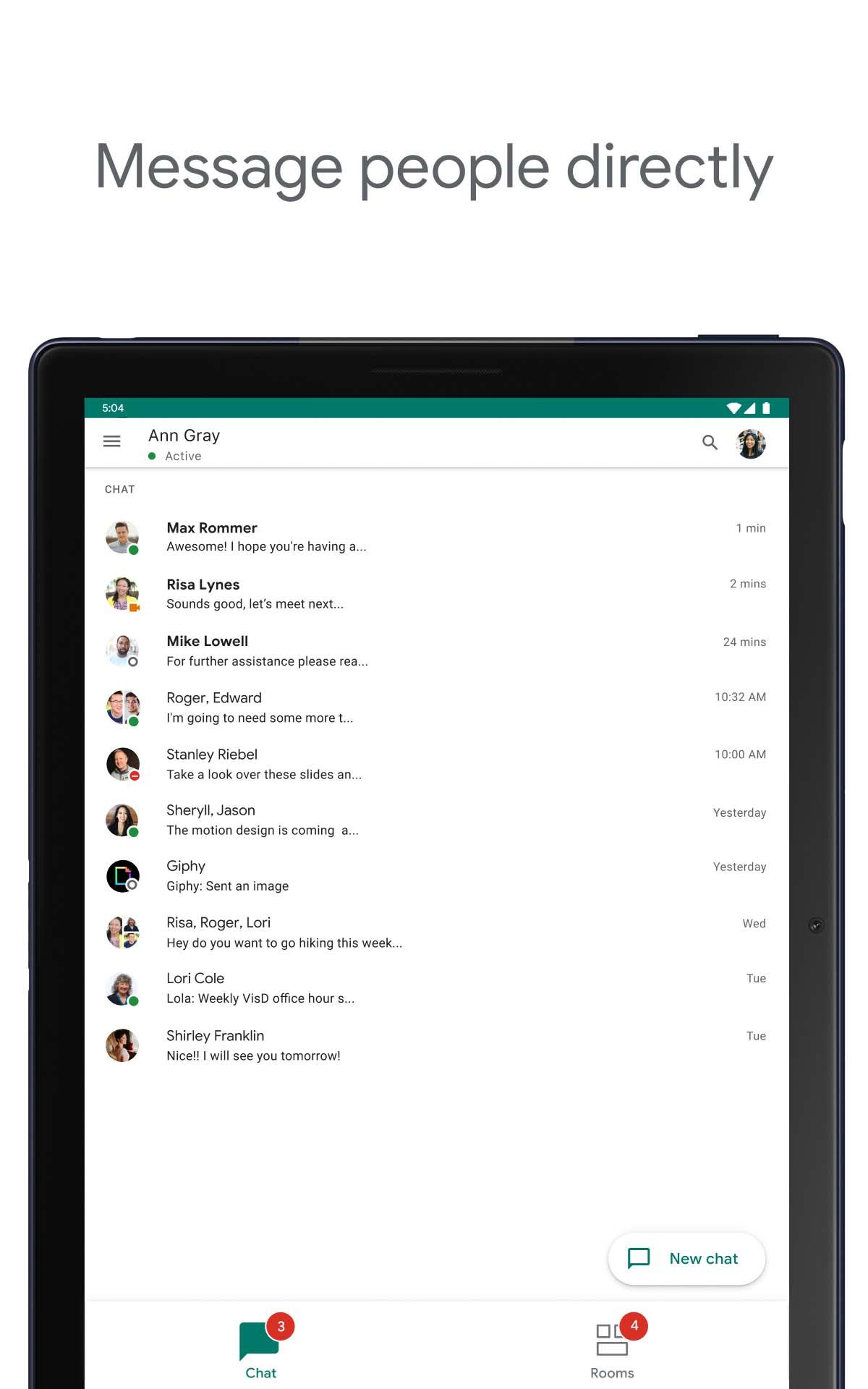
• Start a chat with a colleague, a group or even your whole team
• Tell your team when you’re heads-down or ready to connect with personalized status updates
• Share detailed updates with audio & video messages
• Connect in real-time, anytime with huddles
The full power of Workspace to transform your teamwork
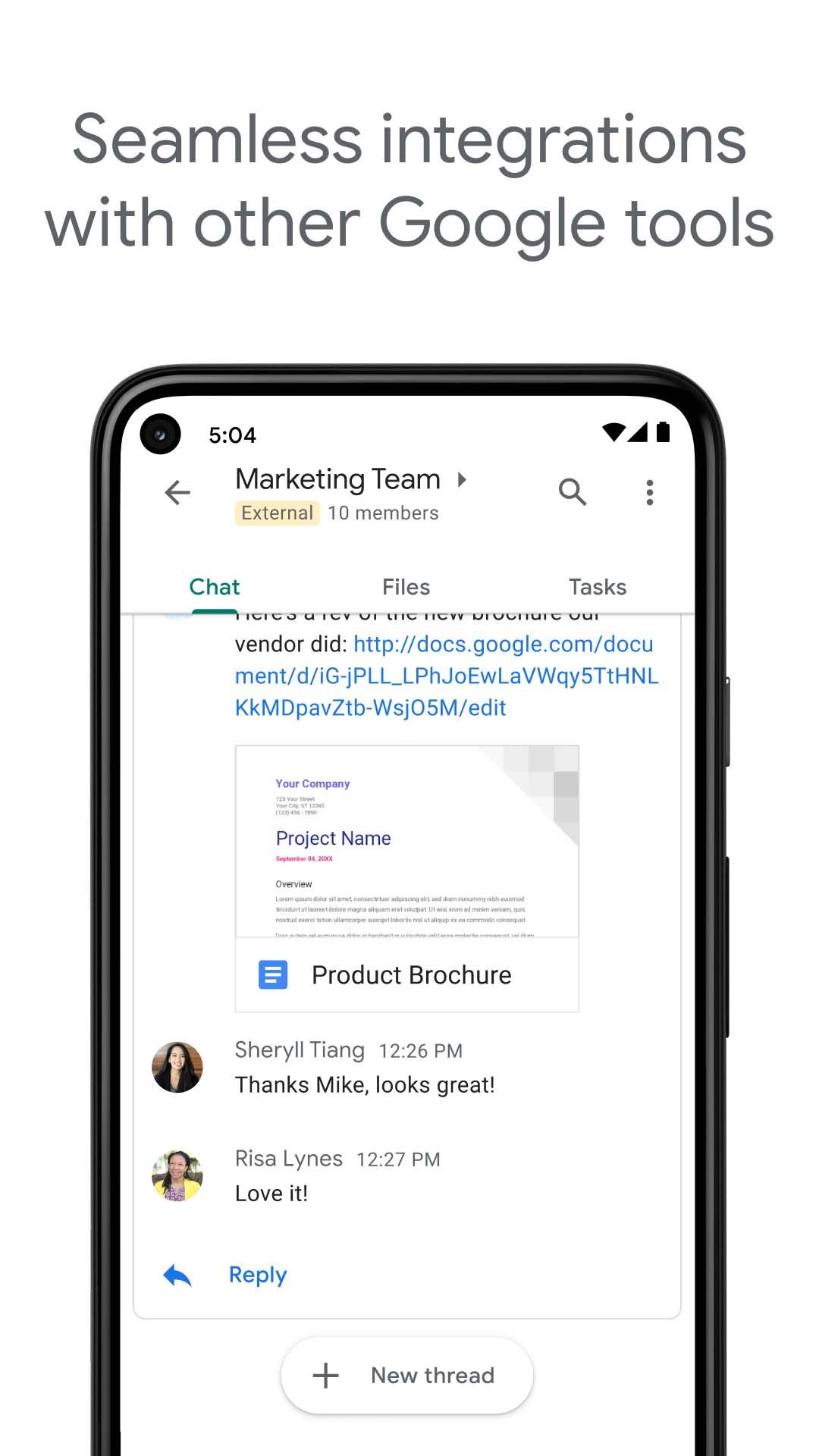
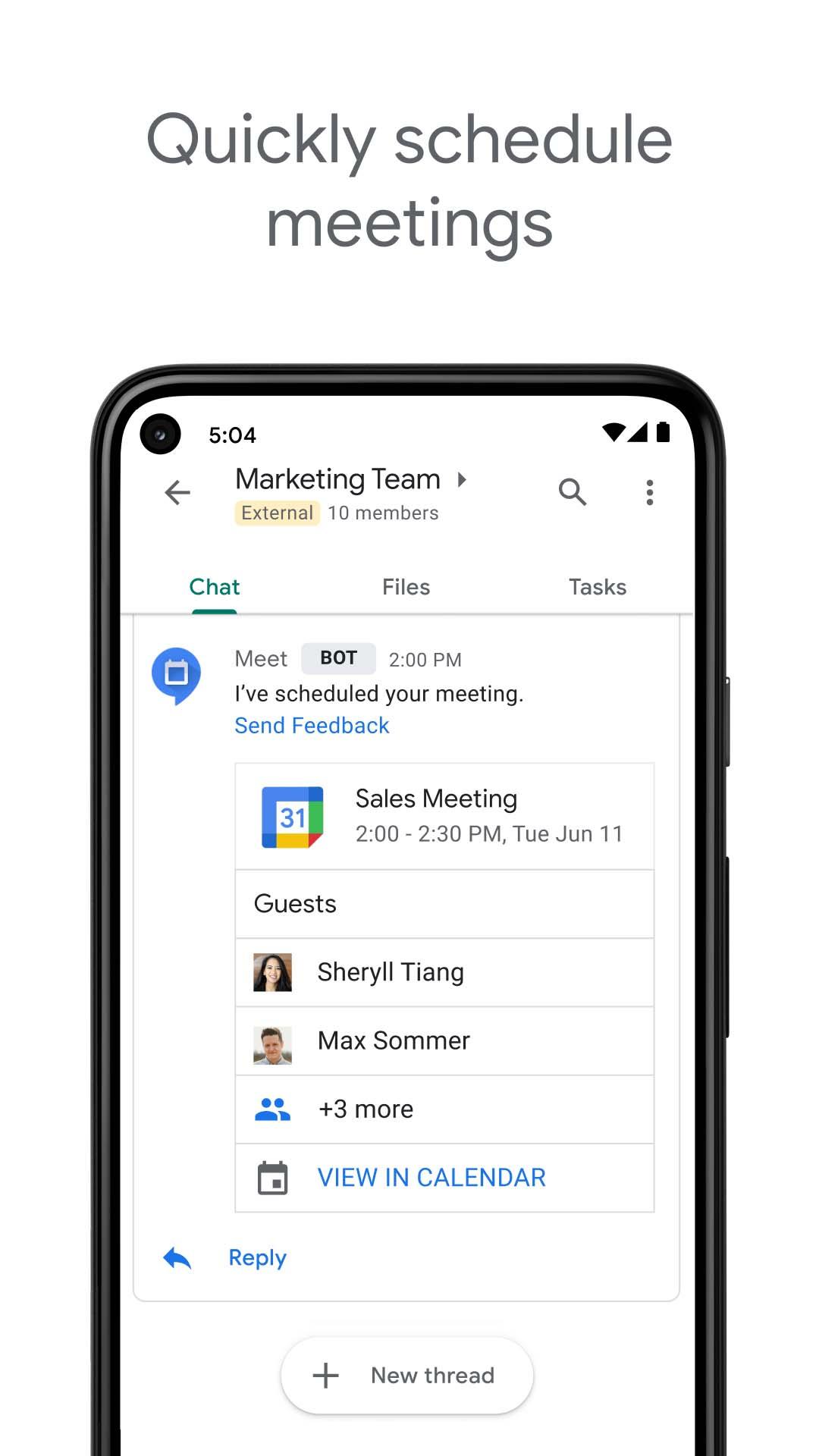
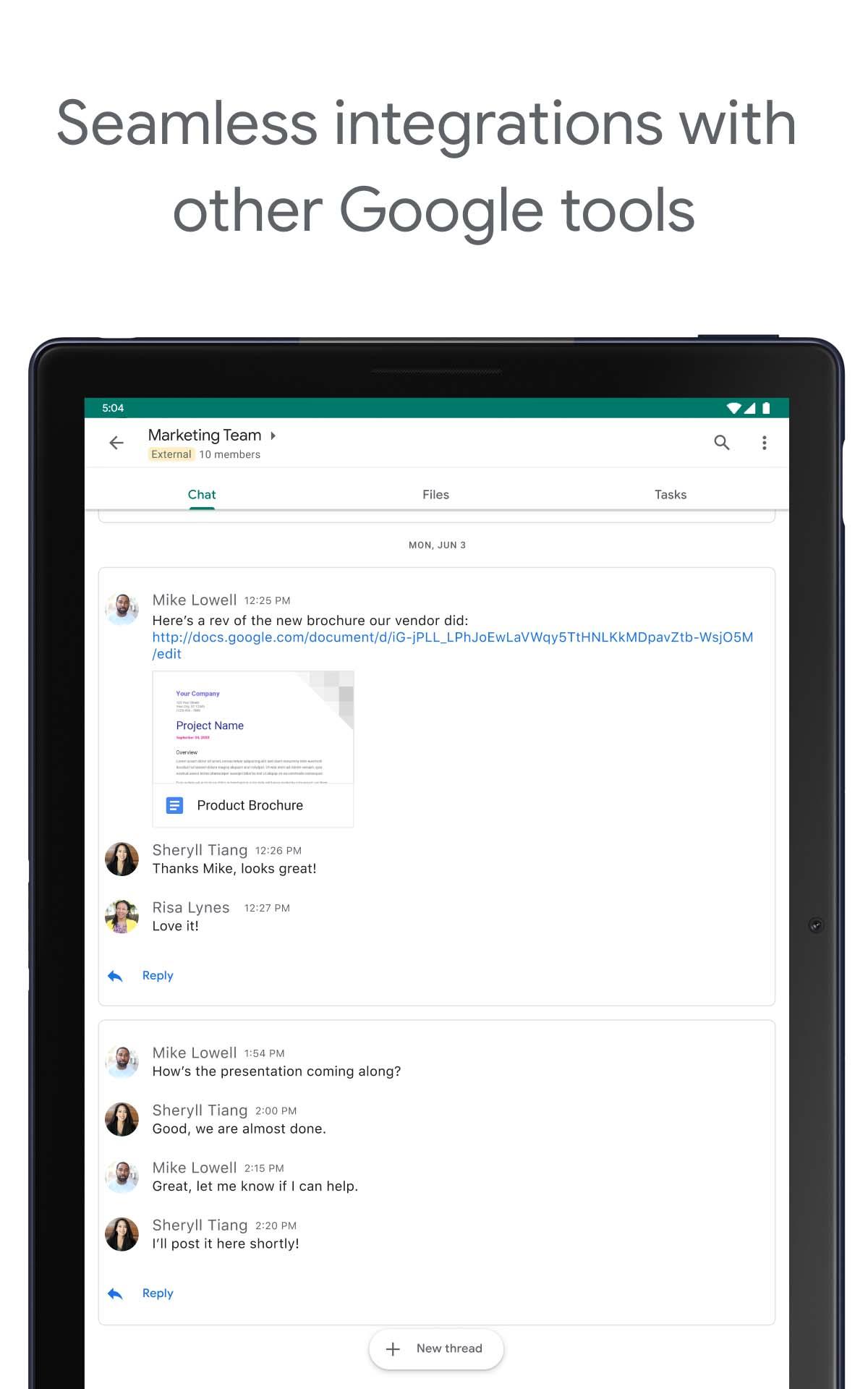
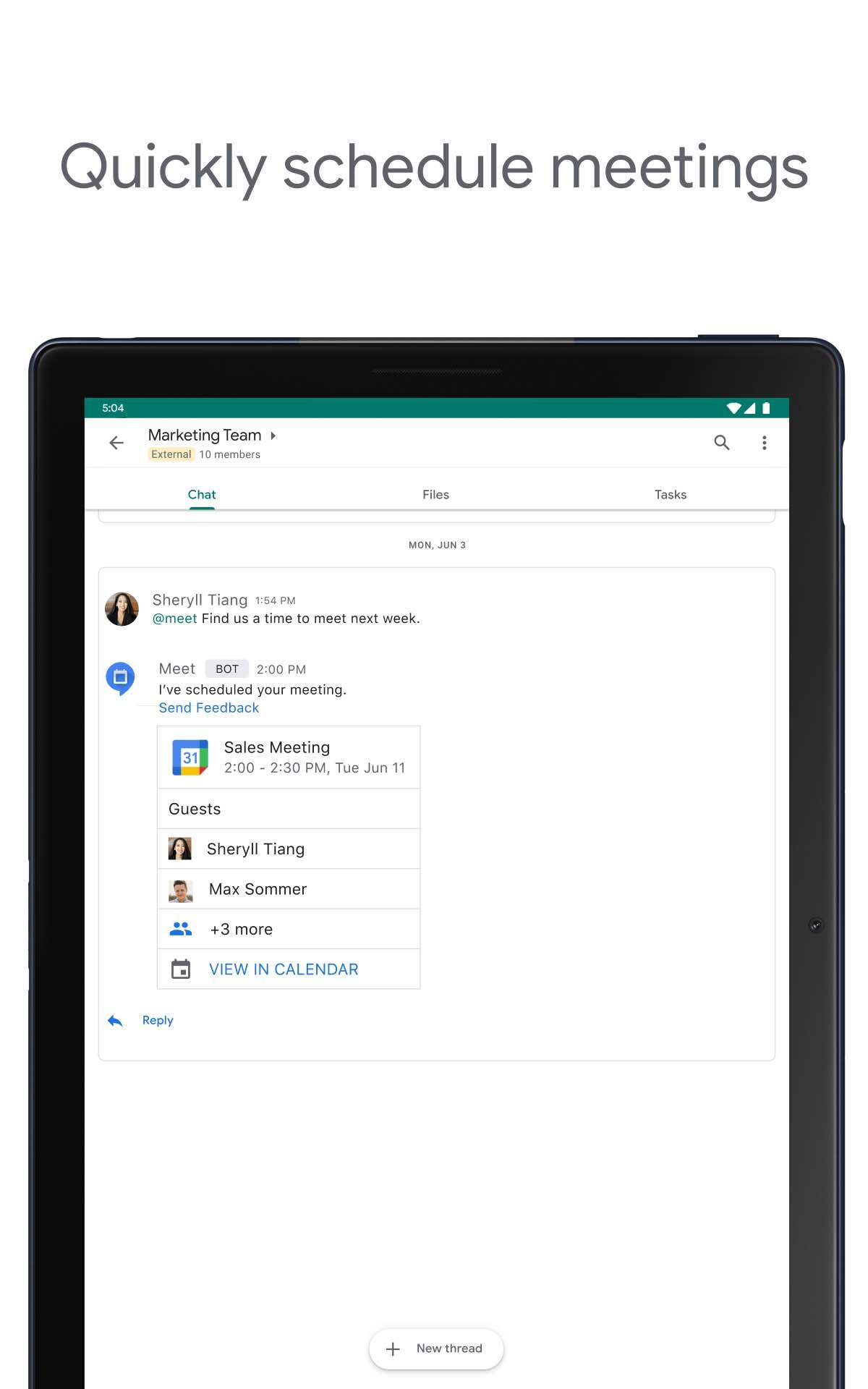
• Integrated with Workspace apps like Gmail, Calendar, Drive, Tasks, and Meet
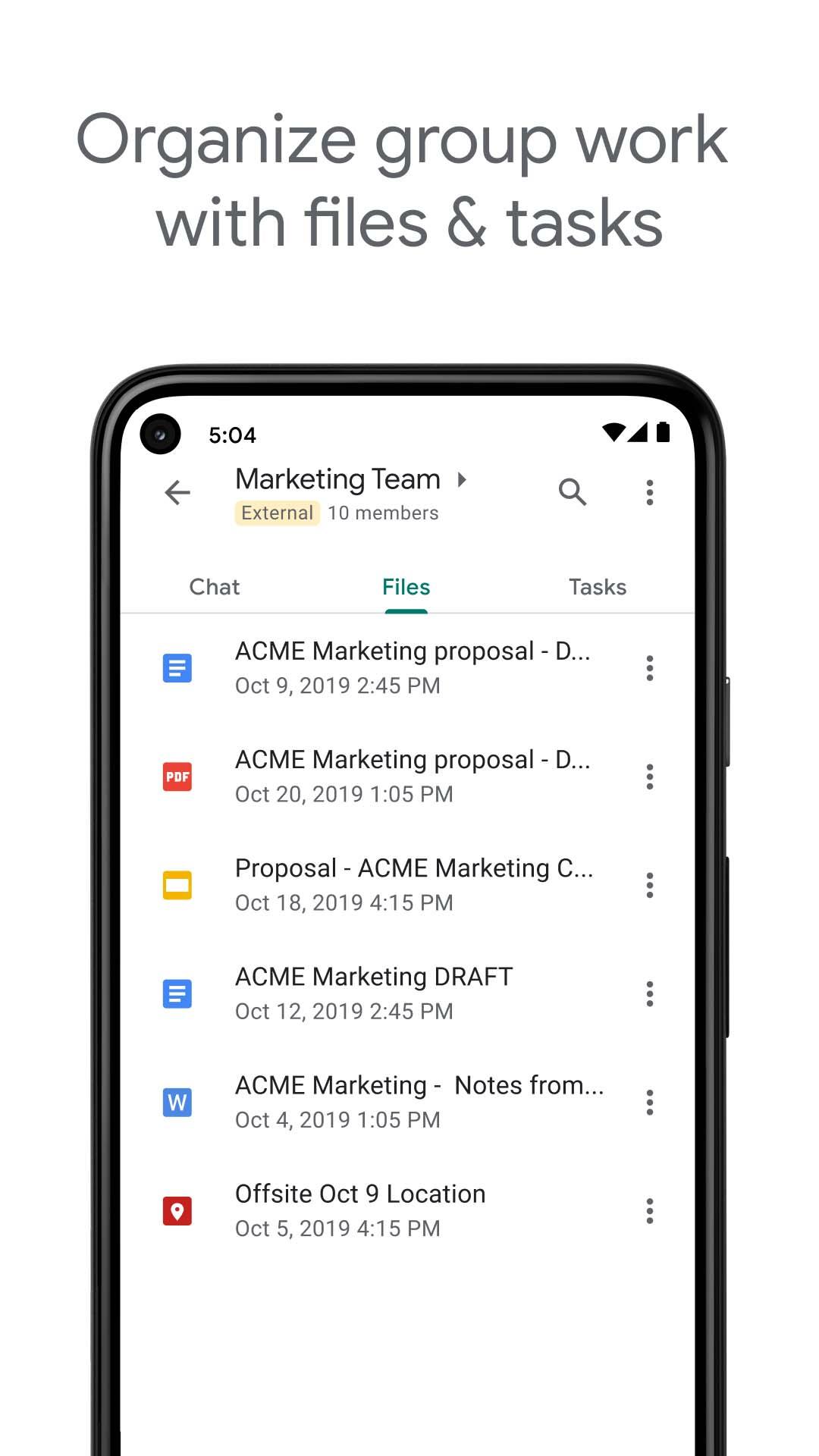
• Streamline teamwork with smart chips to link files, people and spaces
• Stay on top of requests, comments and approvals with the Google Drive app for Chat
• Install powerful, popular Chat apps like PagerDuty, Jira, GitHub, Workday, and many more
• Build no-code, low-code and pro-code apps with Chat APIs
Secure
• Protected by Google’s cloud-native, zero-trust architecture
• No desktop apps to patch, no data stored on end-user devices
• Keeps data safe with AI-powered data loss prevention (DLP) plus phishing & malware detection
• Migrate away from insecure legacy platforms
Chat is included as part of Google Workspace for consumer, education, and business customers.
Some premium features require a paid subscription. To learn more or start a 14-day trial, https://workspace.google.com/pricing.html.
Follow us for more:
X: https://x.com/googleworkspace
LinkedIn: https://www.linkedin.com/showcase/googleworkspace
Facebook: https://www.facebook.com/googleworkspace
Instagram: https://www.instagram.com/googleworkspace
TikTok: https://www.tiktok.com/@googleworkspace
YouTube: https://www.youtube.com/@googleworkspace
AI-first messaging & collaboration, transformed by Gemini
• Stay on top of things with conversation summaries
• Automatically translate messages across more than 120 languages
• Find what you’re looking for with AI-powered search
• Capture action items so the whole team is on the same page
Everything teams need to stay connected and get work done
• Start a chat with a colleague, a group or even your whole team
• Tell your team when you’re heads-down or ready to connect with personalized status updates
• Share detailed updates with audio & video messages
• Connect in real-time, anytime with huddles
The full power of Workspace to transform your teamwork
• Integrated with Workspace apps like Gmail, Calendar, Drive, Tasks, and Meet
• Streamline teamwork with smart chips to link files, people and spaces
• Stay on top of requests, comments and approvals with the Google Drive app for Chat
• Install powerful, popular Chat apps like PagerDuty, Jira, GitHub, Workday, and many more
• Build no-code, low-code and pro-code apps with Chat APIs
Secure
• Protected by Google’s cloud-native, zero-trust architecture
• No desktop apps to patch, no data stored on end-user devices
• Keeps data safe with AI-powered data loss prevention (DLP) plus phishing & malware detection
• Migrate away from insecure legacy platforms
Chat is included as part of Google Workspace for consumer, education, and business customers.
Some premium features require a paid subscription. To learn more or start a 14-day trial, https://workspace.google.com/pricing.html.
Follow us for more:
X: https://x.com/googleworkspace
LinkedIn: https://www.linkedin.com/showcase/googleworkspace
Facebook: https://www.facebook.com/googleworkspace
Instagram: https://www.instagram.com/googleworkspace
TikTok: https://www.tiktok.com/@googleworkspace
YouTube: https://www.youtube.com/@googleworkspace
Frequently Asked Questions
Google Chat provides threaded messaging, AI‑generated conversation summaries, automatic translation in 120+ languages, AI‑powered search, audio/video messages, and instant huddles. It also integrates with Gmail, Calendar, Drive, Tasks, Meet, and many third‑party apps to streamline teamwork.
Most features, including sending and receiving messages, require an active internet connection. Offline access is limited; you may view previously loaded content but cannot send new messages or start huddles until you reconnect.
The app requires Android 12 (SDK 32) or higher and runs on arm64‑v8a and x86_64 architectures. It uses the device camera and microphone for video/audio messages and huddles, and needs standard storage access.
Camera and microphone enable video calls and audio messages. Contacts permission lets you find and invite colleagues. Storage permissions allow saving and sharing files, while network and wake‑lock permissions keep the app responsive in the background.
Yes, Google Chat is part of Google Workspace. A Workspace account is required for full functionality, and some premium features are available only with a paid subscription.
Additional Information
Category
App › Business
Version
2026.08.24.971422187.Release
Updated
Aug 27, 2026
Requires Android
Android: 12L+ Android 12L (API 32)
Permissions
Low risk
70 / 100
High risk
The app accesses camera, microphone, contacts, and both read/write external storage, which can expose personal media, contact lists, and file data. Combined with network and background services, these permissions present a moderate privacy risk.
Architectures
Supports 64-bit ARM and x86 Android CPU architectures.
arm64-v8a
64-bit
Most modern phones & tablets
Your device
x86_64
64-bit
Emulators & ChromeOS/Android PCs
Your device
Target Android
Estimated Download Time
File Size: 54.76 MB
3G network (~2 Mbps)
4m 23s
4G LTE (~25 Mbps)
22 seconds
5G network (~150 Mbps)
4 seconds
Broadband / Wi-Fi (~100 Mbps)
6 seconds
Hashes
SHA-1
a86ddcf967cd5482c312206927becb814142abefSHA-256
234807F7825D71EBDF560E194B3B45FCD6A854E5D162AE4547475F7FADC2EEB6Signing Certificate SHA-1
Available On