APKs
Split APK — use Split APKs Installer (SAI) to install.
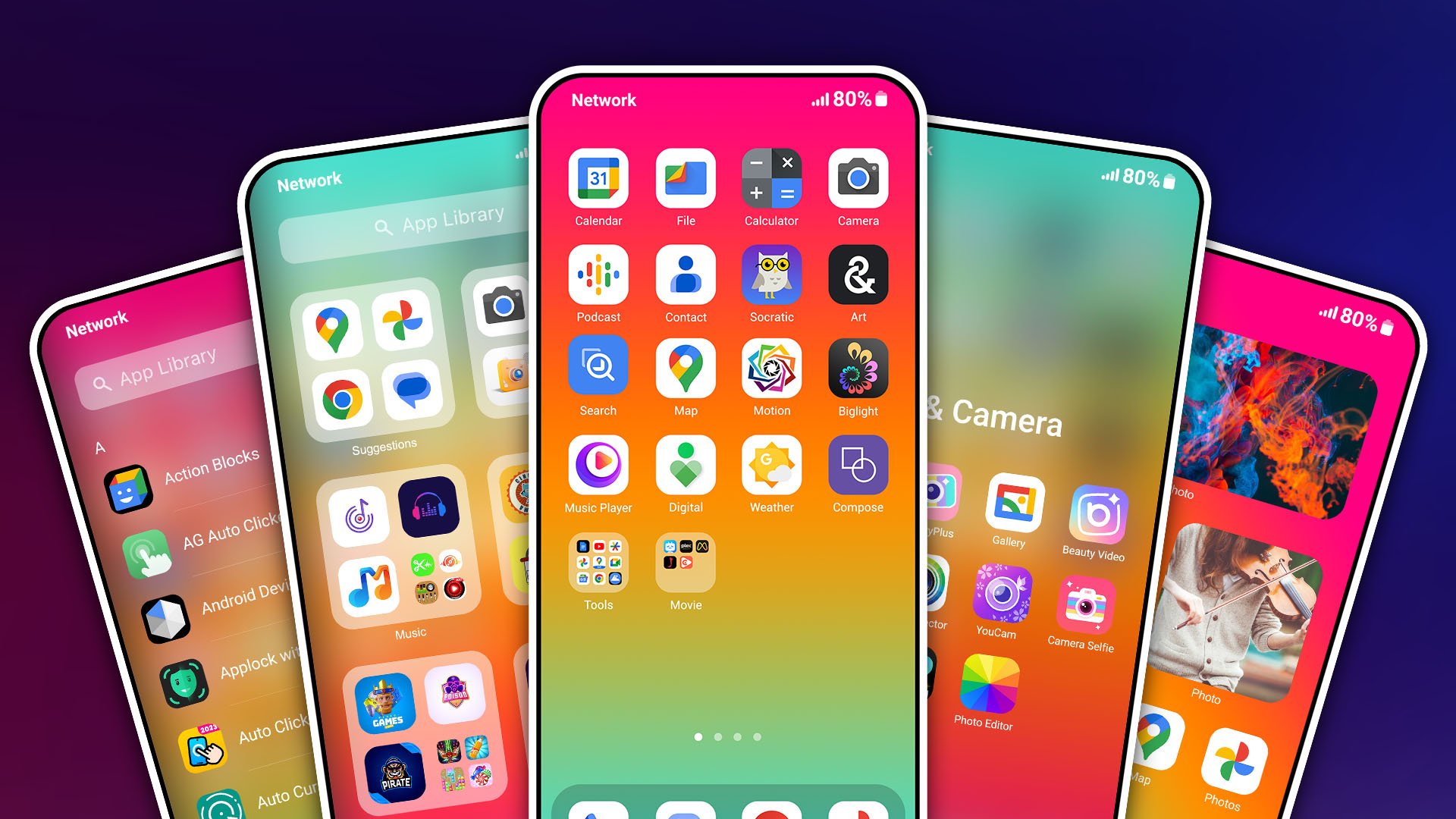
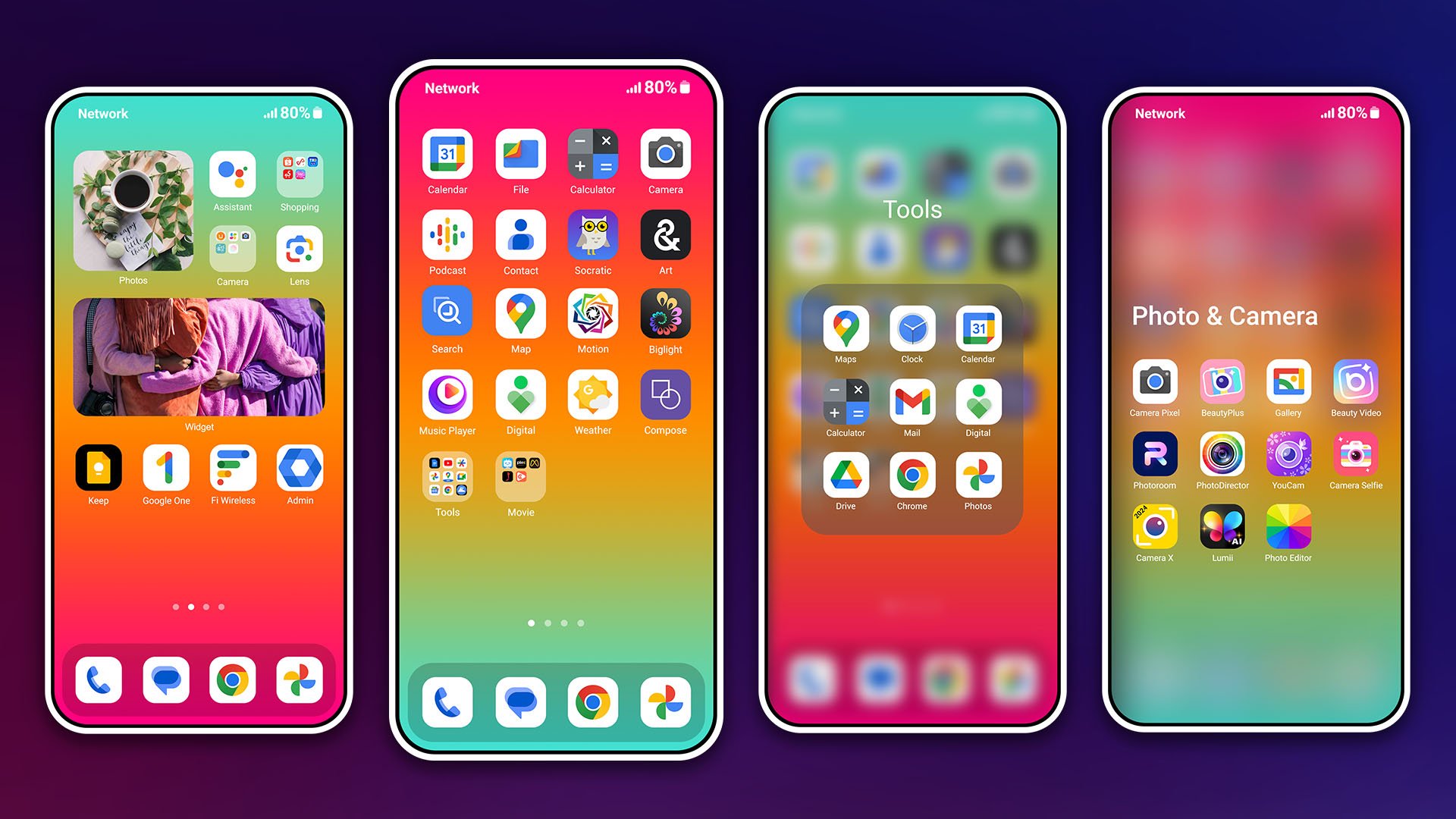
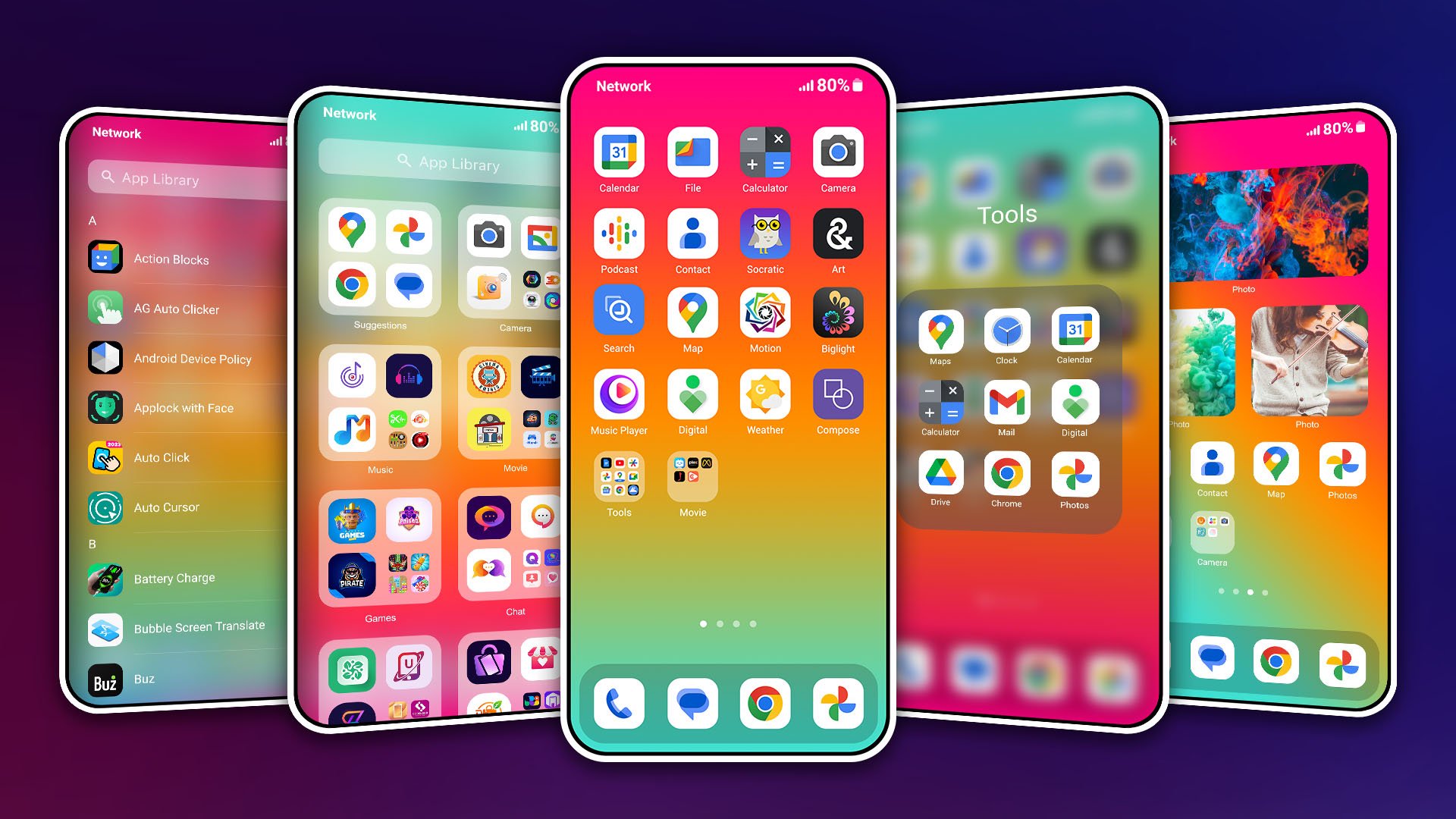
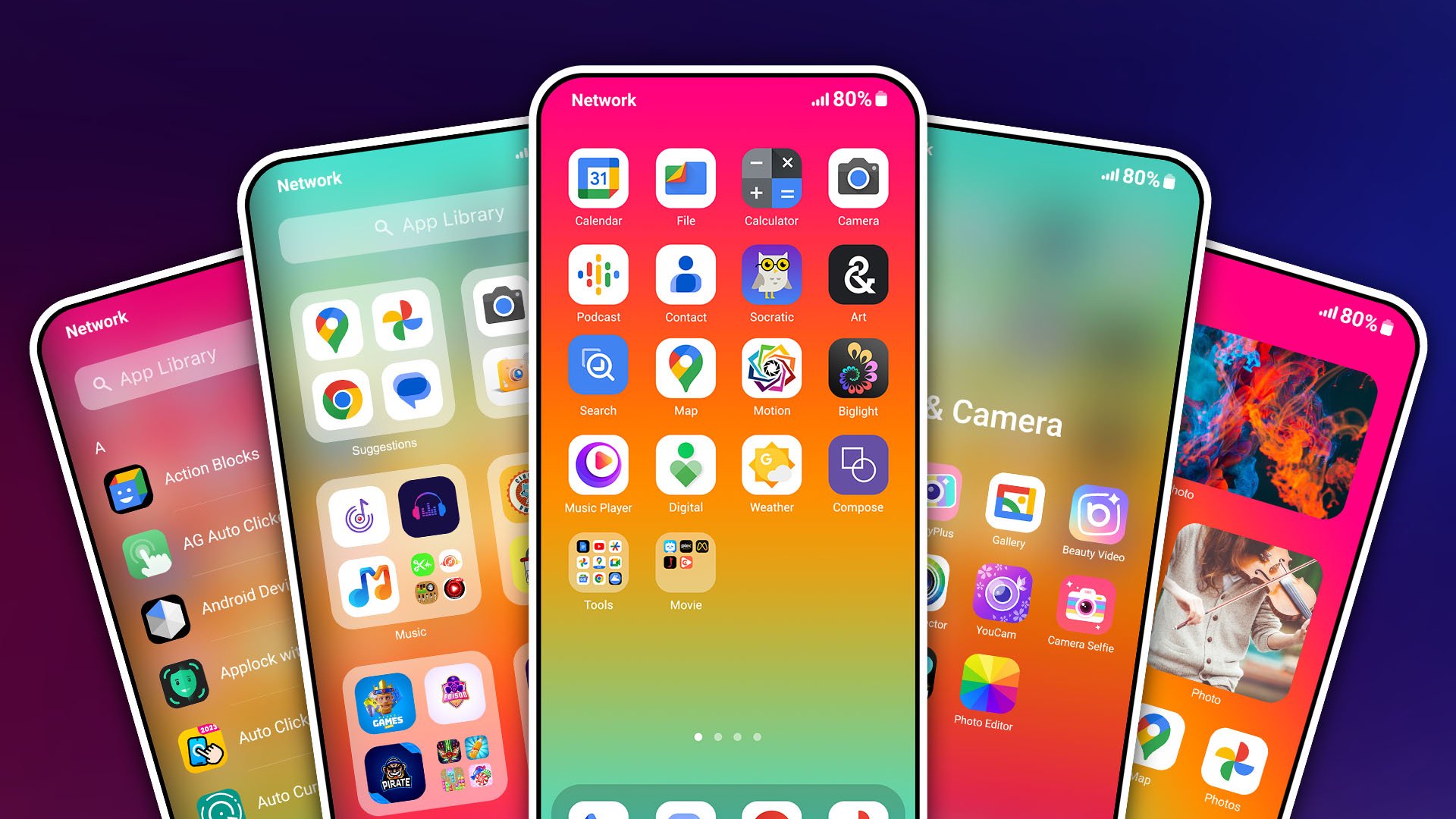
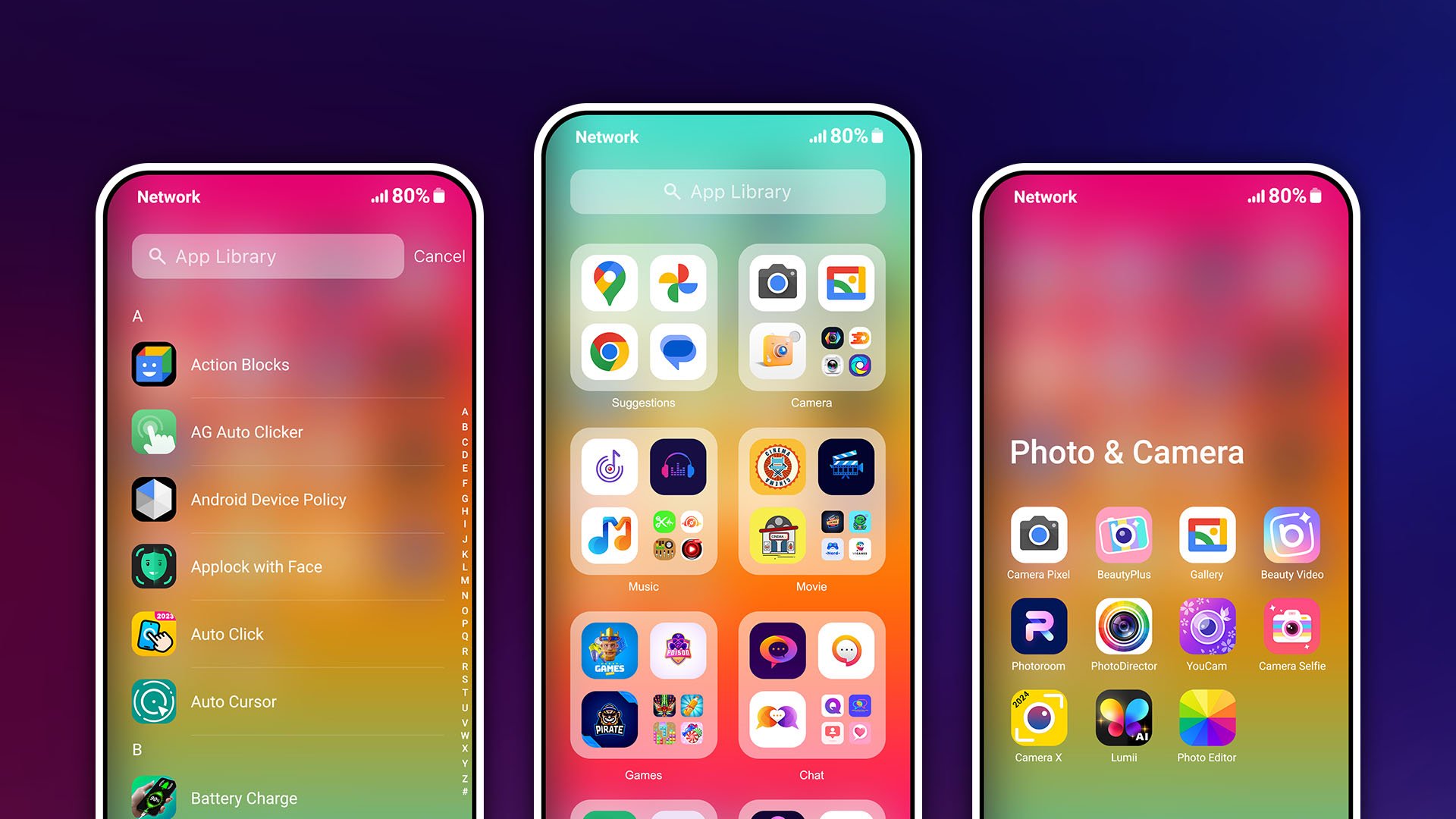
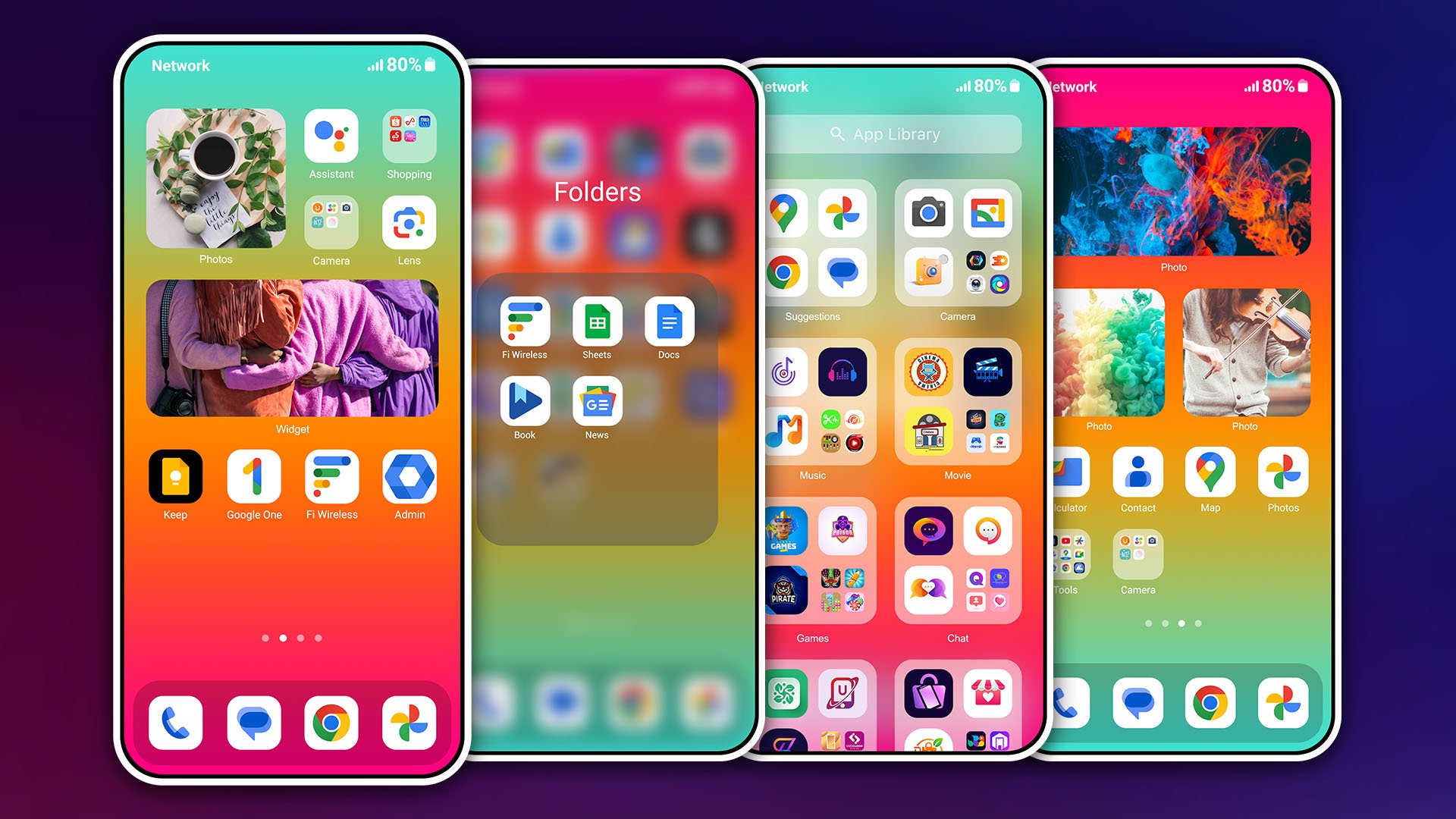
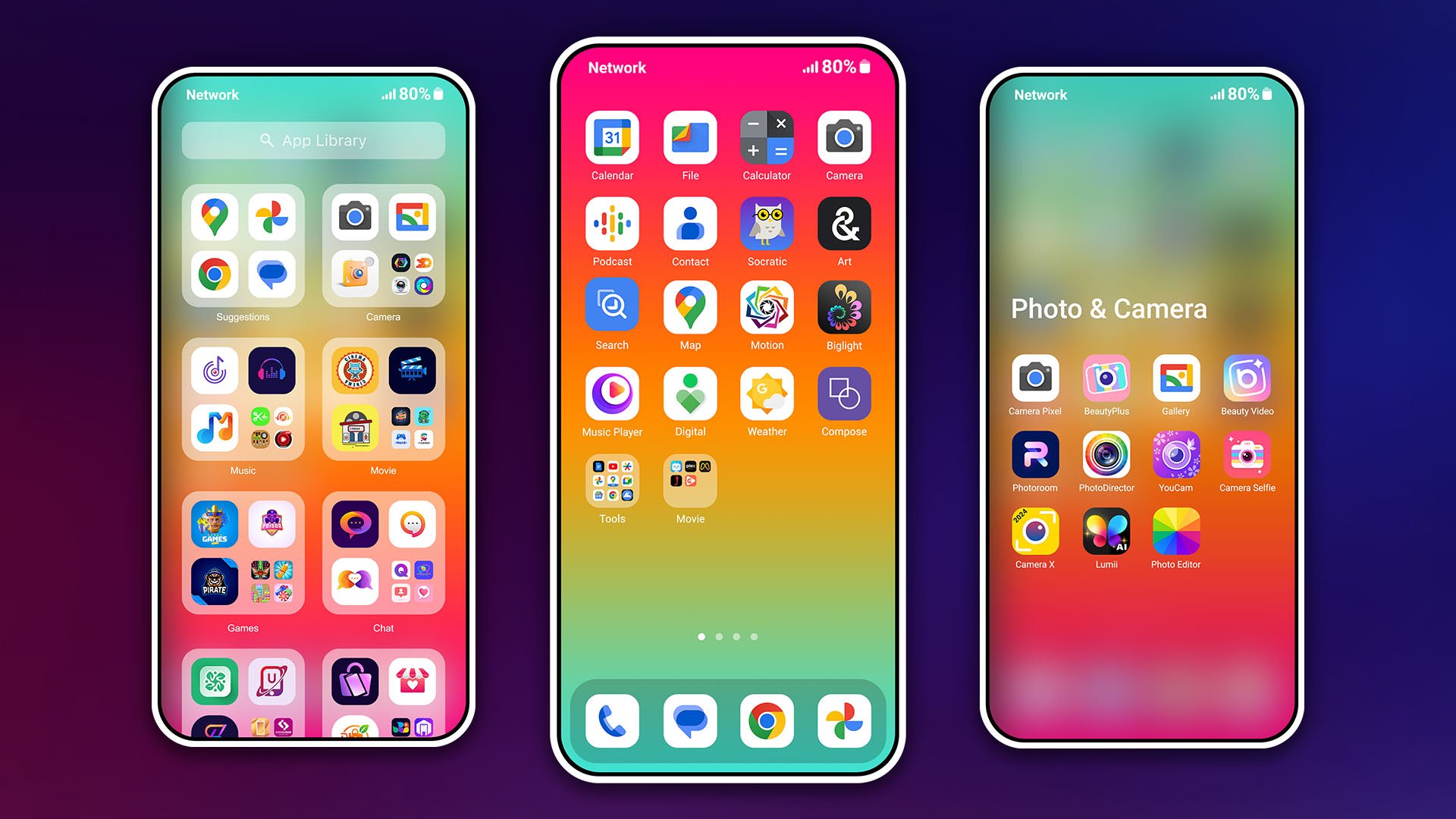
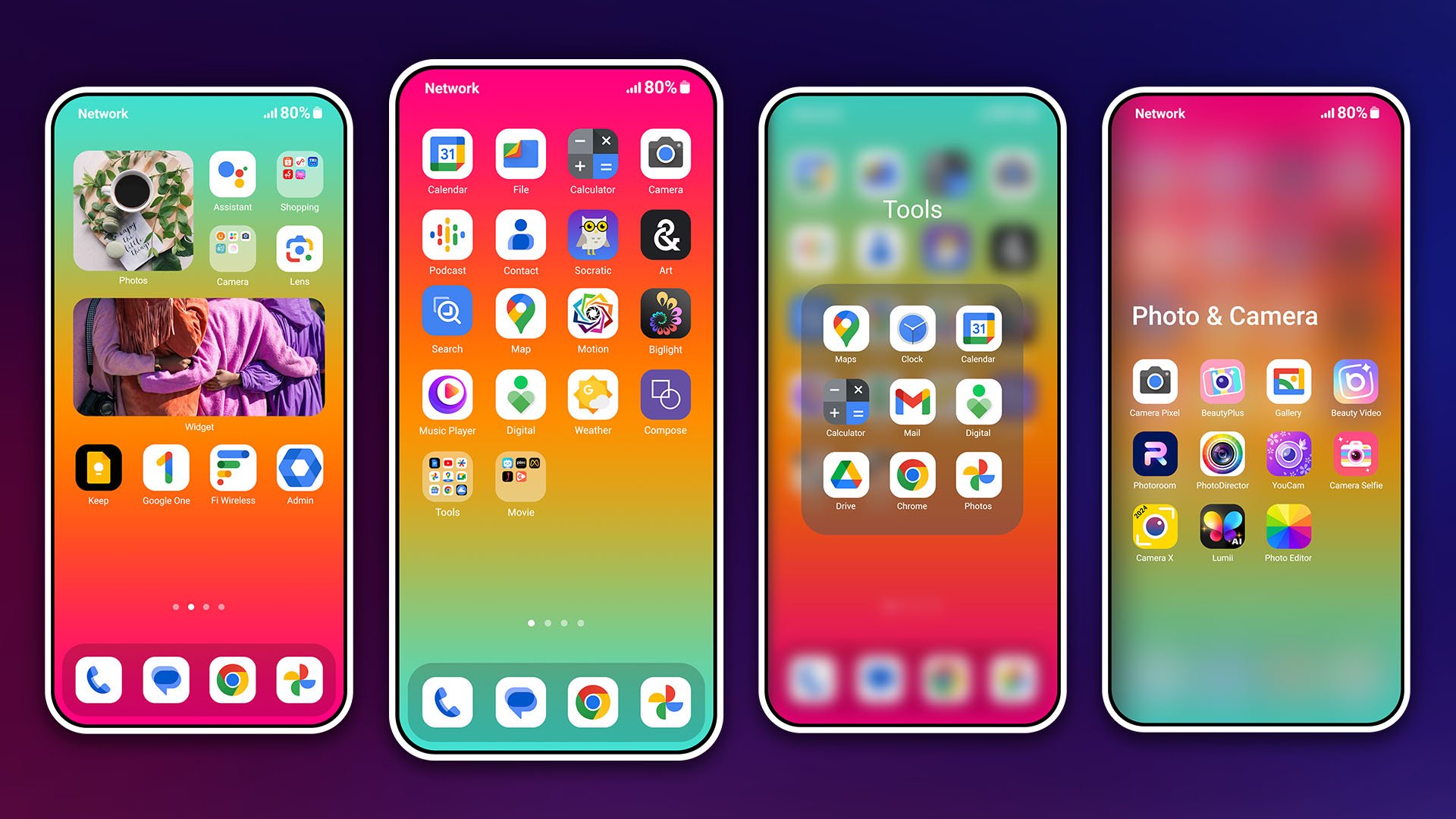
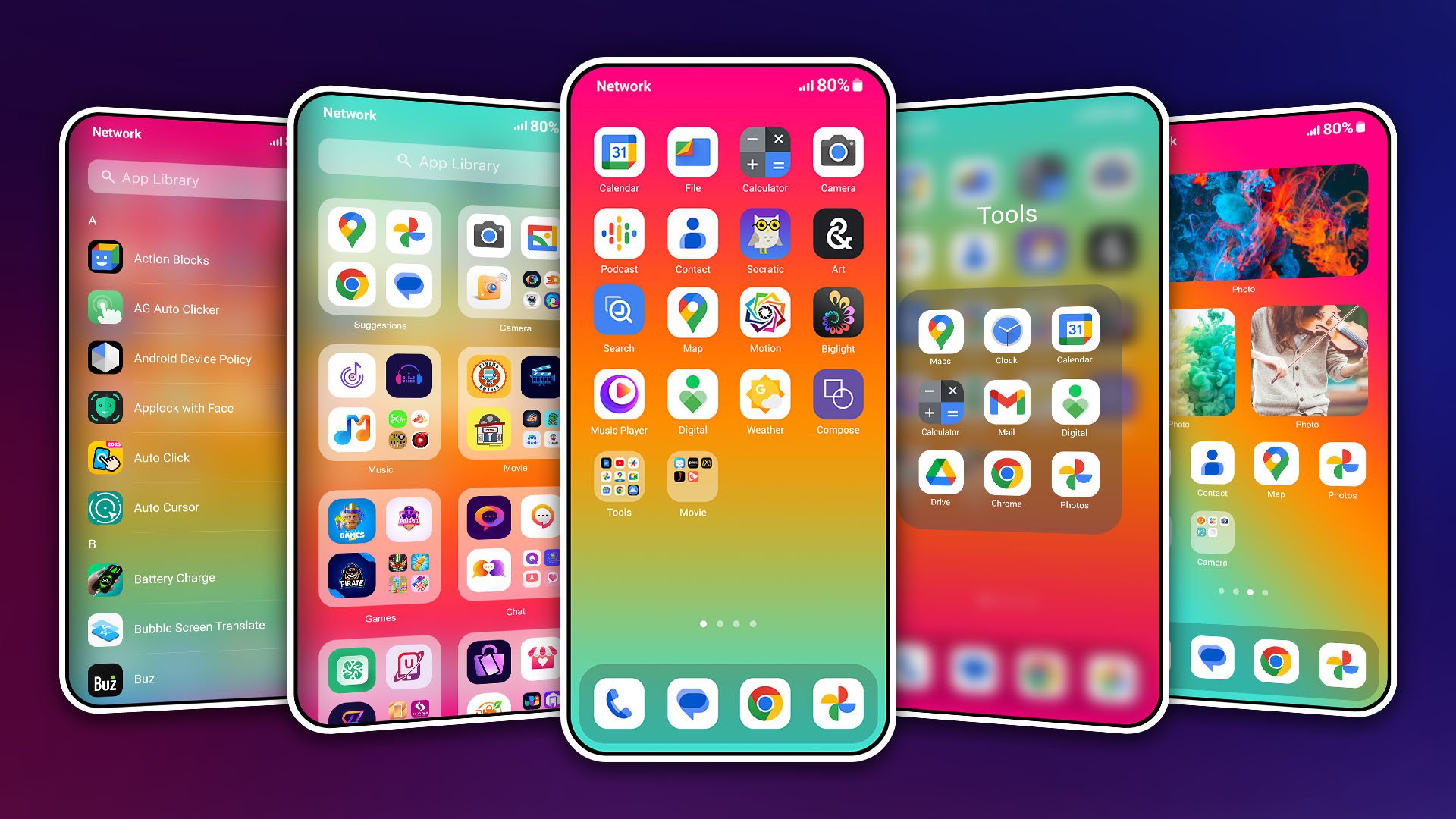
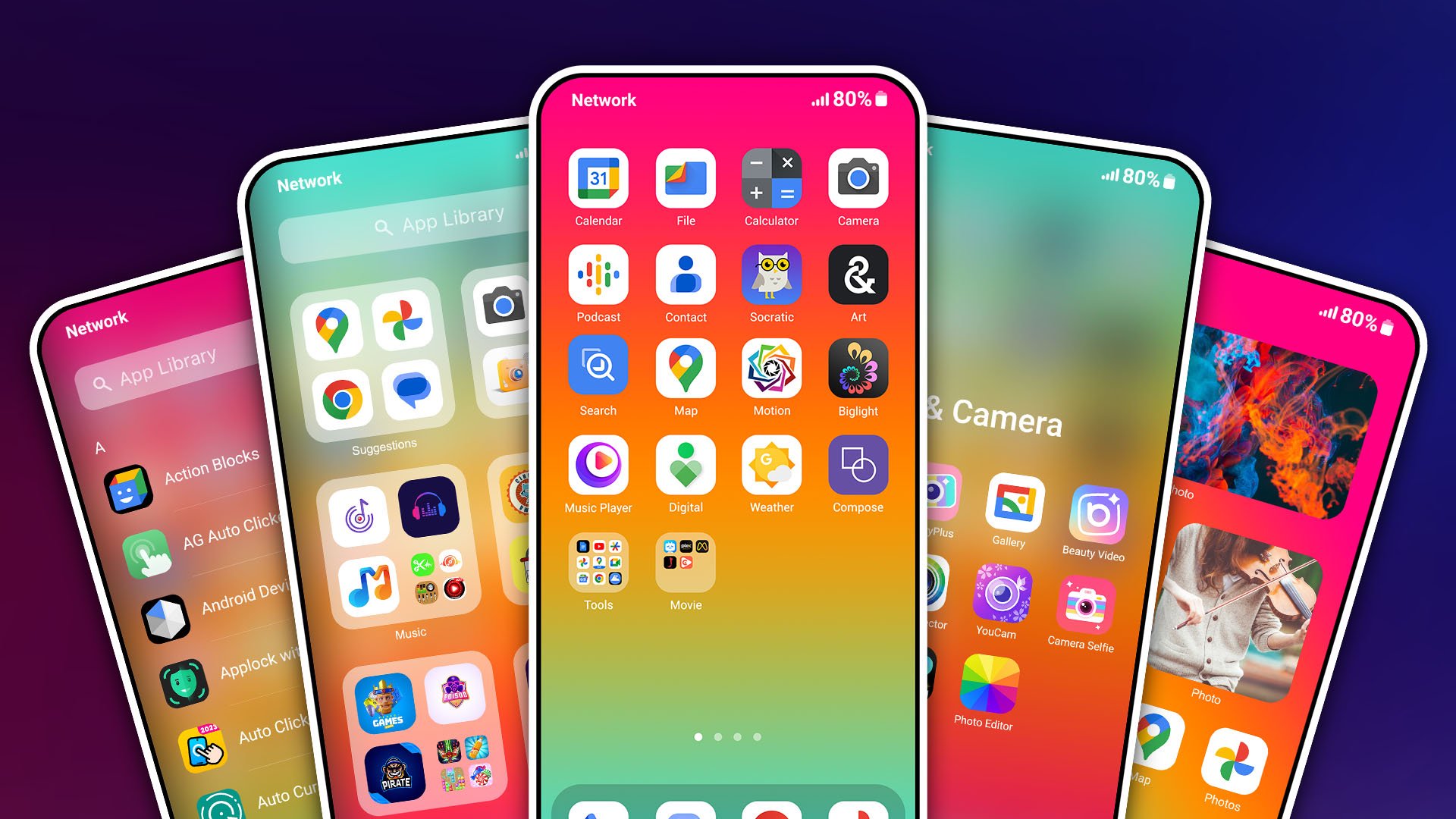
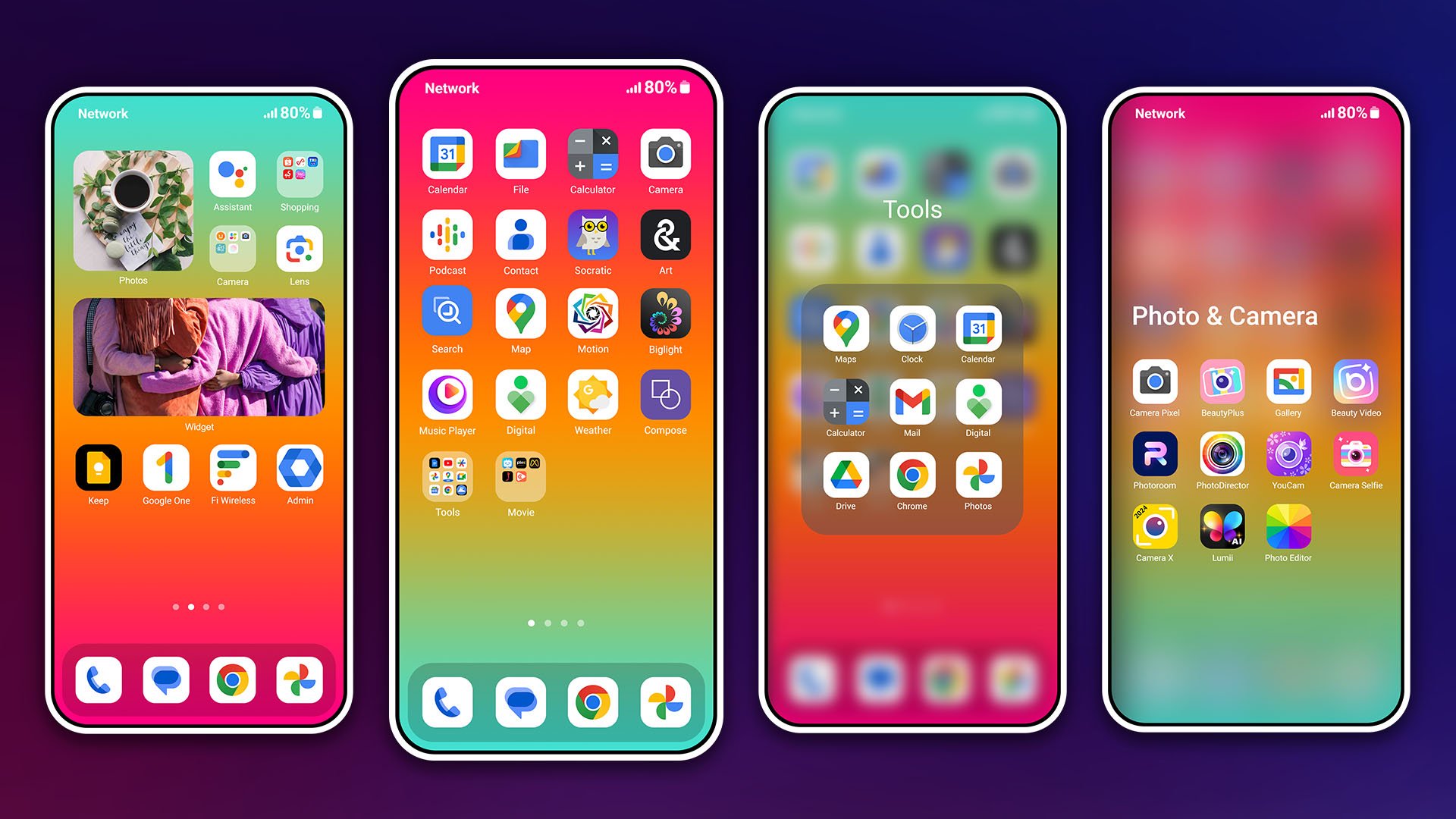
About HiPhone Launcher
HiPhone Launcher Description
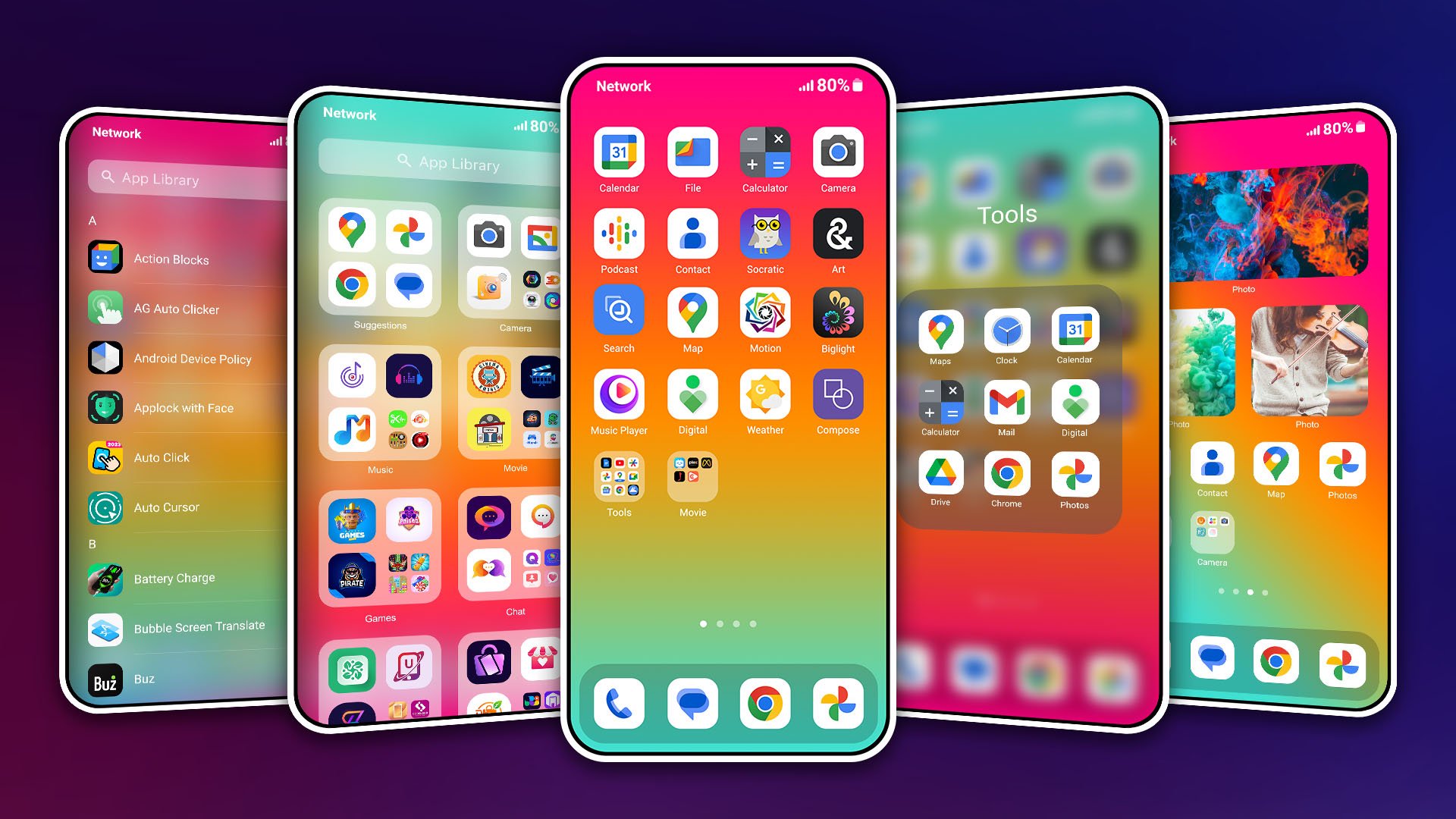
Do you love the phone? Want to change the new style?
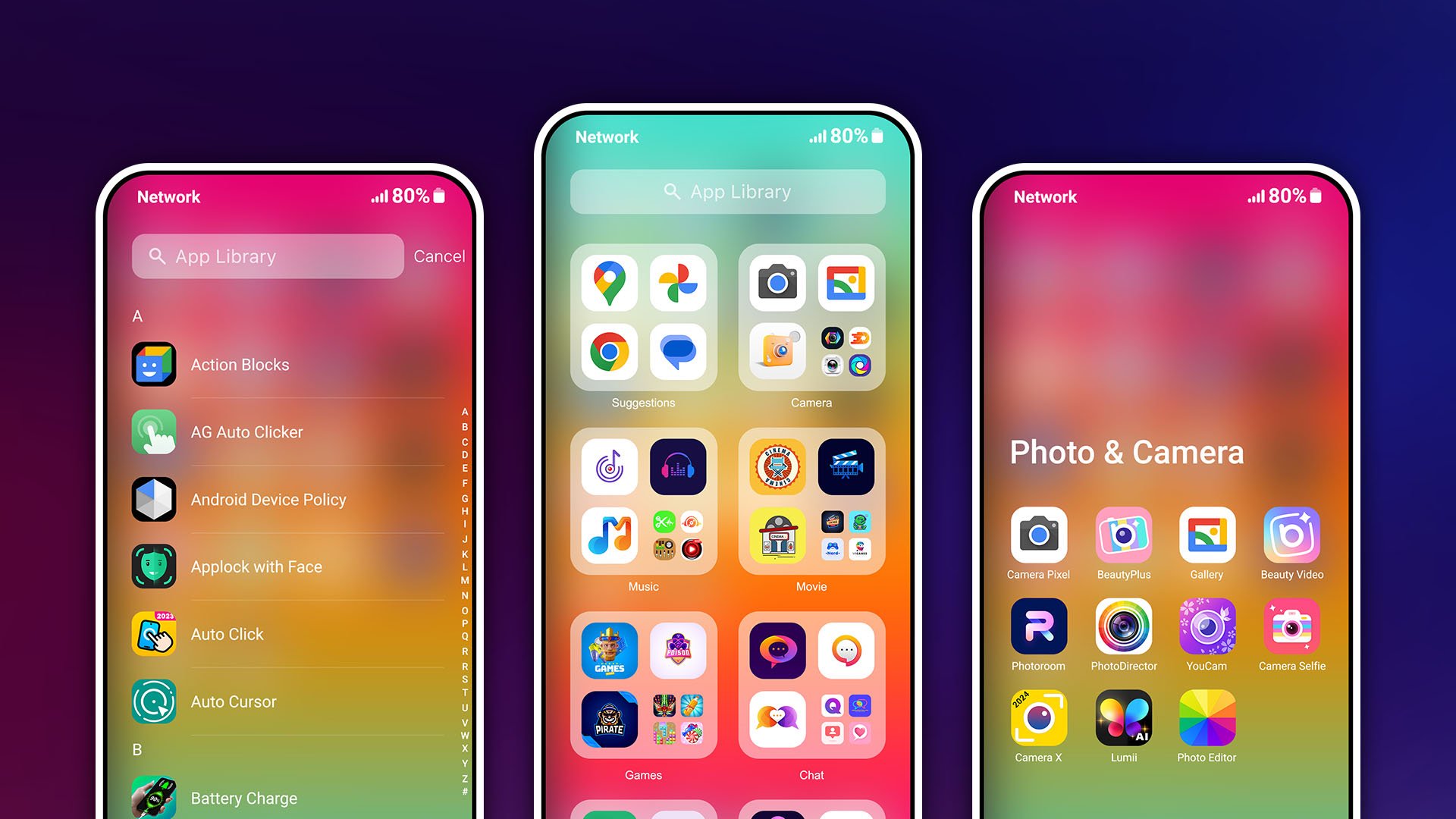
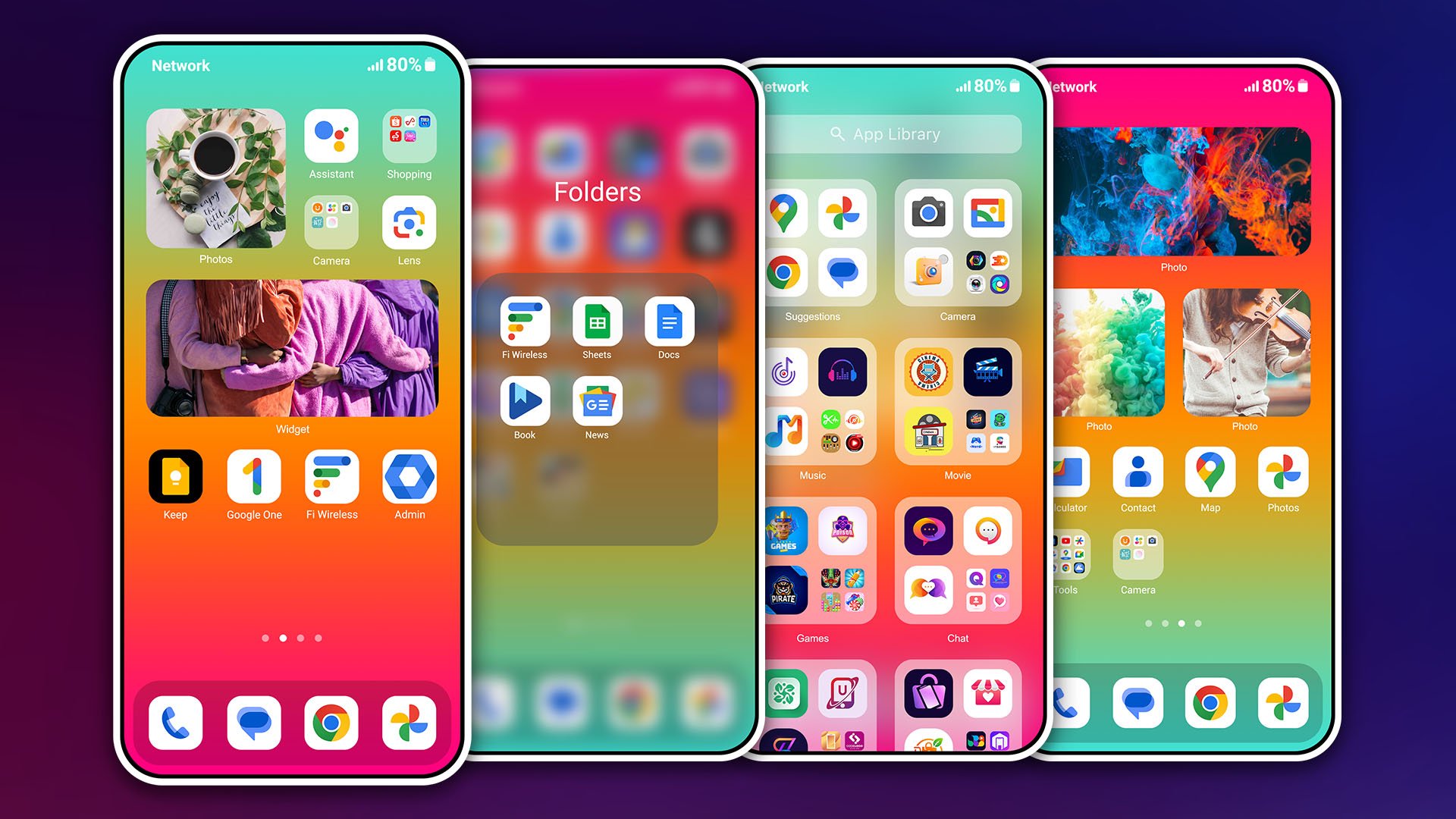
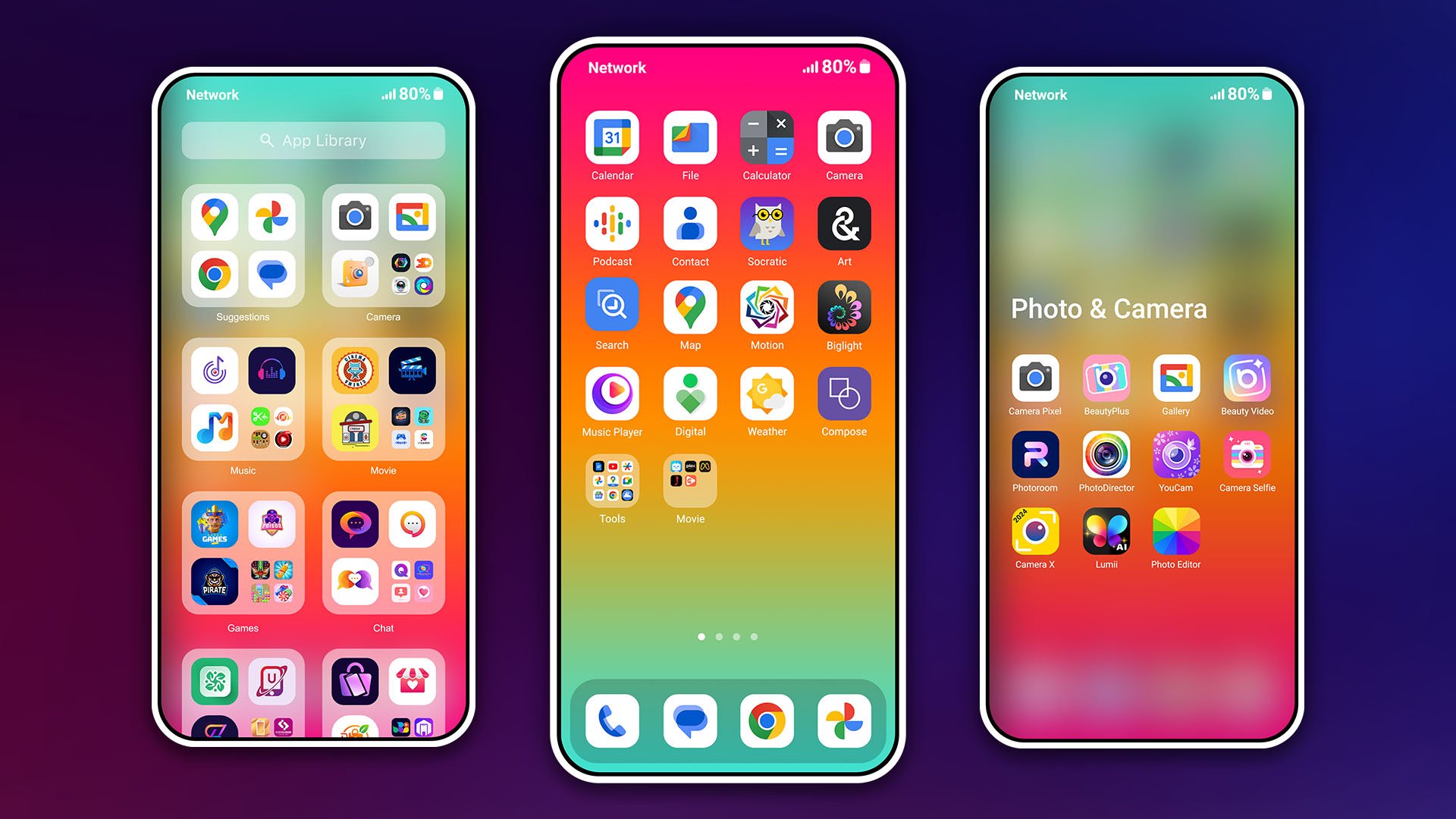
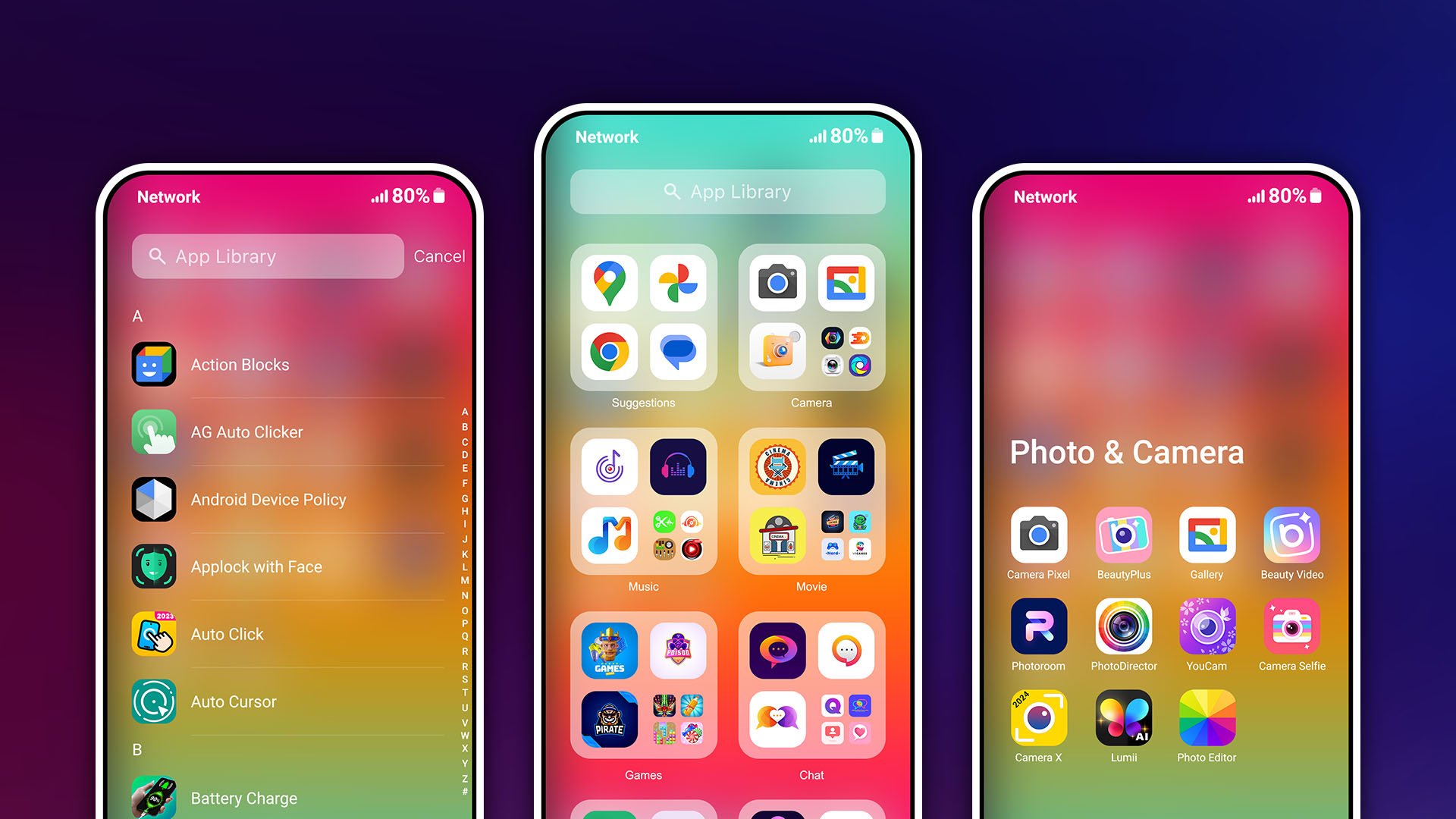
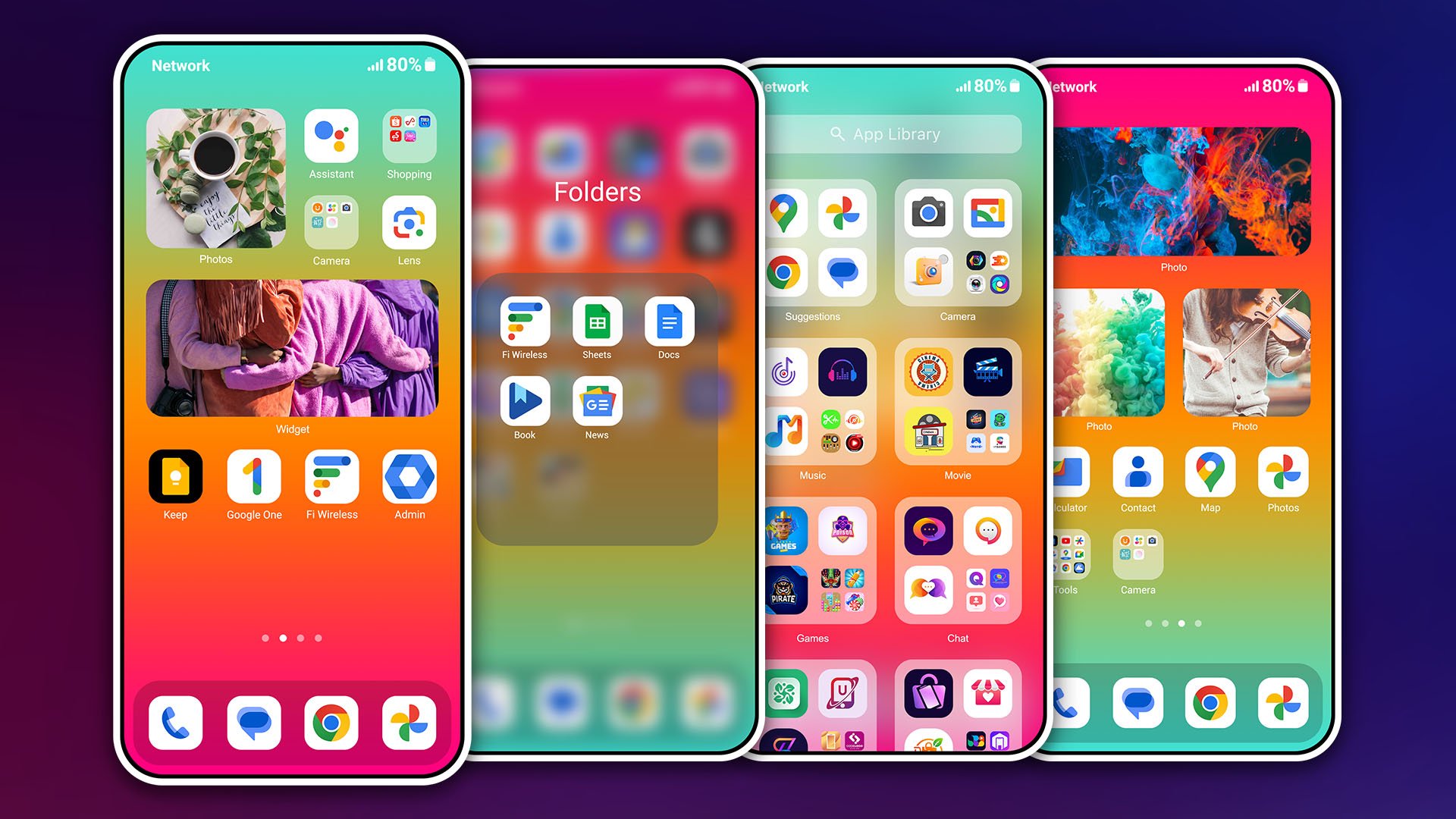
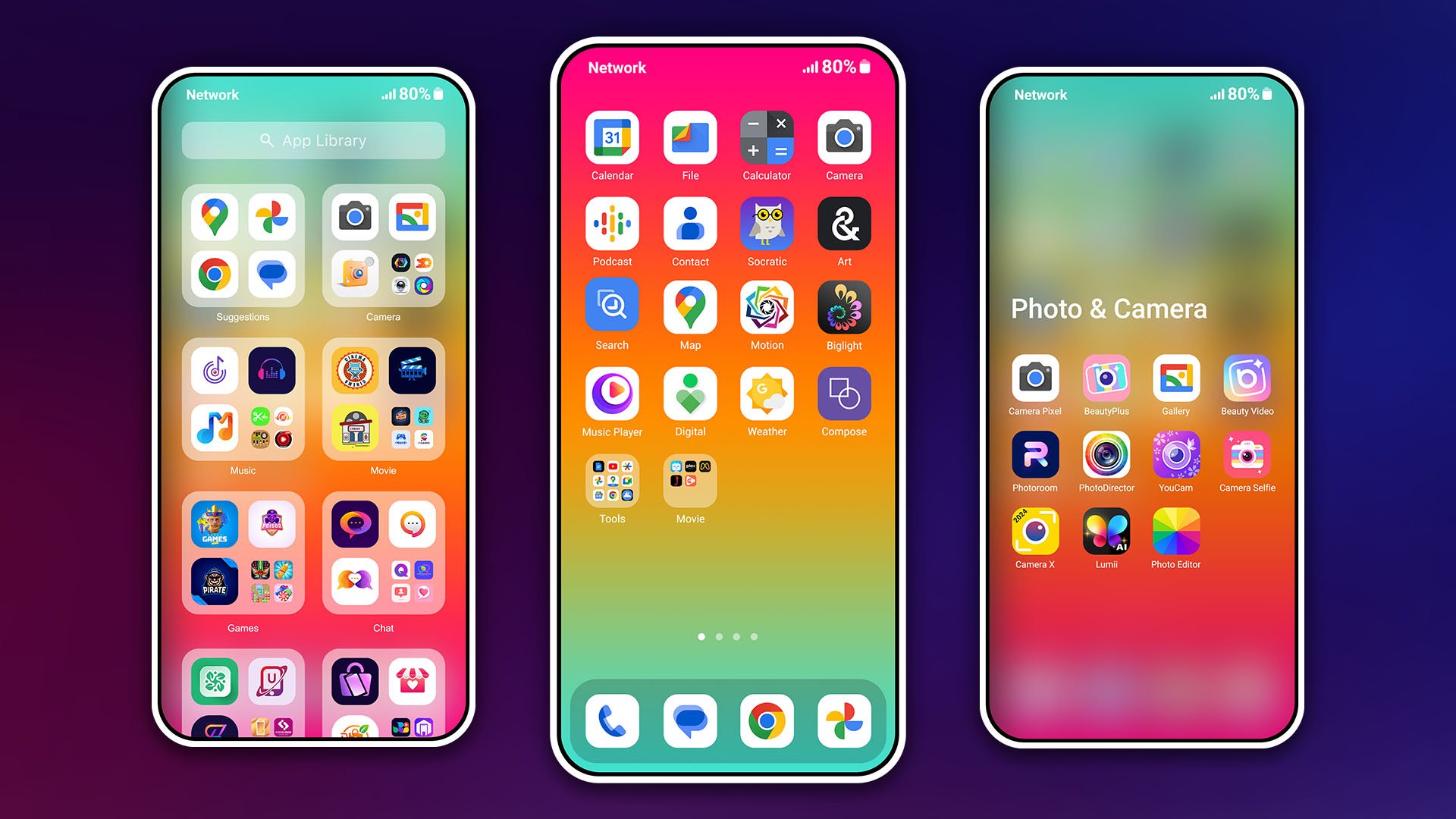
Let the HiPhone Launcher, MiniOS Launcher change your style
Features:
- Smart Search: smart swipe down search screen
- Beautiful wallpaper to decorate your screen
- Support lock screen display with passcode, pattern lock
- Easily search by swiping down anywhere on the home screen
- Smart toggle for silent mode, airplane mode, bluetooth, you can customize more style, such as size, color, position, vibration.
- Fast, convenient, time-saving, one touch tasks
- Collect over 10+ of wallpaper images
Note:
- This app requires Accessibility Services to perform the opening of the recently running apps dialog, the Back function, Touch
- This app require Query All Packages
What are you waiting for? Try the experience. If you have problems, please email us, we are ready to help you and improve the application every day. Thank you for using our product!
Let the HiPhone Launcher, MiniOS Launcher change your style
Features:
- Smart Search: smart swipe down search screen
- Beautiful wallpaper to decorate your screen
- Support lock screen display with passcode, pattern lock
- Easily search by swiping down anywhere on the home screen
- Smart toggle for silent mode, airplane mode, bluetooth, you can customize more style, such as size, color, position, vibration.
- Fast, convenient, time-saving, one touch tasks
- Collect over 10+ of wallpaper images
Note:
- This app requires Accessibility Services to perform the opening of the recently running apps dialog, the Back function, Touch
- This app require Query All Packages
What are you waiting for? Try the experience. If you have problems, please email us, we are ready to help you and improve the application every day. Thank you for using our product!
Frequently Asked Questions
It replaces the default home screen and app drawer, providing an iOS‑styled interface with custom widgets, search and quick‑toggle controls.
Core functions like the home screen, search and toggles work offline; internet is only needed for optional features such as downloading additional wallpapers or updates.
The app requires at least Android 7.0 (API 24) and is targeted for API 36, so it runs on most modern devices.
It needs permissions for features like wallpaper changes, system toggles, lock‑screen display, media access, contacts, location, camera, microphone and accessibility services that enable gestures and recent‑app shortcuts.
No, HiPhone Launcher works on standard, non‑rooted devices.
Additional Information
Category
App › Tools
Version
1.0.7.1
Updated
Aug 19, 2026
Requires Android
Android: 7.0+ Nougat (API 24)
Permissions
Low risk
85 / 100
High risk
The app requests many high‑risk permissions, including camera, microphone, contacts, calendar, phone state, location, system‑alert‑window, query‑all‑packages and accessibility services, which could allow extensive data collection and device control.
Architectures
Supports 64-bit ARM Android CPU architectures.
arm64-v8a
64-bit
Most modern phones & tablets
Your device
Target Android
Android: 16 Android 16 (API 36)
Estimated Download Time
File Size: 91.83 MB
3G network (~2 Mbps)
7m 21s
4G LTE (~25 Mbps)
36 seconds
5G network (~150 Mbps)
6 seconds
Broadband / Wi-Fi (~100 Mbps)
9 seconds
Hashes
SHA-1
11d67296dd3f53514d1f4aefa54a8f7067c53e1cSHA-256
017DC2CB4469E9CFAF6677F3379019F85AB2D66A01830929260AE6976E48C7CFSigning Certificate SHA-1
7c9afc426de965d416c0169487717a4bdd8d8ac9Available On