APKs
Split APK — use Split APKs Installer (SAI) to install.
Lplayer Description
Download Lplayer now for an awesome video exploration that unlocks an unprecedentedly convenient, personalized, and diverse video experience!
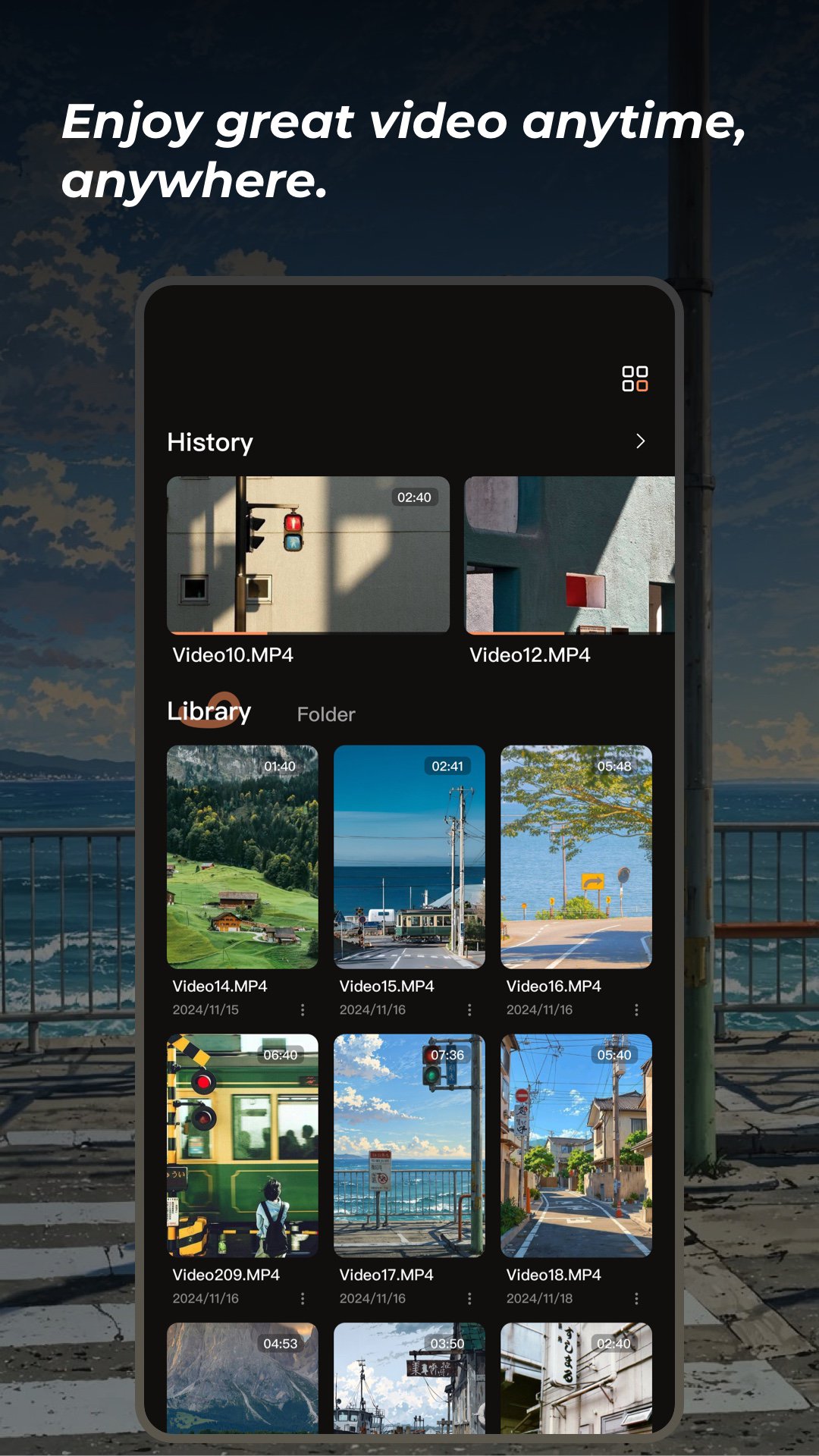
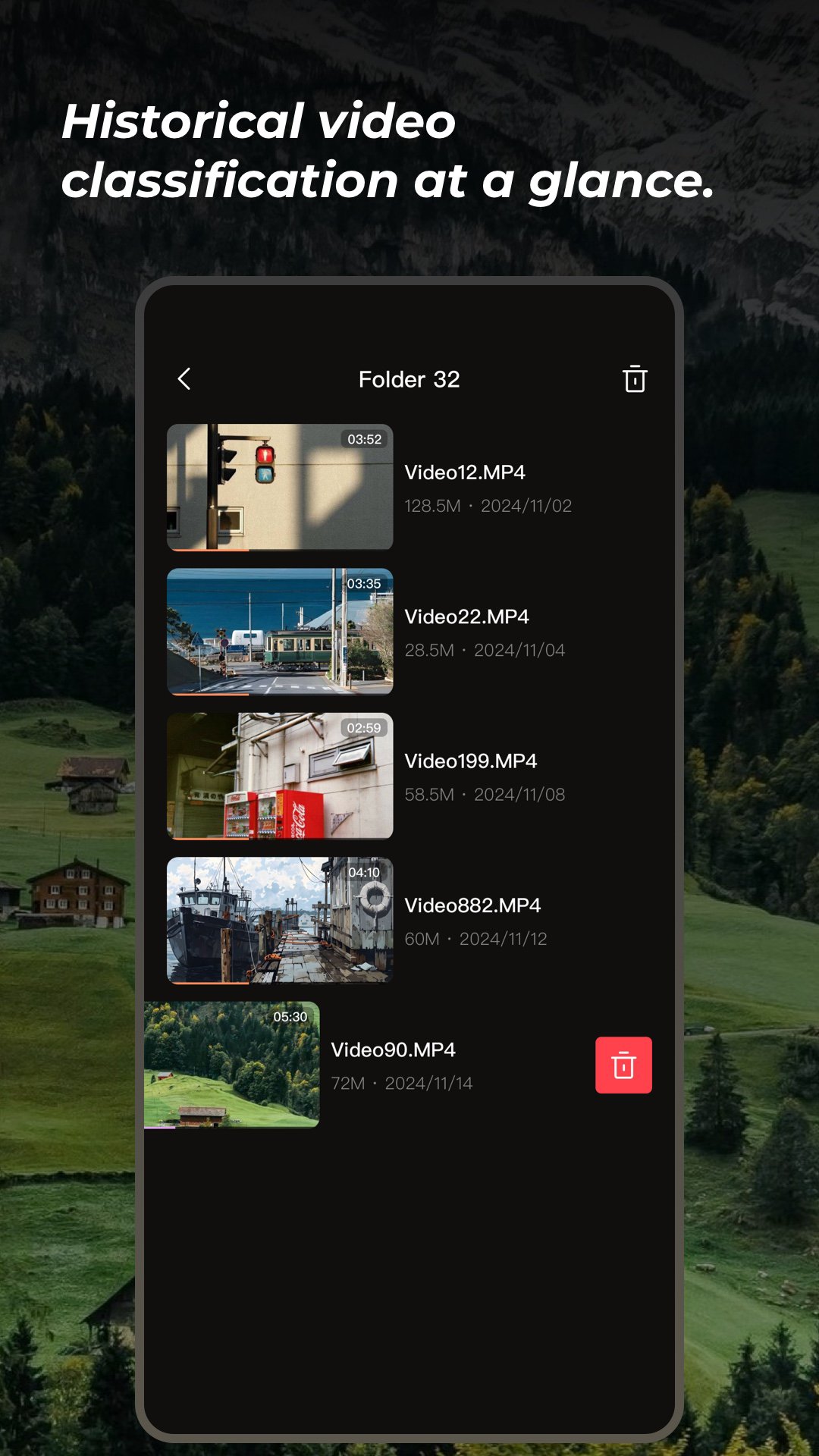
Intelligent finishing, more efficient video management
Lplayer is revolutionizing the way you organize video. With smart algorithms, users can organize videos into multiple dimensions based on type, length, upload time, number of views, etc., easy to achieve rapid screening and accurate sorting. Whether it is a hit blockbuster, a classic series, an in-depth documentary, a funny short video, or a wonderful live replay, you can quickly find your favorite content in the vast amount of video, and say goodbye to the cluttered video library, get Video Management in order.
Picture Quality Improvement, visual feast at your fingertips
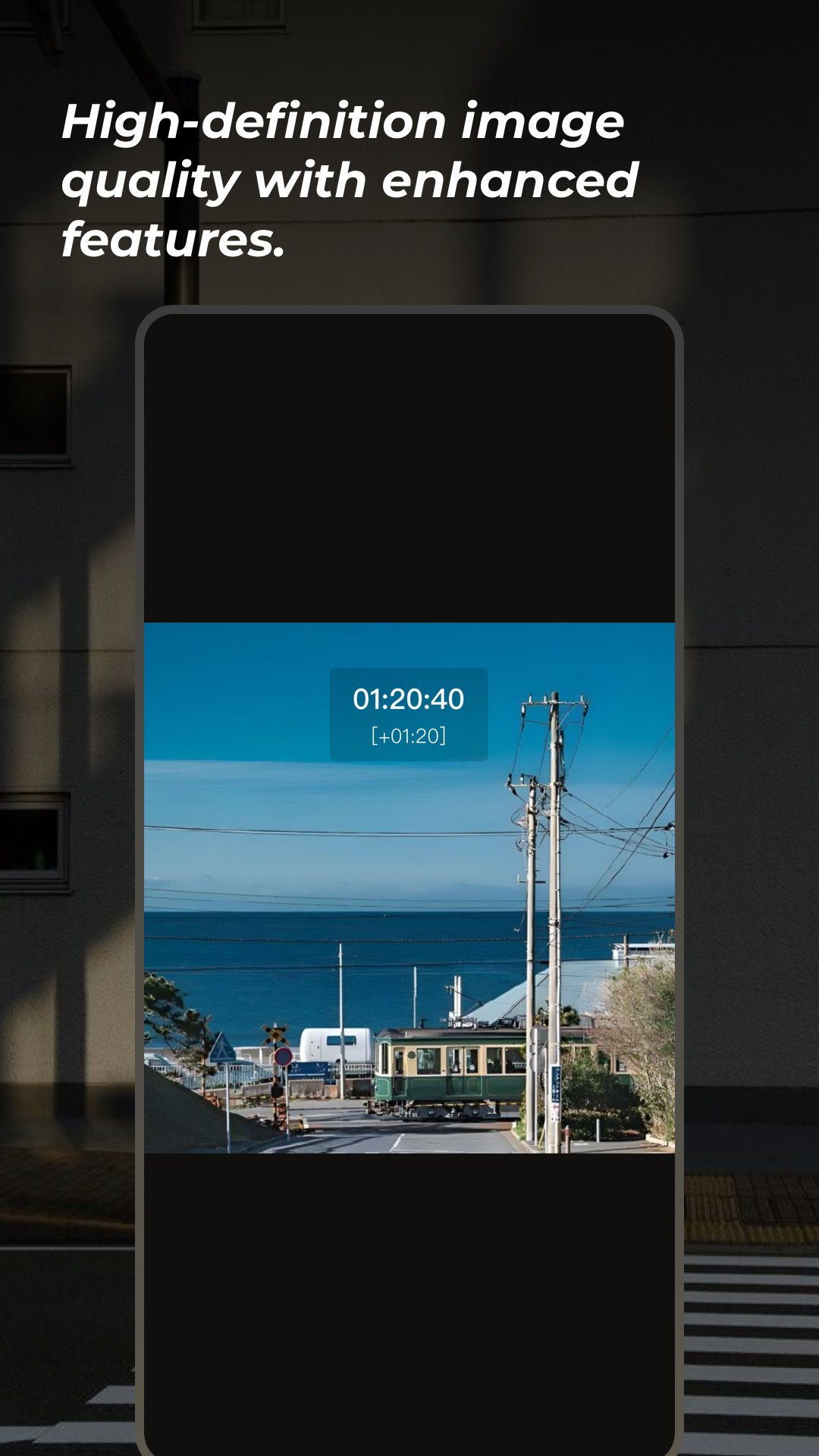
Lplayer not only supports a variety of HD quality options, but also comes with powerful playback enhancements such as double-speed playback and brightness and color correction. Whether it's an old classic film or an online video with poor quality, these features can significantly improve the quality of the images, providing a clearer and more vivid picture effect, for the user to bring the ultimate visual enjoyment.
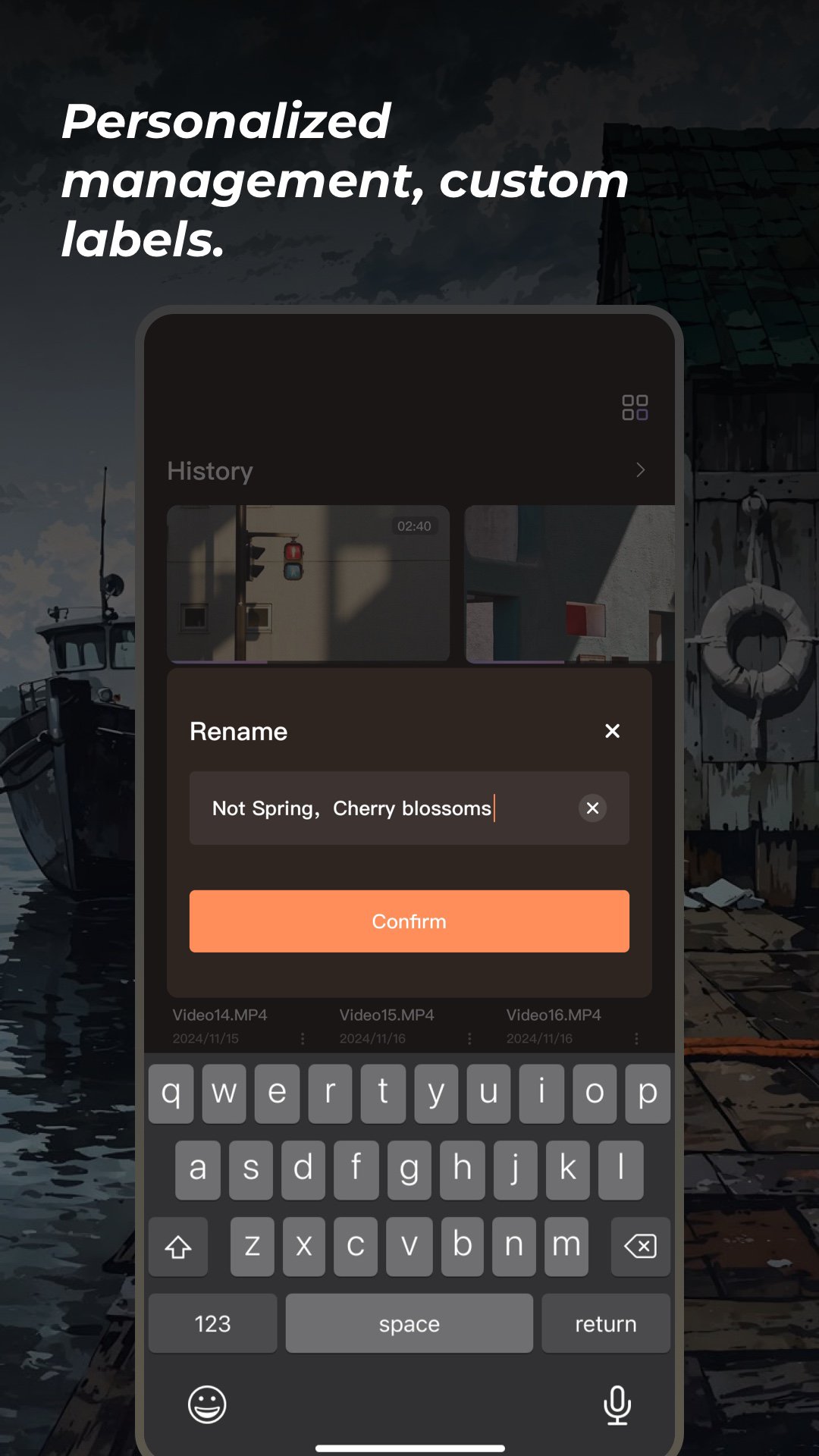
Personalized management to create an exclusive video space
VIBECAST's “Personalized management” feature provides users with a highly flexible video storage and management experience. Users can upload all kinds of video files with one click through a simple and easy-to-use interface. Whether it is a wonderful clip downloaded from the Internet or a precious video taken by yourself, it can be safely stored in a personal account, and through the custom label and classification of personalized management, easily create their own exclusive video space.
Click to download Lplayer, open a new chapter of intelligent video management, so that every wonderful moment is perfectly preserved, every time to watch a memorable experience!
Intelligent finishing, more efficient video management
Lplayer is revolutionizing the way you organize video. With smart algorithms, users can organize videos into multiple dimensions based on type, length, upload time, number of views, etc., easy to achieve rapid screening and accurate sorting. Whether it is a hit blockbuster, a classic series, an in-depth documentary, a funny short video, or a wonderful live replay, you can quickly find your favorite content in the vast amount of video, and say goodbye to the cluttered video library, get Video Management in order.
Picture Quality Improvement, visual feast at your fingertips
Lplayer not only supports a variety of HD quality options, but also comes with powerful playback enhancements such as double-speed playback and brightness and color correction. Whether it's an old classic film or an online video with poor quality, these features can significantly improve the quality of the images, providing a clearer and more vivid picture effect, for the user to bring the ultimate visual enjoyment.
Personalized management to create an exclusive video space
VIBECAST's “Personalized management” feature provides users with a highly flexible video storage and management experience. Users can upload all kinds of video files with one click through a simple and easy-to-use interface. Whether it is a wonderful clip downloaded from the Internet or a precious video taken by yourself, it can be safely stored in a personal account, and through the custom label and classification of personalized management, easily create their own exclusive video space.
Click to download Lplayer, open a new chapter of intelligent video management, so that every wonderful moment is perfectly preserved, every time to watch a memorable experience!
What's new
Version 1.9.0 (Aug 6, 2026)
This is the latest APK we verified and uploaded. Older versions are still available.
Additional Information
Category
App › Tools
Version
1.9.0
Updated
Aug 6, 2026
Requires Android
Android: 7.0+ Nougat (API 24)
Permissions
Architectures
arm64-v8a
Target Android
Android: 16 Android 16 (API 36)
Estimated Download Time
File Size: 94.01 MB
3G network (~2 Mbps)
7m 32s
4G LTE (~25 Mbps)
37 seconds
5G network (~150 Mbps)
7 seconds
Broadband / Wi-Fi (~100 Mbps)
10 seconds
Hashes
SHA-1
21963c3843e64668b0132bc95cadc41bde10882cSHA-256
67E608750808FA7FB4B318111B1E5B41484B2B9F7A50D78FFD47967BB623D619Signing Certificate SHA-1
7d601fa46414817d9ed44389db9b8d6564244f06Available On