
APKs
Split APK — use Split APKs Installer (SAI) to install.
About Meta Business Suite
Meta Business Suite Description
Grow your business and connect with more people with Meta Business Suite.
Use this app to:
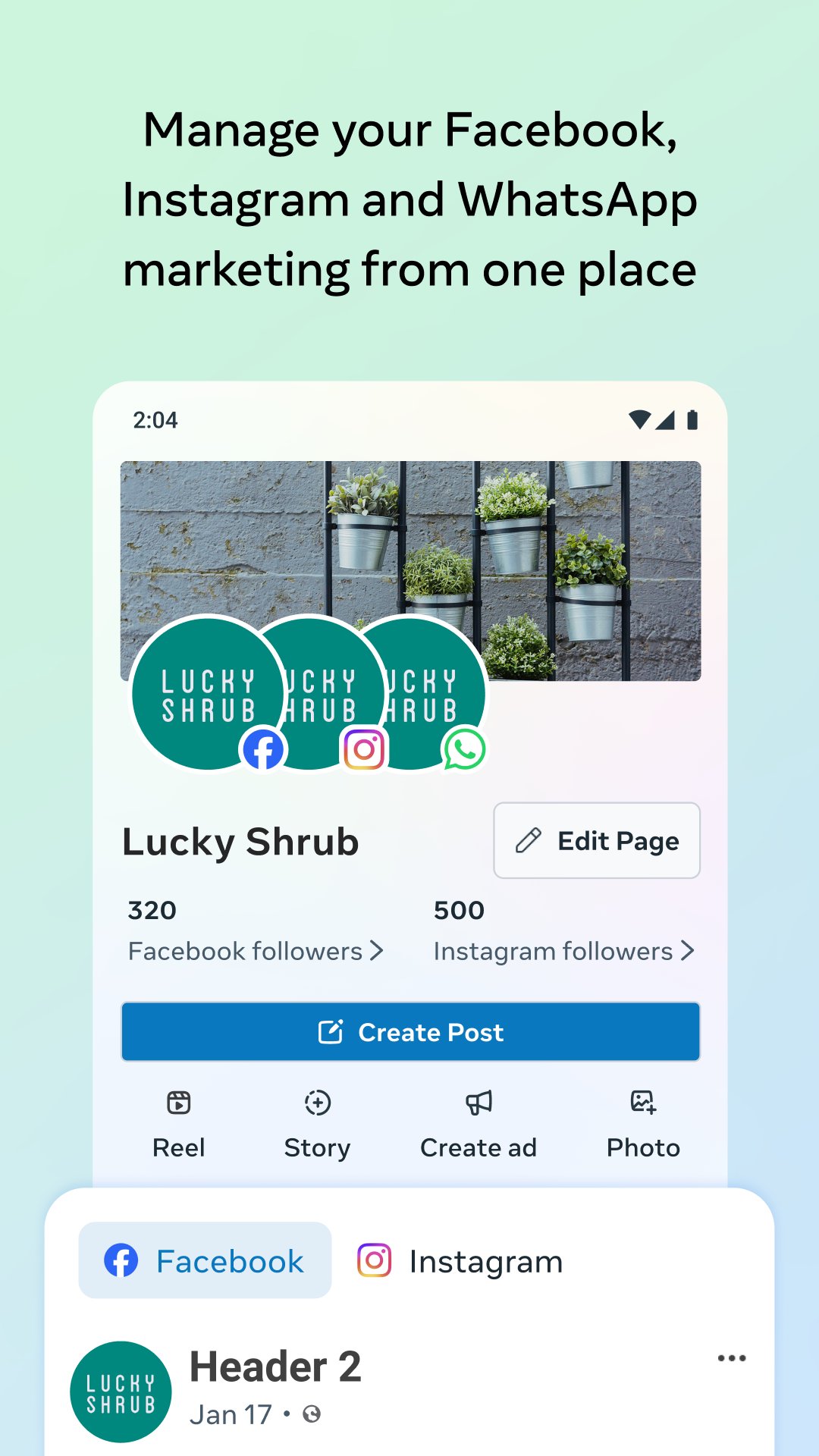
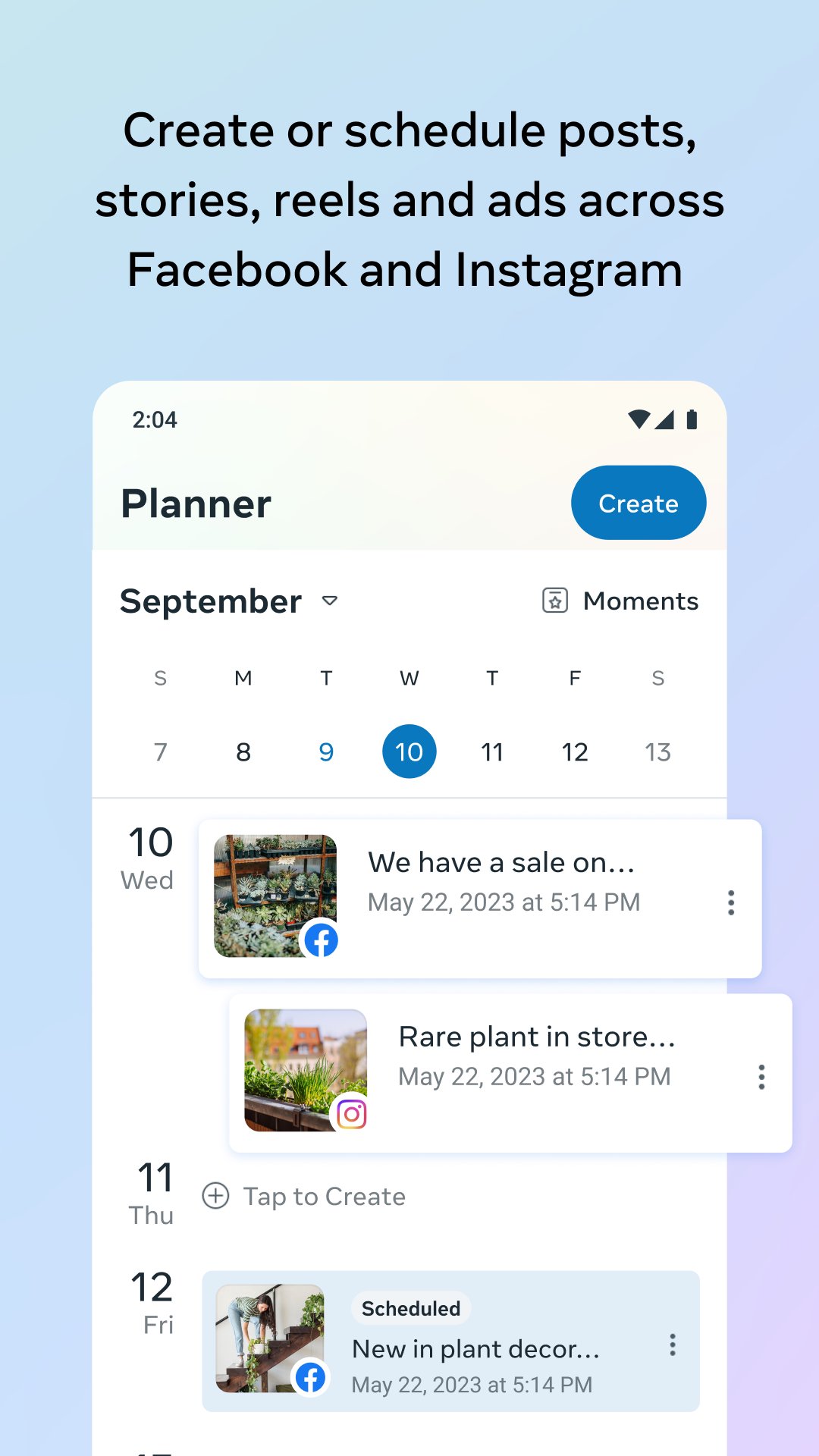
• Create, schedule, and manage posts and stories across your Facebook Page and Instagram account
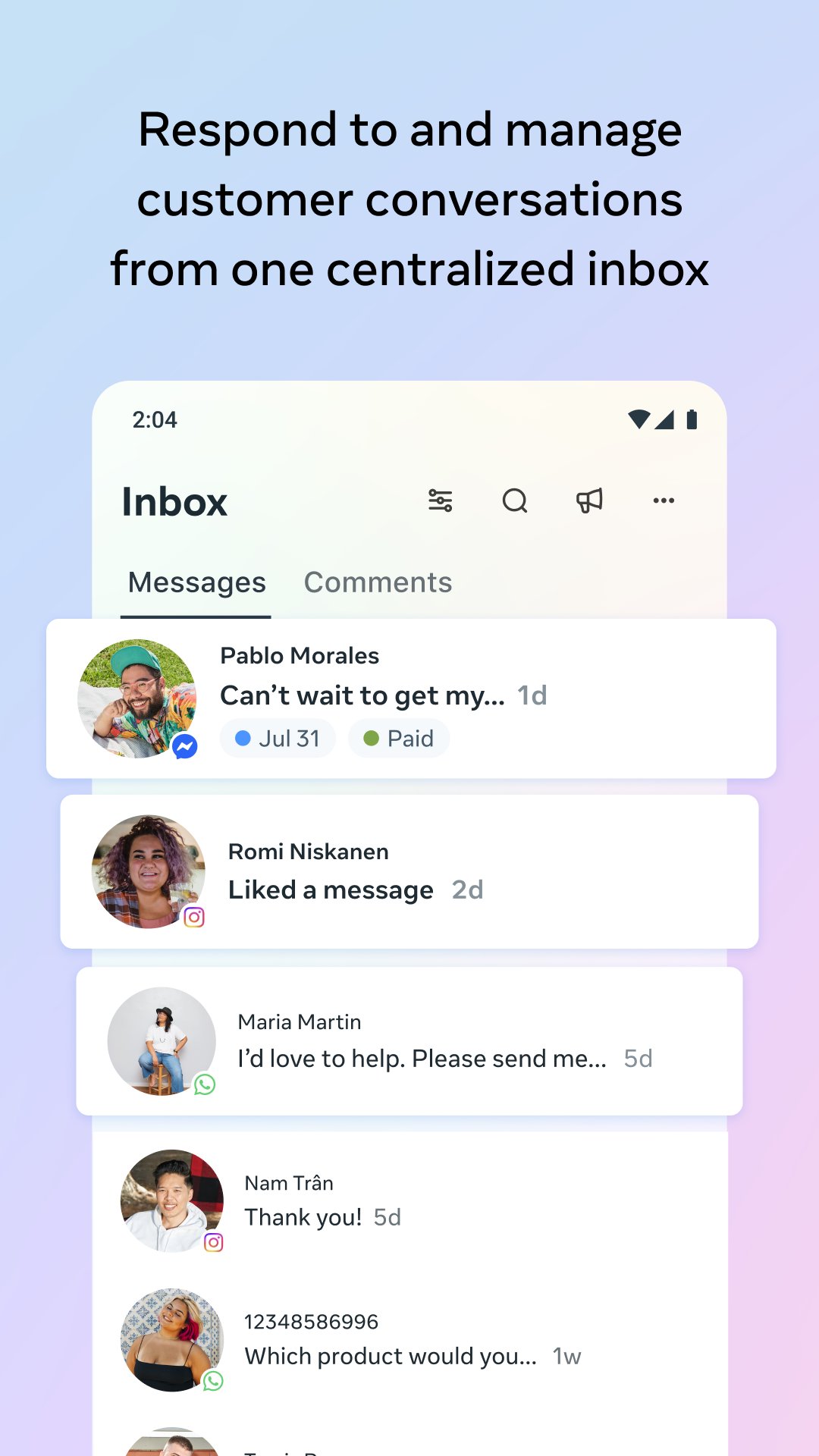
• Connect with more customers by responding to all of your messages and comments in one place—you can even automate responses to save time
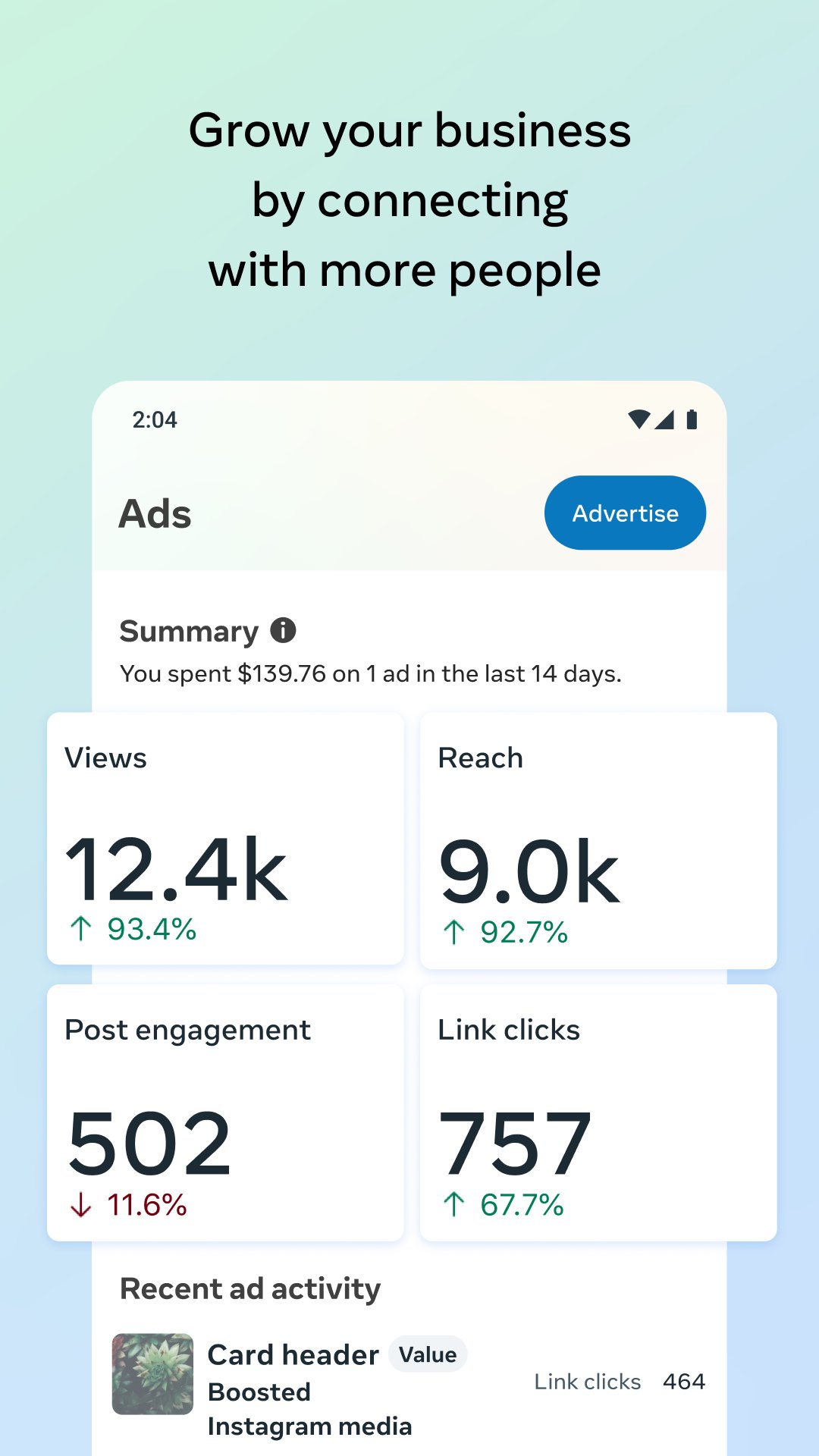
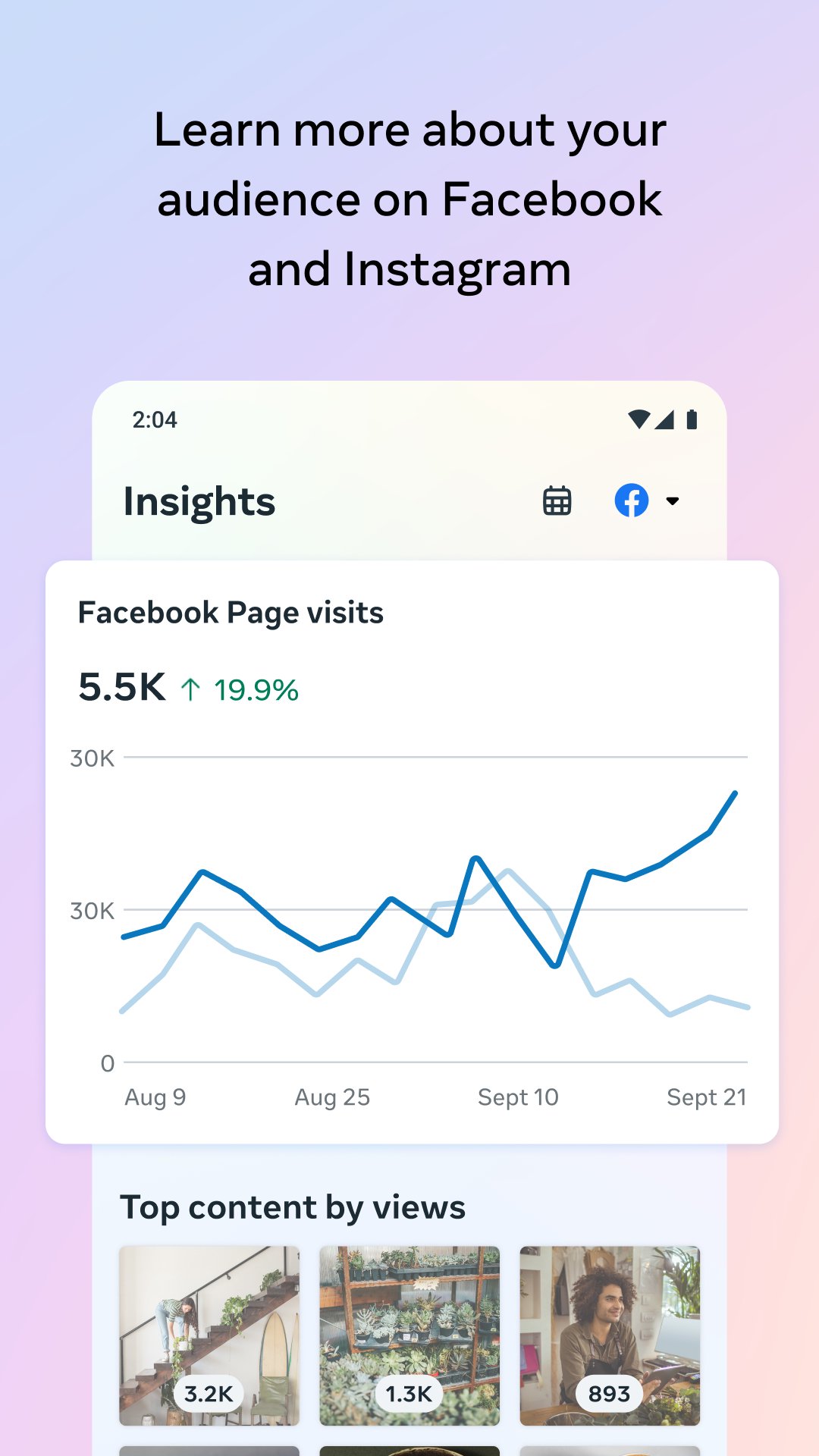
• View insights about how people are interacting with your posts, stories and ads so you can create content that resonates with them
• View your notifications and to-do list so you can stay on top of what matters most
• Access seamless conversations by making real-time calls to customers and contacts directly from the app
Use this app to:
• Create, schedule, and manage posts and stories across your Facebook Page and Instagram account
• Connect with more customers by responding to all of your messages and comments in one place—you can even automate responses to save time
• View insights about how people are interacting with your posts, stories and ads so you can create content that resonates with them
• View your notifications and to-do list so you can stay on top of what matters most
• Access seamless conversations by making real-time calls to customers and contacts directly from the app
Frequently Asked Questions
The app requires Android 9 (API 28) or newer and runs on devices with the arm64‑v8a architecture, which covers most modern 64‑bit Android phones and tablets.
Yes, you must be logged into a Meta account that has access to a Facebook Page or Instagram profile to create and manage content.
Core features like posting, messaging, and analytics need an active internet connection. You can view previously loaded content offline, but most actions require online access.
Permissions such as camera, microphone, contacts, location, storage, and call access enable content creation, voice calls, automated replies, and personalized insights. They are required for the full range of business tools the app provides.
Updates are delivered through the standard Android app update process, ensuring you receive new features and security patches automatically when they become available.
Additional Information
Category
App › Business
Version
567.0.0.56.104
Updated
Aug 22, 2026
Requires Android
Android: 9+ Pie (API 28)
Permissions
Low risk
85 / 100
High risk
The app requests numerous high‑risk permissions including camera, microphone, contacts, location, call handling, and extensive storage access, which together raise significant privacy and security concerns.
Architectures
Supports 64-bit ARM Android CPU architectures.
arm64-v8a
64-bit
Most modern phones & tablets
Your device
Target Android
Android: 16 Android 16 (API 36)
Estimated Download Time
File Size: 93.88 MB
3G network (~2 Mbps)
7m 31s
4G LTE (~25 Mbps)
37 seconds
5G network (~150 Mbps)
7 seconds
Broadband / Wi-Fi (~100 Mbps)
10 seconds
Hashes
SHA-1
f1770941958b06cac125cc2e0f7a7a910a9d20b9SHA-256
247D8C0688EA12947997D0849E0ADBA8154F049BFD1901D2701BD3FC07D26EE5Signing Certificate SHA-1
Available On