APKs
Split APK — use Split APKs Installer (SAI) to install.
About Tesla
Tesla Description
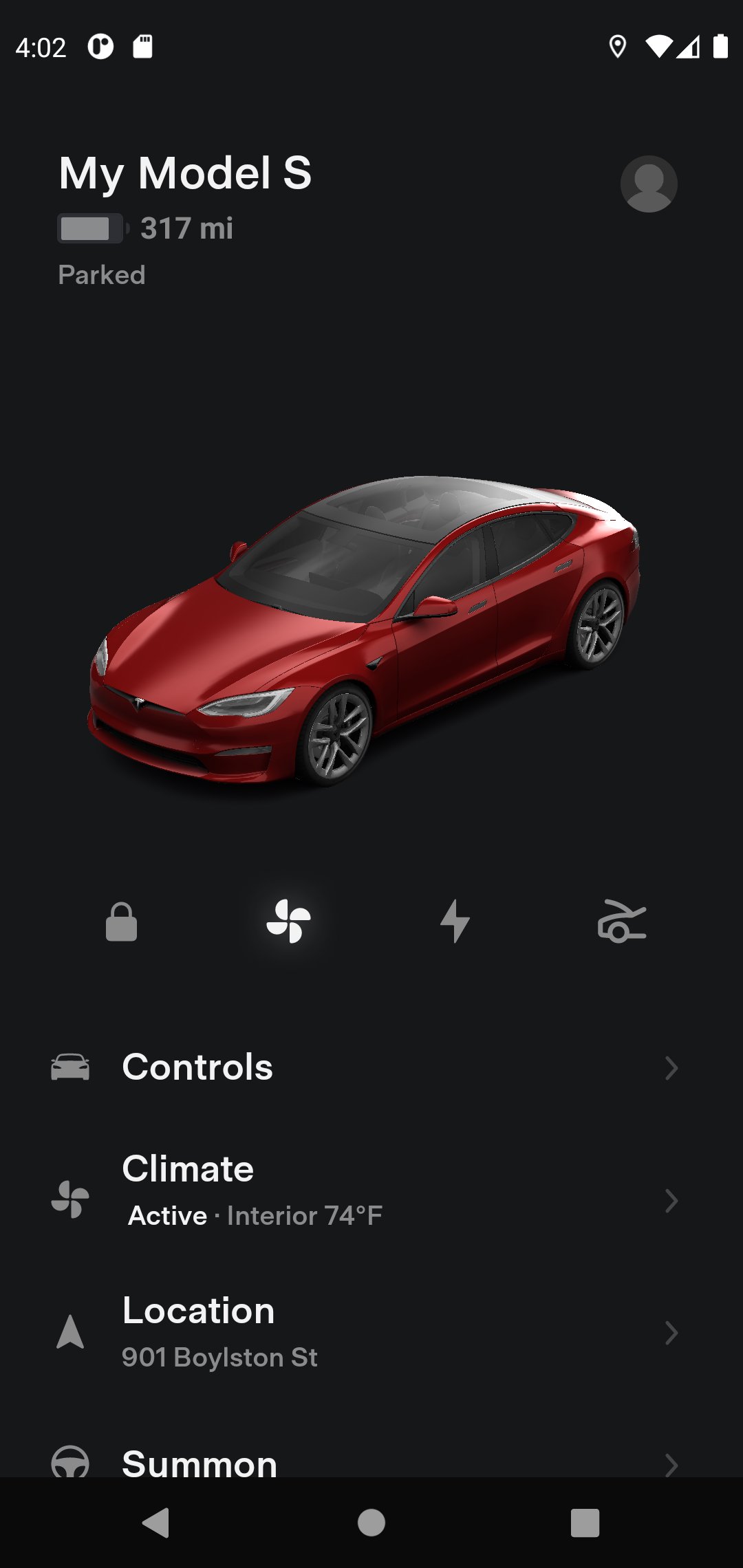
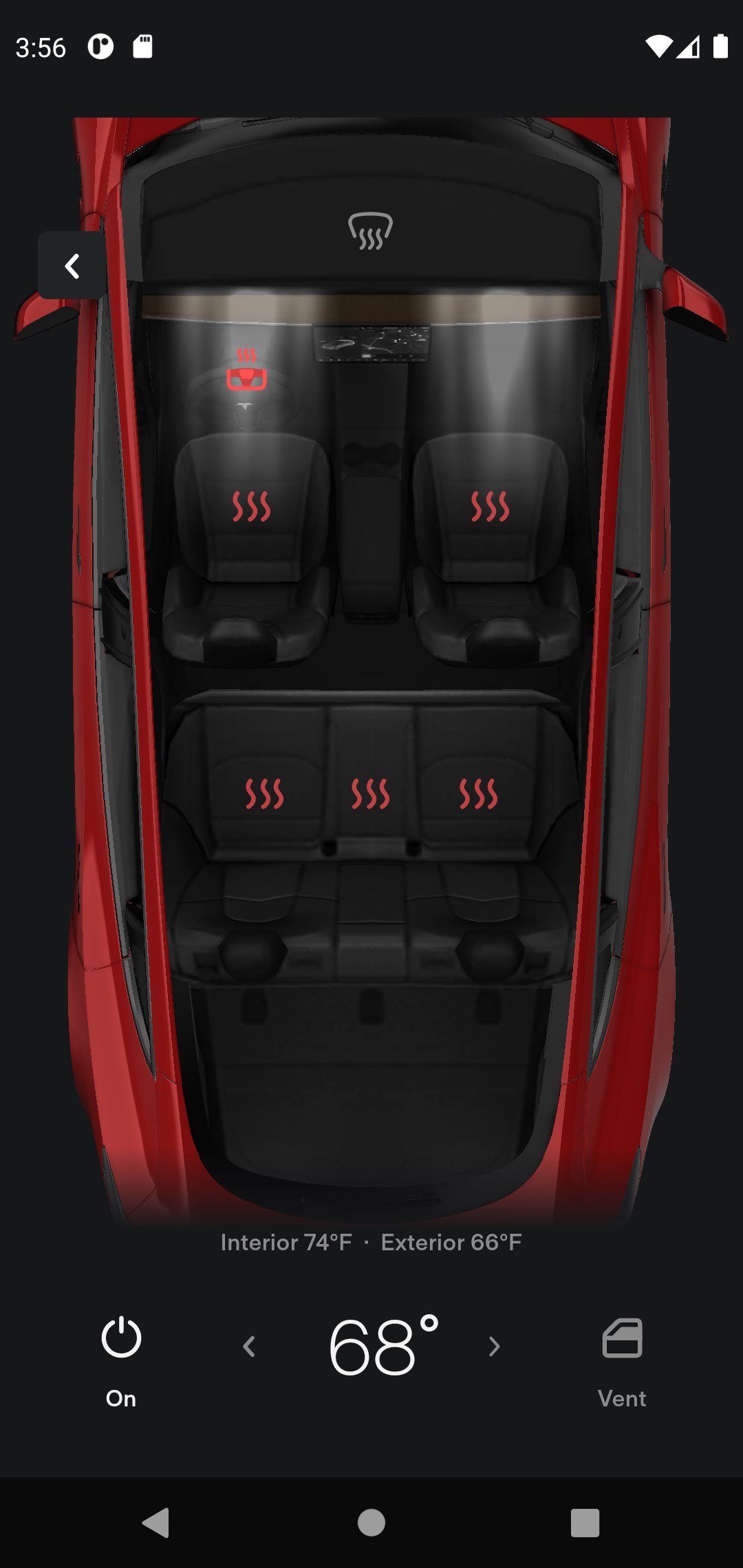
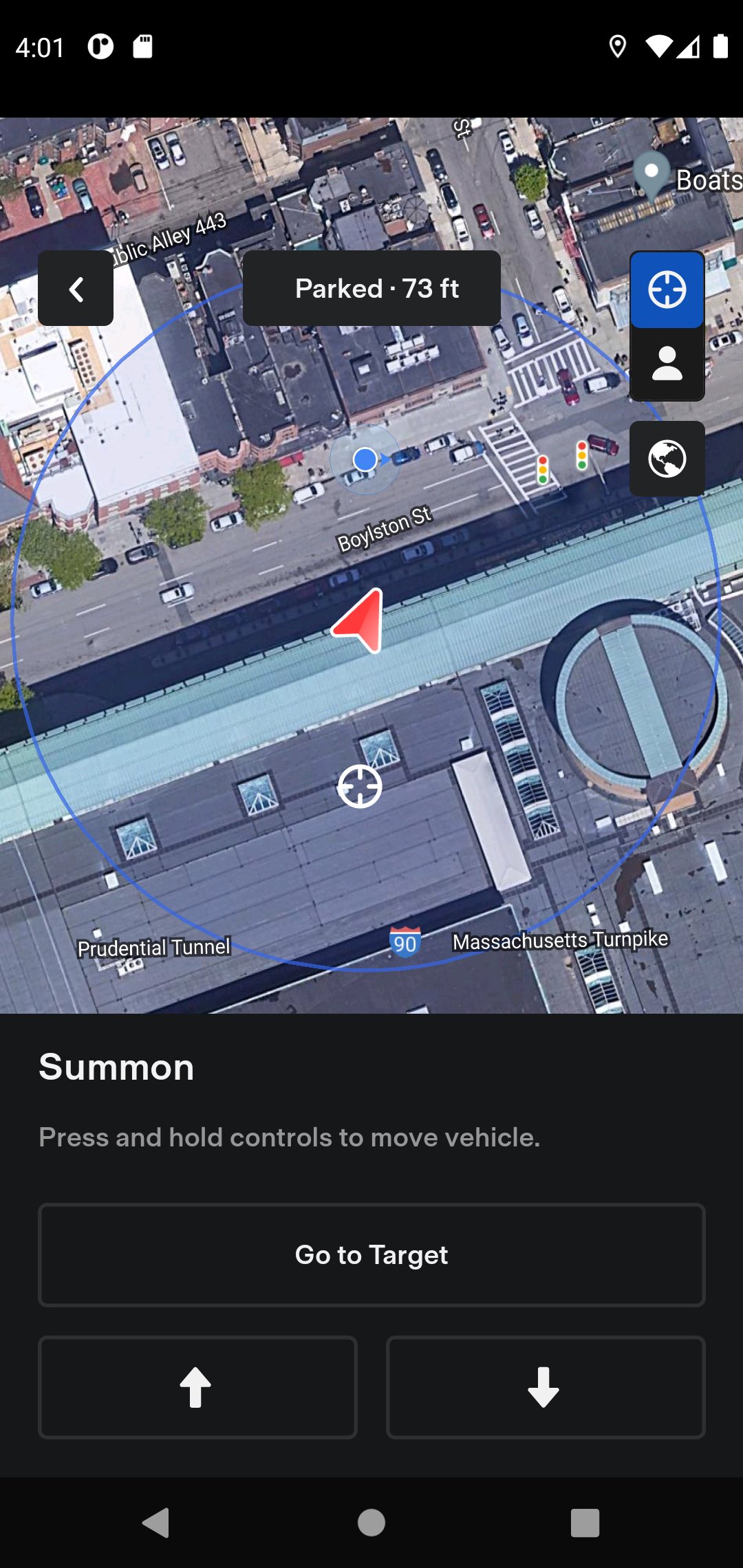
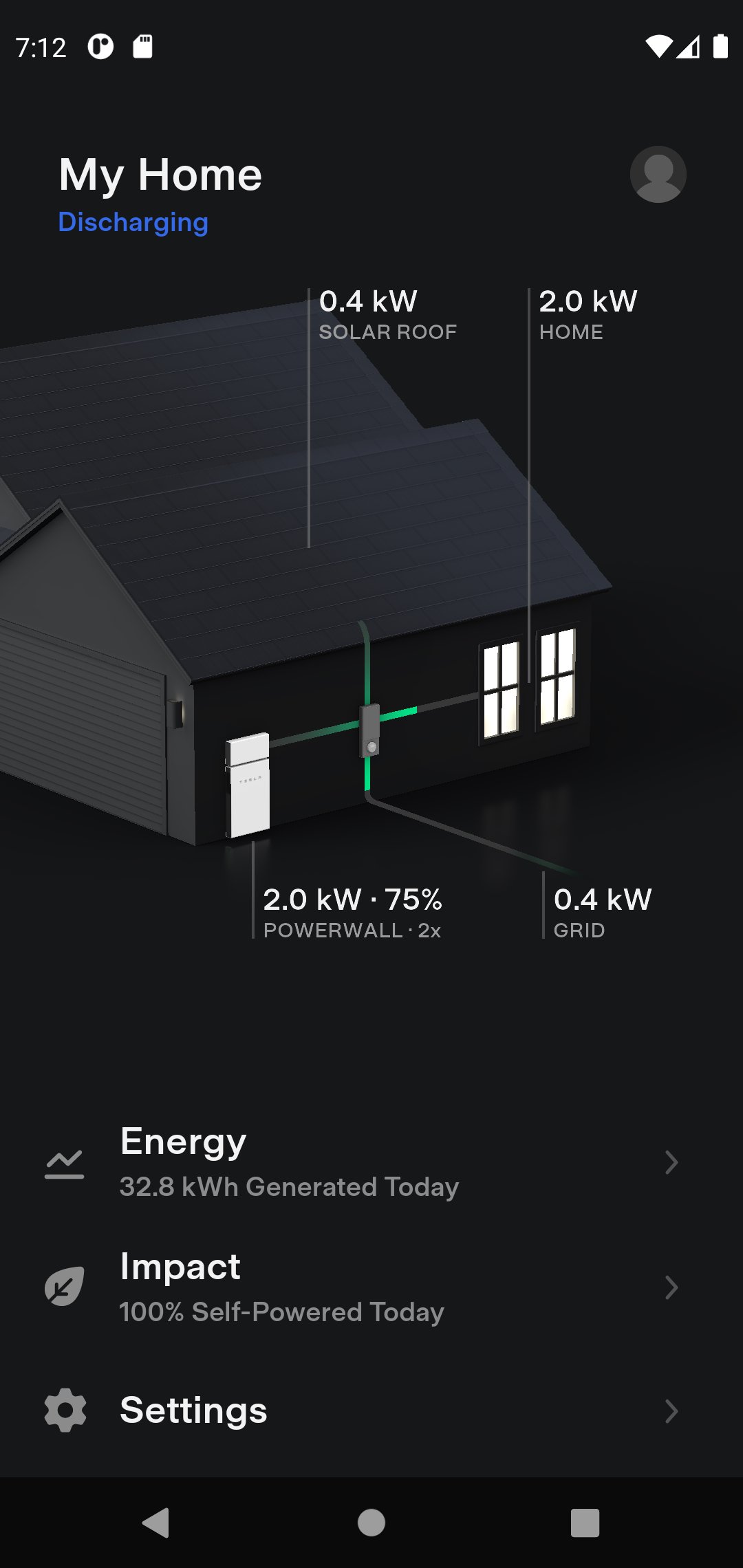
The Tesla app puts owners in direct communication with their vehicles and Powerwalls anytime, anywhere. With this app, you can:
- Check charging progress in real time and start or stop charging
- Heat or cool your car before driving – even if it's in a garage
- Lock or unlock from afar
- Locate your vehicle with directions or track its movement
- Send an address from your favorite apps to start navigation in your car
- Allow your passengers to quickly control media
- Flash lights or honk the horn to find your vehicle when parked
- Vent or close the panoramic roof
- Summon your vehicle out of your garage or a tight parking space (for vehicles with Autopilot)
- Update your vehicle software from wherever you are
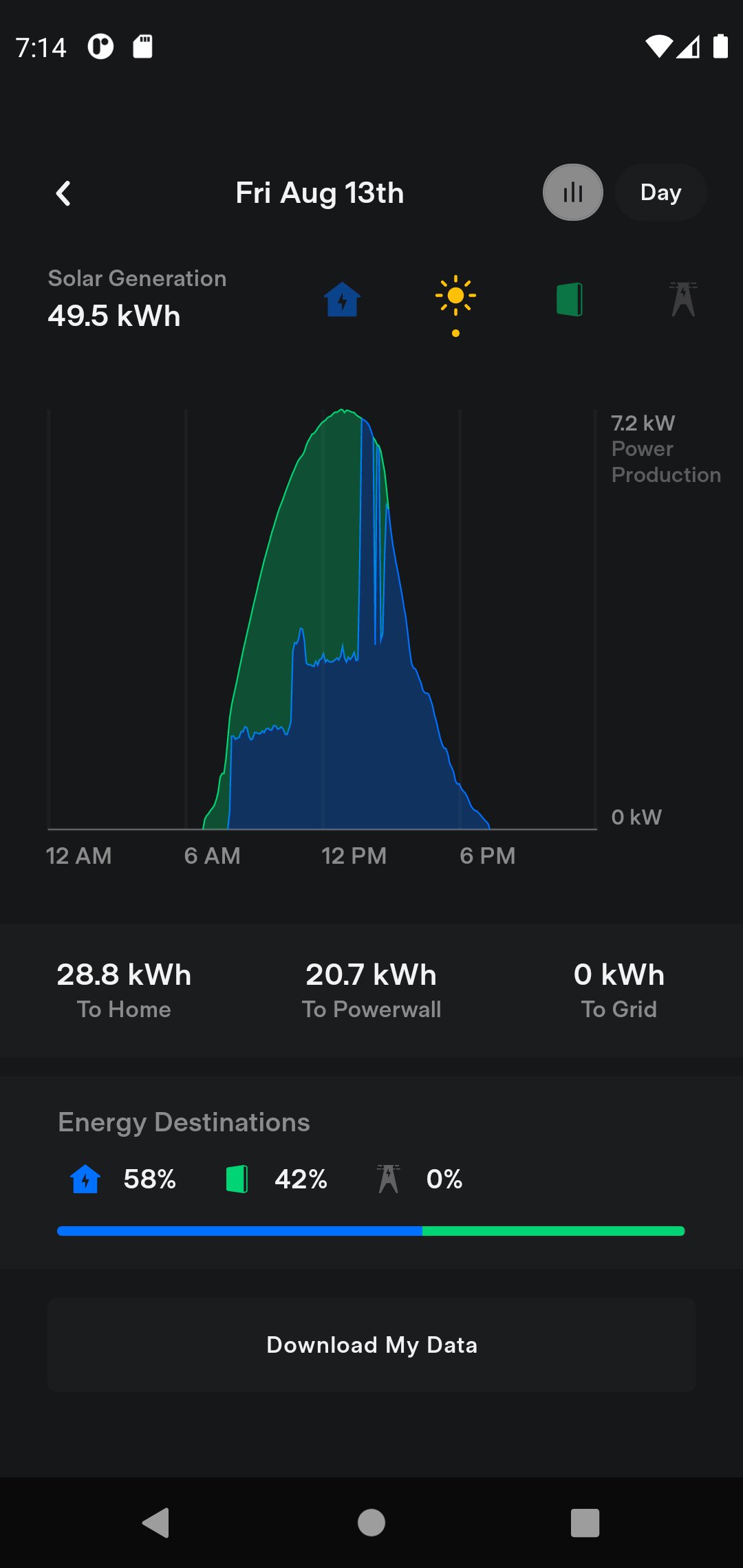
- Engage with Powerwall: monitor how much energy is stored from solar, used by your home, or exported to the grid
- Download your solar production and battery usage data
Note: Powerwall features in this app require Powerwall 2
For more information about Tesla, visit www.tesla.com
- Check charging progress in real time and start or stop charging
- Heat or cool your car before driving – even if it's in a garage
- Lock or unlock from afar
- Locate your vehicle with directions or track its movement
- Send an address from your favorite apps to start navigation in your car
- Allow your passengers to quickly control media
- Flash lights or honk the horn to find your vehicle when parked
- Vent or close the panoramic roof
- Summon your vehicle out of your garage or a tight parking space (for vehicles with Autopilot)
- Update your vehicle software from wherever you are
- Engage with Powerwall: monitor how much energy is stored from solar, used by your home, or exported to the grid
- Download your solar production and battery usage data
Note: Powerwall features in this app require Powerwall 2
For more information about Tesla, visit www.tesla.com
Frequently Asked Questions
You can monitor charging progress, start or stop charging, pre‑heat or pre‑cool the cabin, lock/unlock doors, locate the car, flash lights, honk the horn, open or close the panoramic roof, and summon the vehicle if it has Autopilot.
The app requires Android API level 24 (Android 7.0) or higher and is built for arm64‑v8a devices.
Basic local functions like unlocking the car may work briefly, but most features—including vehicle status, climate control, and Powerwall monitoring—require an active internet connection.
Camera and microphone support in‑car video calls and voice commands, while fine and background location enable vehicle tracking, geofencing, and remote actions. These permissions are needed to provide the full remote‑control experience.
Updates are released through the app’s distribution channel and may add new features, improve existing controls, fix bugs, and enhance security or compatibility with newer vehicle firmware.
Additional Information
Category
App › Lifestyle
Version
4.60.0-4542
Updated
Aug 27, 2026
Requires Android
Android: 7.0+ Nougat (API 24)
Permissions
Low risk
85 / 100
High risk
The app requests many high‑risk permissions, including contacts, camera, microphone, fine and background location, Bluetooth, NFC, UWB, system alert window, and biometric access, which together could expose personal data and allow extensive device control.
Architectures
Supports 64-bit ARM Android CPU architectures.
arm64-v8a
64-bit
Most modern phones & tablets
Your device
Target Android
Android: 15 Android 15 (API 35)
Estimated Download Time
File Size: 654.86 MB
3G network (~2 Mbps)
52m 24s
4G LTE (~25 Mbps)
4m 12s
5G network (~150 Mbps)
42 seconds
Broadband / Wi-Fi (~100 Mbps)
1m 3s
Hashes
SHA-1
c996834776812511cd645a0227a2599c3eeb946dSHA-256
ACD15D7B37860AB08E15DB2F64A4B3768157DBCF08B35C4F89FEEF546252A935Signing Certificate SHA-1
3473a53e393949e25546b3af8a05f74a58fbdbb6Available On



![[Pron_addiction] video X guide hub app icon](https://st6232.ispot.cc/apks/desert-rose/com.quitporn.hub/icon.png)