APKs
Split APK — use Split APKs Installer (SAI) to install.
About YouTube Create
YouTube Create Description
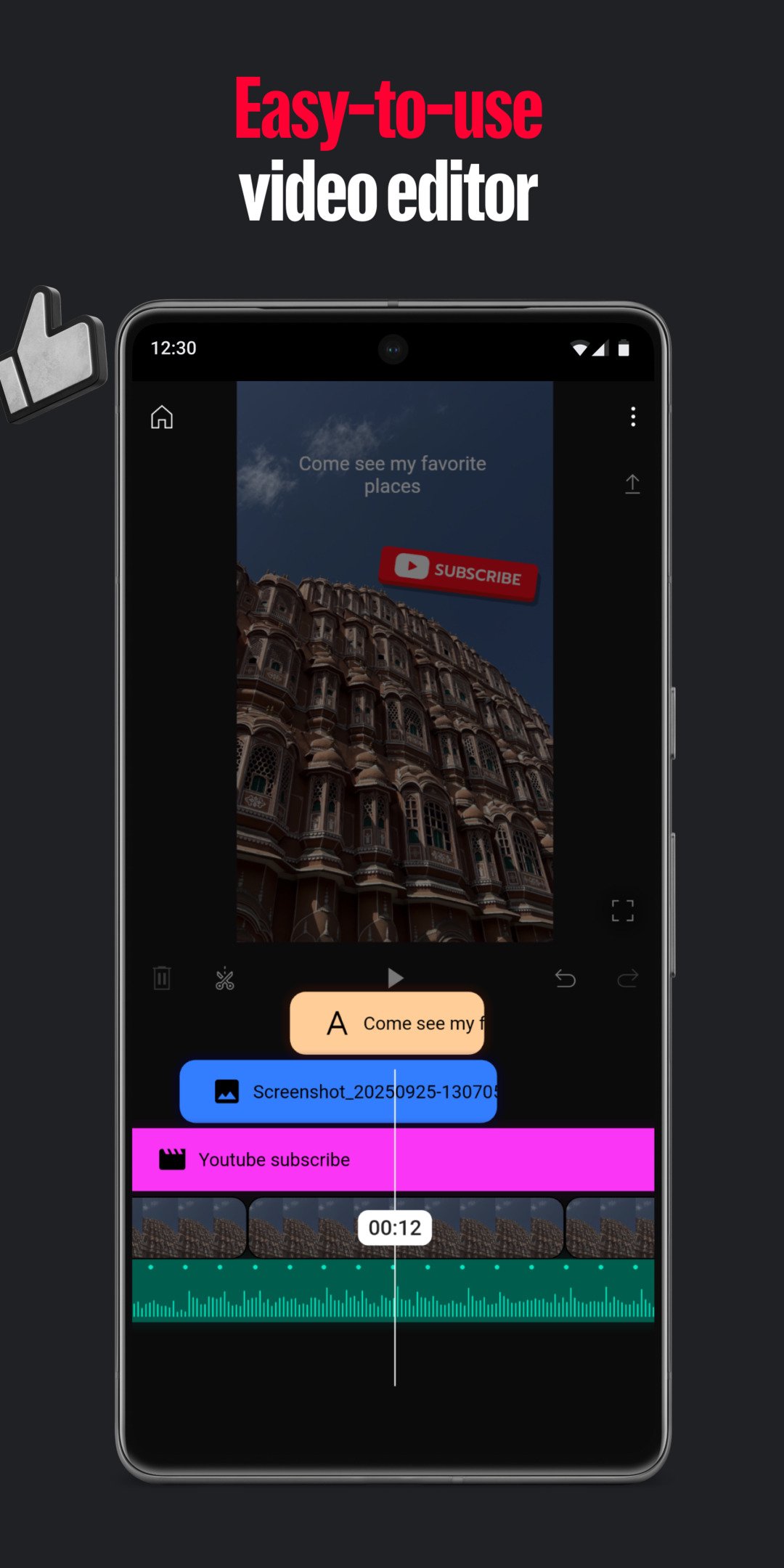
Take your videos to the next level with YouTube Create, the official editing app from YouTube. Add filters & effects, royalty-free music, voiceover, auto-captions and more to easily make amazing videos that will captivate your audience — all without the need for complicated editing tools.
Easy Video Editing Tools
• Easily combine videos, photos, and audio all in one place
• Trim, clip, and crop video clips
• Choose from 40+ transitions to seamlessly blend your clips together
• Speed up or slow down your video
Next-Level Video Editing Features
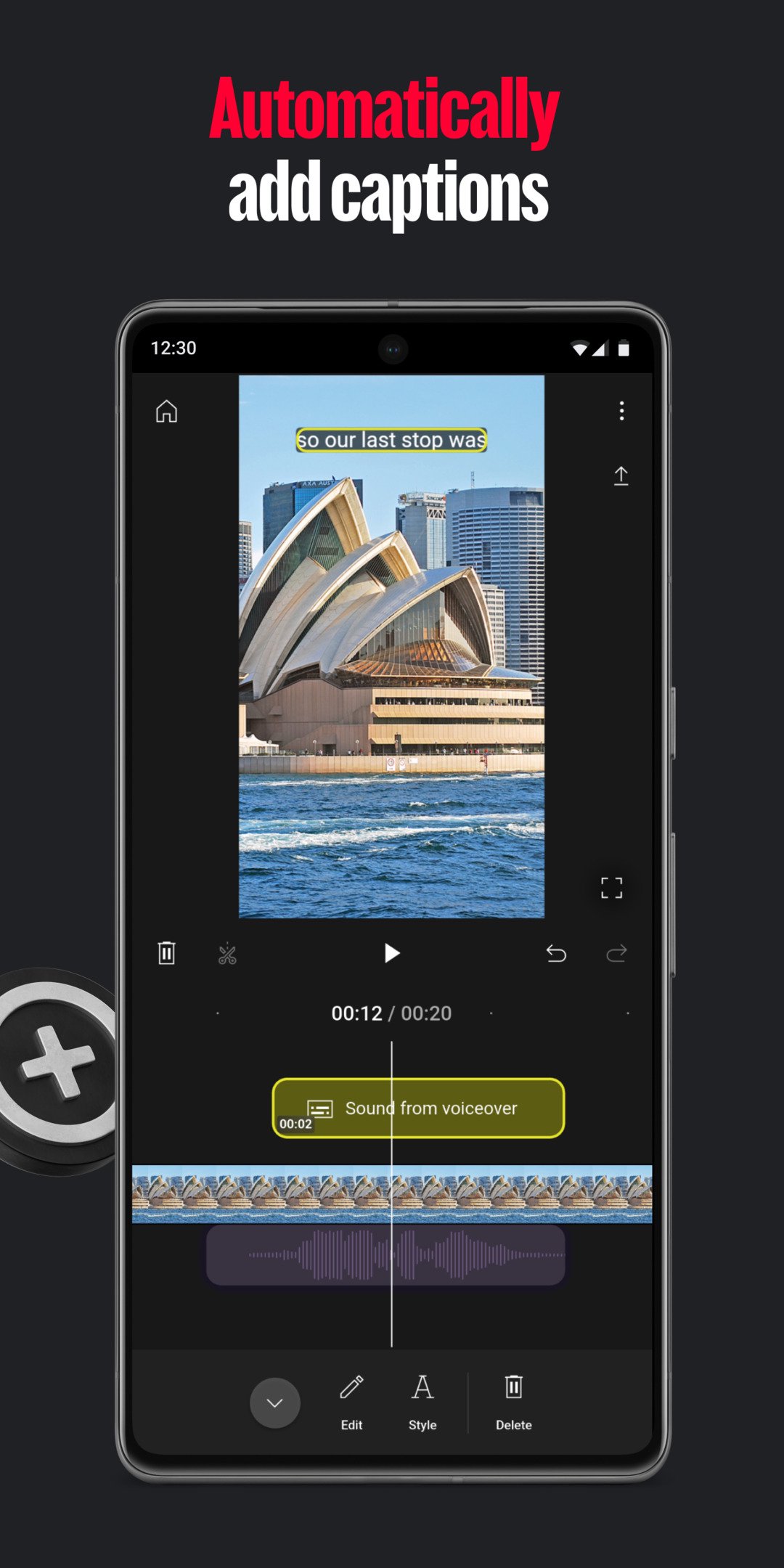
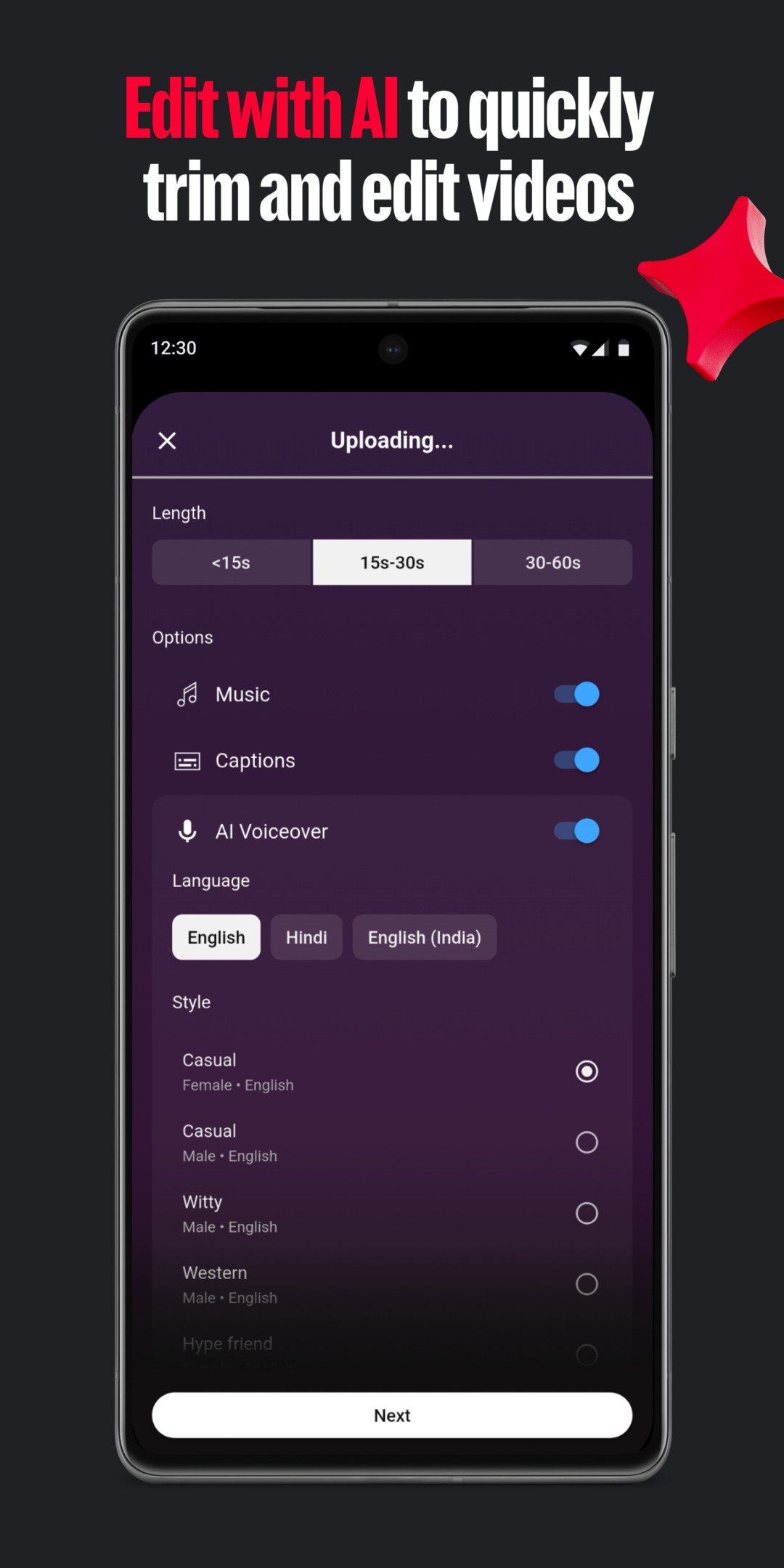
• Automatically add captions or subtitles to your videos with just one tap (available in select languages)
• Easily remove distracting background noise with the audio clean up tool
• Remove your video’s background with the cut out effect
Music & Audio
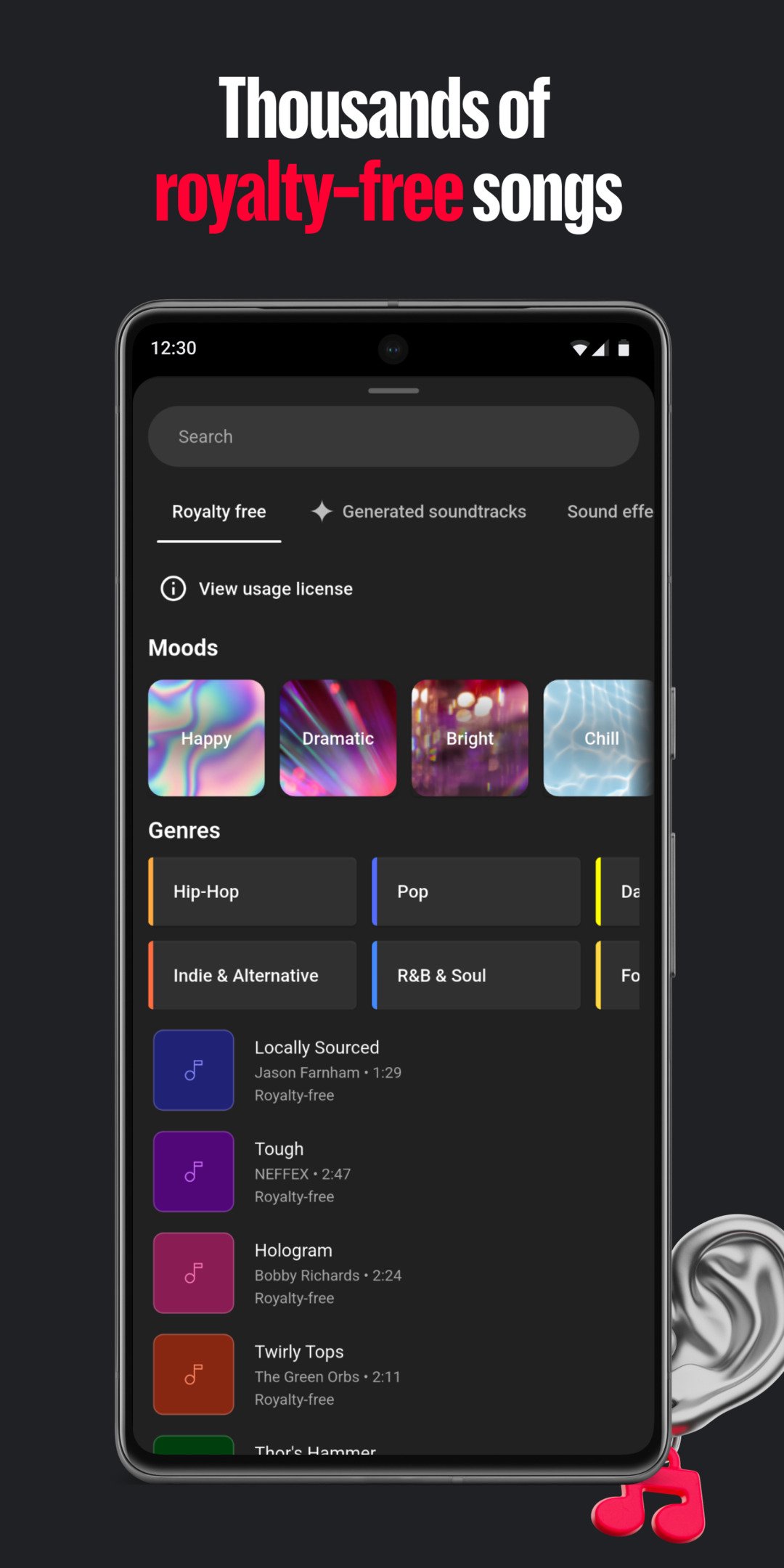
• Bring your video to life with thousands of royalty-free music tracks and sound effects
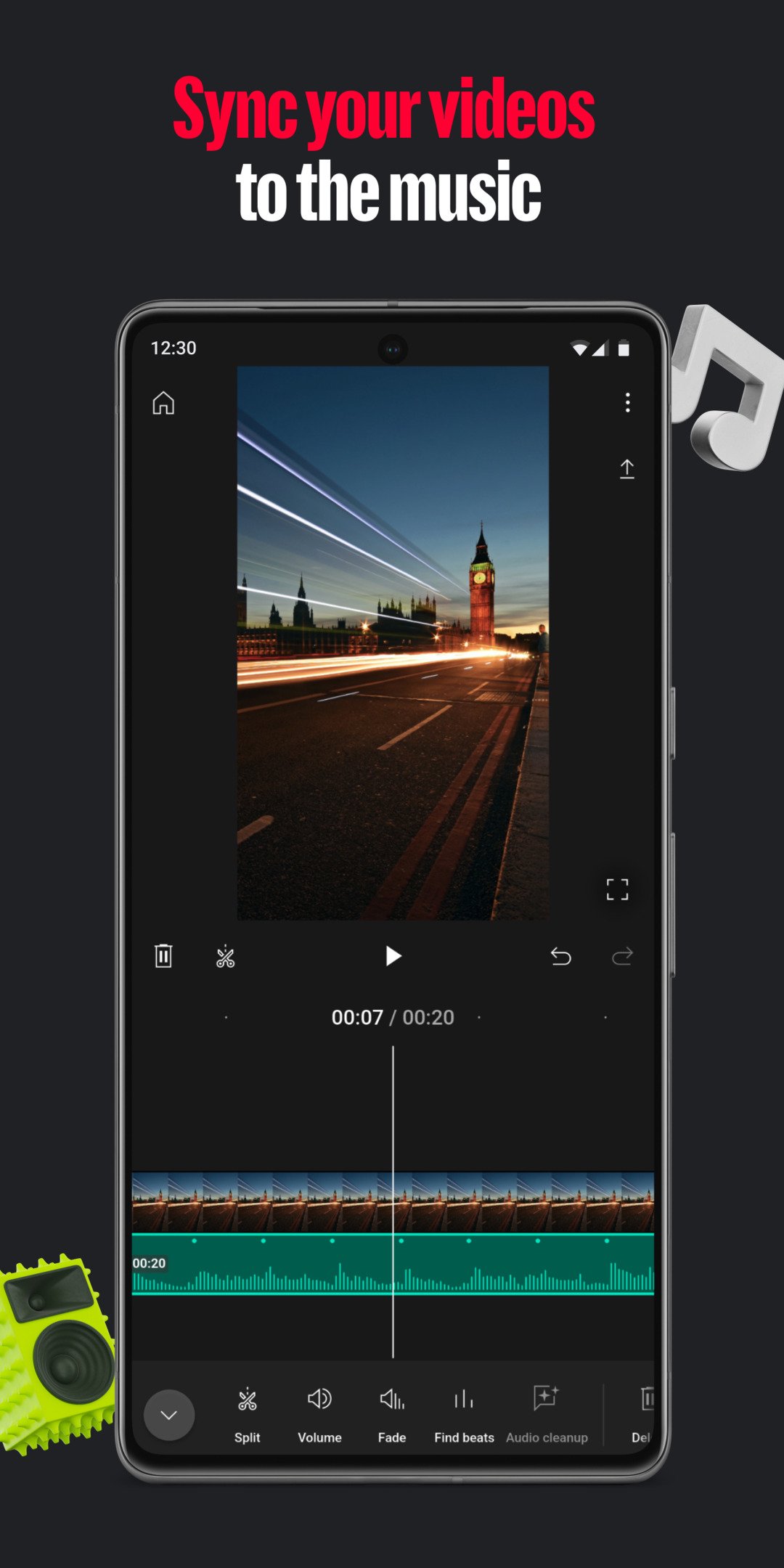
• Find the beat of your soundtrack and easily sync your video clips to the music with beat matching
• Narrate your videos by recording a voiceover directly in the app
Filters & Effects
• Enhance the color by adjusting saturation, brightness, and more
• Set the mood with customizable filters
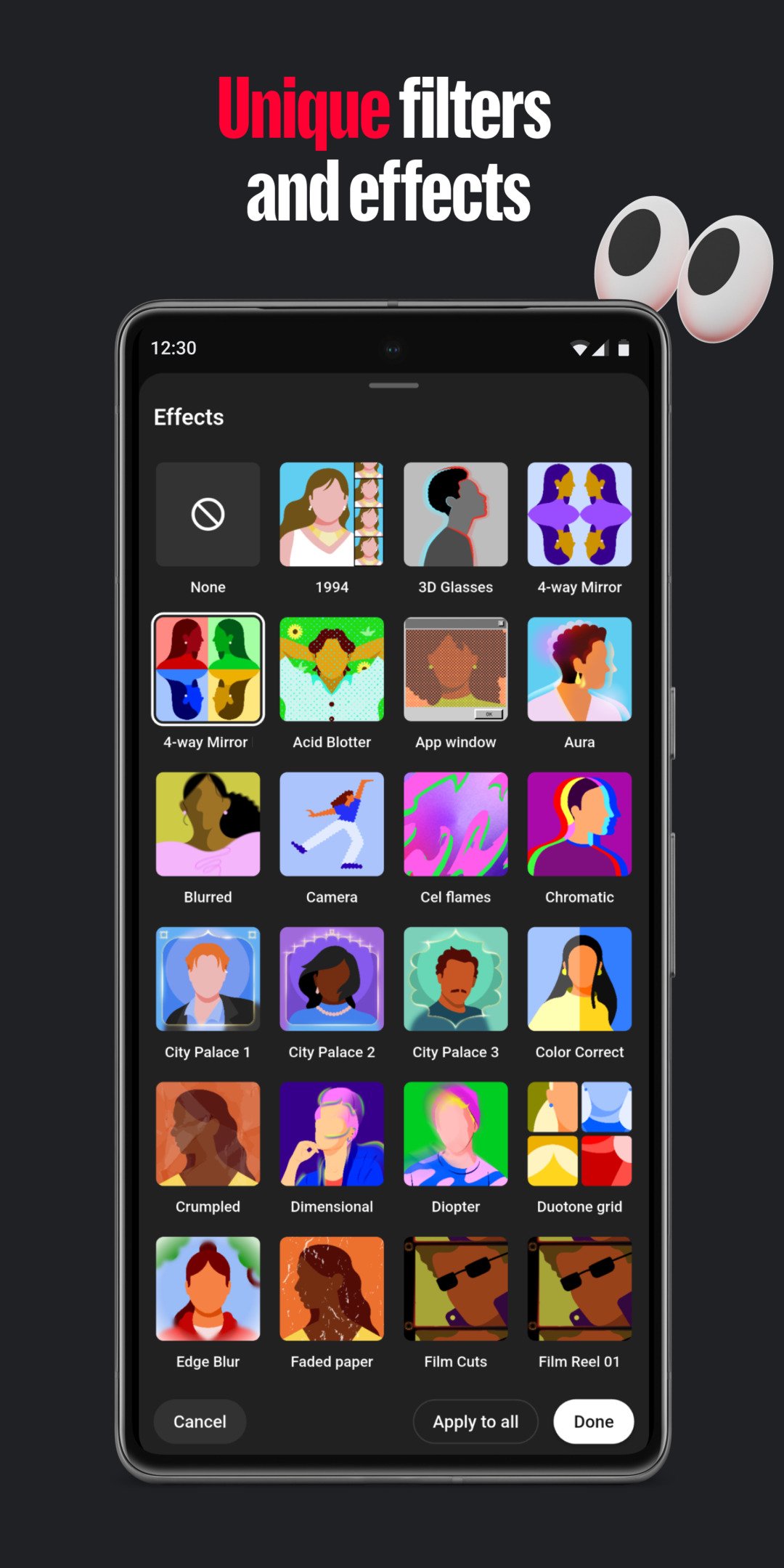
• Choose from a variety of effects to make your videos pop
Stickers & Fonts
• Add your creative touch with hundreds of fonts and animated text effects
• Choose from a library of stickers, GIFs, and emojis to match your style
Made to Share
• Resize your videos to different aspect ratios, including portrait, landscape, and square for sharing across different formats
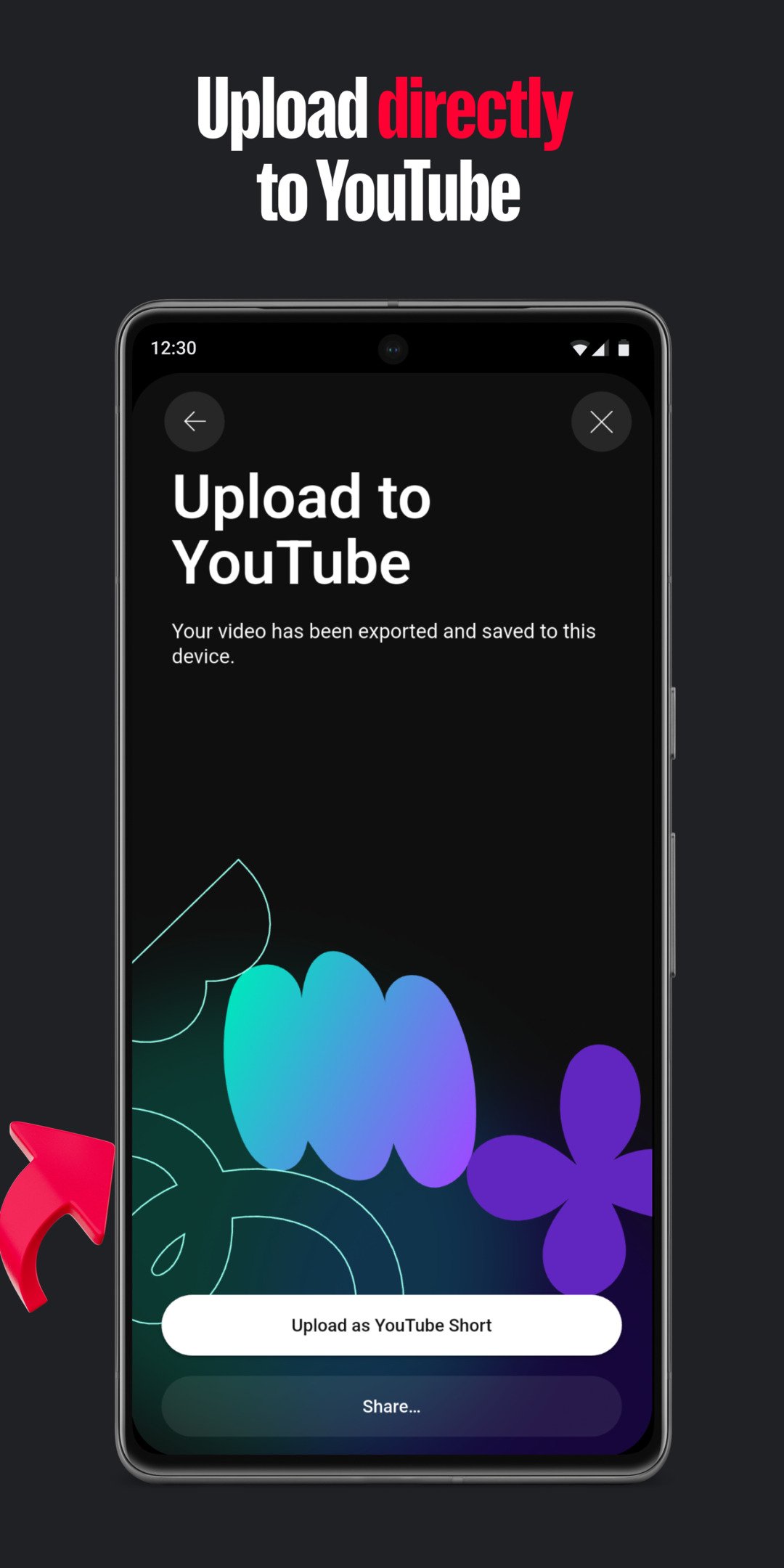
• Easily upload your video directly to your YouTube channel and share your creation with your audience
Easy Video Editing Tools
• Easily combine videos, photos, and audio all in one place
• Trim, clip, and crop video clips
• Choose from 40+ transitions to seamlessly blend your clips together
• Speed up or slow down your video
Next-Level Video Editing Features
• Automatically add captions or subtitles to your videos with just one tap (available in select languages)
• Easily remove distracting background noise with the audio clean up tool
• Remove your video’s background with the cut out effect
Music & Audio
• Bring your video to life with thousands of royalty-free music tracks and sound effects
• Find the beat of your soundtrack and easily sync your video clips to the music with beat matching
• Narrate your videos by recording a voiceover directly in the app
Filters & Effects
• Enhance the color by adjusting saturation, brightness, and more
• Set the mood with customizable filters
• Choose from a variety of effects to make your videos pop
Stickers & Fonts
• Add your creative touch with hundreds of fonts and animated text effects
• Choose from a library of stickers, GIFs, and emojis to match your style
Made to Share
• Resize your videos to different aspect ratios, including portrait, landscape, and square for sharing across different formats
• Easily upload your video directly to your YouTube channel and share your creation with your audience
Frequently Asked Questions
It lets you merge videos, photos and audio, trim and crop clips, add over 40 transitions, change playback speed, apply filters, color adjustments, stickers, animated text, and thousands of royalty‑free music tracks. It also provides auto‑captions, background‑noise removal, and a cut‑out effect to remove video backgrounds.
Basic editing works offline, but features like auto‑captions, beat‑matching, royalty‑free music download, and direct uploading to YouTube require an internet connection.
The app requires Android 10 (API 29) or higher and is built for arm64‑v8a CPUs. Devices meeting these specs can install and run the app.
Camera permission enables the cut‑out background removal tool, while microphone permission allows you to record voiceovers and use audio‑clean‑up features.
A Google account is required only for uploading videos to YouTube or using cloud‑based features like auto‑captions; all other editing functions work without signing in.
Additional Information
Category
App › Video Players & Editors
Version
0.216.540
Updated
Aug 20, 2026
Requires Android
Android: 10+ Android 10 (API 29)
Permissions
Low risk
70 / 100
High risk
The app requests high‑risk permissions such as CAMERA, RECORD_AUDIO, and extensive storage access (READ/WRITE_EXTERNAL_STORAGE, READ_MEDIA_*). These allow capture of video/audio and access to personal files, increasing privacy risk despite the app’s legitimate editing purpose.
Architectures
Supports 64-bit ARM Android CPU architectures.
arm64-v8a
64-bit
Most modern phones & tablets
Your device
Target Android
Android: 16 Android 16 (API 36)
Estimated Download Time
File Size: 146.10 MB
3G network (~2 Mbps)
11m 42s
4G LTE (~25 Mbps)
57 seconds
5G network (~150 Mbps)
10 seconds
Broadband / Wi-Fi (~100 Mbps)
15 seconds
Hashes
SHA-1
aac3672493a0e630e7c98f4a1e72dd45d1d499c7SHA-256
7E5E681D0BA81735E57EA66D4F214D2041676194C68FDD29147DB7E326852E87Signing Certificate SHA-1
e64e926eeeb0e09ef4749b51720336c8976e87f1Available On