Paint Art Drawing tools Description
It is an application that anyone can draw with fun.
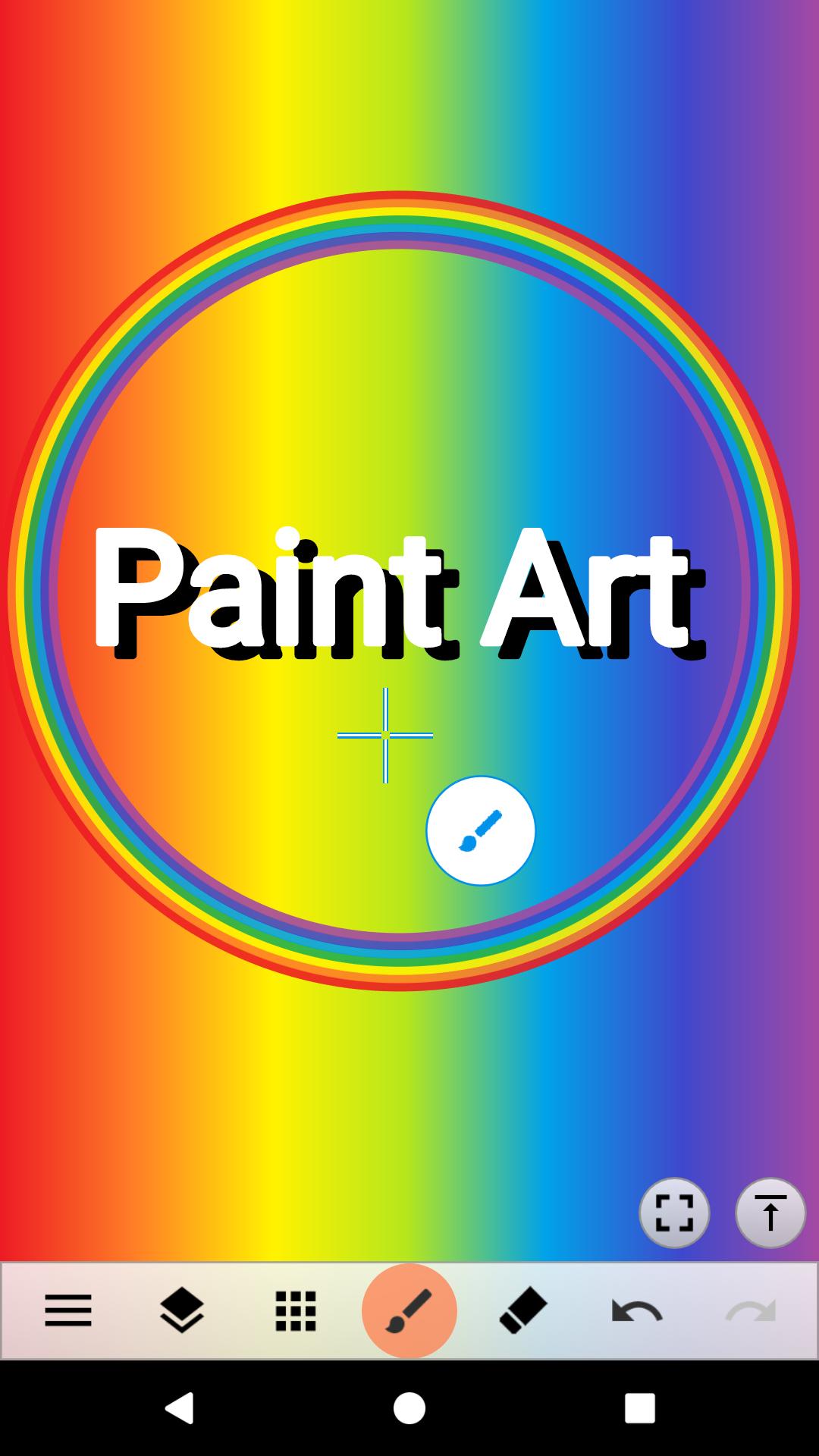
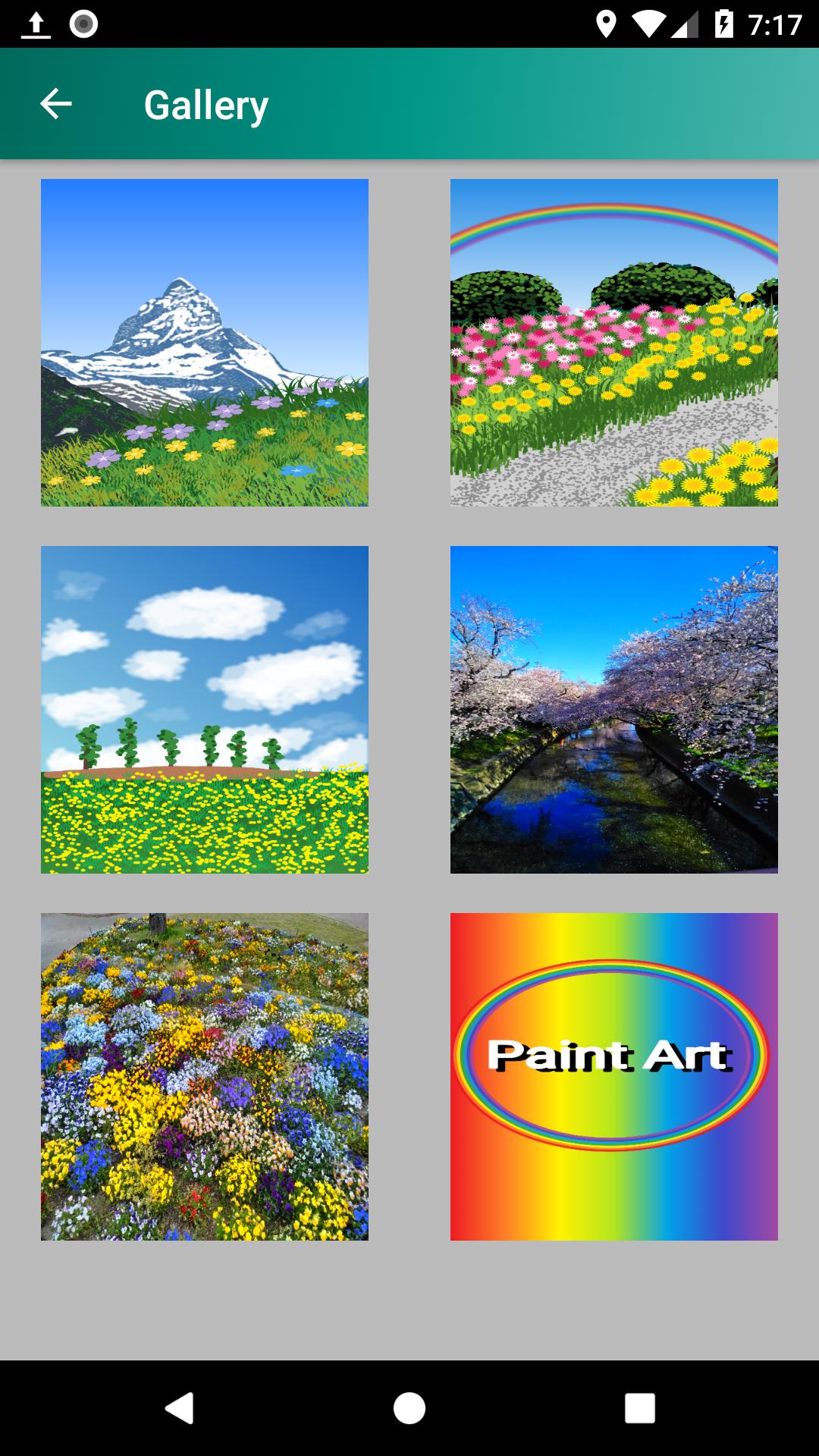
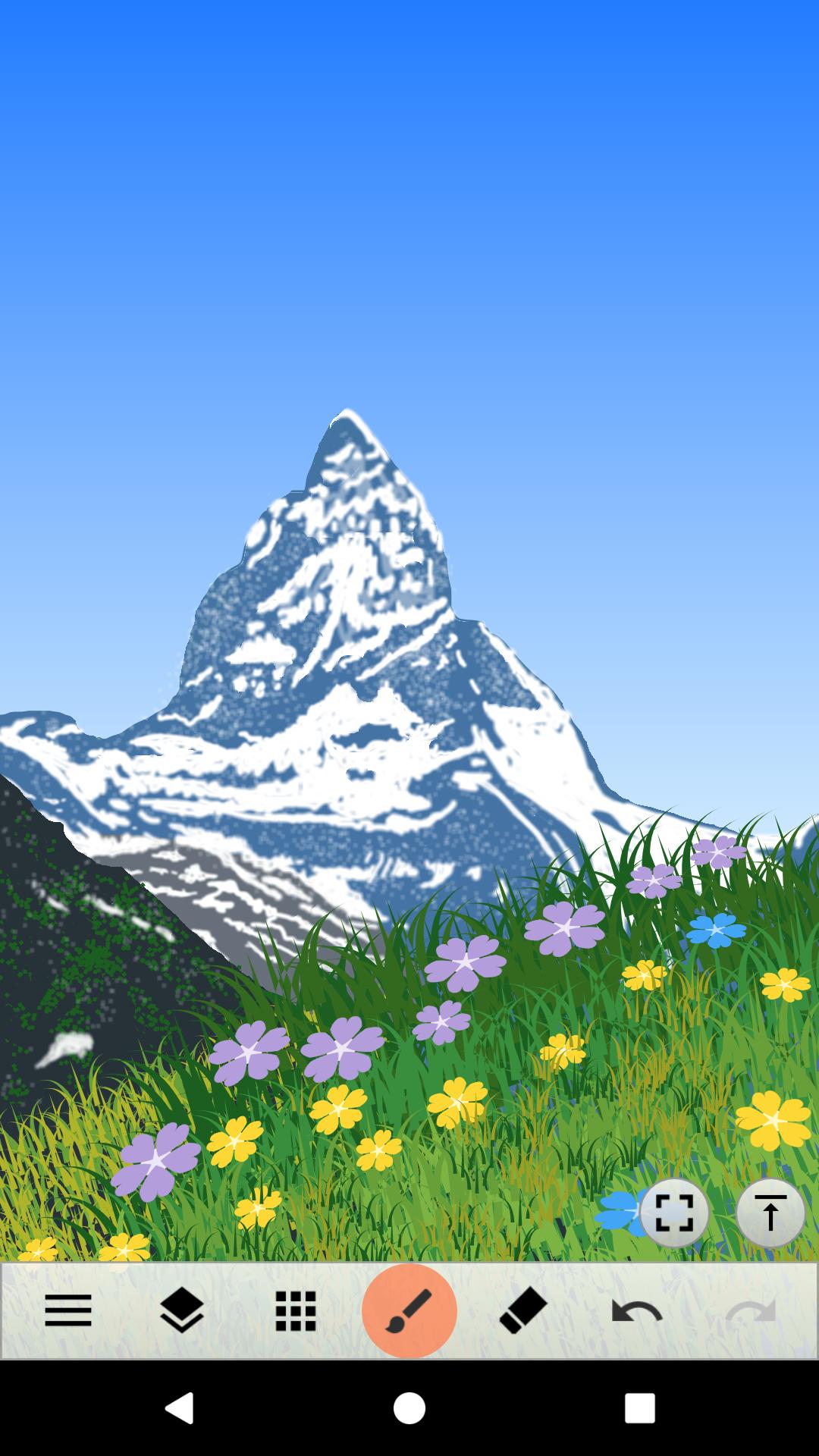
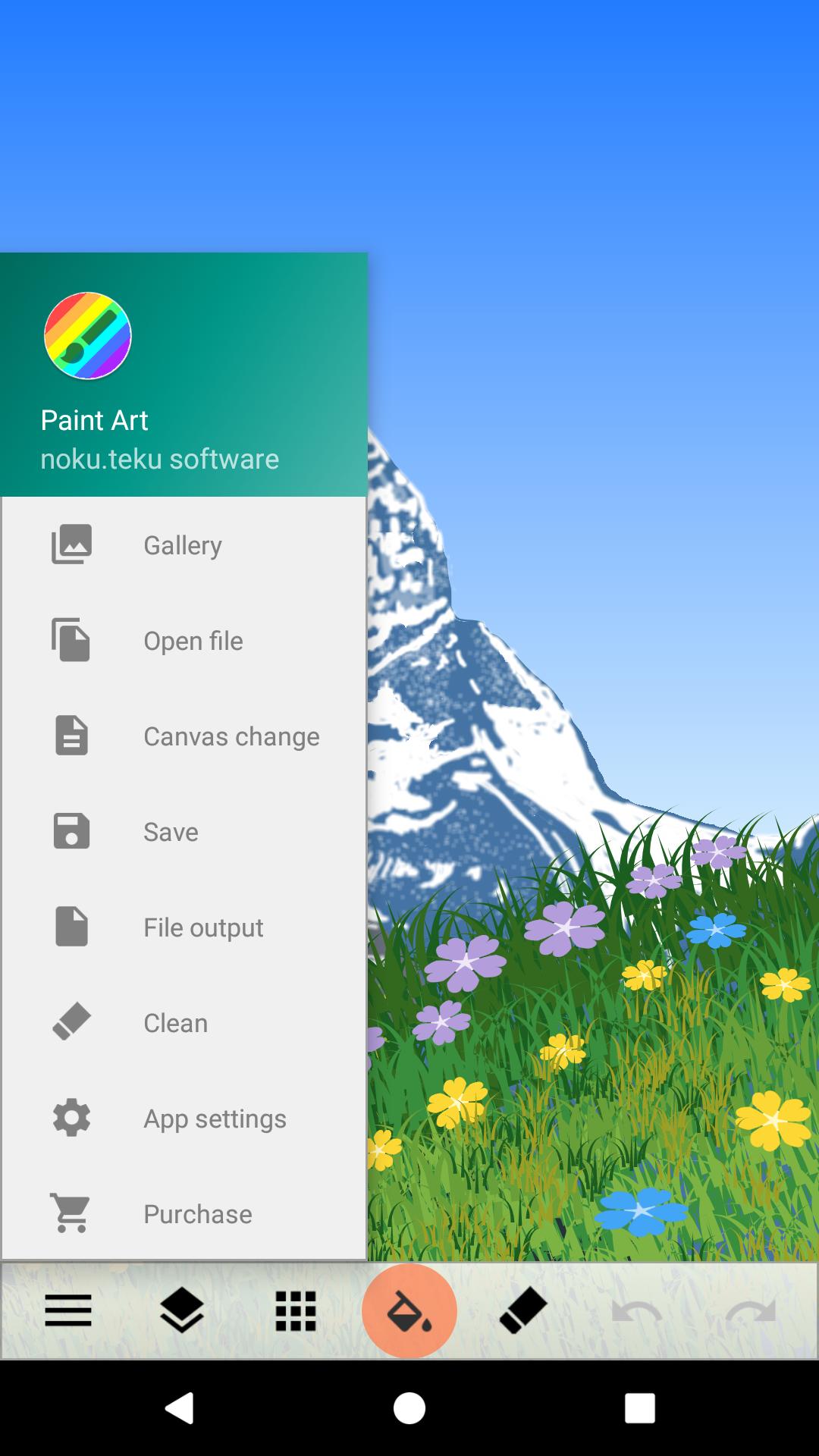
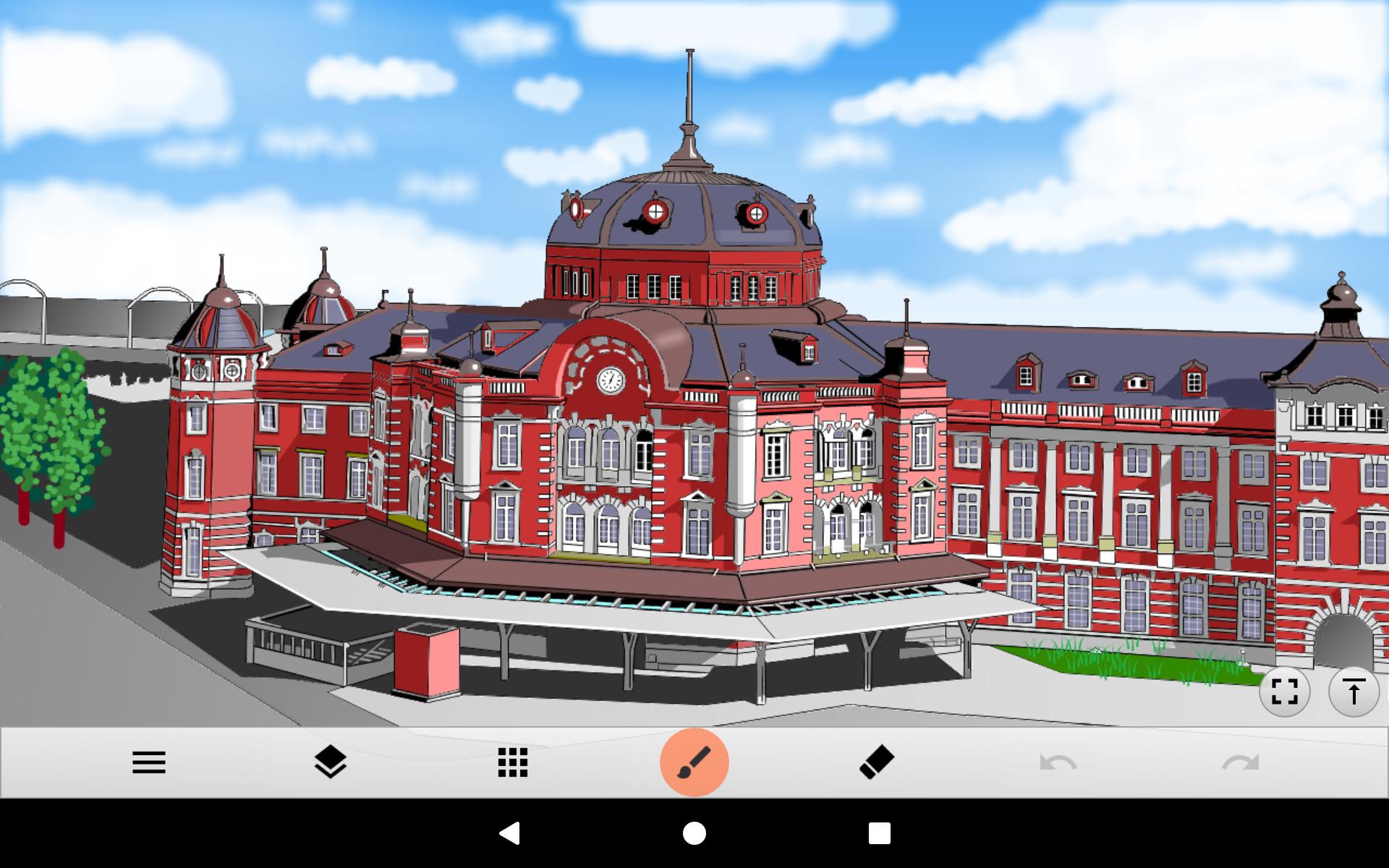
You can draw a canvas with a variety of brushes, paint a canvas with gradients and patterns, and place photos and shapes. The cursor function enables delicate drawing without a touch pen. The size of the canvas can be freely changed, and the completed picture can be output in PNG or JPEG format. Even if you do not spend time, it is full of functions that you can fully enjoy drawing. Come on, paint the various worlds on canvas with Paint Art.
Tool selection (brush, fill, shape, range selection, text, image / photo)
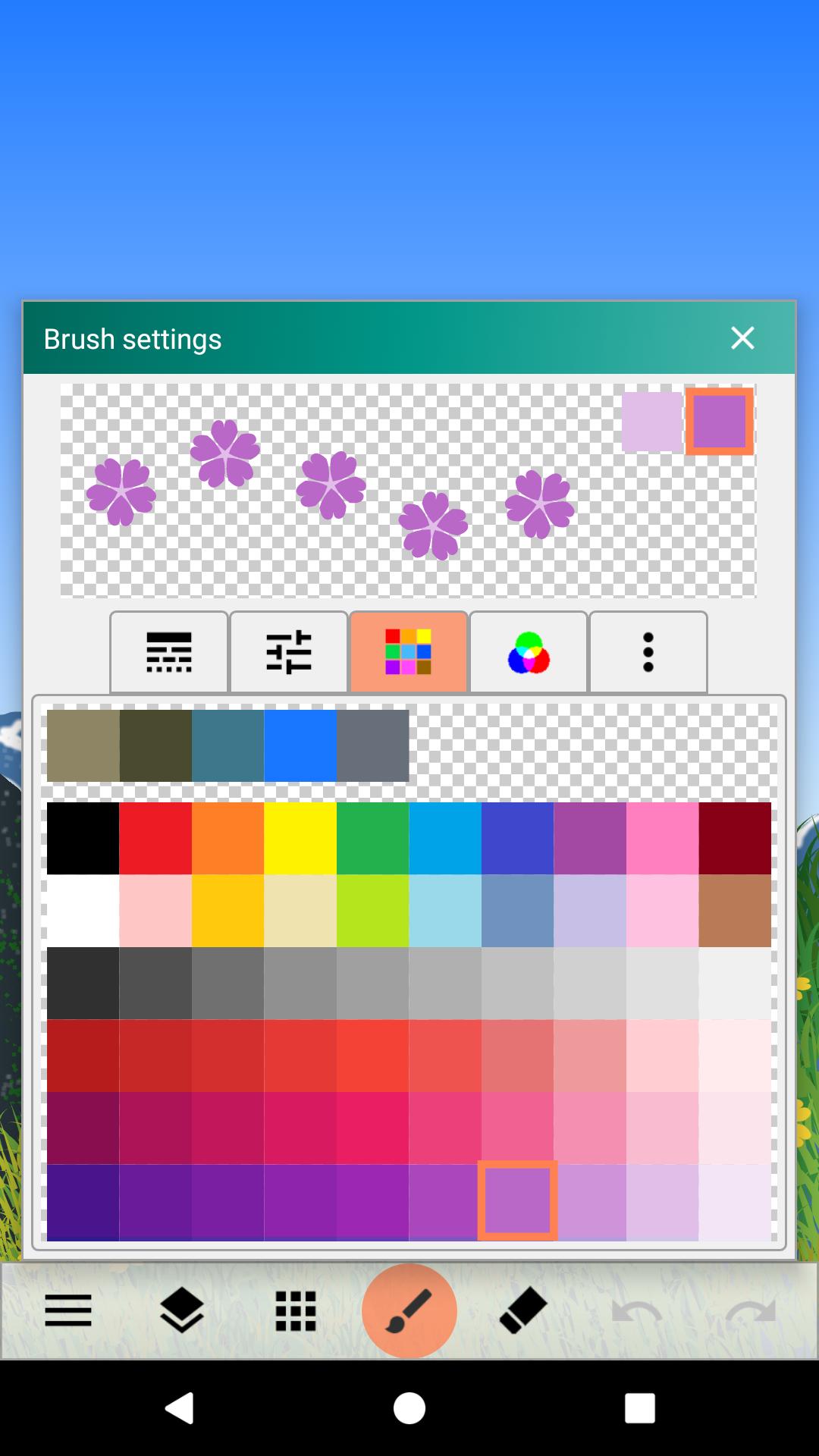
Color palette (standard 210 colors, addition / deletion to palette)
Color adjustment (RGB, syringe, transparency)
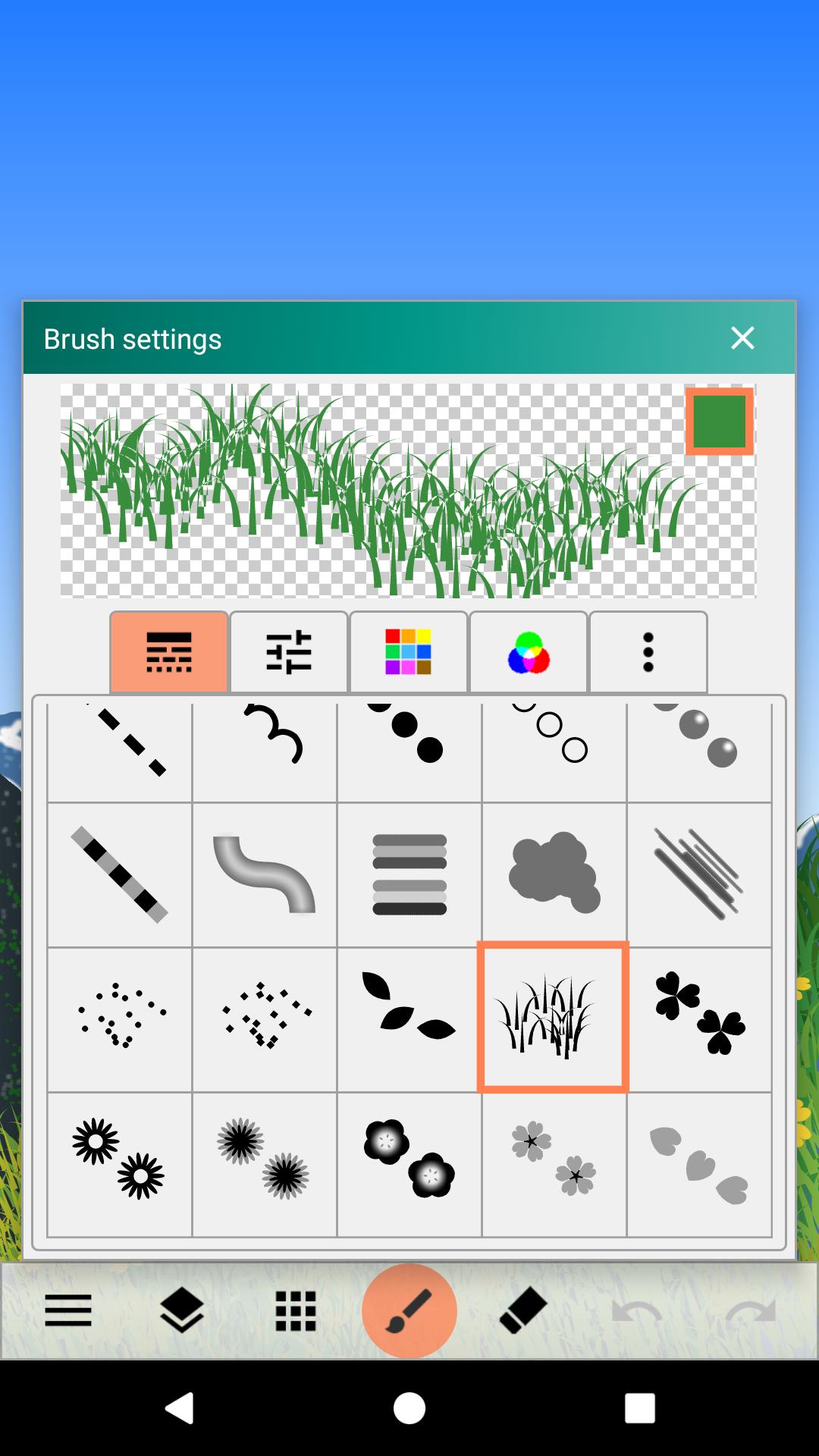
Brush selection (thin line, medium thick line, thick line, dotted line, circle, stripe, rainbow, cloud, flower, grass, etc.)
Brush adjustment (size, blur, number of colors, spacing, spread, etc.)
Drawing method (free, straight, square, circle, oval)
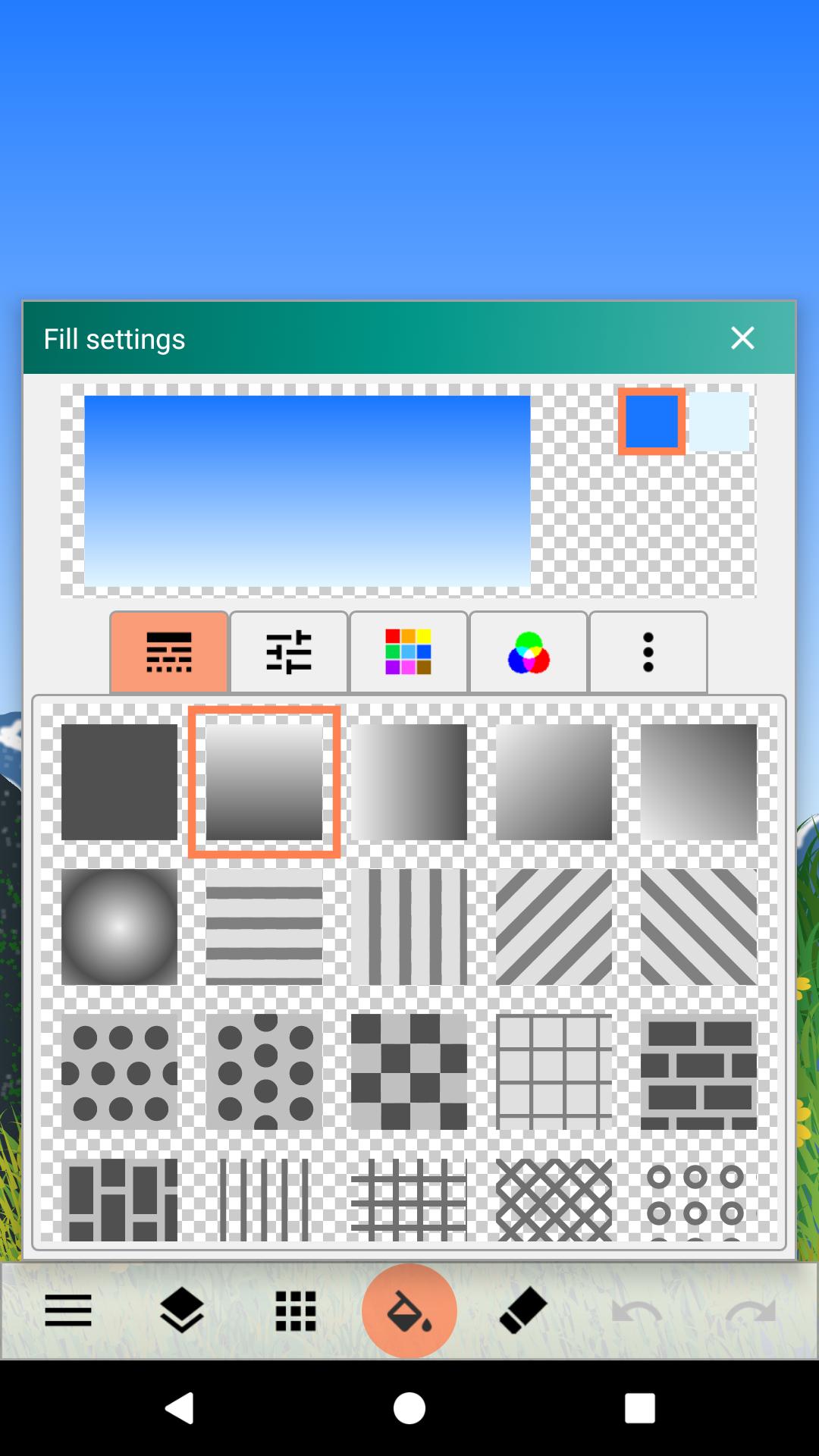
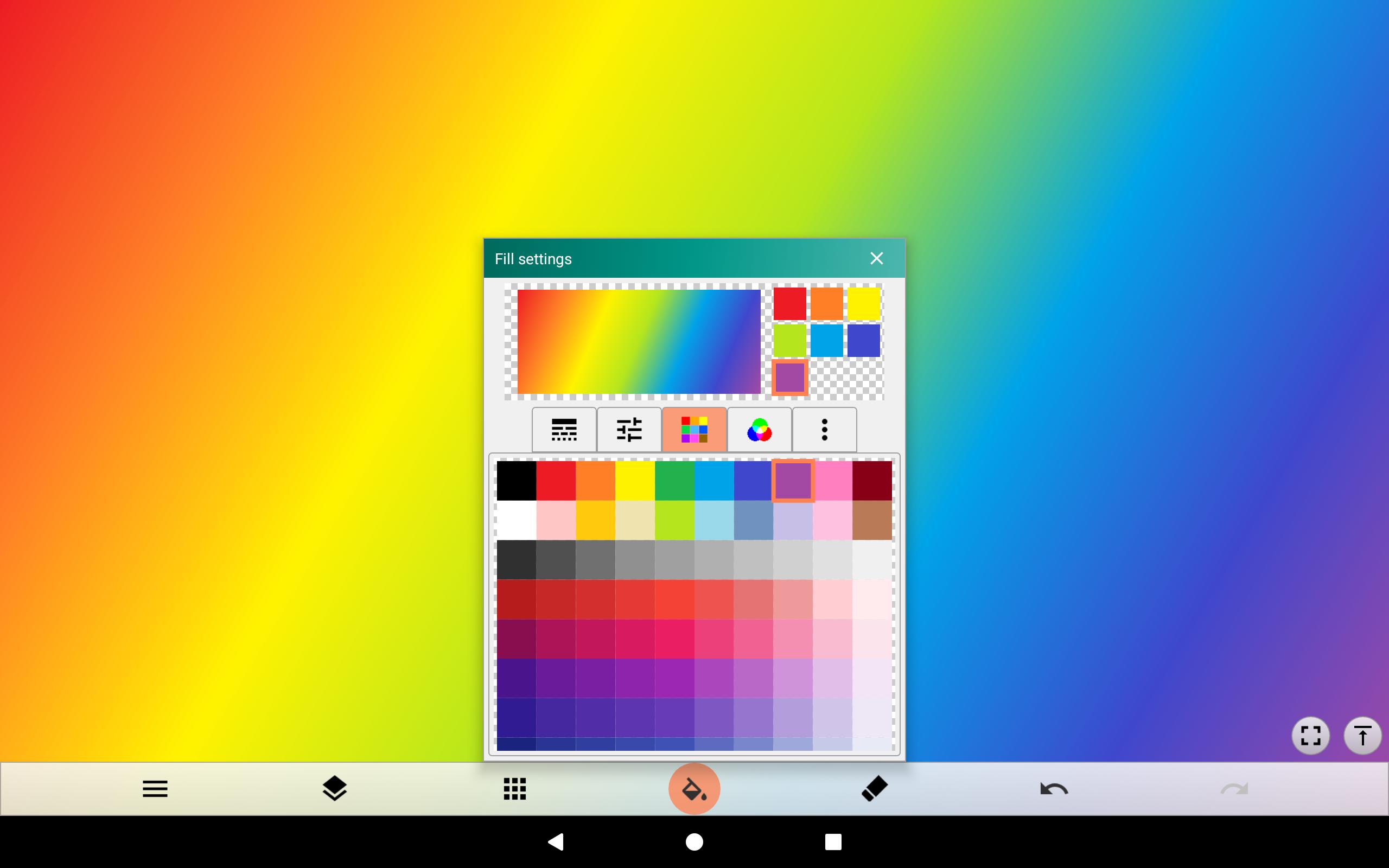
Fill selection (single color, gradation, stripe, polka dot, brick, grid, etc.)
Fill method (normal, square, circle, oval)
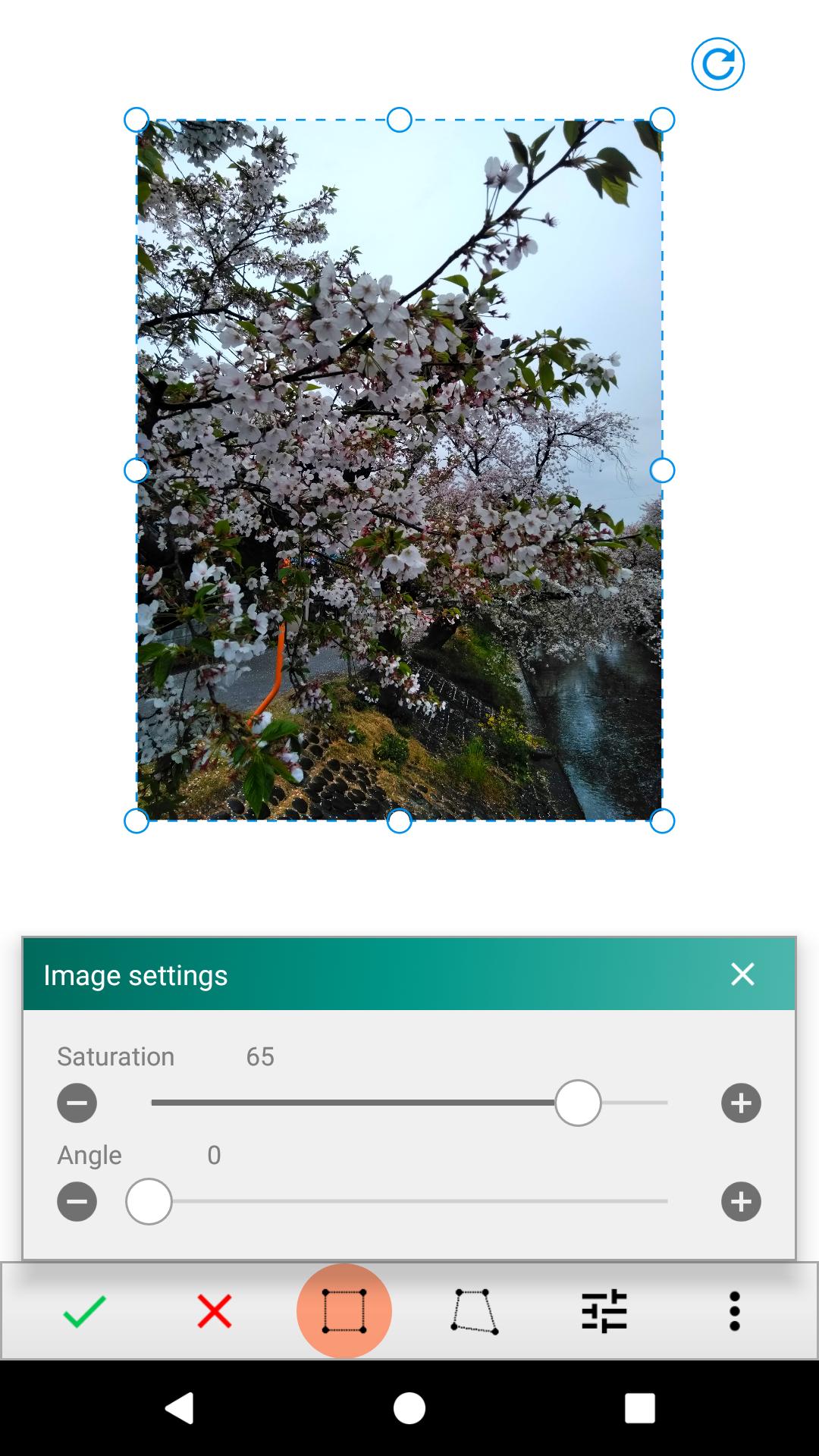
Range selection (resize, transform, copy, delete, rotate, invert, change saturation)
Drawing
Text drawing
Image (photo) placement
Eraser, canvas clear
Drawing with the cursor
Zoom in / out / rotate canvas
Canvas resizing / background setting
Add / copy / merge / delete layers
Save / restore paint data
Paint data file output (PNG, JPEG)
You can draw a canvas with a variety of brushes, paint a canvas with gradients and patterns, and place photos and shapes. The cursor function enables delicate drawing without a touch pen. The size of the canvas can be freely changed, and the completed picture can be output in PNG or JPEG format. Even if you do not spend time, it is full of functions that you can fully enjoy drawing. Come on, paint the various worlds on canvas with Paint Art.
Tool selection (brush, fill, shape, range selection, text, image / photo)
Color palette (standard 210 colors, addition / deletion to palette)
Color adjustment (RGB, syringe, transparency)
Brush selection (thin line, medium thick line, thick line, dotted line, circle, stripe, rainbow, cloud, flower, grass, etc.)
Brush adjustment (size, blur, number of colors, spacing, spread, etc.)
Drawing method (free, straight, square, circle, oval)
Fill selection (single color, gradation, stripe, polka dot, brick, grid, etc.)
Fill method (normal, square, circle, oval)
Range selection (resize, transform, copy, delete, rotate, invert, change saturation)
Drawing
Text drawing
Image (photo) placement
Eraser, canvas clear
Drawing with the cursor
Zoom in / out / rotate canvas
Canvas resizing / background setting
Add / copy / merge / delete layers
Save / restore paint data
Paint data file output (PNG, JPEG)
Additional Information
Category
App › Art & Design
Version
1.4.3
Updated
Oct 25, 2020
Requires Android
Android: 4.0–4.0.2+ Ice Cream Sandwich (API 14)
Permissions
Architectures
Unknown
Target Android
Android: 10 Android 10 (API 29)
Estimated Download Time
File Size: 3.64 MB
3G network (~2 Mbps)
18 seconds
4G LTE (~25 Mbps)
2 seconds
5G network (~150 Mbps)
1 seconds
Broadband / Wi-Fi (~100 Mbps)
1 seconds
Hashes
SHA-1
4230C9D3BD3FE5E6357DB67ABA0939D2E8AA468FSHA-256
840595A2FAC243536744D3B5C8547641689BF4018661961D3417E50296E8B7DASigning Certificate SHA-1
486993F25D5DBB369ECC663CF3DF53C6FE67C7B5Available On