APKs
Split APK — use Split APKs Installer (SAI) to install.

PixelMe - Picture to Pixel Art Description
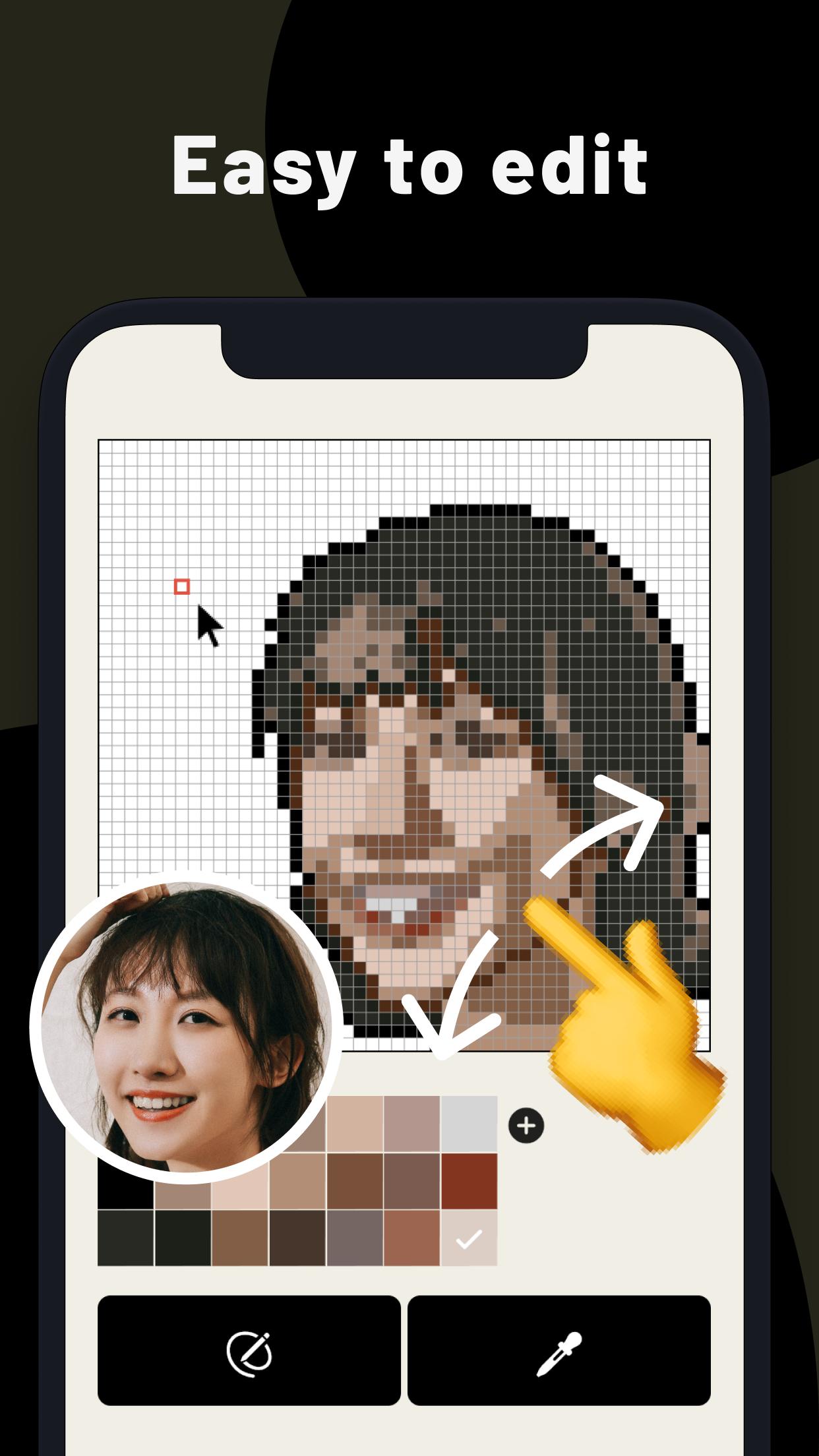
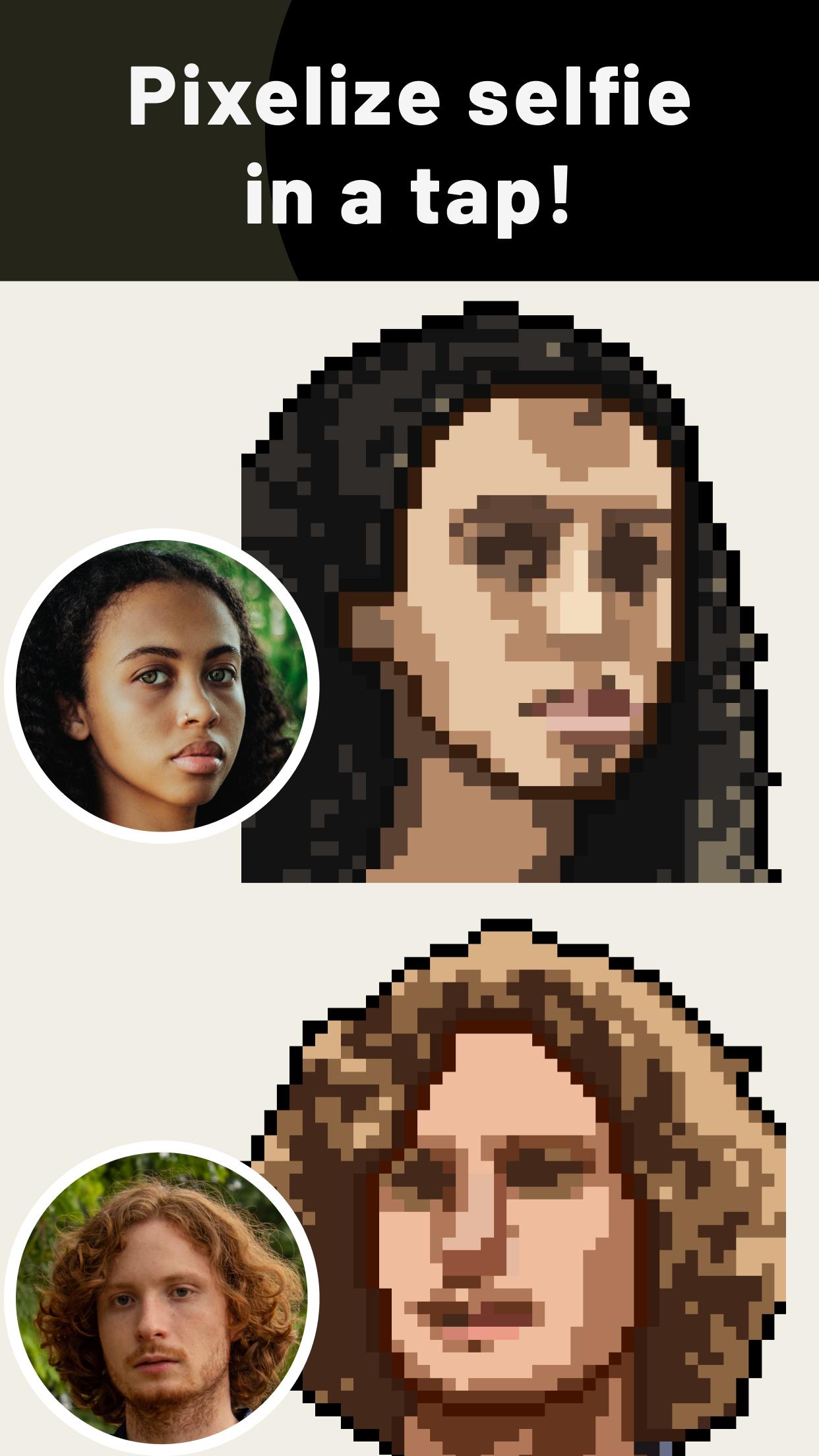
Convert photos into pixel art. PixelMe is a pixel art painting app. Easily make pixel art from your face, and then share your art.
Simply move your finder across the screen to move the cursor and click on draw to lay pixels. AI will automatically creates pixel art from your photo.
KEY FEATURES
- Create pixel art from your face with our easy-to-use drawing feature
- Create from your photo and selfie.
- Share drawings to your favorite social network.
PixelMe pixel art editor is brought to you by PixelMe(pixel-me.tokyo).
You must agree to PixelMe privacy policy:
https://pixel-me.tokyo/en/privacy
SUBSCRIPTIONS
There are no subscriptions
Simply move your finder across the screen to move the cursor and click on draw to lay pixels. AI will automatically creates pixel art from your photo.
KEY FEATURES
- Create pixel art from your face with our easy-to-use drawing feature
- Create from your photo and selfie.
- Share drawings to your favorite social network.
PixelMe pixel art editor is brought to you by PixelMe(pixel-me.tokyo).
You must agree to PixelMe privacy policy:
https://pixel-me.tokyo/en/privacy
SUBSCRIPTIONS
There are no subscriptions
Additional Information
Category
App › Art & Design
Version
3.0.3
Updated
Aug 17, 2021
Requires Android
Android: 6.0+ Marshmallow (API 23)
Permissions
Architectures
Unknown
Target Android
Android: 10 Android 10 (API 29)
Estimated Download Time
File Size: 4.52 MB
3G network (~2 Mbps)
22 seconds
4G LTE (~25 Mbps)
2 seconds
5G network (~150 Mbps)
1 seconds
Broadband / Wi-Fi (~100 Mbps)
1 seconds
Hashes
SHA-1
27A839ADFB1F4B931C295419D9786CB31E3FCEF3SHA-256
F8DEF119F10158C56CE407353916FF917CBC1ADF4E0A7AD5956E517ED7BE634DSigning Certificate SHA-1
24A87C5CB6FE2BF38B9415658BDE0732321B581DAvailable On