APKs
Split APK — use Split APKs Installer (SAI) to install.
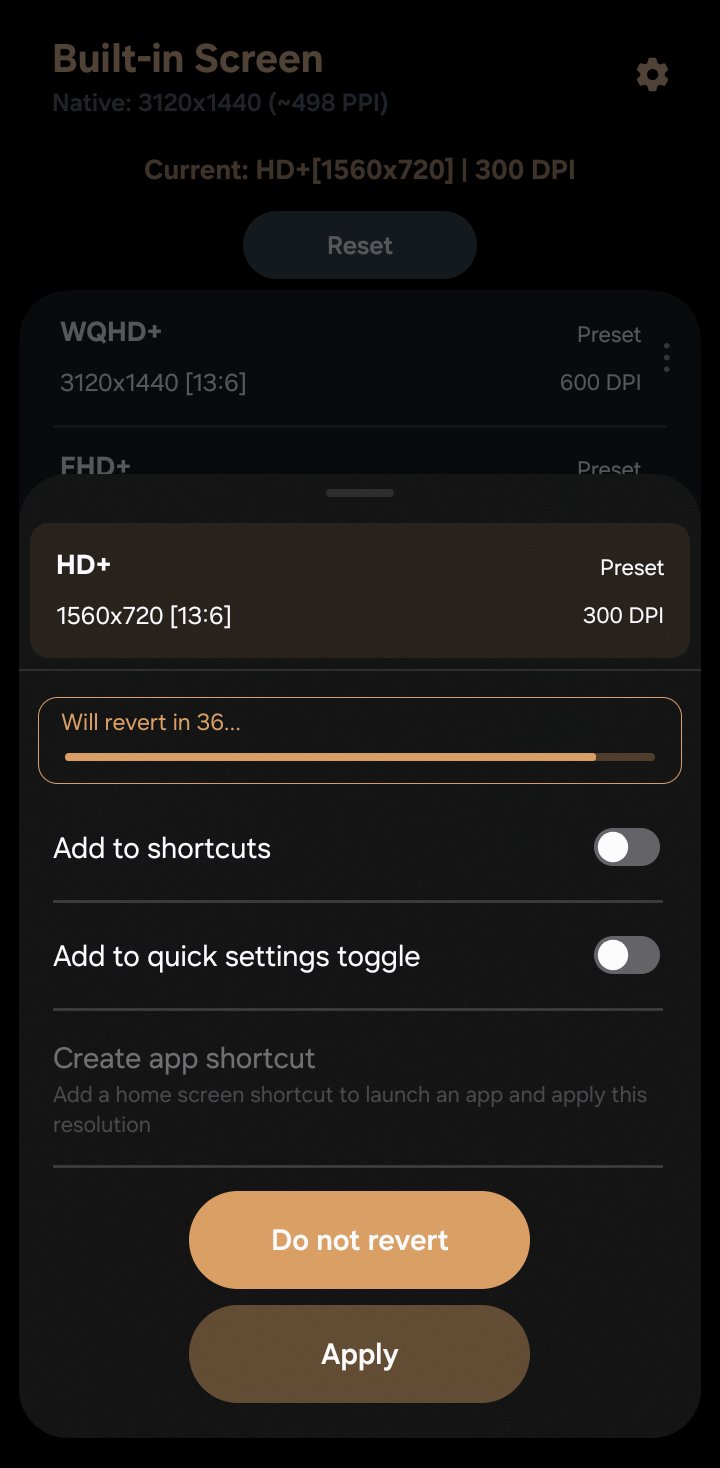
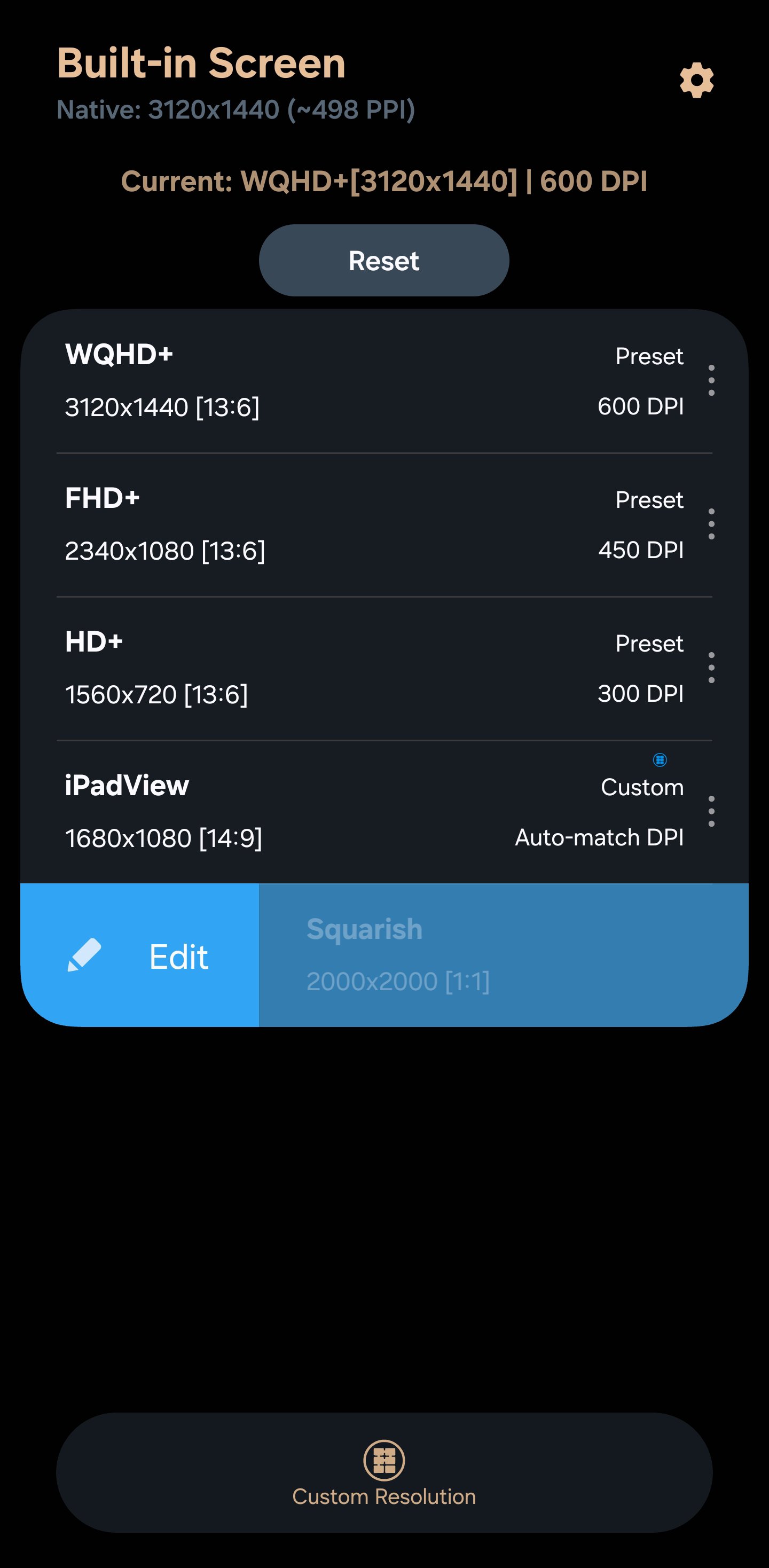
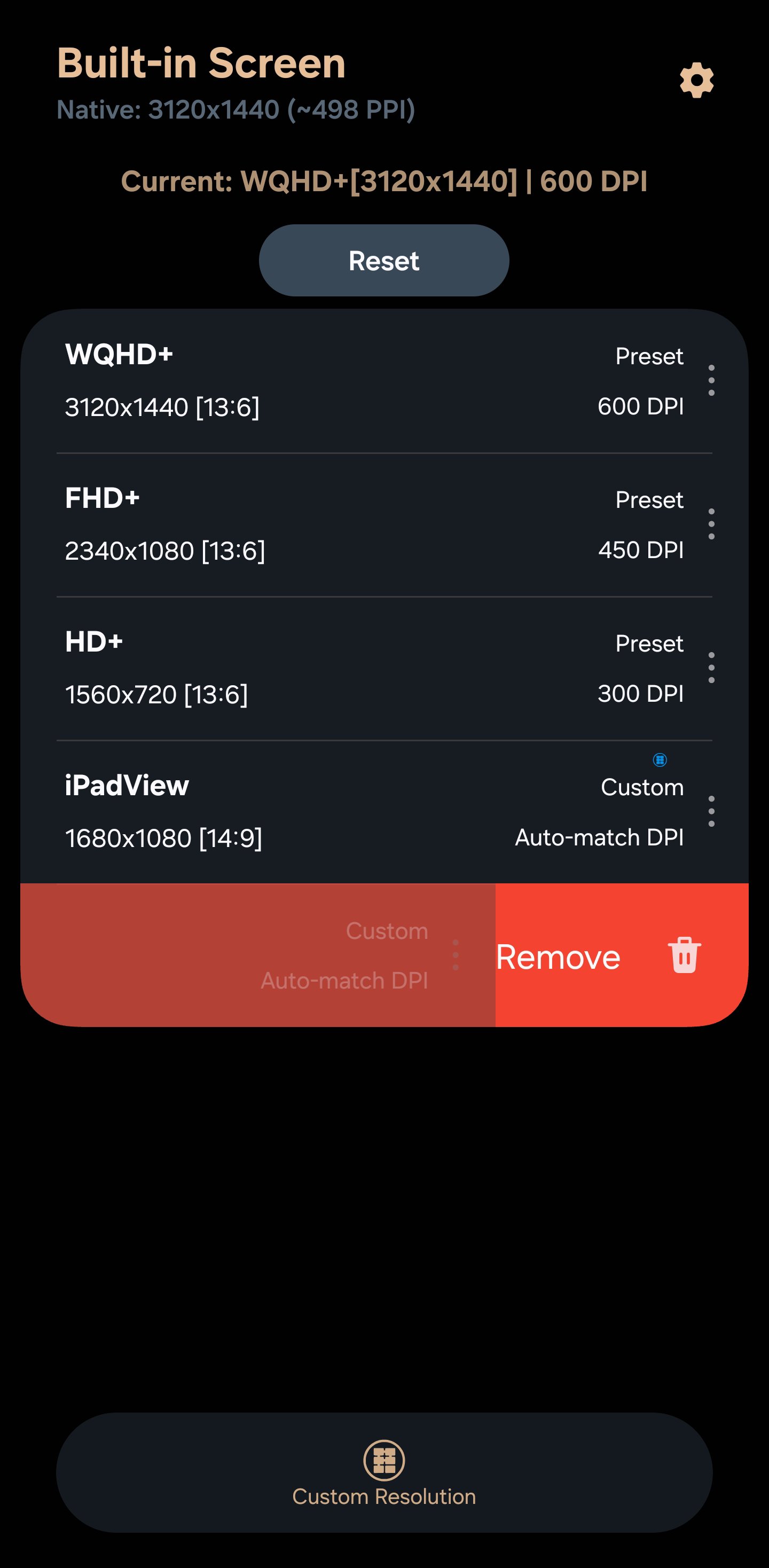
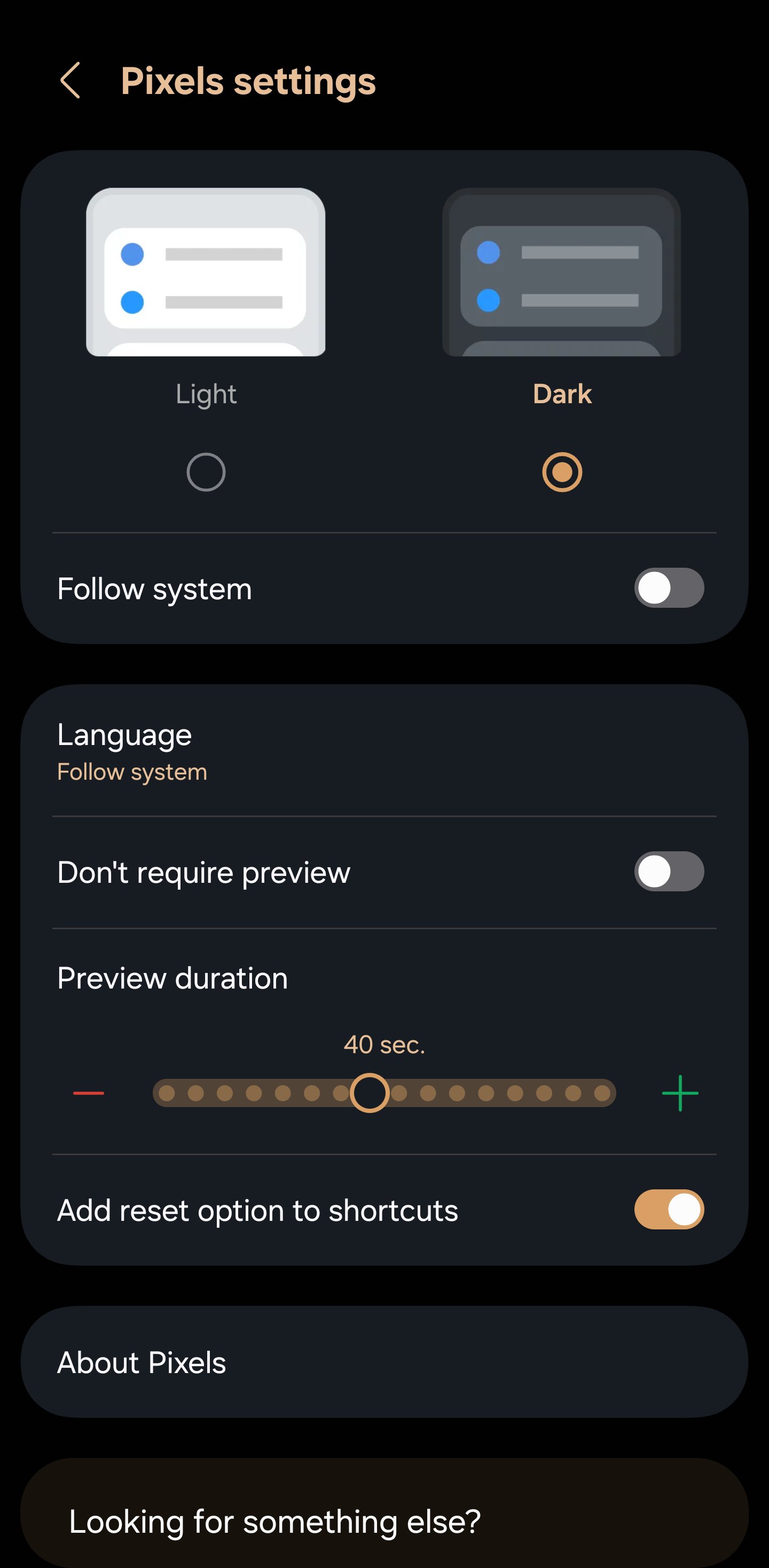
About Pixels
Pixels Description
Looking to boost gaming performance, save battery, customize your phone's layout, or test your apps on different layouts?
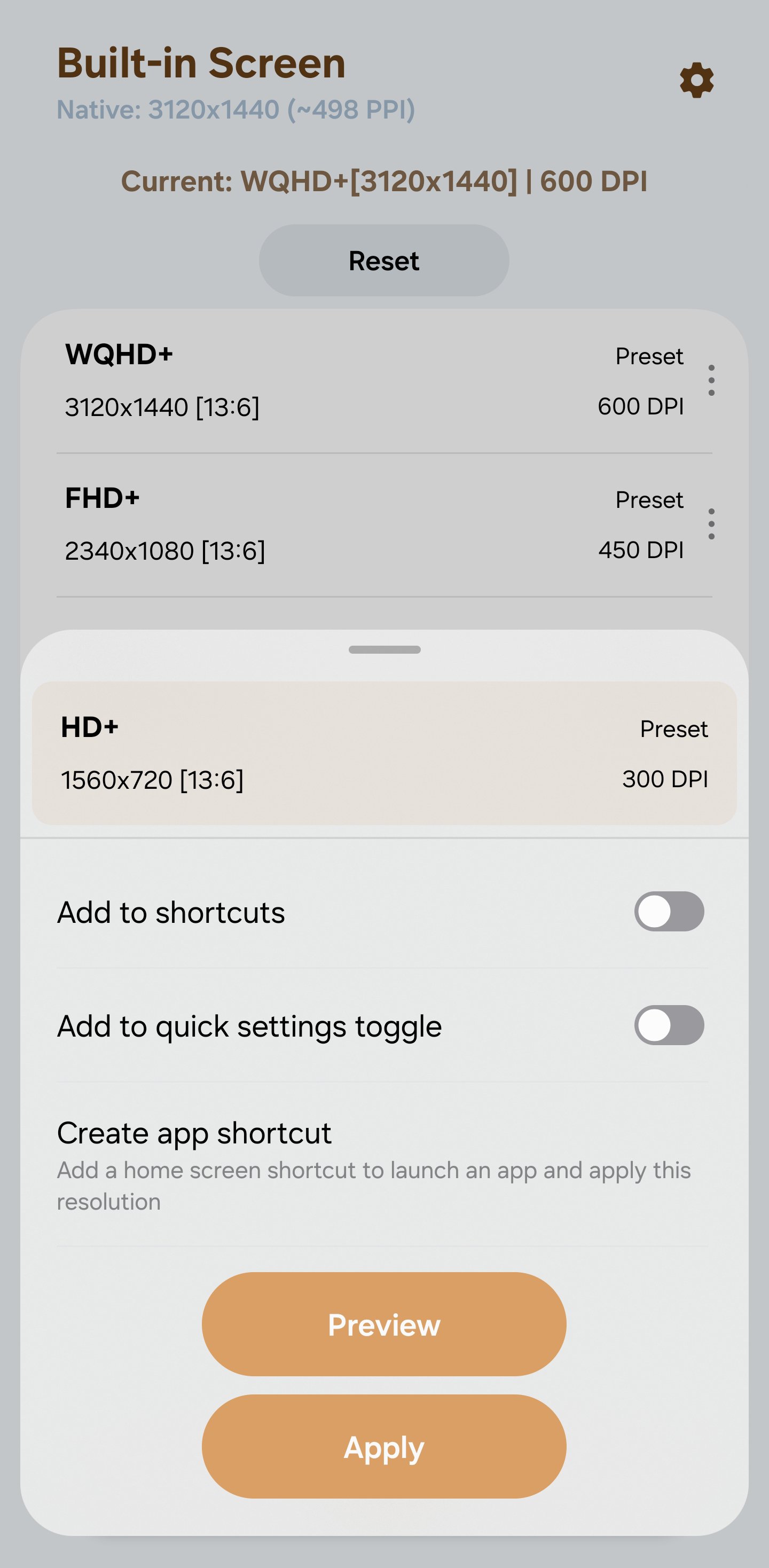
Pixels is the ultimate screen resolution changer and DPI changer designed to give you total control over your Android display. Whether you need to downscale your screen for smoother FPS in heavy games (e.g. Free Fire, PUBG/BGMi, Clash Royale) or increase your display density (DPI) to fit more content on your screen, Pixels provides a smart, and automated solution.
⚡ KEY FEATURES:
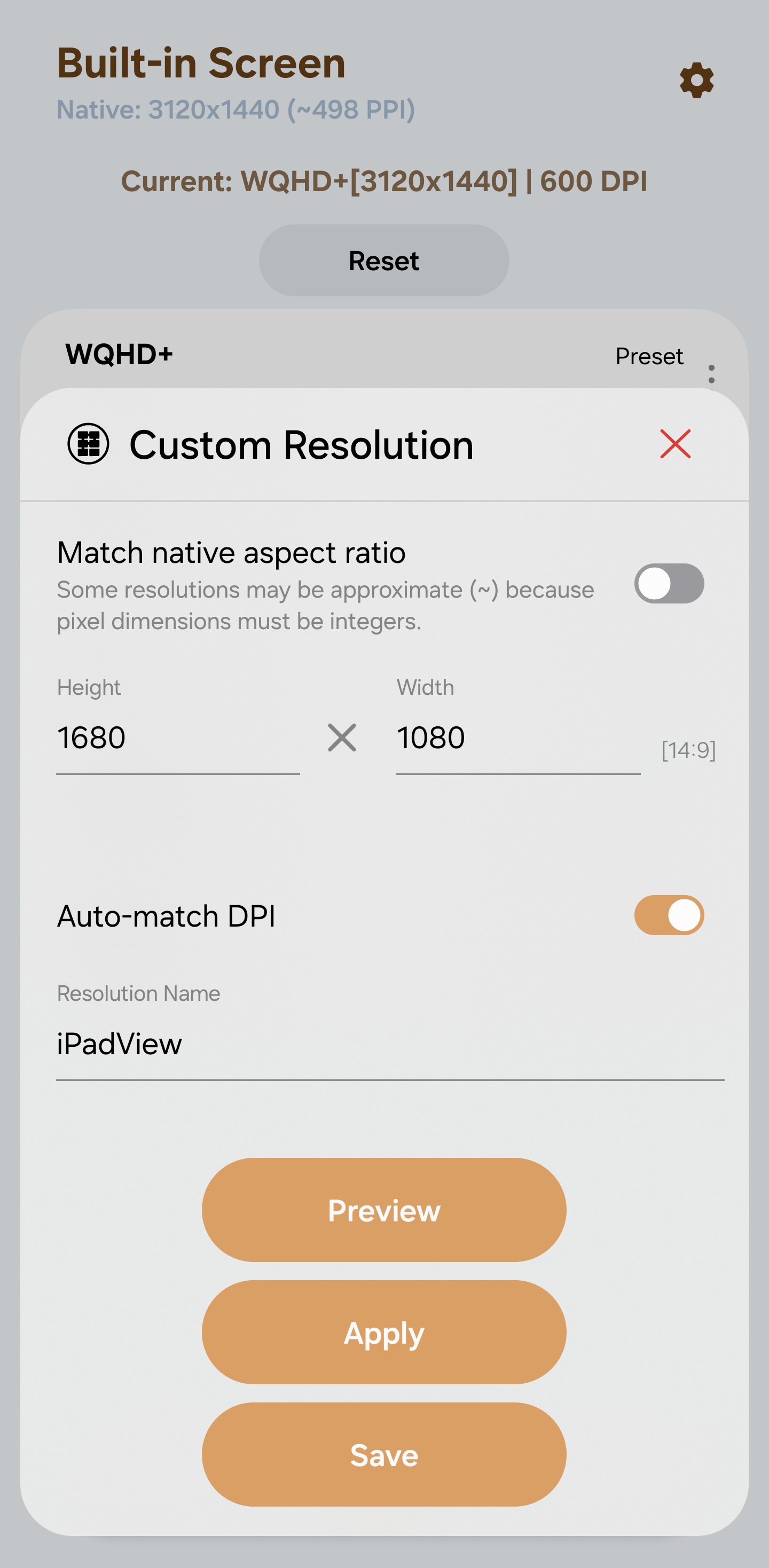
✅ Custom Display Changer: Manually test and apply any custom resolution and screen density (DPI).
✅ Smart Aspect Ratio Calculator: Enter one side (height or width), and the app automatically calculates the other side based on your screen's original aspect ratio.
✅ Trigonometric DPI Auto-Calc: Automatically calculates the perfectly matching DPI for your chosen custom resolution.
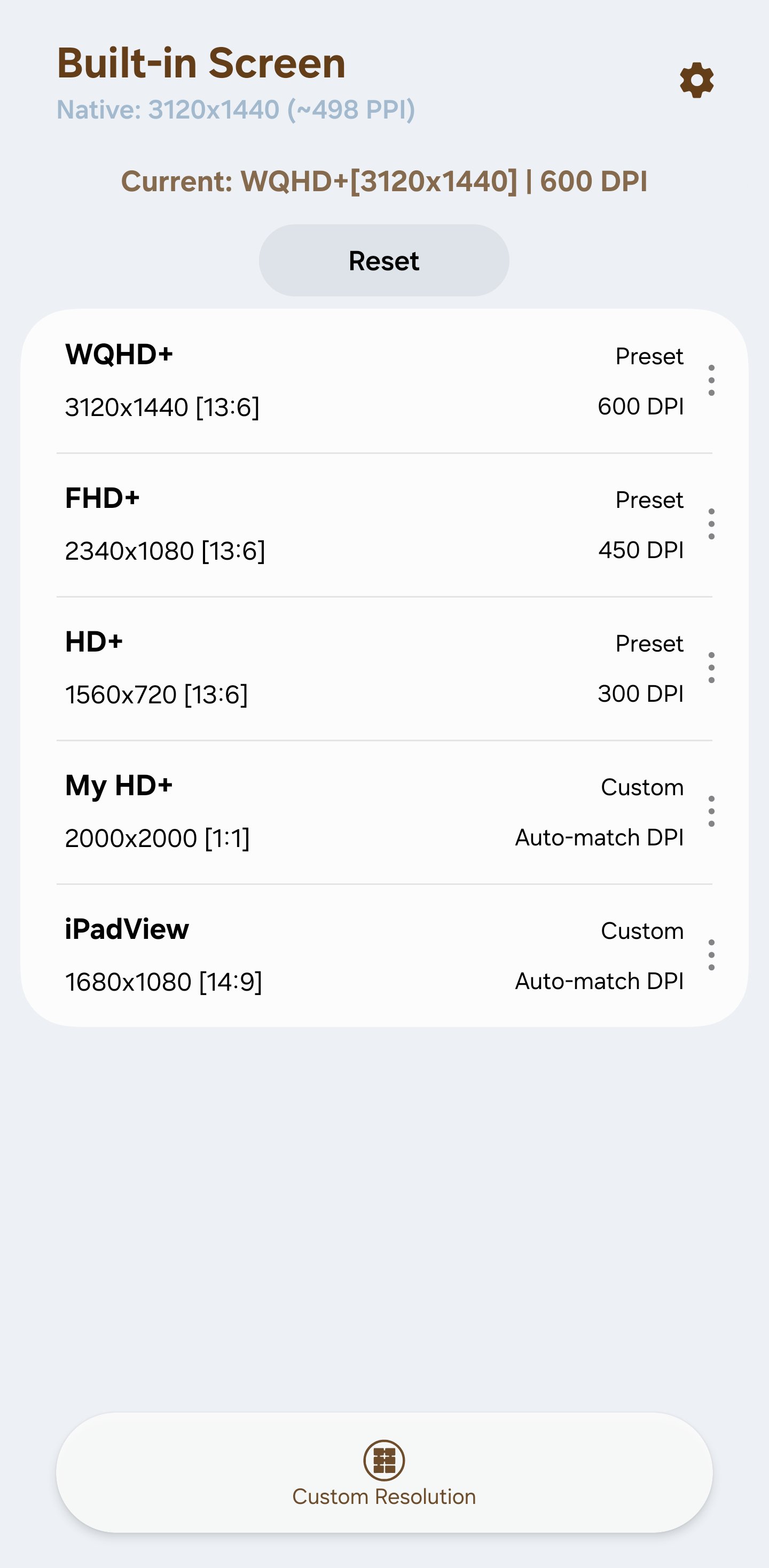
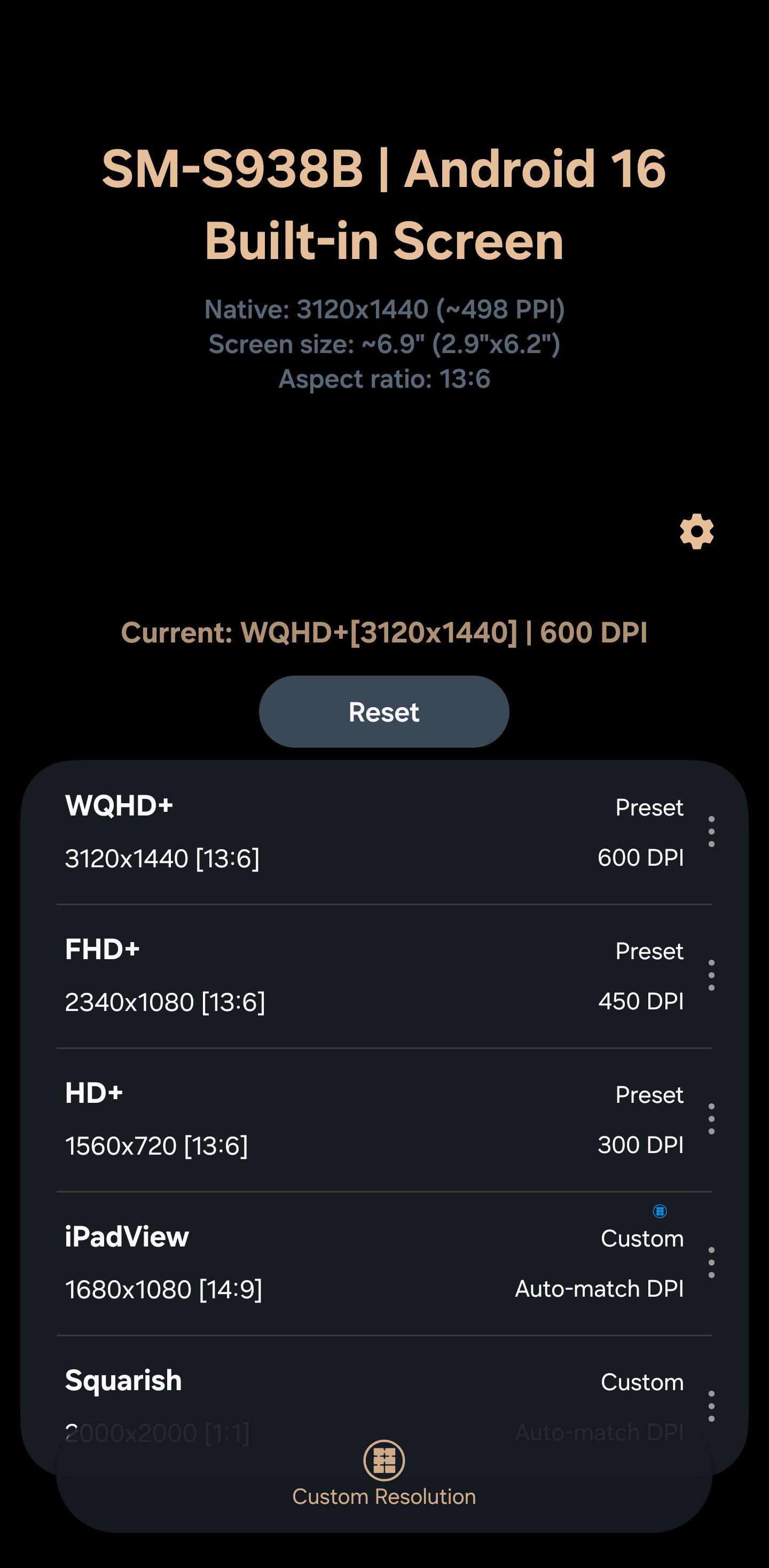
✅ Preset Manager: Save multiple custom screen setups for quick switching
✅ Stock Restore: Read your device’s stock configuration and return to factory resolution/DPI with a single tap.
✅ Smart Naming: Get instant naming suggestions when saving your customized screen presets.
👑 PREMIUM POWER FEATURES:
• Save unlimited custom screen presets.
• Add home screen shortcut to apply specific resolution.
• Add home screen shortcuts to launch chosen app and automatically apply a paired resolution.
• Advanced automation integration with Tasker and Automate.
🎮 WHY USE A RESOLUTION CHANGER?
• Gaming Optimization: Lower your resolution to drastically improve FPS and reduce GPU throttling in demanding mobile games.
• Battery Saver: Reduce screen rendering strain to prolong your device's daily battery life.
• UI Customization: Adjust DPI to make text and icons smaller (more screen real estate) or larger for better accessibility.
🔒 SAFE SETUP (NO ROOT REQUIRED):
To safely modify system display metrics, Android requires a one-time permission setup. This app does NOT require rooting your device. You can easily grant the necessary WRITE_SECURE_SETTINGS permission via:
• Shizuku (Directly on your device, no computer needed!),
• ADB (Clear, step-by-step instructions provided) or
• Root (Instant one-click grant if your device is already rooted)
Pixels is the ultimate screen resolution changer and DPI changer designed to give you total control over your Android display. Whether you need to downscale your screen for smoother FPS in heavy games (e.g. Free Fire, PUBG/BGMi, Clash Royale) or increase your display density (DPI) to fit more content on your screen, Pixels provides a smart, and automated solution.
⚡ KEY FEATURES:
✅ Custom Display Changer: Manually test and apply any custom resolution and screen density (DPI).
✅ Smart Aspect Ratio Calculator: Enter one side (height or width), and the app automatically calculates the other side based on your screen's original aspect ratio.
✅ Trigonometric DPI Auto-Calc: Automatically calculates the perfectly matching DPI for your chosen custom resolution.
✅ Preset Manager: Save multiple custom screen setups for quick switching
✅ Stock Restore: Read your device’s stock configuration and return to factory resolution/DPI with a single tap.
✅ Smart Naming: Get instant naming suggestions when saving your customized screen presets.
👑 PREMIUM POWER FEATURES:
• Save unlimited custom screen presets.
• Add home screen shortcut to apply specific resolution.
• Add home screen shortcuts to launch chosen app and automatically apply a paired resolution.
• Advanced automation integration with Tasker and Automate.
🎮 WHY USE A RESOLUTION CHANGER?
• Gaming Optimization: Lower your resolution to drastically improve FPS and reduce GPU throttling in demanding mobile games.
• Battery Saver: Reduce screen rendering strain to prolong your device's daily battery life.
• UI Customization: Adjust DPI to make text and icons smaller (more screen real estate) or larger for better accessibility.
🔒 SAFE SETUP (NO ROOT REQUIRED):
To safely modify system display metrics, Android requires a one-time permission setup. This app does NOT require rooting your device. You can easily grant the necessary WRITE_SECURE_SETTINGS permission via:
• Shizuku (Directly on your device, no computer needed!),
• ADB (Clear, step-by-step instructions provided) or
• Root (Instant one-click grant if your device is already rooted)
What's new
Version 4.15 (Aug 26, 2026)
This is the latest APK we verified and uploaded. Older versions are still available.
Frequently Asked Questions
No. Pixels can modify display metrics without root by using the Shizuku service or a one‑time ADB command. If your device is already rooted, you can grant the permission with a single tap, but rooting is not required.
Use the built‑in Stock Restore feature. It reads your device’s factory resolution and DPI and restores them with a single tap, returning the display to its default state.
Pixels requires Android 12 (API 32) or higher and runs on devices with the arm64‑v8a architecture. No special hardware like gamepads or Bluetooth is needed.
Pixels requests WRITE_SECURE_SETTINGS to change resolution/DPI, POST_NOTIFICATIONS for alerts, INTERNET and ACCESS_NETWORK_STATE for ads and updates, READ_BASIC_PHONE_STATE for device info, WAKE_LOCK to keep the app active, and billing permissions for in‑app purchases. Additional permissions support Shizuku integration and license checks.
Yes. All core functions—changing resolution, saving presets, and restoring stock settings—work offline. Internet access is only needed for ads, update checks, and processing in‑app purchases.
Additional Information
Category
App › Personalization
Version
4.15
Updated
Aug 26, 2026
Requires Android
Android: 12L+ Android 12L (API 32)
Permissions
Low risk
60 / 100
High risk
The app requests high‑risk WRITE_SECURE_SETTINGS, which can alter system settings, and READ_BASIC_PHONE_STATE, which accesses device identifiers. Combined with billing and background service permissions, this raises the privacy and security risk to a moderate level.
Architectures
Supports 64-bit ARM Android CPU architectures.
arm64-v8a
64-bit
Most modern phones & tablets
Your device
Target Android
Estimated Download Time
File Size: 20.88 MB
3G network (~2 Mbps)
1m 41s
4G LTE (~25 Mbps)
9 seconds
5G network (~150 Mbps)
2 seconds
Broadband / Wi-Fi (~100 Mbps)
3 seconds
Hashes
SHA-1
27ebe749f8d83235e3a7b1402adc44641b16e3c6SHA-256
60C98768B3147535EB35952BBAA0ACC339B9C0DFA89F79347FF829B85CEE7322Signing Certificate SHA-1
0ec861d1c757db237cc03611955087c5308f8f24Available On