Remote Desktop 8 Description
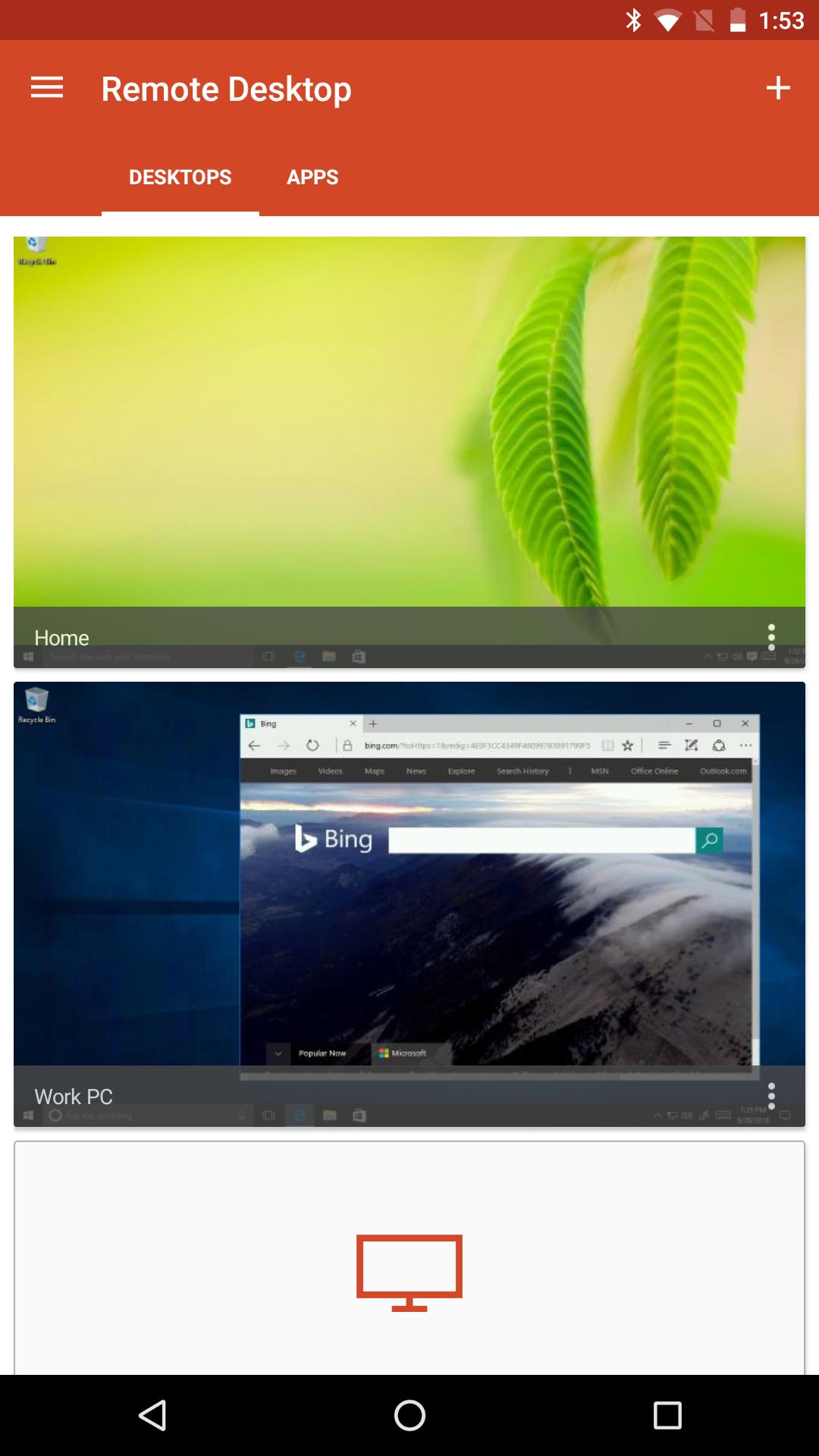
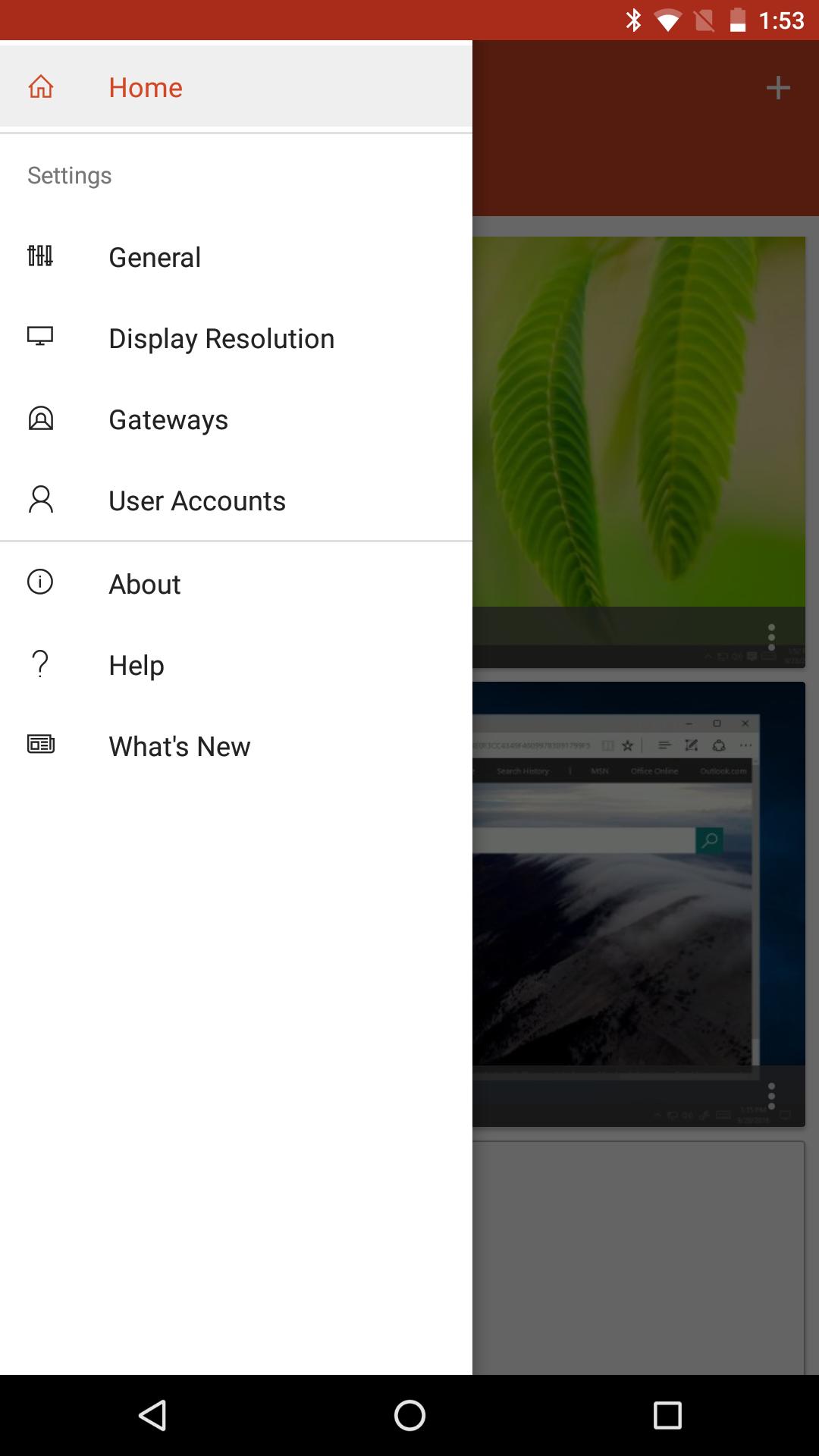
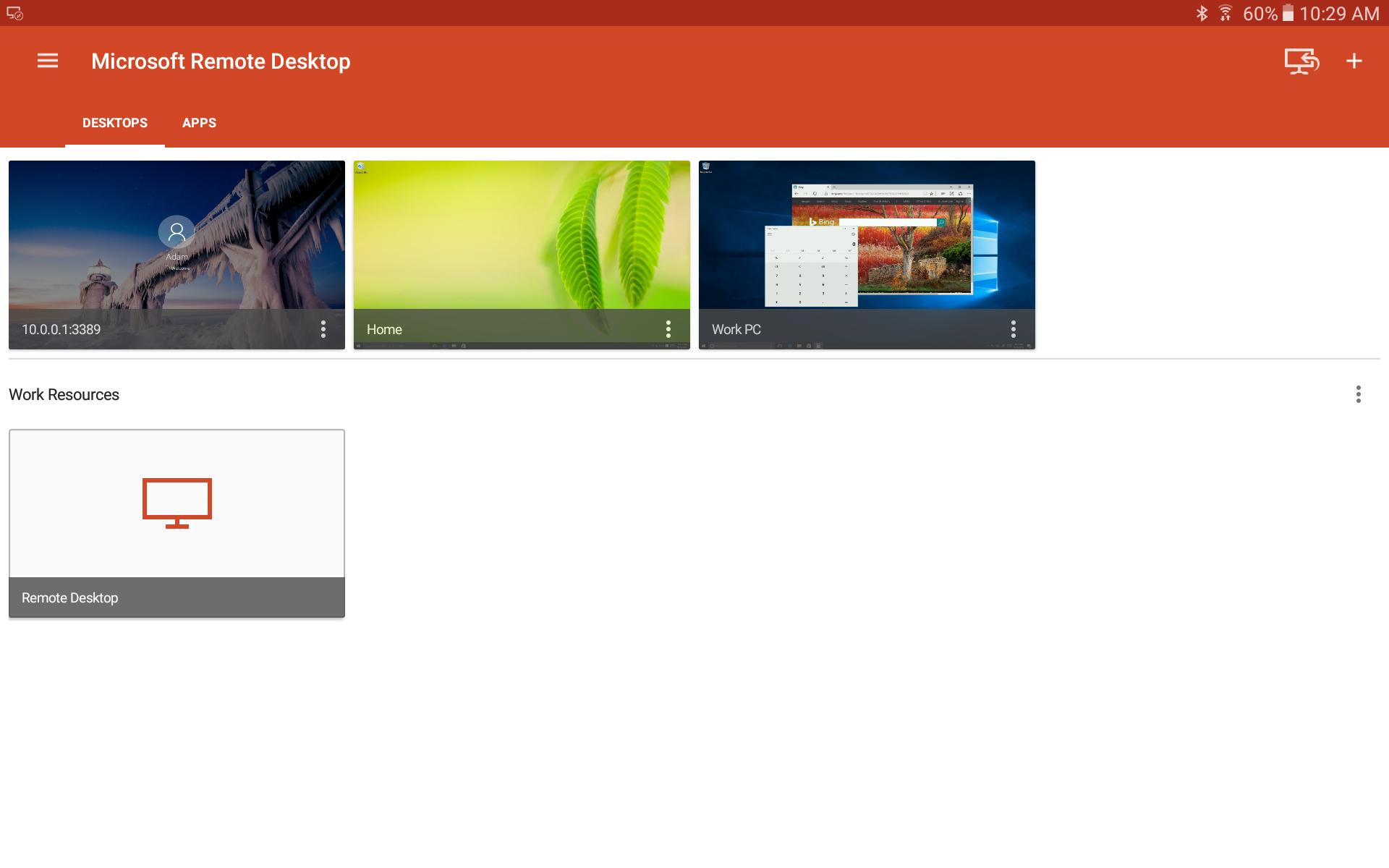
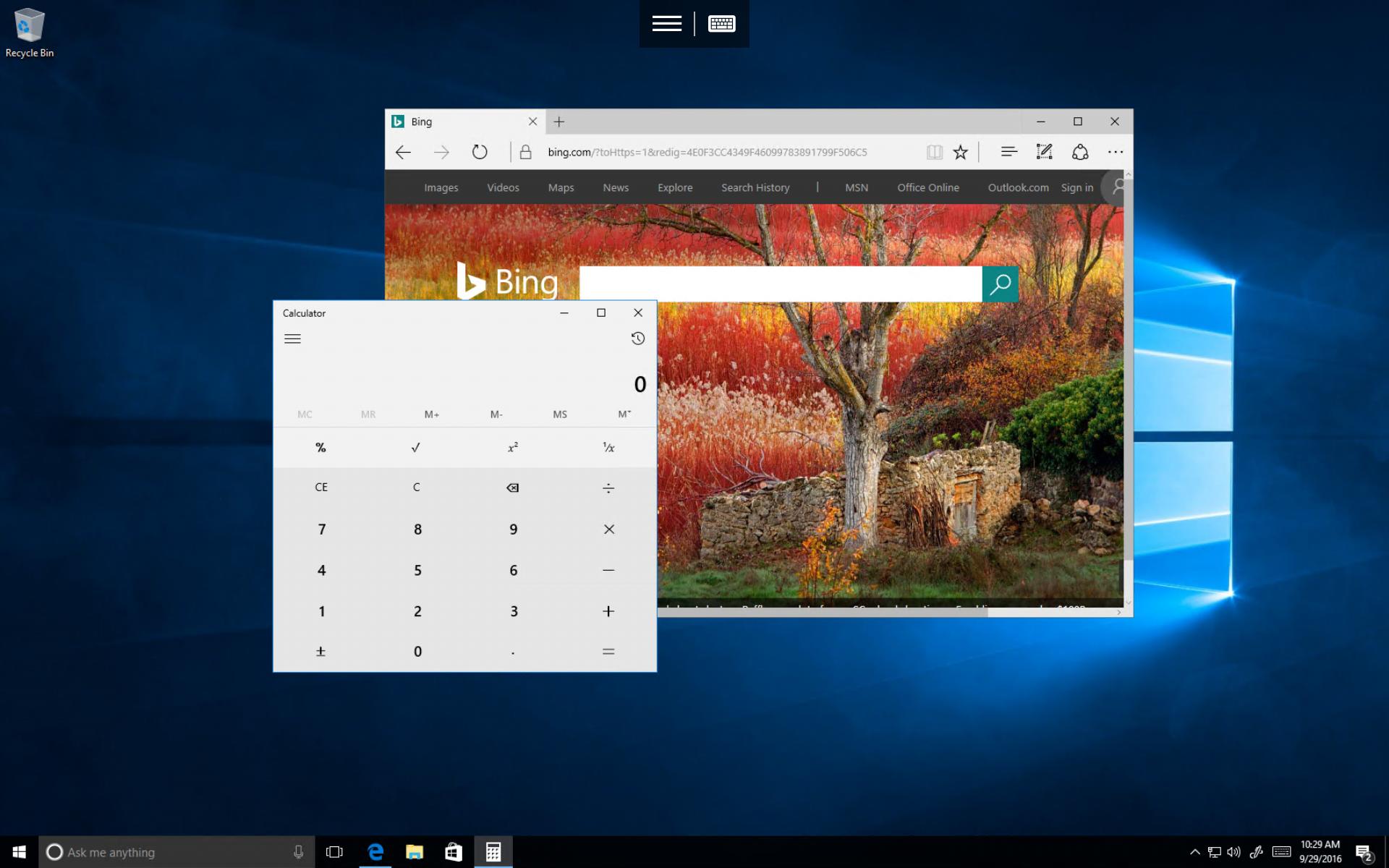
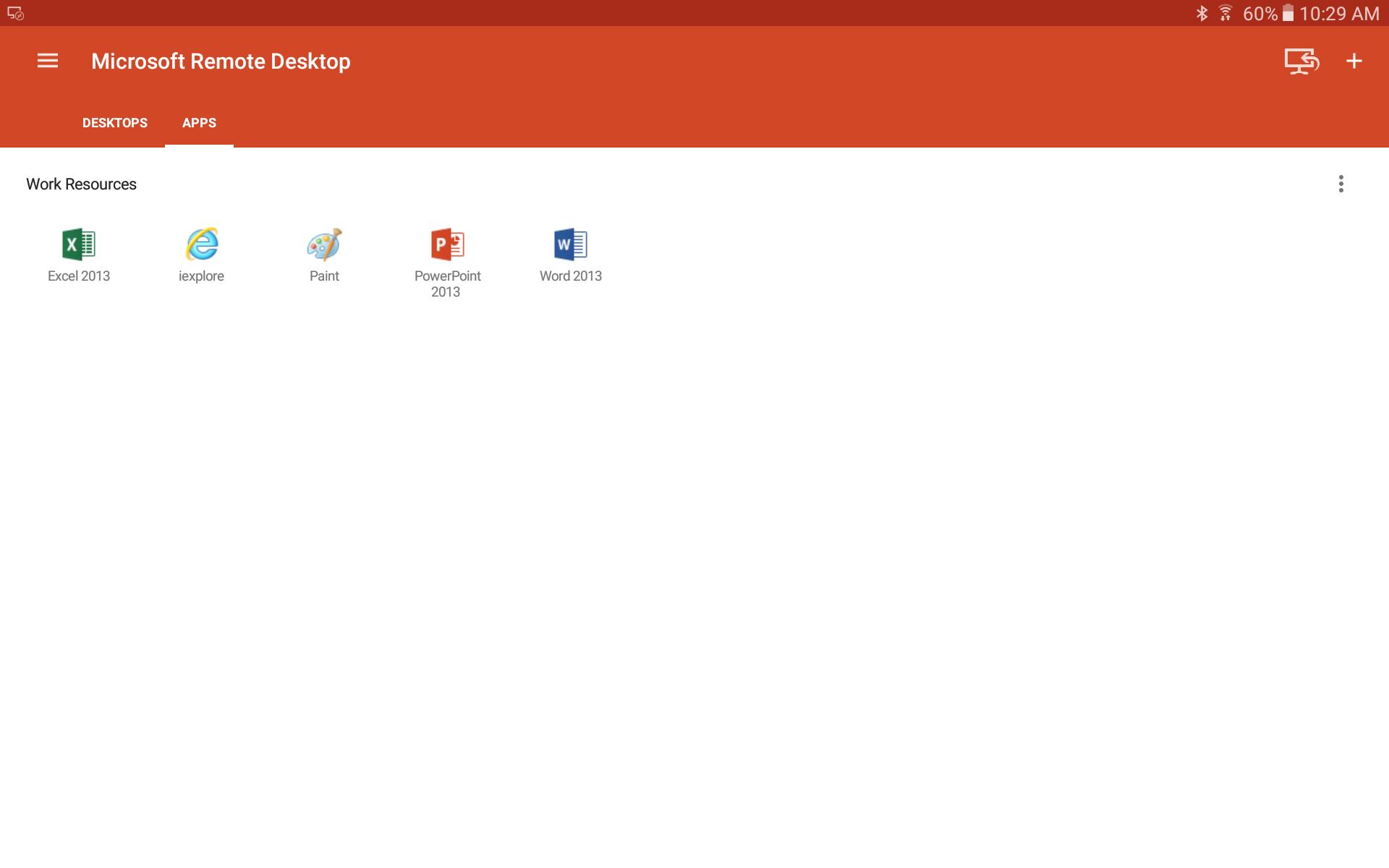
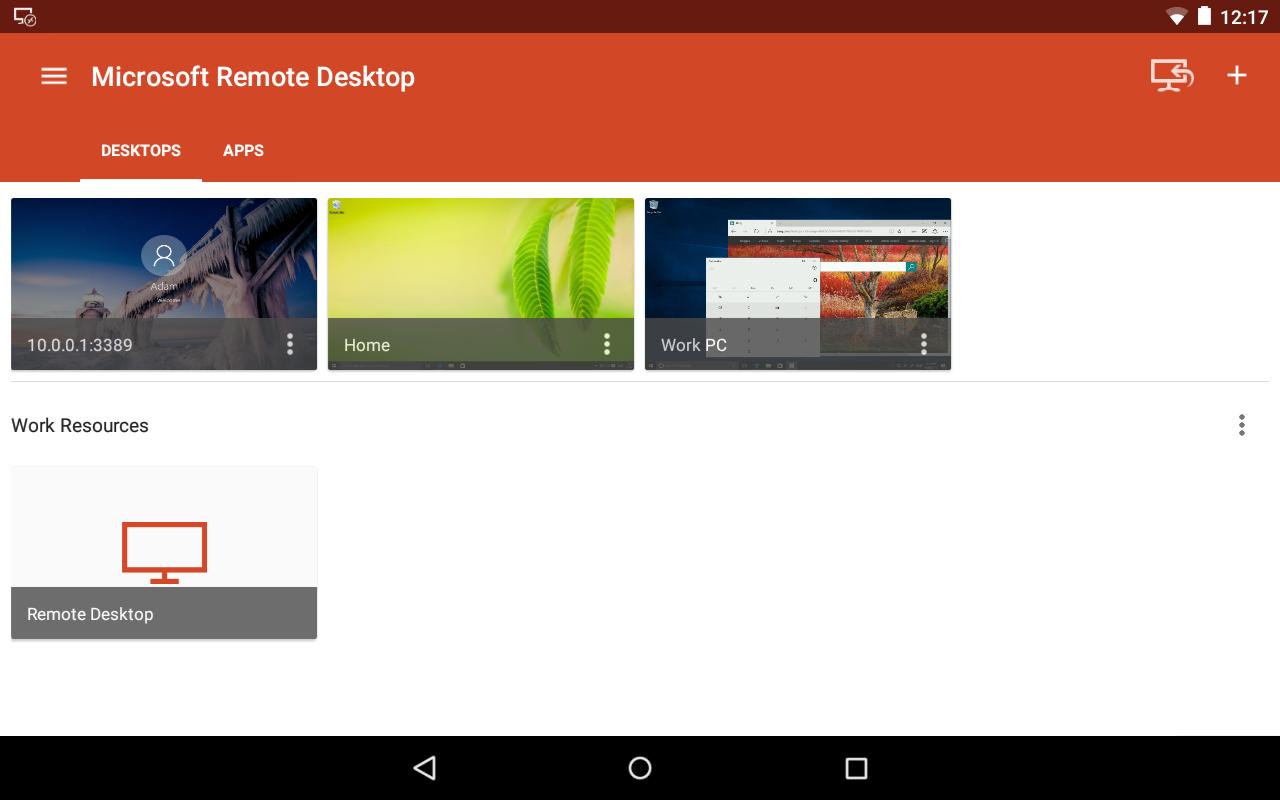
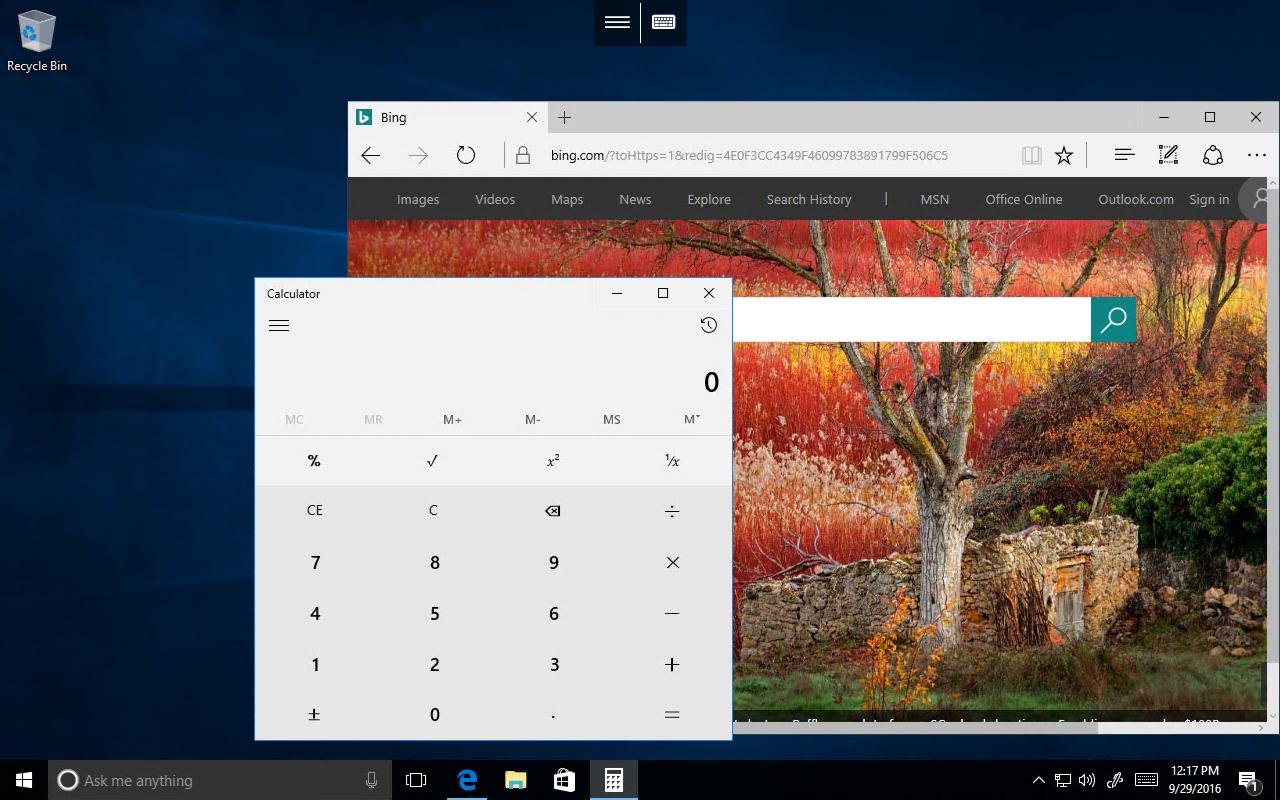
Use the Microsoft Remote Desktop app to connect to a remote PC or virtual apps and desktops made available by your admin. With Microsoft Remote Desktop, you can be productive no matter where you are.
Getting Started
+ Learn how to use Microsoft Remote Desktop at https://aka.ms/rdanddocs.
+ Learn about our other Remote Desktop clients at https://aka.ms/rdclients.
+ Submit feedback at https://aka.ms/rdandfbk.
Features
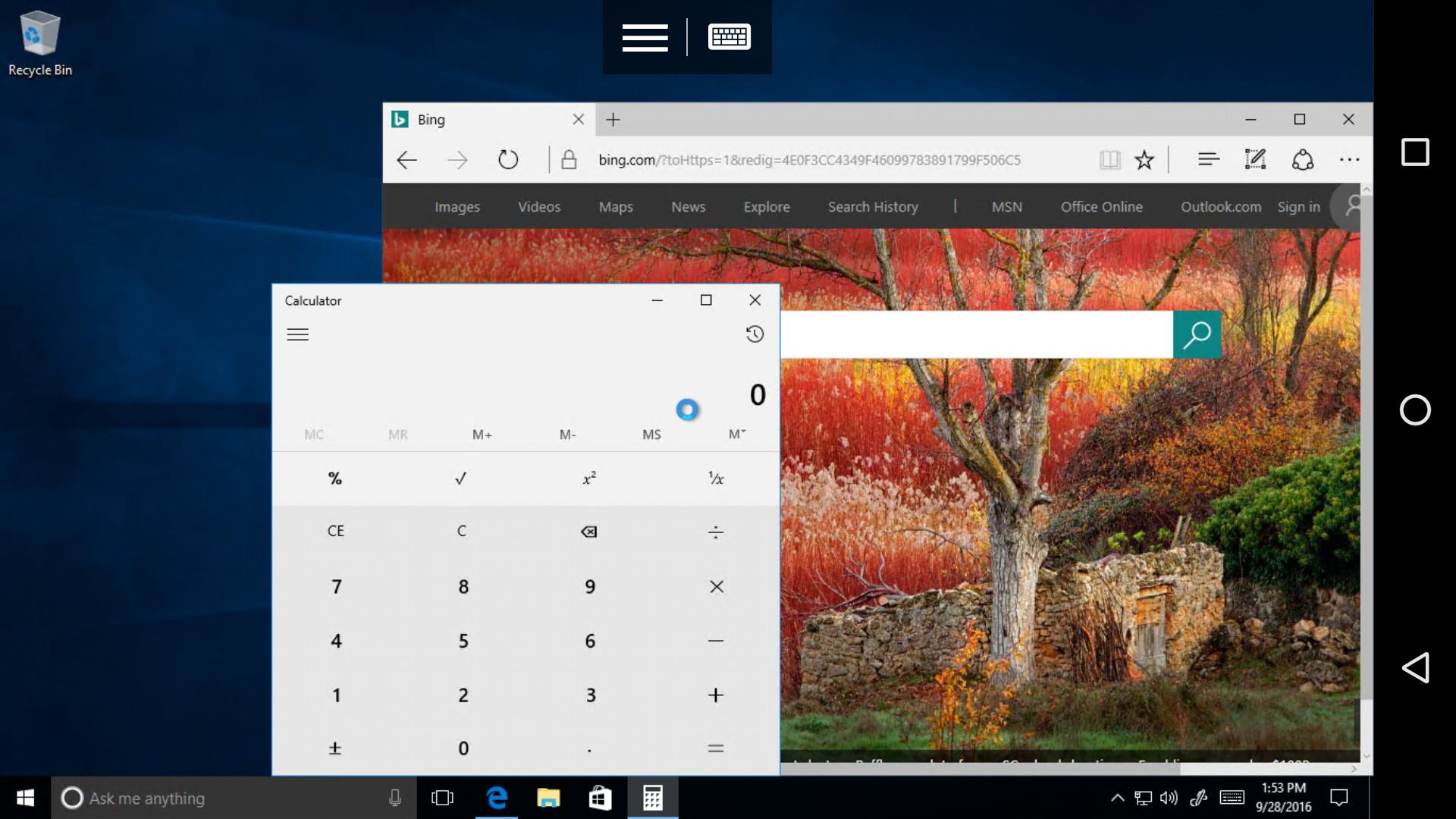
+ Access remote PCs running Windows Professional or Enterprise and Windows Server
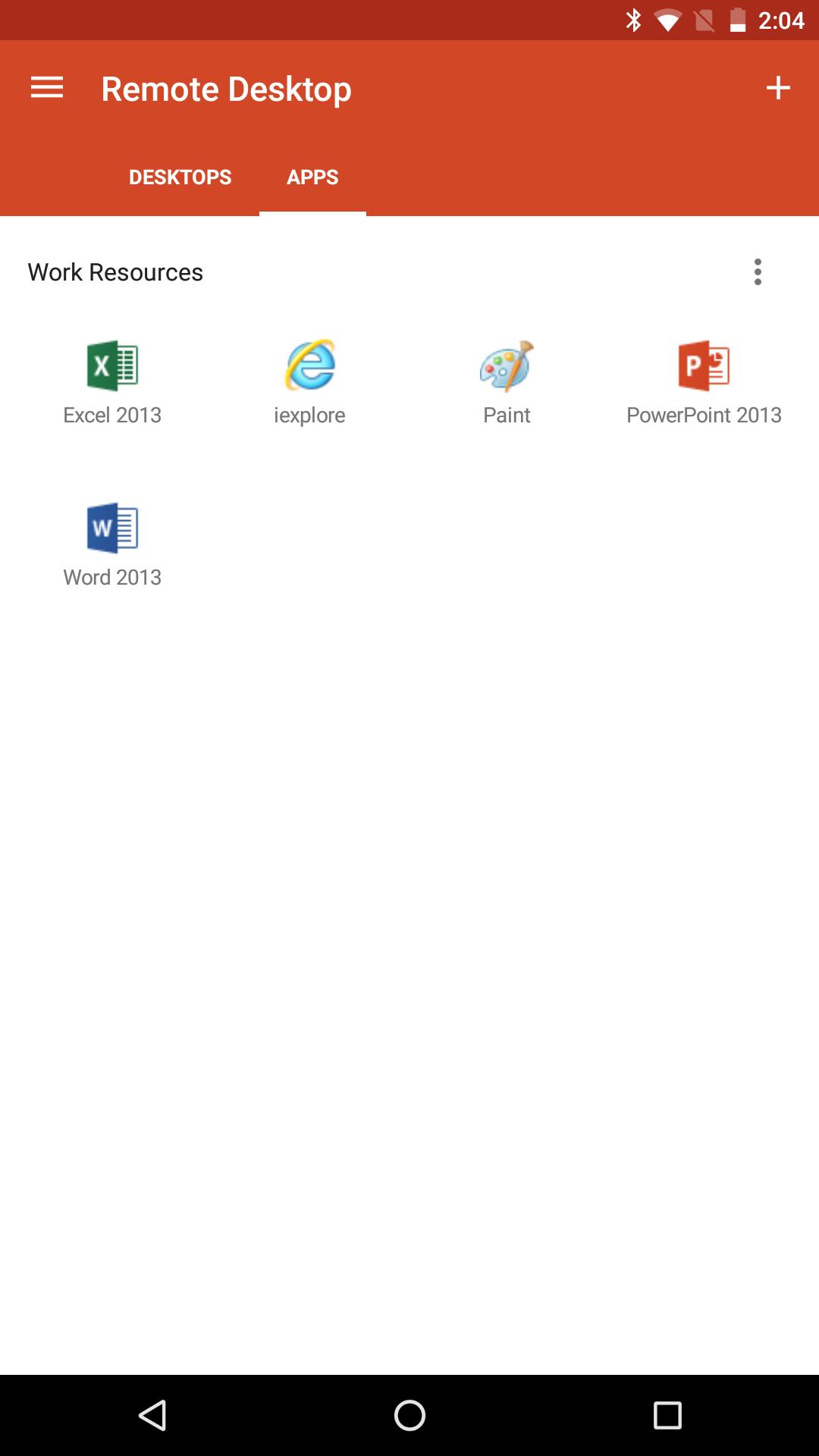
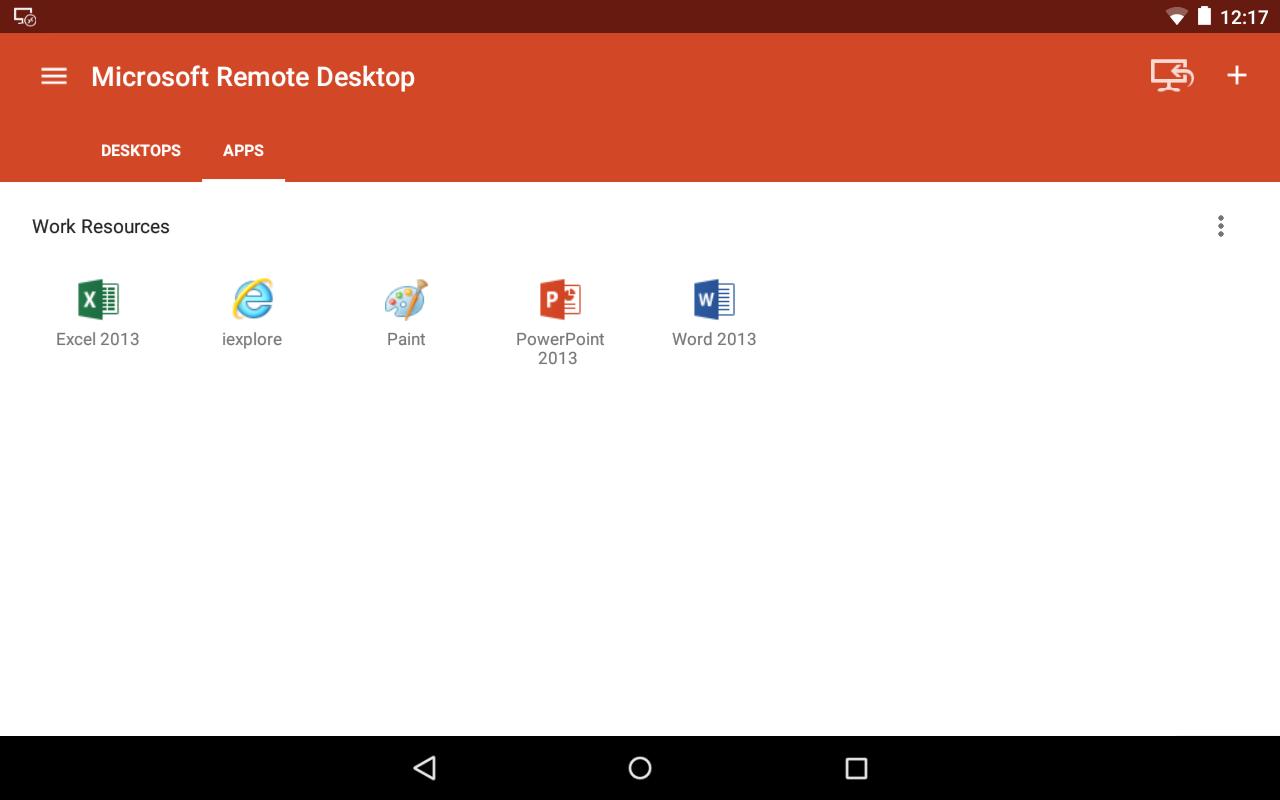
+ Access remote resources published by your IT admin
+ Connect remotely through a Remote Desktop Gateway
+ Rich multi-touch experience supporting Windows gestures
+ Secure connection to your data and applications
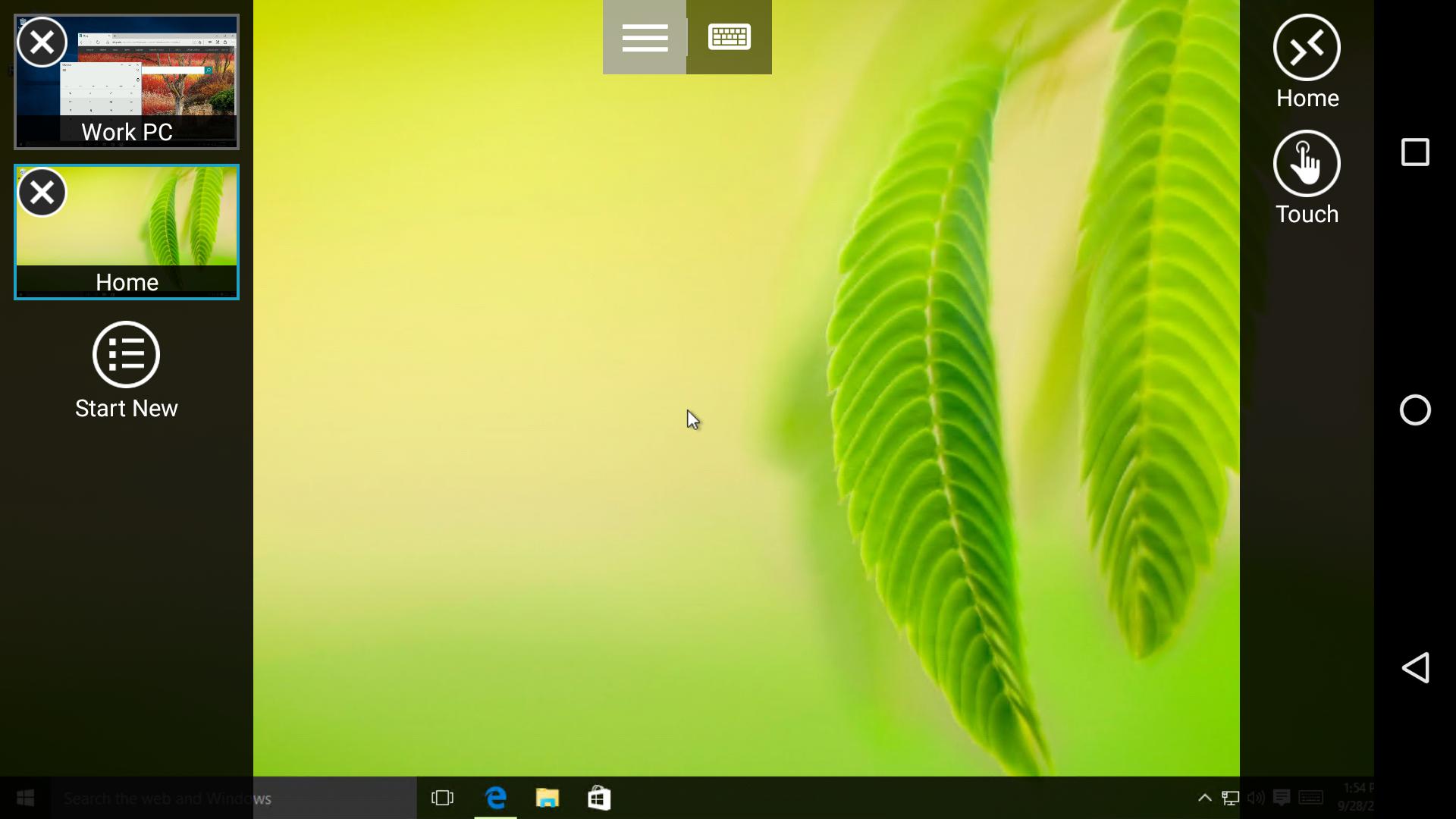
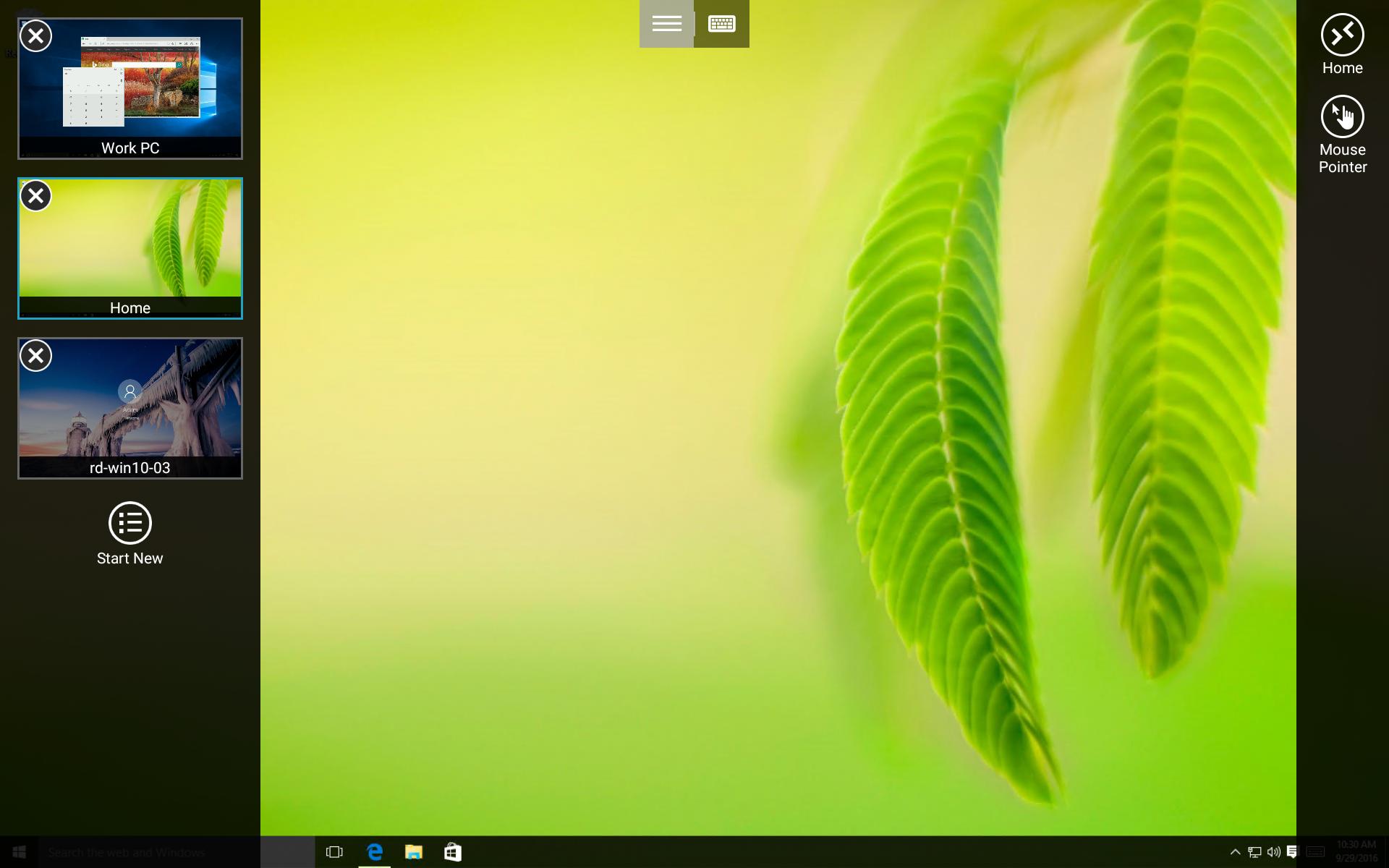
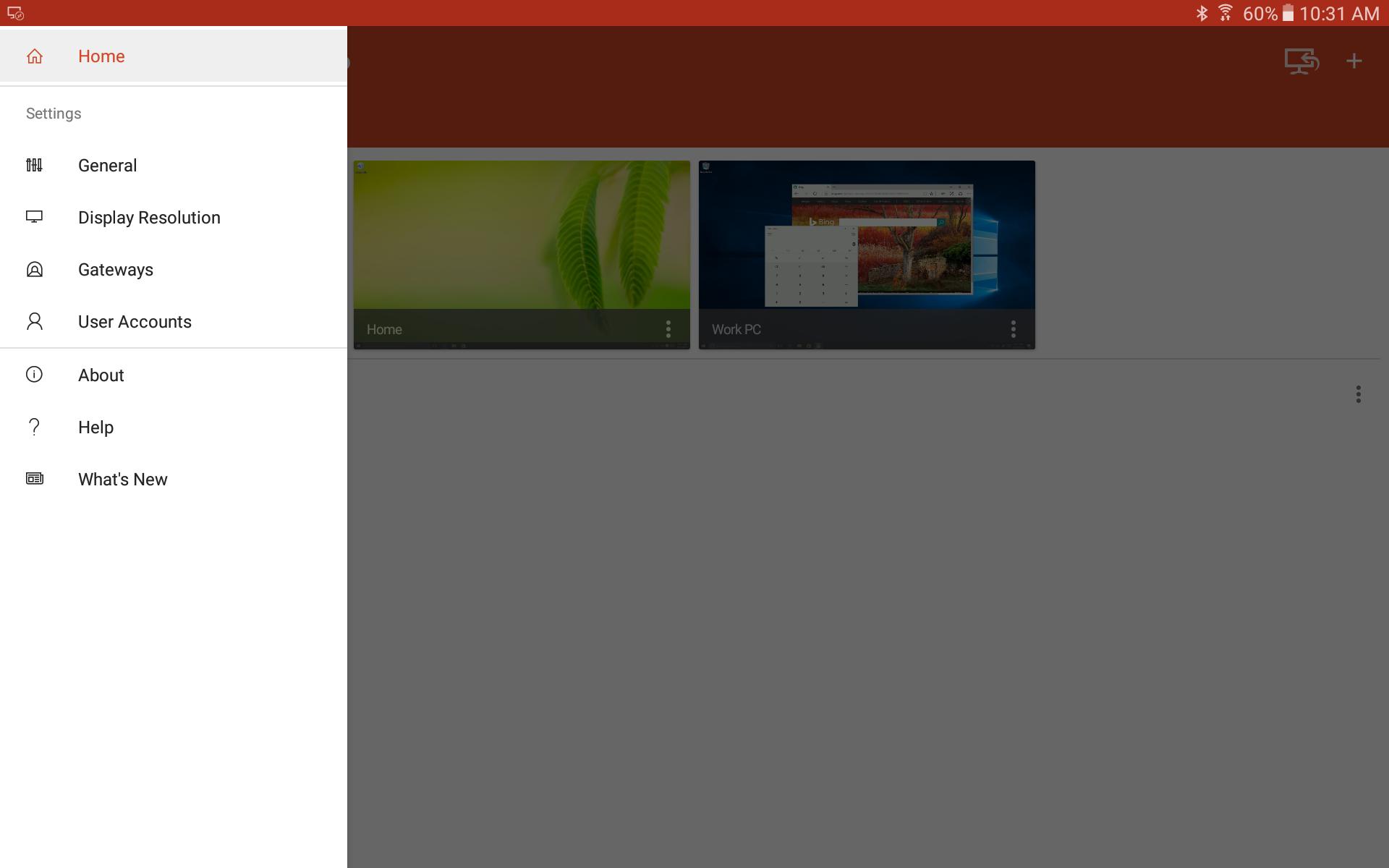
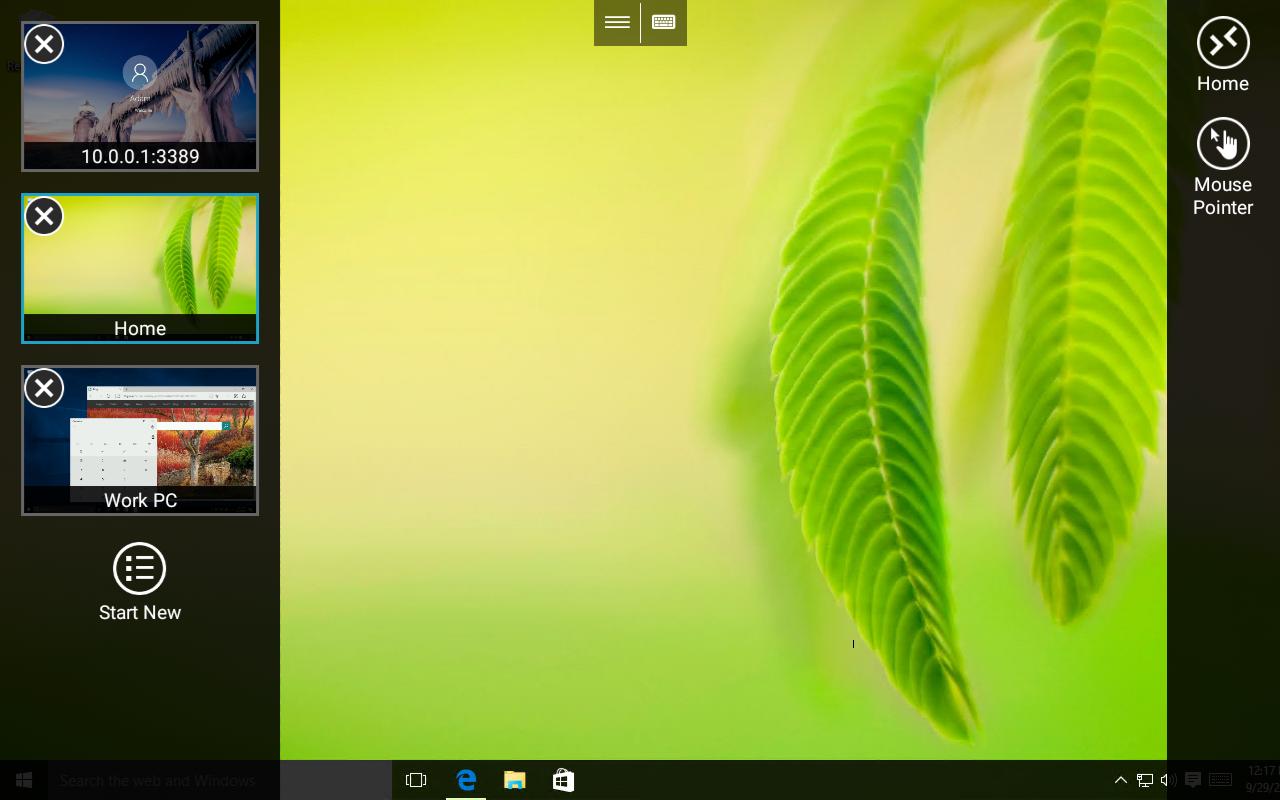
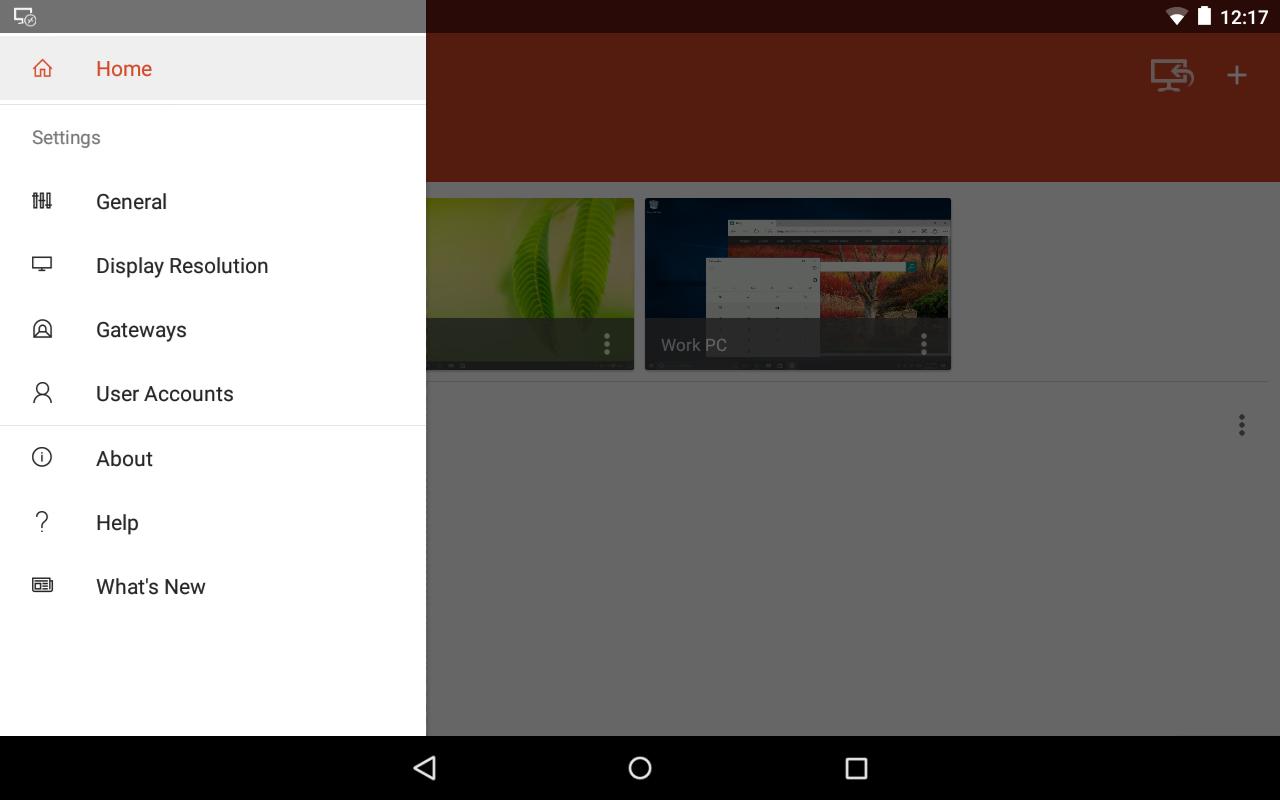
+ Simple management of your connections from the Connection Center
+ High-quality video and audio streaming
Permissions
This app requires certain permissions to use features in the app. These are enumerated below.
Optional access
[Storage]: access authority is required to access local drives and documents from the Remote Desktop session when the Redirect local storage feature is enabled.
Getting Started
+ Learn how to use Microsoft Remote Desktop at https://aka.ms/rdanddocs.
+ Learn about our other Remote Desktop clients at https://aka.ms/rdclients.
+ Submit feedback at https://aka.ms/rdandfbk.
Features
+ Access remote PCs running Windows Professional or Enterprise and Windows Server
+ Access remote resources published by your IT admin
+ Connect remotely through a Remote Desktop Gateway
+ Rich multi-touch experience supporting Windows gestures
+ Secure connection to your data and applications
+ Simple management of your connections from the Connection Center
+ High-quality video and audio streaming
Permissions
This app requires certain permissions to use features in the app. These are enumerated below.
Optional access
[Storage]: access authority is required to access local drives and documents from the Remote Desktop session when the Redirect local storage feature is enabled.
Additional Information
Category
App › Business
Version
8.1.81.435
Updated
Oct 12, 2020
Requires Android
Android: 4.1+ Jelly Bean (API 16)
Permissions
Architectures
Supports 32-bit and 64-bit ARM Android CPU architectures.
arm64-v8a
64-bit
Most modern phones & tablets
Your device
armeabi-v7a
32-bit
Older Android devices
Your device
armeabi
32-bit
Legacy ARM devices
Your device
Target Android
Android: 9 Pie (API 28)
Estimated Download Time
File Size: 18.21 MB
3G network (~2 Mbps)
1m 28s
4G LTE (~25 Mbps)
7 seconds
5G network (~150 Mbps)
2 seconds
Broadband / Wi-Fi (~100 Mbps)
2 seconds
Hashes
SHA-1
DDEE6FD3B9A6297B4F355327124C3DDC35E4D32FSHA-256
75804D072A4100905585B698FBB49B1F21E4DE2B8437F2FD1A734D351ED4D07ASigning Certificate SHA-1
0005DFA128DCE16264AAE61141F2ED2B688AA14D