APKs
Split APK — use Split APKs Installer (SAI) to install.
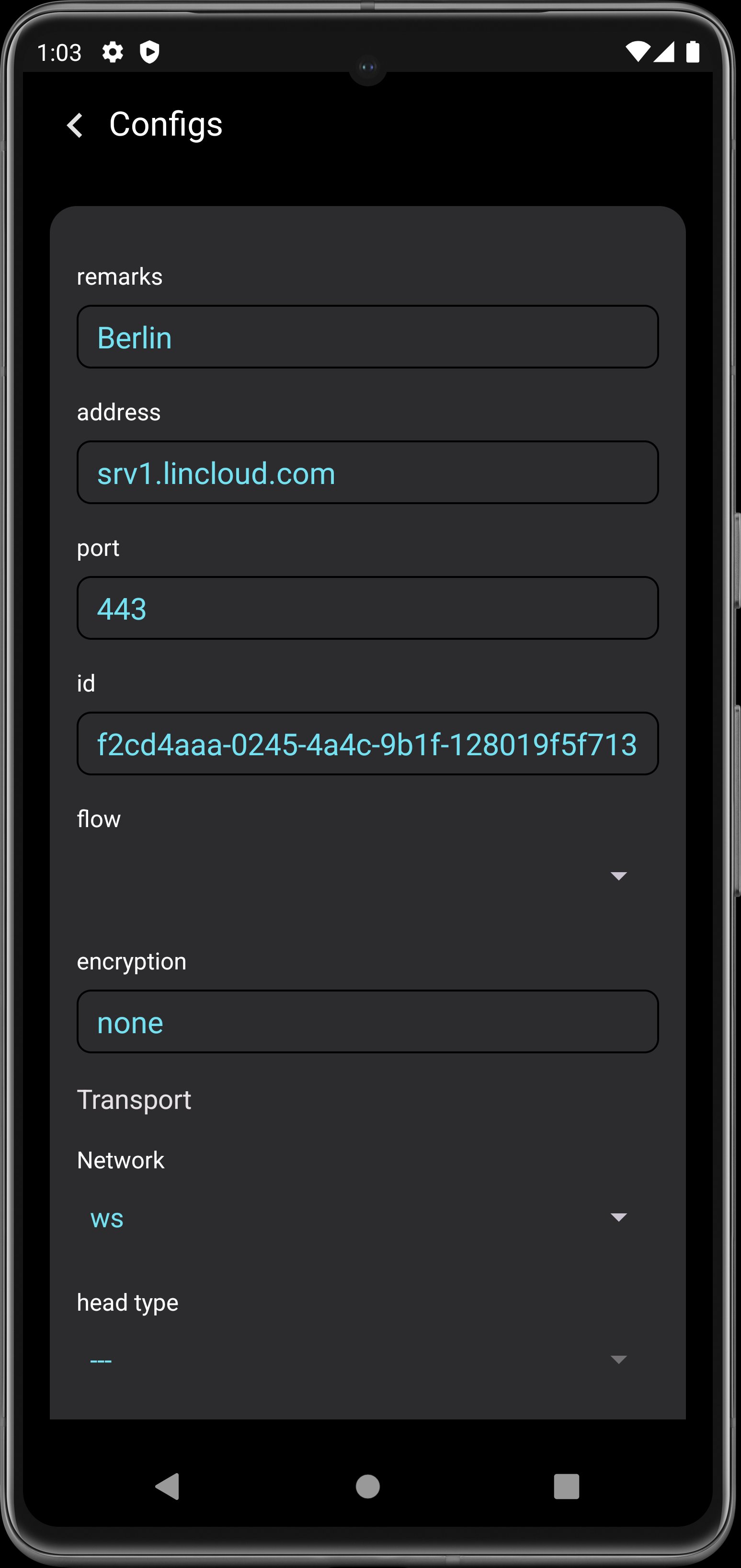
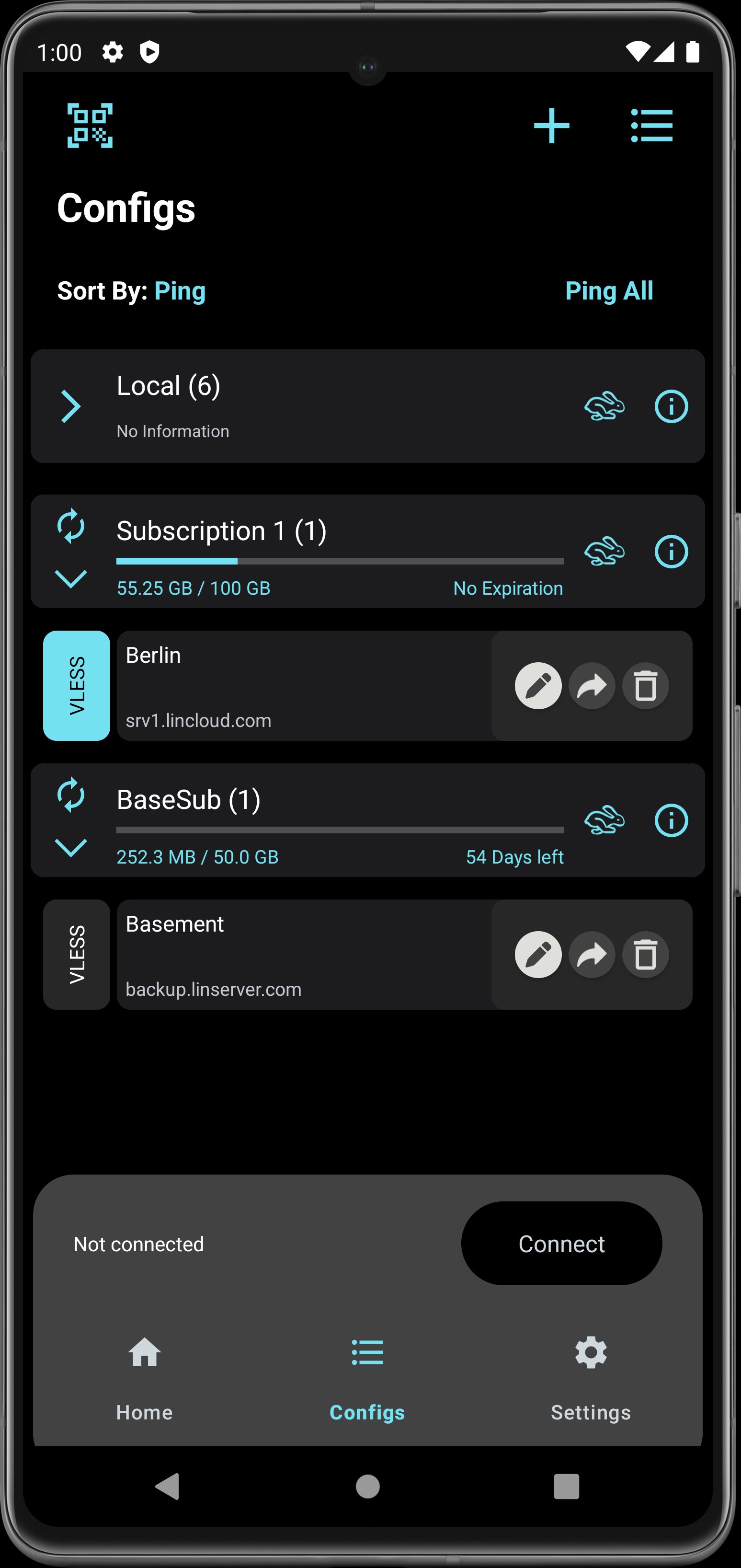
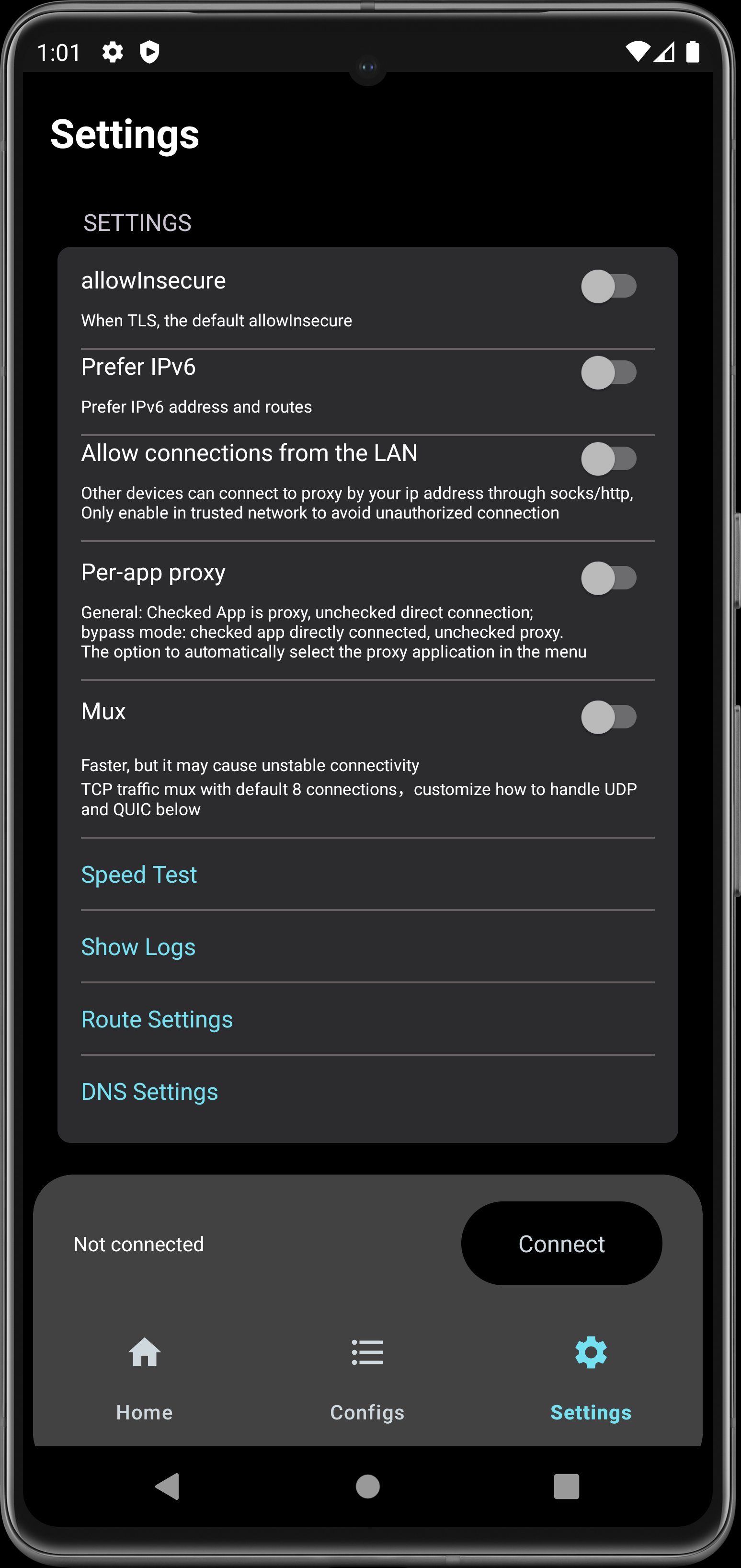
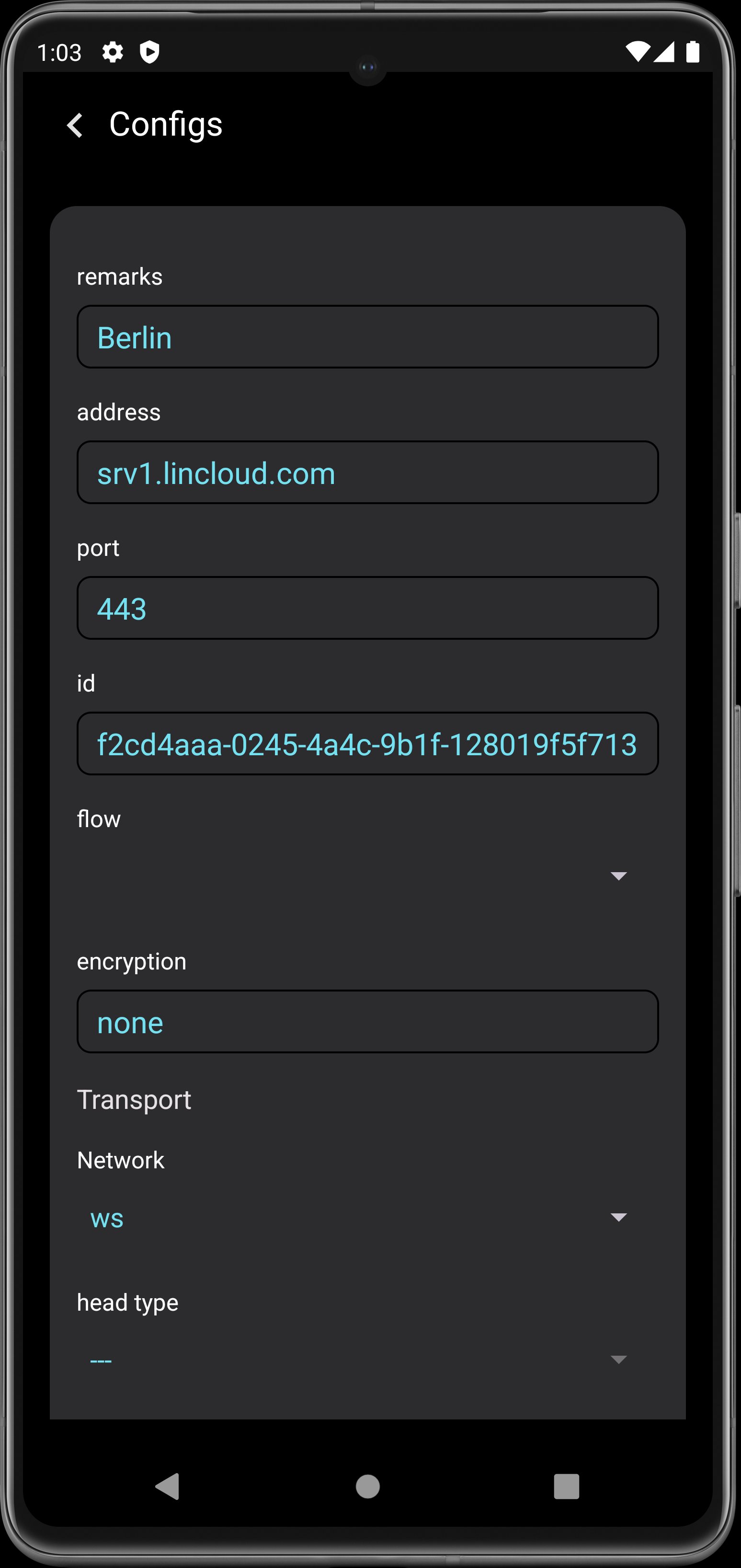
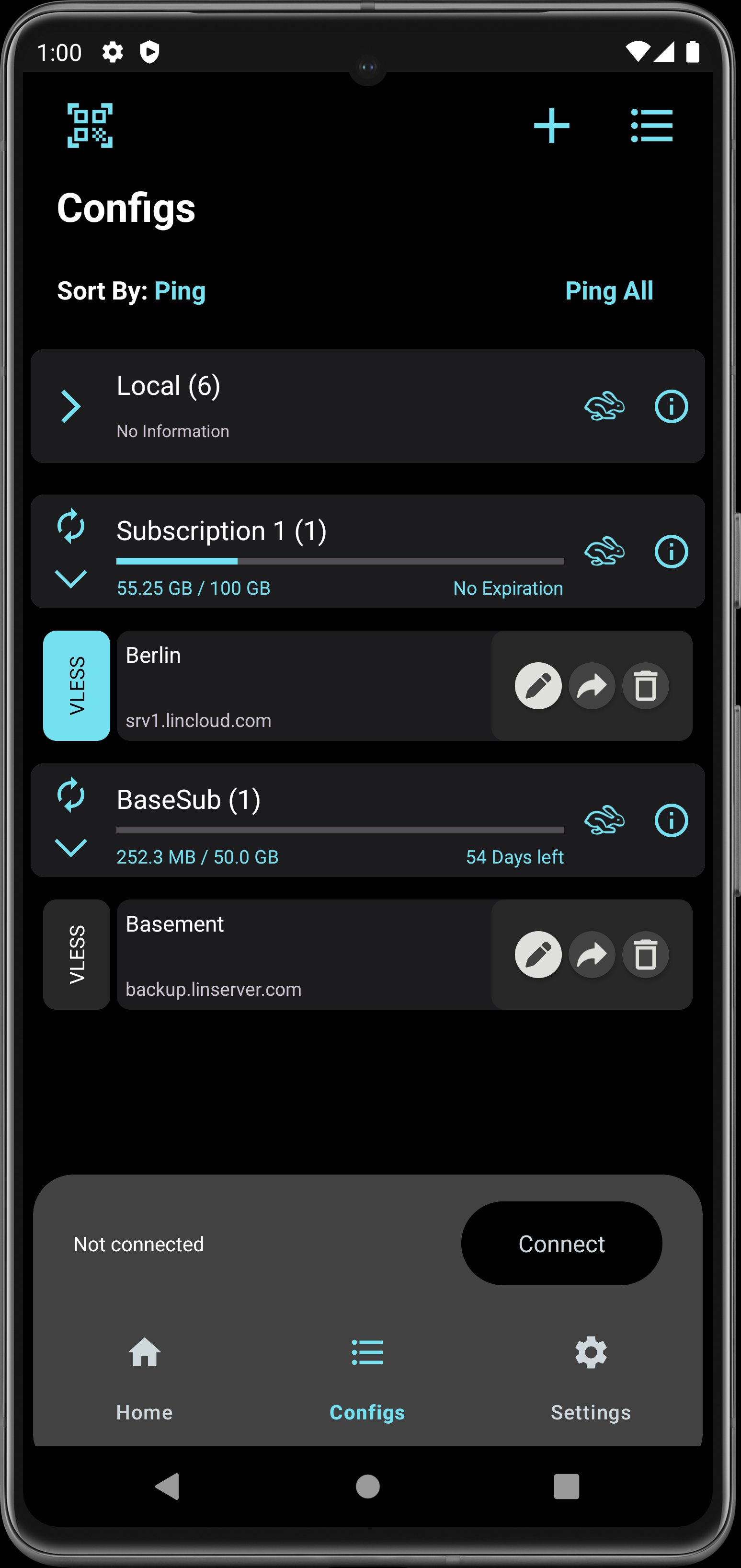
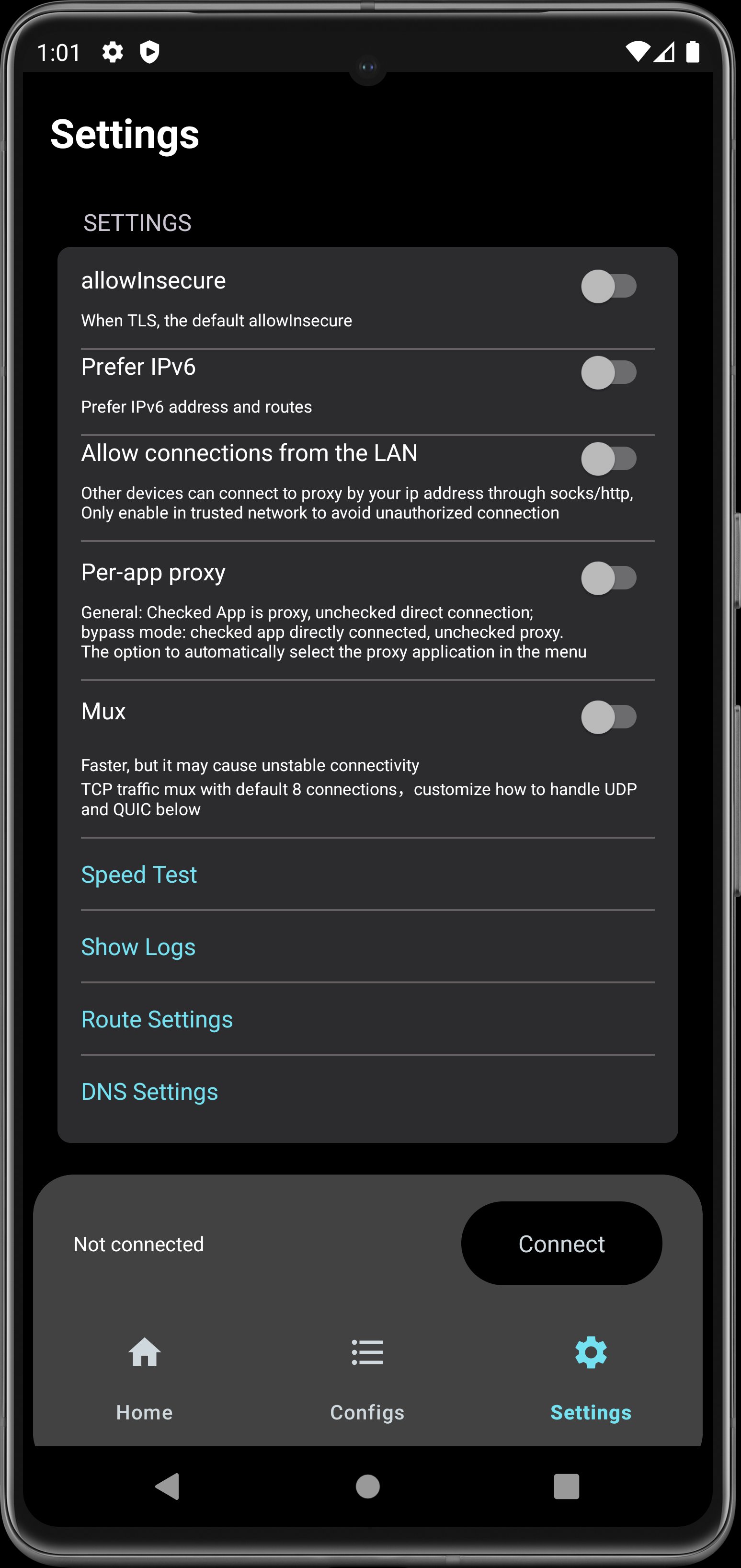
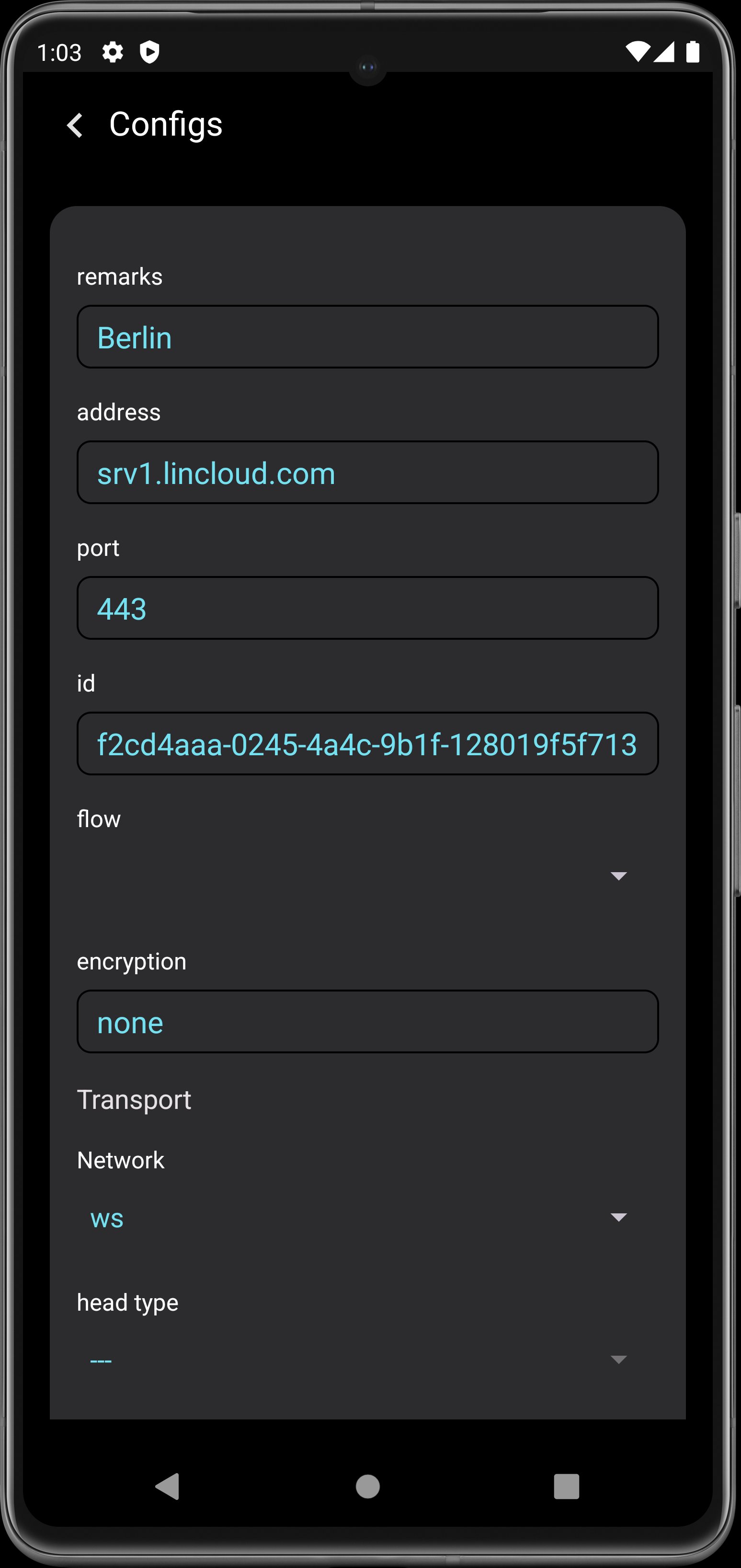
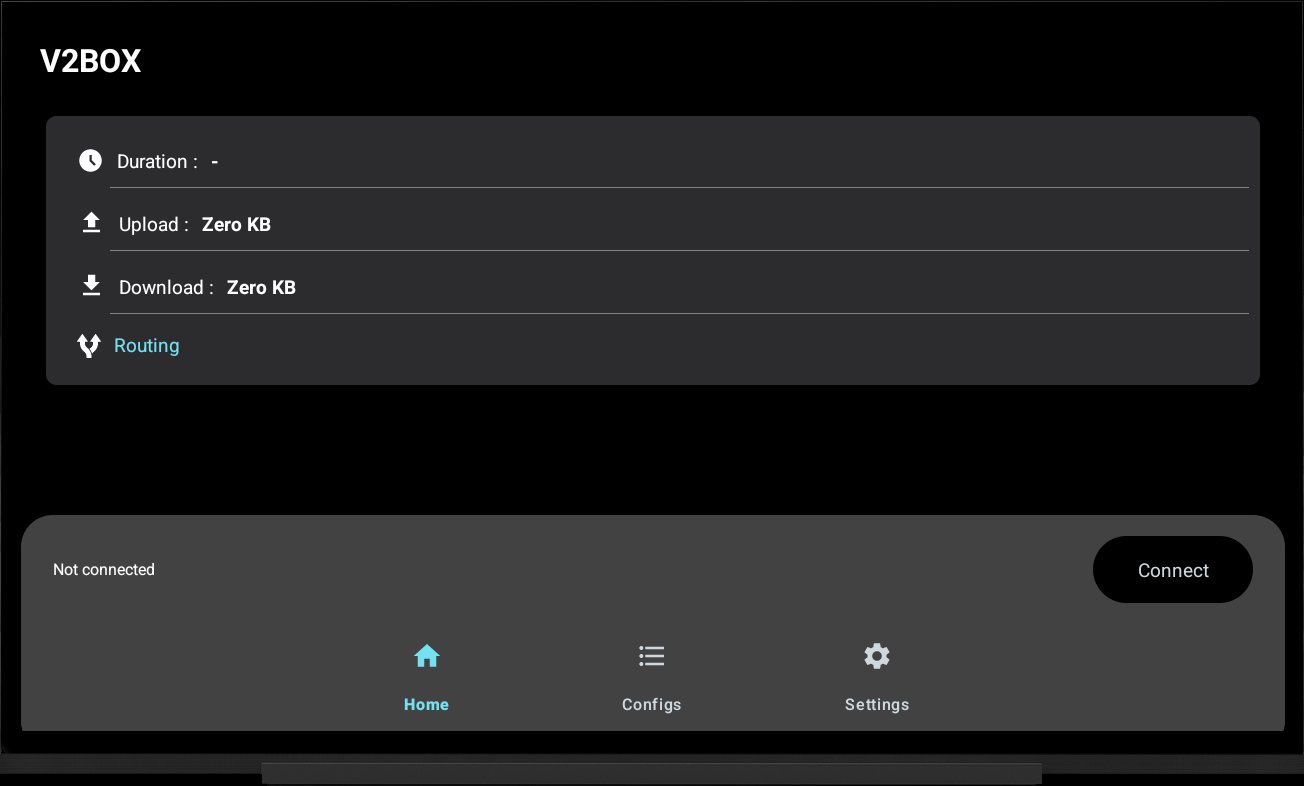
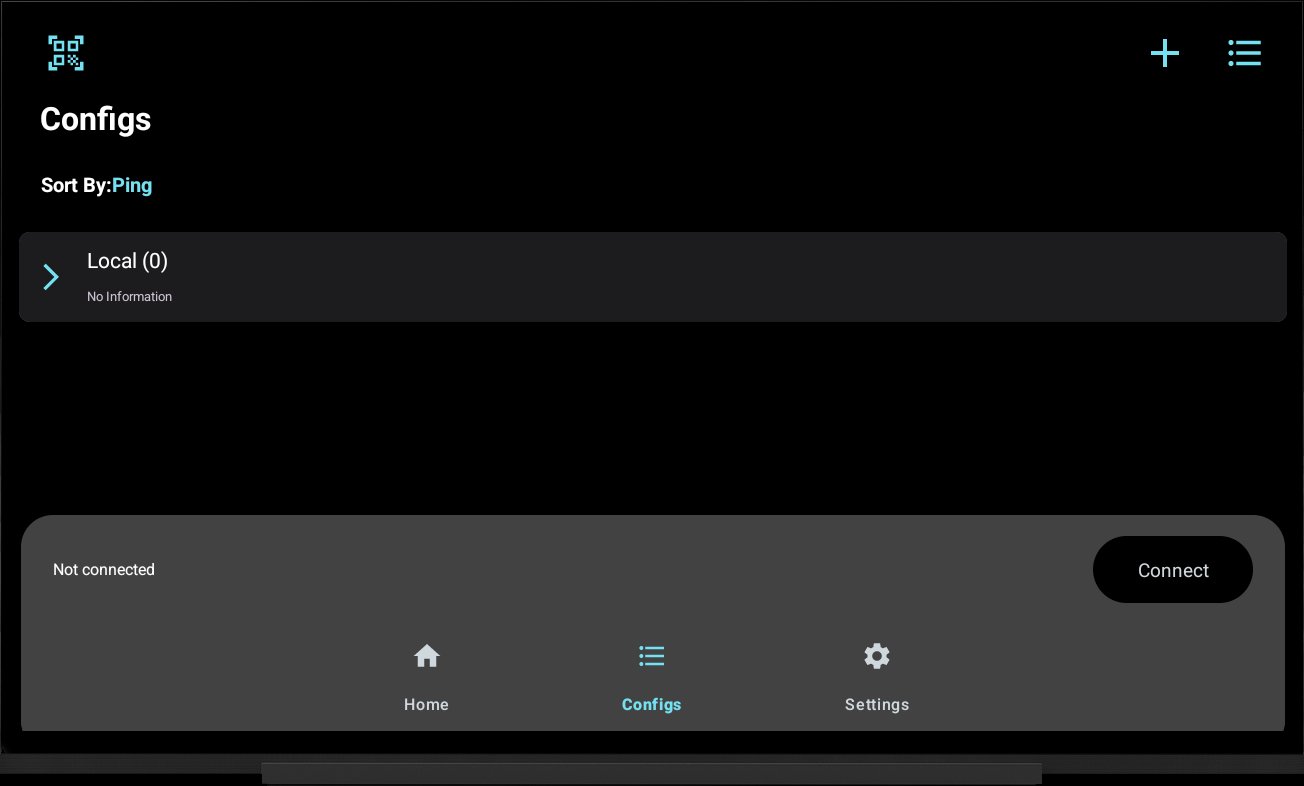
About V2Box - V2ray Client
V2Box - V2ray Client Description
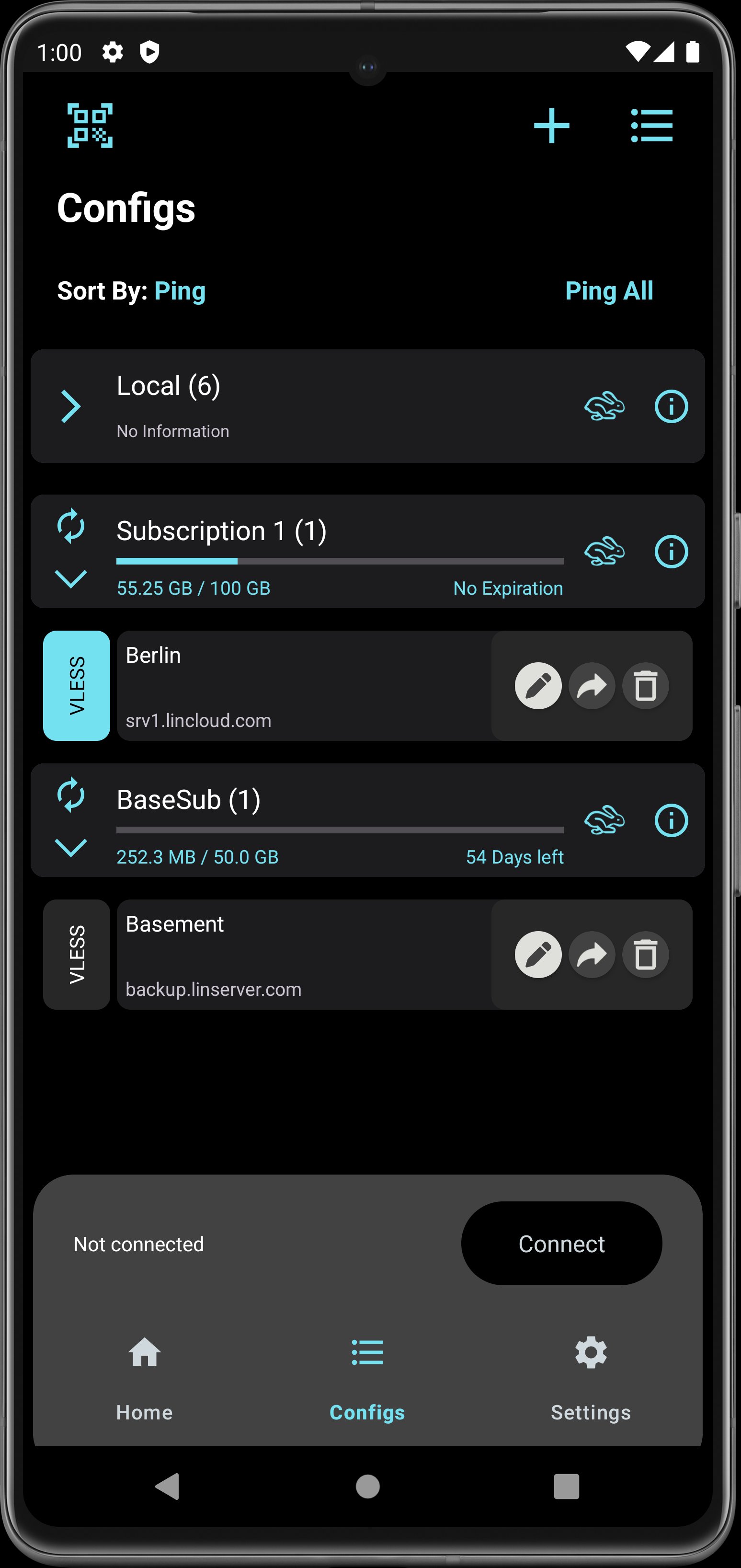
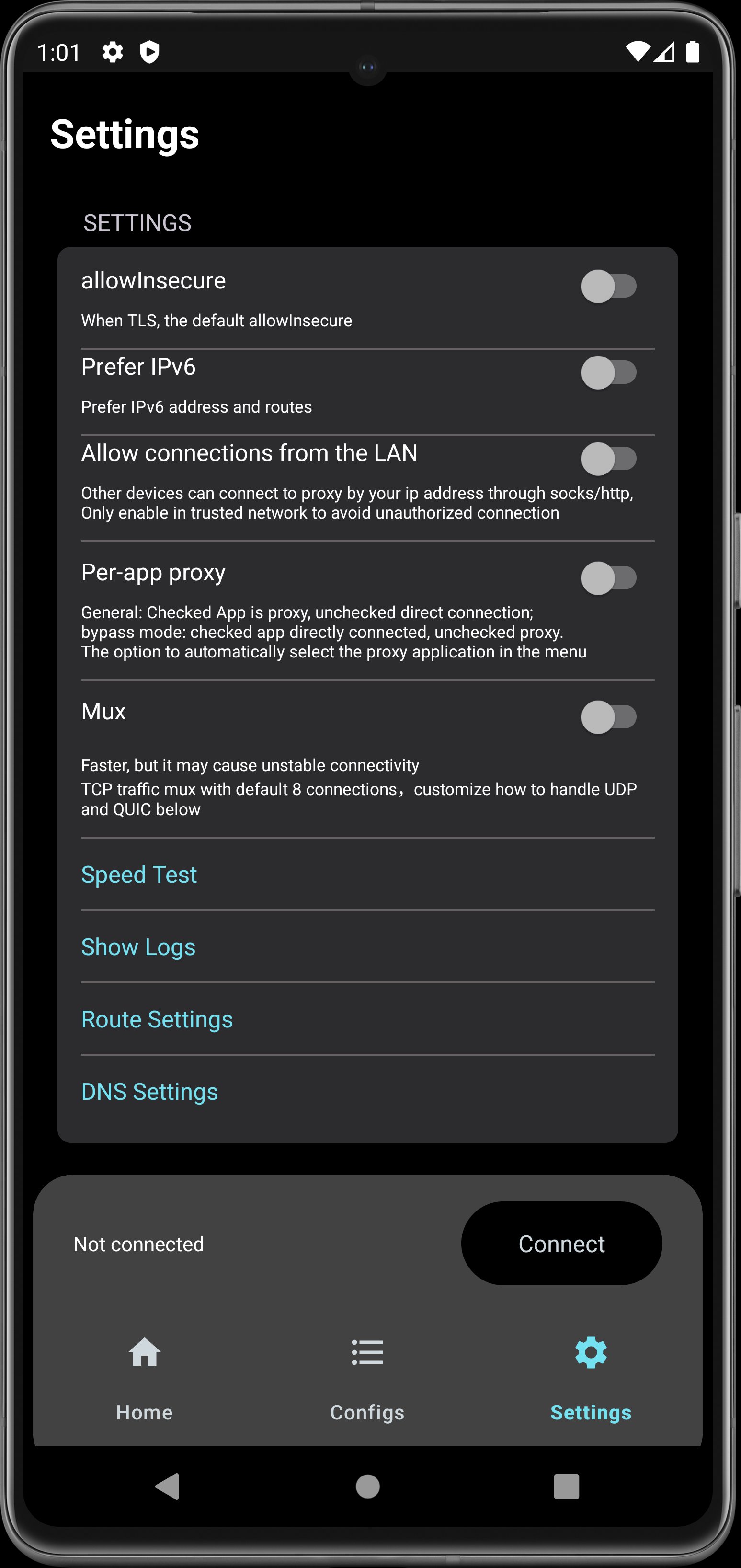
V2box - V2ray Client is a VPN Internet network proxy , Supports multiple proxy protocols, such as Shadowsocks, V2ray, Vmess, vless, Trojan, SSH, Hysteria, Ping Tunnel
Features:
- Support for adding custom servers proxy (Shadowsocks, v2ray, trojan,vless,vmess)
- Support Reality (xray)
- Support Hysteria / Hysteria2
- Support Ping Tunnel
- Support vless vision
- Support utls
- Support SSH
- Support V2ray / Xray Subscription Link
- Support JSON V2ray
- Multiple encryption protocol support, AES-128-GCM, AES-192-GCM, AES-256-GCM, Chacha20-IETF, Chacha20 - ietf - poly1305, xchacha20 ietf -- poly1305
- Stealth and stable v2ray core, no need to log in and register, easy to use
- Does not save any user log information
- Wi-Fi Security when using Public Hotspots
- Protect your network IP and privacy security
- Unmatched network speed and performance
Features:
- Support for adding custom servers proxy (Shadowsocks, v2ray, trojan,vless,vmess)
- Support Reality (xray)
- Support Hysteria / Hysteria2
- Support Ping Tunnel
- Support vless vision
- Support utls
- Support SSH
- Support V2ray / Xray Subscription Link
- Support JSON V2ray
- Multiple encryption protocol support, AES-128-GCM, AES-192-GCM, AES-256-GCM, Chacha20-IETF, Chacha20 - ietf - poly1305, xchacha20 ietf -- poly1305
- Stealth and stable v2ray core, no need to log in and register, easy to use
- Does not save any user log information
- Wi-Fi Security when using Public Hotspots
- Protect your network IP and privacy security
- Unmatched network speed and performance
What's new
Version 6.1.2 (Aug 21, 2026)
• Faster, more reliable connecting — fixed crashes when starting the VPN
• Fixed encrypted config export/import wrongly reporting an invalid key, including files from iOS
• SSH, Ping and DNSTT now work with domain addresses, not just IPs
• Much faster ping and speed tests
• Share logs straight from the Log screen
• Import SOCKS4/SOCKS5 links
• Added ECH support
• Fixed saving Hysteria2 and Ping profiles
• Fixed traffic counters and group export
This is the latest APK we verified and uploaded. Older versions are still available.
Frequently Asked Questions
No account or registration is required; you can start using the app after installation.
The app uses the device camera (including front and flash) for QR code scanning and requires a touchscreen. It also supports Android TV (leanback) and Wi‑Fi connectivity.
V2Box requires Android 10 (API level 29) or higher and is built for the arm64‑v8a architecture.
The camera permission is used for scanning QR codes that contain proxy configuration data.
It requests QUERY_ALL_PACKAGES, CAMERA, FOREGROUND_SERVICE, RECEIVE_BOOT_COMPLETED, and advertising‑related IDs, among others, which can access package information, camera, and device identifiers.
Additional Information
Category
App › Tools
Version
6.1.2
Updated
Aug 21, 2026
Requires Android
Android: 10+ Android 10 (API 29)
Permissions
Low risk
70 / 100
High risk
The app requests high‑risk permissions such as CAMERA and QUERY_ALL_PACKAGES, which can expose camera use and full visibility of installed apps. Additional permissions like FOREGROUND_SERVICE, RECEIVE_BOOT_COMPLETED, and advertising IDs increase privacy exposure, leading to a moderate‑high risk rating.
Architectures
Supports 64-bit ARM Android CPU architectures.
arm64-v8a
64-bit
Most modern phones & tablets
Your device
Target Android
Estimated Download Time
File Size: 31.23 MB
3G network (~2 Mbps)
2m 30s
4G LTE (~25 Mbps)
12 seconds
5G network (~150 Mbps)
2 seconds
Broadband / Wi-Fi (~100 Mbps)
3 seconds
Hashes
SHA-1
2cb4aa06df9fb0e8837b8a4ae4318e4a083a616dSHA-256
887331D0AAE2EFFA5E310A1F2E01C2BAEE2F8B1A50E6185A8C0D45F0092B311FSigning Certificate SHA-1
69cbd16e80d1a3c03459d1a35b3107c5e449672eAvailable On