About MediaFire
MediaFire lets you easily upload all your files - like your photos, videos, music, and documents - and access them from anywhere with your phone, tablet, computer, or the web!
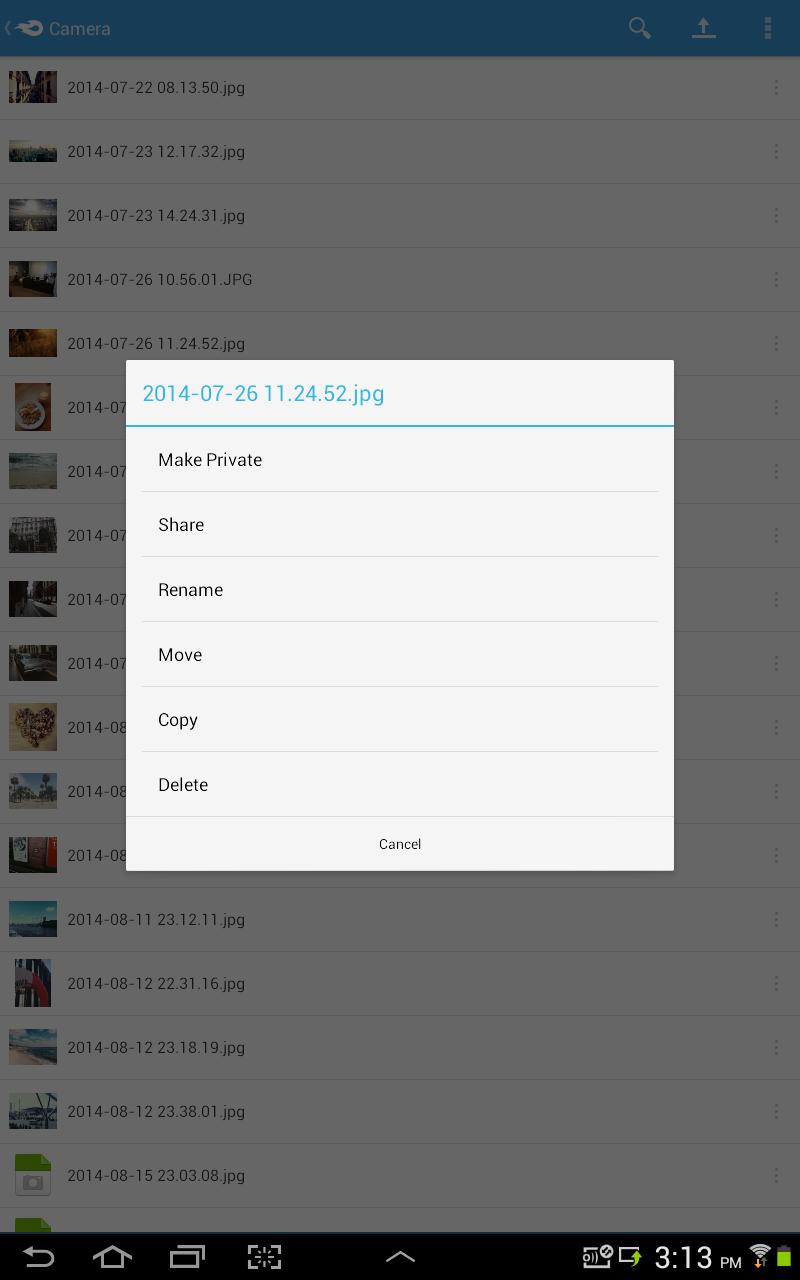
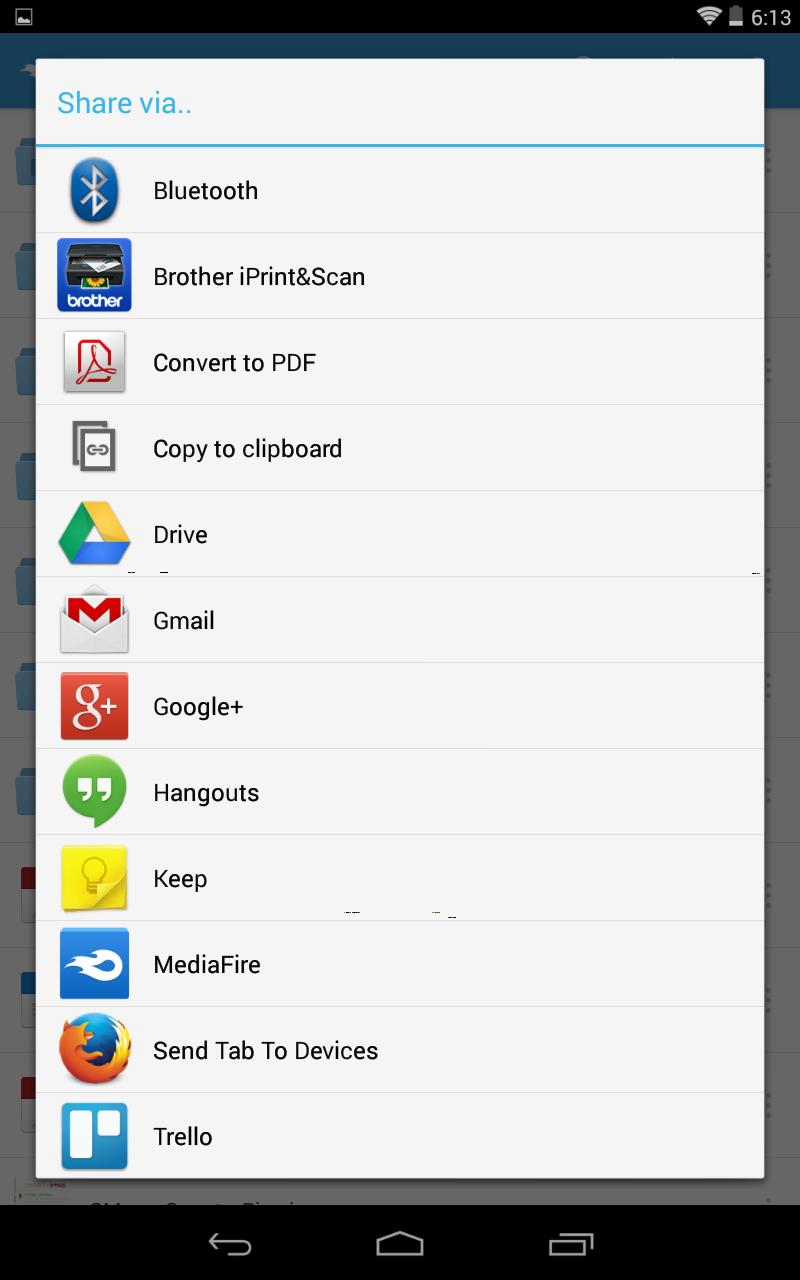
Upload files and folders from other Android apps (including most file managers) by using the Android "Share to" option and selecting "MediaFire". This will upload the file or folder directly into your MediaFire account.
Features:
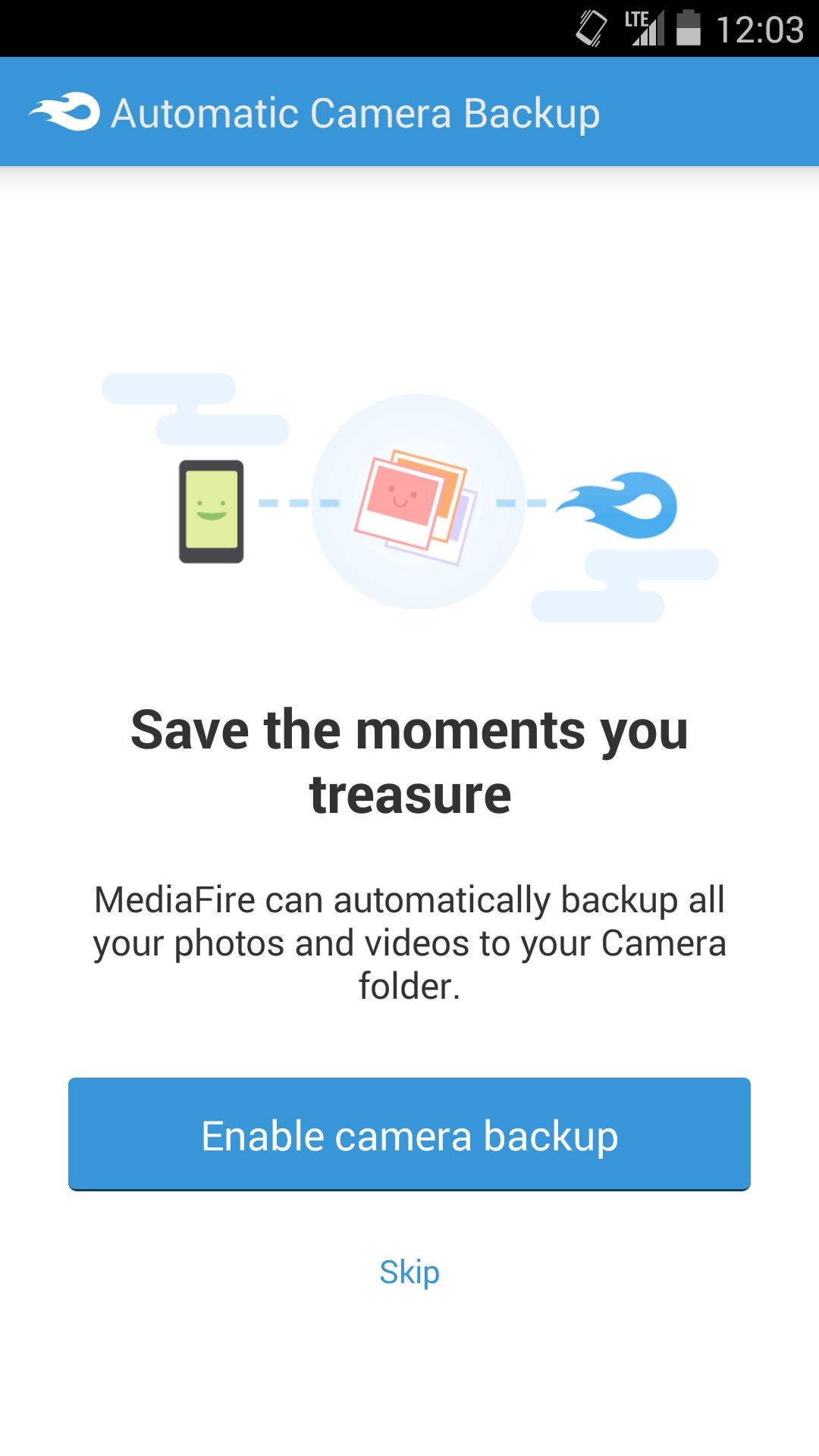
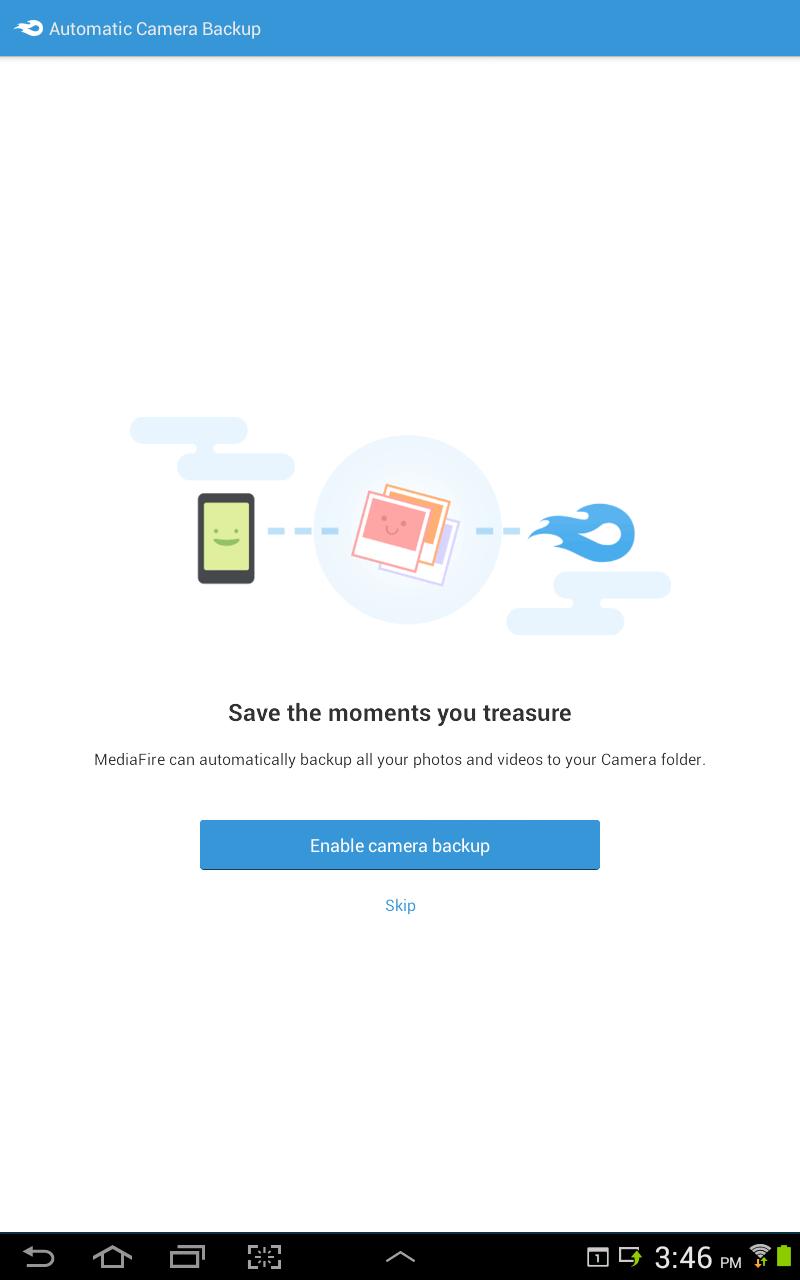
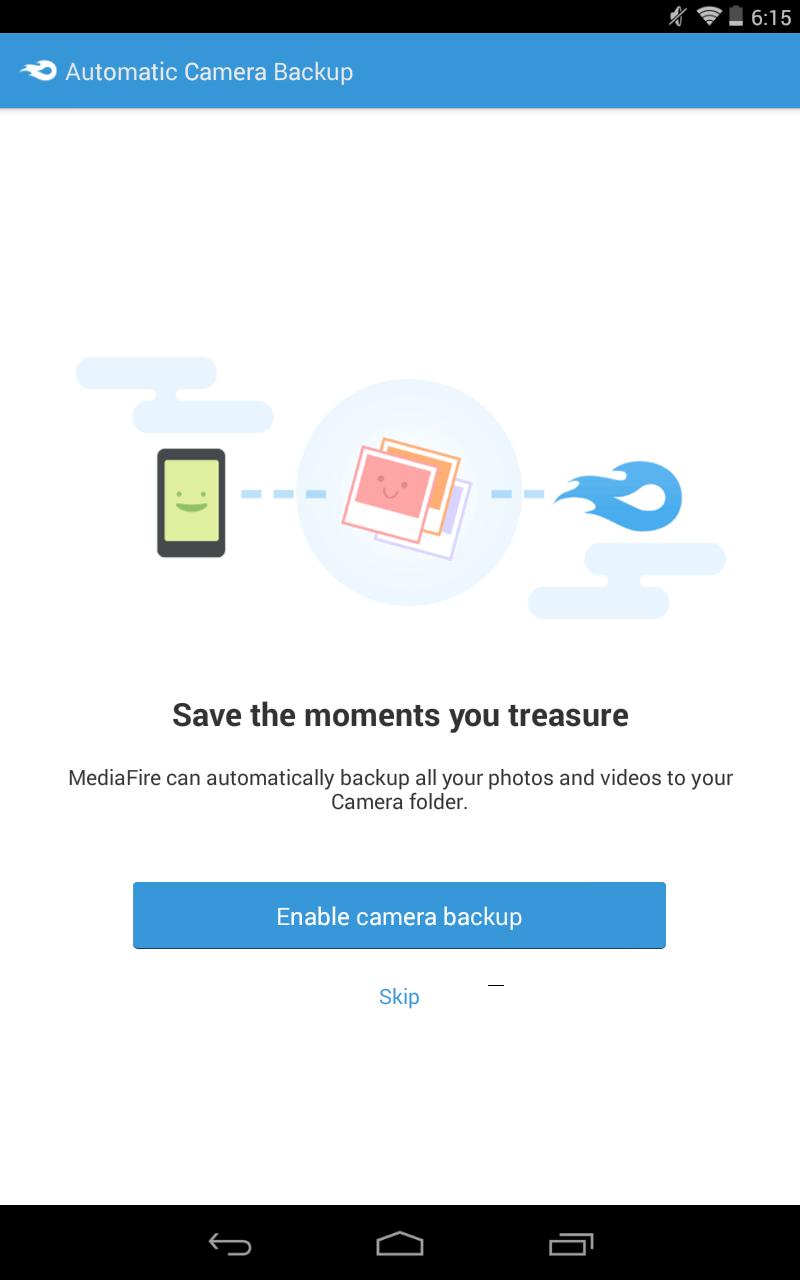
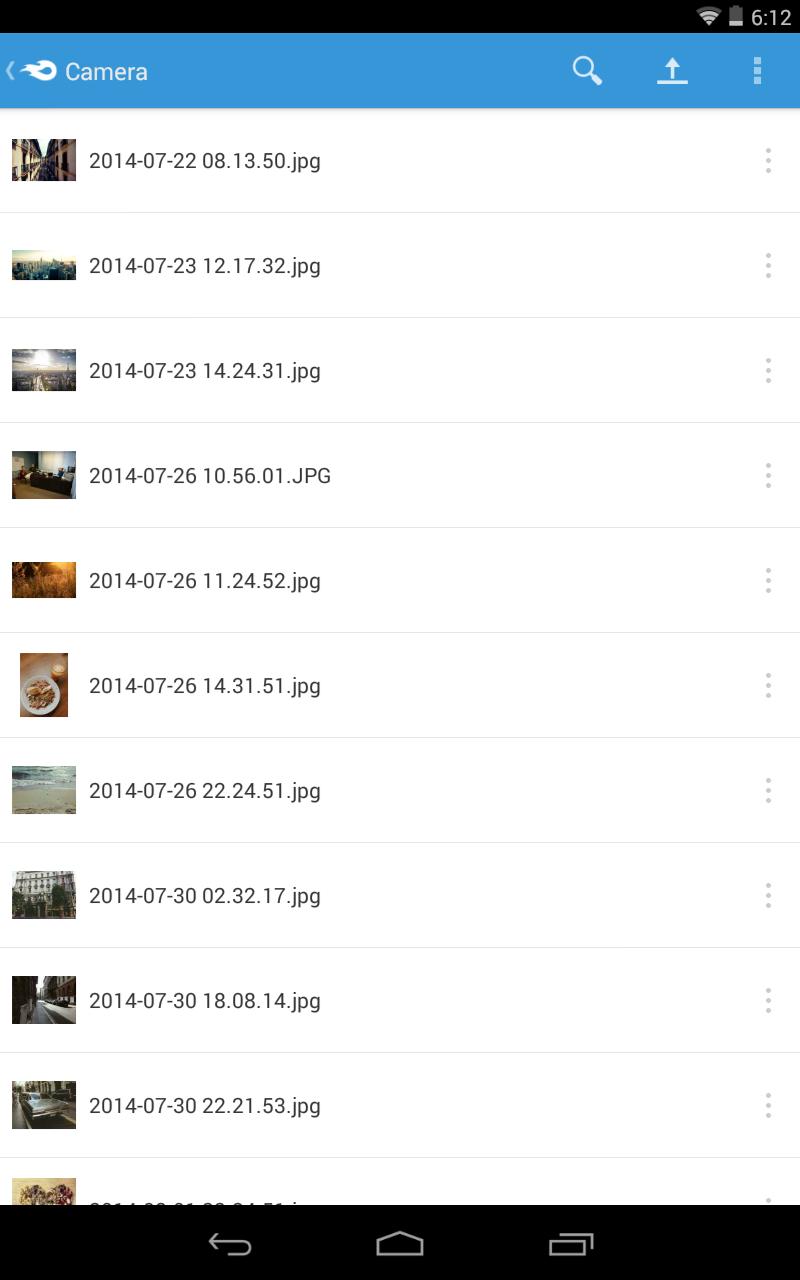
• Automatically backup all your photos and videos.
• Upload files from anywhere with "Share to MediaFire".
• 12 GB of space - free!
• Earn up to 50 GB of free space.
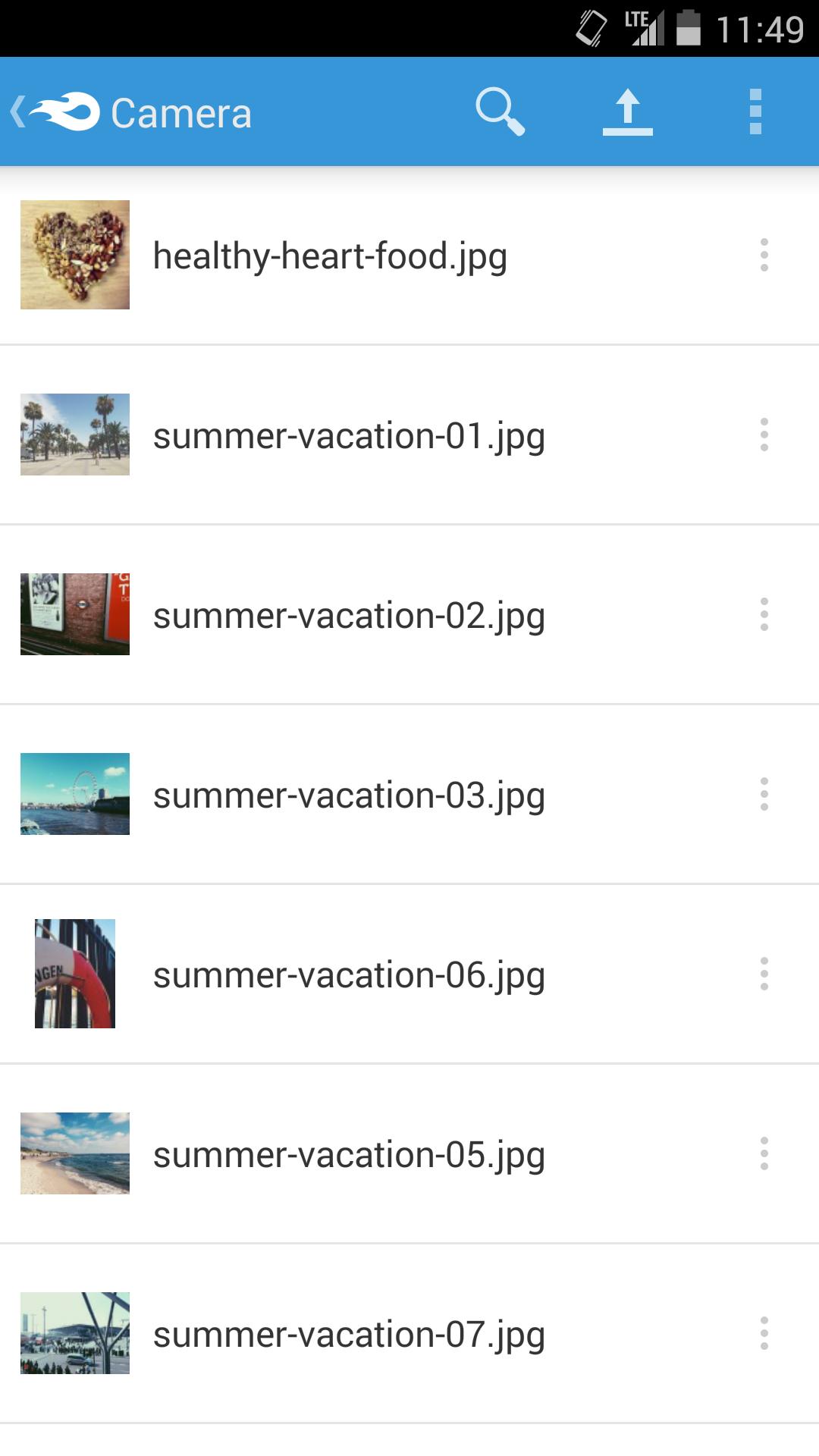
• Stream and play music and videos.
• View docs, spreadsheets, presentations, video, and listen to audio.
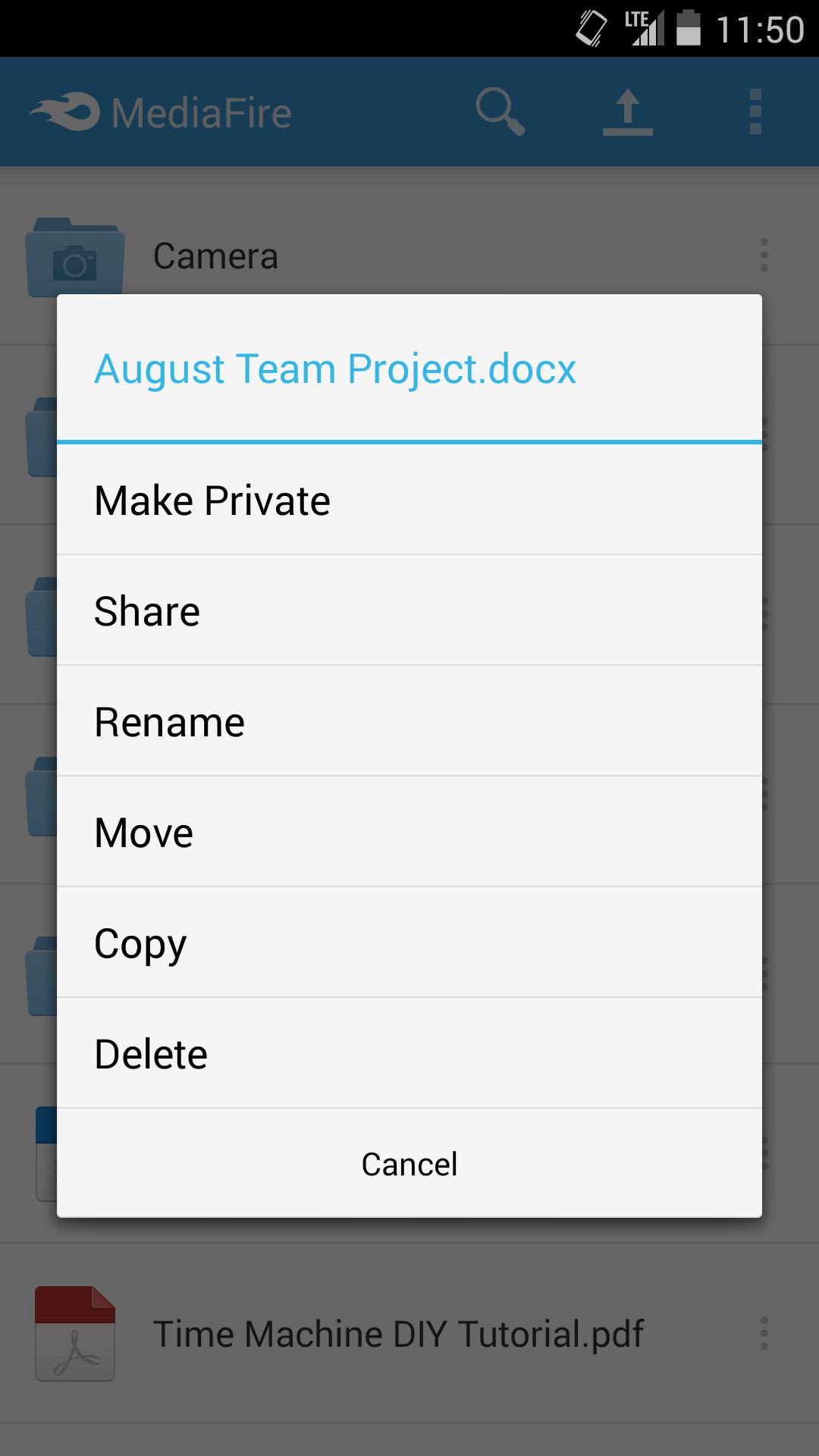
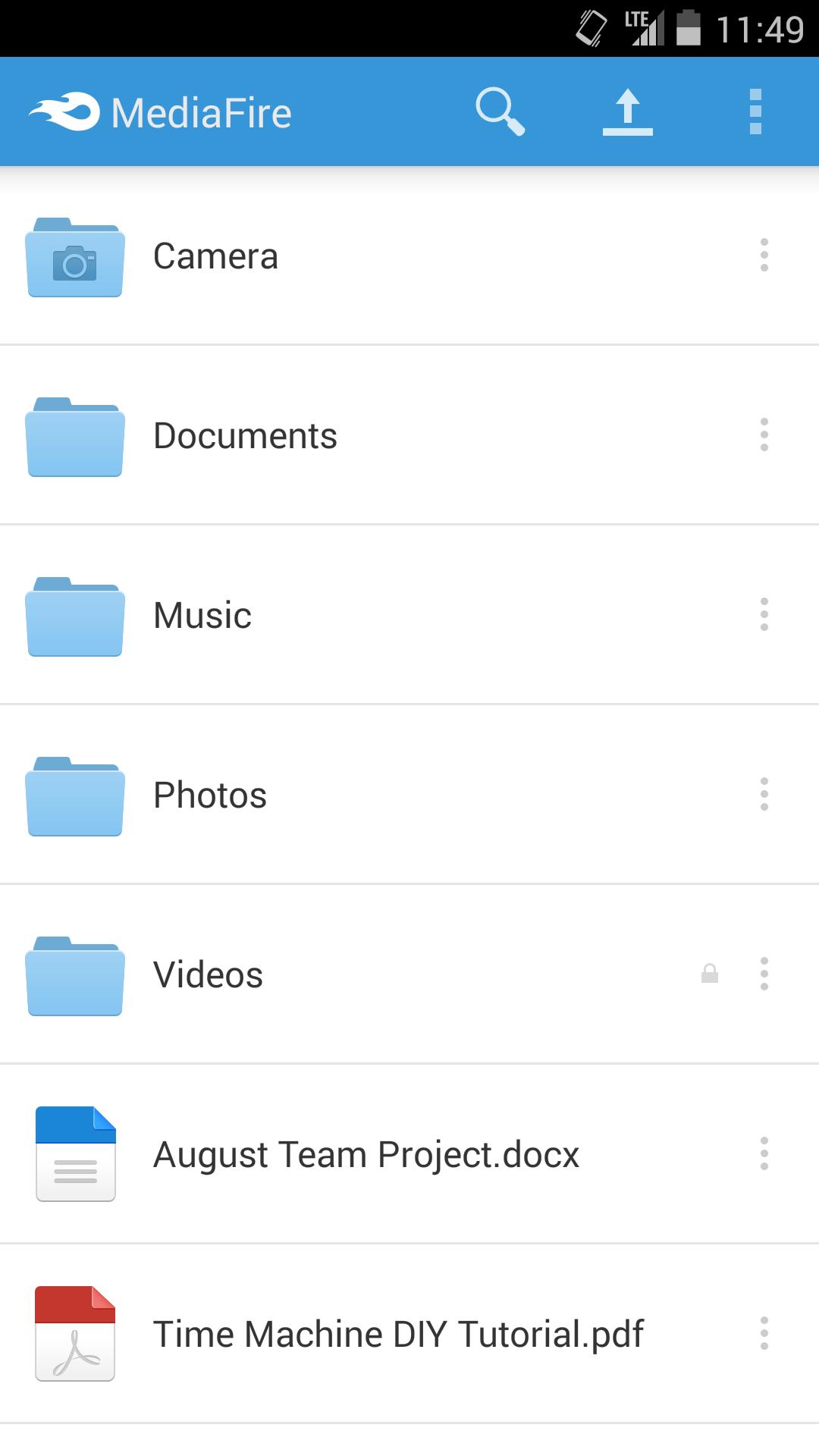
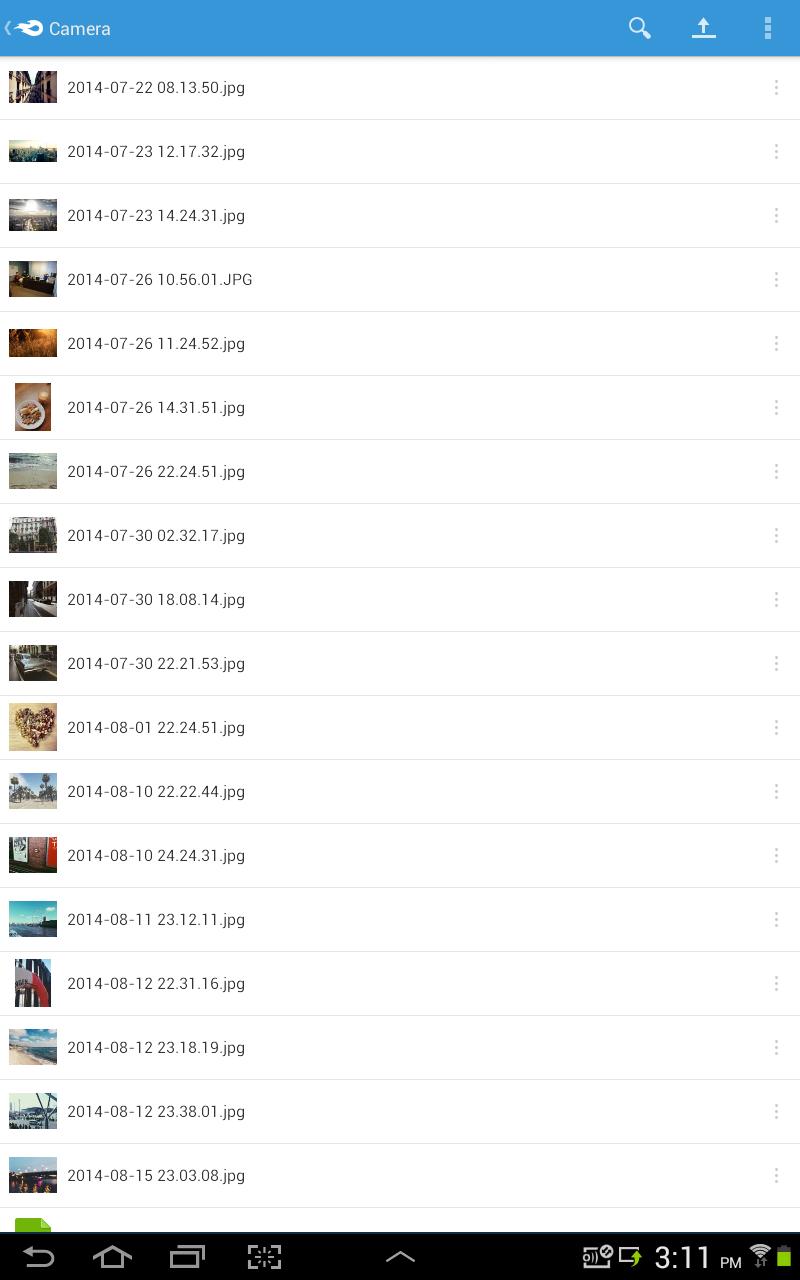
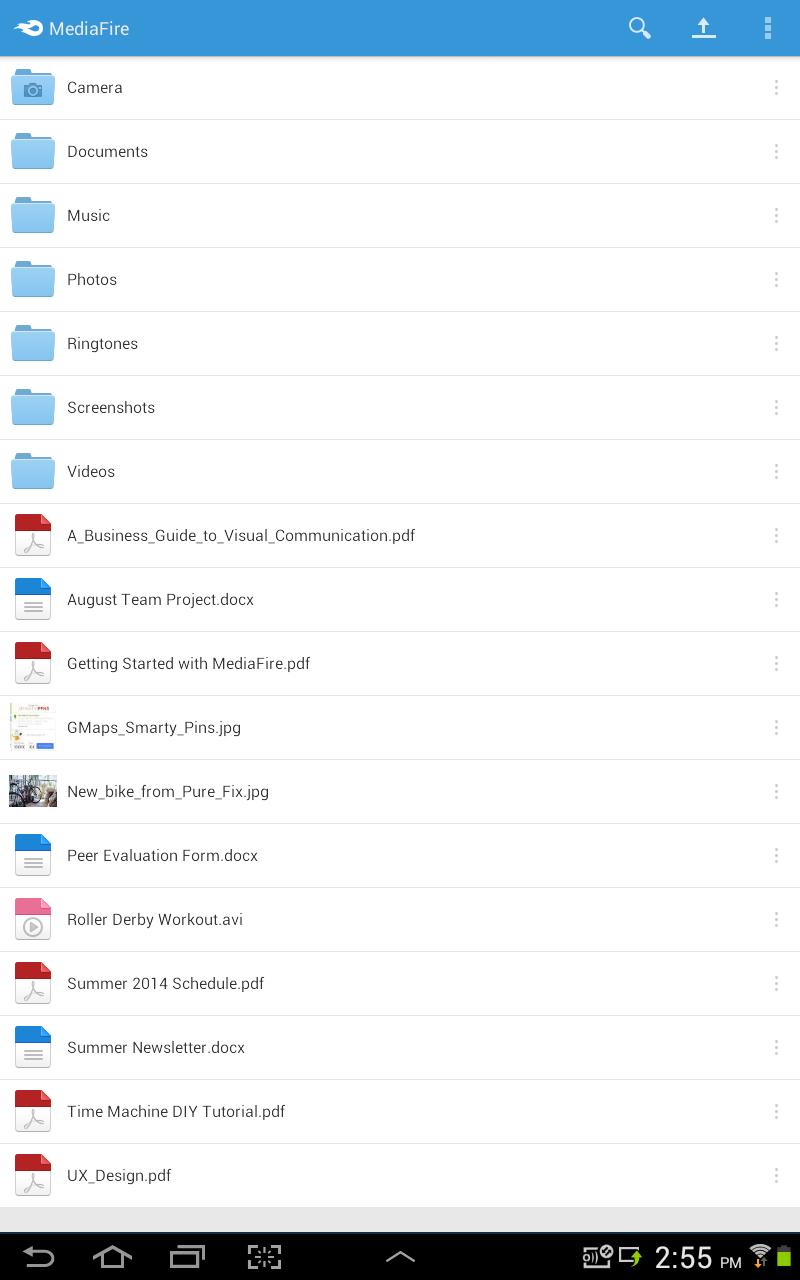
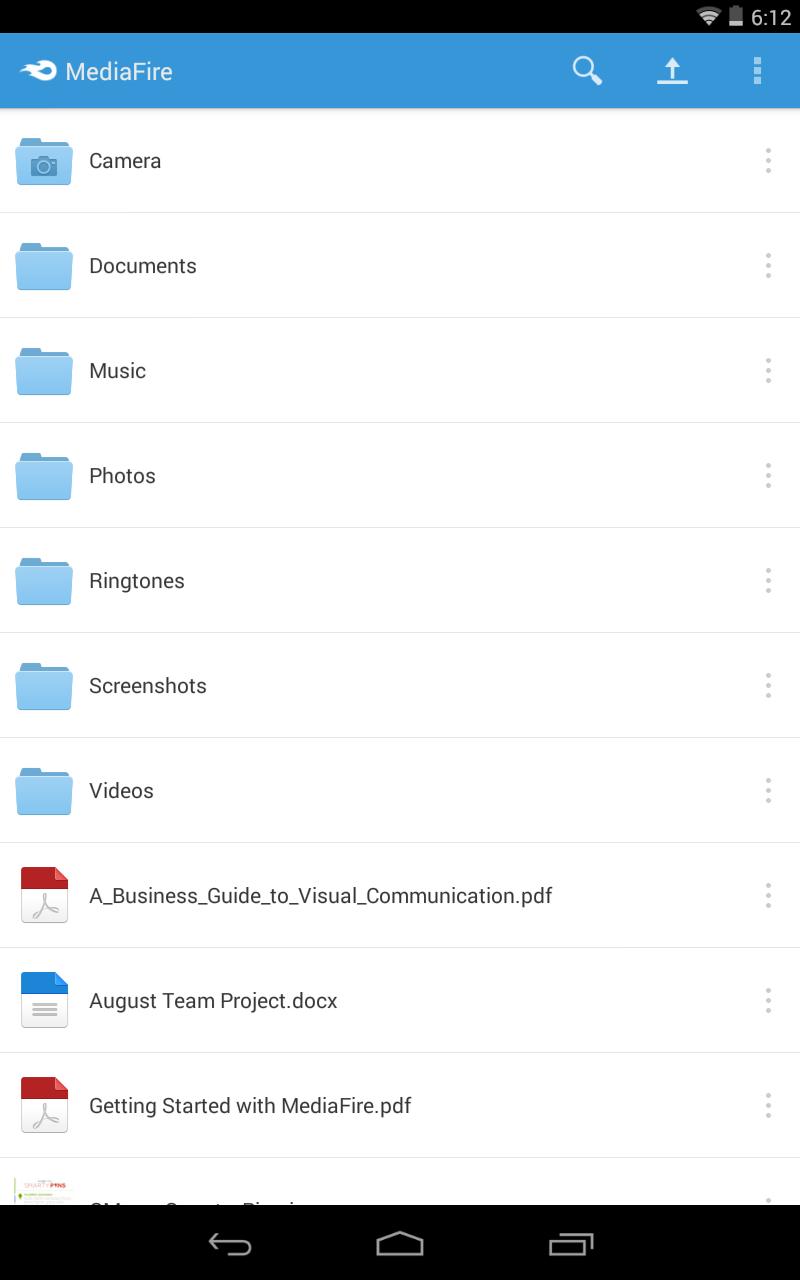
• Create and manage folders of files.
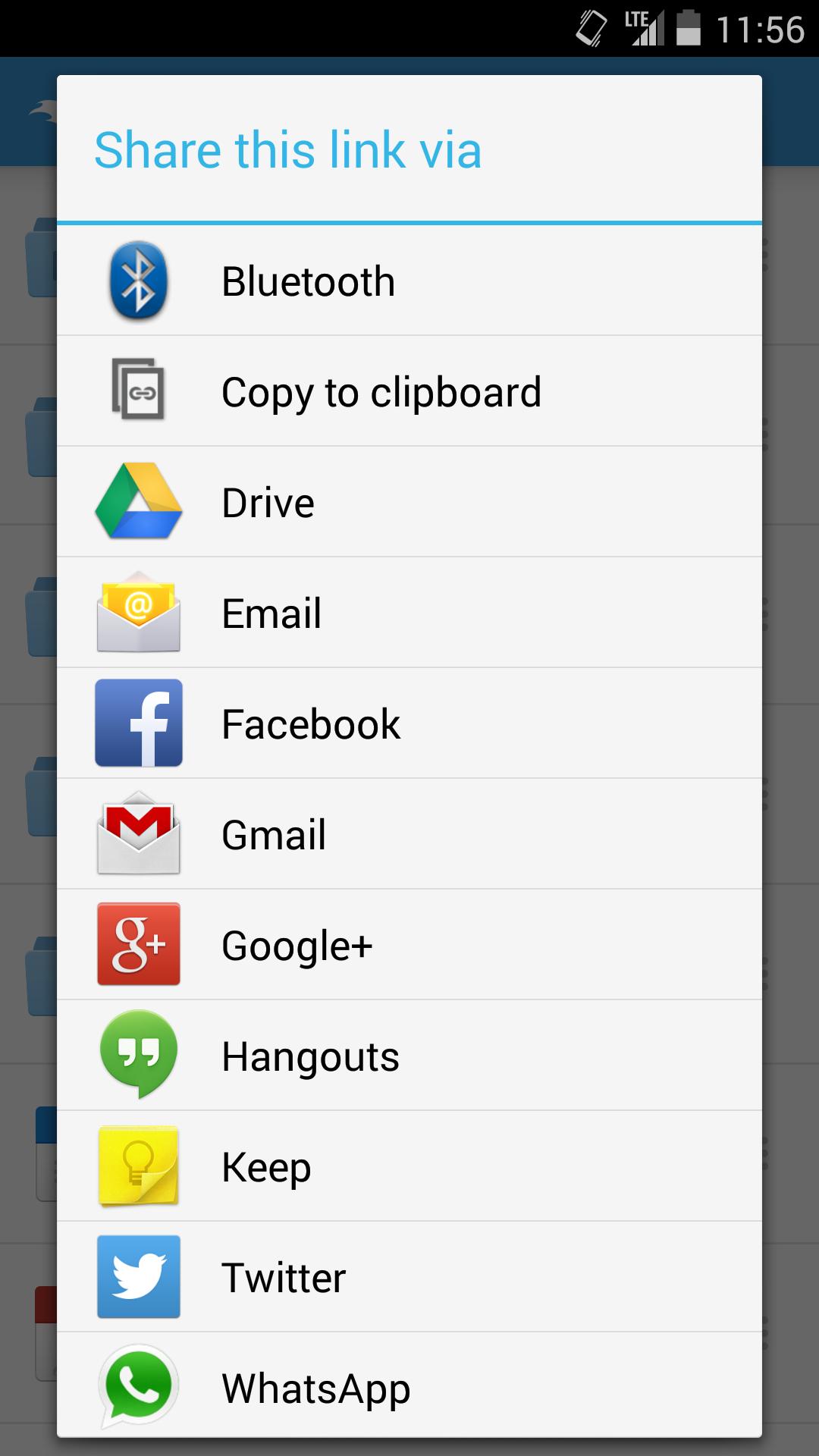
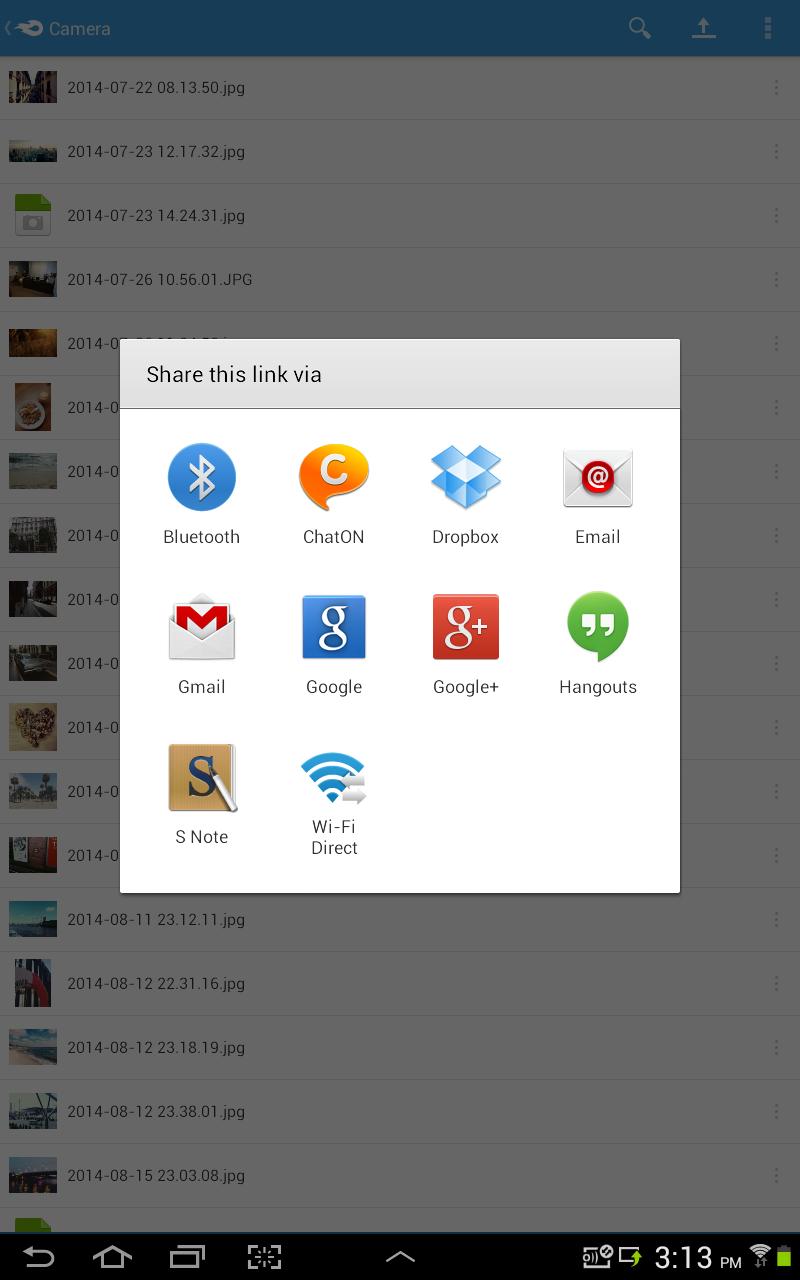
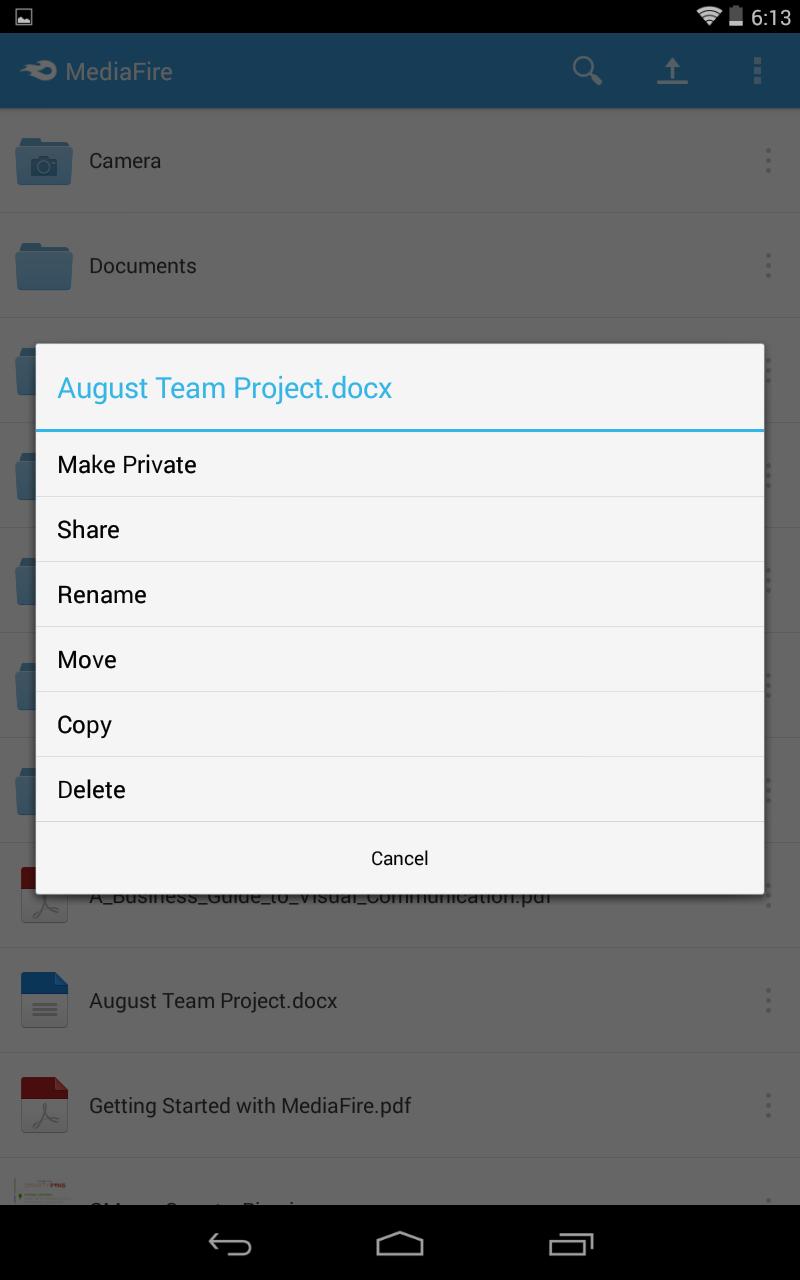
• Share files on the go via email, SMS, Facebook, Twitter, other Android apps, or copy and paste links.
• Quickly search all your files and folders.
• Keep all your important files at your fingertips.
Securely store, organize, and share all your media through your Android phone or tablet. MediaFire keeps all your photos, videos, reading material, work docs, spreadsheets, presentations, and even your homework in your pocket, ready for you to view or share anytime. All your files will always be safe in your MediaFire account - no matter what happens to your Android device.
Upload files and folders from other Android apps (including most file managers) by using the Android "Share to" option and selecting "MediaFire". This will upload the file or folder directly into your MediaFire account.
Features:
• Automatically backup all your photos and videos.
• Upload files from anywhere with "Share to MediaFire".
• 12 GB of space - free!
• Earn up to 50 GB of free space.
• Stream and play music and videos.
• View docs, spreadsheets, presentations, video, and listen to audio.
• Create and manage folders of files.
• Share files on the go via email, SMS, Facebook, Twitter, other Android apps, or copy and paste links.
• Quickly search all your files and folders.
• Keep all your important files at your fingertips.
Securely store, organize, and share all your media through your Android phone or tablet. MediaFire keeps all your photos, videos, reading material, work docs, spreadsheets, presentations, and even your homework in your pocket, ready for you to view or share anytime. All your files will always be safe in your MediaFire account - no matter what happens to your Android device.
Additional Information
Category
App › Productivity
Version
4.2.2
Updated
Nov 1, 2017
Requires Android
Android: 4.1+ Jelly Bean (API 16)
Permissions
Architectures
Unknown
Target Android
Android: 7.1 Nougat (API 25)
Estimated Download Time
File Size: 3.80 MB
3G network (~2 Mbps)
19 seconds
4G LTE (~25 Mbps)
2 seconds
5G network (~150 Mbps)
1 seconds
Broadband / Wi-Fi (~100 Mbps)
1 seconds
Hashes
SHA-1
2890837624D6855ED2074932459F1558539F7F0BSHA-256
E874BBB3BEC352C8832872015C633EDE22B3ABD39F2205978BEDA573C6078205Signing Certificate SHA-1
3F51FEE5850088EFEF250B9C28A3FB9BC0DB9F05Available On