About Samsung SMART CAMERA App
The new smartphone app, Samsung SMART CAMERA App. has
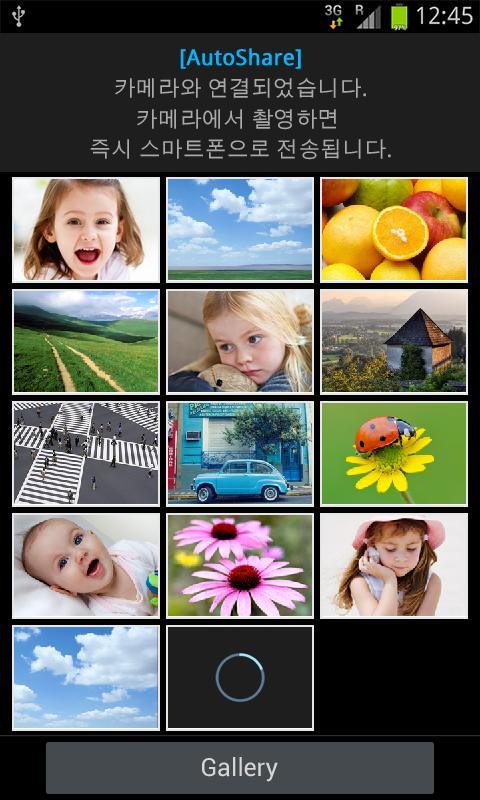
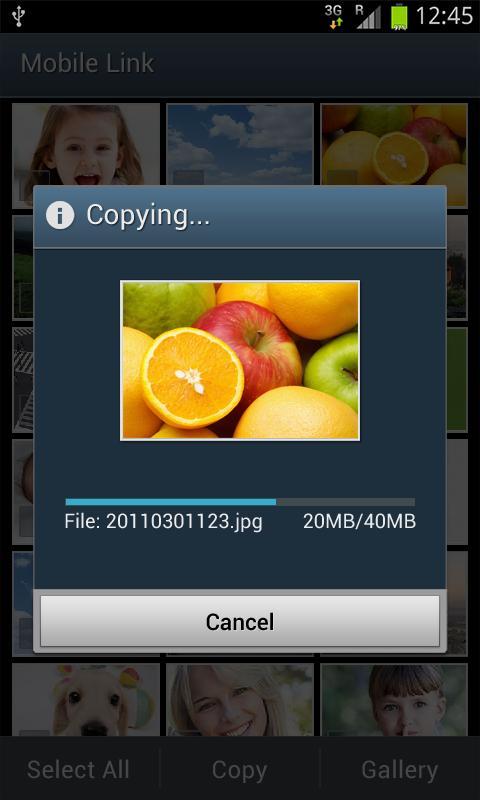
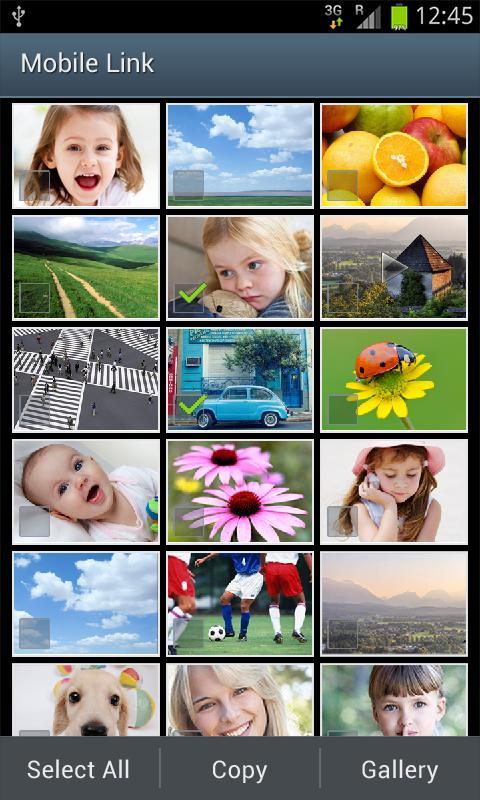
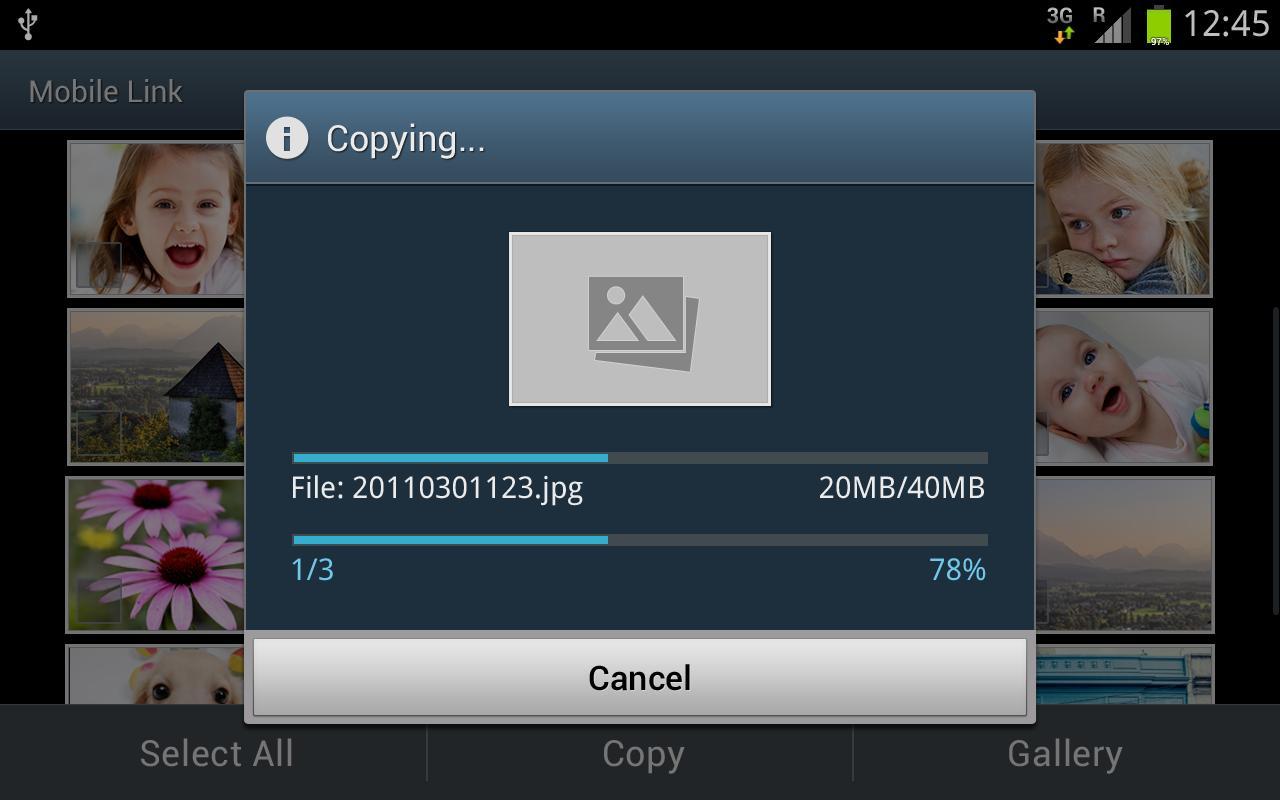
integrated three existing apps to save time and effort. When using your Samsung SMART CAMERA, the app automatically connects to your smartphone for convenience. And you can launch a trio of SMART CAMERA apps (AutoShare, MobileLink, and Remote Viewfinder) from your smartphone with a single touch.
- You can only connect to Samsung cameras manufactured in 2013 or later. ( DV150F, ST150F, WB200F, WB250F, WB30F, WB800F, WB350F, NX300, NX300M, NX30, NX mini, Galaxy Camera, Galaxy S4 zoom, Galaxy NX )
- You can use the application on Android phones with resolutions of WVGA or Android OS HONEYCOMB 3.0/3.1/3.2, ICE CREAM SANDWICH 4.0, JELLY BEAN 4.1/4.2/4.3, KitKat 4.4, LOLLIPOP 5.0/5.1, MARSHMALLOW 6.0, NOUGAT 7.0
- This application is not available for some Android devices.
- If you experience issues connecting the camera with your smartphone,
the following should correct the issue.
(Note, the menus and options may vary depending on the smartphone manufacturer and telecom operator)
Go to: Settings → Wi-Fi → Advanced.
From there make sure “Auto switch between Wi-Fi networks and mobile networks” is not checked.
This option may be titled “Auto network switch” or “Check for Internet service” depending on OS version and telecom operator. With this option not selected the issue should be corrected.
[Required permissions]
- Storage : Used for saving or editing recorded content by Gear360.
- Phone : Used to check incoming call during using the viewfinder remotely with Gear360.
- Location : Used for saving location information in recorded content by Gear360.
integrated three existing apps to save time and effort. When using your Samsung SMART CAMERA, the app automatically connects to your smartphone for convenience. And you can launch a trio of SMART CAMERA apps (AutoShare, MobileLink, and Remote Viewfinder) from your smartphone with a single touch.
- You can only connect to Samsung cameras manufactured in 2013 or later. ( DV150F, ST150F, WB200F, WB250F, WB30F, WB800F, WB350F, NX300, NX300M, NX30, NX mini, Galaxy Camera, Galaxy S4 zoom, Galaxy NX )
- You can use the application on Android phones with resolutions of WVGA or Android OS HONEYCOMB 3.0/3.1/3.2, ICE CREAM SANDWICH 4.0, JELLY BEAN 4.1/4.2/4.3, KitKat 4.4, LOLLIPOP 5.0/5.1, MARSHMALLOW 6.0, NOUGAT 7.0
- This application is not available for some Android devices.
- If you experience issues connecting the camera with your smartphone,
the following should correct the issue.
(Note, the menus and options may vary depending on the smartphone manufacturer and telecom operator)
Go to: Settings → Wi-Fi → Advanced.
From there make sure “Auto switch between Wi-Fi networks and mobile networks” is not checked.
This option may be titled “Auto network switch” or “Check for Internet service” depending on OS version and telecom operator. With this option not selected the issue should be corrected.
[Required permissions]
- Storage : Used for saving or editing recorded content by Gear360.
- Phone : Used to check incoming call during using the viewfinder remotely with Gear360.
- Location : Used for saving location information in recorded content by Gear360.
Additional Information
Category
App › Photography
Version
1.4.0_180703
Updated
Jul 3, 2018
Requires Android
Android: 4.2+ Jelly Bean (API 17)
Permissions
Architectures
armeabi-v7a
Target Android
Android: 8.0 Oreo (API 26)
Estimated Download Time
File Size: 21.67 MB
3G network (~2 Mbps)
1m 45s
4G LTE (~25 Mbps)
9 seconds
5G network (~150 Mbps)
2 seconds
Broadband / Wi-Fi (~100 Mbps)
3 seconds
Hashes
SHA-1
709F73F386DF5658845A57FE6AA90B82586844F3SHA-256
EE64E1A658F93970207CD88F8CF2B2EBEAE2D847FCC7E937D7757A41B3E78AAFSigning Certificate SHA-1
80722F9F5319B1562188AC3E24B7041572BCEED2