APKs
Split APK — use Split APKs Installer (SAI) to install.
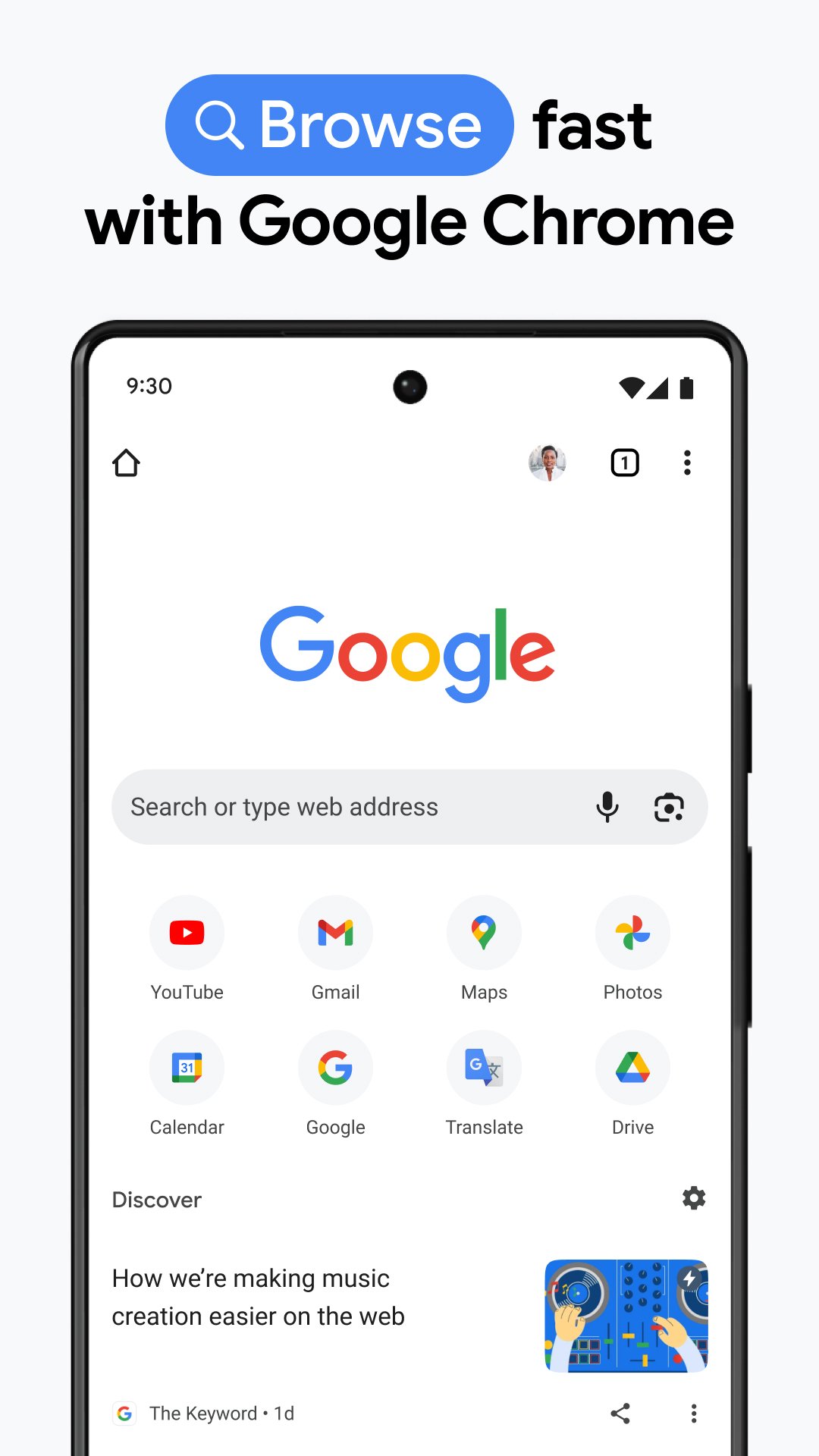
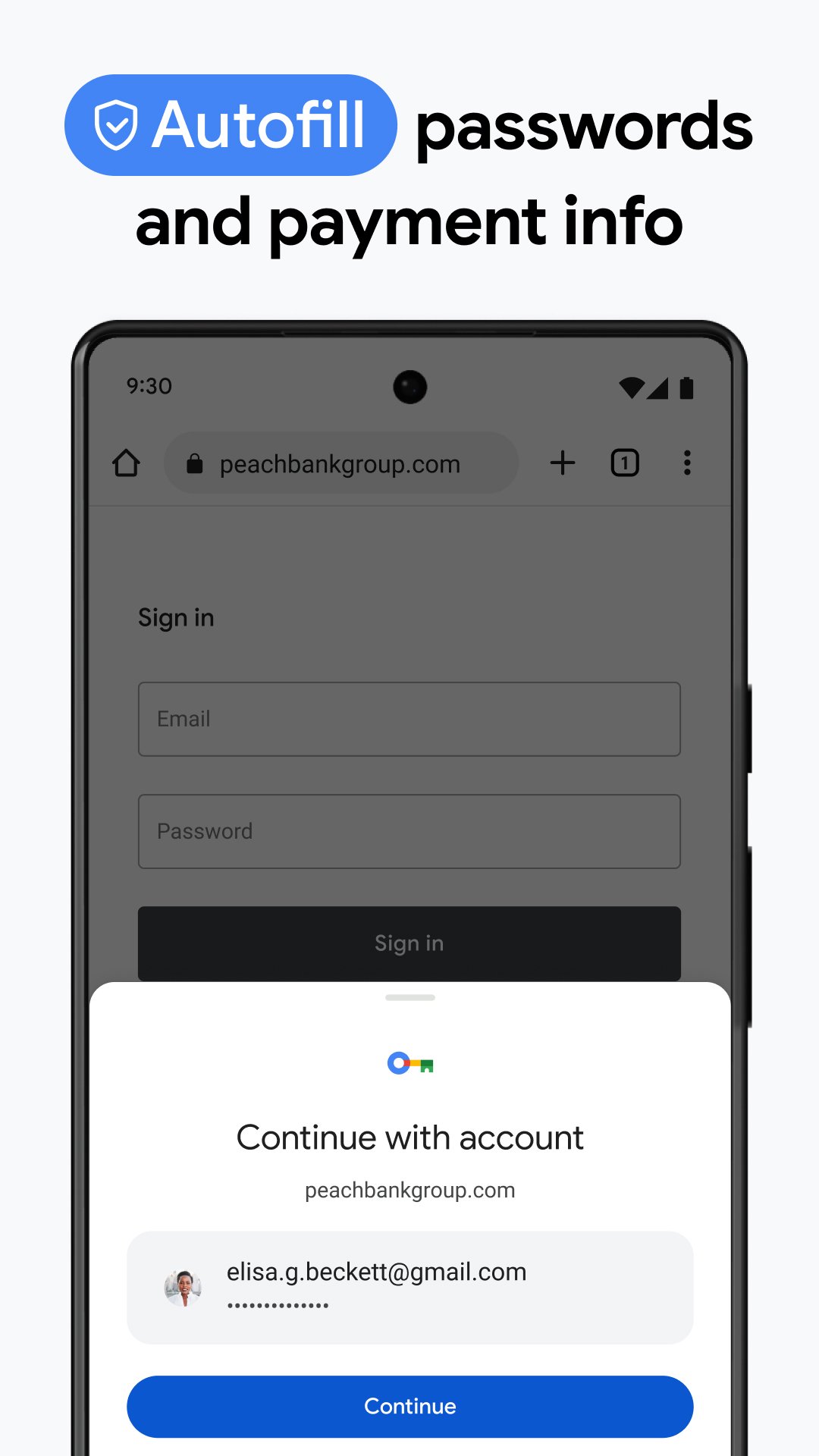
About Chrome Canary
Chrome Canary Description
Welcome to Chrome Canary for Android.
• Experimental - This release has not been tested. It may be unstable or fail to run at times. Recommended for developers and advanced users only.
• Frequently updated - Updates may be distributed up to seven times per week, consuming 100MB of bandwidth. Be careful when updating apps over cellular data.
• Give early feedback - The best way to help make Chrome for Android a better browser. Click "Help & Feedback" from the menu to provide feedback.
• Experimental - This release has not been tested. It may be unstable or fail to run at times. Recommended for developers and advanced users only.
• Frequently updated - Updates may be distributed up to seven times per week, consuming 100MB of bandwidth. Be careful when updating apps over cellular data.
• Give early feedback - The best way to help make Chrome for Android a better browser. Click "Help & Feedback" from the menu to provide feedback.
What's new
Version 154.0.8018.0 (Aug 22, 2026)
Generate a list of changes in this release by visiting https://chromiumdash.appspot.com/releases?platform=Android
This is the latest APK we verified and uploaded. Older versions are still available.
Frequently Asked Questions
Chrome Canary is intended for developers, testers, and advanced Android users who want to try the latest web technologies before they reach the stable Chrome release. It may be unstable and is not recommended for casual users.
The app can receive updates up to seven times per week, and each update may download around 100 MB. Users should be cautious when updating over cellular data.
Chrome Canary requests location, camera, microphone, storage, account, and notification permissions, among others. These enable features like geolocation, media capture, file downloads, account sync, and push notifications.
It requires Android 12 (API 32) or higher, an arm64‑v8a processor, and supports features such as VR mode, gyroscope, accelerometer, GPS, camera autofocus, microphone and touchscreen. Devices lacking these may experience limited functionality.
The browser can display previously cached pages offline, but most features—including navigation, syncing, and media streaming—require an active internet connection.
Additional Information
Category
App › Productivity
Version
154.0.8018.0
Updated
Aug 22, 2026
Requires Android
Android: 12L+ Android 12L (API 32)
Permissions
Low risk
78 / 100
High risk
The app requests high‑risk permissions including location, camera, microphone, storage, and account access, which together can expose personal data and media. Frequent background services and broad package queries further increase privacy concerns.
Architectures
Supports 64-bit ARM Android CPU architectures.
arm64-v8a
64-bit
Most modern phones & tablets
Your device
Target Android
Android: 16 Android 16 (API 36)
Estimated Download Time
File Size: 232.39 MB
3G network (~2 Mbps)
18m 36s
4G LTE (~25 Mbps)
1m 30s
5G network (~150 Mbps)
15 seconds
Broadband / Wi-Fi (~100 Mbps)
23 seconds
Hashes
SHA-1
5aa02f7ca04cab1974d6b5a9cf4919a418c2375aSHA-256
766EBC6B4808294ADA1B9CA8A32CA85400EB06CB13130E13C00DF53C6A6F4A56Signing Certificate SHA-1
d3cc1758a154eb7dd9ffbe5295016733c9682161Available On