APKs
Split APK — use Split APKs Installer (SAI) to install.
About Noteshelf 3
Noteshelf 3 Description
"Introducing the all new Noteshelf 3 - the perfect note-taking app for students, teachers, professionals, artists and bullet journal enthusiasts to create & organize digital notes. Download for free and embark on a journey of seamless organization, productivity and creativity.
PERSONALIZE YOUR NOTE-TAKING EXPERIENCE
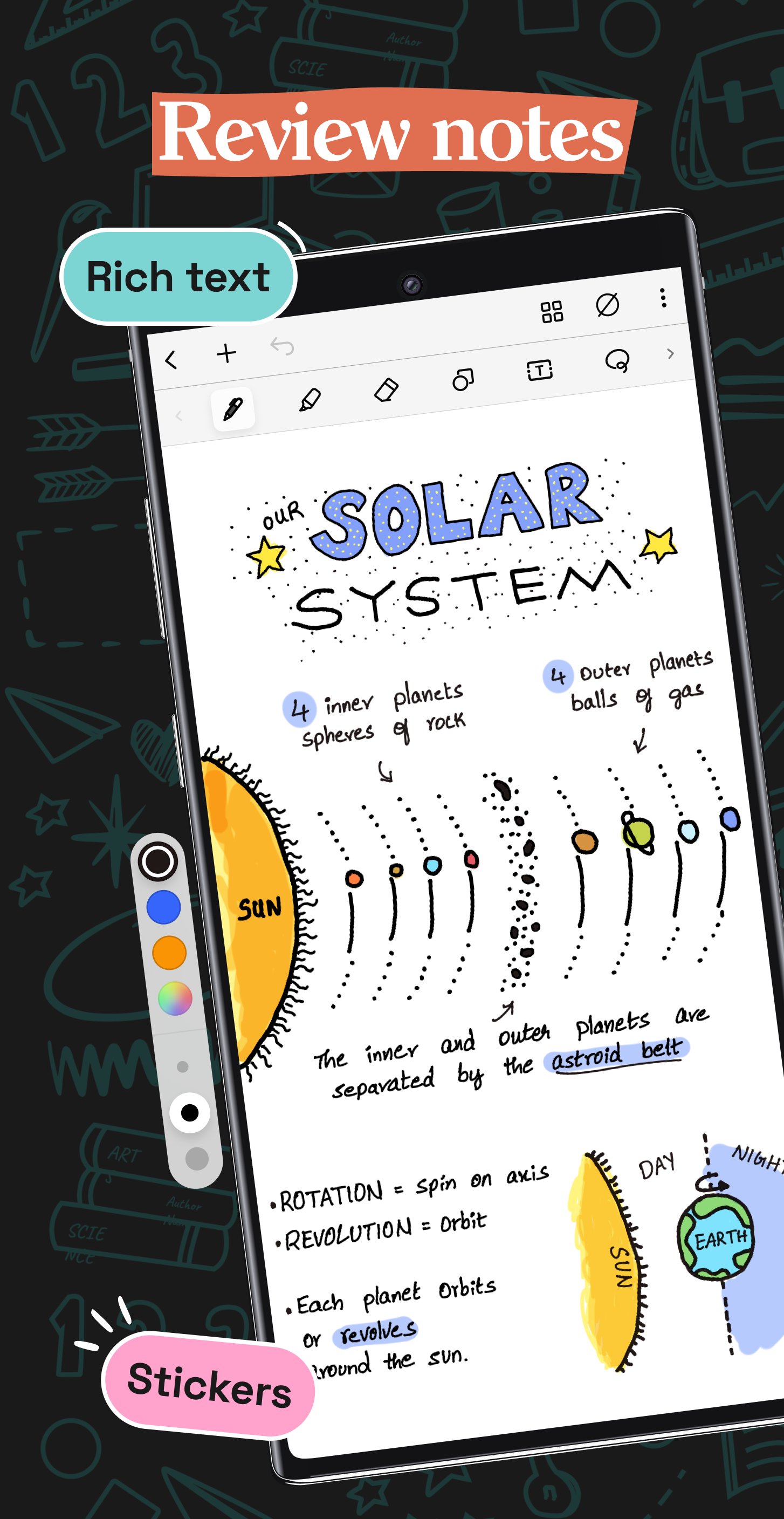
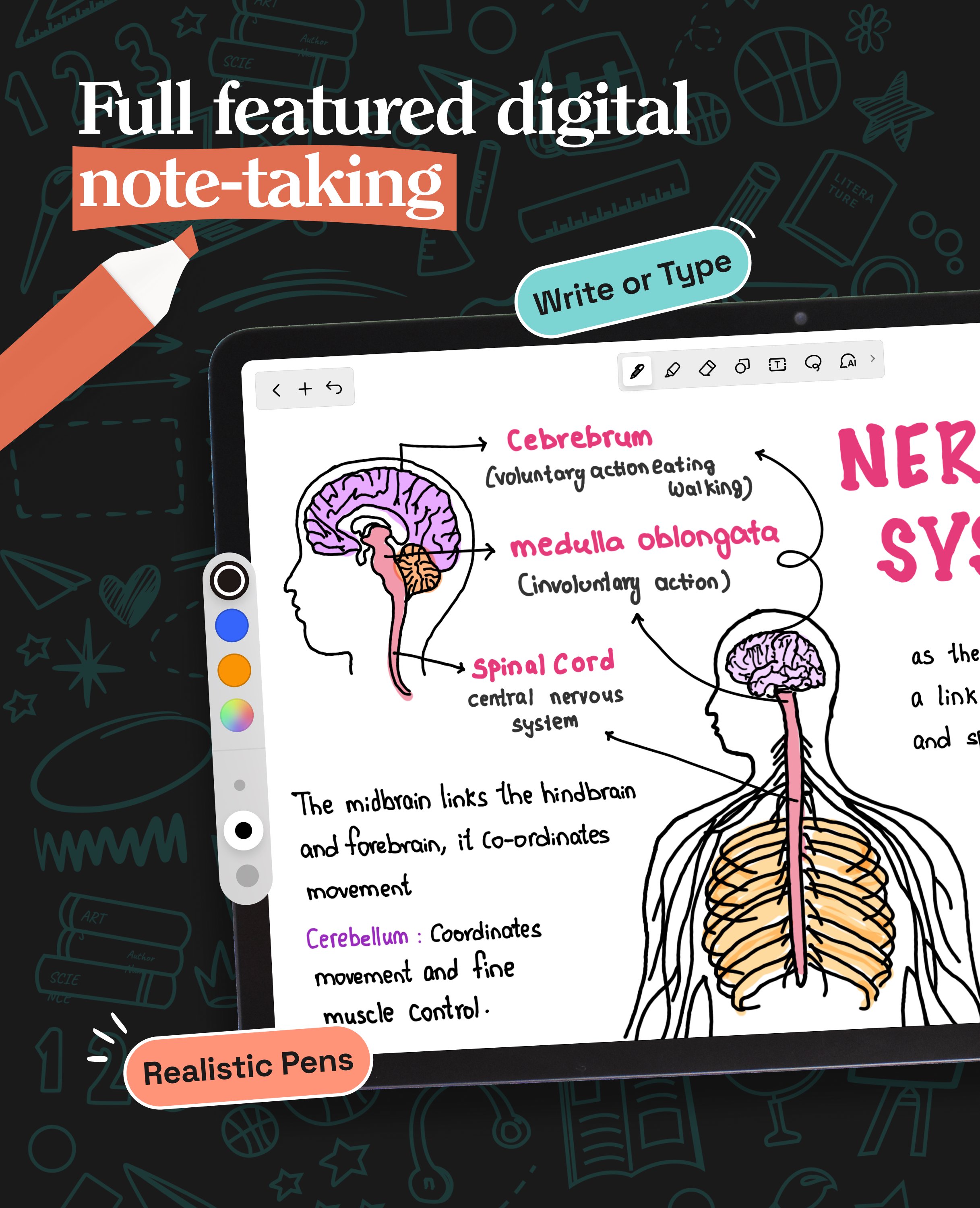
- Craft beautiful handwritten notes with a range of lifelike pens and highlighters. Try our fountain pen for an aesthetic touch to your handwriting.
- Take notes on lined, dotted, or grid papers in any color or line spacing.
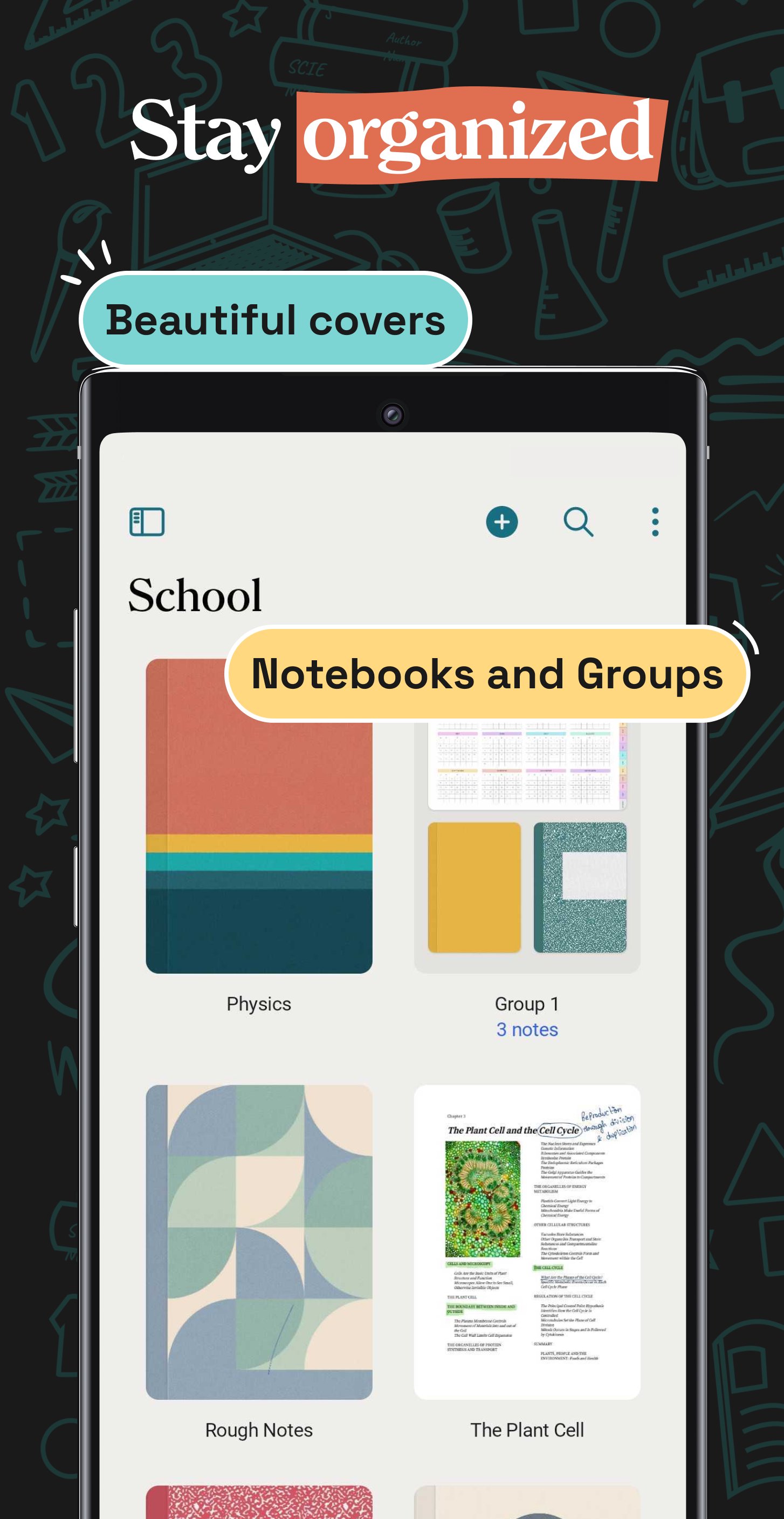
- Personalize your digital notebooks with multiple cover options - from classic designs to custom ones of your own images or artwork.
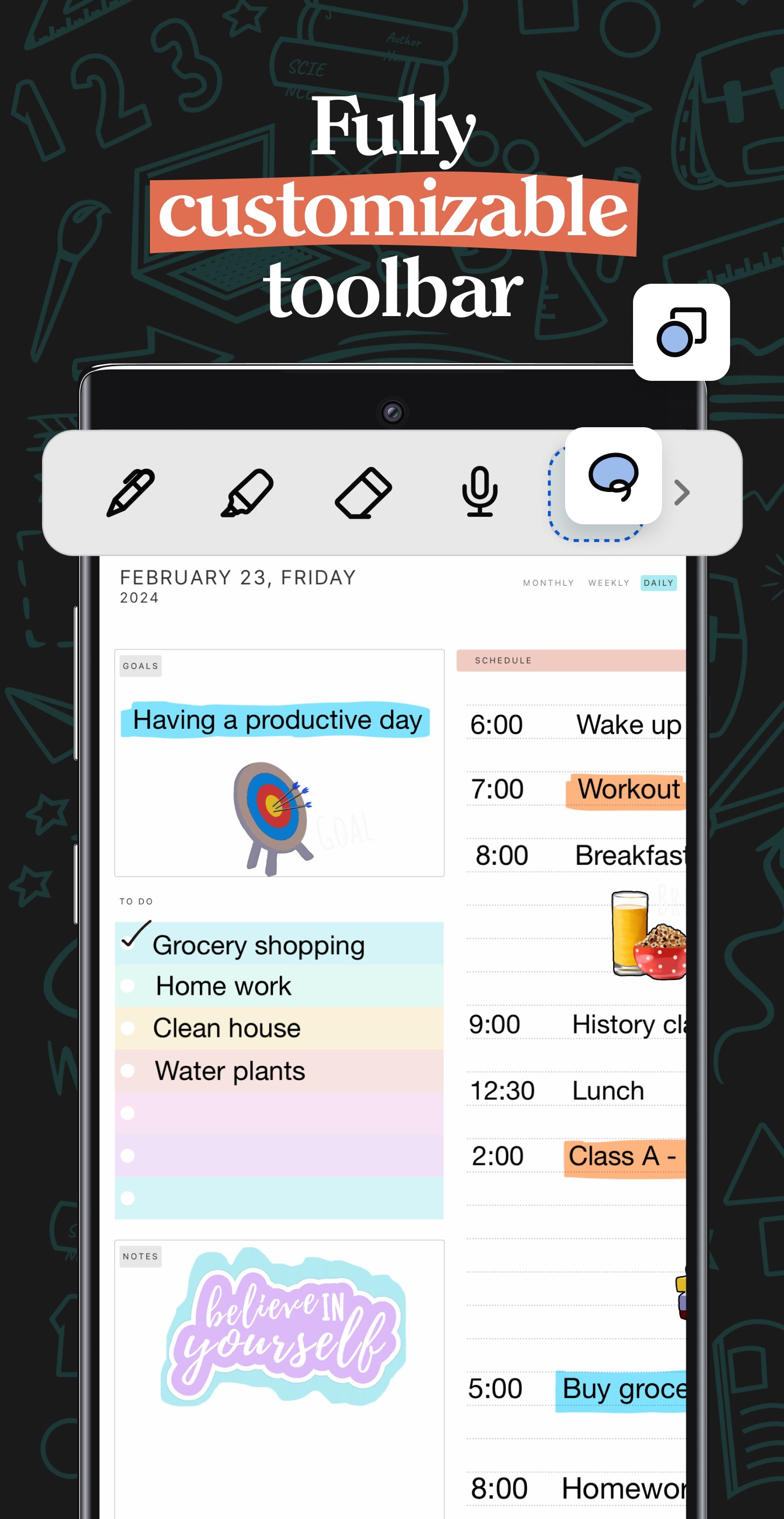
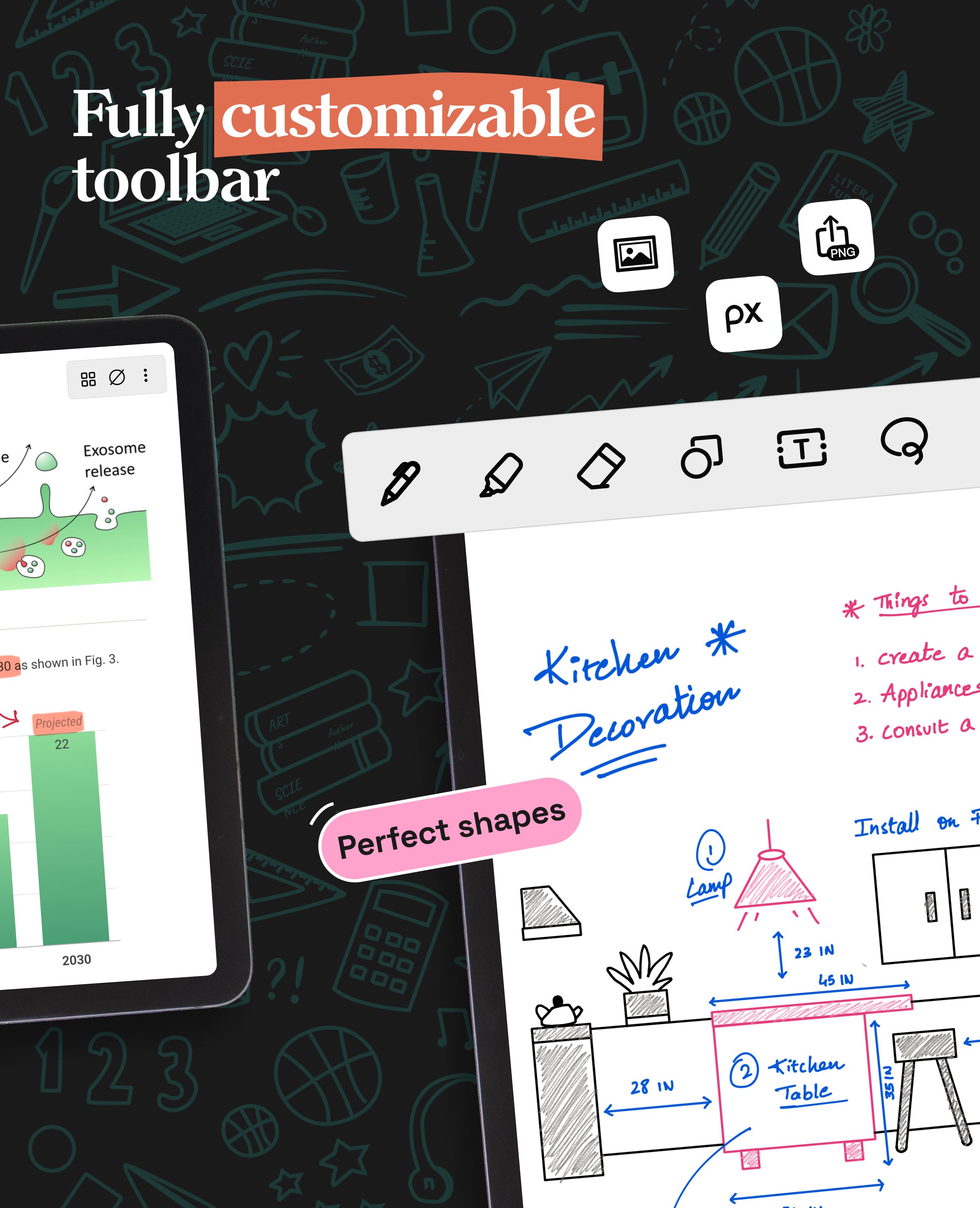
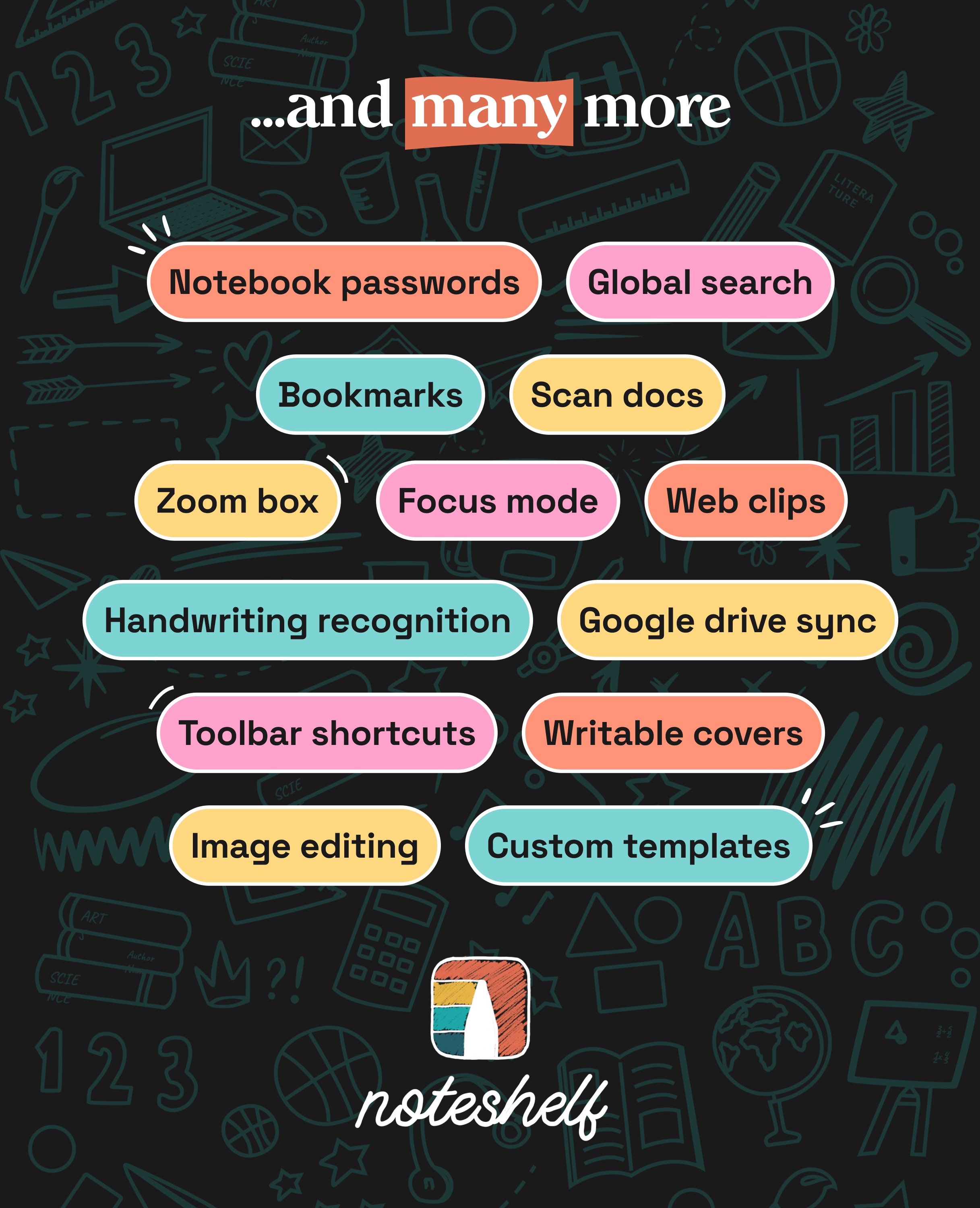
- Enjoy a fully customizable toolbar! Add, remove, or re-arrange tools according to your unique workflow.
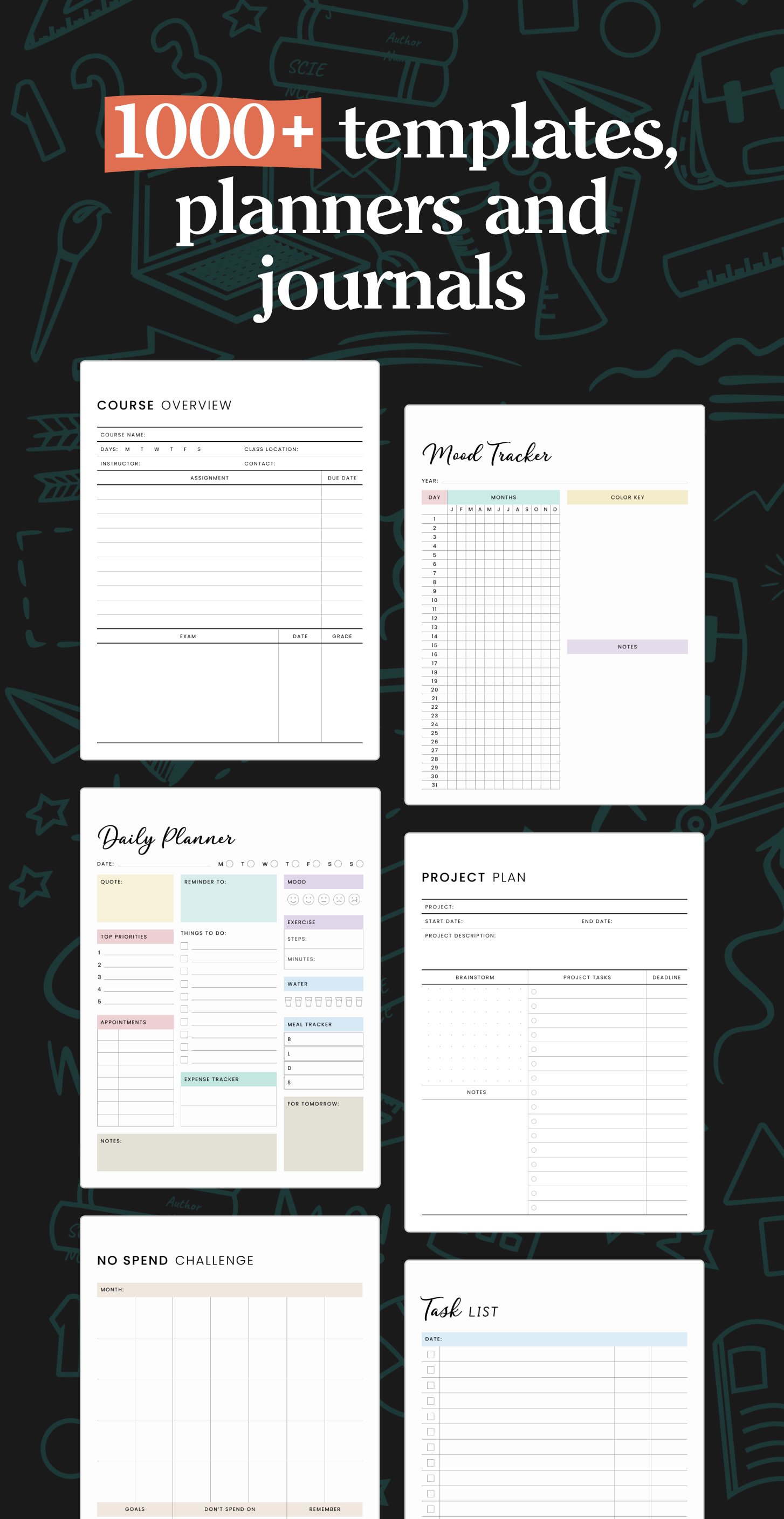
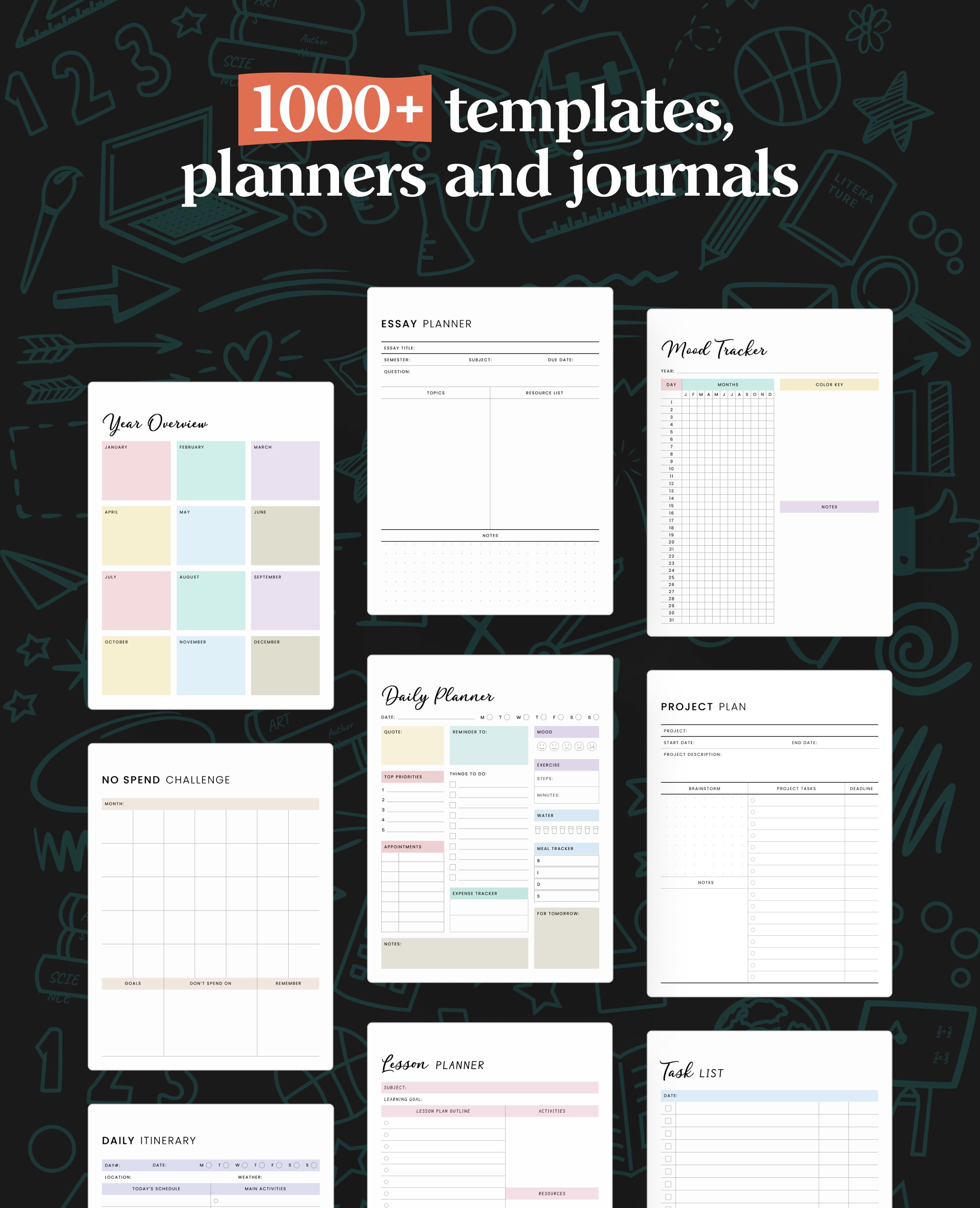
- Choose from a vast library of 200+ exclusive templates for study planners, class notes, wellness trackers, bullet journals, etc., created by the Noteshelf team.
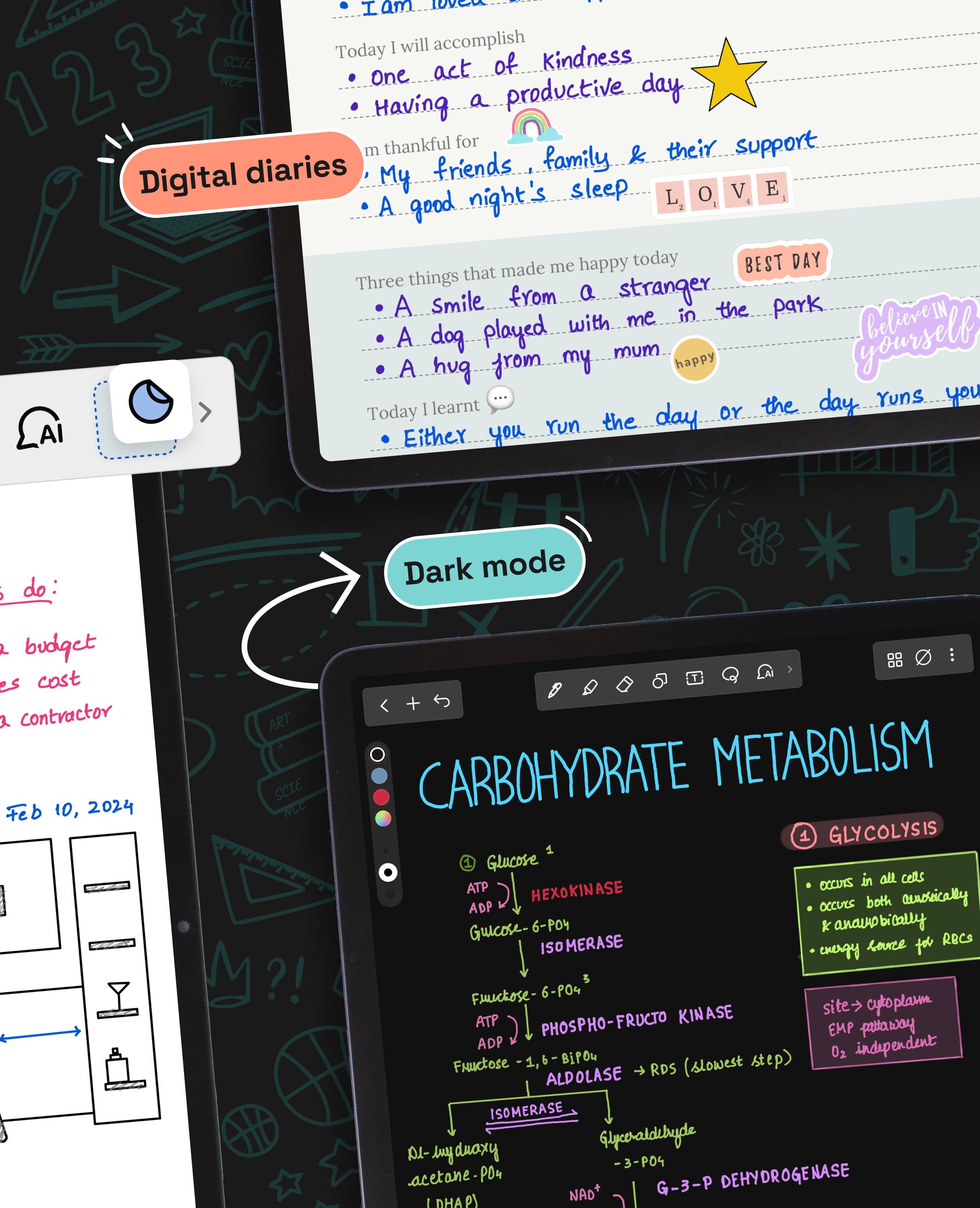
- Plan and organize your daily tasks with configurable digital diaries & journals.
WRITE, TYPE, DRAW, OR RECORD - YOUR CHOICE!
- Transform your strokes into flawless shapes or choose geometric shapes to create flowcharts and diagrams.
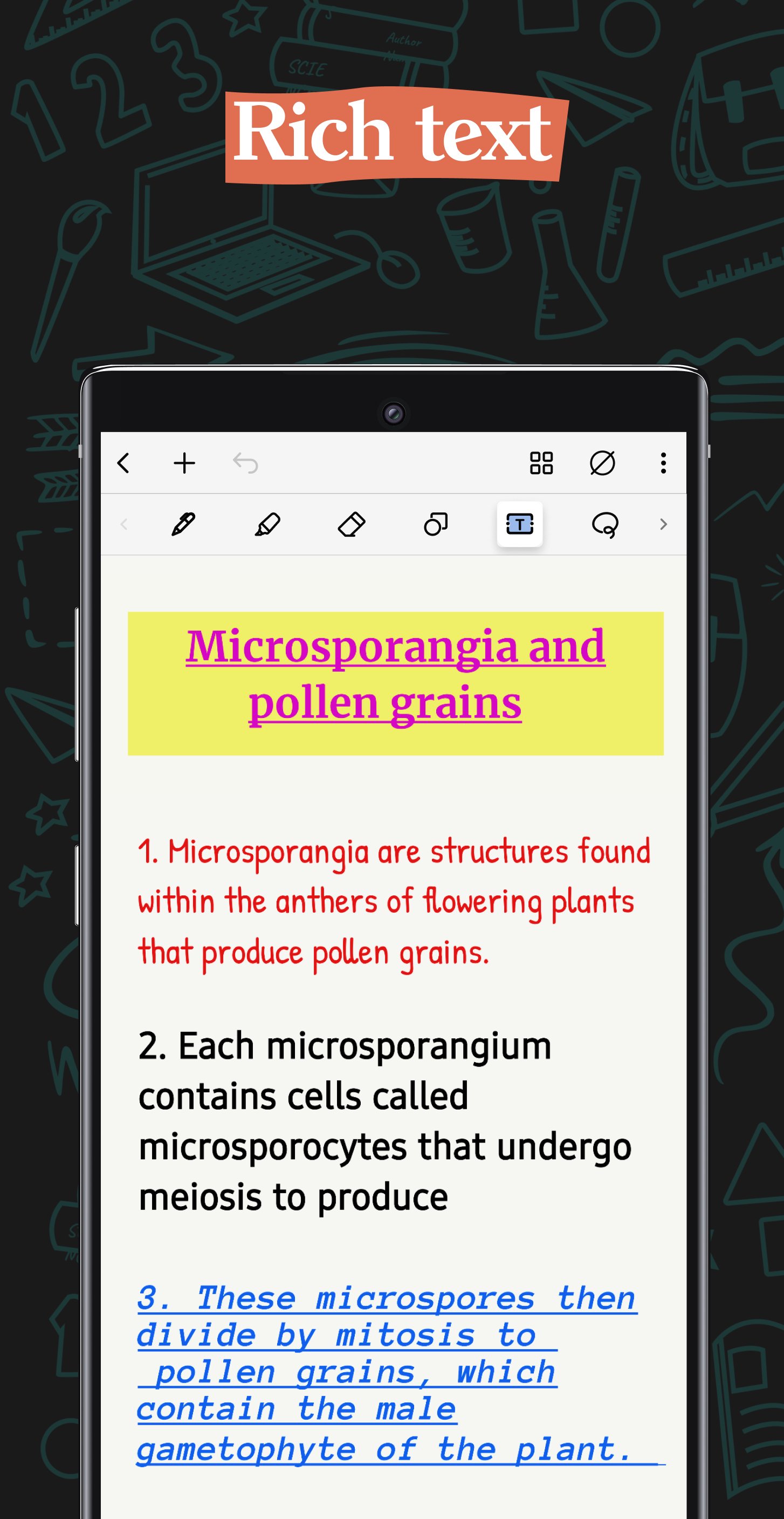
- Type your notes in various styles and formatting options.
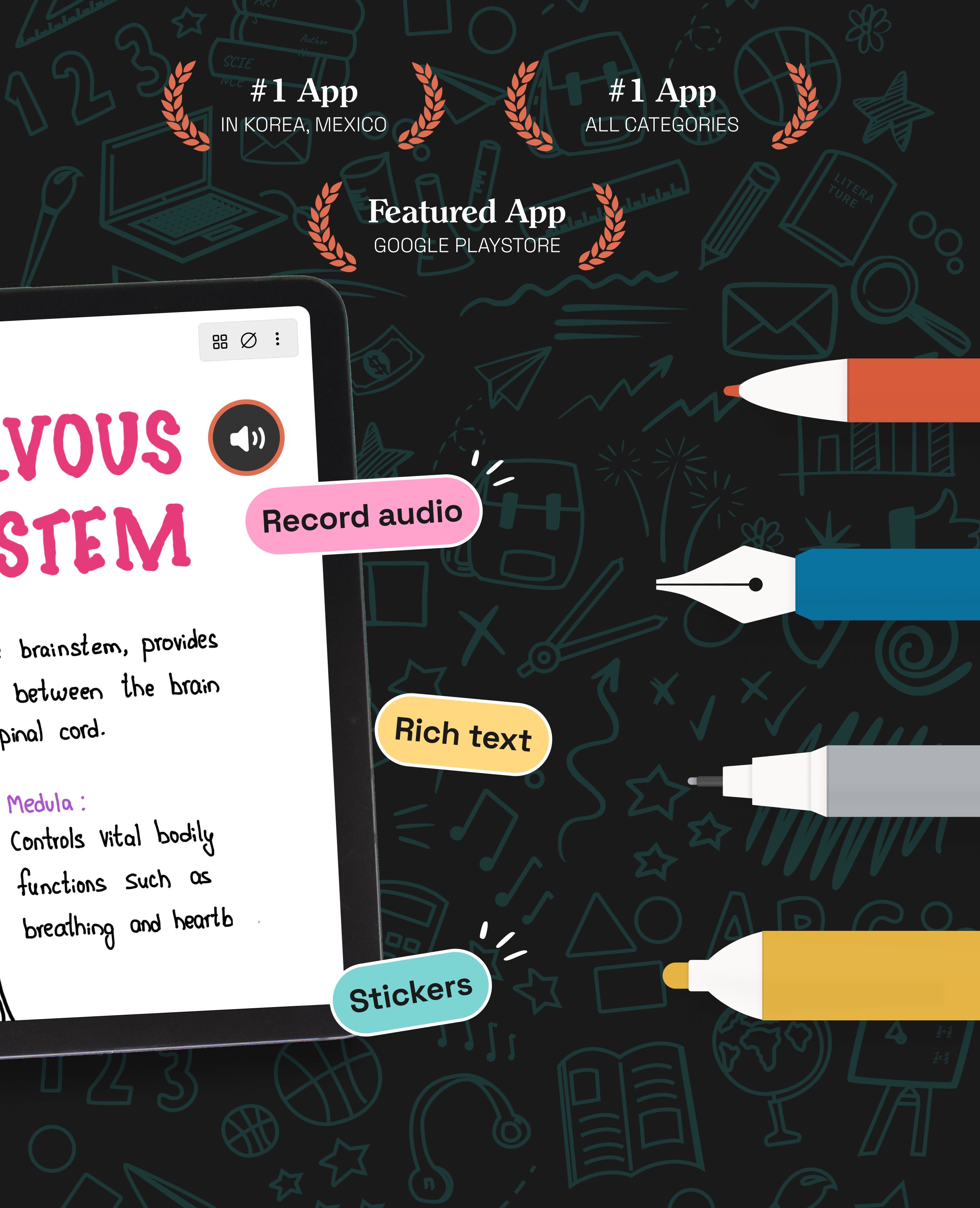
- Record audio as you take notes and never miss anything important - great for lectures & meetings!
- Convert handwriting into text and search handwritten notes with handwriting recognition in 65 supported languages!
- Make every page uniquely yours with fun stickers.
- Find the perfect visuals to complement your notes from the UNSPLASH and PIXABAY libraries.
- Use advanced image editing features like background removal and freeform cropping.
DISCOVER THE BLISS OF PAPERLESS ORGANIZATION
- Organize your notebooks into categories, groups, subgroups, and sort them in your preferred order.
- Bookmark important pages, name them, and add colors to create your personalized table of contents.
- Multi-task and work on two notebooks simultaneously with multiple windows support.
ANNOTATE LIKE A PRO
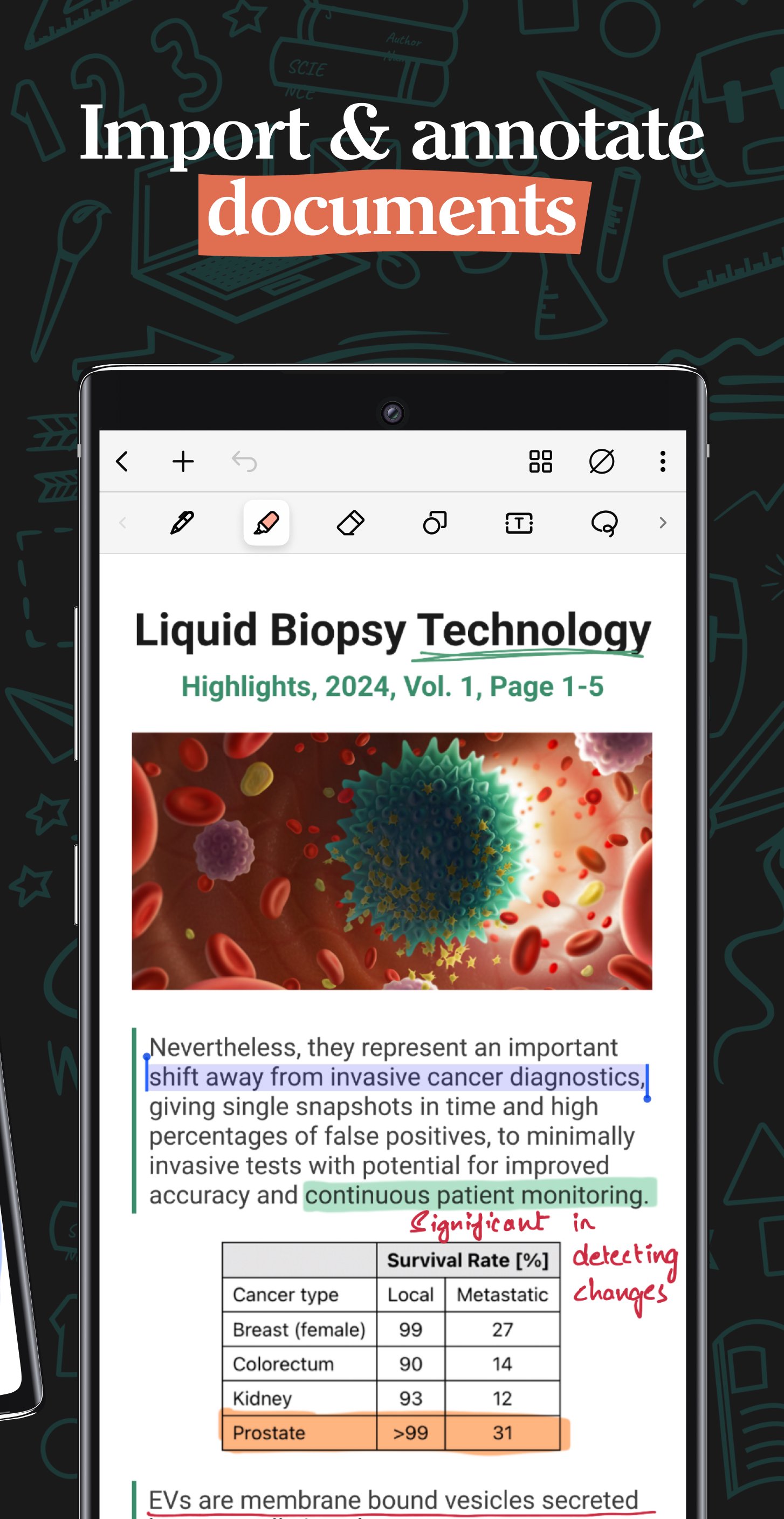
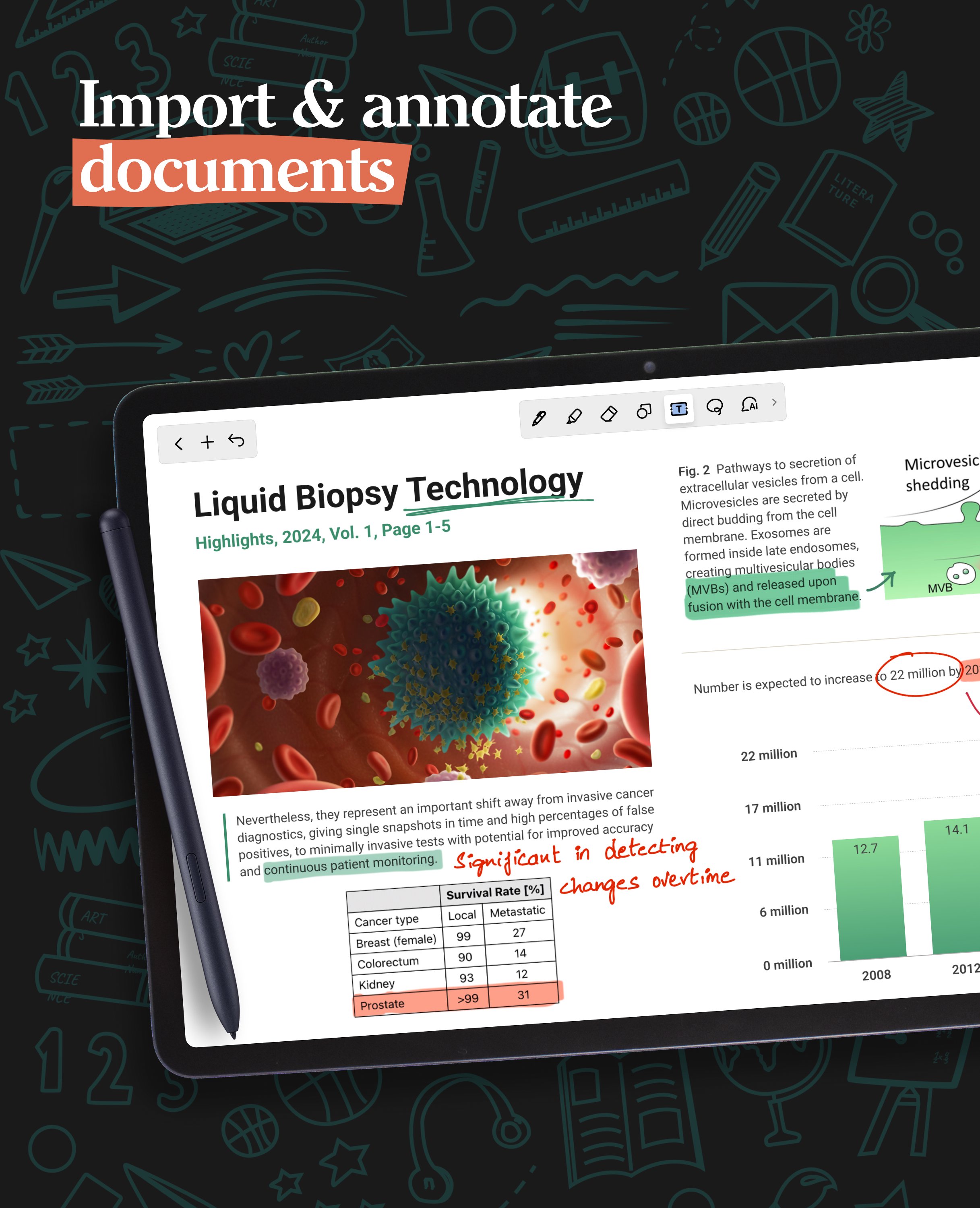
- Import and highlight, underline or annotate PDFs & images with precision.
- Use the built-in document scanner to quickly digitize physical documents.
- Export and share your notes as images & PDFs.
LET NOTESHELF AI DO THE HEAVY LIFTING
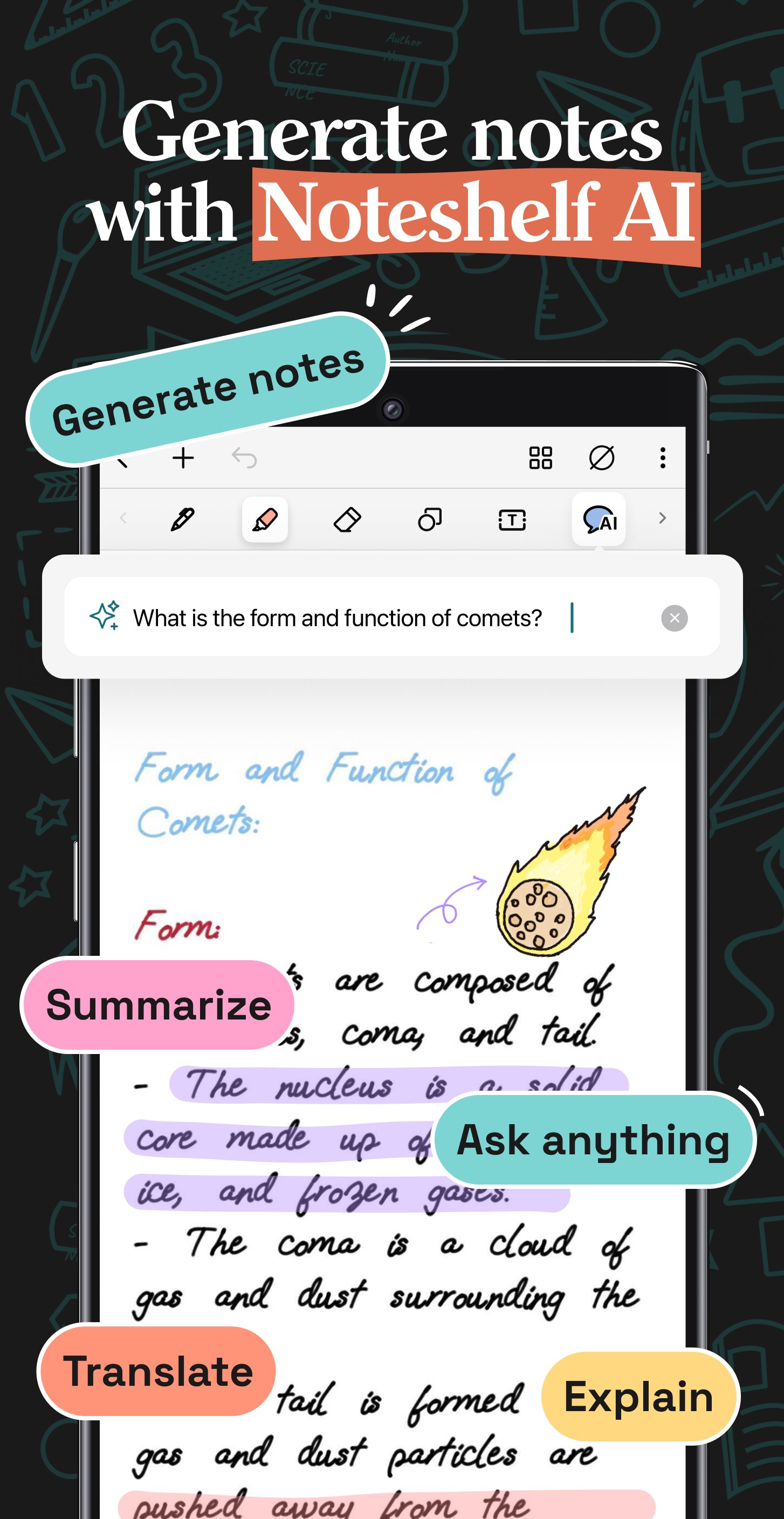
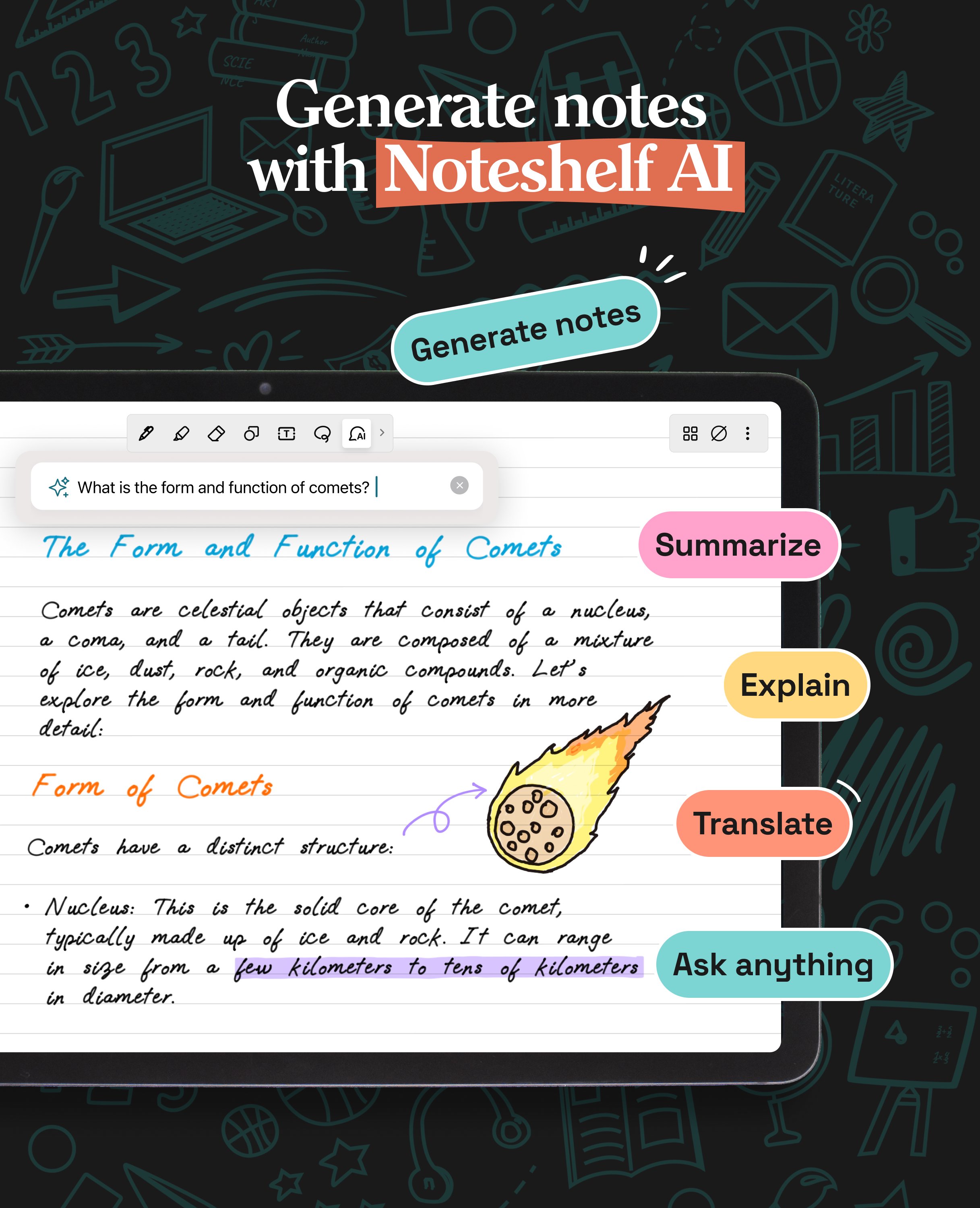
- Generate handwritten notes effortlessly on any topic with Noteshelf AI.
- Use Noteshelf AI to summarize whole pages, translate text into different languages, explain complex terms, and more.
KEEP YOUR NOTES SAFE & ACCESSIBLE
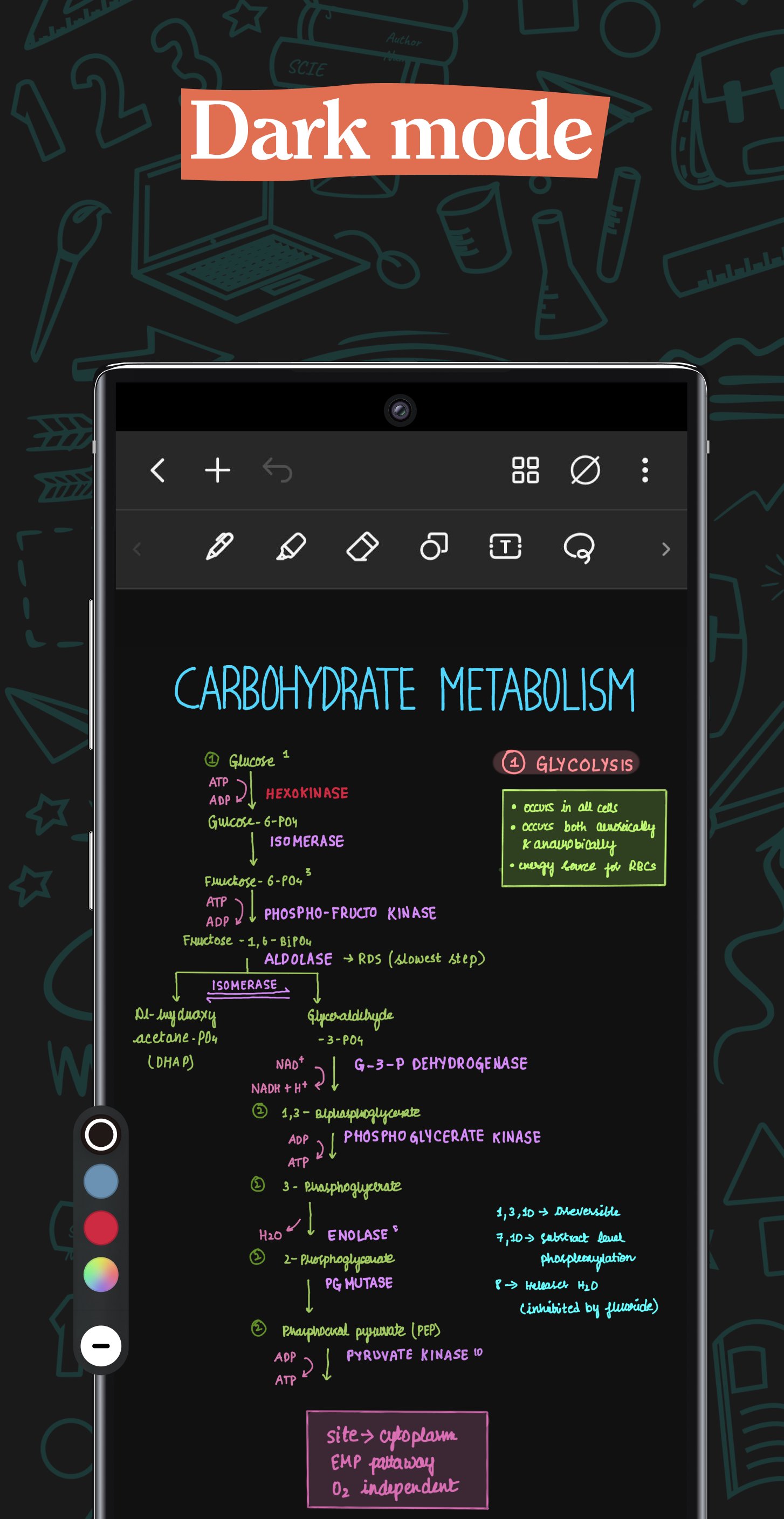
- Secure your notes with passwords, Face ID or Touch ID.
- Access your notes across your Android devices with Google Drive sync.
- Auto-backup your valuable notes to popular cloud storage devices like Google Drive, OneDrive, Dropbox and WebDAV.
- Auto-publish notes to Evernote and access them from anywhere.
STAY TUNED FOR EXCITING UPDATES
We’re constantly working on new features to enhance your note-taking experience.
---
Noteshelf 3 is free to use with some limits. Go Premium and unlock the full experience with a small one-time fee:
- Unlimited Notebooks
- Handwriting recognition and search
- Digital Diaries
Have a suggestion? Reach out to us at noteshelf[at]fluidtouch.biz. We’d love to hear from you!
Happy note-taking!
PERSONALIZE YOUR NOTE-TAKING EXPERIENCE
- Craft beautiful handwritten notes with a range of lifelike pens and highlighters. Try our fountain pen for an aesthetic touch to your handwriting.
- Take notes on lined, dotted, or grid papers in any color or line spacing.
- Personalize your digital notebooks with multiple cover options - from classic designs to custom ones of your own images or artwork.
- Enjoy a fully customizable toolbar! Add, remove, or re-arrange tools according to your unique workflow.
- Choose from a vast library of 200+ exclusive templates for study planners, class notes, wellness trackers, bullet journals, etc., created by the Noteshelf team.
- Plan and organize your daily tasks with configurable digital diaries & journals.
WRITE, TYPE, DRAW, OR RECORD - YOUR CHOICE!
- Transform your strokes into flawless shapes or choose geometric shapes to create flowcharts and diagrams.
- Type your notes in various styles and formatting options.
- Record audio as you take notes and never miss anything important - great for lectures & meetings!
- Convert handwriting into text and search handwritten notes with handwriting recognition in 65 supported languages!
- Make every page uniquely yours with fun stickers.
- Find the perfect visuals to complement your notes from the UNSPLASH and PIXABAY libraries.
- Use advanced image editing features like background removal and freeform cropping.
DISCOVER THE BLISS OF PAPERLESS ORGANIZATION
- Organize your notebooks into categories, groups, subgroups, and sort them in your preferred order.
- Bookmark important pages, name them, and add colors to create your personalized table of contents.
- Multi-task and work on two notebooks simultaneously with multiple windows support.
ANNOTATE LIKE A PRO
- Import and highlight, underline or annotate PDFs & images with precision.
- Use the built-in document scanner to quickly digitize physical documents.
- Export and share your notes as images & PDFs.
LET NOTESHELF AI DO THE HEAVY LIFTING
- Generate handwritten notes effortlessly on any topic with Noteshelf AI.
- Use Noteshelf AI to summarize whole pages, translate text into different languages, explain complex terms, and more.
KEEP YOUR NOTES SAFE & ACCESSIBLE
- Secure your notes with passwords, Face ID or Touch ID.
- Access your notes across your Android devices with Google Drive sync.
- Auto-backup your valuable notes to popular cloud storage devices like Google Drive, OneDrive, Dropbox and WebDAV.
- Auto-publish notes to Evernote and access them from anywhere.
STAY TUNED FOR EXCITING UPDATES
We’re constantly working on new features to enhance your note-taking experience.
---
Noteshelf 3 is free to use with some limits. Go Premium and unlock the full experience with a small one-time fee:
- Unlimited Notebooks
- Handwriting recognition and search
- Digital Diaries
Have a suggestion? Reach out to us at noteshelf[at]fluidtouch.biz. We’d love to hear from you!
Happy note-taking!
What's new
Version 5.0.2 (Aug 20, 2026)
Your perfect study companion–hide & reveal notes for easy revision, or decorate your pages with washi tape patterns.
~ Noteshelf—Take beautiful notes, effortlessly ~
This is the latest APK we verified and uploaded. Older versions are still available.
Frequently Asked Questions
You can handwrite with various pens, type with formatting options, draw shapes or diagrams, record audio, and import PDFs or images for annotation. Handwriting can be converted to searchable text.
Core note‑taking works offline. Internet is required for cloud backup, sync, AI features, and importing images from online libraries.
The app requires Android 11 (SDK 30) or higher and runs on devices with camera, NFC, USB host and touch input. It supports both front and back cameras and works on phones and tablets.
Microphone is used for audio recordings during note‑taking. Camera permission enables document scanning, image capture and editing features.
Noteshelf 3 is free with limited notebooks and features. A one‑time premium purchase removes those limits, adds unlimited notebooks, full handwriting recognition and search, and digital diary functionality.
Additional Information
Category
App › Productivity
Version
5.0.2
Updated
Aug 20, 2026
Requires Android
Android: 11+ Android 11 (API 30)
Permissions
Low risk
78 / 100
High risk
The app requests high‑risk permissions such as camera, microphone, biometric authentication, location services, NFC and extensive storage access, which could expose personal media, location and biometric data. Combined with background and sync permissions, this raises a moderate to high privacy risk.
Architectures
Supports 64-bit ARM Android CPU architectures.
arm64-v8a
64-bit
Most modern phones & tablets
Your device
Target Android
Android: 16 Android 16 (API 36)
Estimated Download Time
File Size: 163.33 MB
3G network (~2 Mbps)
13m 4s
4G LTE (~25 Mbps)
1m 3s
5G network (~150 Mbps)
11 seconds
Broadband / Wi-Fi (~100 Mbps)
16 seconds
Hashes
SHA-1
201a2858f60564475827265cf5f5c52c76dcb216SHA-256
642AF5461C9C7BE6ADD10191D4B751518120F329F224CE48CBEBB731223DC364Signing Certificate SHA-1
765023bd9e813ef2224629b7abc2e712551aff78Available On